AI Virtual Staging — Furnish Any Room in 30 Seconds
Transform empty rooms into beautifully staged spaces with AI. Upload a photo, choose from 20+ design styles, and get a photorealistic result instantly. No furniture, no crews, no waiting.
What Is Virtual Staging?
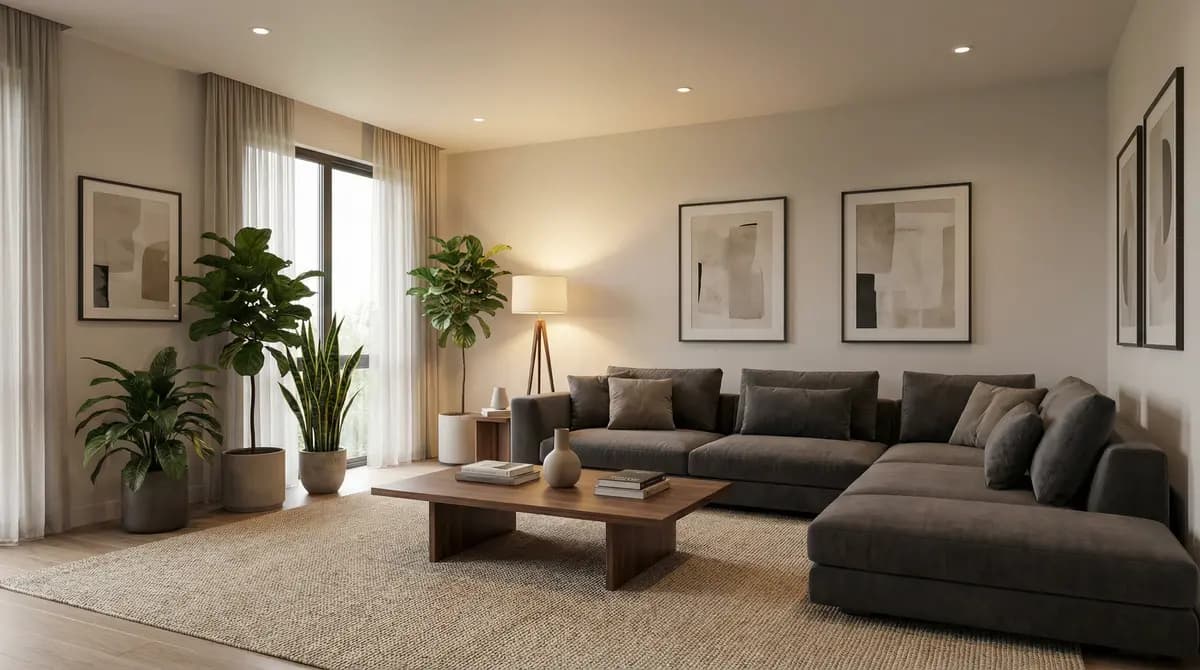
Virtual staging is the process of digitally adding furniture, decor, and finishes to photos of empty or unfurnished rooms. Instead of renting physical furniture and hiring a staging crew, virtual staging creates photorealistic images that show buyers, renters, or homeowners how a space could look when fully furnished.
Virtual staging has become a standard tool in real estate marketing. According to the National Association of Realtors, staged homes sell up to 73% faster than unstaged ones. Virtual staging delivers the same visual impact at a fraction of the cost — without the logistics of moving furniture in and out.
How AI Virtual Staging Works
Traditional virtual staging required a human designer using Photoshop or 3D software to manually place furniture into photos. This process took 24–48 hours per image and cost $100–$300 each. AI virtual staging automates this entirely.
With GenRoom, the process takes three steps and about 30 seconds:
- Upload a photo of the empty room — any room type, any angle. Smartphone photos work just as well as professional shots.
- Choose a design style — pick from 20+ options including modern, Scandinavian, minimalist, classic, industrial, coastal, farmhouse, mid-century modern, Japandi, contemporary, and more.
- Get your staged image — the AI analyzes the room geometry, detects walls, windows, doors, and flooring, then generates a photorealistic render with furniture and decor placed naturally in the space.
The AI preserves every architectural detail of the original room. Proportions, ceiling height, window placement, and room shape remain exactly as photographed. Only the furnishings change — giving viewers a realistic and honest impression of the room's potential.
GenRoom vs. Traditional Staging
Here's how AI virtual staging with GenRoom compares to both physical staging and manual virtual staging:
| Physical Staging | Manual Virtual Staging | GenRoom AI Staging | |
|---|---|---|---|
| Cost per room | $500–$2,000+ | $100–$300 | A few dollars |
| Turnaround time | 3–7 days | 24–48 hours | 30 seconds |
| Style changes | New staging required | New order required | Instant — try 20+ styles |
| Photo quality | Real furniture | Photorealistic | Photorealistic |
| Scalability | Limited by inventory | Limited by designer time | Unlimited — stage thousands of rooms |
| Logistics | Delivery, setup, removal | None | None |
AI virtual staging isn't just faster and cheaper — it's more flexible. You can try every style on the same room, switch directions instantly, and stage an entire property in under 10 minutes.
Who Uses Virtual Staging?
Virtual staging serves multiple audiences:
- Real estate agents use it to make empty listings more appealing. Staged photos generate more clicks, more showings, and faster offers.
- Property developers stage model units and off-plan properties before construction is complete.
- Airbnb and rental hosts show potential guests how a space will look once furnished.
- Interior designers use it for rapid concept exploration and client presentations.
- Homeowners visualize renovation ideas before committing to purchases.
Why GenRoom Is the Best AI Virtual Staging Tool
GenRoom combines speed, quality, and flexibility in a single platform:
- 30-second results — no waiting for designers or delivery trucks.
- 20+ design styles — match the staging to the property type and target buyer.
- Photorealistic quality — AI-generated images that look professional on MLS, Zillow, and print materials.
- Architectural accuracy — the AI preserves room proportions, windows, doors, and structural details.
- Affordable pricing — stage every room in a listing for less than the cost of a single manually staged image.
- No software to install — GenRoom runs in the browser on any device.
Common Mistakes in Virtual Staging
- Choosing overly eclectic styles that don't appeal to the broadest buyer pool
- Staging empty rooms without considering the room's scale and proportions
- Ignoring natural light — poorly lit staged images reduce perceived value
- Cluttering spaces with too many decorative elements
- Forgetting to remove personal items and clutter from base photos
- Using outdated furniture styles that date the property
- Neglecting outdoor spaces — staged patios and gardens increase appeal significantly
How to Choose a Staging Style for Your Property
The right staging style depends on the property type, target buyer demographics, and local market preferences. Contemporary minimalist styles work well for urban apartments and attract younger buyers. Traditional and transitional styles appeal to family home buyers. Coastal or Scandinavian styles perform strongly in regions with high natural light. For luxury properties, choose sophisticated materials — marble, dark wood, brass accents. For starter homes, bright and airy palettes with clean lines maximize perceived space. Always research comparable listings in your area and select a style that matches or slightly exceeds the visual standard of the competition. Consistency across all rooms creates a cohesive story that keeps buyers emotionally engaged throughout the virtual tour.
Virtual Staging vs. Physical Staging: Cost Comparison
Physical staging typically costs several thousand dollars per month, covering furniture rental, delivery, installation, and professional stylist fees. For a three-bedroom property held for two months, costs can easily exceed the price of a vacation. Virtual staging with AI costs a fraction of that — often just a few dollars per image — with no recurring monthly fees, no logistics, and no dependency on physical furniture availability. The result is comparable or superior: digitally staged listings receive more online inquiries, sell faster, and achieve prices similar to physically staged homes. For vacant properties, virtual staging is the clear winner on ROI. For occupied properties where decluttering is needed, a hybrid approach — light physical preparation plus virtual enhancement — delivers maximum impact.
Virtual Staging Project Checklist
- Photograph each room in landscape orientation with good natural or artificial lighting
- Remove all personal items, clutter, and dated furniture from the base photos
- Select a consistent interior style for the entire property
- Upload photos to the AI staging platform and choose furnishing options
- Review staged images for realistic lighting, shadow, and scale
- Export high-resolution images for MLS and marketing materials
- Create a comparison gallery (before/after) for listing pages
- Stage outdoor spaces and entryways in addition to interior rooms
- Share staged images with your agent for pricing and marketing strategy
- Update listings with staged photos before launch day
Where to Use Virtually Staged Designs
Virtually staged images are versatile marketing assets. Use them on MLS listings to increase click-through rates from property search portals. Embed them on dedicated property websites alongside floor plans. Feature them in email campaigns targeting buyer segments your agent has identified. Share before/after sequences on social media to generate organic reach. Include staged images in print brochures for open houses. For new construction, virtual staging allows buyers to visualize completed units before they're built — a powerful pre-sales tool. Property managers can use AI-staged images to market furnished rentals and short-term lets. Developers can stage multiple layout configurations of the same unit to cater to different buyer personas without any additional physical cost.
AI Virtual Staging vs. Traditional Virtual Staging Software
The virtual staging market has evolved from basic 3D furniture insertion tools to AI-powered systems that understand architectural context, lighting conditions, and spatial proportions. Early virtual staging software required specialist operators, took days to turn around, and produced results that often looked obviously synthetic under close inspection. Modern AI staging with GenRoom generates photorealistic staged images in about 30 seconds, with furniture and decor choices that are contextually appropriate to the room's architecture, scale, and style. The AI preserves every architectural detail — ceiling height, window placement, skirting boards, cornicing — rather than applying a generic furniture overlay. This level of contextual intelligence produces results that are convincing to buyers and tenants, not just decorative additions that can be spotted as digital overlays.
Legal and Ethical Considerations in Virtual Staging
Virtual staging raises ethical responsibilities for agents, developers, and property professionals that are worth taking seriously. Staged images should always be clearly labelled as virtually staged in listing materials to avoid misleading buyers who might form price expectations based on a furnished property that will be delivered empty. The furniture and decor shown should be representative of what the space can realistically accommodate — exaggerating room scale by using inappropriately small furniture is misleading and erodes buyer trust when they visit in person. Structural elements should never be added or removed in staging: a staged image can add furniture and decor but should not show an additional window, a knocked-through wall, or an extension that does not exist. GenRoom's AI staging preserves the authentic architectural reality of every room while only transforming its furnishing and decor, keeping the result honest and legally defensible.
Virtual Staging for Off-Plan and New Development Sales
Off-plan property sales — where buyers are purchasing a property that has not yet been built — rely entirely on visualization to communicate value. Developer marketing suites traditionally relied on physical show apartments (expensive and fixed in style) and CGI renderings (costly and time-intensive to produce). AI virtual staging dramatically reduces the cost of this visualization without compromising quality: a bare empty room in a completed show apartment or a developer's shell-and-core delivery can be staged to show multiple style directions for different buyer demographics, all generated in minutes. For developers selling to the international market, AI staging allows the same property to be presented in styles appropriate to different cultural contexts — a Middle Eastern buyer may respond to different styling than a Northern European buyer, and GenRoom's range of 50+ styles accommodates this market segmentation with minimal additional cost.
Using Virtual Staging for Social Media and Content Marketing
Real estate and design social media audiences respond strongly to before-and-after content — the transformation story is one of the most reliably engaging content formats on Instagram, TikTok, Pinterest, and Facebook. AI virtual staging creates before-and-after pairs from every listing: the original empty or occupied room alongside the AI-staged transformation. This content is highly shareable, signals the agent's technical sophistication, and consistently attracts saves and shares from users planning their own renovations or property searches. For design professionals, GenRoom-generated room transformations showing the power of style changes on the same space create compelling content without requiring a completed physical project. The speed of AI generation means content can be produced at scale — multiple rooms, multiple styles, multiple properties — creating a content pipeline that maintains social media presence without requiring constant new projects or photography sessions. Consistent visual quality across all social content builds a recognizable aesthetic identity that followers associate with your professional brand.
Preparing Source Photos for Best AI Staging Results
The quality of AI virtual staging output is directly related to the quality of the source photograph. Several straightforward practices maximize the result. Photograph rooms in daylight with all artificial lights turned off — mixed lighting (daylight through windows combined with warm artificial light) creates color casts that the AI has to interpret, whereas pure daylight gives a clean, accurate starting point. Wide-angle lenses capture more of the room and give the AI more spatial information to work with; most modern smartphones have a wide-angle mode or lens. Shoot from a corner or doorway height (approximately 120–150 cm from the floor) rather than from full standing height — this matches the perspective at which rooms are naturally experienced and produces the most natural-looking staged result. Remove items from the frame that you do not want in the staged image: existing furniture that will be digitally replaced by the AI can sometimes create artefacts if it strongly overlaps structural elements. Ensure the room is clean and any rubbish or temporary clutter is removed — AI staging adds furnishings but does not remove existing mess from the source image. With a clean, well-lit source photograph, GenRoom's AI staging produces results that are consistently photorealistic and presentation-ready.
Your first staged images are free. Try GenRoom now and see the difference AI virtual staging makes.
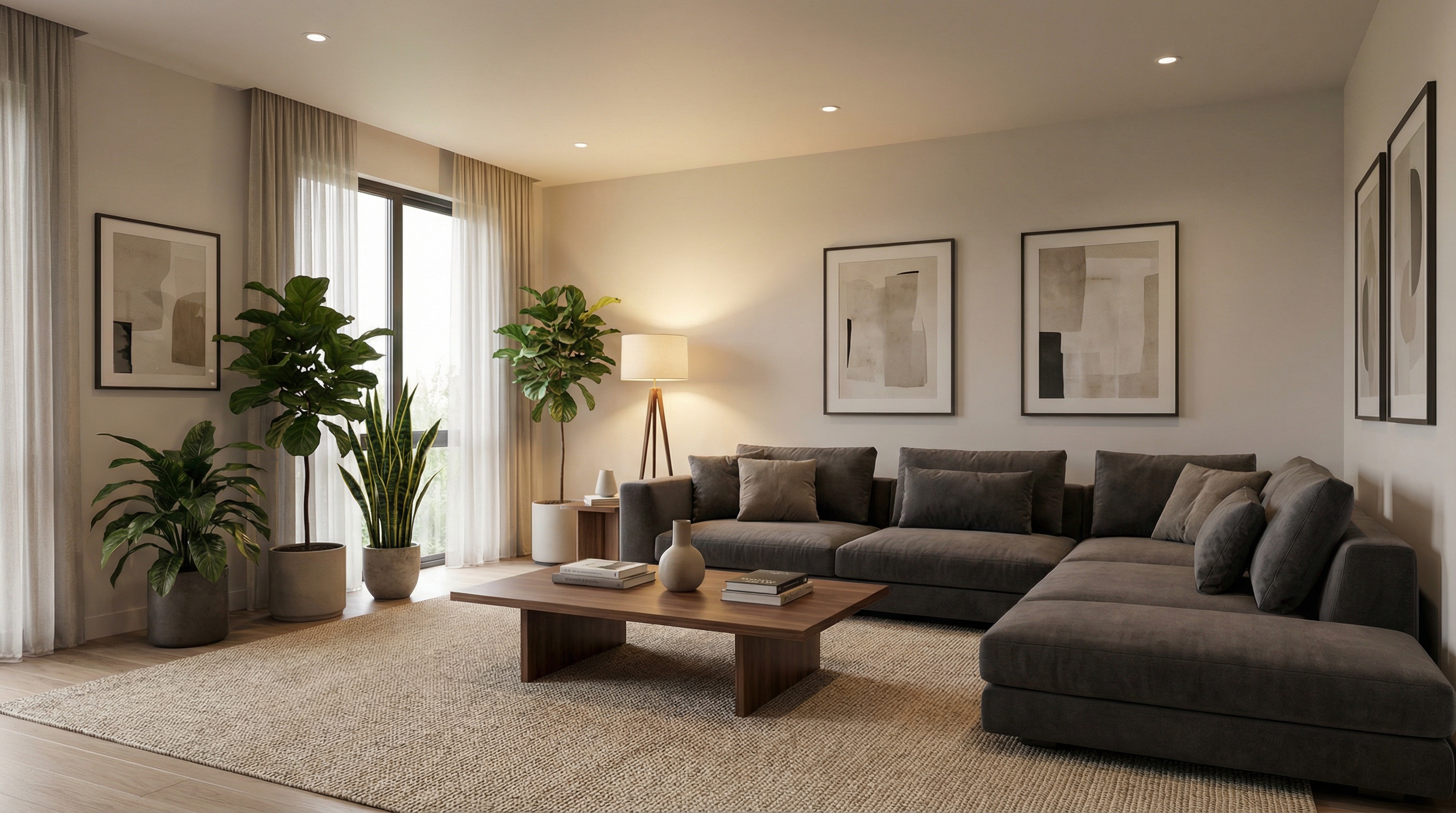
AI Virtual Staging Examples
Why Choose GenRoom for Virtual Staging
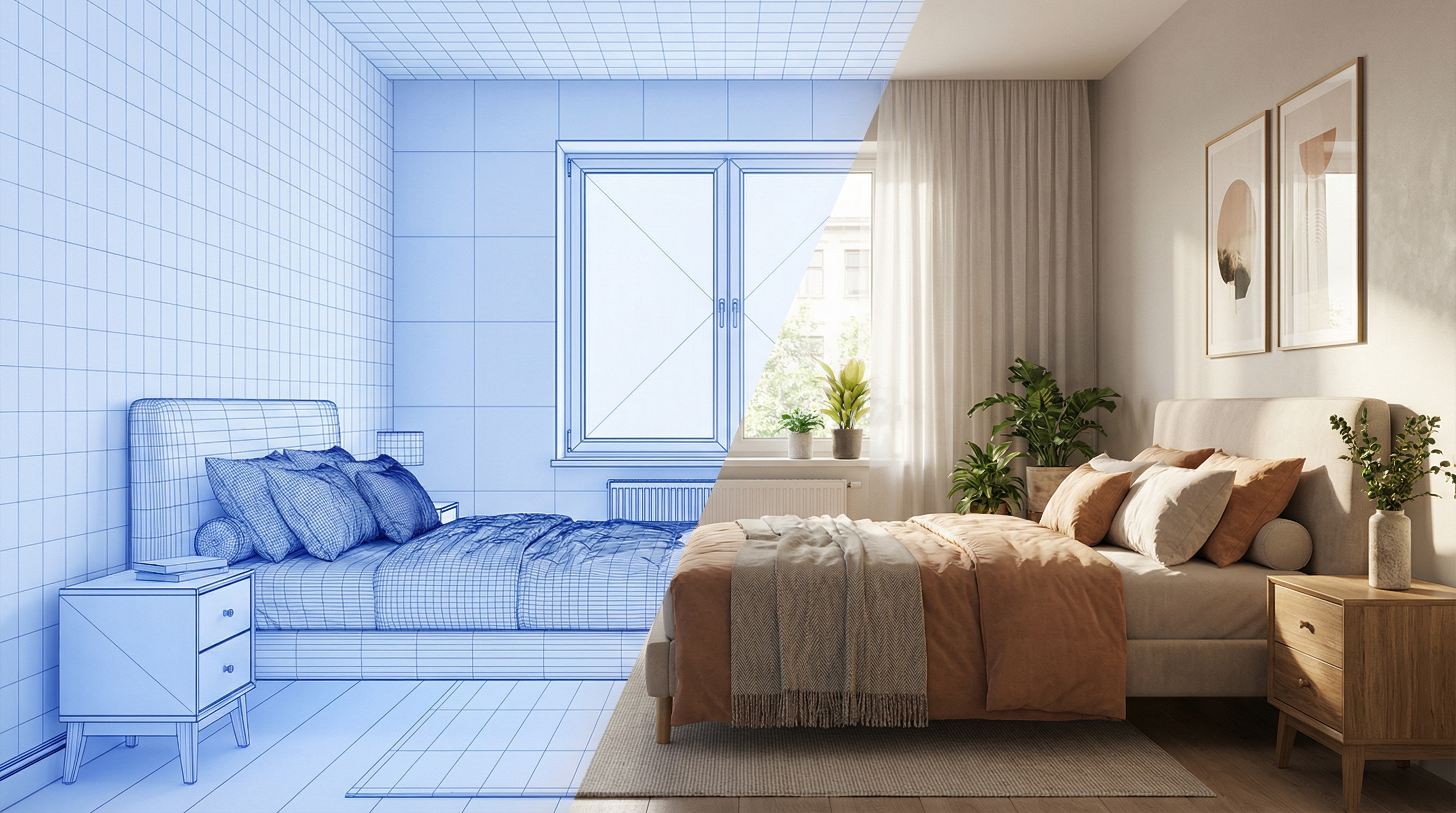
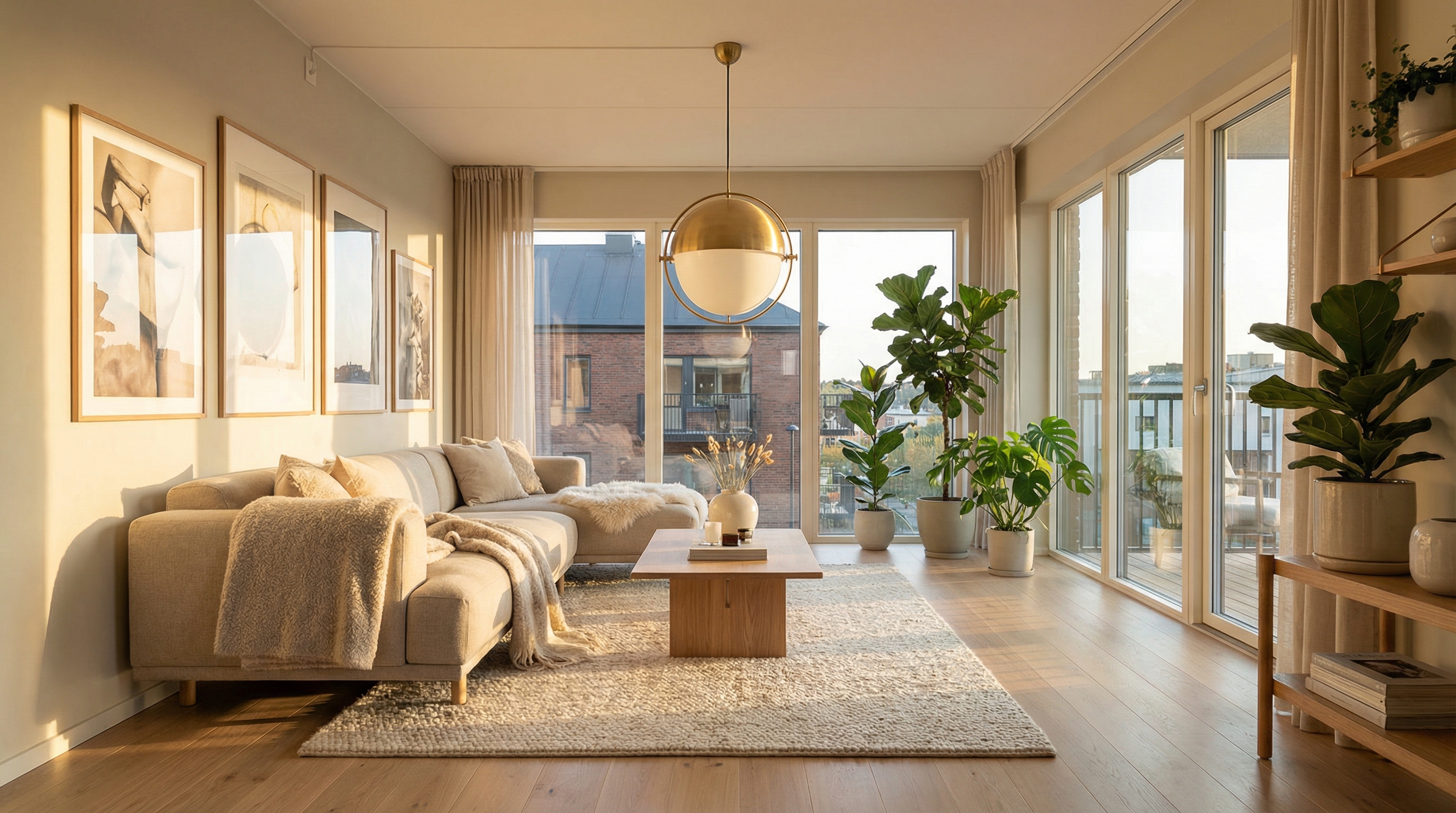
Photorealistic Staging in 30 Seconds
Upload an empty room photo and receive a professionally staged image in about 30 seconds. The AI detects the room layout, places furniture naturally, and renders a photorealistic result — no design skills or 3D software needed.
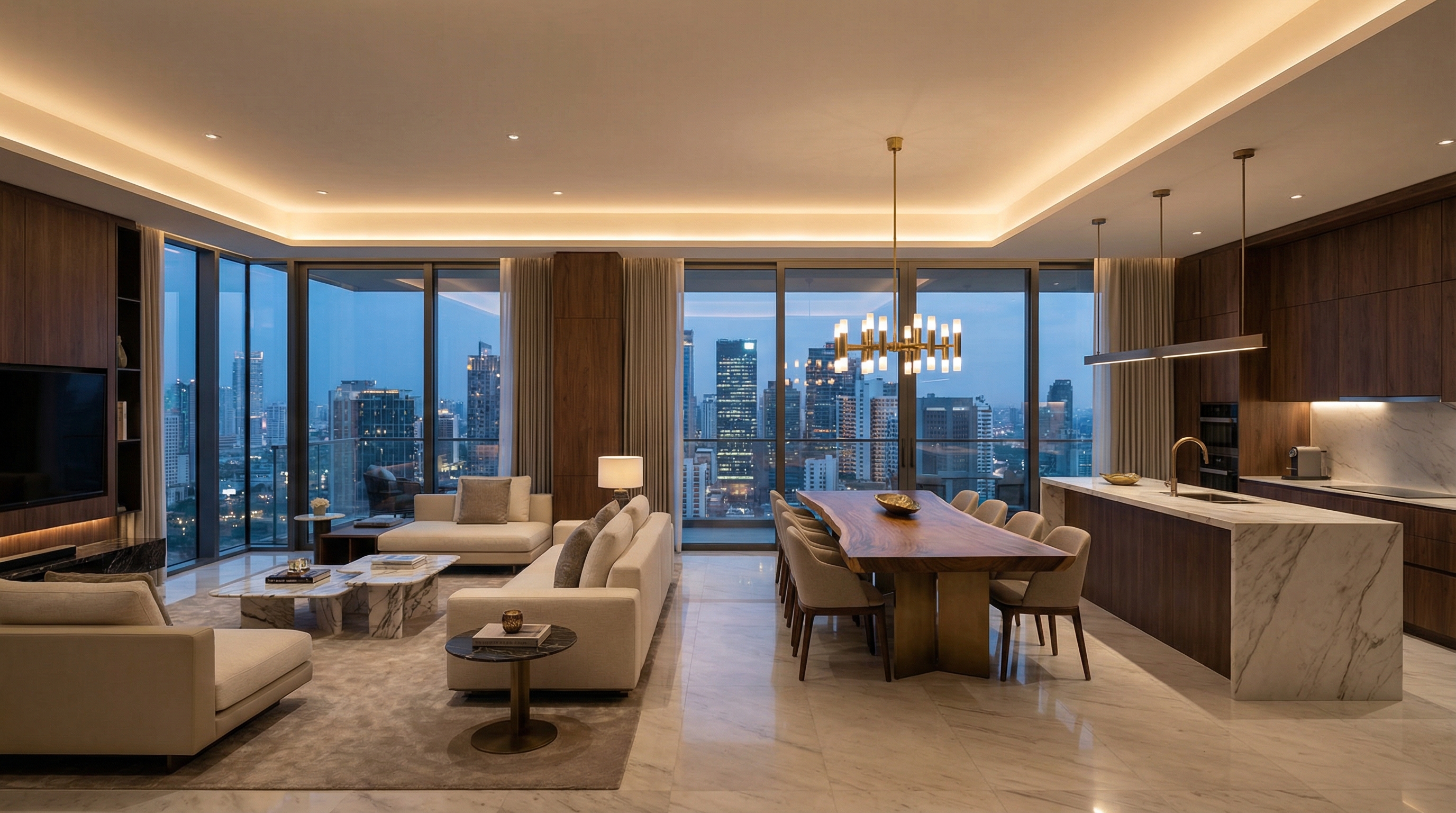
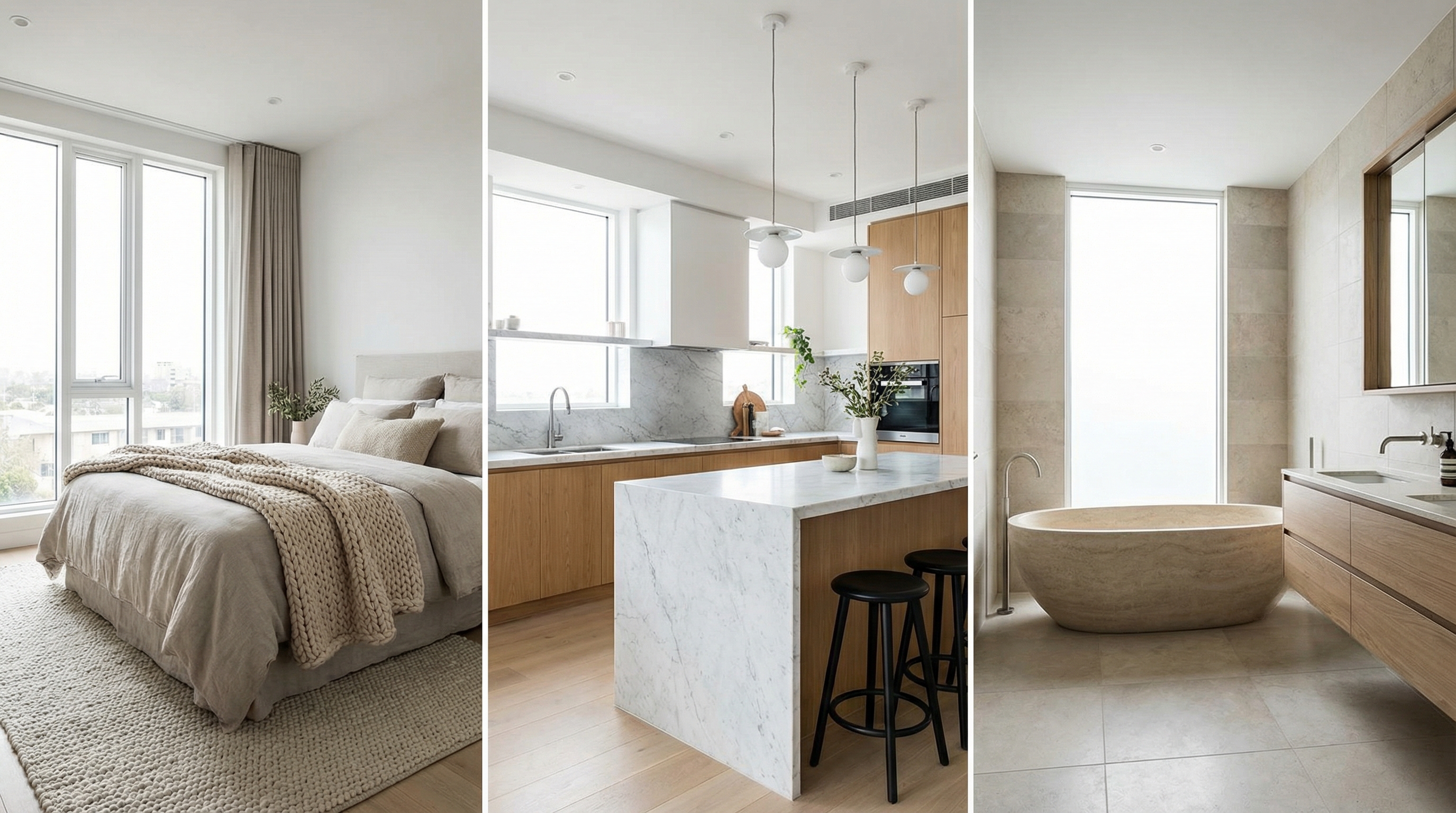
20+ Design Styles for Any Property
Modern, Scandinavian, minimalist, classic, industrial, coastal, farmhouse, mid-century modern, Japandi, contemporary, art deco, and more. Try multiple styles on the same room to find the perfect match for your property and target audience.
99% Cheaper Than Physical Staging
Physical staging costs $500–$2,000 per room. Manual virtual staging costs $100–$300 per image. GenRoom AI staging costs a few dollars per image — stage an entire property for less than the cost of a single traditionally staged room.
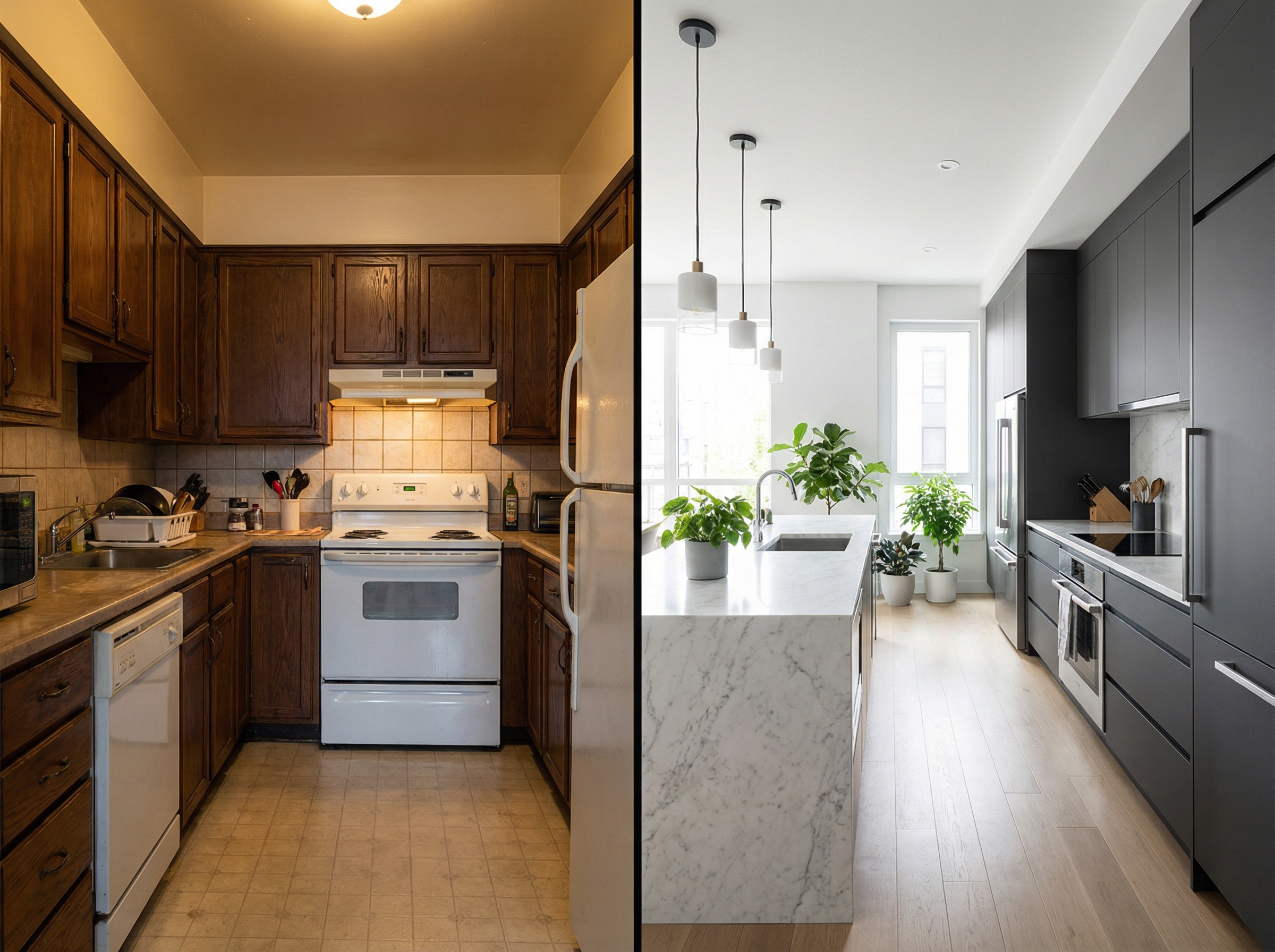
Preserves Room Architecture Perfectly
The AI keeps the exact proportions of the room intact — windows, doors, ceiling height, floor plan, and structural features are preserved. Only the furnishings change, giving viewers an honest and realistic impression of the room.
Stage Your First Room Free
Upload an empty room photo, pick a style, and see a photorealistic staged result in 30 seconds. No credit card required — try it now.
Explore More GenRoom Tools
GenRoom powers virtual staging, interior design, and room makeovers for agents, designers, and homeowners. Explore our solutions.
Virtual Staging FAQ
- AI virtual staging uses machine learning to digitally furnish empty rooms in photographs. The AI analyzes the room geometry — walls, windows, doors, and flooring — and generates a photorealistic image with furniture, decor, and finishes placed naturally in the space. The result looks like a professionally furnished room, but no physical furniture is used.
- Upload a photo of an empty or unfurnished room, choose from 20+ design styles (modern, Scandinavian, classic, industrial, etc.), and the AI generates a photorealistic staged image in about 30 seconds. The room architecture is preserved — only the furnishings are added or changed.
- GenRoom AI virtual staging costs a few dollars per image, and your first designs are free with no credit card required. Compare that to $100–$300 per image for manual virtual staging or $500–$2,000 per room for physical staging. GenRoom makes professional-quality staging accessible at a fraction of the traditional cost.
- Yes. Virtually staged photos are widely accepted on MLS, Zillow, Realtor.com, Redfin, and other platforms. Most platforms require that virtually staged images be labeled as such, which is standard practice in the industry. Virtual staging should represent a realistic impression of how the space could look when furnished.
- AI virtual staging is faster (30 seconds vs. days), cheaper (a few dollars vs. thousands), and more flexible (try 20+ styles instantly vs. one fixed arrangement). The image quality is photorealistic and comparable to manual virtual staging. The main advantage of physical staging is that buyers can walk through the furnished space — but for listing photos, AI staging delivers equivalent visual impact.
- Any indoor room — living rooms, bedrooms, kitchens, dining rooms, bathrooms, home offices, nurseries, hallways, and more. GenRoom works with empty rooms, partially furnished rooms, and rooms you want to restyle completely.
- No. GenRoom works with any photo — professional real estate photography, smartphone shots, or older listing images. Better lighting and resolution produce better results, but the AI handles a wide range of photo quality. For best results, photograph the room in natural daylight with a wide-angle view.
- Yes. Airbnb hosts and property managers use virtual staging to show how a space will look once furnished, which is especially useful for listings that are still being set up. Staged photos attract more bookings and help guests visualize the experience before they arrive.
Explore more AI design tools
All our design categories in one place.