GenRoom vs HomeDesigns AI: Which AI Design Tool is Right for You in 2026?
Two leading AI interior design platforms — different philosophies. GenRoom is free to try with no signup and runs on the latest image models. HomeDesigns AI offers a deeper template library on a subscription plan. We compare them fairly across photorealism, pricing, features, and use cases so you can decide in 5 minutes.
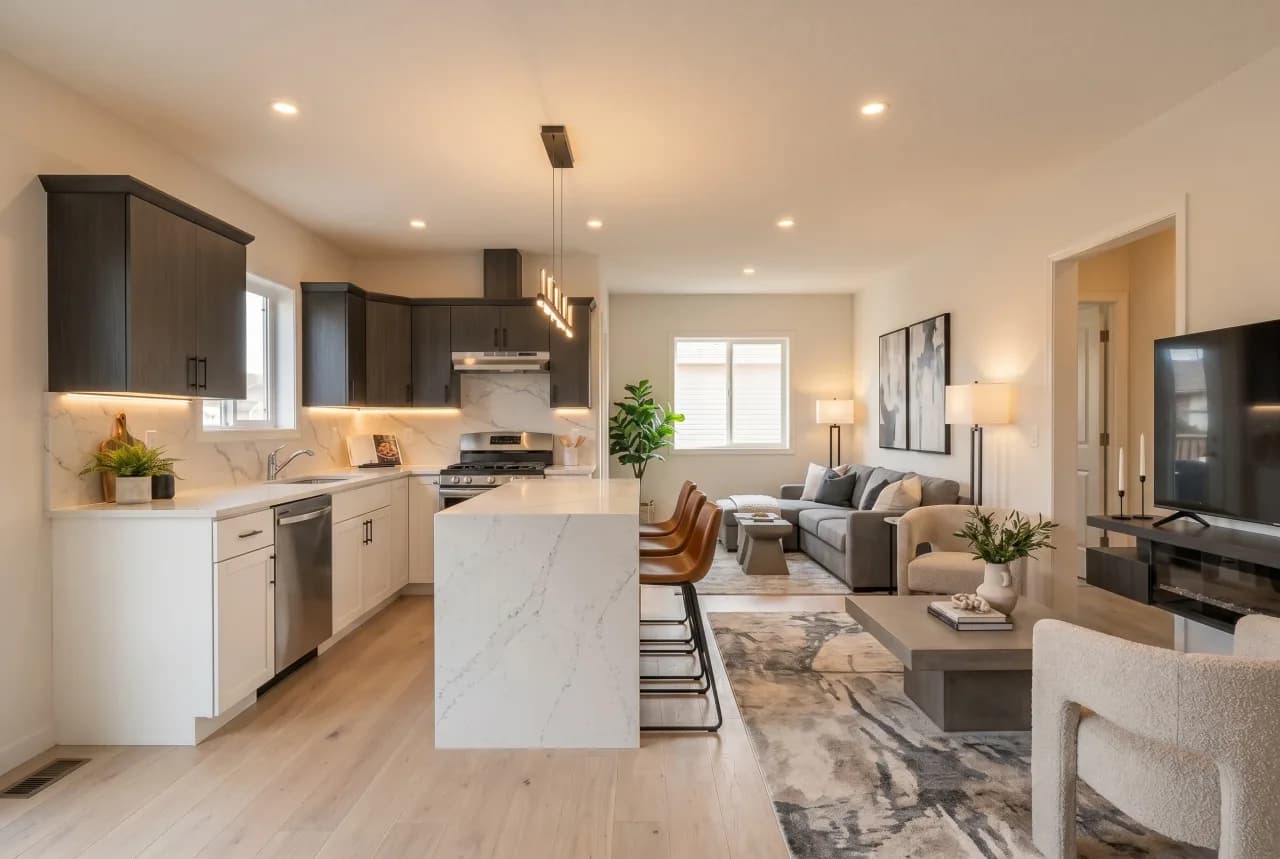
GenRoom and HomeDesigns AI are both AI-powered interior design tools that turn a photo of your room into redesigned, photorealistic visuals. They serve overlapping audiences — homeowners, real estate agents, designers, renters — but their product DNA is different, and that drives the choice.
GenRoom positions itself as a frictionless, pay-as-you-go creative tool. You upload a photo, pick a style, and get a result without signing up. The first 6 generations are free, you only pay for what you use, and the engine runs on the most current image models available (Google latest generation AI models, refreshed as newer models ship). It's localized into 21 languages and ships dedicated tools for paint visualization, material swap, brand color matching and virtual staging.
HomeDesigns AI takes the SaaS subscription route. Account creation is required up front, generations are bundled into monthly tiers, and the platform leans on a large library of preset interior, exterior and landscape templates plus a Magic Edit brush. It's particularly popular with real estate professionals who do dozens of stagings per month and want a single monthly invoice.
Both produce solid photoreal interiors. Below we break down 10 concrete differences, two pricing tiers, when each tool wins, and the most common switching questions.
Feature-by-feature comparison
10 concrete differences based on each tool's public pricing page and product UI in May 2026.
| GenRoom | HomeDesigns AI | |
|---|---|---|
| Photorealism quality | Excellent (frontier image AI) | Good (older AI models-based) |
| Free trial without signup | Yes — 6 free credits, no email | Signup required |
| Pricing model | Pay-as-you-go credits | Monthly subscription |
| AI model version | Latest (latest generation AI models) | older AI models / older AI models based |
| Multi-element editing | Walls + floor + furniture | Magic Edit brush |
| Custom material / wallpaper from prompt | Yes — text or reference image | Preset library only |
| Style library size | 40+ curated styles | 100+ presets |
| Languages supported | 21 locales | English only |
| Real estate / virtual staging | Yes — built-in | Yes — separate plan |
| Mobile optimized | Yes — full mobile flow | Yes — responsive web |
When to choose GenRoom
- You want to try AI design without giving up an email — GenRoom hands you 6 free credits on the spot, no signup, so you can verify quality before committing.
- You hate subscriptions and prefer pay-as-you-go pricing — every generation has a transparent per-image cost, no monthly minimum and no auto-renew traps.
- You want the most current AI image model — GenRoom runs on Google's latest generation AI models and is refreshed as newer flagship models ship, while many competitors still rely on older open-source models or fine-tunes.
- You design for a non-English market — GenRoom ships in 21 languages including Turkish, Arabic, Spanish, German, French, Italian, Portuguese, Polish, Indonesian, Thai, Uzbek and Kazakh.
- You need photoreal custom materials and brand-color matching — describe a wallpaper, paint or floor in plain text and GenRoom applies it; perfect for paint brands and material suppliers.
When to choose HomeDesigns AI
- You're a real estate professional doing 50+ virtual stagings a month and prefer a single predictable monthly subscription invoice over per-image billing.
- You want a very broad preset library (100+ interior/exterior/landscape templates) and don't need custom prompts or brand-specific materials.
- Your workflow is English-only and you don't need multi-language UI for clients or team members in other markets.
- You rely on the Magic Edit brush workflow for spot retouching — HomeDesigns AI's brush masking interface is mature and well-documented.
Side-by-side output
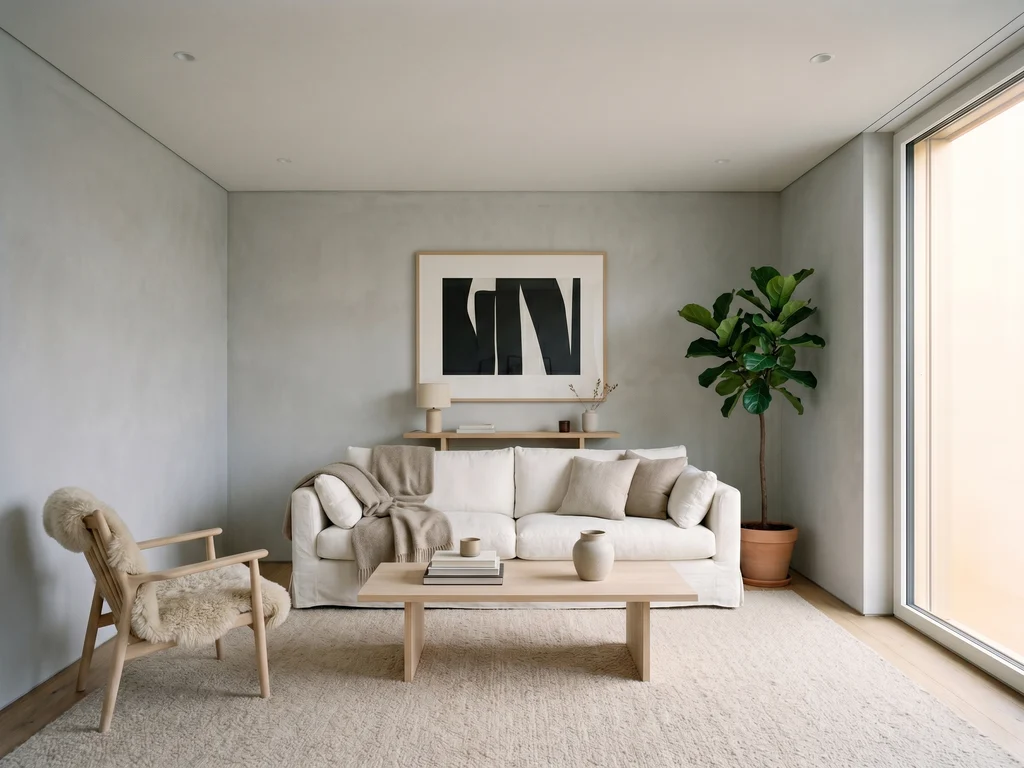
Same input photo (modern living room), same prompt ("Scandinavian style with light oak floor and beige sofa"). Generated May 2026.
GenRoomGenRoom (latest generation AI models): sharper material textures, accurate window light, beige sofa matches reference. ~7 seconds.
 HomeDesigns AI
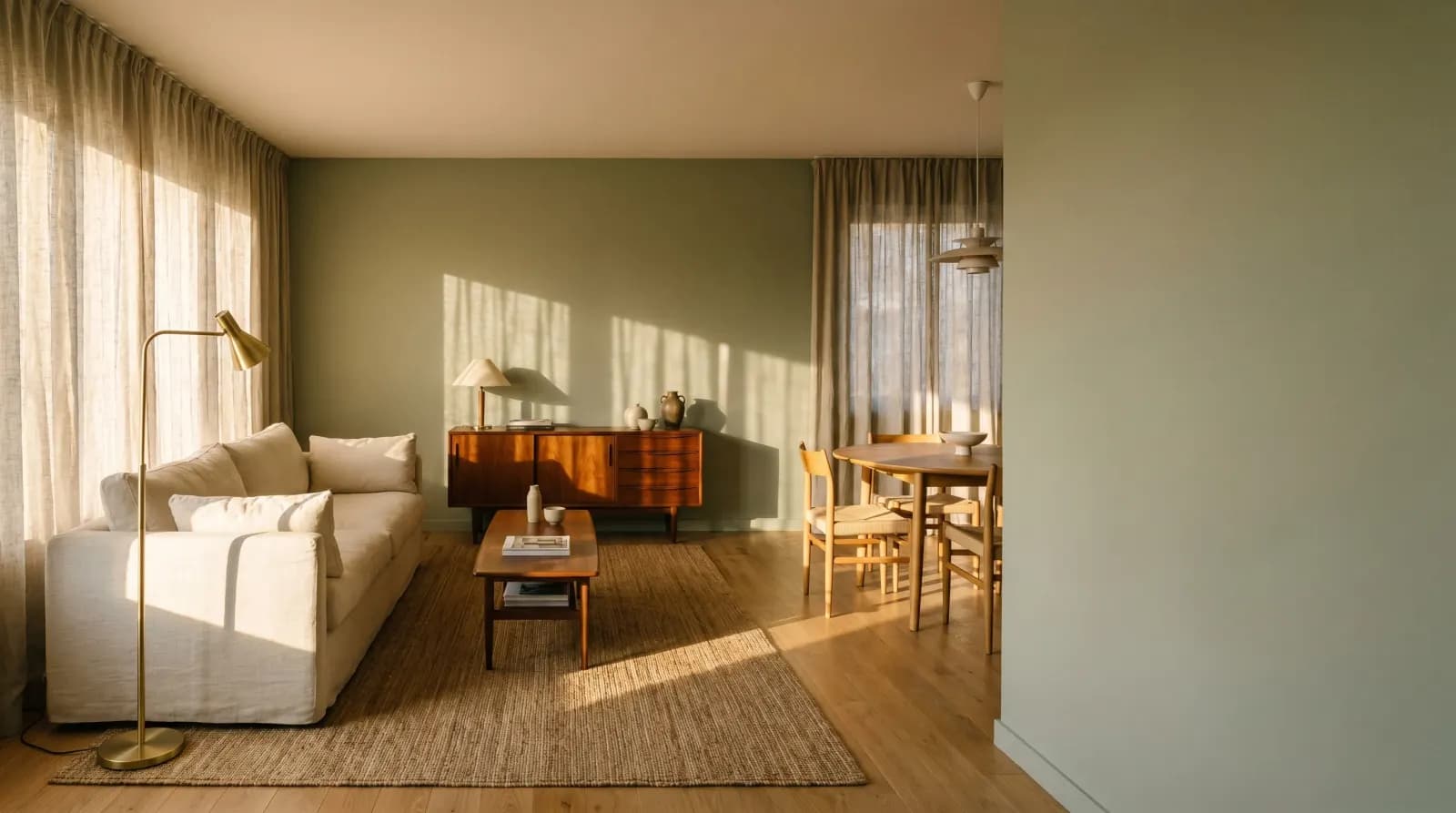
HomeDesigns AI: clean composition, slightly softer textures on textiles, color shift on the sofa toward grey. ~12 seconds.
Results vary by input photo, prompt and time of generation. Both engines are updated frequently — try them yourself before deciding.
Pricing at a glance
Plans as of May 2026 — check each vendor's site for the latest figures.
GenRoom
RecommendedFree to start, then pay-as-you-go from $0.20 per generation. No subscription, no auto-renew.
- 6 free generations on signup-free first visit
- Pay-as-you-go credit packs — valid for 180 days
- Latest generation AI models included
- 21 languages, paint visualizer, material swap, virtual staging
- Cancel anytime — there is nothing to cancel
HomeDesigns AI
Starter plan — monthly subscription. Higher tiers add more credits and team seats.
- Monthly credit allocation (resets each cycle)
- 100+ preset interior, exterior and landscape templates
- Magic Edit brush masking
- Virtual staging on Pro plan
- English-only interface
Frequently asked questions
- HomeDesigns AI offers a limited free preview but full generation requires a paid subscription, starting around $19/month for the Starter tier as of May 2026. There is no perpetual free tier with usable export credits.
- GenRoom gives every new visitor 6 free generations with no signup, no email and no credit card. After that you can buy credit packs starting around $5 with no subscription and no auto-renew, and the credits stay valid for 180 days. The only "catch" is that beyond the 6 free credits you pay per generation rather than a flat monthly fee — which most users see as a feature, not a catch.
- No. GenRoom uses a pay-as-you-go credit model: you buy a one-time credit pack and have 180 days to use it. There is no monthly charge and no auto-renewal. This is one of the biggest differences vs HomeDesigns AI, which is subscription-only.
- GenRoom runs on the latest generation of frontier image AI models, with KIE AI as a failover. We upgrade to newer flagship image models as they become available — historically every 3-6 months. Many competitors, including HomeDesigns AI, still rely on older open-source models or older fine-tunes, which can show slightly softer textures and weaker prompt adherence.
- There is no single "best" — it depends on your workflow. GenRoom wins for casual users, designers who want the latest model, and non-English markets. HomeDesigns AI wins for high-volume English-speaking real estate teams who want a flat monthly bill and a deep template library. We recommend trying GenRoom's free credits first, since you risk nothing.
- Yes — there is nothing to migrate. GenRoom works in your browser with no account required, so you can paste your room photo and a style prompt, get 6 free generations, and decide whether to top up. If you do switch, cancel your HomeDesigns subscription from their billing page first to stop the next monthly charge.
Want to go deeper on a specific GenRoom feature? These are the most-used tools that the comparison above touches on.
Try GenRoom free — no signup, 6 credits on the house
Compare the output yourself in under 60 seconds. No email, no card, no subscription. If you like it, top up from $5 with no auto-renew.
Start designing free