See new siding on your house before you buy it
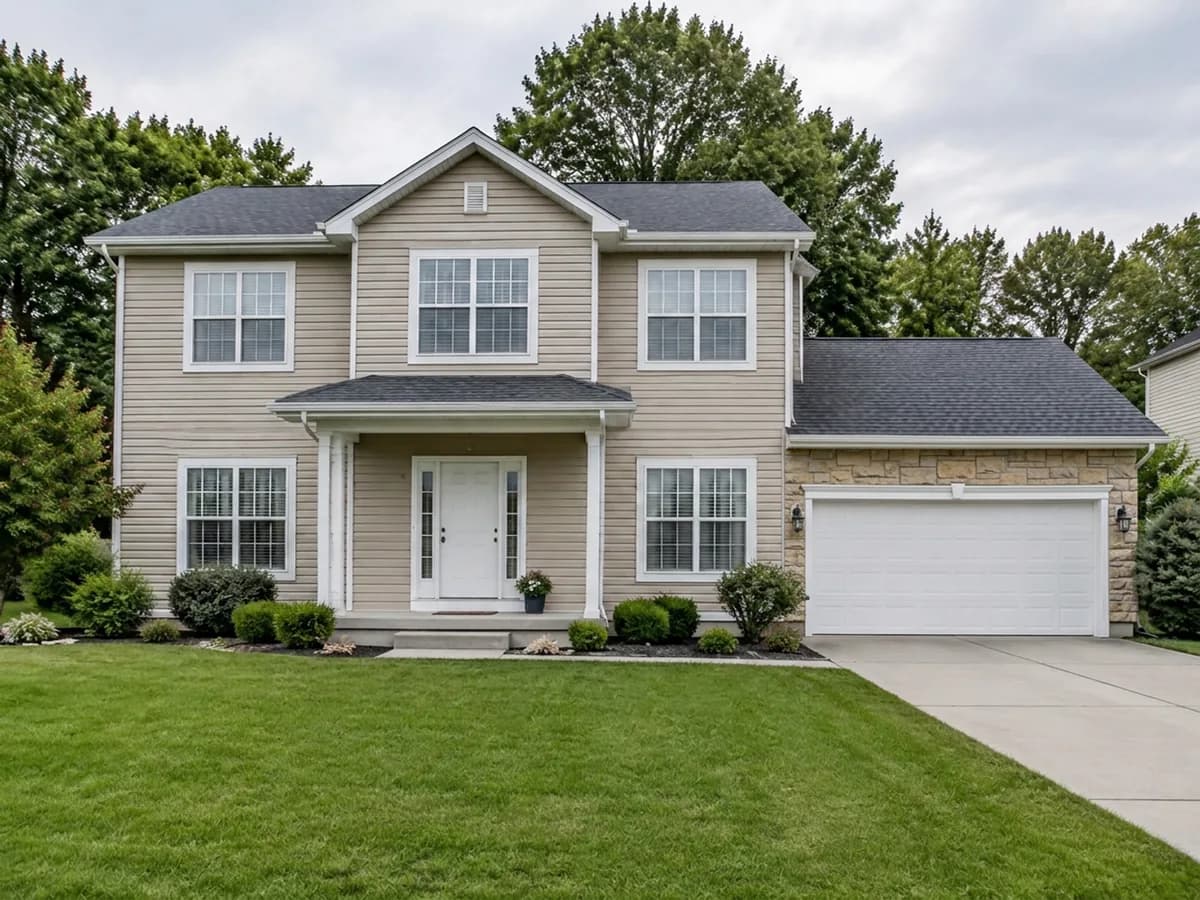
Upload one photo of the front of your house and try vinyl lap, board and batten, fiber cement, cedar shakes, brick or stone. The roof, windows, doors and garden stay as they are — only the cladding changes.
- 2 credits
- per design
- 6 free credits
- after sign-in, no card
- Under a minute
- per result
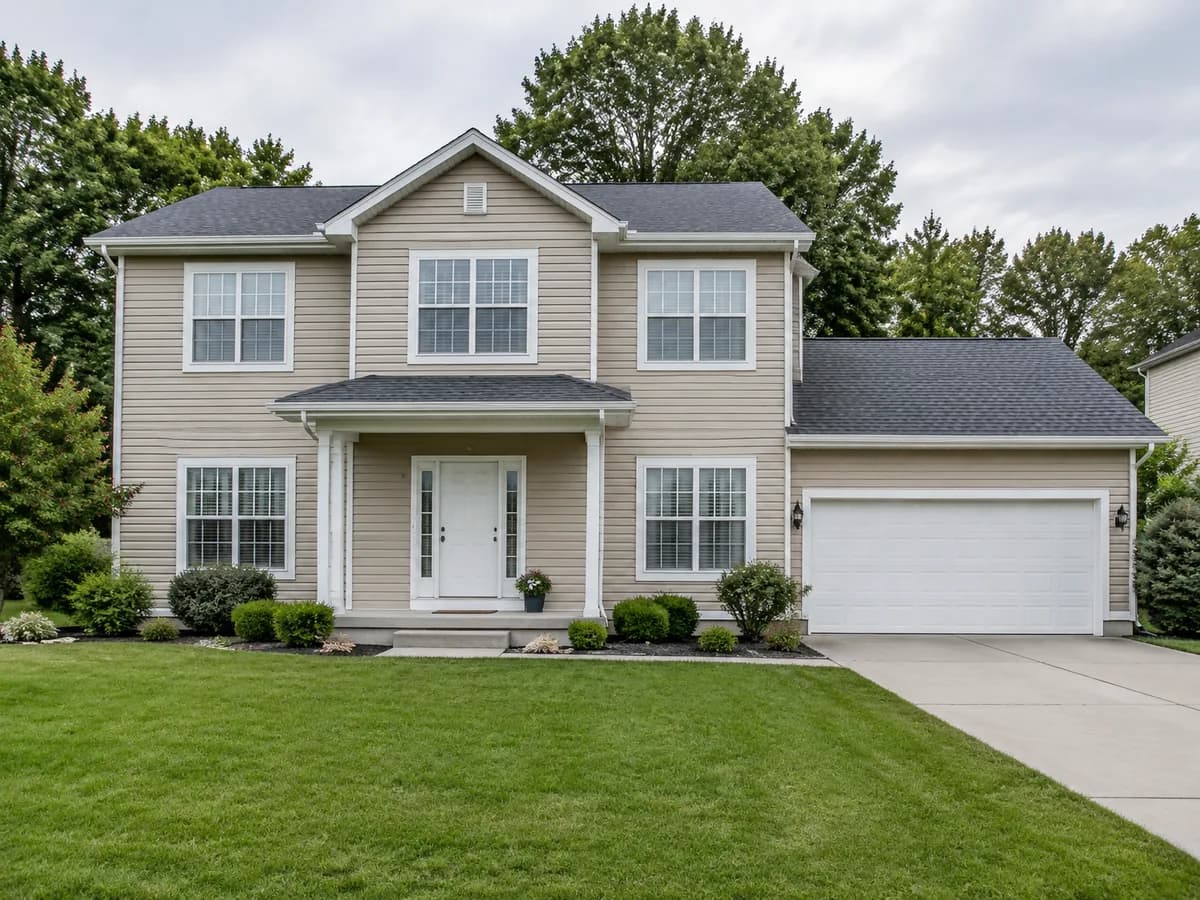
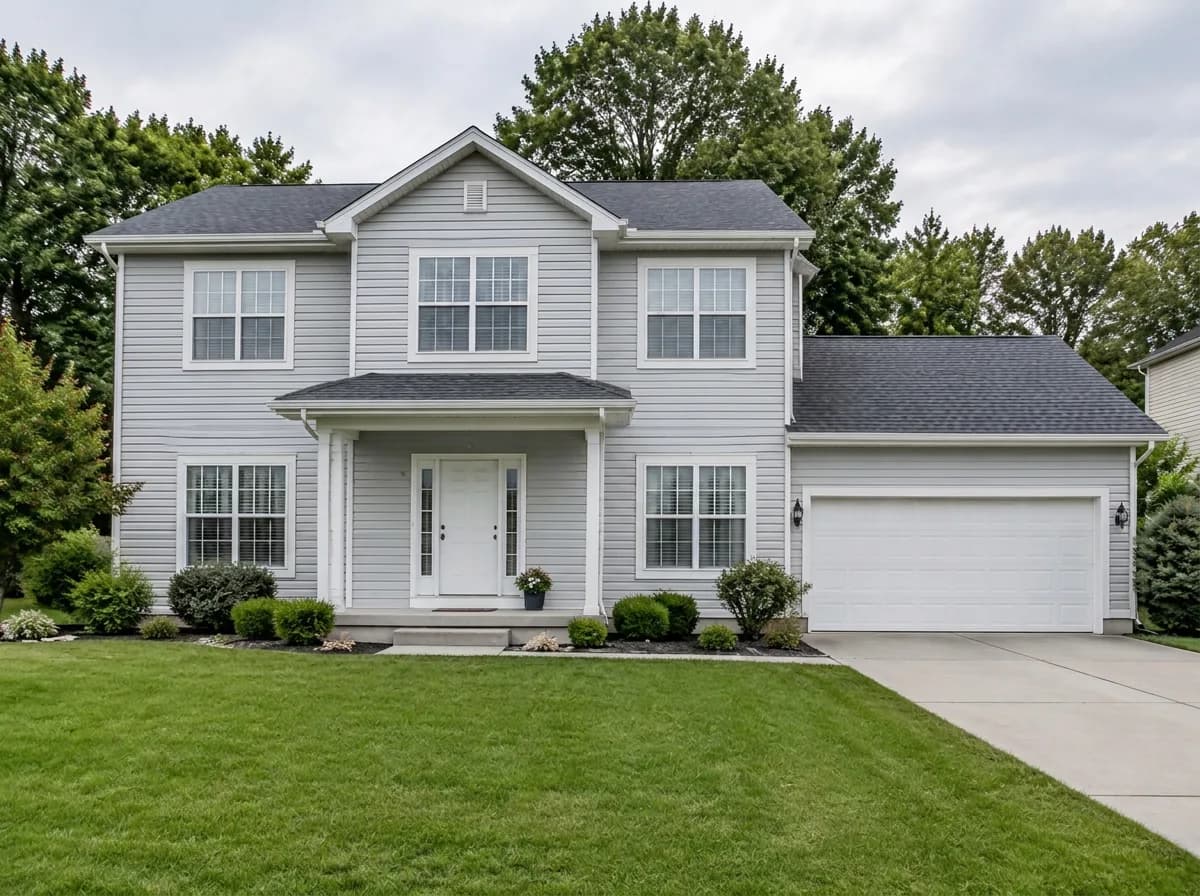
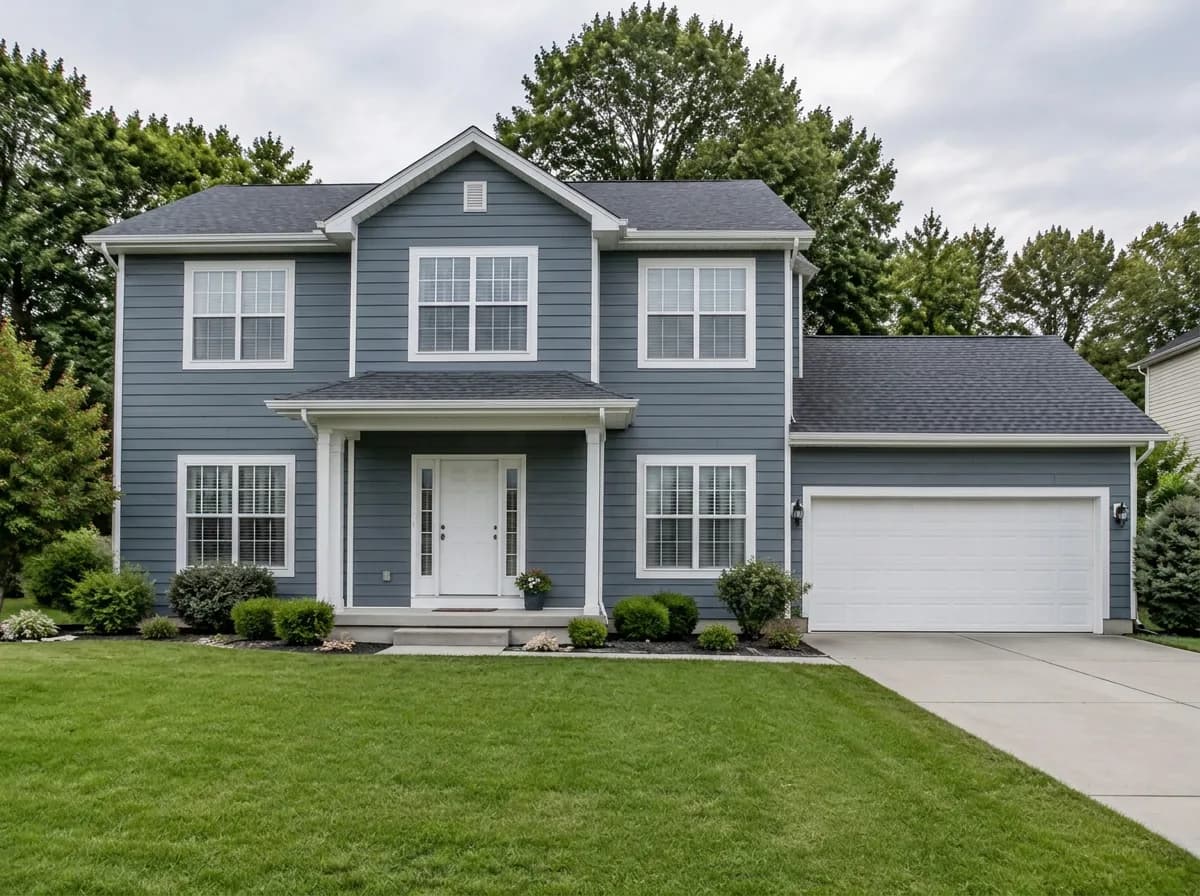
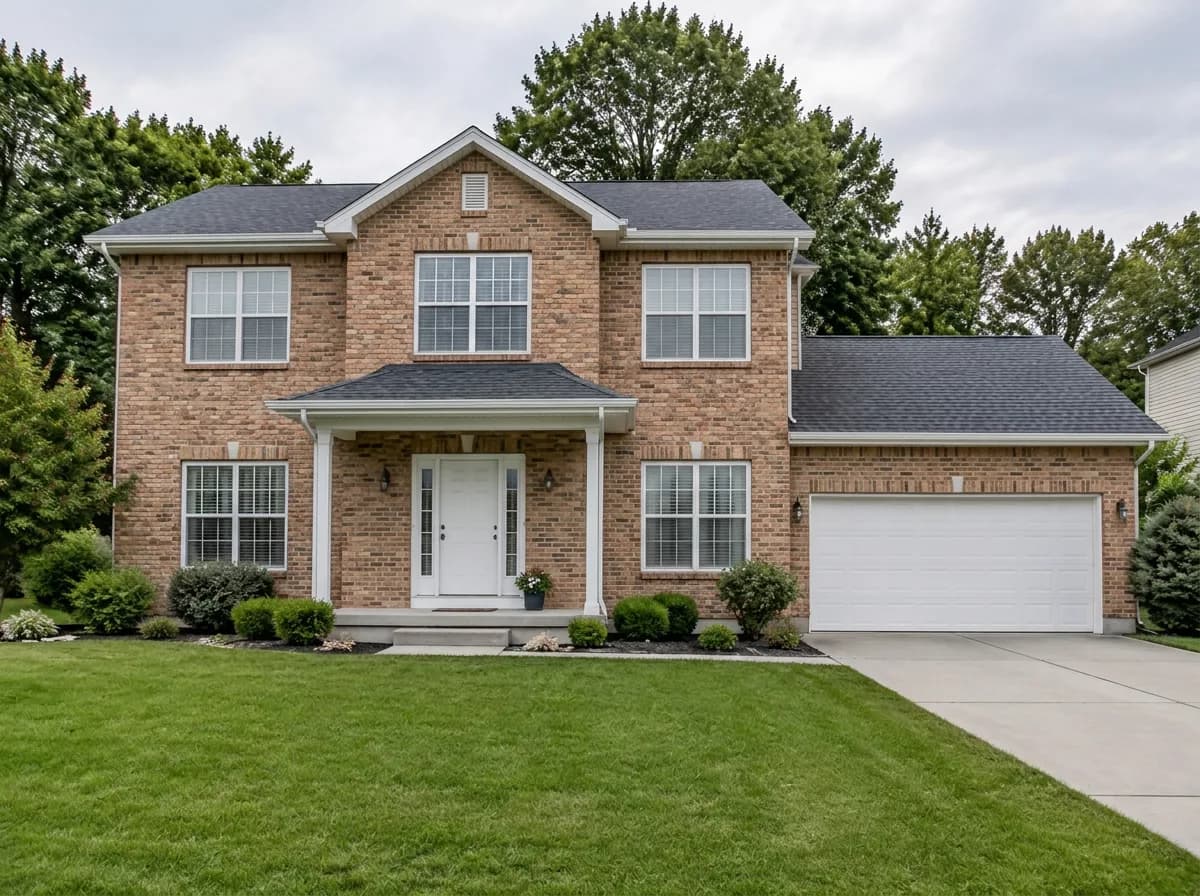
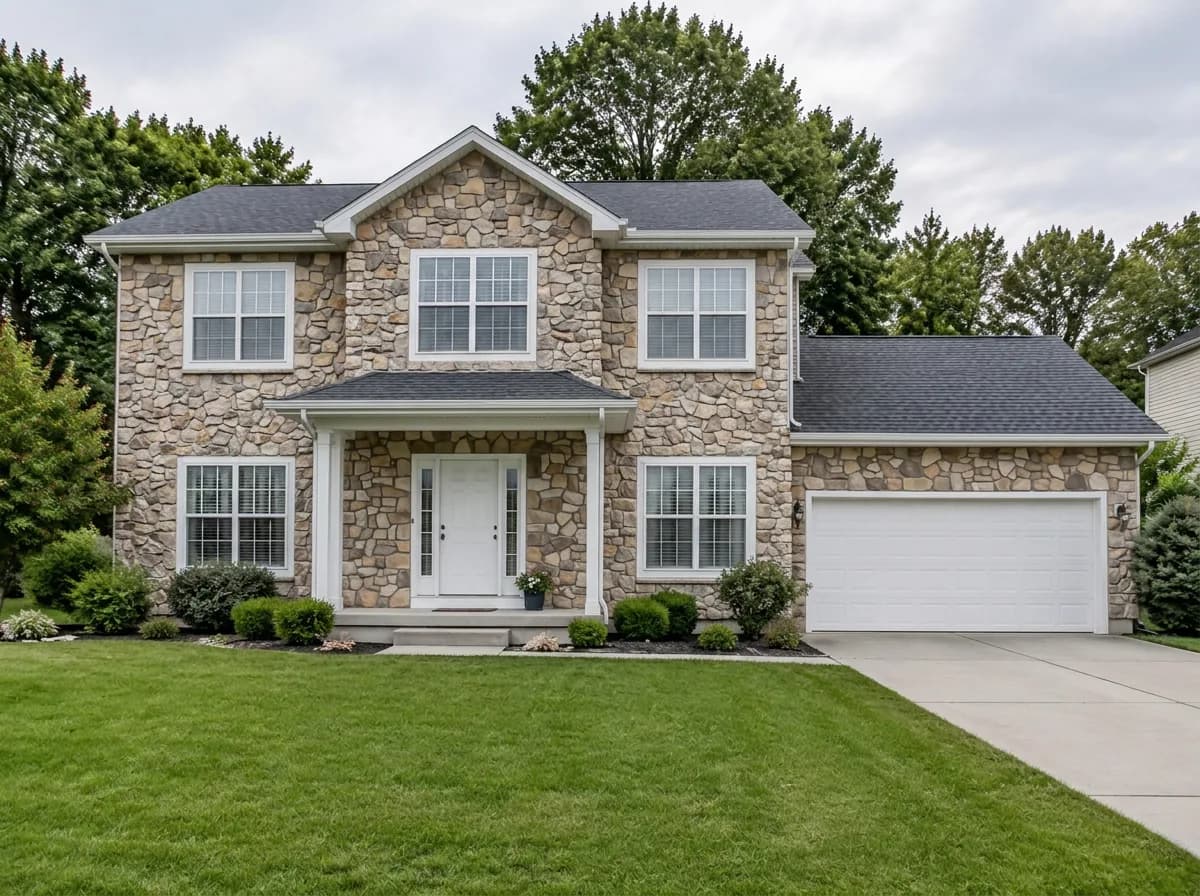
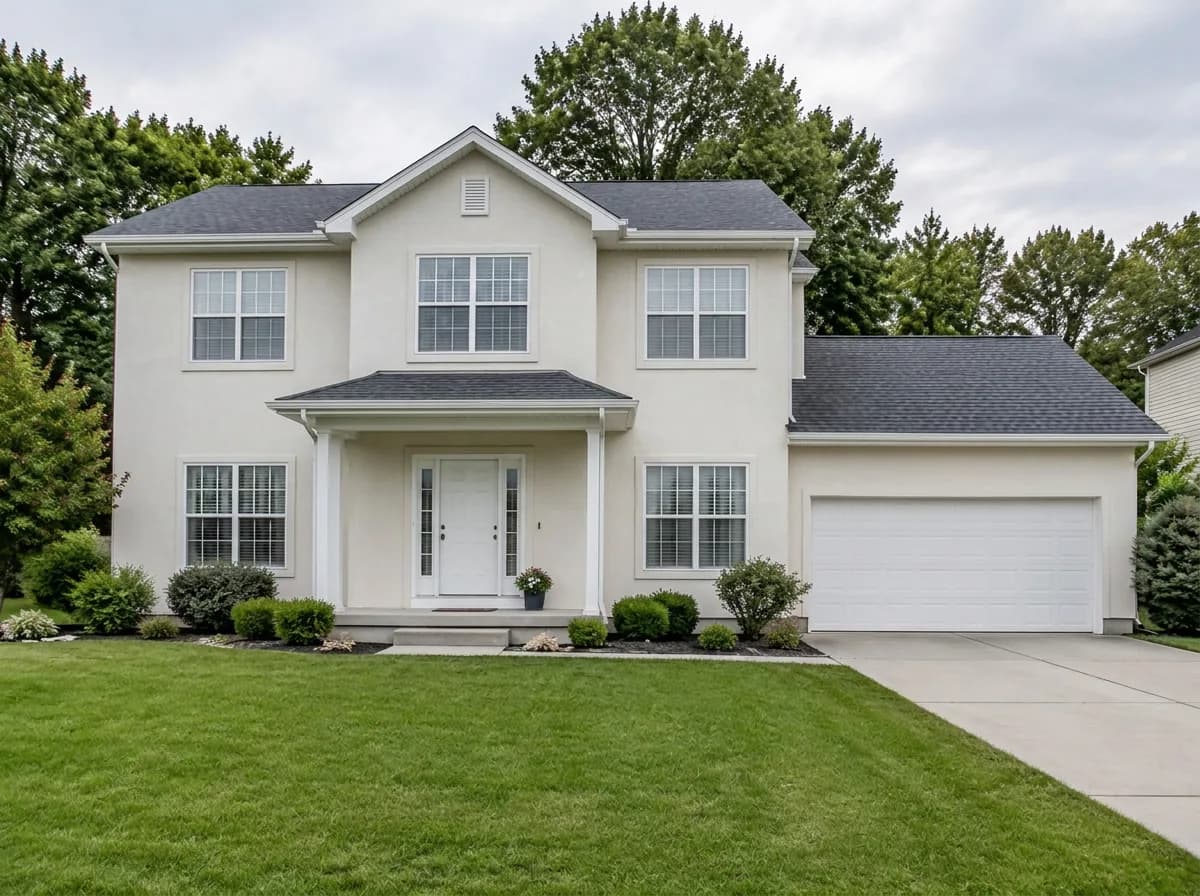
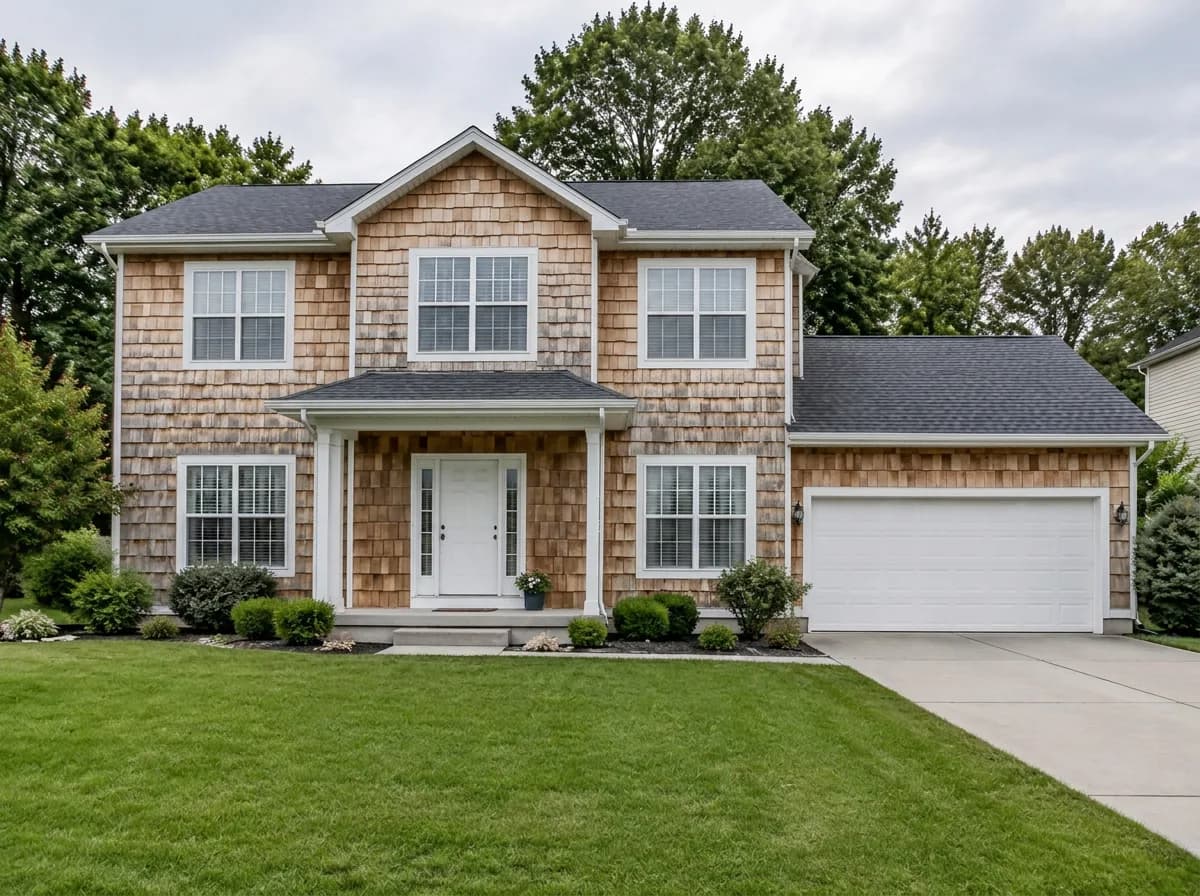
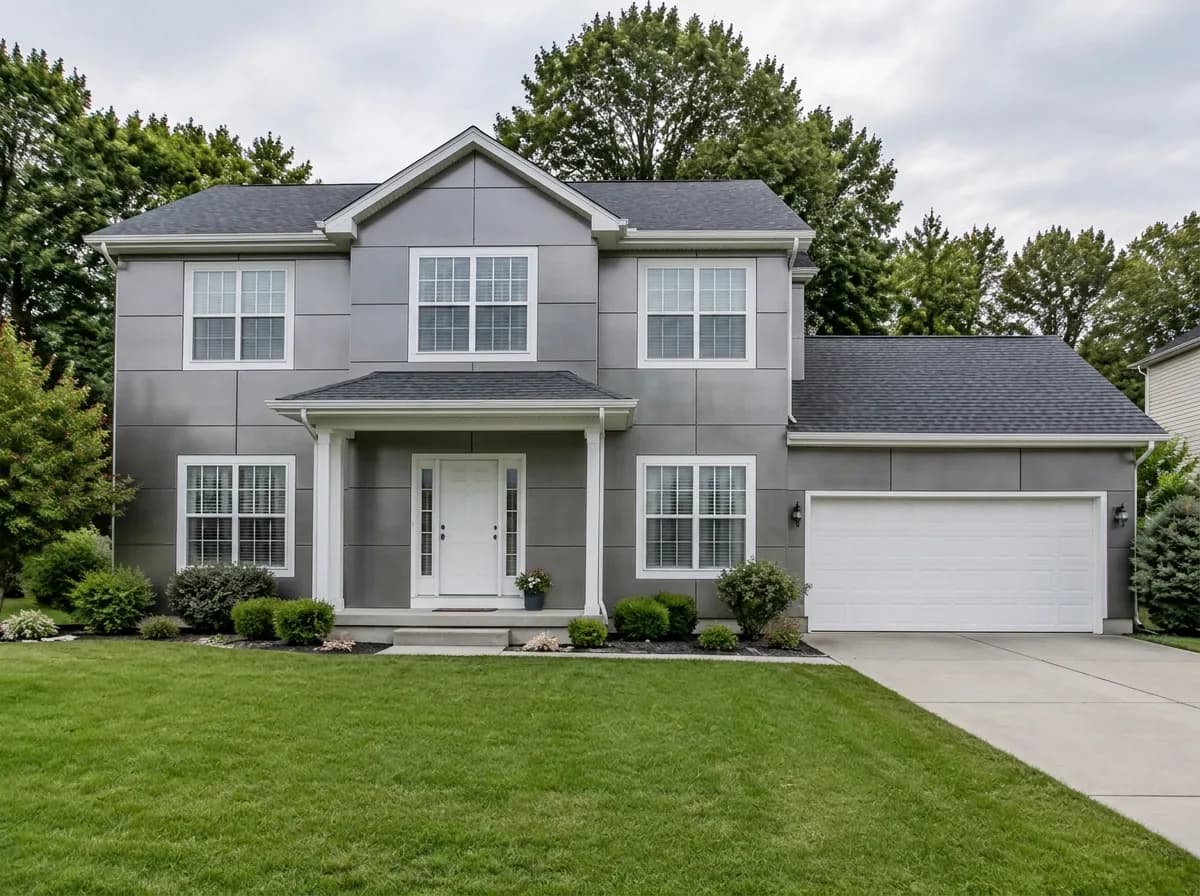
Same photo · only the walls change
- Vinyl lap
- Board & batten
- Fiber cement
- Cedar shakes
- Brick
- Natural stone
- Stucco
- Metal panels
- Vinyl lap
- Board & batten
- Fiber cement
- Cedar shakes
- Brick
- Natural stone
- Stucco
- Metal panels
Stays as in your photo
- Roof
- Windows and doors
- Shape of the house
- Garden and driveway
- Camera angle
One photo, three steps
- 1
Photograph the front of the house
A daytime photo taken straight on, with the whole wall in the frame. A phone photo is enough.
- New claddingMaterial


 2
2Pick “New cladding” and a material
The Studio opens with the “New cladding” task already chosen. Pick one of its materials — or start from a material on this page: its button sends your choice to the Studio.
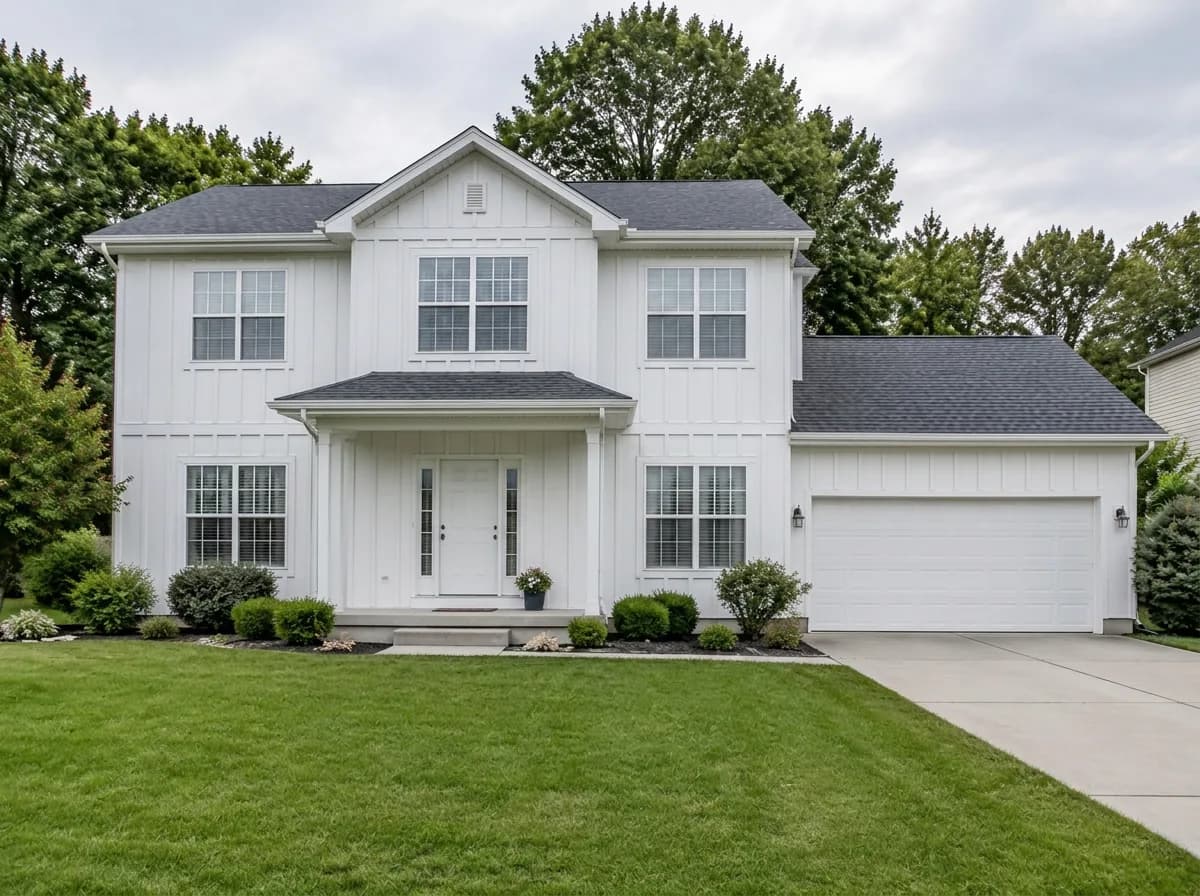 AfterBefore3
Compare and try the next one
Drag the before/after slider, then try another material on the same photo. Each design costs 2 credits.
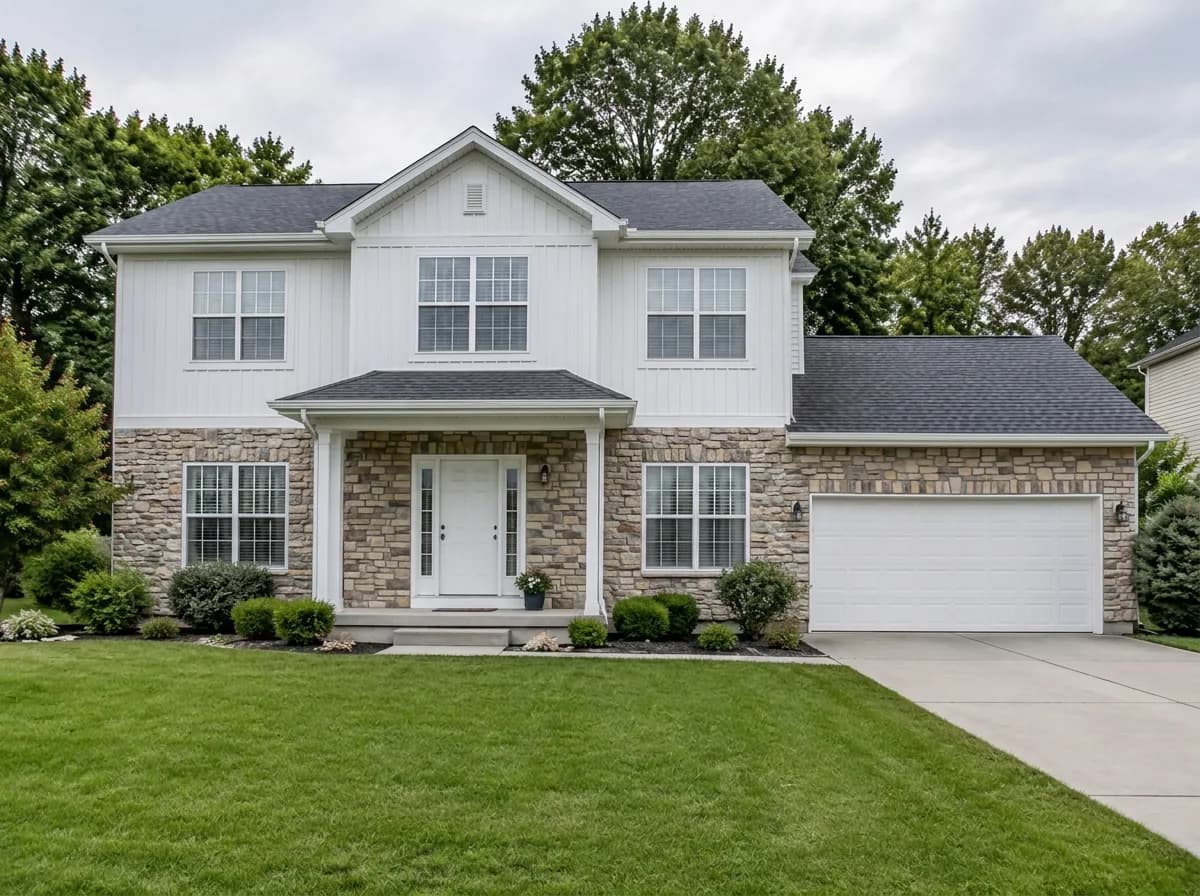
Every material on the same house
All nine results were made in the GenRoom Studio from one photo with the “New cladding” task. Nothing else was edited.
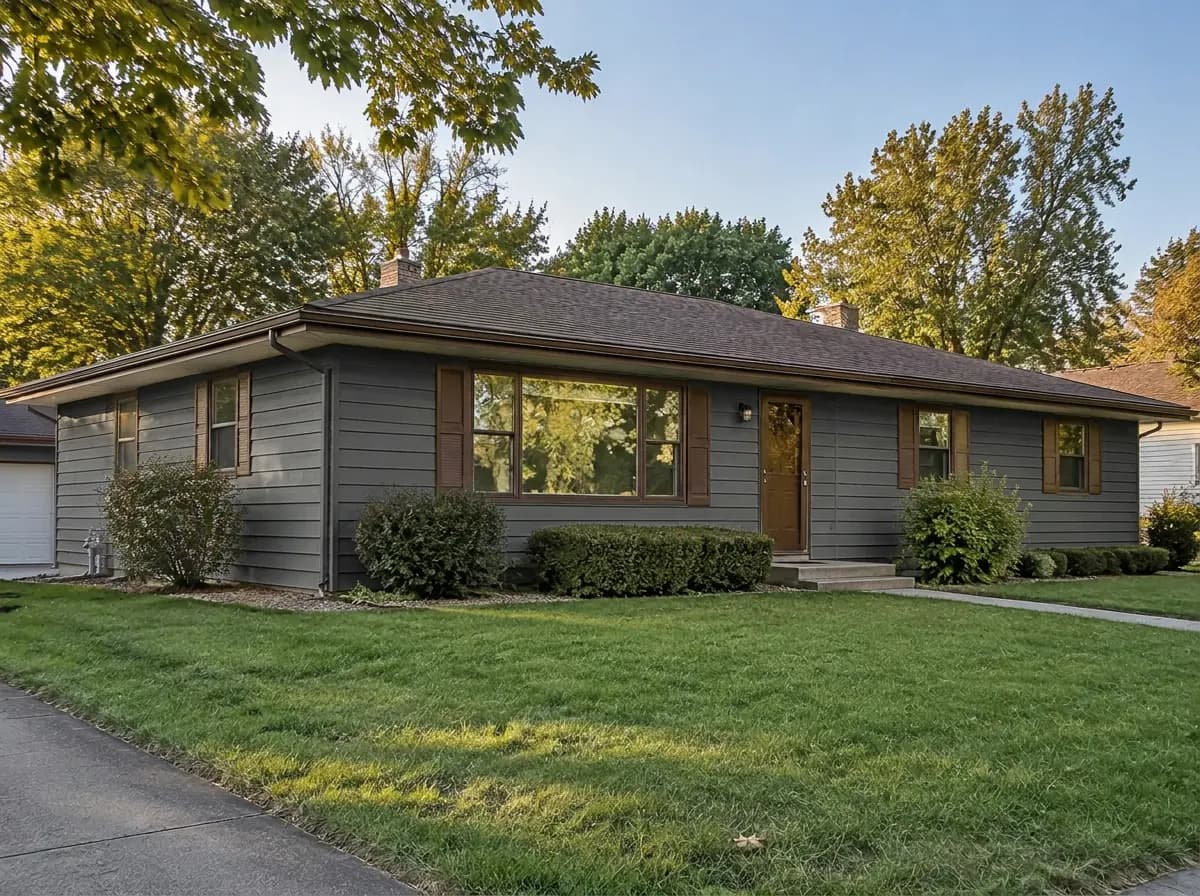
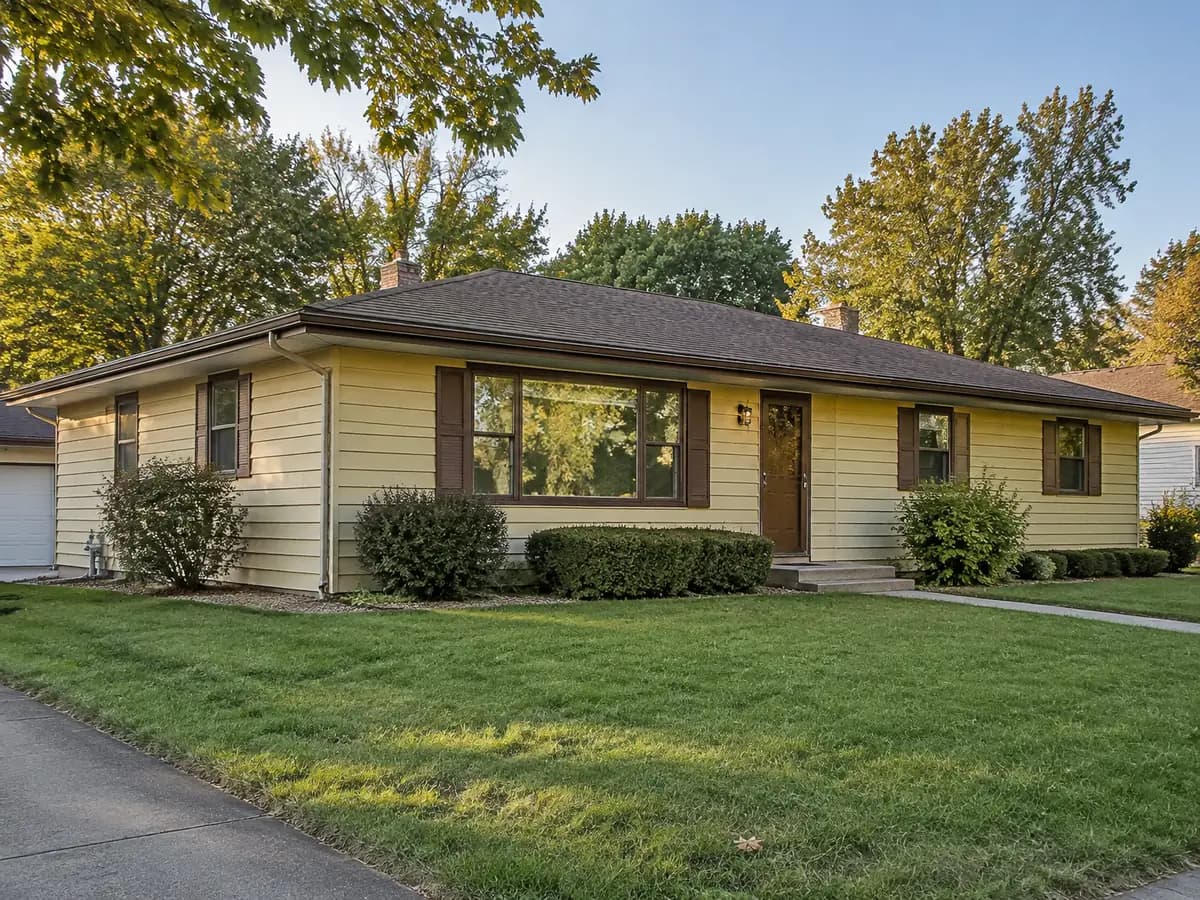
Different houses, the same rule
A 1970s ranch and a modern flat-roof house: new cladding, everything else where it was.
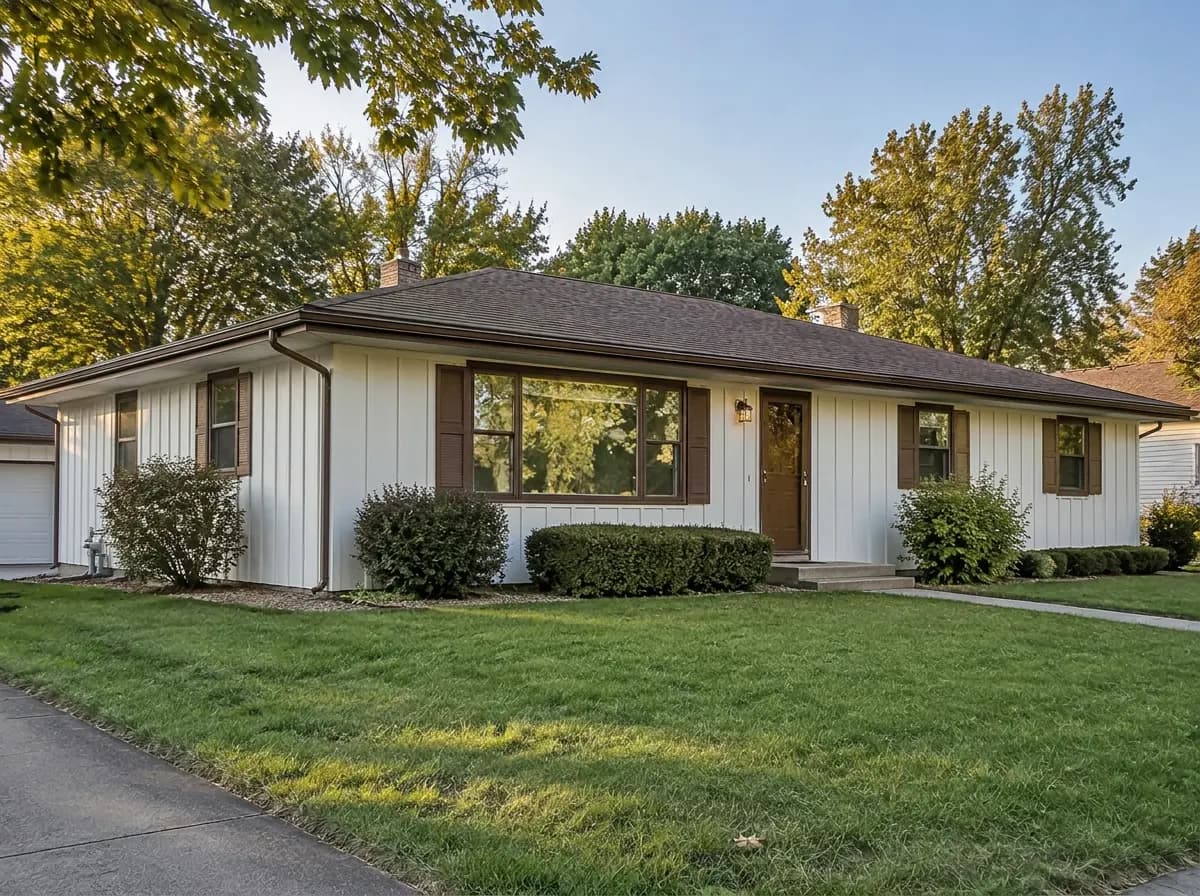
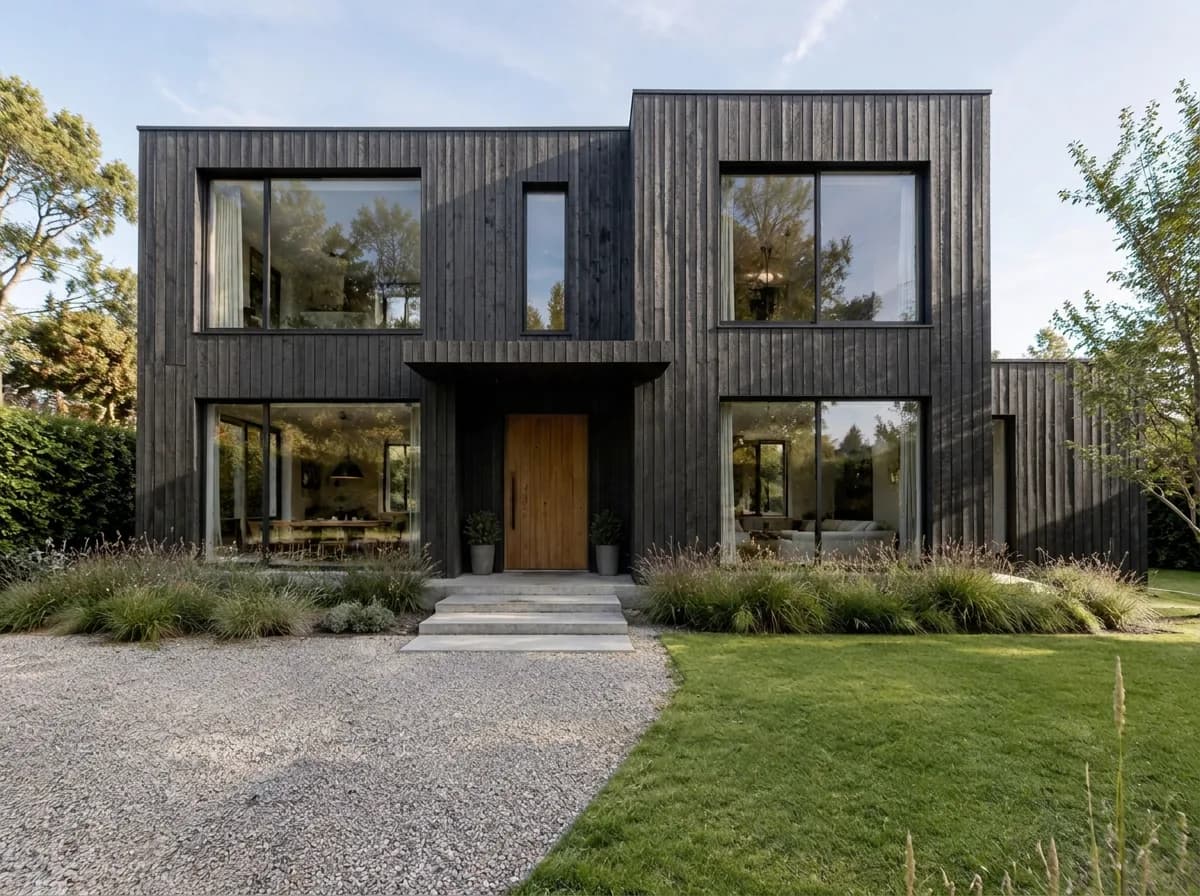
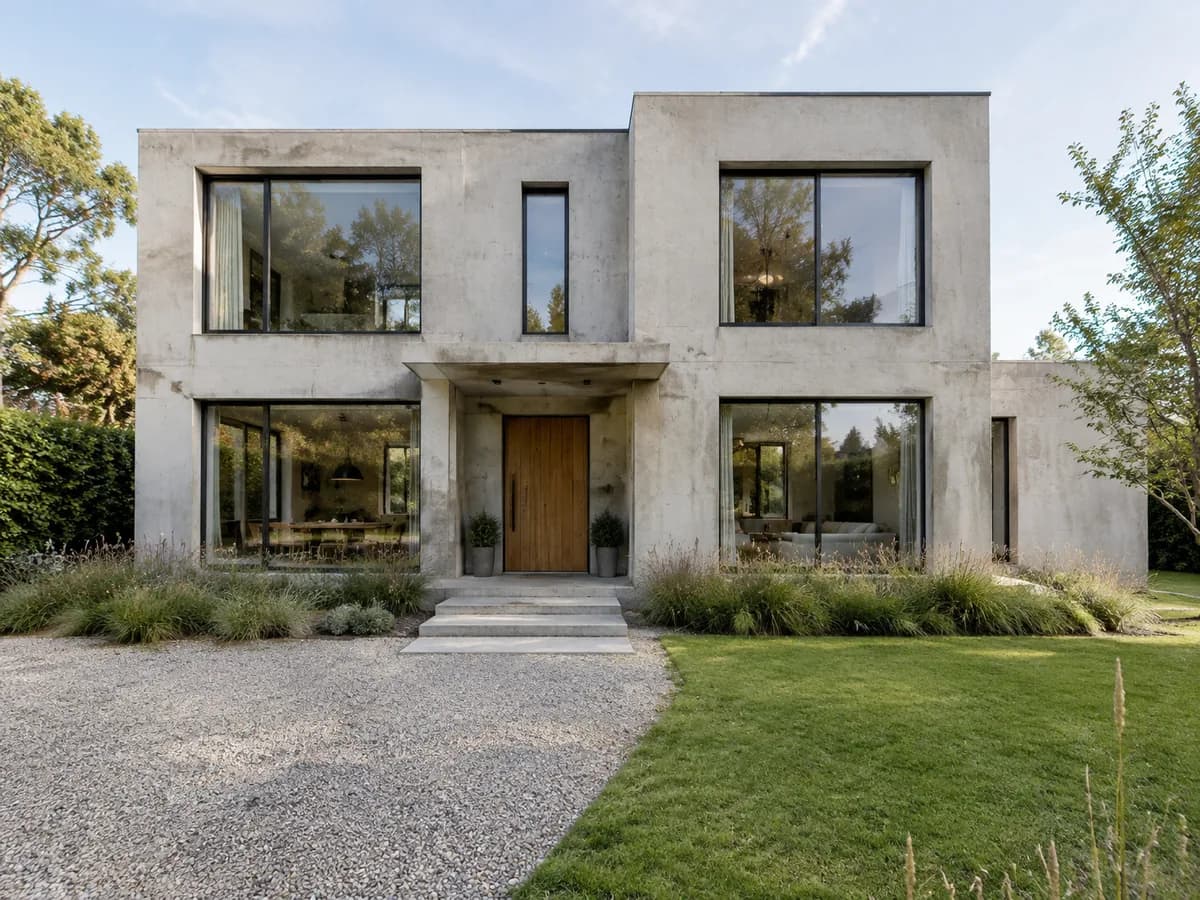
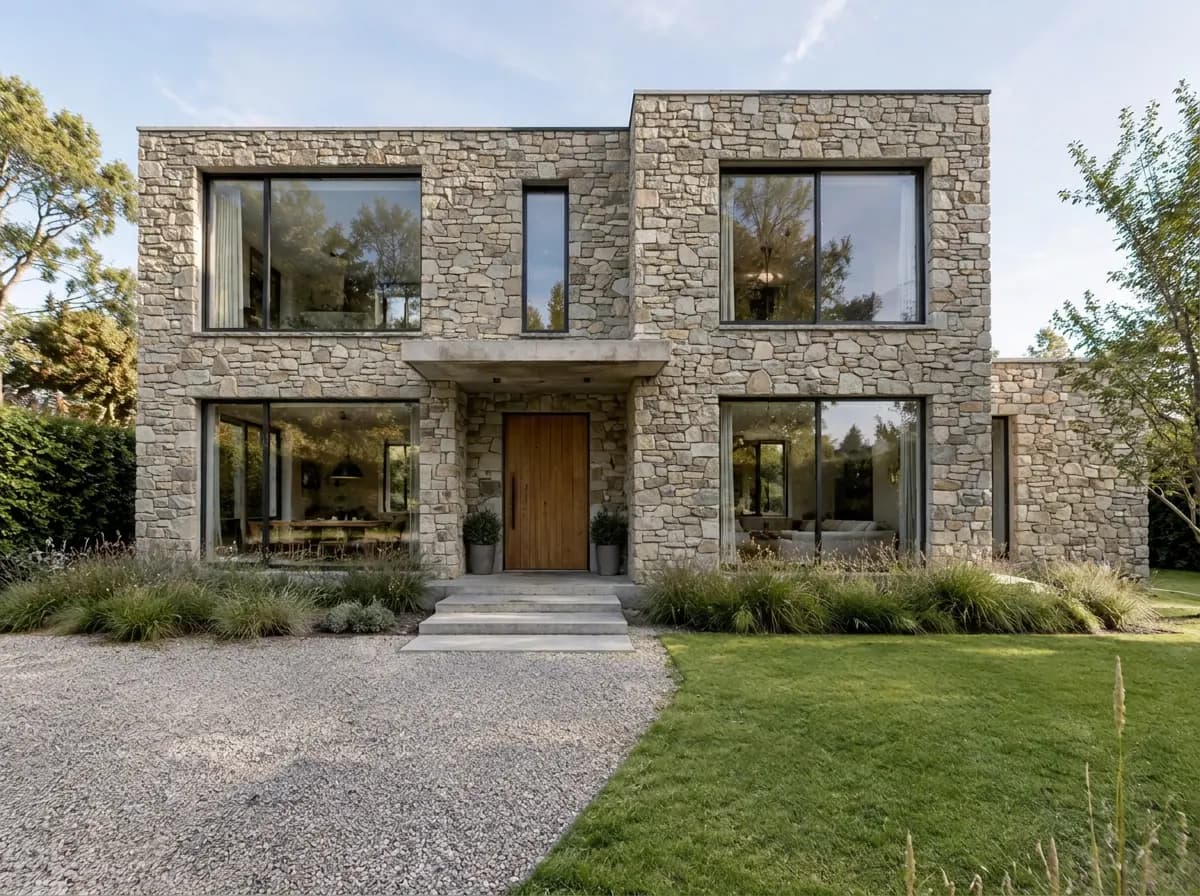
Clad just one wall
Stone only on the garage, brick only on the lower floor? Do it in the editor, on the photo you already have.
- 1Open the result in the editor and press “Select area”.
- 2Paint the wall with the “Brush” — the rest of the photo stays as it is.
- 3Add a texture from “Finishing materials” and write what to do with it, for example “clad this wall with this stone”.
14 facade textures in the library
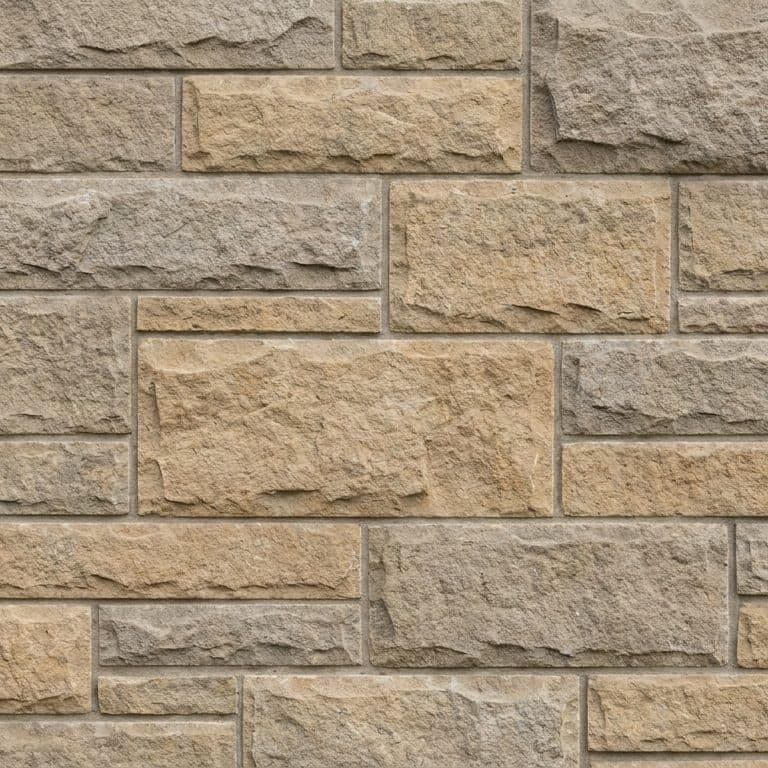
Natural stone
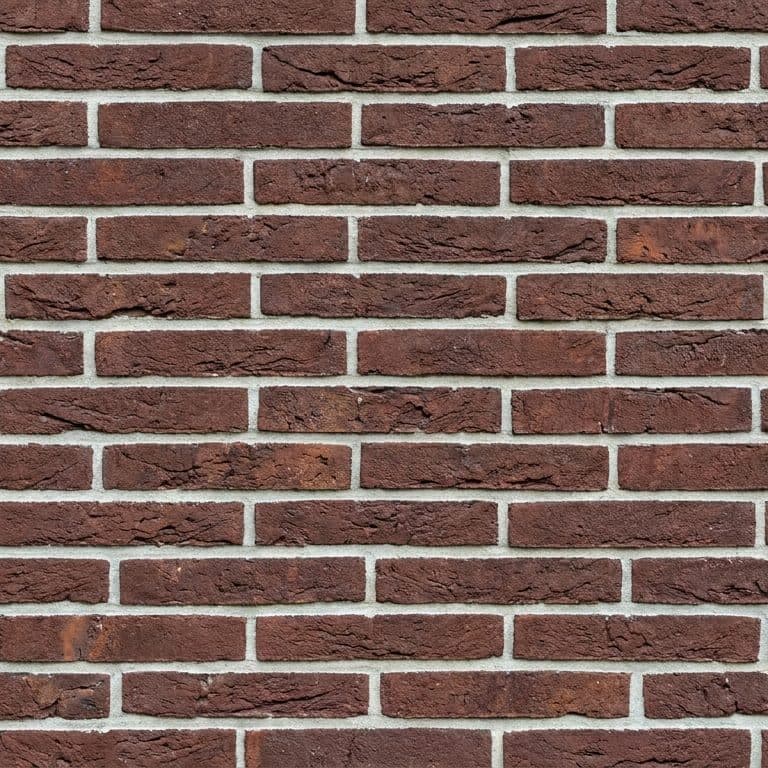
Klinker brick
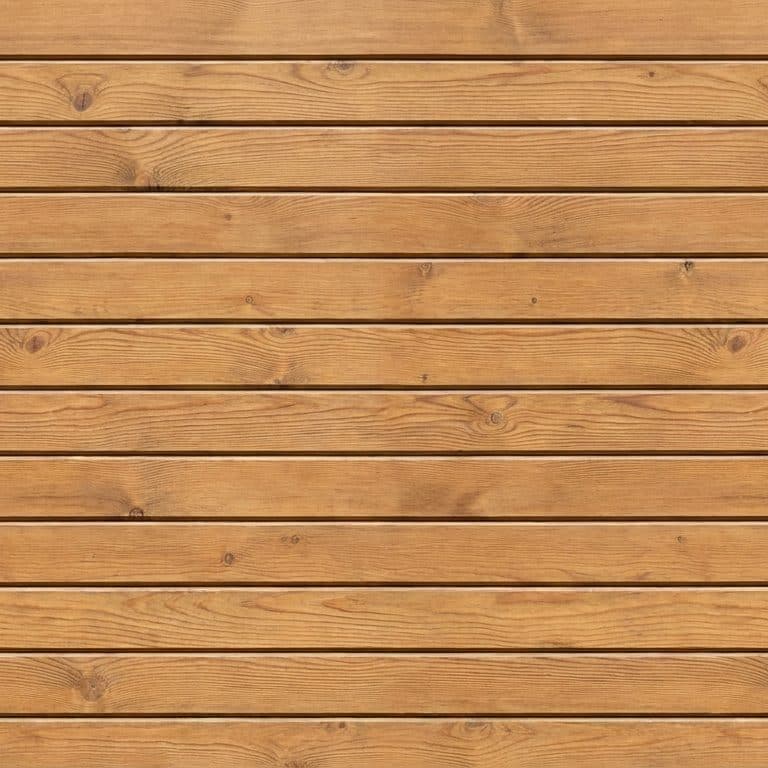
Larch planken
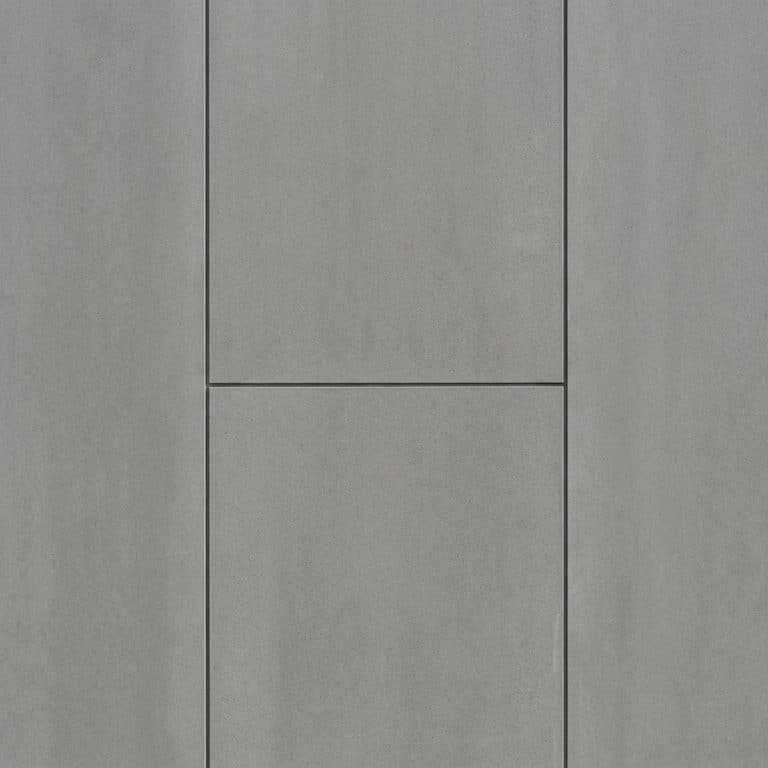
Fiber-cement panels

Smooth stucco
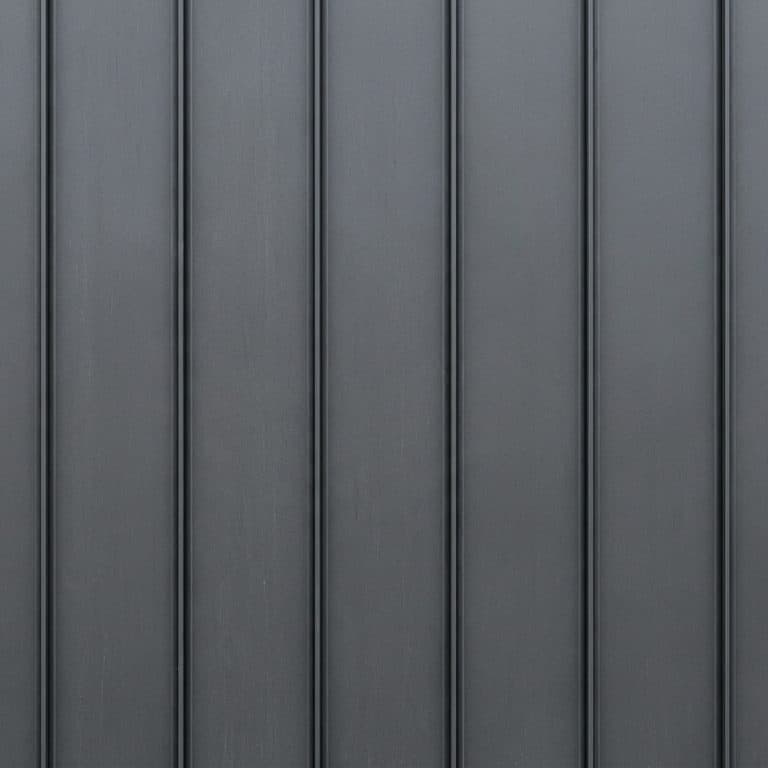
Standing seam (metal)
Here: the garage wall clad with the “Natural stone” texture, the garage door and the lamps kept.
Siding visualizer FAQ
What the tool changes, what it keeps and what it costs.
- You sign in with Google or e-mail — no card — and get 6 free credits, enough for 3 designs. Each design costs 2 credits. Free results carry a small genroom.io watermark. One-time packs remove it: Start $9.99, Basic $19.99, Pro $39.99. There is no subscription.
- The “New cladding” task replaces only the facade finish and keeps the shape of the house, the windows, the roof and the surroundings. If a detail still moved, open the result in the editor and fix it with a few words or the brush.
- The task offers six ready materials: Natural stone, Brick, Wood siding, Fiber-cement siding, Metal panels and Light render. Vinyl lap, board and batten, cedar shakes and the stone-and-board mix from this page work too — their “Try on my house” buttons send the material to the Studio.
- The Studio picks a color that suits the house — the blue-gray fiber cement above is its choice. For an exact color, open the result in the editor and ask in words, for example “paint the siding sage green”. To change only the paint and keep the material, use the exterior paint visualizer.
- Yes. Open the result in the editor, select the wall with “Select area” and add a texture from “Finishing materials”. The stone-and-board example above does it in one request: its button sends both materials to the Studio.
- Daylight, taken straight on, with the whole facade in the frame and nothing large in front of the walls. A phone photo is fine. The side and back of the house work the same way.
- Yes. Commercial use is allowed on every plan, Free included. Contractors upload the client's house and show three or four materials on the same photo before the quote.
- It is a visual preview: it shows the look, the tone and the scale of the pattern on your house. It does not measure walls or match a manufacturer's exact color, so check a physical sample and get an installer's quote before ordering.
More tools for the outside of your house
The same photo can get a new color, roof, entrance or a full makeover.
AI facade design
Redesign the whole facade in one of 15+ facade styles.
Exterior paint visualizer
Keep the material and try new paint colors for walls, trim and door.
AI roof design
Swap shingles for metal, tile or slate and keep the shape of the roof.
AI material swap
Change the material of any surface on a photo.
AI exterior design
Cladding, roof, windows and entrance redesigned together.
AI driveway design
A new porch, door, gate and driveway that match the new siding.
Your house in a new material, in under a minute
Upload a photo of the front and try the first material. 6 free credits after sign-in — that is 3 designs.
Try siding on my house