Empty any room in 30 seconds with AI
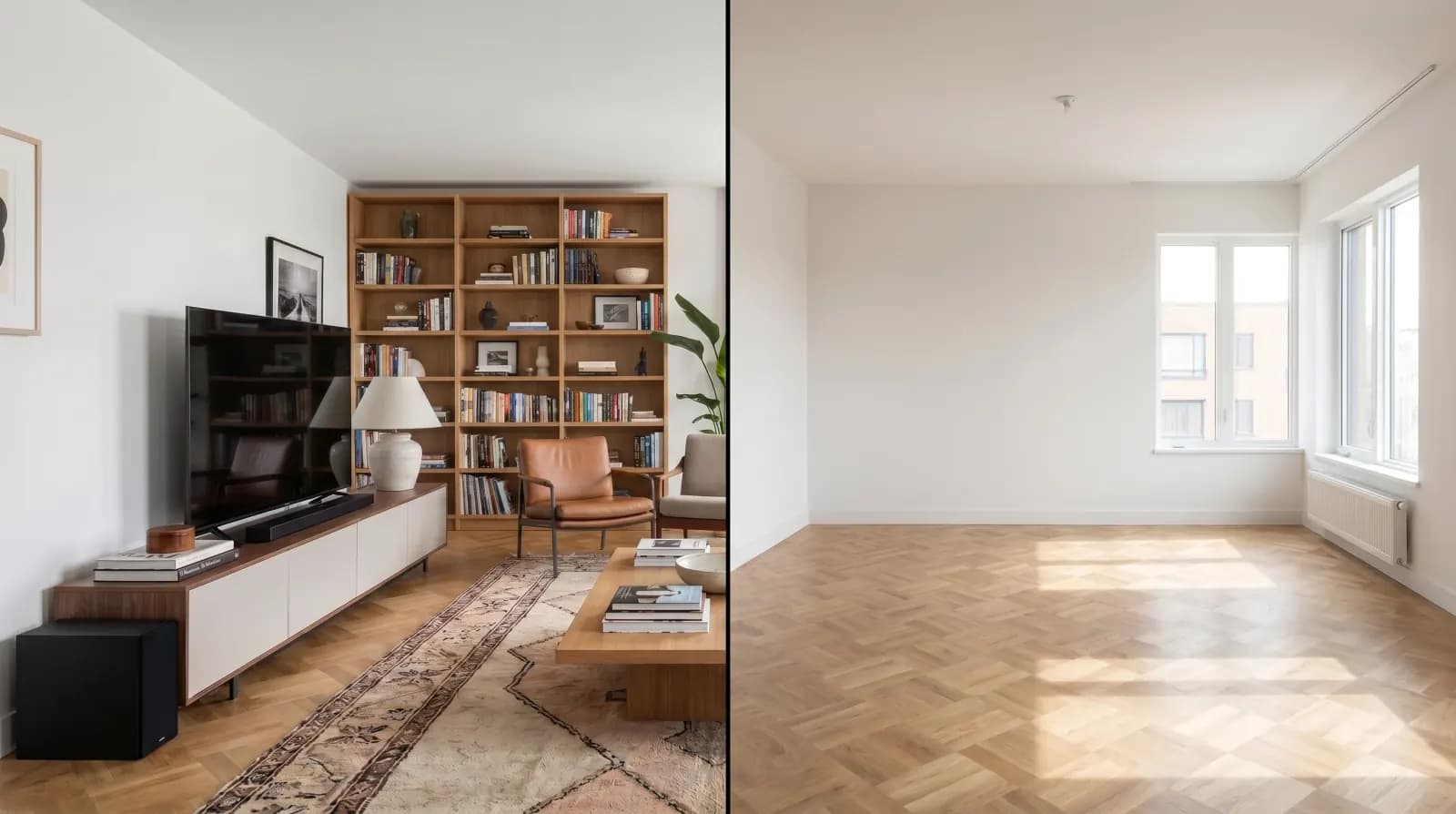
Upload a photo of a furnished room and AI removes every piece of furniture, decor and clutter — leaving a clean empty-room canvas ready for staging, renovation visualization or pre-sale listings.
Want to keep the furniture and remove only clutter, people or one object? Remove objects from a photo
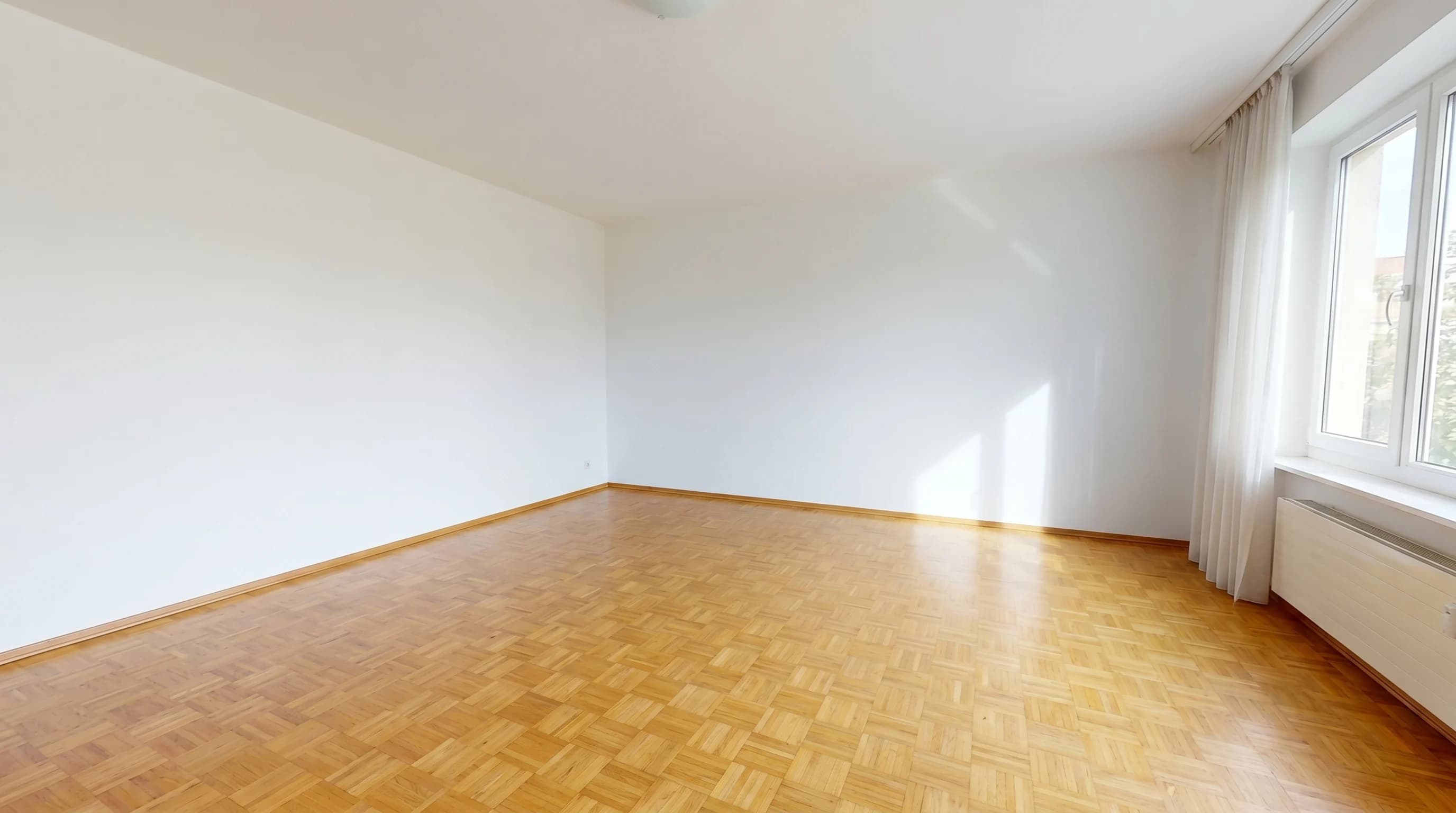
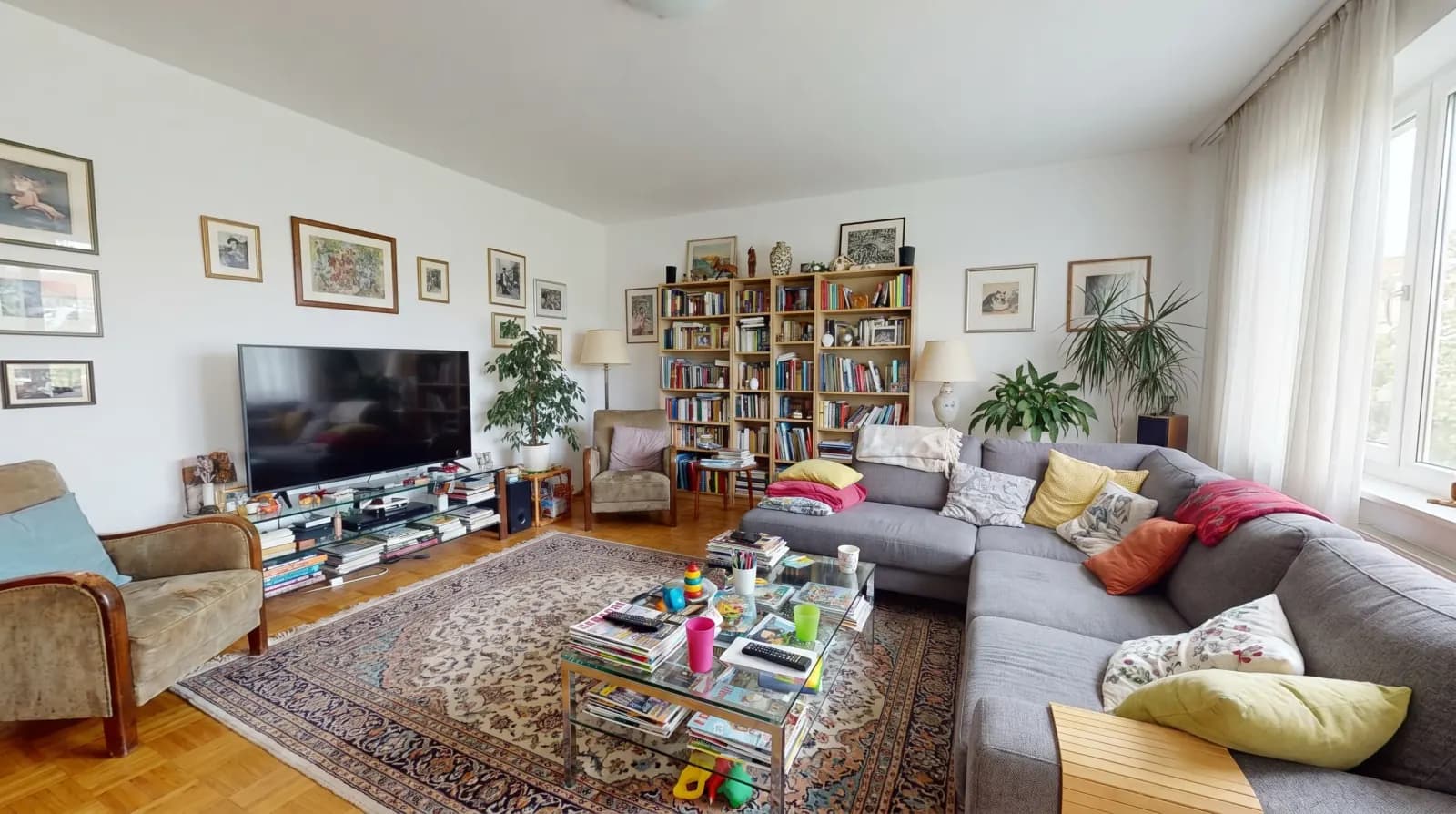
Traditional photo editing to empty a furnished room takes 1–3 hours per image in Photoshop and requires a skilled retoucher. AI furniture removal compresses that loop to under a minute, from any phone or DSLR photo of a furnished interior.
What inputs work
- Real-estate listing photos — DSLR or wide-angle phone shots of any furnished room
- iPhone / Android snapshots — handheld photos taken at the property
- Outdoor patios and decks — remove furniture, parasols, planters
- Commercial spaces — empty out retail, office, restaurant interiors
- Mixed clutter shots — boxes, toys, personal items, electronics
What the AI does
It identifies every movable object — furniture, rugs, lamps, curtains, plants, art, electronics, personal items — and removes them while preserving the room's architecture: walls, floor, ceiling, windows, doors and built-in fixtures. Output is photoreal, MLS-compliant, and ready for virtual staging or renovation visualization. Up to 4K resolution.
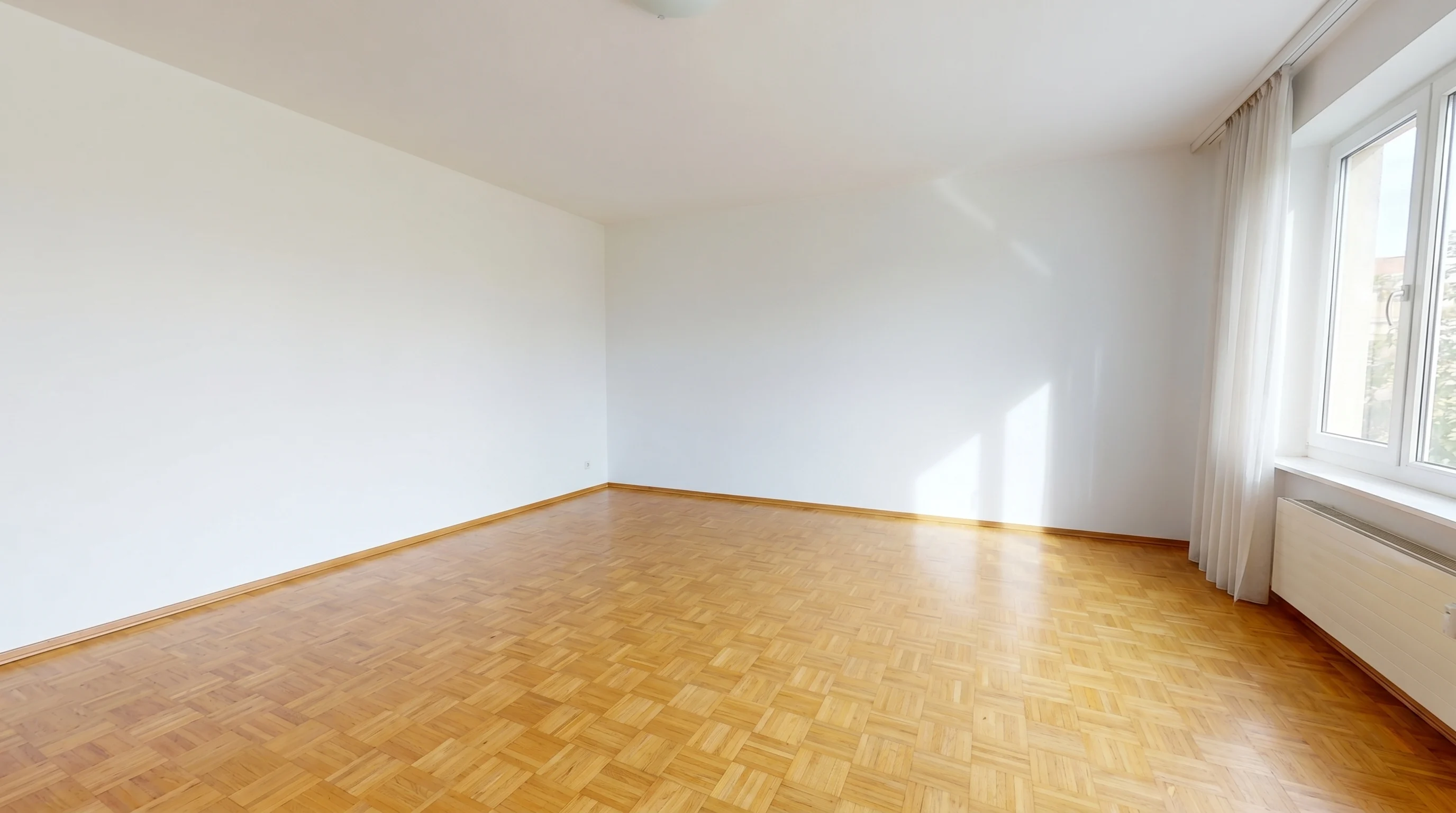
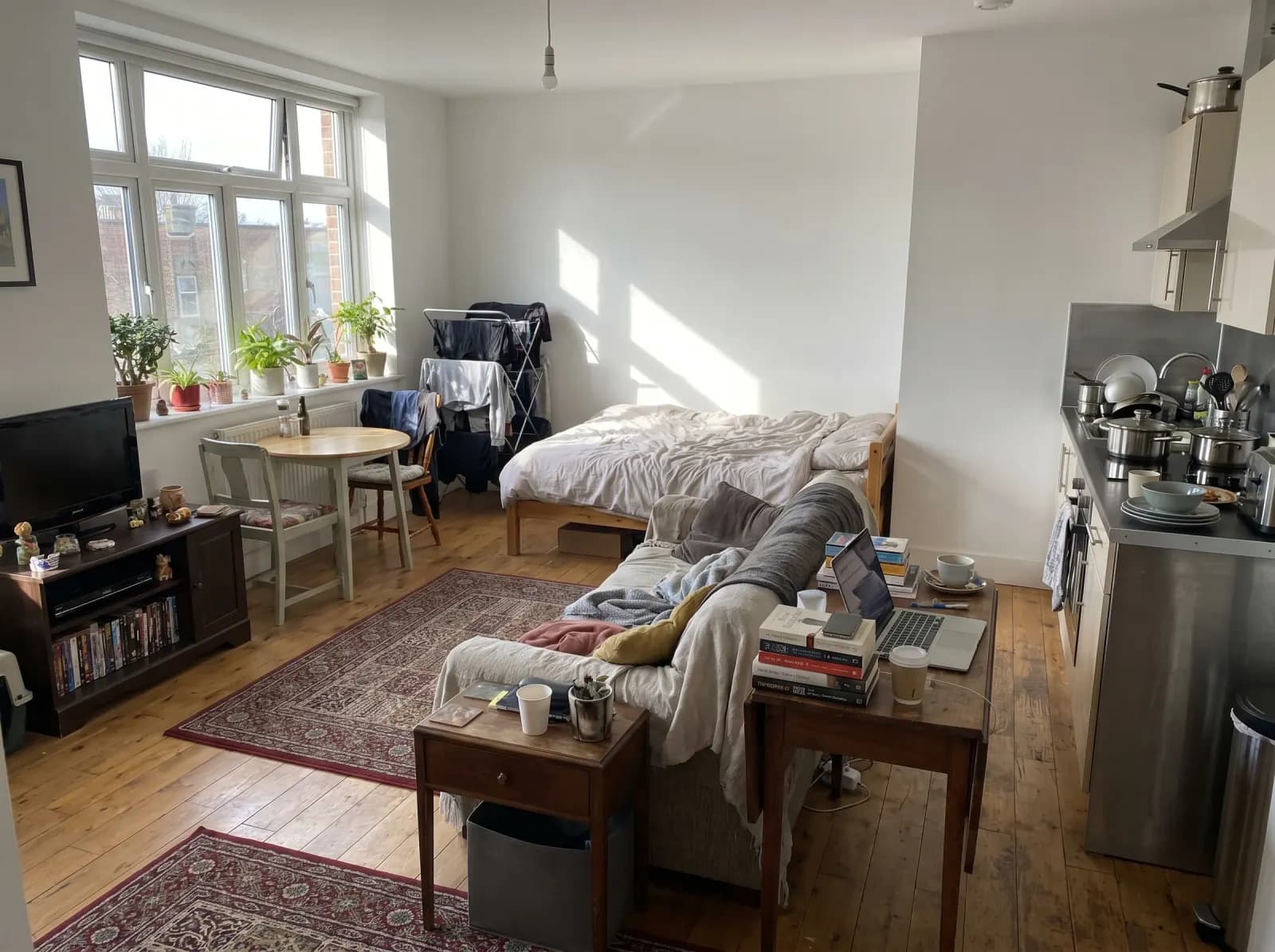
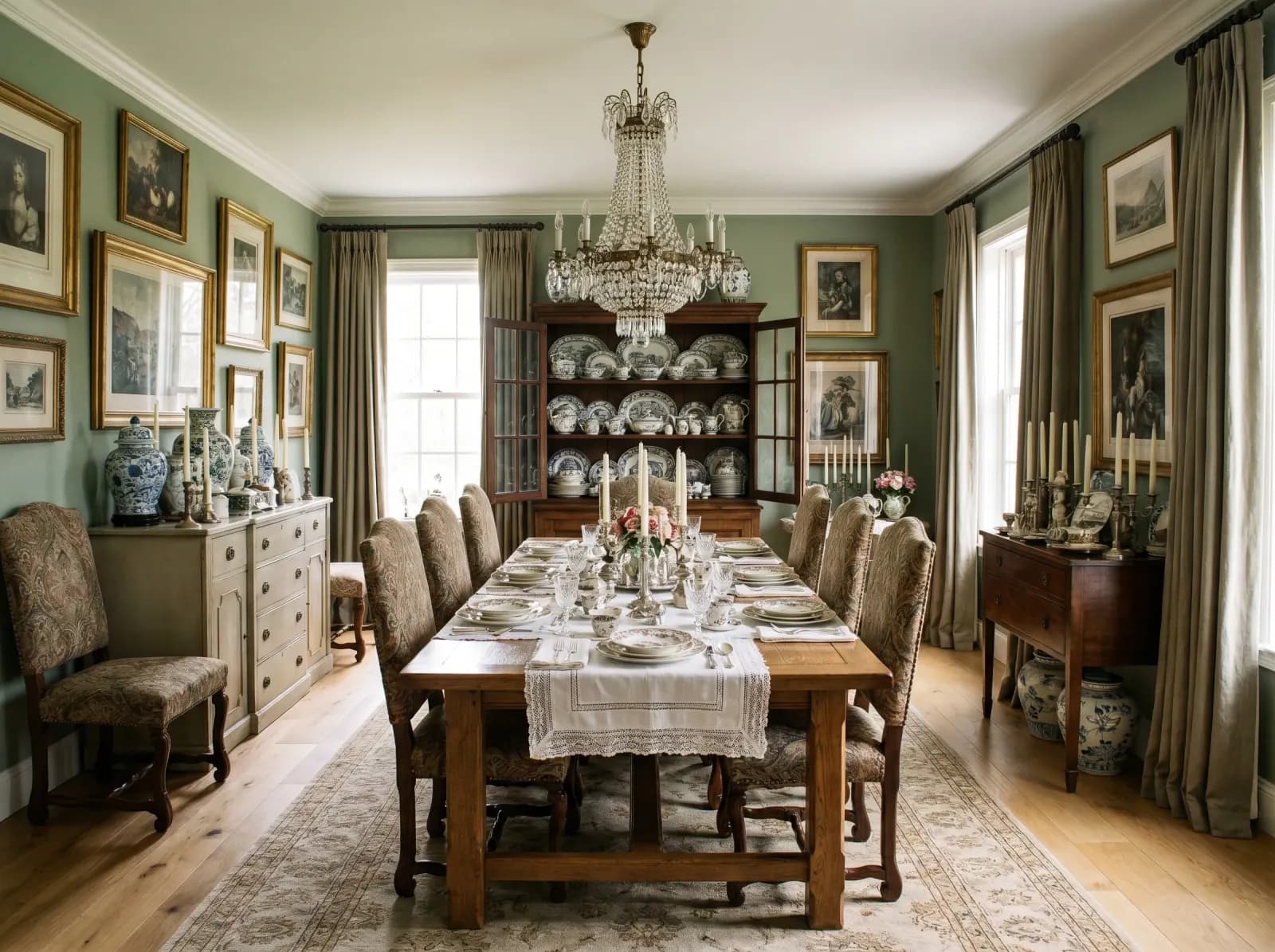
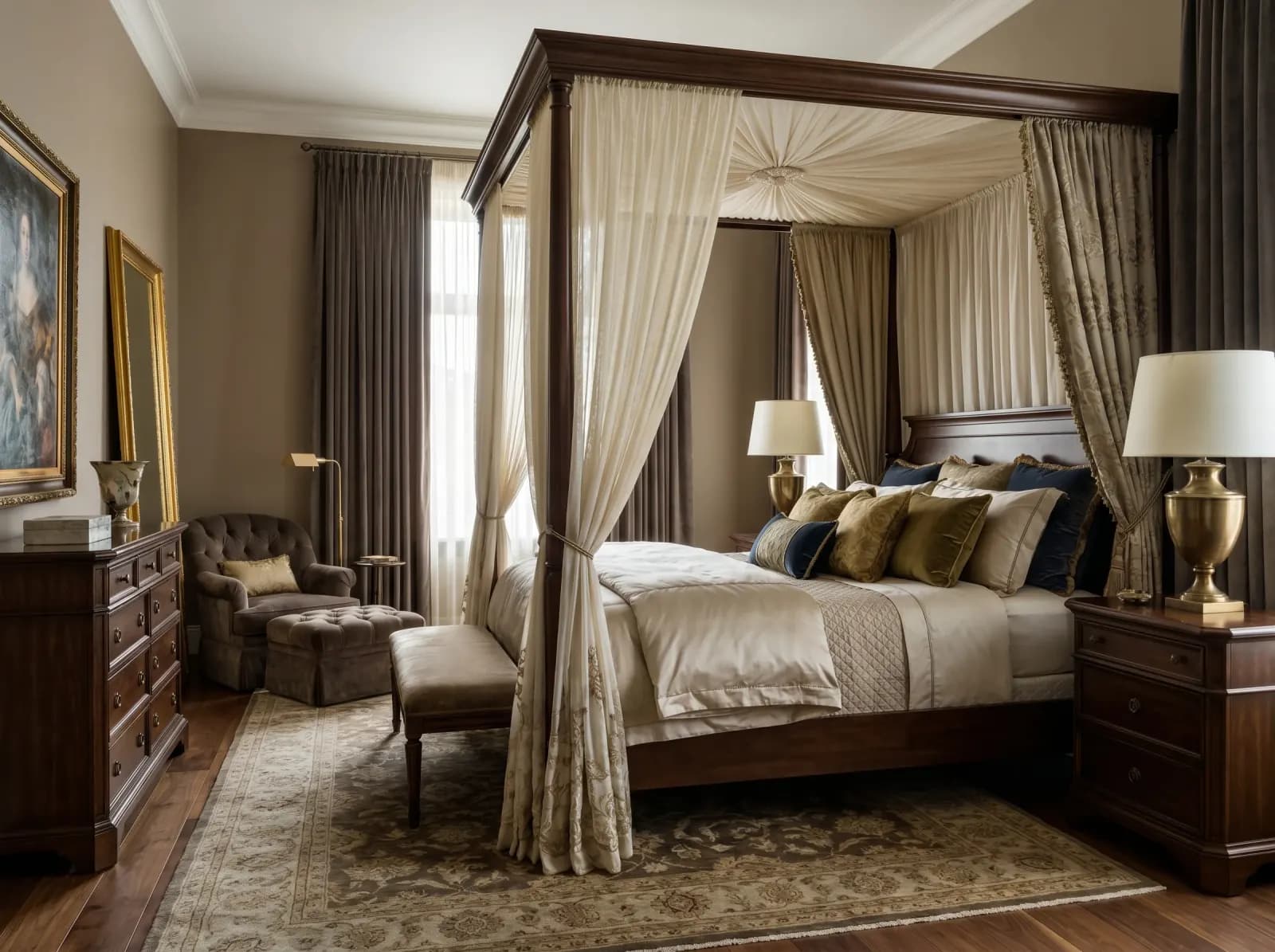
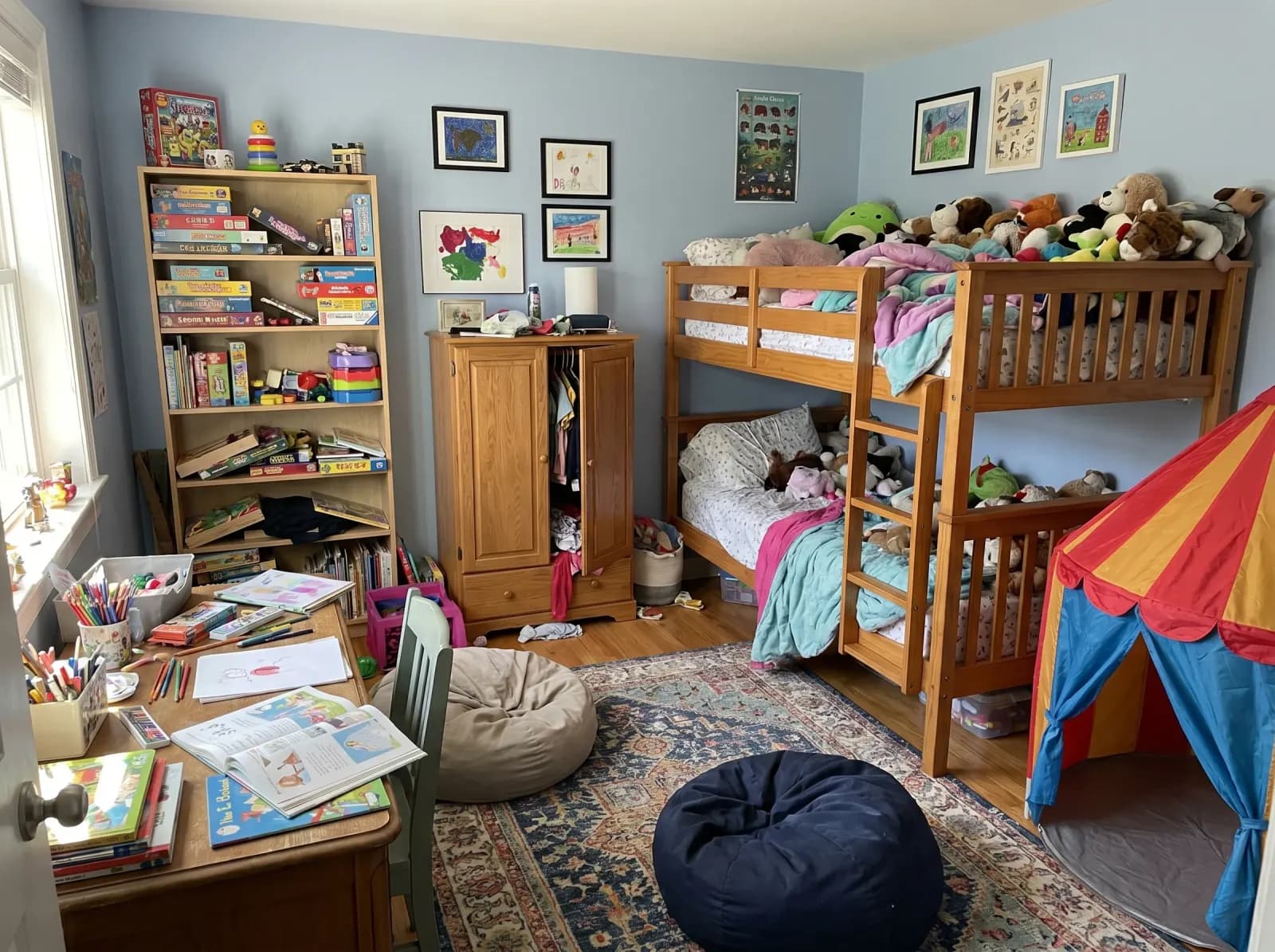
Rooms emptied by our AI
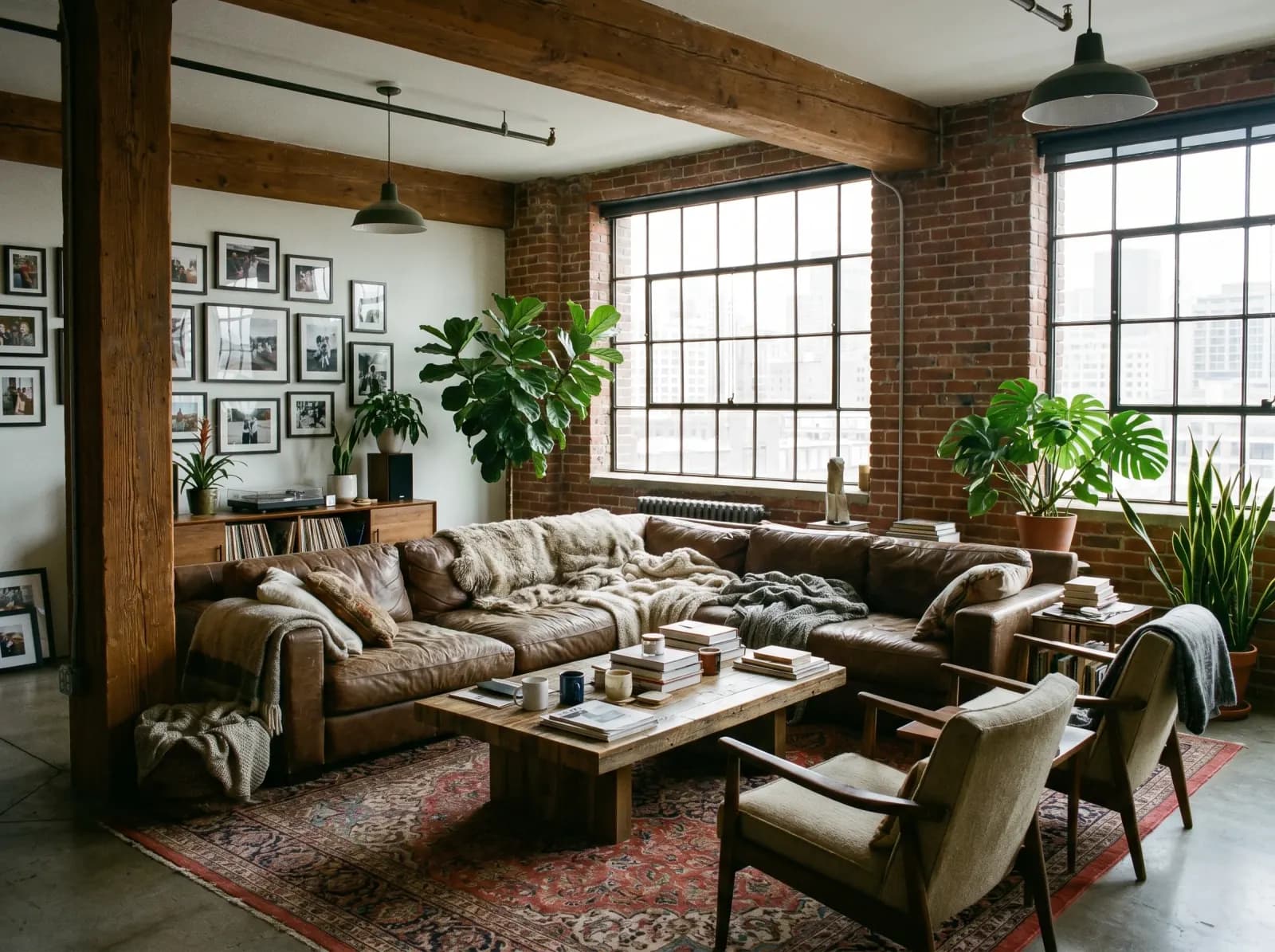
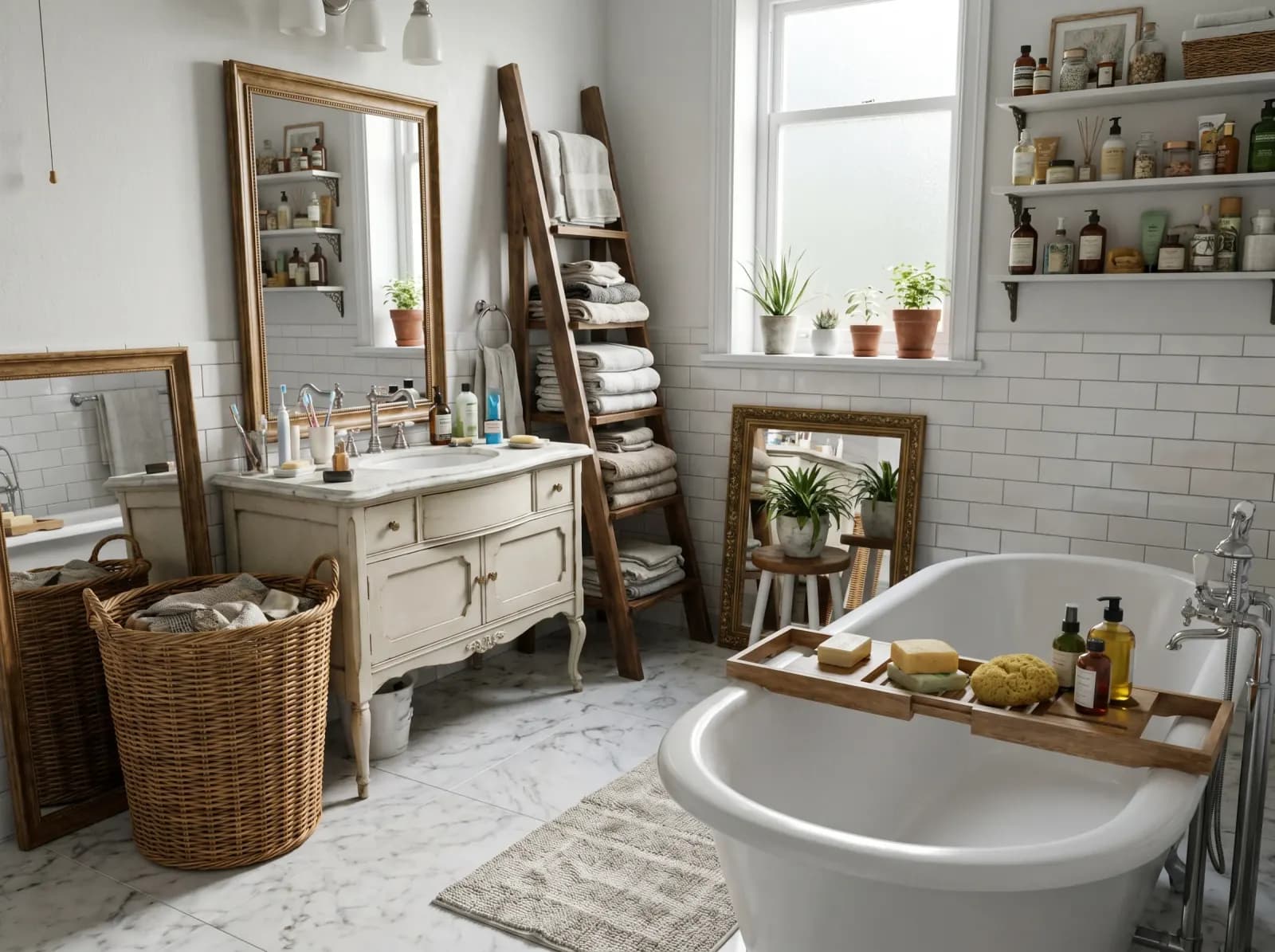
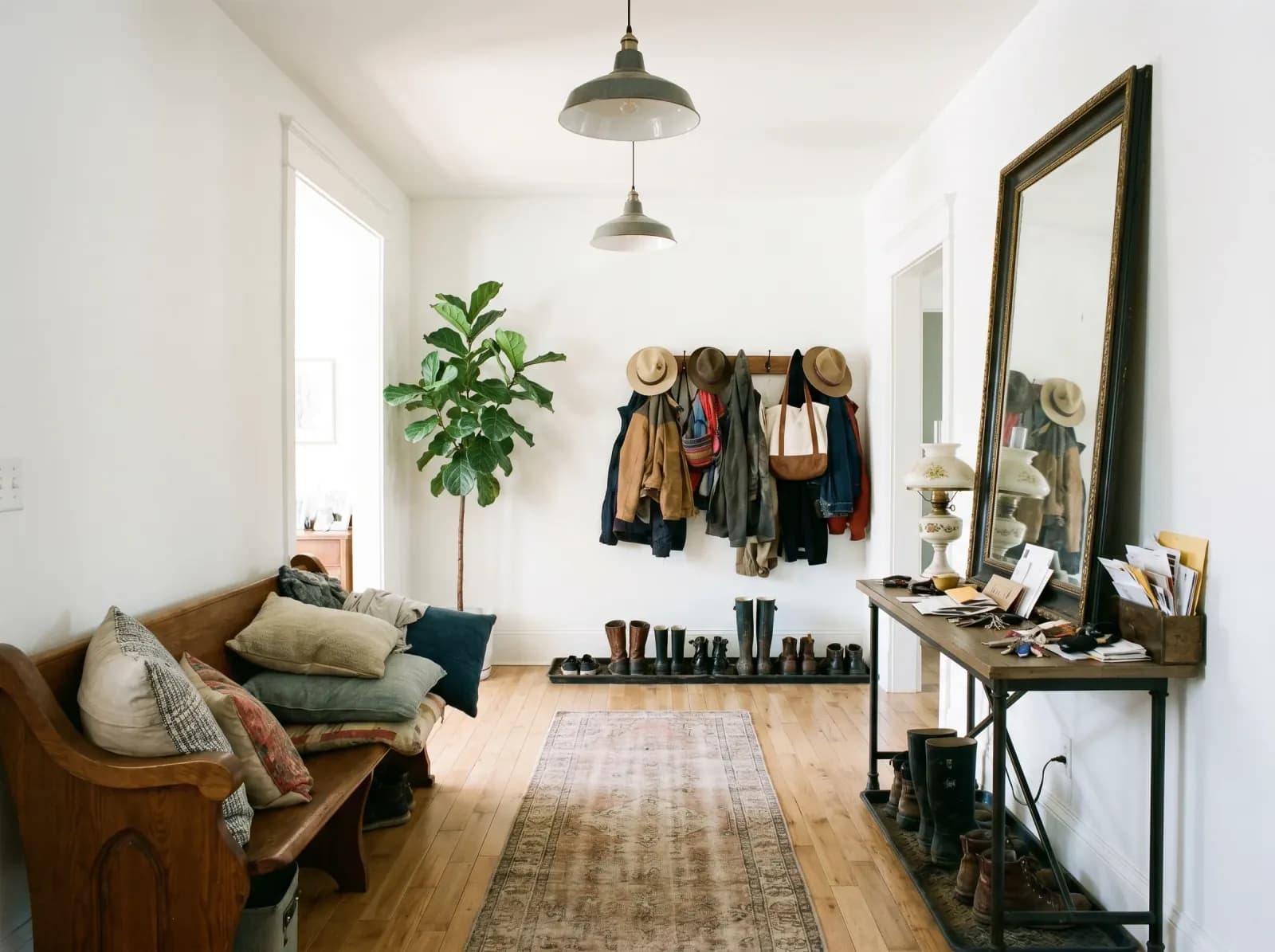
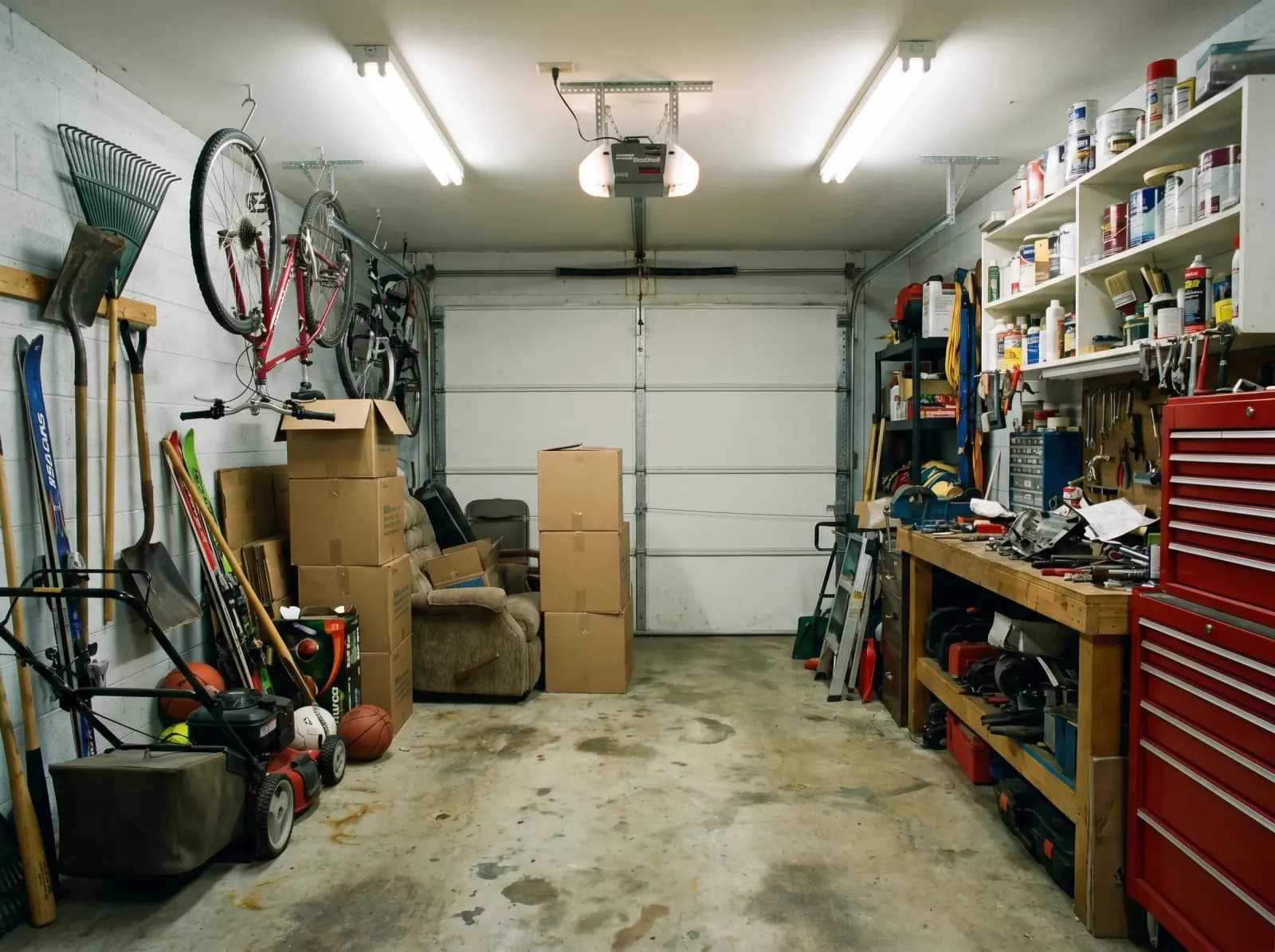
Why pros use AI furniture removal
MLS-compliant outputs
Empty-room renders are accepted on MLS listings under "vacant" disclosures — perfect for unfurnished or vacated properties.
Preserves room architecture
Walls, floor, ceiling, windows and doors stay exactly where they are. Only movable objects disappear — no hallucinated rooms.
Iteration in seconds
Re-run on a different photo, swap angles, or remove only partial clutter. Test 10 versions in the time Photoshop takes for one.
High-res presentation exports
4K outputs ready for MLS uploads, virtual staging pipelines, renovation pitch decks and design portfolios.
Cluttered / Empty
 Before
 Empty
Empty Before
 Empty
Empty Before
 Empty
Empty Before
 Empty
EmptyBuilt for
Real-estate agents
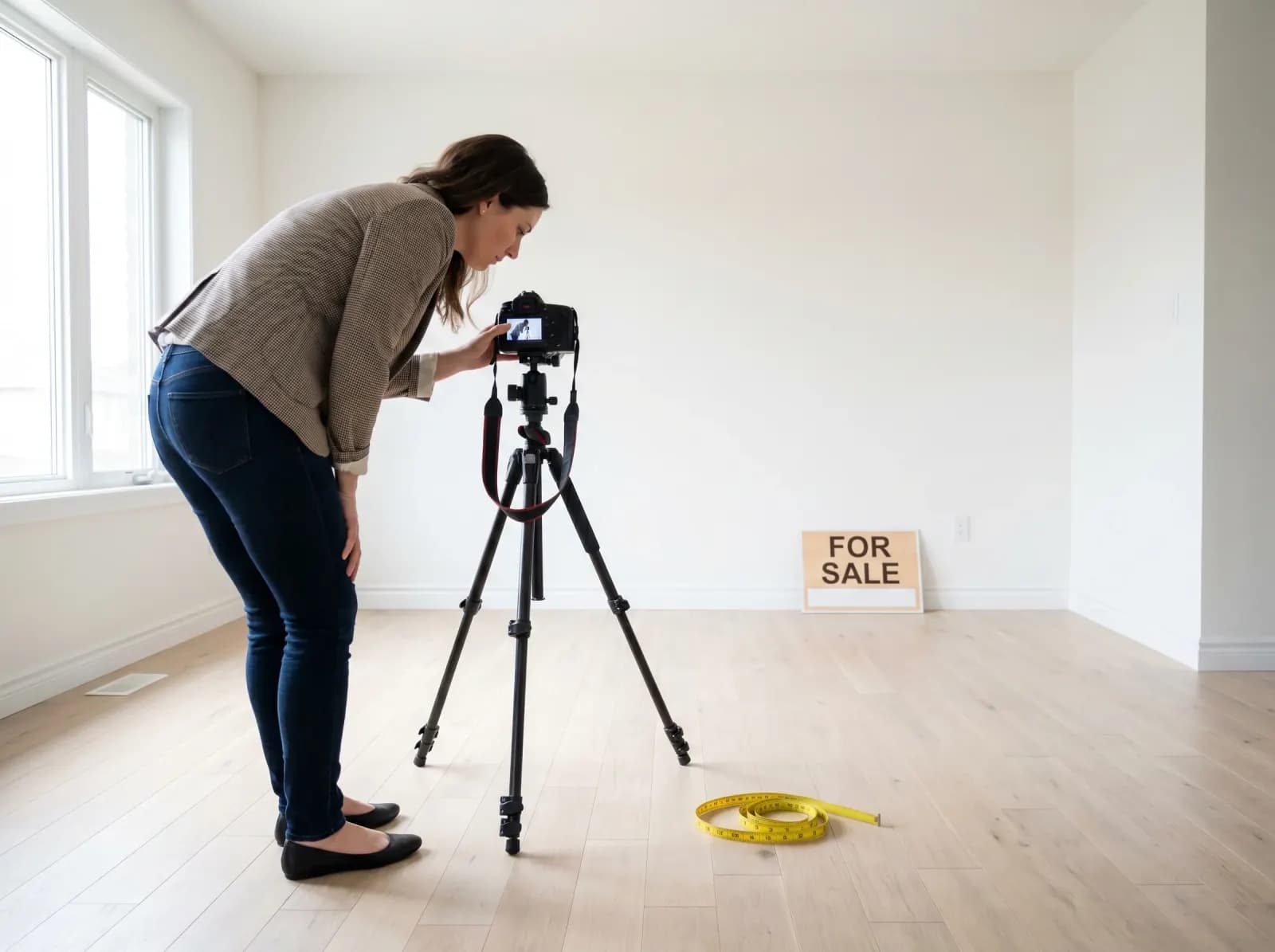
Empty a tenant-furnished listing in 30 seconds. Show buyers the bare canvas before staging or repaints.
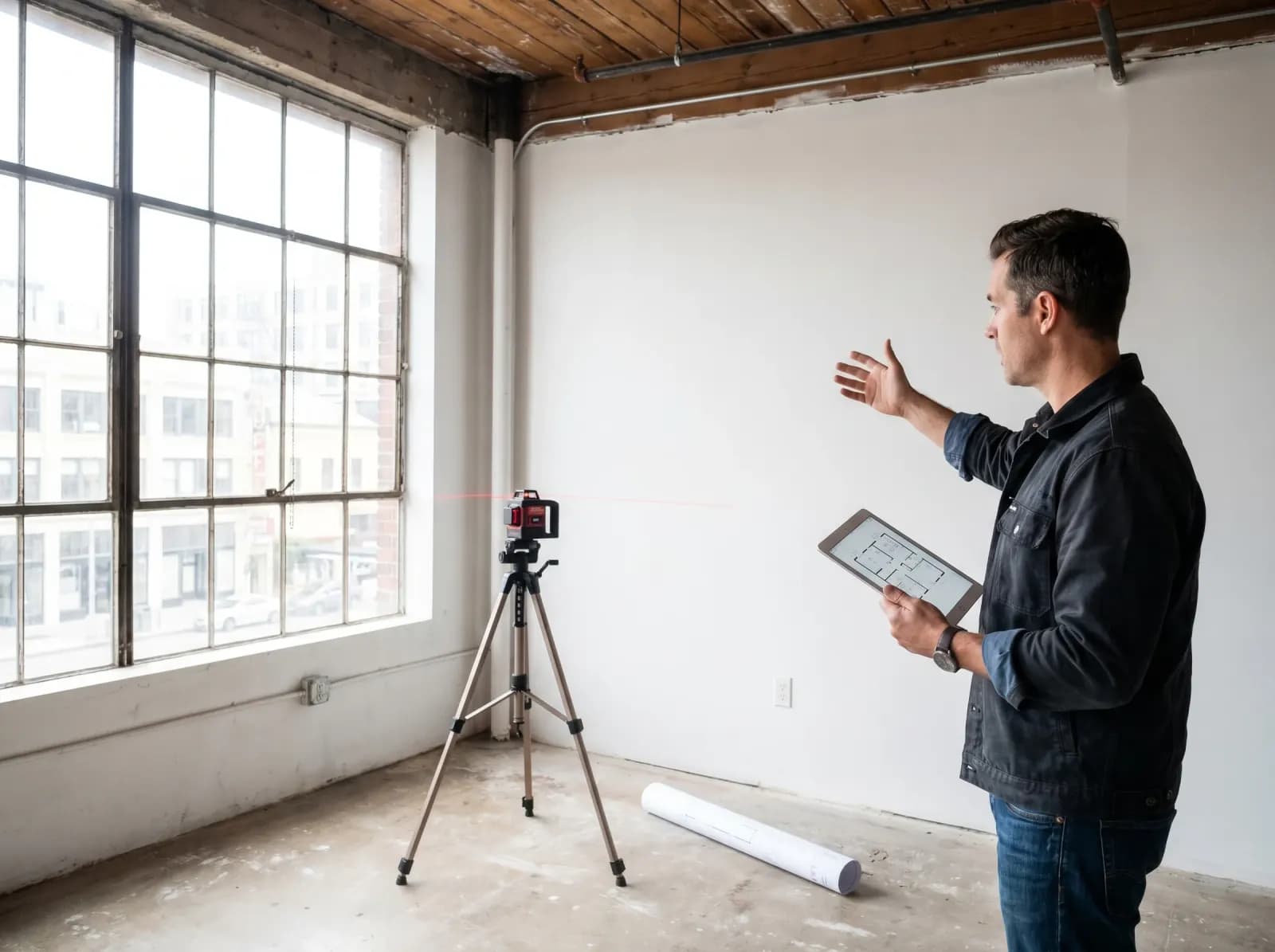
Renovation & remodel pros
Strip a room down to its shell before pitching a renovation. Clients see the empty starting point you'll work from.
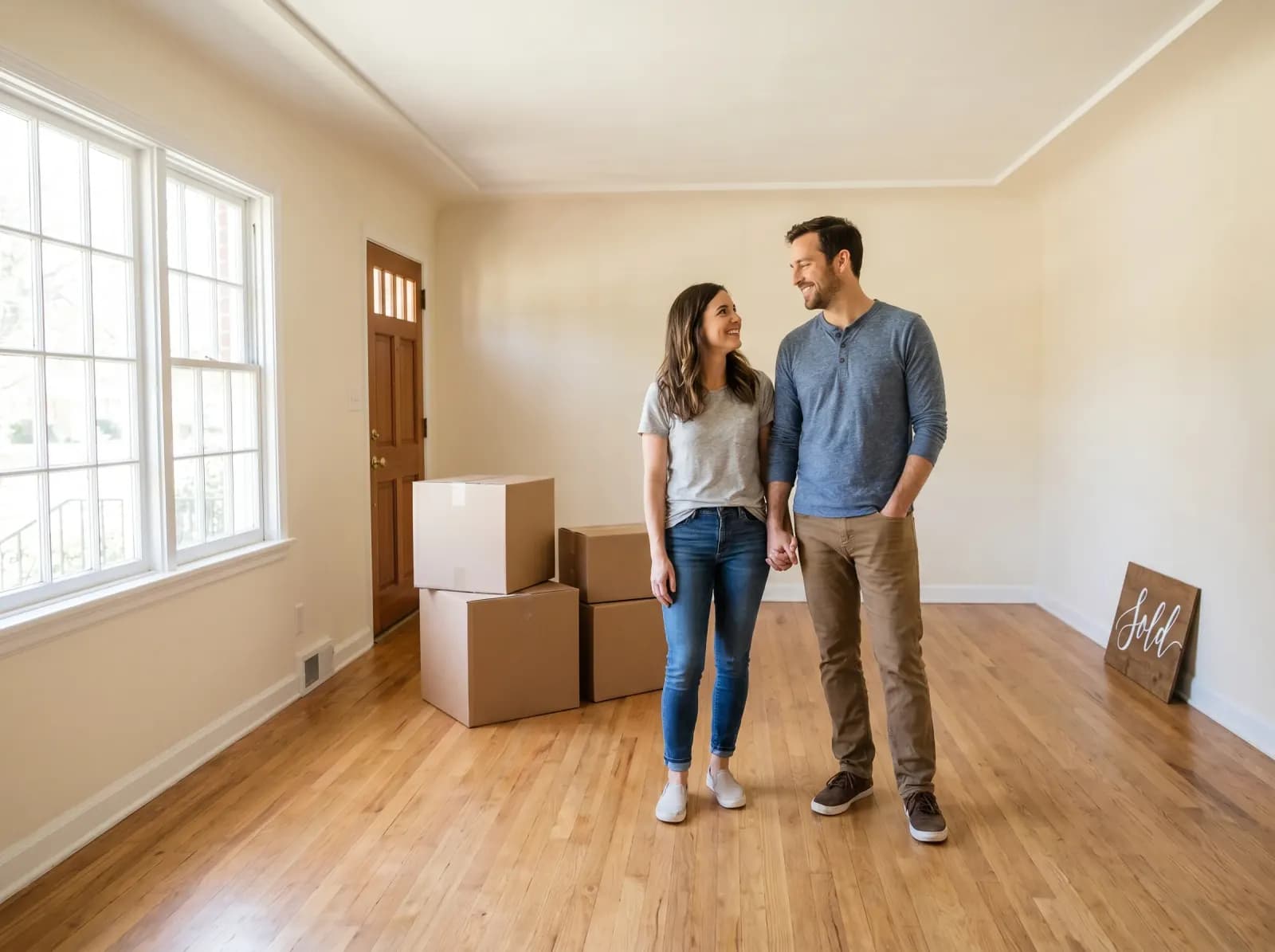
Homeowners selling
Declutter your own photos before the listing goes live. No need to actually move furniture out to get the empty look.
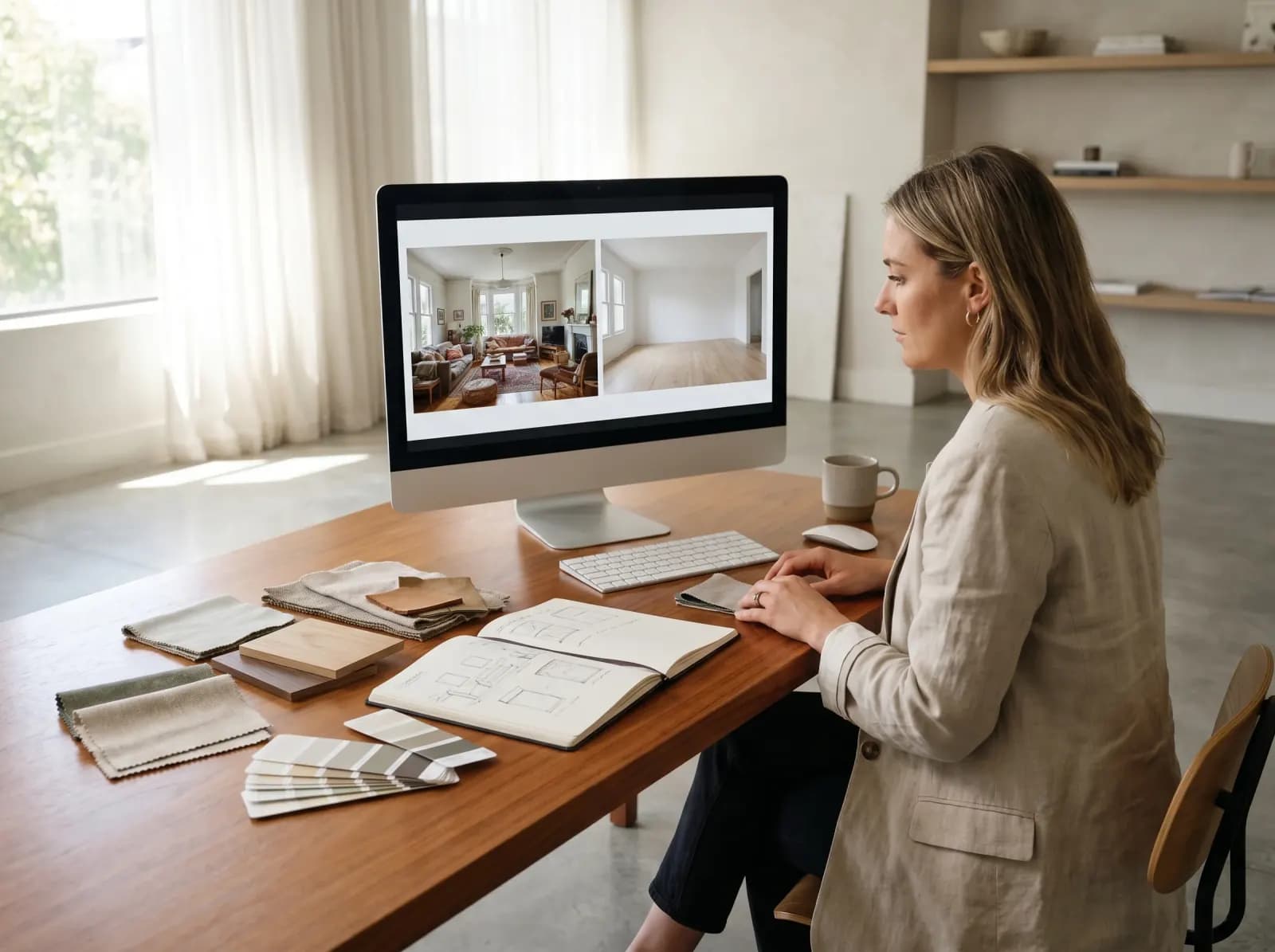
Interior designers
Build a before-after portfolio from any project. Empty the original photo, then virtually stage your design on top.
AI furniture removal FAQ
- No — the AI treats the room's architecture as binding. Walls, floor, ceiling, windows, doors and built-in fixtures stay exactly where they are. Only movable furniture, decor, rugs, plants and clutter are removed.
- Yes for vacant properties. MLS rules generally allow empty-room photos when the home is being sold unfurnished or vacated. Always disclose digital alteration if your local MLS requires it — we recommend pairing AI-emptied photos with the appropriate disclosure.
- GenRoom's 2026 removal model is purpose-built for interior architecture — it preserves perspective, flooring patterns and wall planes more reliably than general-purpose fill. It also handles full-room clutter in one pass, vs masking each object individually.
- No — built-in cabinetry, fireplaces, radiators and fixed light fixtures are preserved by default. Only freestanding furniture, decor and movable objects are removed. If you need to remove a built-in too, mention it in your prompt.
- Windows are always preserved. Curtains and blinds are removed by default since they're treated as decor — if you want to keep blinds (common in commercial spaces), say so in your prompt.
- Yes — patio furniture, parasols, planters, string lights, outdoor rugs and decor all remove cleanly. The deck, railing, paving and surrounding garden are preserved.
- Up to 4K output for client deliverables. Standard real-estate aspect ratios (3:2, 4:3, 16:9) work natively. Square (1:1) for social media also supported.
Other tools for real-estate, staging and renovation:
Stop paying retouchers. Start emptying rooms.
Free first removal — upload any furnished-room photo. Empty-room canvas in 30 seconds.
Try furniture removal free