Turn sketches into photoreal renders in 30 seconds
Upload your hand sketch, SketchUp screenshot, or AutoCAD elevation. AI returns a photorealistic render at presentation quality — no V-Ray pipeline required.
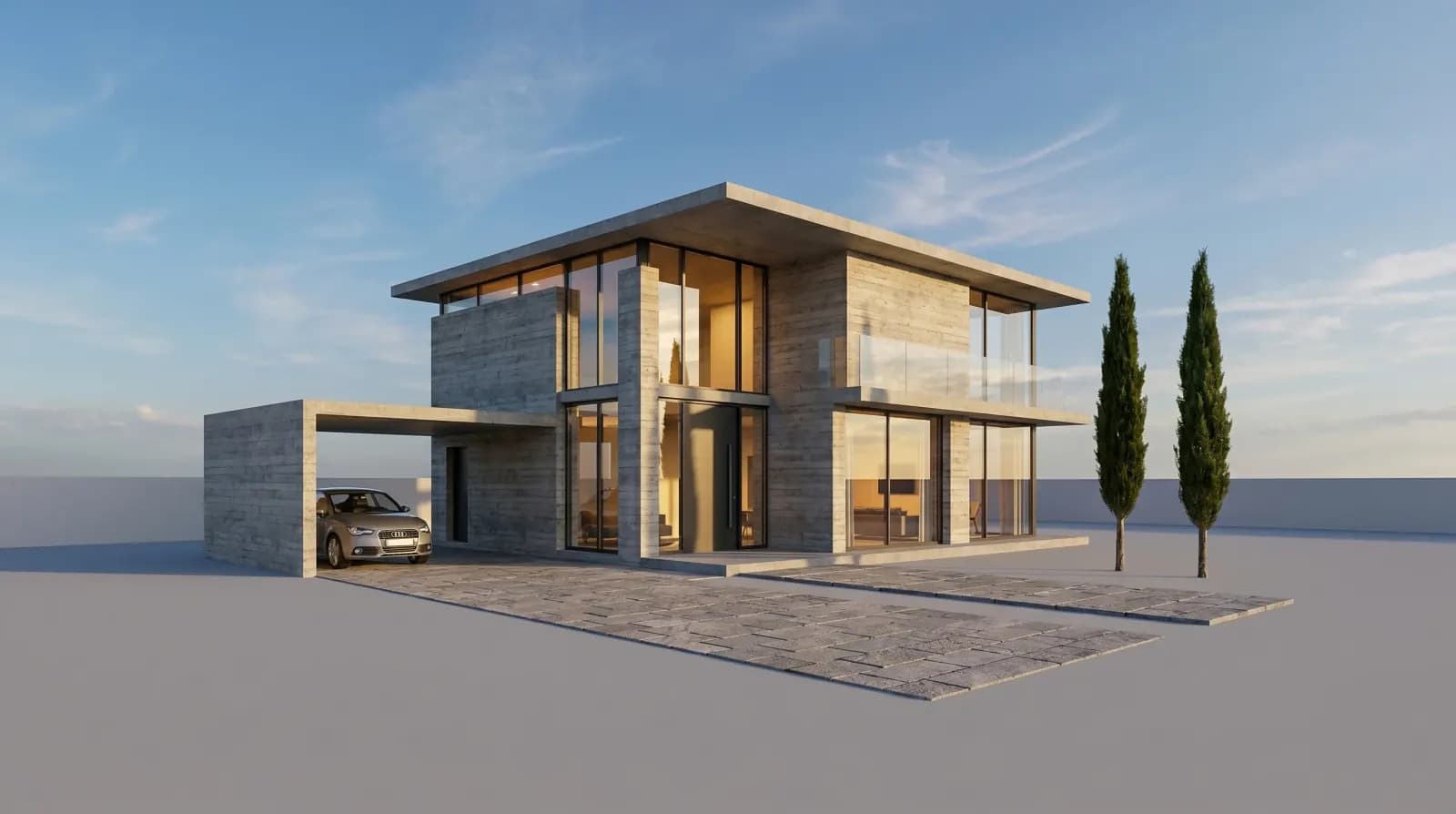
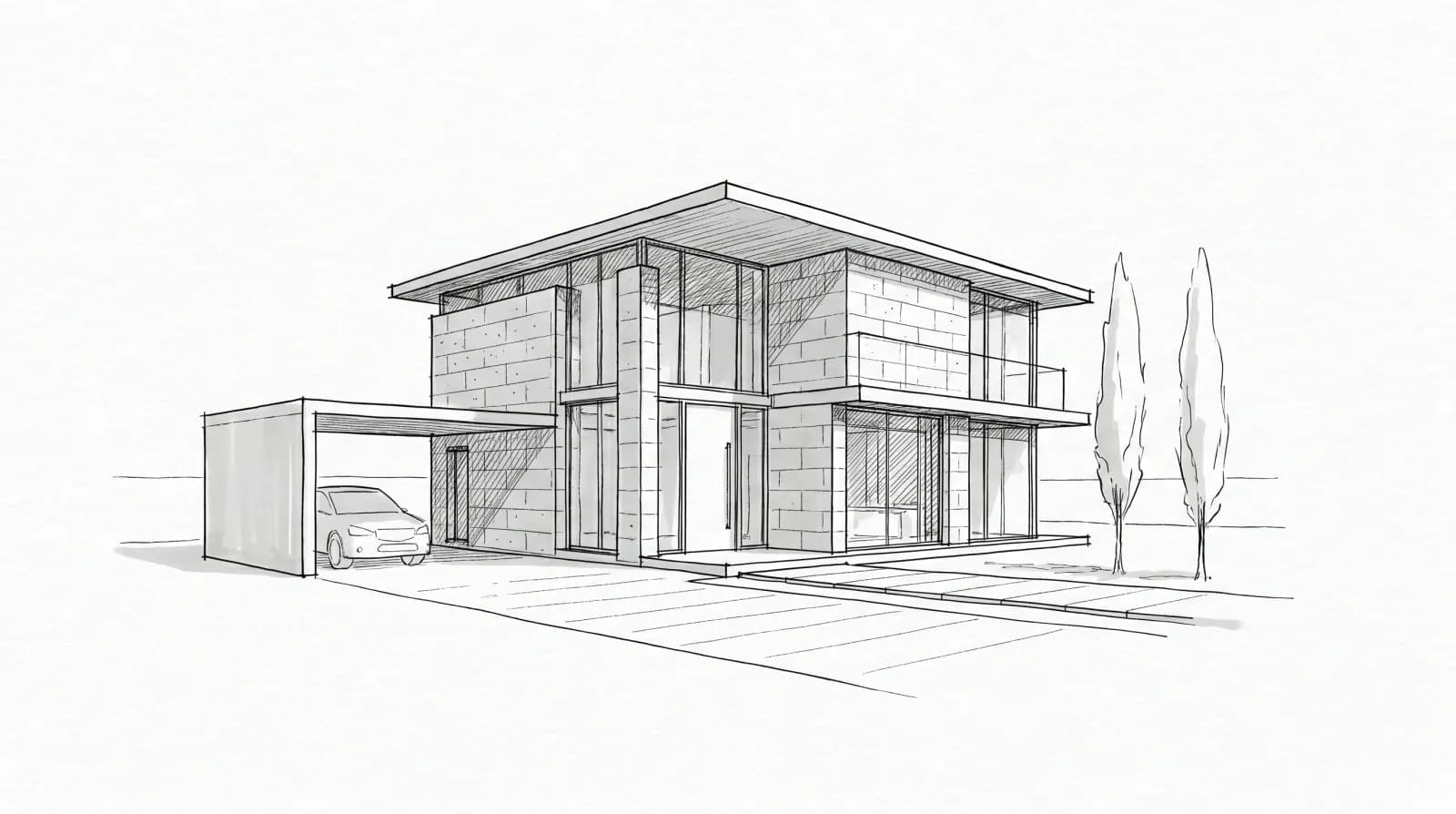
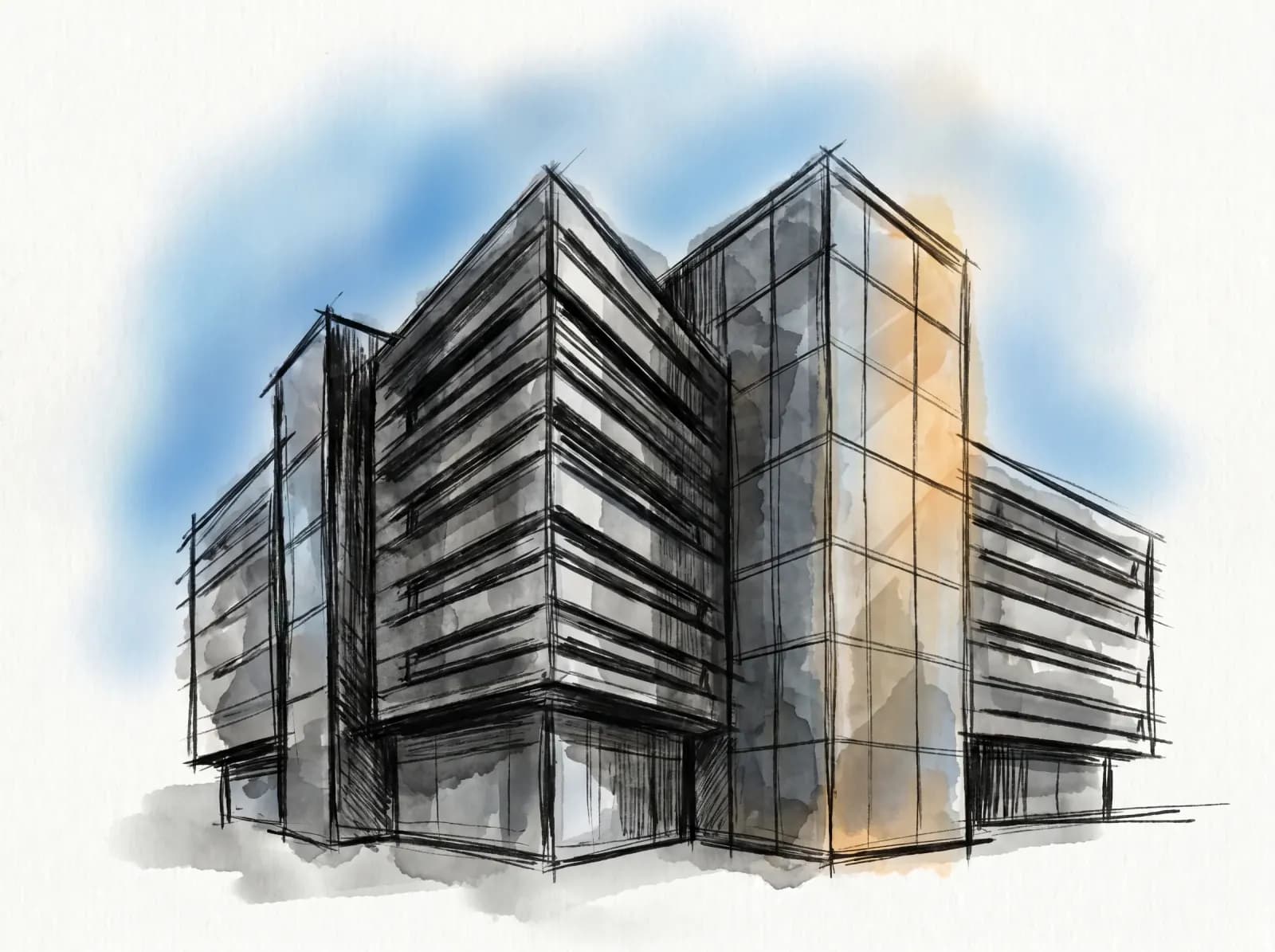
Traditional architectural rendering takes 4–24 hours per scene in V-Ray, Lumion, or Enscape — and requires a trained 3D operator. Sketch to render AI compresses that loop to under a minute, from a sketch or 3D viewport screenshot.
What inputs work
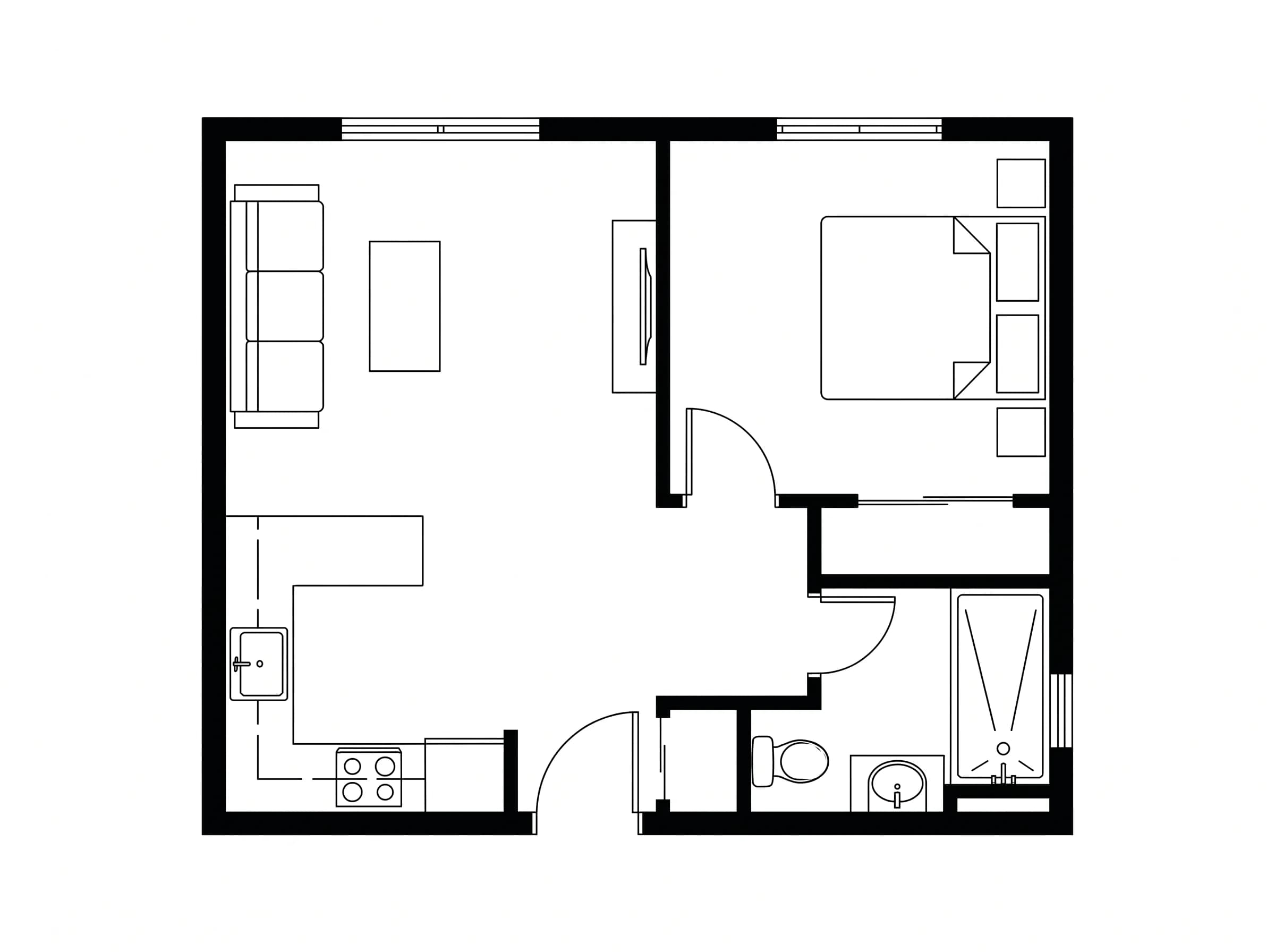
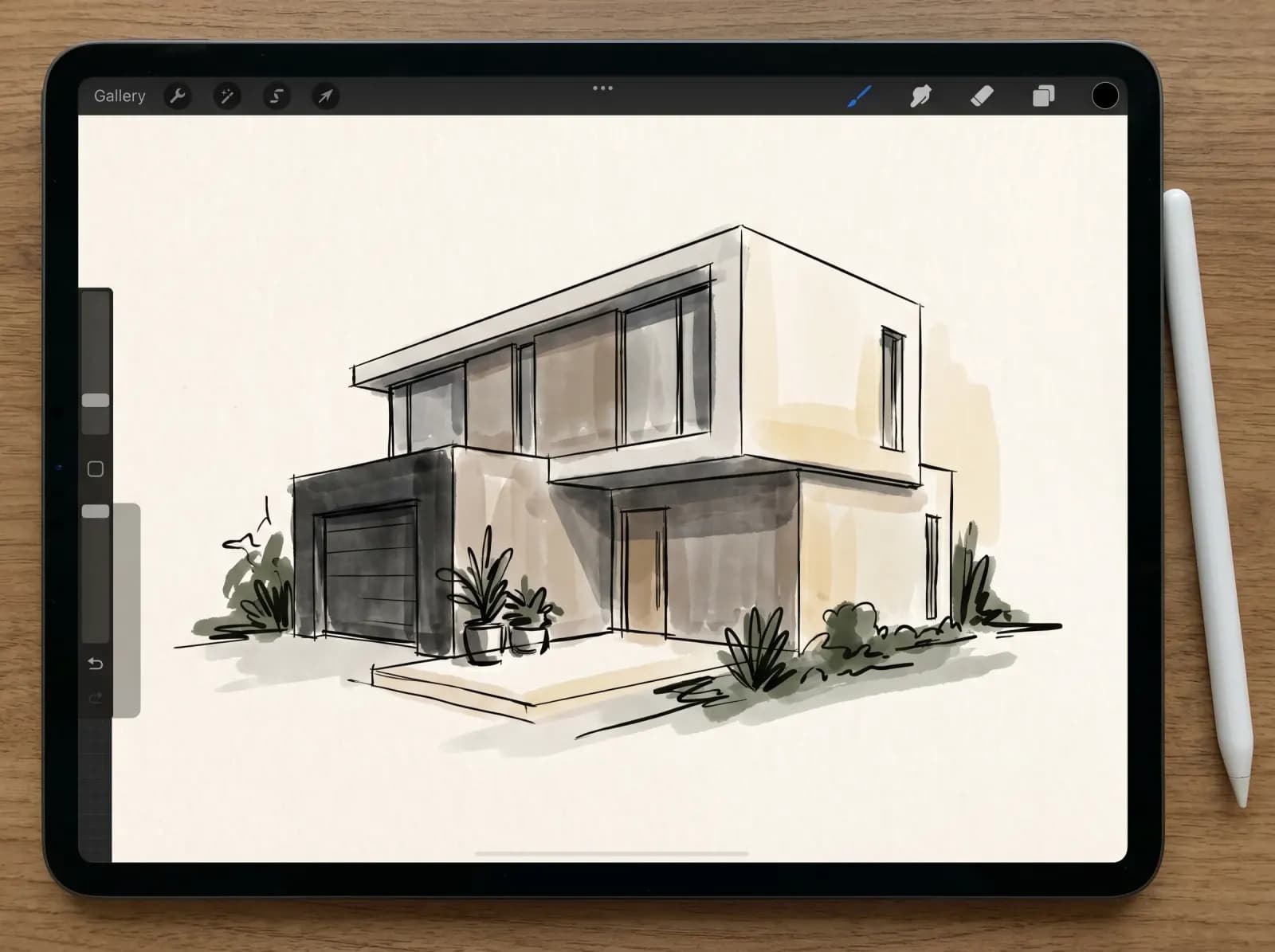
- Hand sketches — pen, pencil, marker, on paper or tablet (Procreate, iPad)
- SketchUp viewports — line + ambient occlusion exports work great
- Revit and ArchiCAD elevations and section views
- AutoCAD line drawings — 2D plans and elevations
- Photoshop concept boards — even rough digital sketches
What the AI does
It interprets architectural geometry — walls, windows, openings, materials — and applies photoreal lighting, textures, vegetation, and sky. Compatible with both interior and exterior workflows. Output resolution: up to 4K for client deliverables.
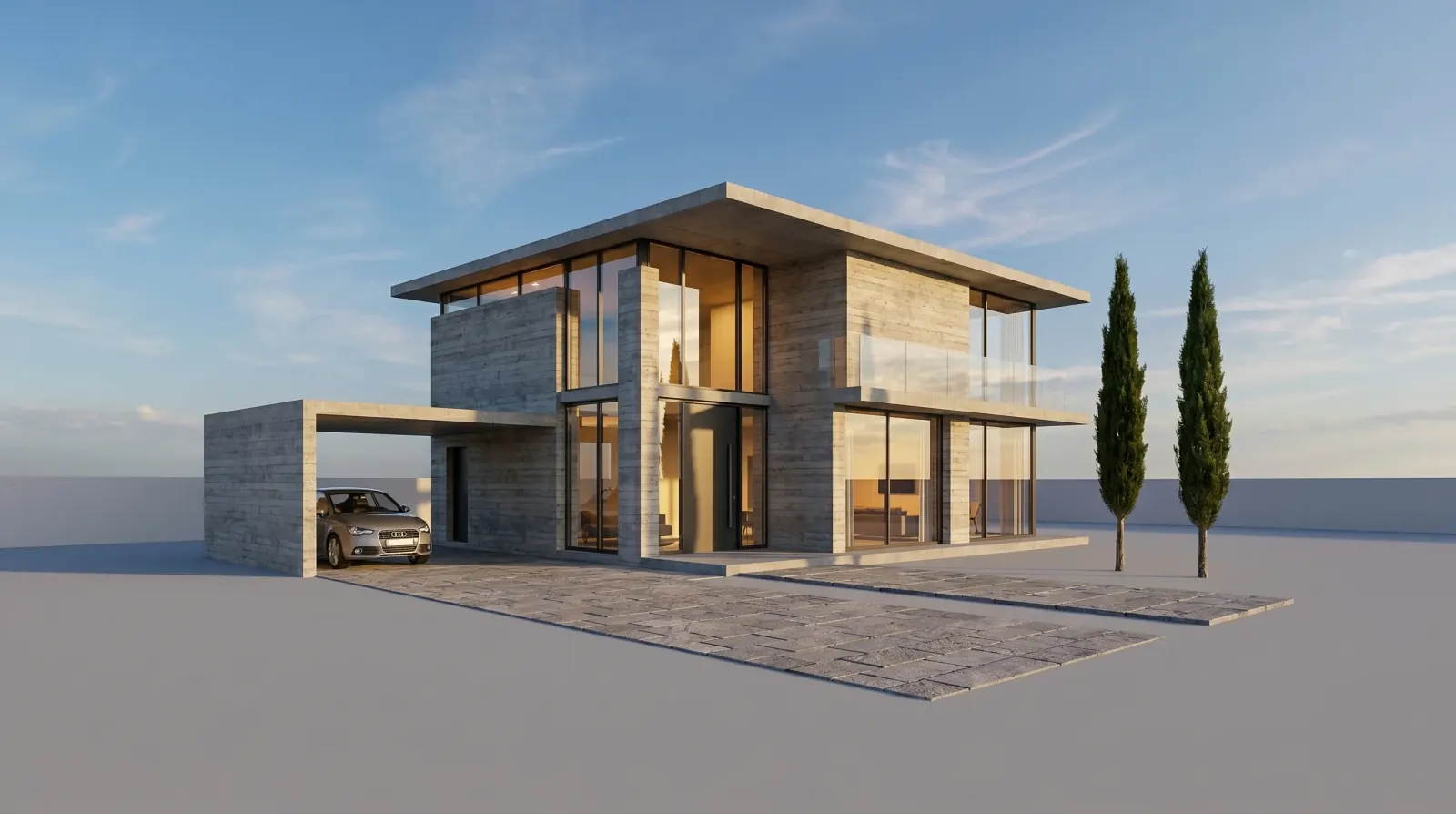
Sketches rendered by our AI
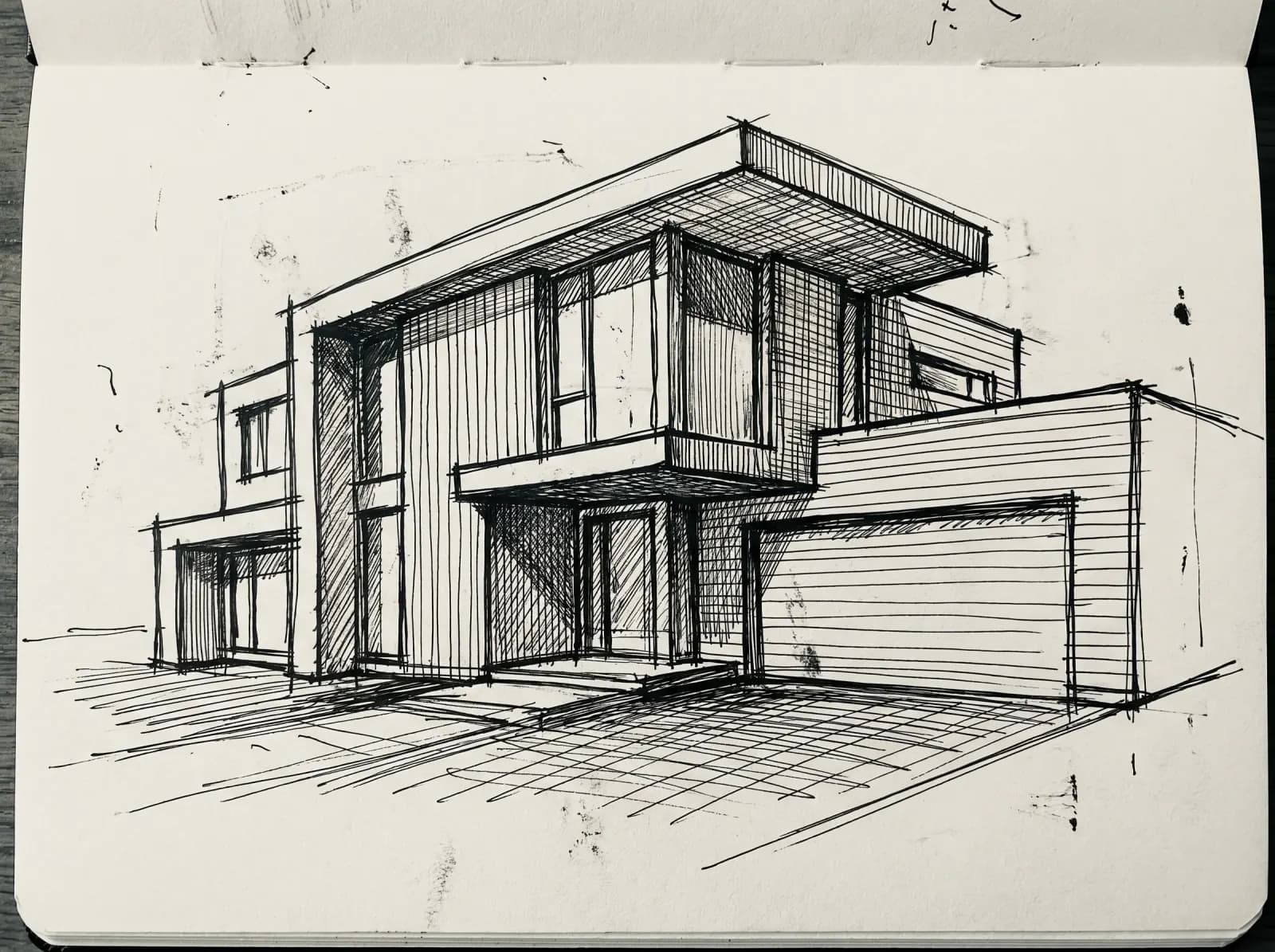
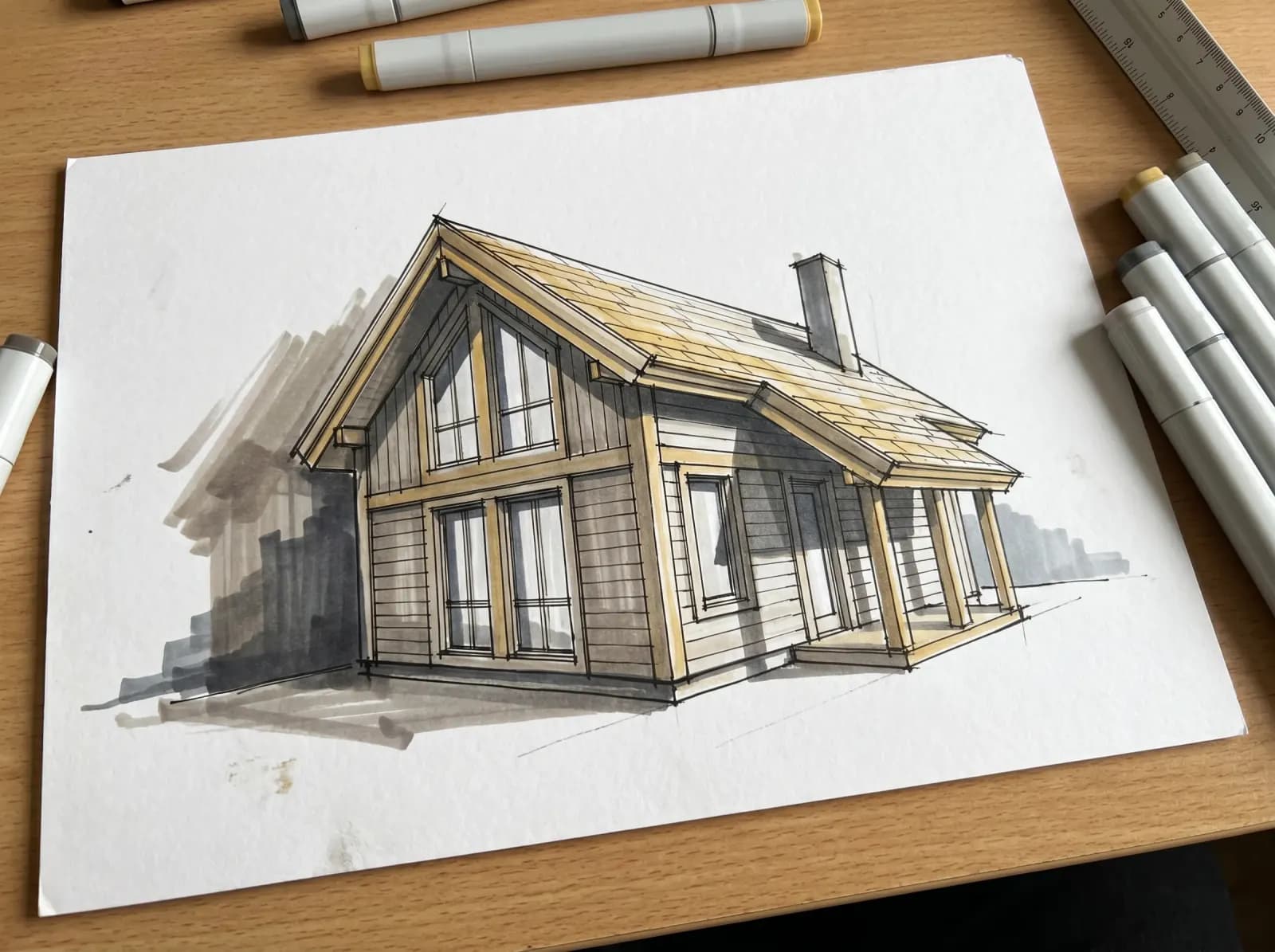
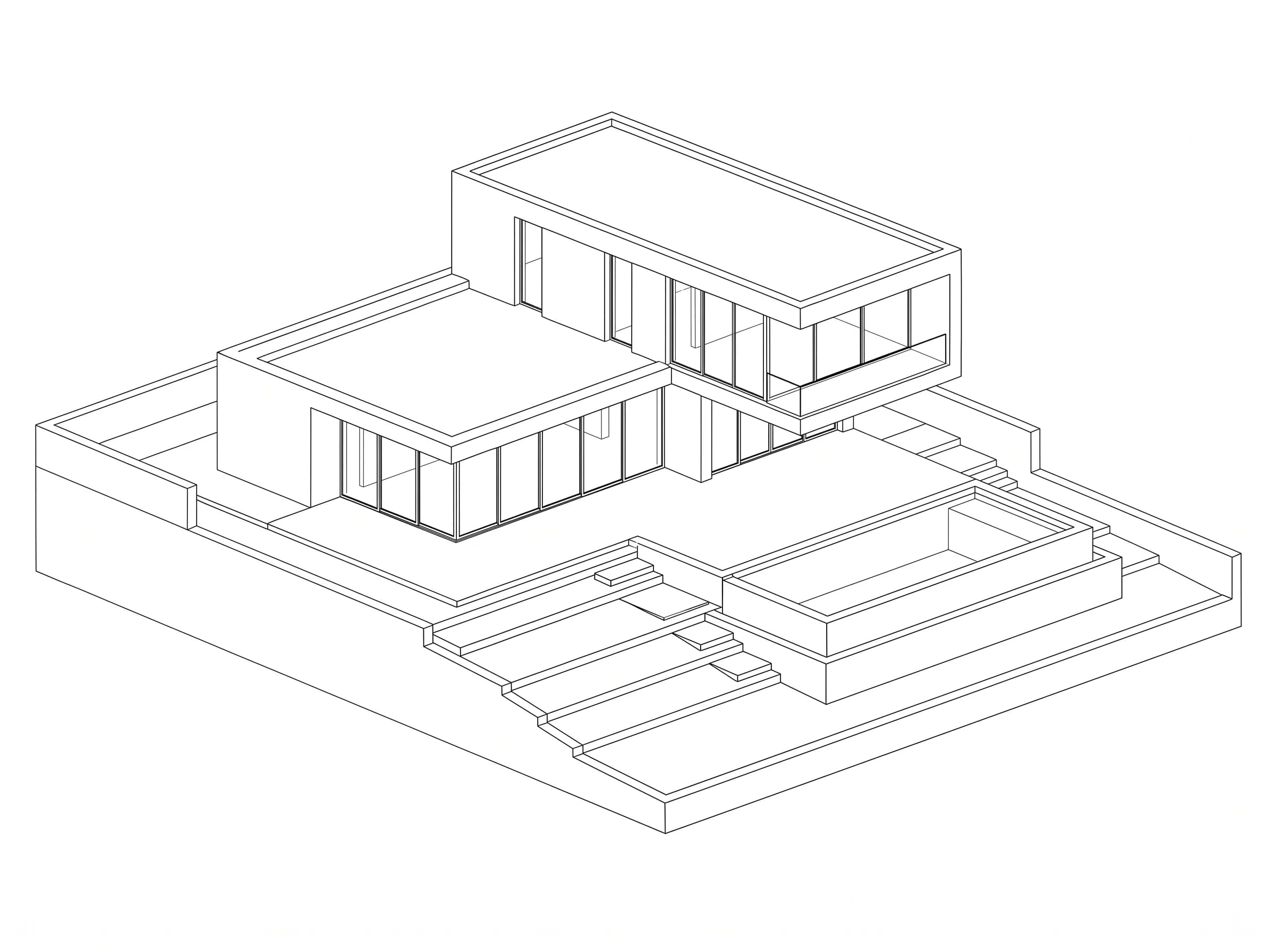
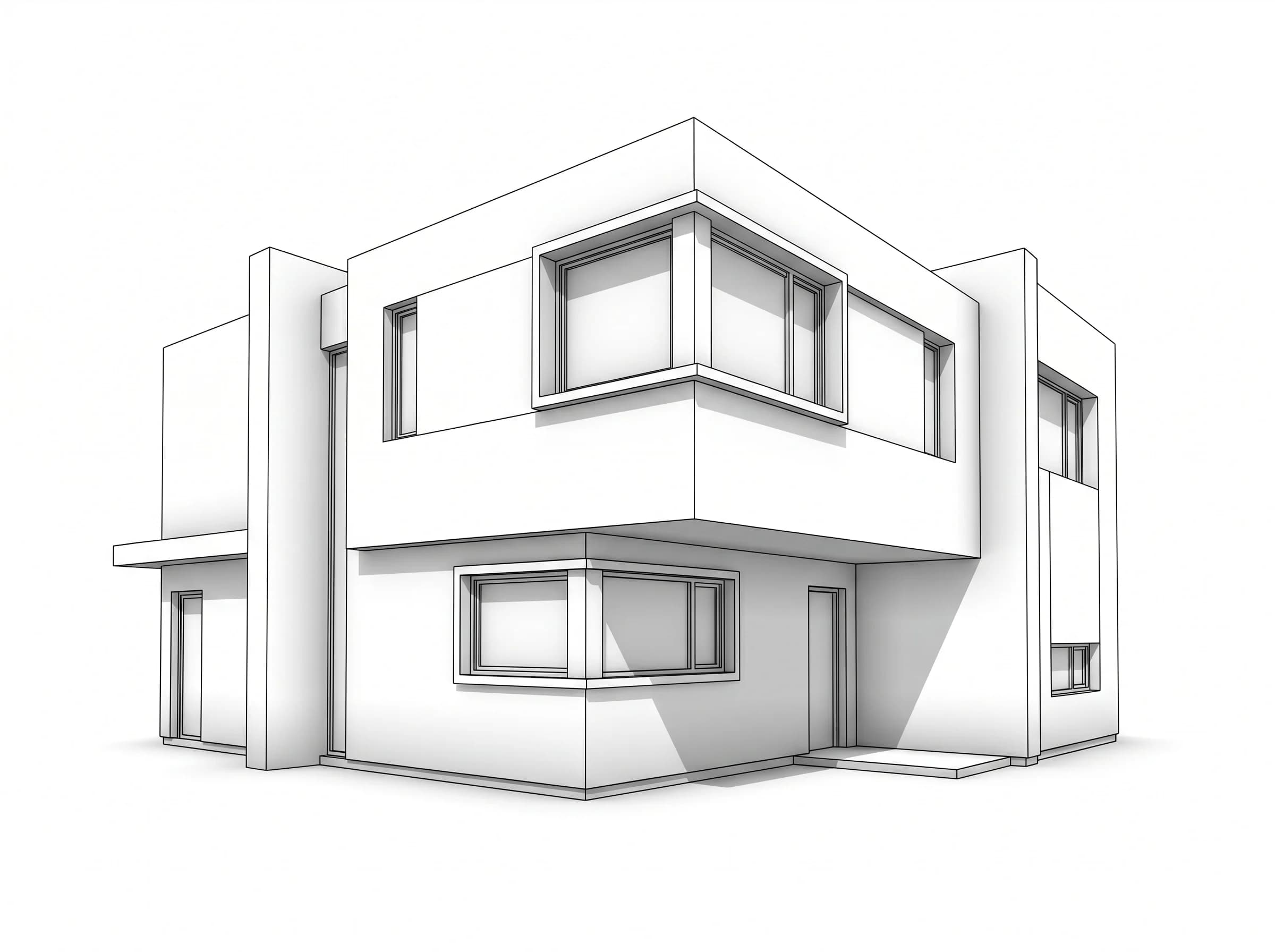
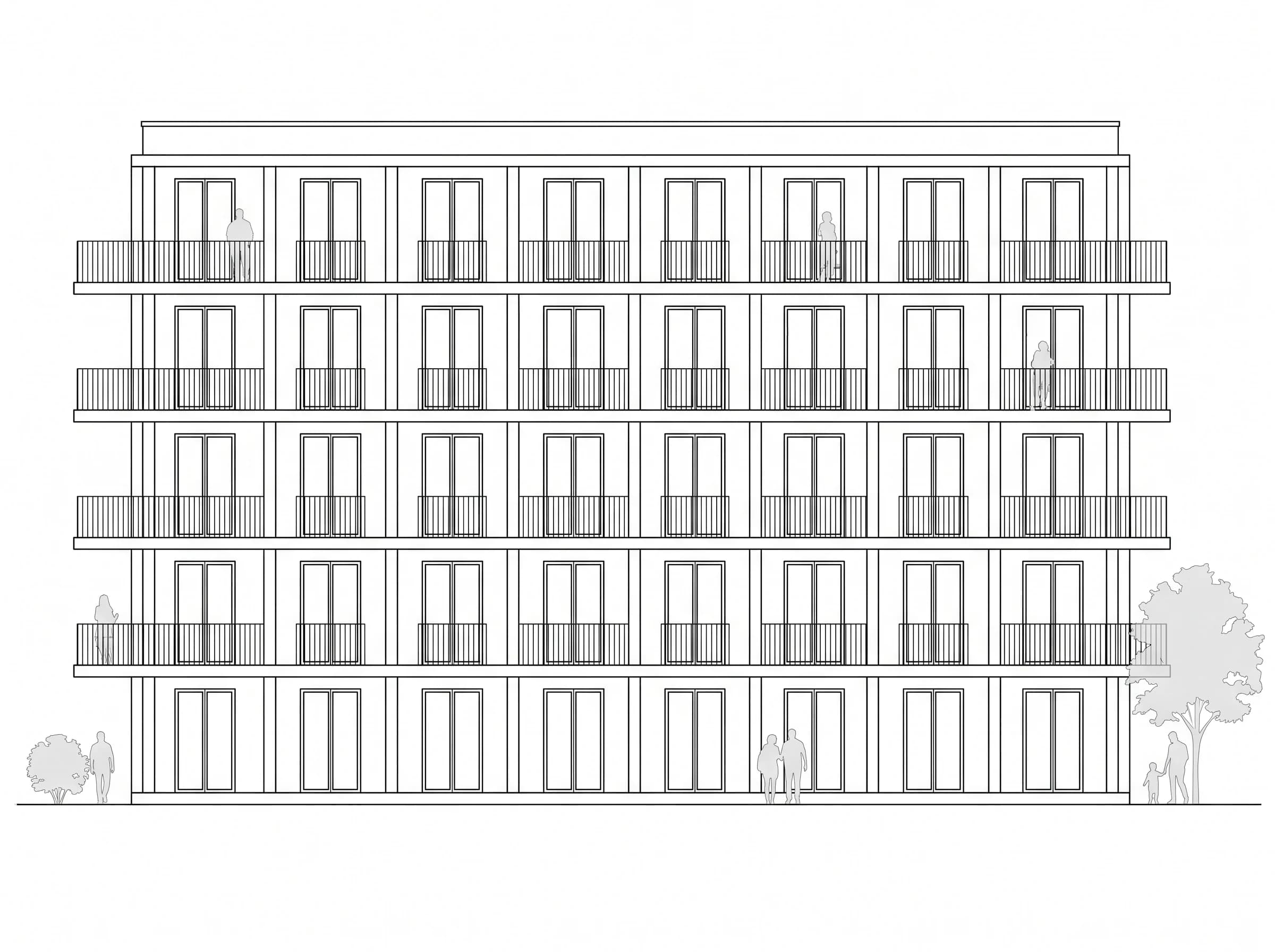
Why architects use sketch-to-render AI
No V-Ray license required
Skip the $700/year V-Ray license, RTX-class GPU rendering, and 4-hour learning curve. Upload, get render.
Iteration in seconds, not days
Client wants to see warm wood instead of concrete? Regenerate in 30 seconds. Test 10 material palettes before lunch.
Preserve your geometry
The AI treats your sketch as the binding contract — it photorealizes the design you drew, not what it imagines.
High-res presentation exports
4K outputs ready for client presentations, competition boards, and PDF spec packets.
Sketch / Render
 Sketch
 Render
 Sketch
 Render
 Sketch
 Render
Built for
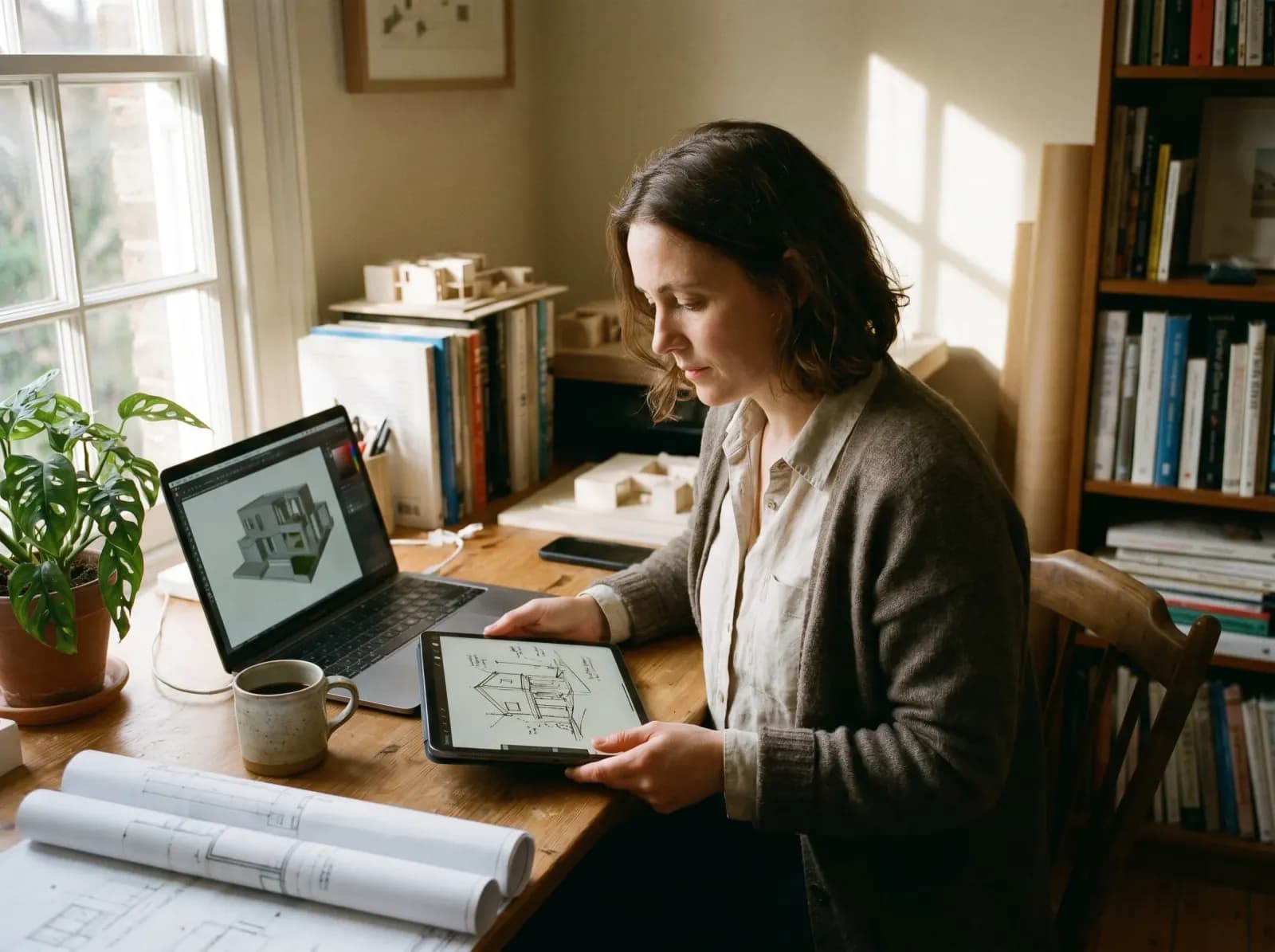
Solo architects
Skip outsourcing rendering. Deliver client-ready visuals during the first sketch meeting.
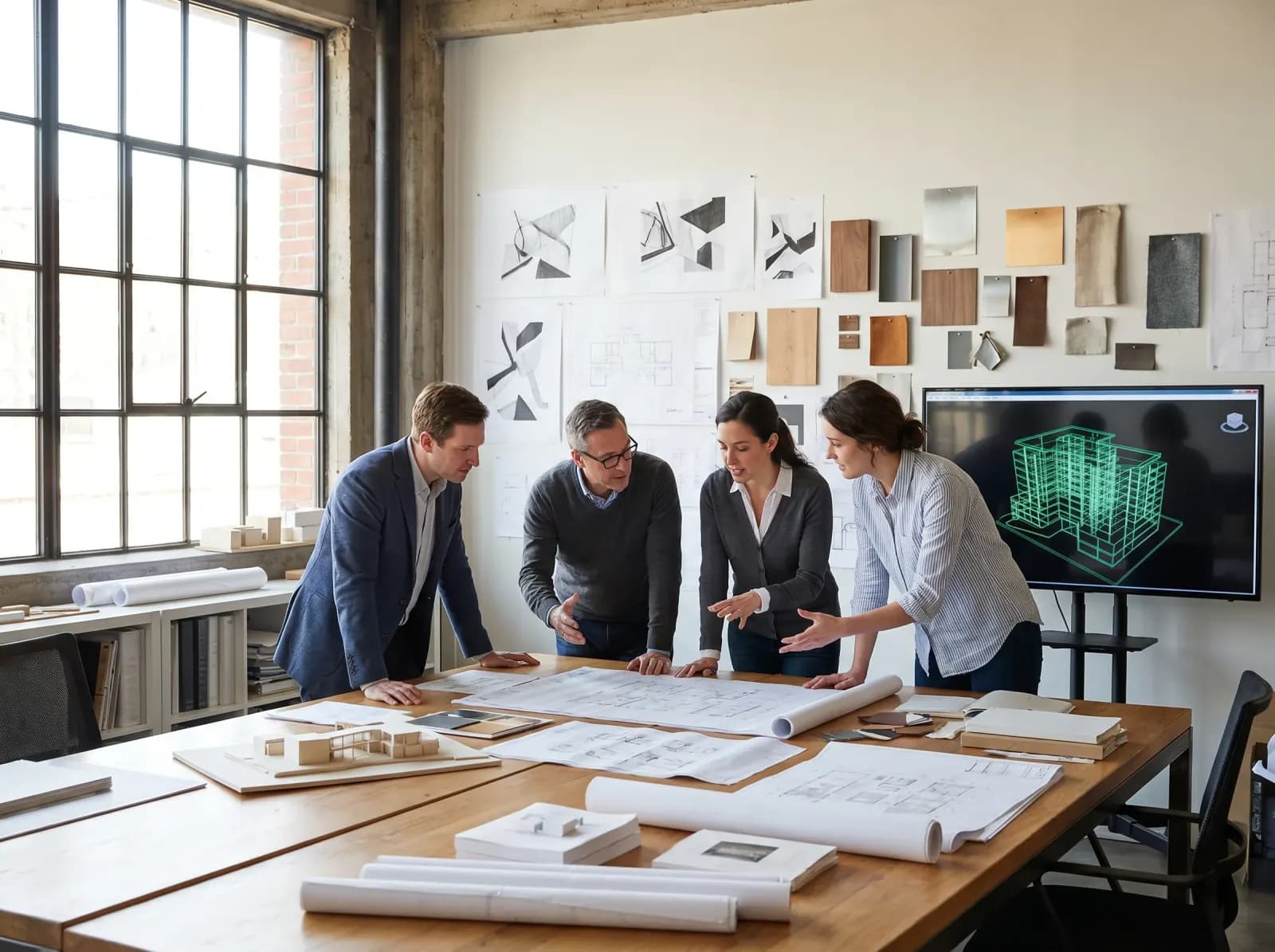
Architecture firms
Free up your visualizer for hero shots. Use AI for early concept and material exploration.
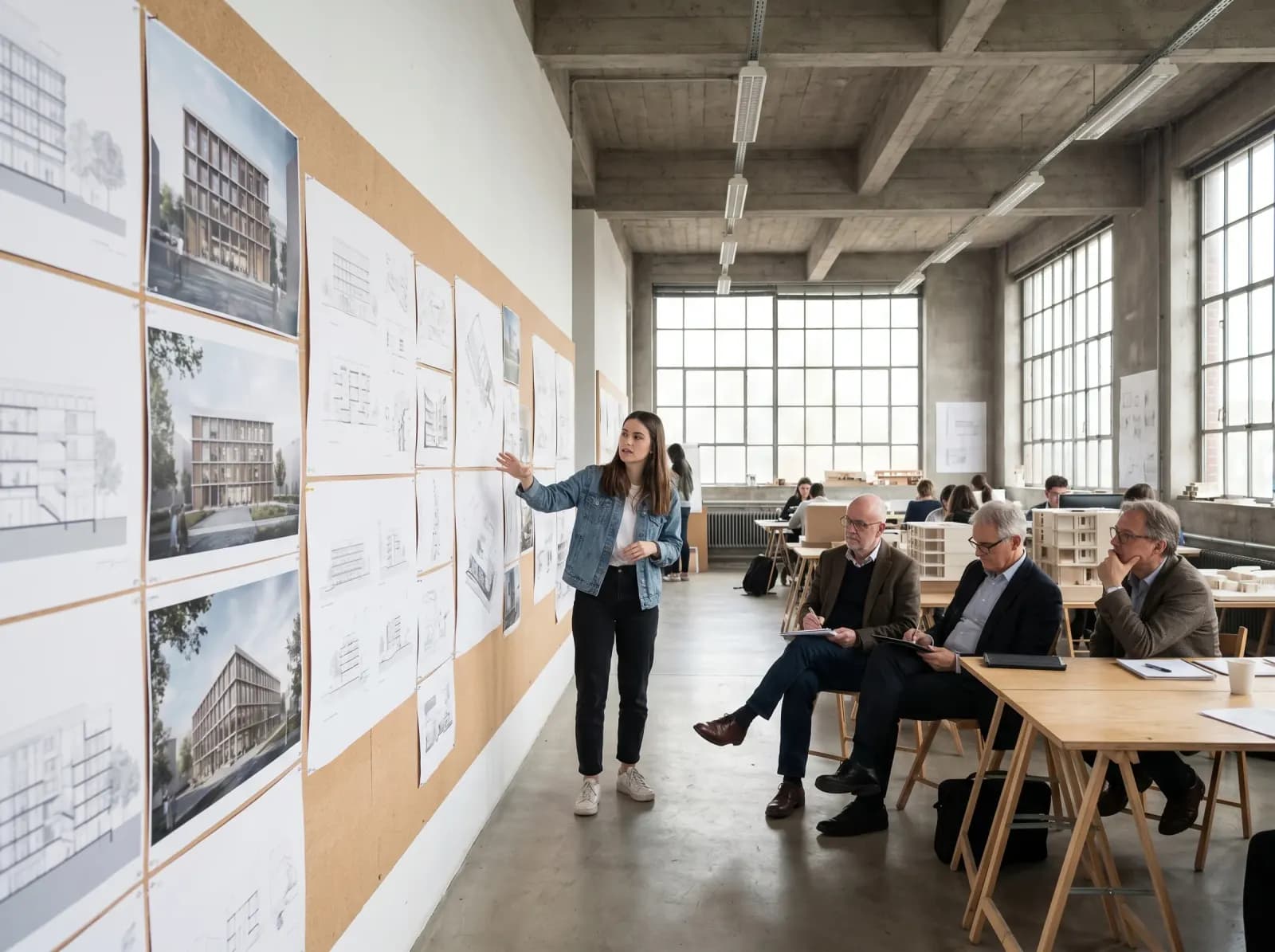
Architecture students
Present your studio projects at the level of professional firms. Free tier supports student work.
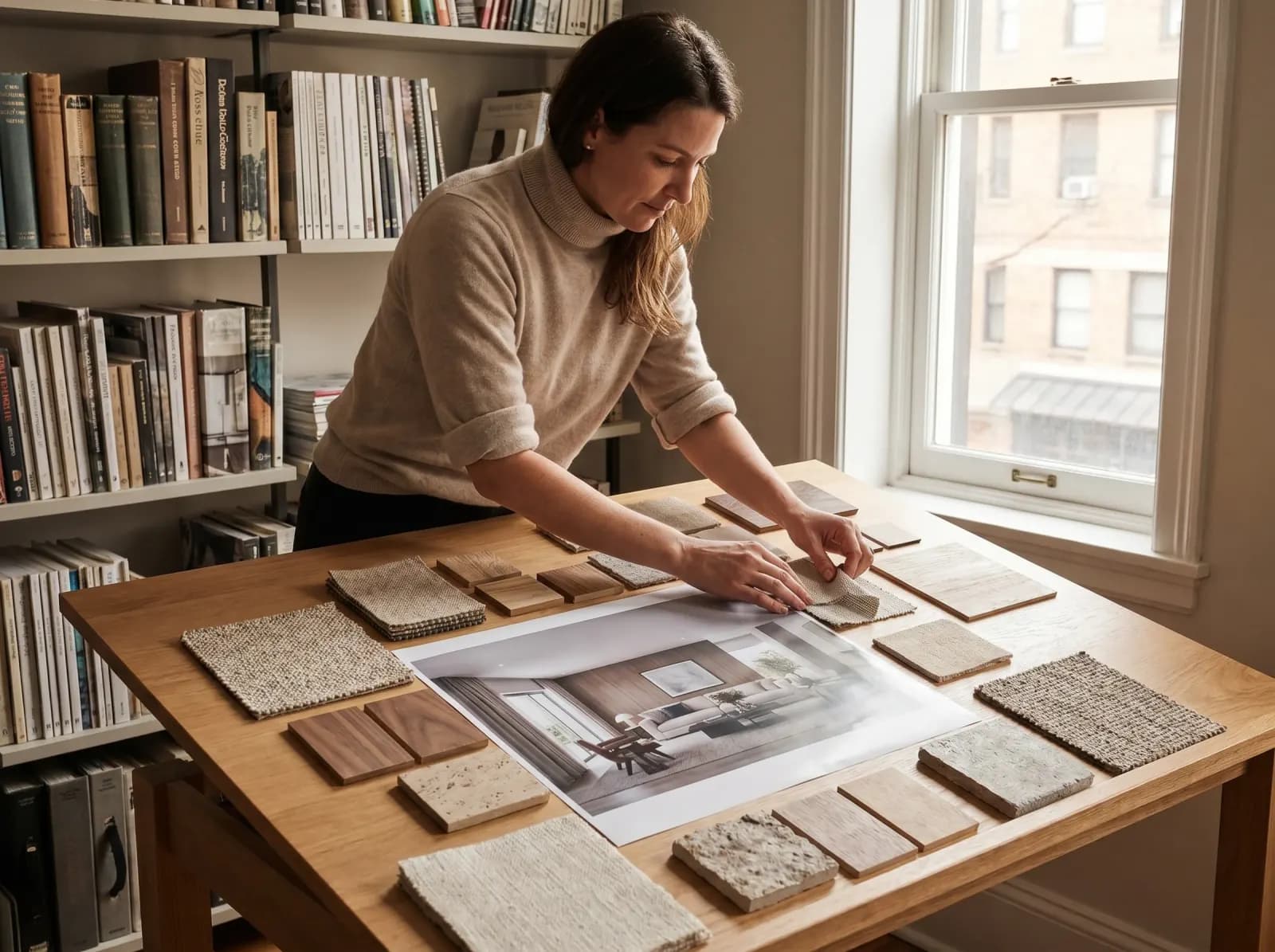
Interior architects
Test material palettes and lighting before committing to a full SketchUp model.
Sketch to render AI FAQ
- No — the AI treats your sketch geometry as binding. It photorealizes materials, lighting, vegetation and surrounding context. Walls, openings, and proportions stay where you drew them.
- GenRoom's 2026 sketch-to-render model focuses specifically on architectural fidelity (geometry preservation) where general AI tools often hallucinate windows or change proportions. Output quality is comparable to or exceeds Veras and Lookx for residential and small commercial.
- Yes — commercial use is allowed on every plan. Paid packs remove the watermark, and Basic and Pro include free 4K upscaling. Many architecture students use it for studio reviews.
- Yes — exteriors work with sketches, elevations, and SketchUp models. The AI handles sky, vegetation, ground plane, and shadow casting from sketch geometry.
- Yes. The model is trained on architectural sketch conventions — hatch lines as material indicators, ambient occlusion shading, and standard architectural notation. Cleaner sketches give better results.
- Yes — "golden hour with low autumn sun", "overcast Nordic winter", "noon Mediterranean summer" all work in the prompt.
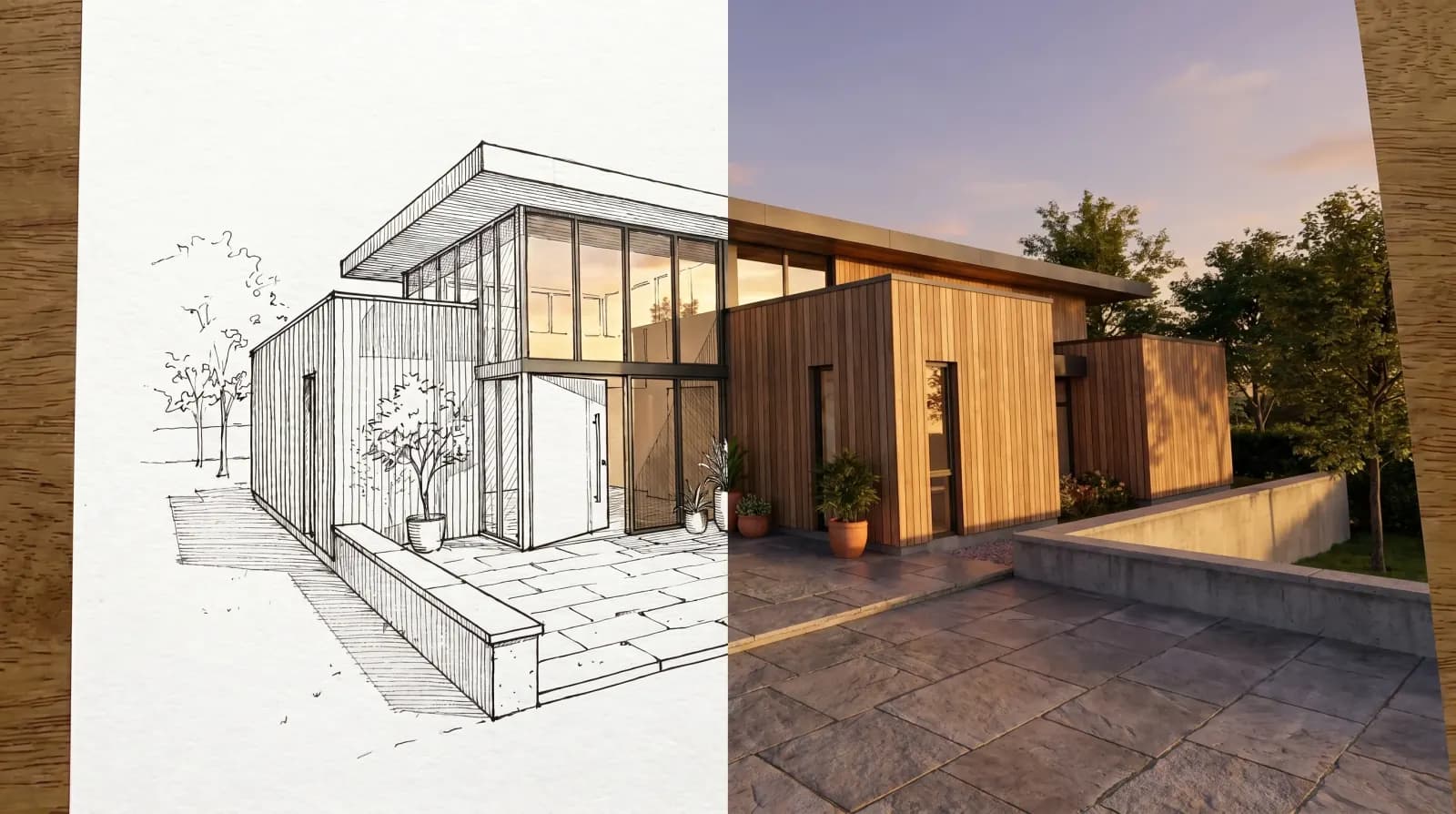
Stop fighting V-Ray. Start presenting.
Free first render — upload your sketch or SketchUp screenshot. Photoreal output in 30 seconds.
Try sketch to render free