AI object removal for home photos

Remove objects from a photo. Keep everything else.

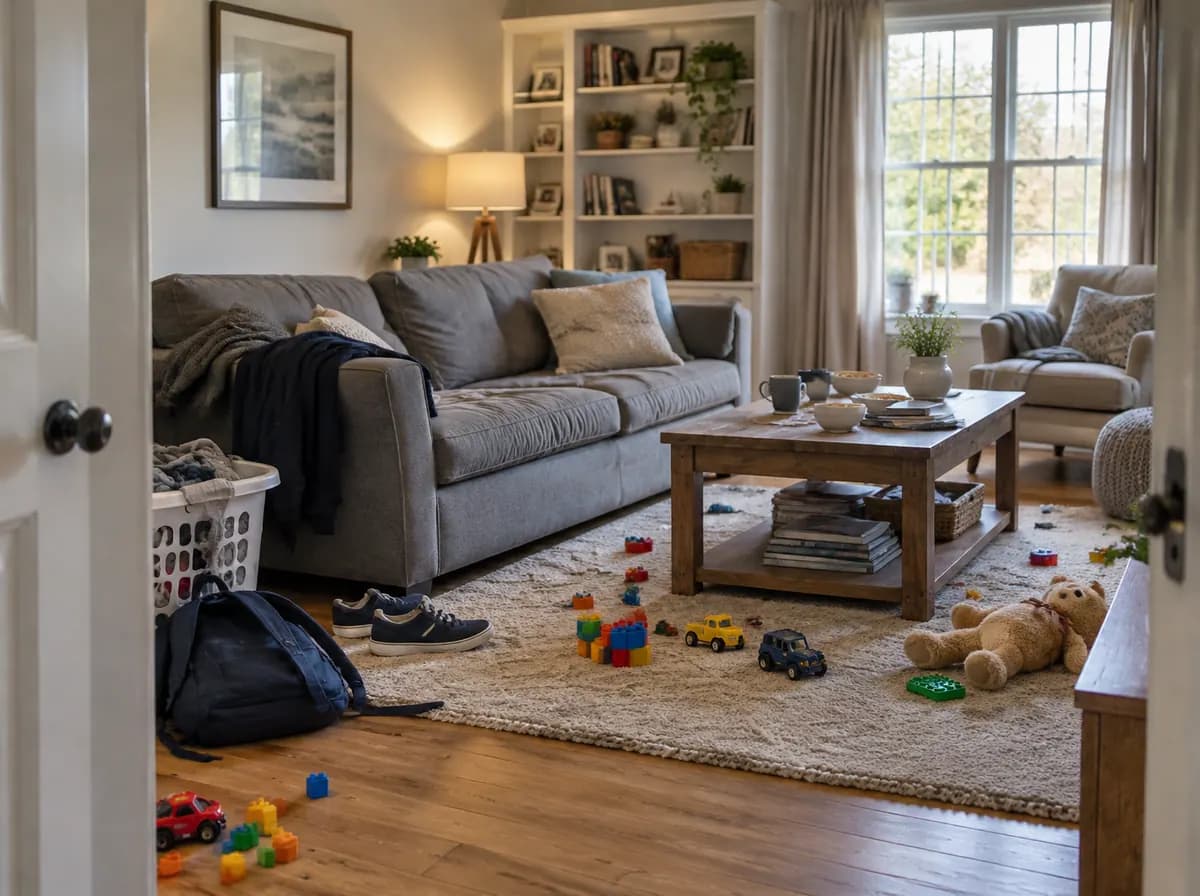
Take clutter, people, a parked car, bins, cables or one specific object out of a room or house photo. The furniture, the walls and the camera angle stay as they were.

  • 2 credits per edit
  • About 30 seconds
  • Rooms, house fronts, yards

Sign in to start: a free account gets 6 credits, enough for 3 edits.

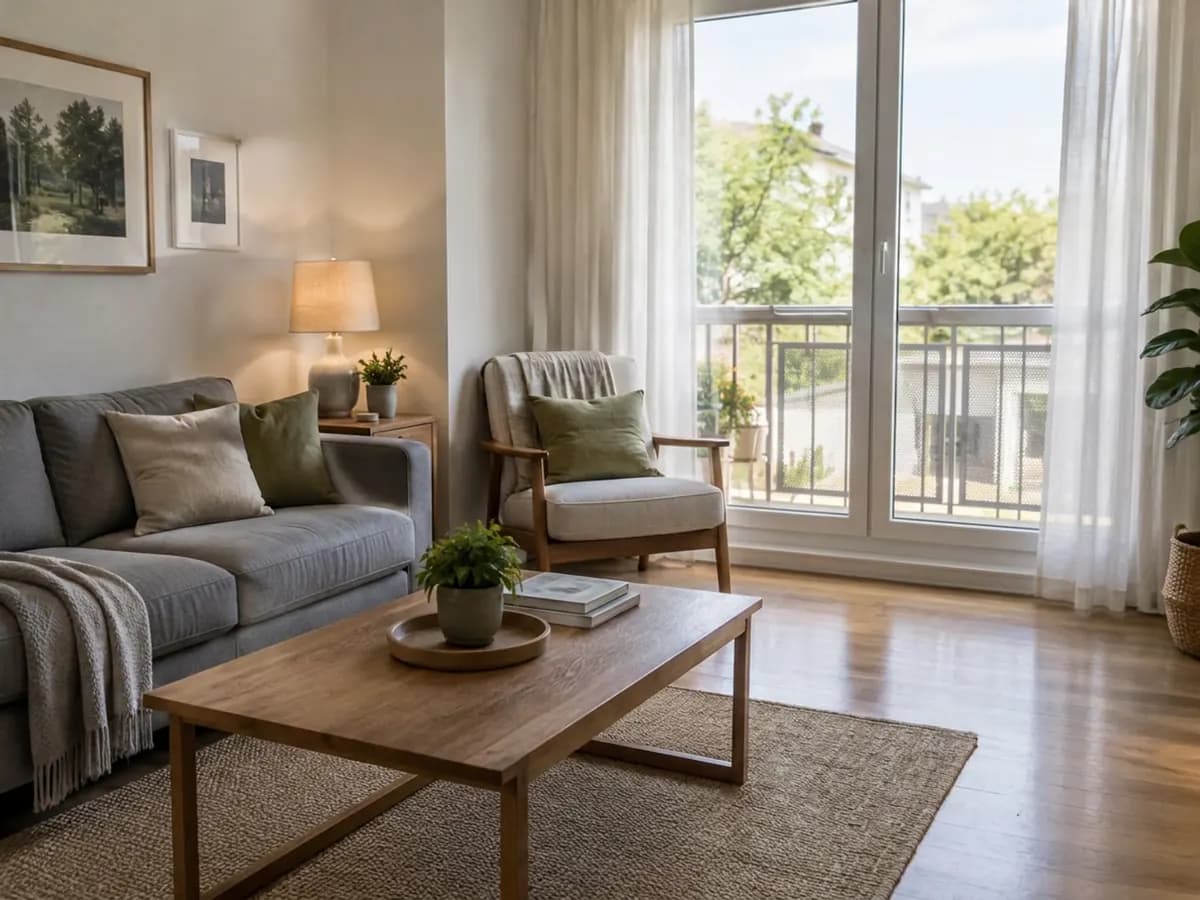
Living room — Before
Living room

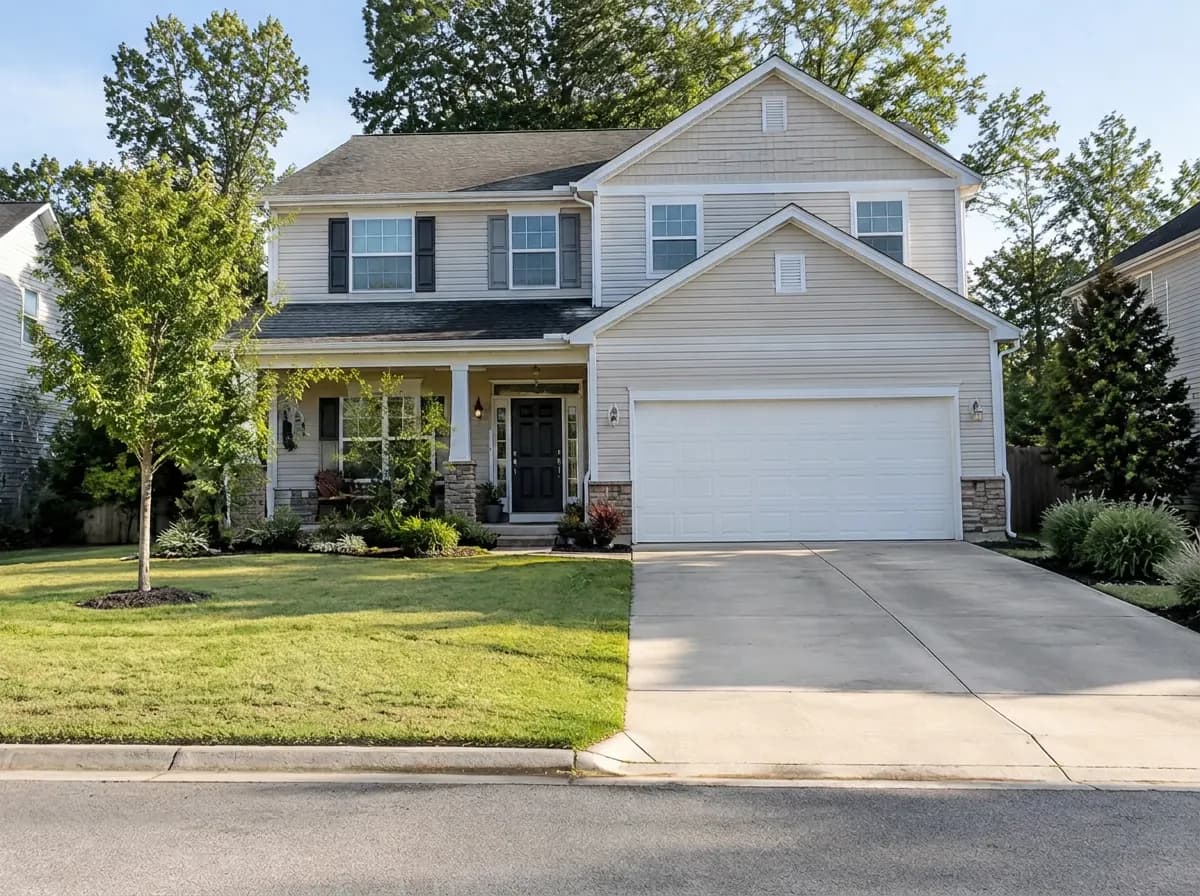
Every picture on this page is a real GenRoom Studio result: the same photo before and after one run.

  • Toys
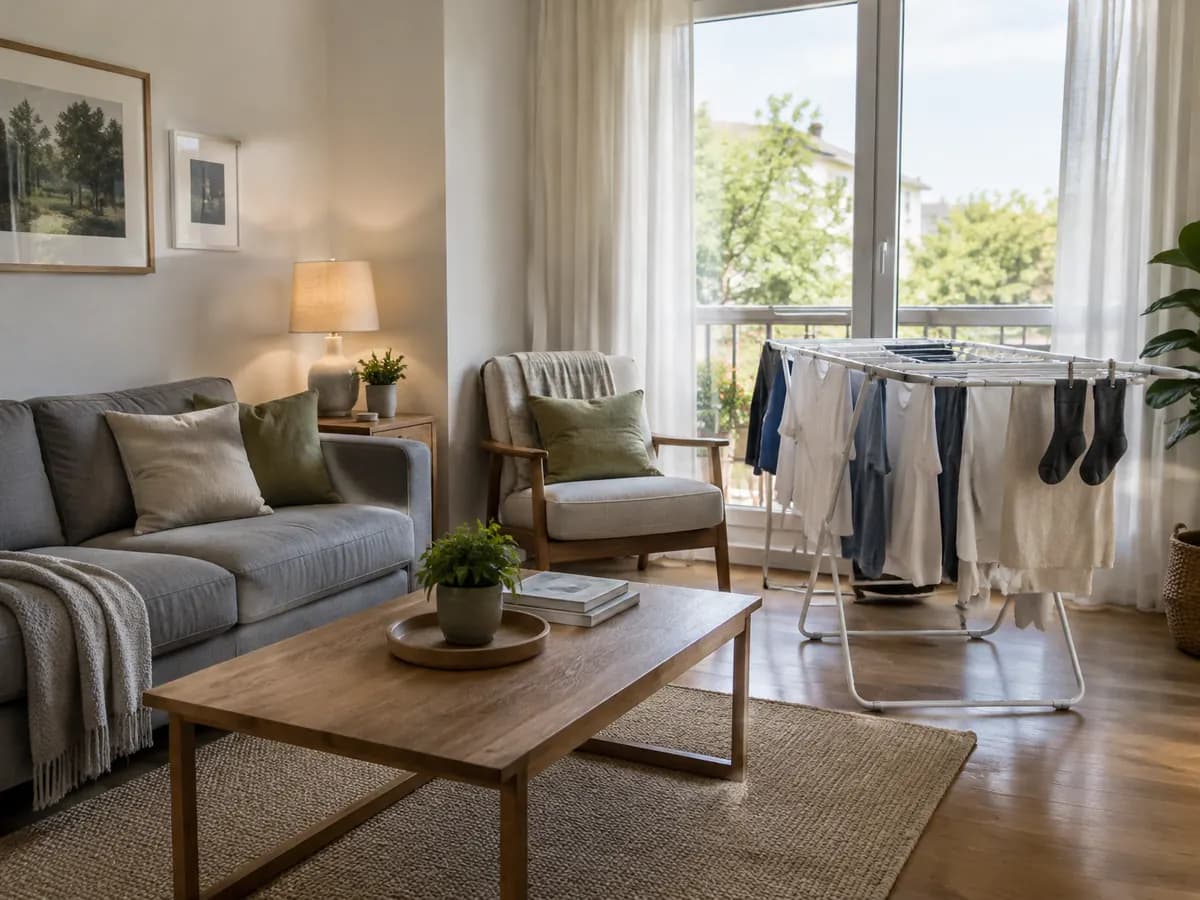
  • Laundry
  • Shoes
  • Bags
  • Dishes
  • Jars
  • Mail
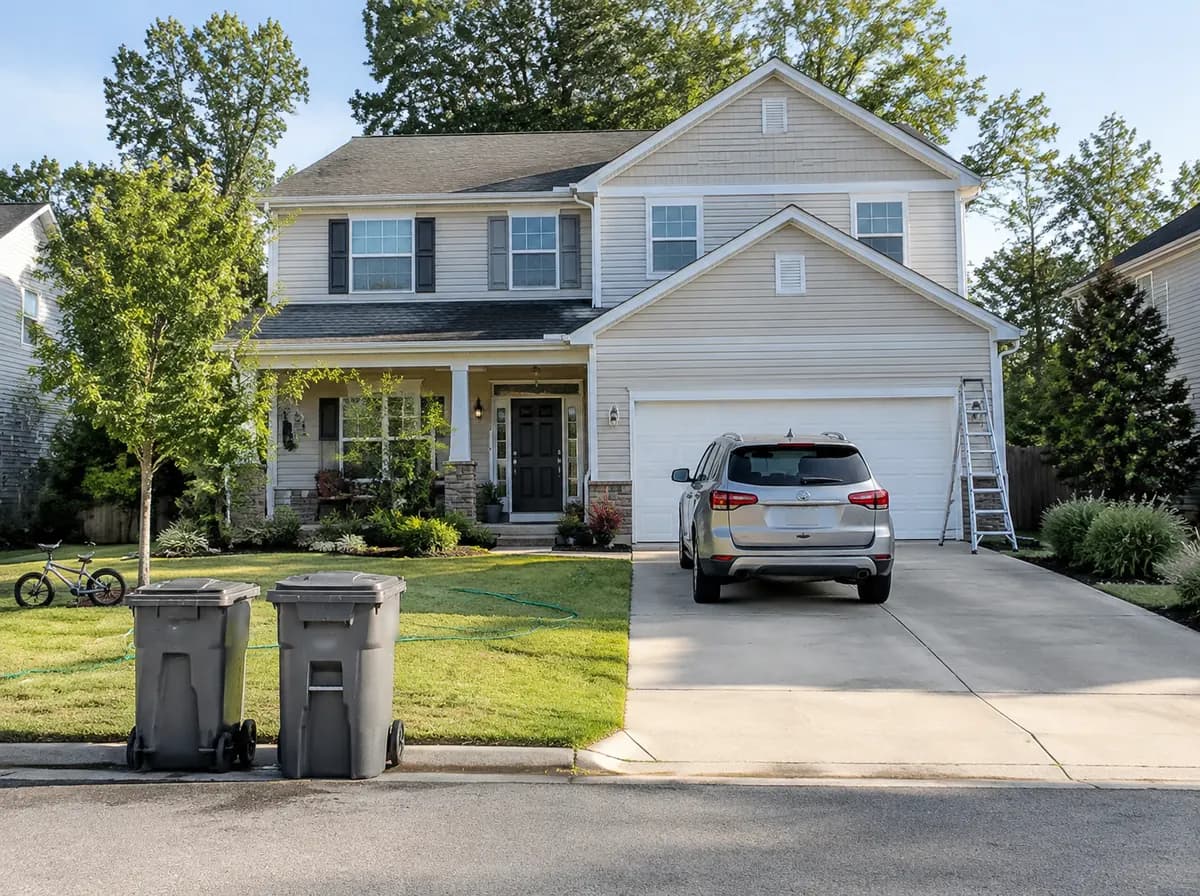
  • Parked car
  • Trash bins
  • Ladder
  • Bike
  • Garden hose
  • Person
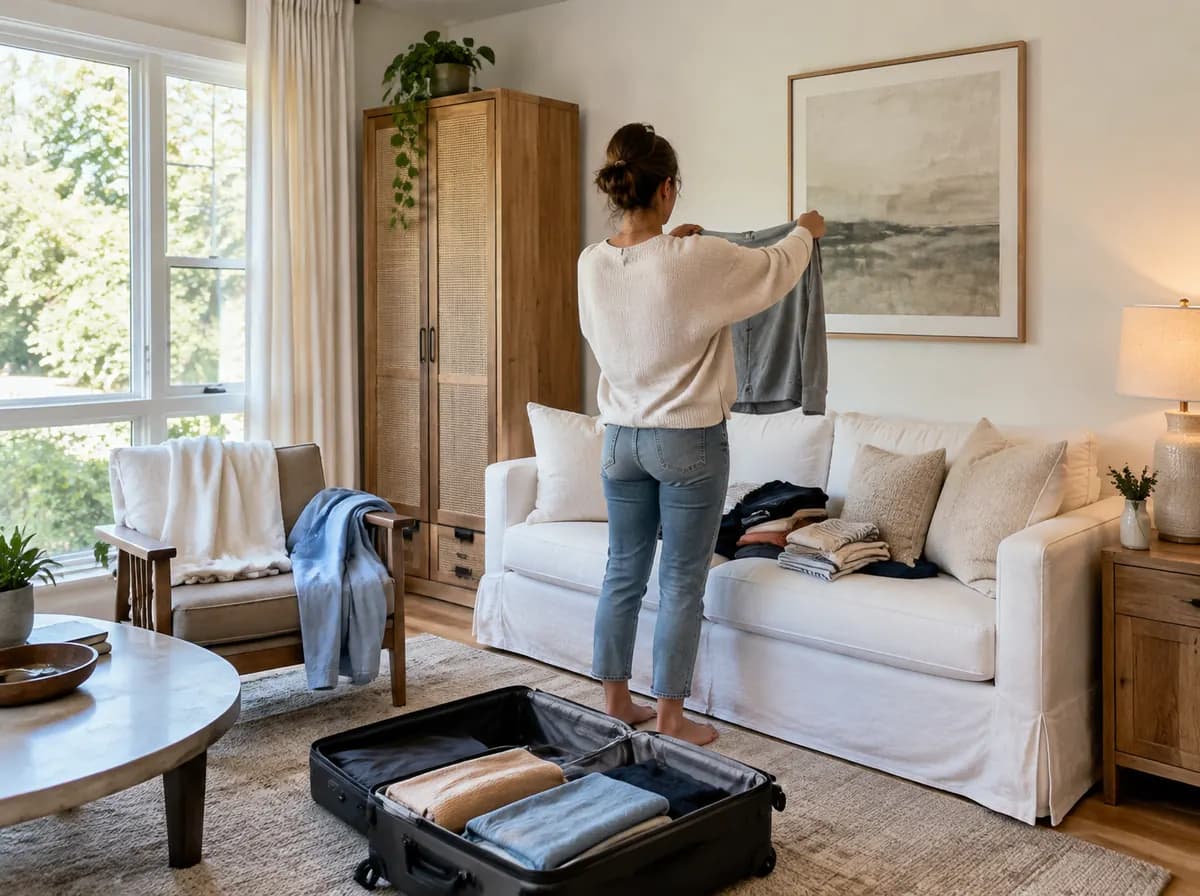
  • Suitcase
  • Piles of clothes
  • Drying rack
How it works

Three steps, no selection needed

For people and everyday clutter you don't draw anything or write a prompt.

  1. Upload a photo

    A room, a house front or a yard. The Studio recognizes what is in the photo.

  2. Keep the mode selected

    The button on this page opens the Studio with Remove people & clutter already in your brief.

  3. Press Create design

    One run is 2 credits and takes about half a minute. Then drag Before/After over the edges of what was removed.

Three tools

Pick the tool by what has to go

One tap for everyday clutter, a ready task for counters, a selection for exactly one thing.

Remove people & clutter — Result
Most used

Remove people & clutter

Where: Modes in the Studio, and Quick actions in the editor

Removes
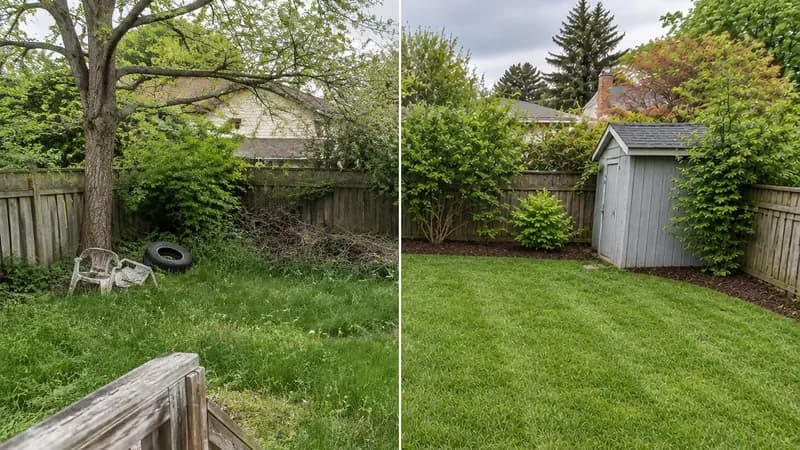
People, pets, toys, clothes, bags and scattered personal items. On a house front: parked cars, bins and ladders as well.
Keeps
Furniture, finishes, lighting, the building and the planting.
Open with this mode
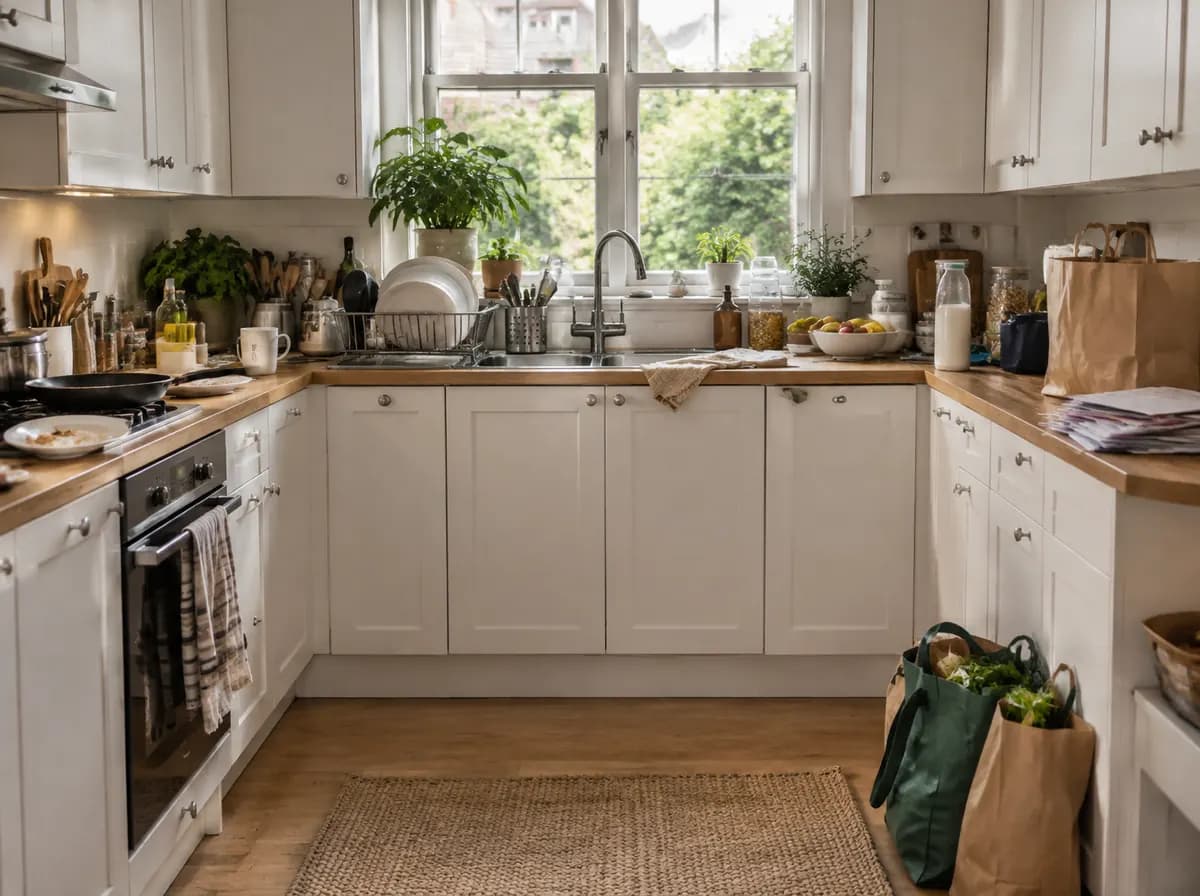
Remove clutter — Result

Remove clutter

Where: Ready tasks → Furniture & decor

Removes
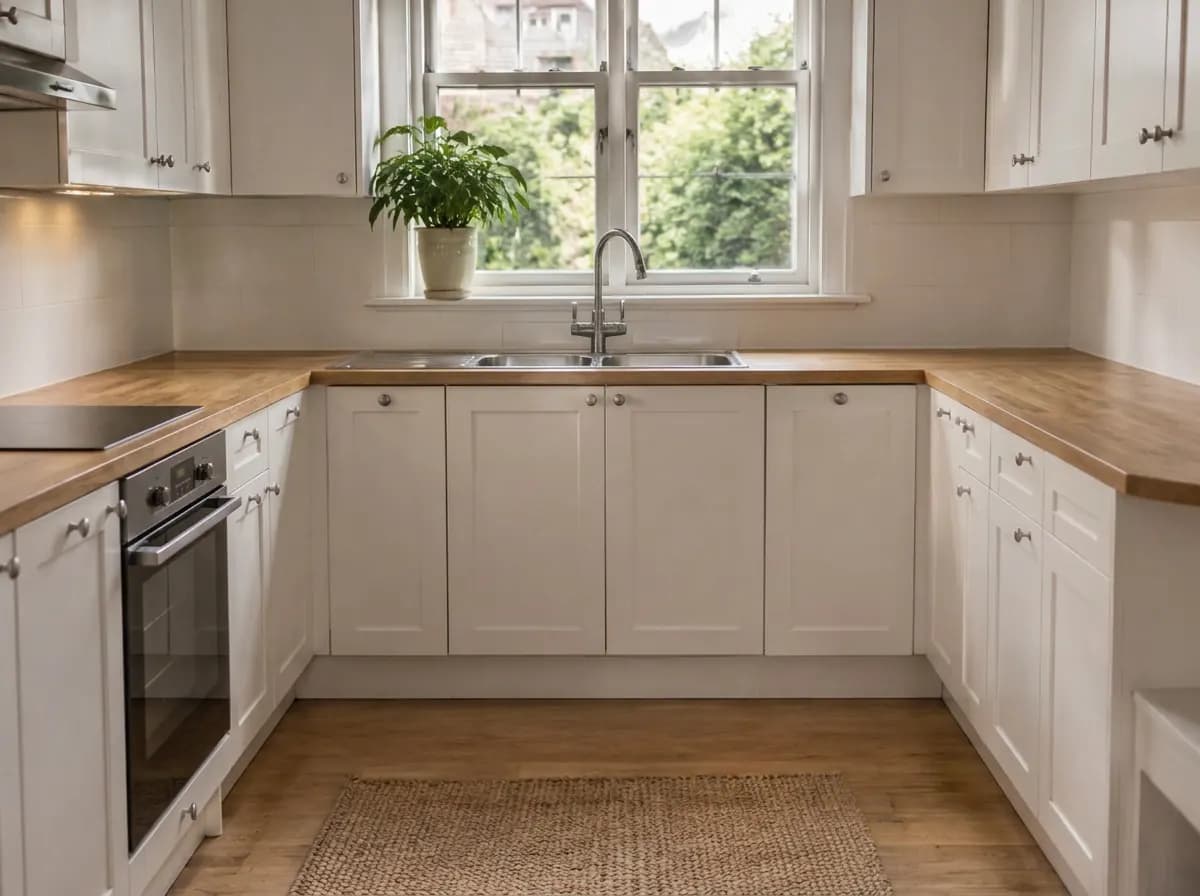
Dishes, jars, bottles, papers, boxes and cables on counters, tables, shelves and the floor.
Keeps
Furniture, built-in appliances, lights and finishes.
Open with this task
Remove an object — Result

Remove an object

Where: Editor → Select area → Quick actions

Removes
Only what you select with the brush or the lasso, or name in a few words.
Keeps
Everything outside the selection.
Open the editor

Need the whole room empty, furniture included? That's AI furniture removal

Clean up or empty?

Same photo, two different jobs

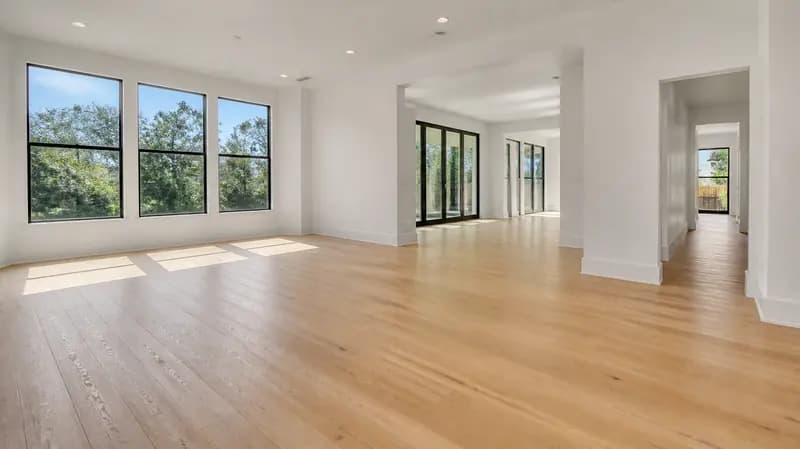
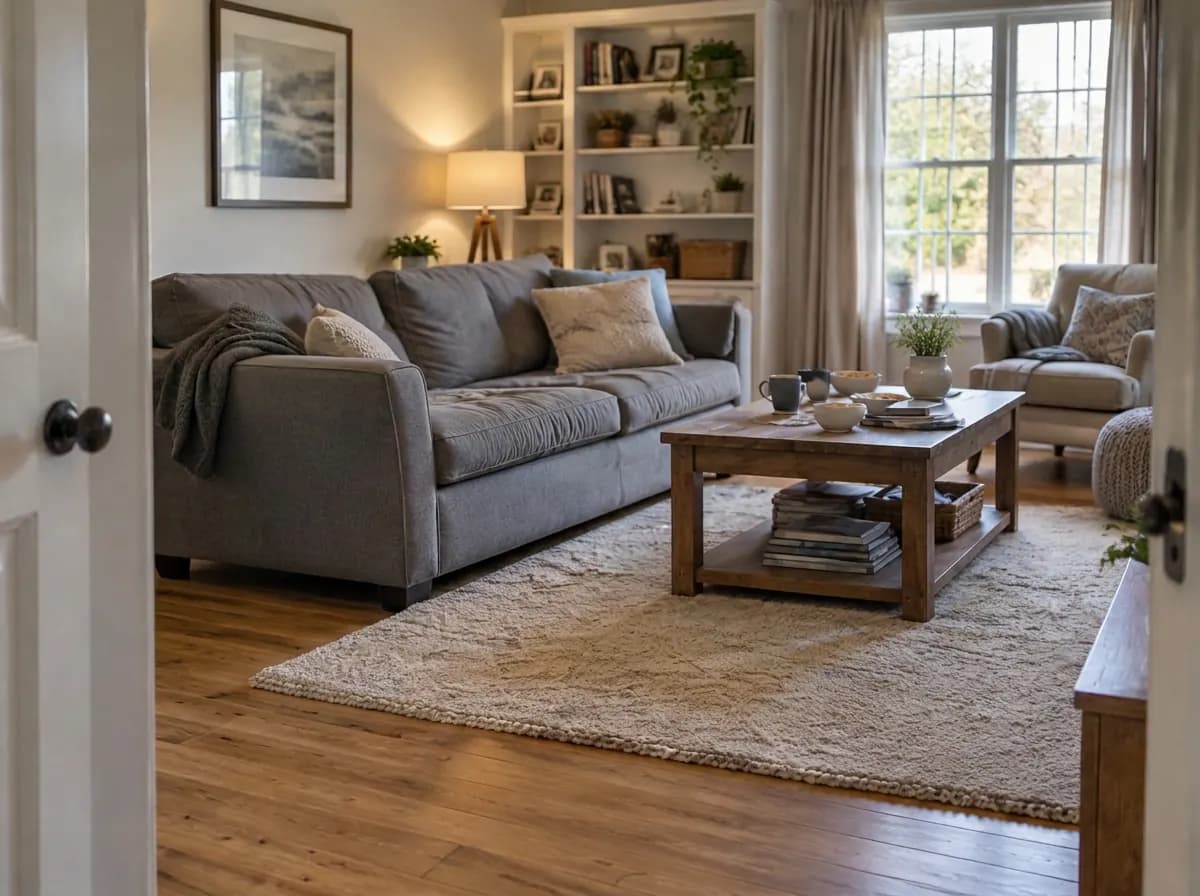
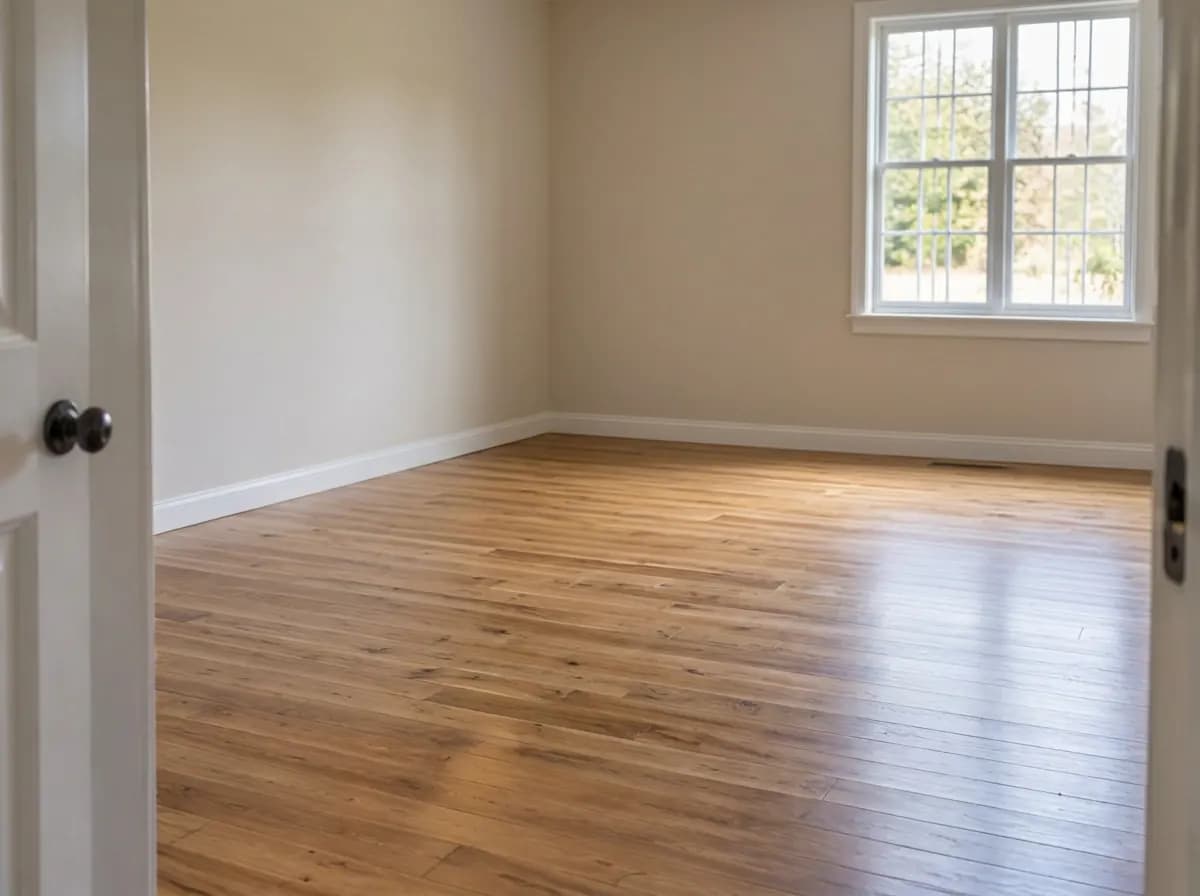
Remove people & clutter cleans the photo and keeps the furniture. Empty the room takes out everything that is not built in.

Original photo
Original photo
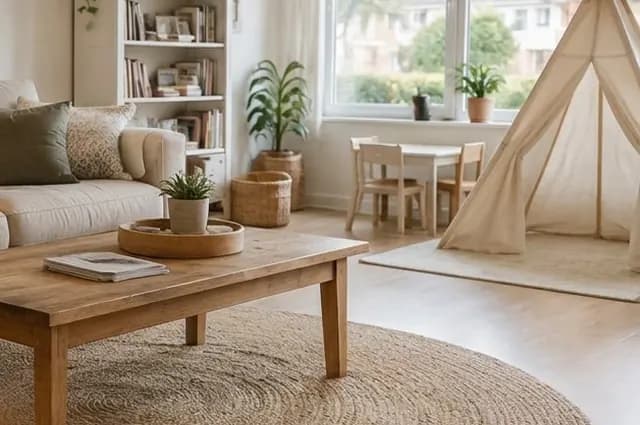
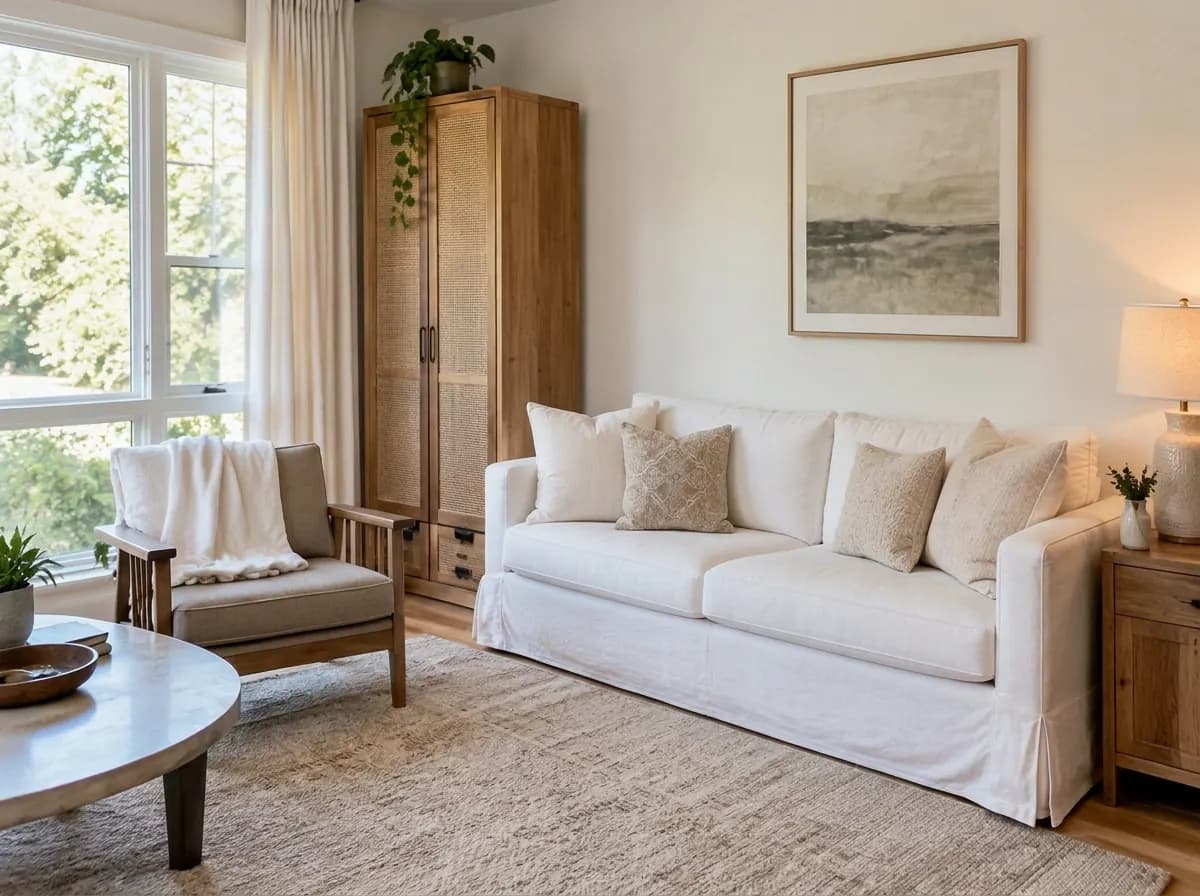
Remove people & clutter — Toys, laundry, shoes and the bag are gone. The sofa, armchair, table, rug and shelves stay.
Remove people & clutter

Toys, laundry, shoes and the bag are gone. The sofa, armchair, table, rug and shelves stay.

Empty the room — The furniture, rug, curtains and decor are gone too. A blank room for virtual staging or a renovation plan.
Empty the room

The furniture, rug, curtains and decor are gone too. A blank room for virtual staging or a renovation plan.

One specific object

Remove exactly one thing with a selection

When only the drying rack, the bins or one chair should go, select it. The model then works inside the selection, and the rest of the photo stays as it is.

Living room with a clothes drying rack in front of the balcony door
The same living room after removing only the drying rack
Original

A real run: only the drying rack was selected. The balcony door behind it was drawn in; the sofa, armchair and table did not change.

Open the editor
Honest limits

What AI object removal still gets wrong

From our own runs for this page and for our cleanup guide. Check every result with the slider before you download it.

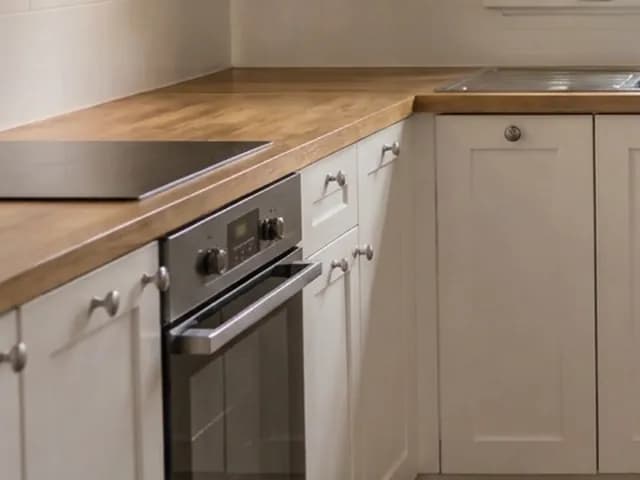
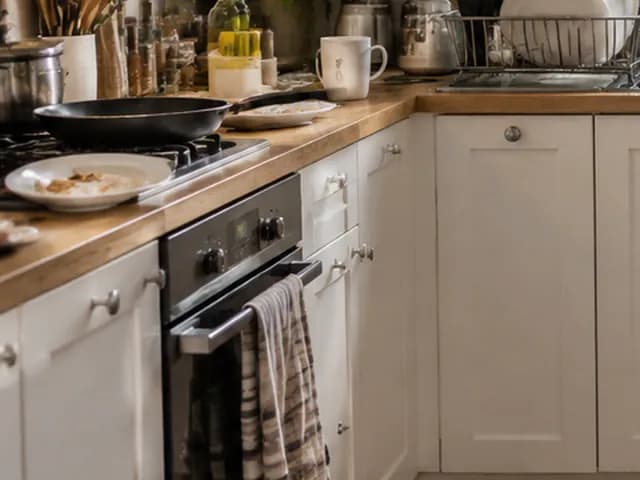
A real kitchen run: the counters are clear, but the gas hob came back as a plain glass cooktop. — After Remove clutterAfter Remove clutter
A real kitchen run: the counters are clear, but the gas hob came back as a plain glass cooktop. — BeforeBefore
A real kitchen run: the counters are clear, but the gas hob came back as a plain glass cooktop.
  • It guesses what was hidden

    Behind a removed object it draws a plausible wall, floor or lawn. It can't know about the socket or the pipe that is really there.

  • It sometimes redraws a detail

    A hob, a cushion or a throw can come back a little different, like the hob in this kitchen. Small objects next to the removed area are the usual place for it.

  • The mode decides what counts as clutter

    On a house front, Remove people & clutter also takes the car. To keep the car, select only the bins and use Remove an object.

  • Remove clutter is thorough

    It leaves two or three items in the whole room. If you want to keep more, write your own wish in the editor instead.

  • Edits pile up

    Each edit starts from the current version, so the light can drift a little after several in a row. For a fresh try, go back to the original. To bring one area back, use Restore from original.

  • Listings: remove only what the buyer won't get

    Cars, bins and personal items are usually fine to remove if you say the photo was edited. Defects and permanent features are not. Keep the original.

FAQ

Questions about removing objects

Short answers about the tools, the cost and the limits.

  • Yes, within the free credits. Sign-in is required, and a free account gets 6 credits, which is 3 removals at 2 credits each. Free results carry a small watermark. Paid packs are one-time purchases: Start $9.99 for 36 credits, Basic $19.99 for 100, Pro $39.99 for 300.
  • This page is about cleaning a photo up: people, clutter, a car, bins or one object go, and the furniture stays. Furniture removal empties the whole room, with all the free-standing furniture, rugs, curtains and decor, usually before virtual staging.
  • Yes. Open the exterior version of Remove people & clutter: on a house front it removes people, pets, parked cars, bins and ladders and restores what they covered. If only one of them should go, select it in the editor and use Remove an object.
  • Open the photo in the editor, select the object with the brush or the lasso, then choose Quick actions → Remove an object and press Apply. Only the selected area is edited. You can also skip the selection and name the object in a few words.
  • Not with Remove people & clutter or Remove clutter. Both keep the furniture, finishes and built-in appliances. In our runs the sofas, rugs, tables, shelves and kitchen cabinets stayed. Removing all the furniture is a separate mode, Empty the room.
  • Yes. Every edit is saved as a new version and the original stays in the version strip, so you can go back at any time. To bring back only one area, select it and use Restore from original from Quick actions.
  • Removing temporary things such as cars, bins and personal items is common, but say that the photos were edited and keep the originals. Never remove defects or permanent features. Rules differ by country and listing service, so check yours.

Your photo, without the clutter

Upload a room or house photo. 2 credits per edit, 6 free credits when you sign up.