Landscape Design with AI — Bring Your Garden Vision to Life
Upload a photo of your property and see it bloom into a professionally designed garden. Japanese, Mediterranean, Eco — 11 landscape styles at your fingertips.
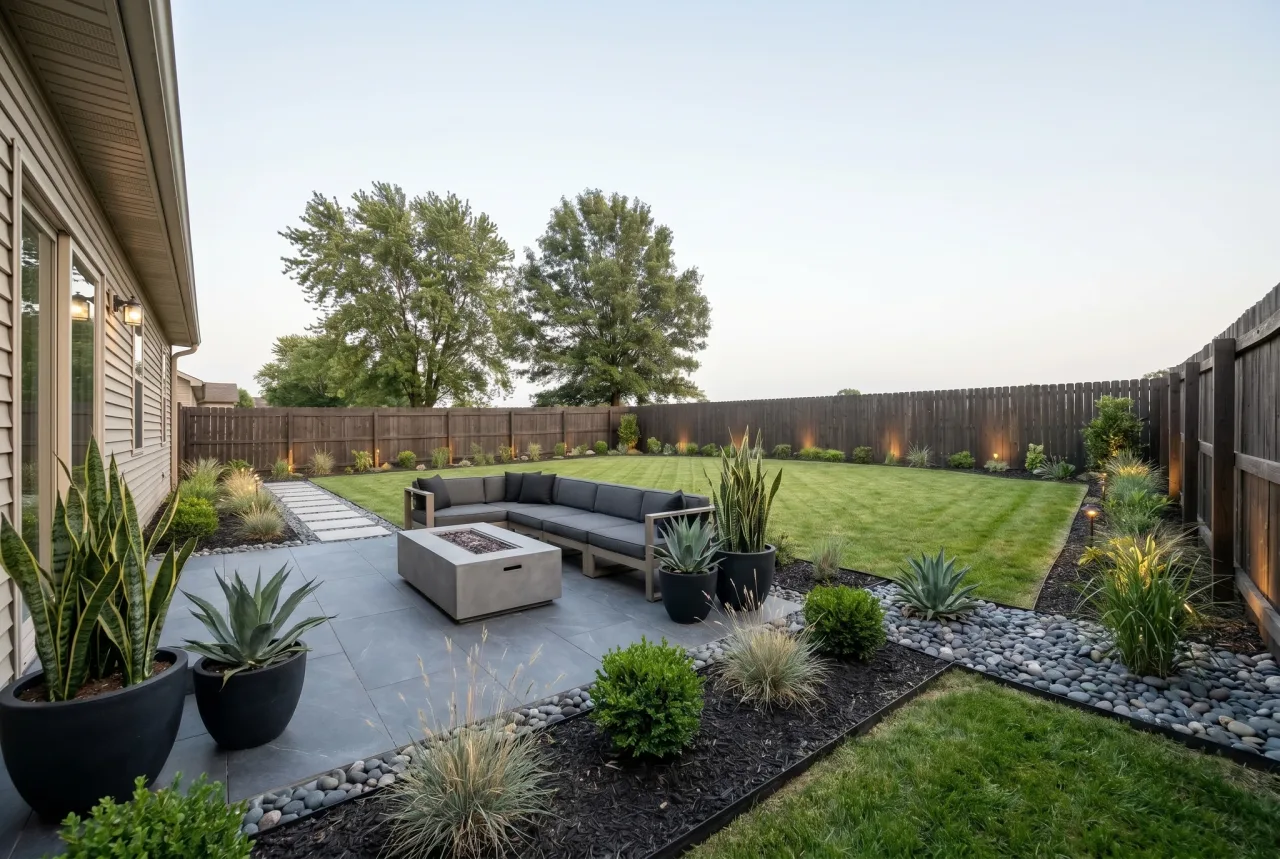
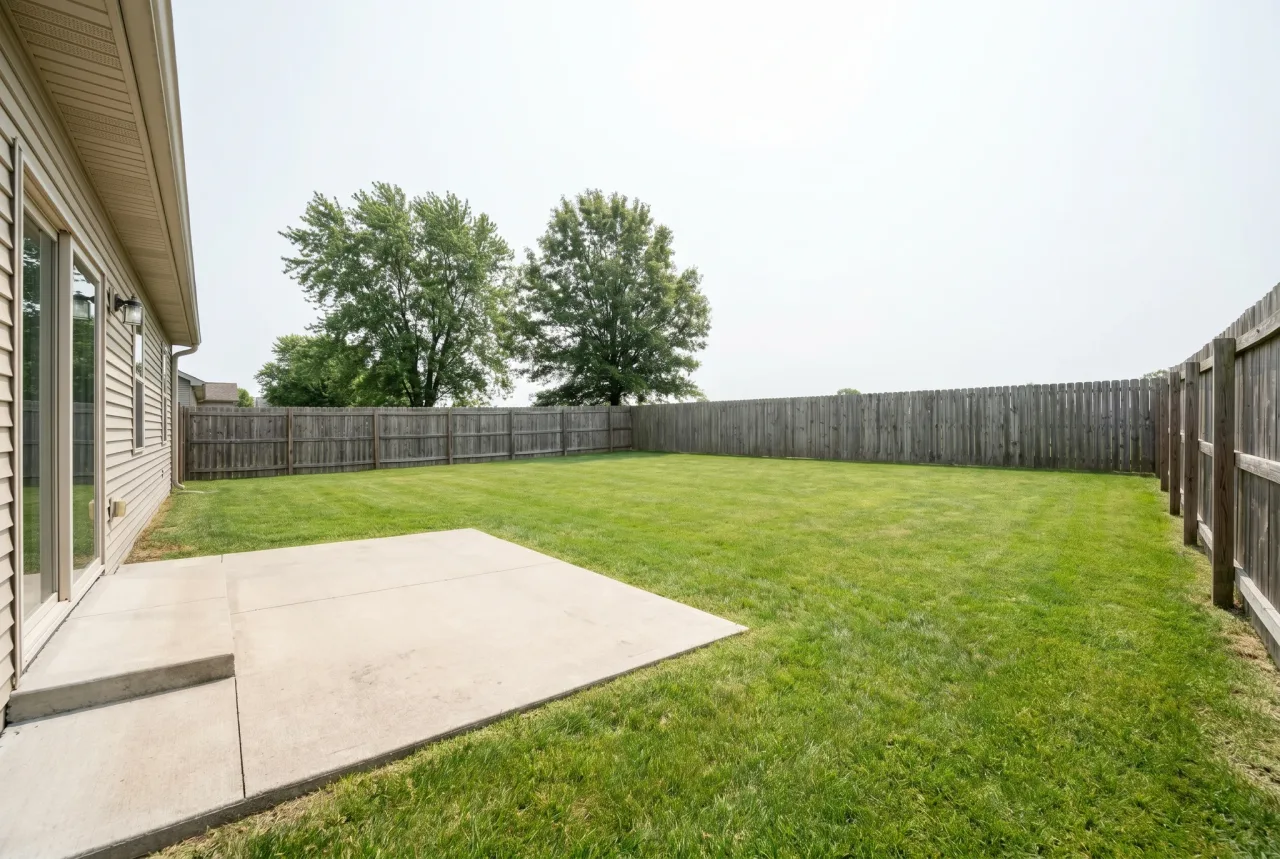
From Concept to Visualization — Without the Wait
Great landscaping begins with a clear picture of the end result. What should the pathways look like? Where should the flower beds go? Would a Japanese rock garden suit your property better than a Mediterranean terrace? These are the questions that usually take weeks and expensive consultations to answer.
GenRoom's AI changes that. Upload a single photo of your land and receive a photorealistic landscape visualization in 30 seconds. You can experiment with multiple styles, compare them side by side, choose your favorite, and present it to a landscape professional — all before a single shovel hits the ground.
How to Visualize Your Landscape with AI
Three straightforward steps from a raw photo to a polished garden concept. No landscape architecture degree or CAD software needed.
- Photograph your property. Take a photo of the area in daylight. An overview shot from a higher vantage point — a balcony, upper window, or drone — gives the best results by capturing the full layout including structures and boundaries.
- Select a landscape style. A tranquil Japanese garden with stone paths and water features? A blooming Provence with lavender hedges? An elegant Estate Garden with formal flower beds? Try several styles on the same plot and compare.
- Receive your visualization. The AI preserves the terrain, property lines, and existing buildings, then layers in plants, pathways, seating areas, and garden structures that are characteristic of your chosen style.
11 Landscape Design Styles
Each style is tailored for landscape design with appropriate plant palettes, hardscaping materials, garden structures, and layout principles.

Stone pathways, koi ponds, bonsai trees, ornamental lanterns, bamboo screens, and bridges over gentle streams.
Japanese Garden

Mountain rockeries, cascading waterfalls, evergreen conifers, natural stone, and heather meadows.
Alpine

Terracotta pathways, olive and citrus trees, lavender, white walls, a courtyard fountain, and mosaic accents.
Mediterranean

Lavender borders, stone walls, climbing roses, gravel paths, and weathered garden furniture.
Provence

Wooden fences, lush flower beds, fruit trees, a cozy gazebo, raised beds, and a garden swing.
Country Rustic

Tree-lined alleys, a classical rotunda, a decorative pond, formal flower beds, and hedgerows.
Estate Garden

Meadow grasses, wildflowers, natural materials, rain gardens, eco-trails, and insect hotels.
Eco / Natural

Geometric lawns, sculptural trees, concrete pathways, sleek furniture, and clean lines.
Minimalist

Birch trees, natural stone, fire pit areas, wooden decking, and hardy northern perennials.
Scandinavian

LED-lit pathways, corten steel planters, geometric beds, glass railings, and smart irrigation.
Hi-Tech

A mix of materials: wood, stone, and metal. Lounge seating, decorative lighting, and architectural plantings.
Contemporary
Landscape Design Examples
Why Property Owners Choose GenRoom for Landscape Design
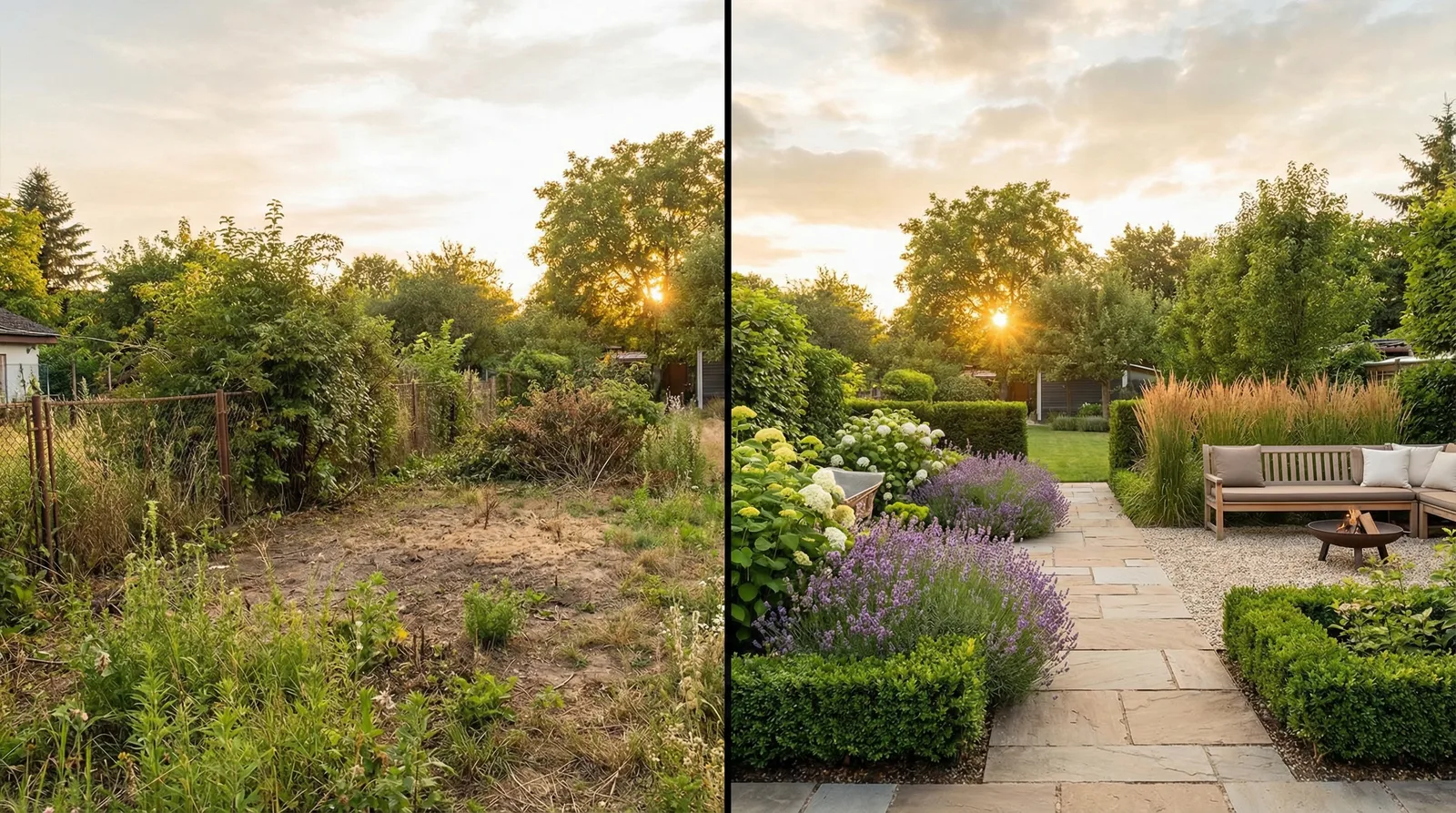
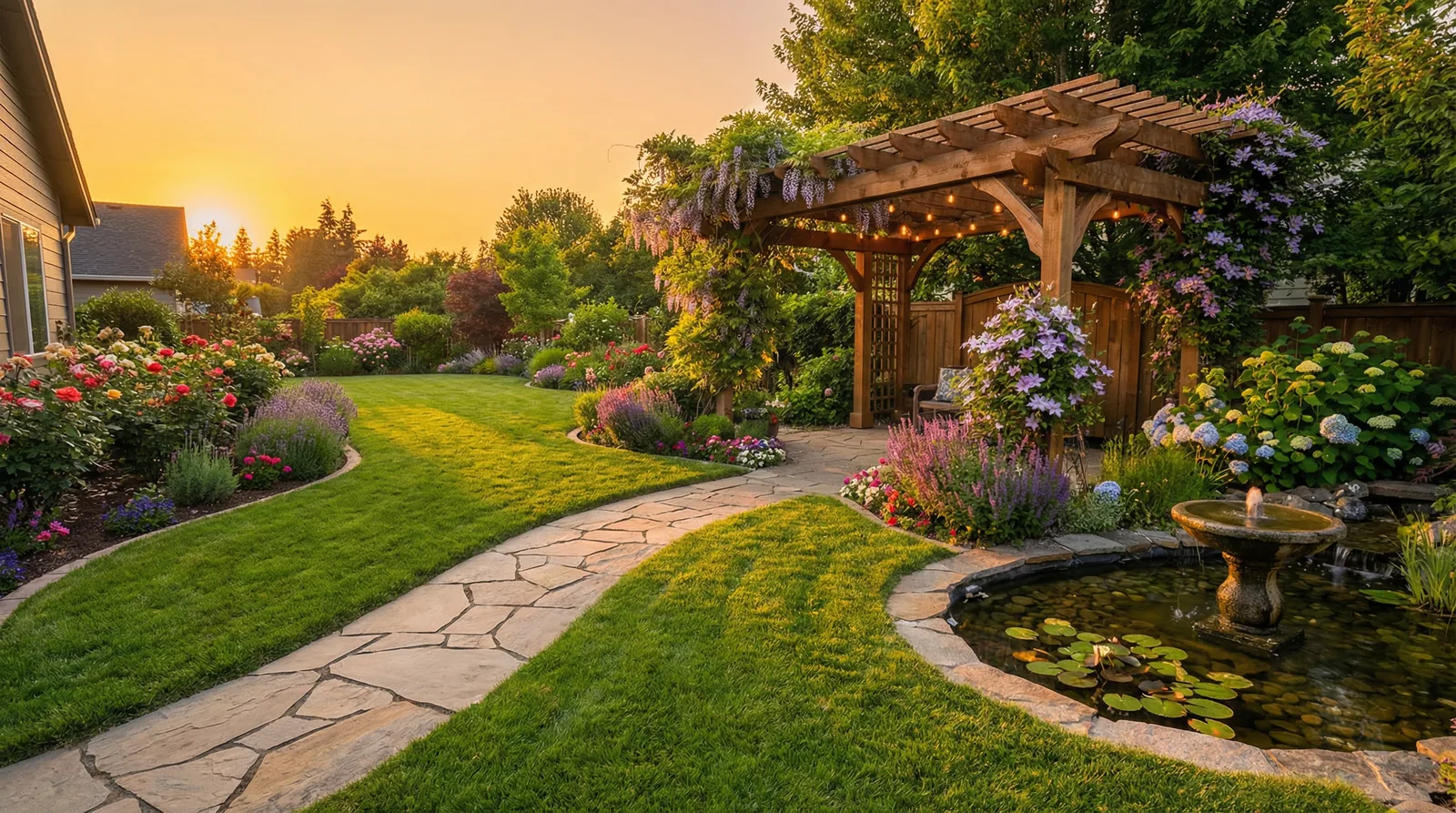
Landscape Visualization in Seconds
See what your property would look like after a professional landscaping job. Upload a photo of your land and the AI will generate a realistic garden design that accounts for the terrain and existing structures.
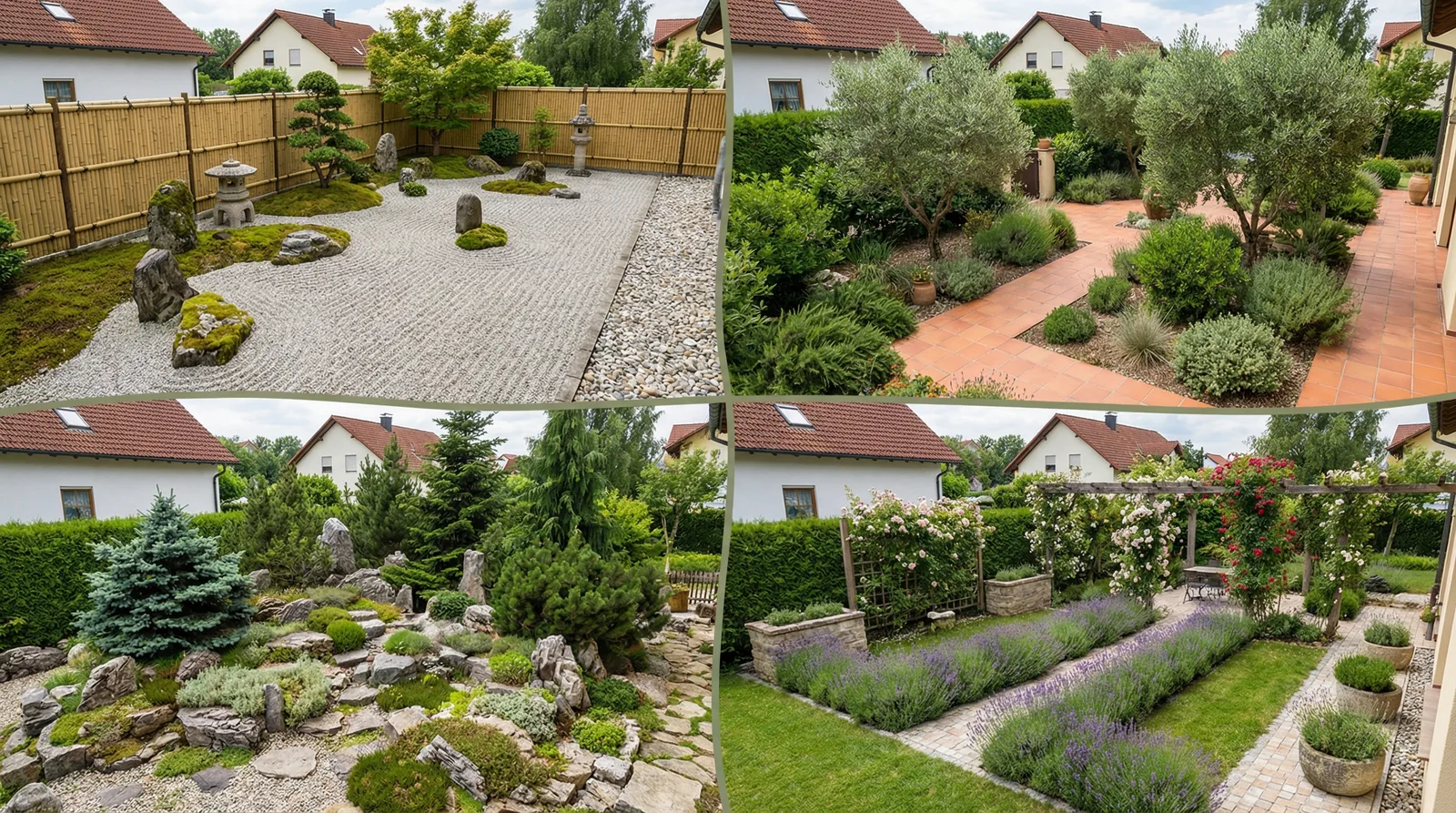
11 Garden Styles
Japanese zen garden, alpine rockery, Mediterranean terrace, romantic Provence, eco-natural meadow, sleek Minimalist — choose the style that matches your taste, climate, and property.
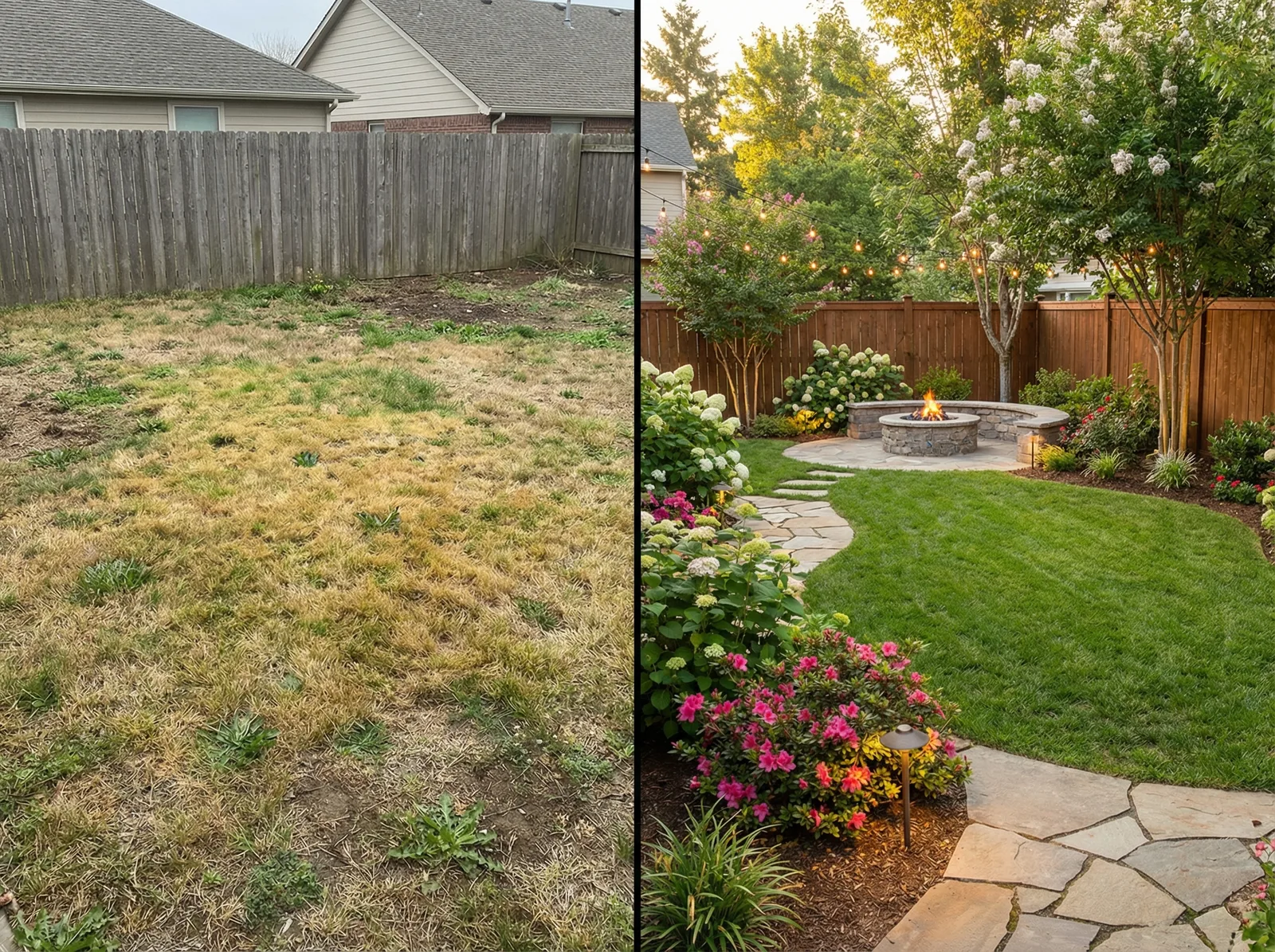
Save on Professional Design
A full landscape design project can cost thousands of dollars and take weeks. With GenRoom, you get a realistic preview for free in under a minute — and you can finalize your concept before any ground is broken.
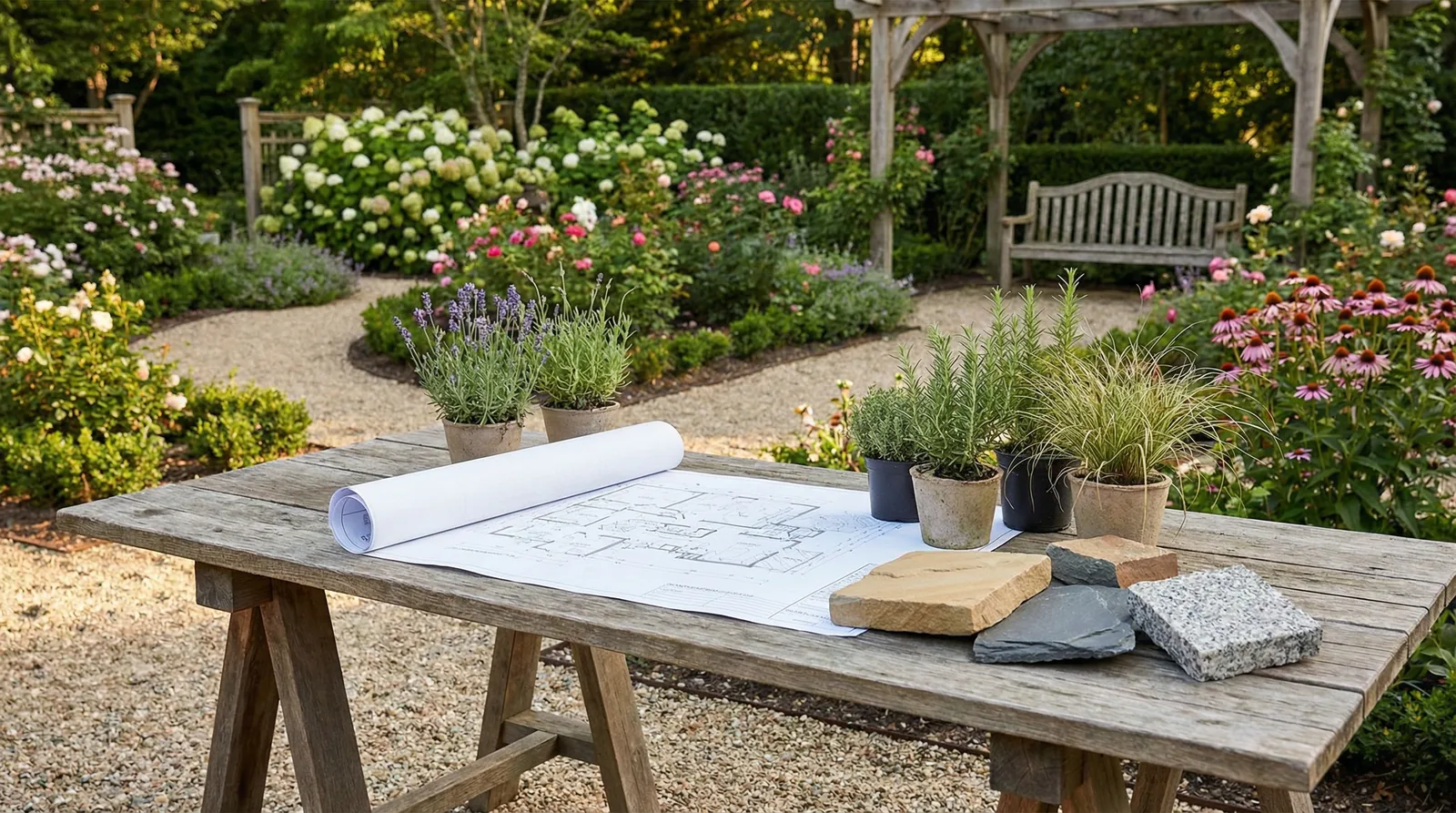
A Ready Reference for Your Landscaper
Generate several design alternatives and share them with your landscape designer or garden crew. A visual reference communicates your idea far more precisely than words — and cuts down on costly revisions.
Visualize Your Dream Landscape Today
Upload a photo of your property and receive a professional garden design in 30 seconds. First generations are free.
Choose Your Plan
Transparent pricing with no hidden fees
What Do GenRoom Users Say?
Transformed my living room in under a minute. The styles are genuinely distinctive.
Use it with clients before committing to a direction. Saves days of back-and-forth.
Virtual staging has never been this easy. Listings convert faster with it.
Explore More AI Design Tools
Frequently Asked Questions About Landscape Design
- You upload a photograph of your property, garden, or outdoor area, pick a landscape style, and the AI generates a photorealistic image of the transformed space. It considers the terrain, existing structures, trees, and fences, keeping the property boundaries intact.
- GenRoom offers 11 landscape styles: Japanese Garden, Alpine, Mediterranean, Provence, Country Rustic, Estate Garden, Eco / Natural, Minimalist, Scandinavian, Hi-Tech, and Contemporary. Each style includes appropriate plants, hardscaping materials, and layout principles.
- Yes. GenRoom handles everything from compact urban gardens and townhouse courtyards to sprawling country estates. The AI adapts plant choices, pathway layouts, and feature placement to the scale and shape of the space you upload.
- Absolutely. The visualization is an ideal reference for a landscape designer or gardening crew. It communicates the style, zoning, and overall concept. While you will still need a detailed planting plan from a specialist, GenRoom significantly speeds up the initial approval process.
- You receive free credits when you create an account — enough for your first designs. Additional credits are available starting at just a few cents per generation. A professional landscape design package typically costs $1,000 or more by comparison.
- An overview shot taken in daylight works best. Try to capture the entire area, including buildings, fences, and trees. Photos from an elevated vantage point — a balcony, second-story window, or drone — provide excellent perspective. The AI works with any quality, but a sharper image delivers a more detailed visualization.
Explore more AI design tools
All our design categories in one place.