See new tiles in your bathroom before you retile
Upload one photo of your bathroom and try green zellige, marble-look porcelain, terrazzo, white subway with a black hexagon floor — or describe your own tiles. The bathtub, toilet, sink, window and mirror stay where they are; only the tiles change.
- 2 credits
- per design
- 6 free credits
- after sign-in, no card
- Under a minute
- per result
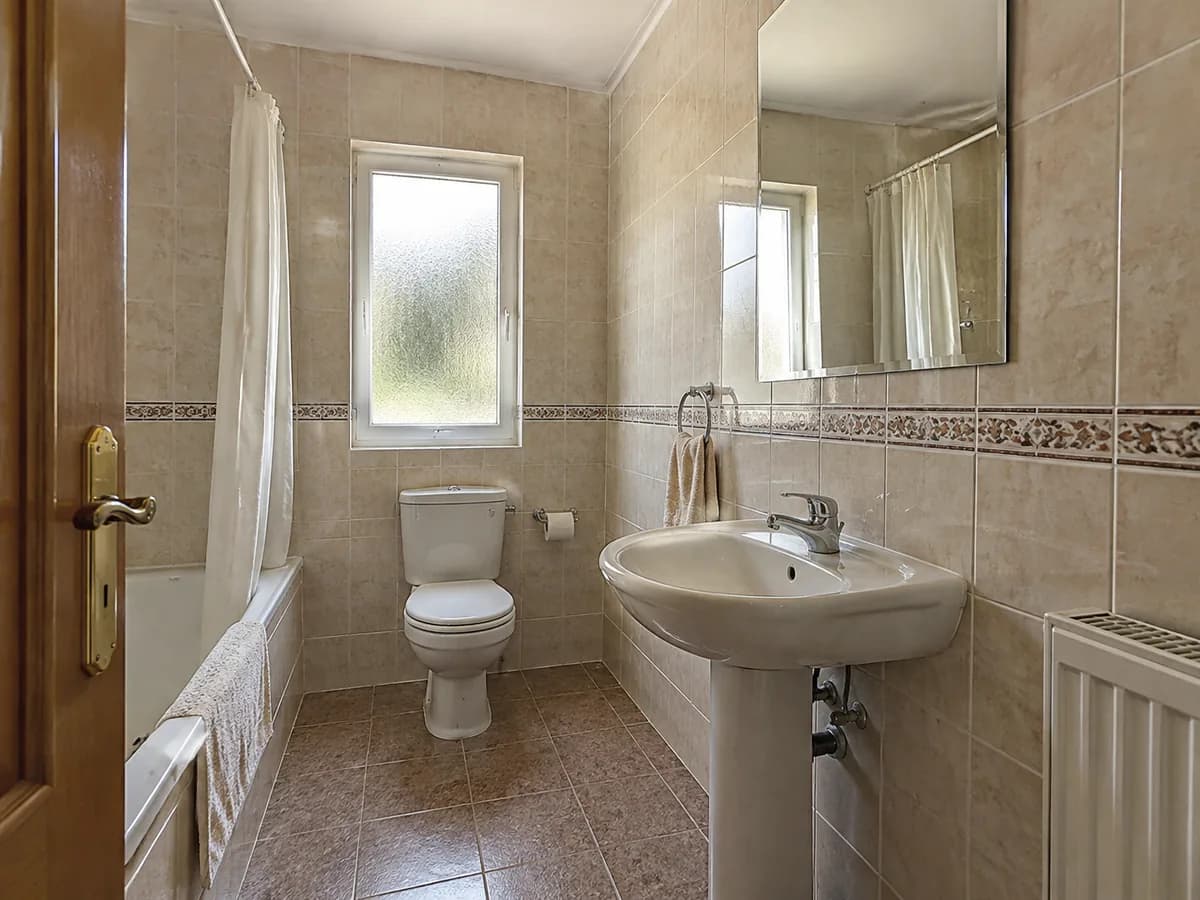
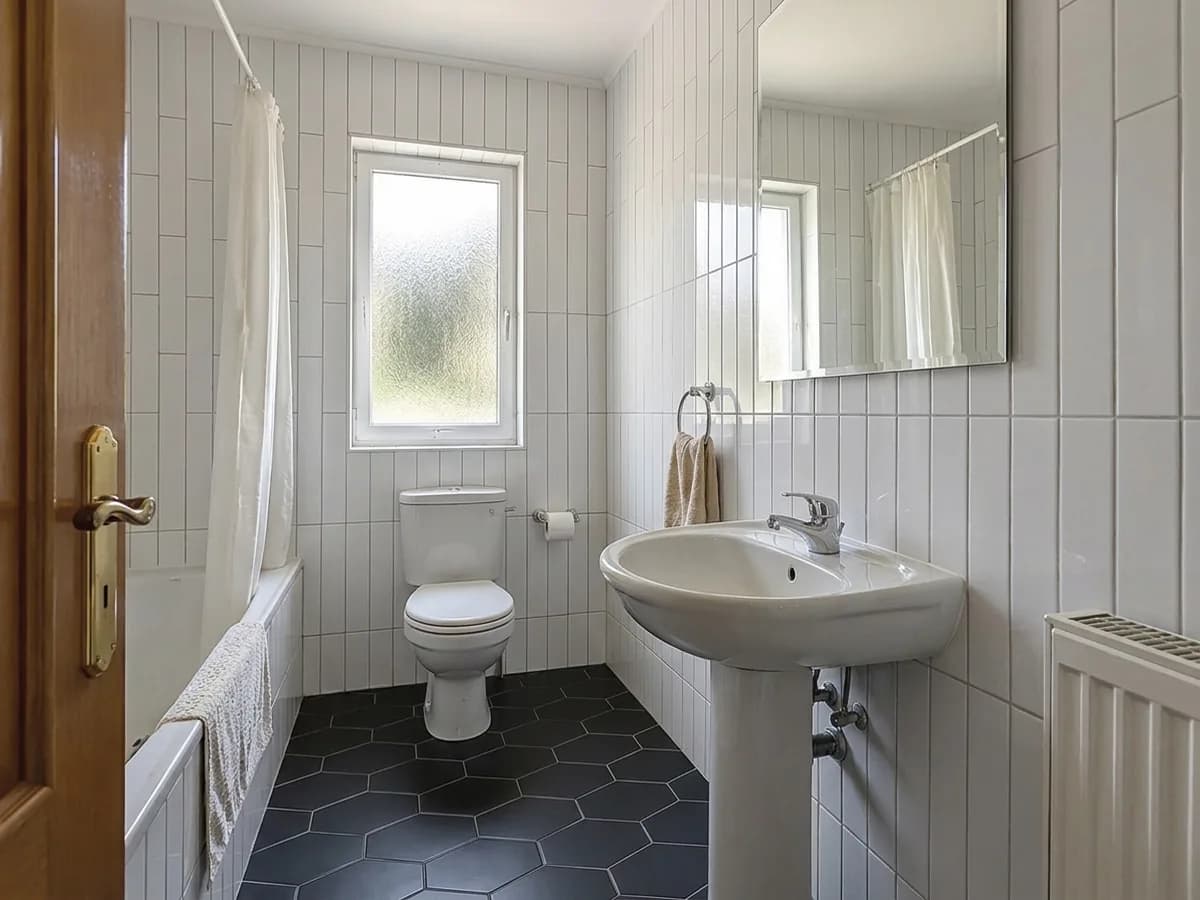
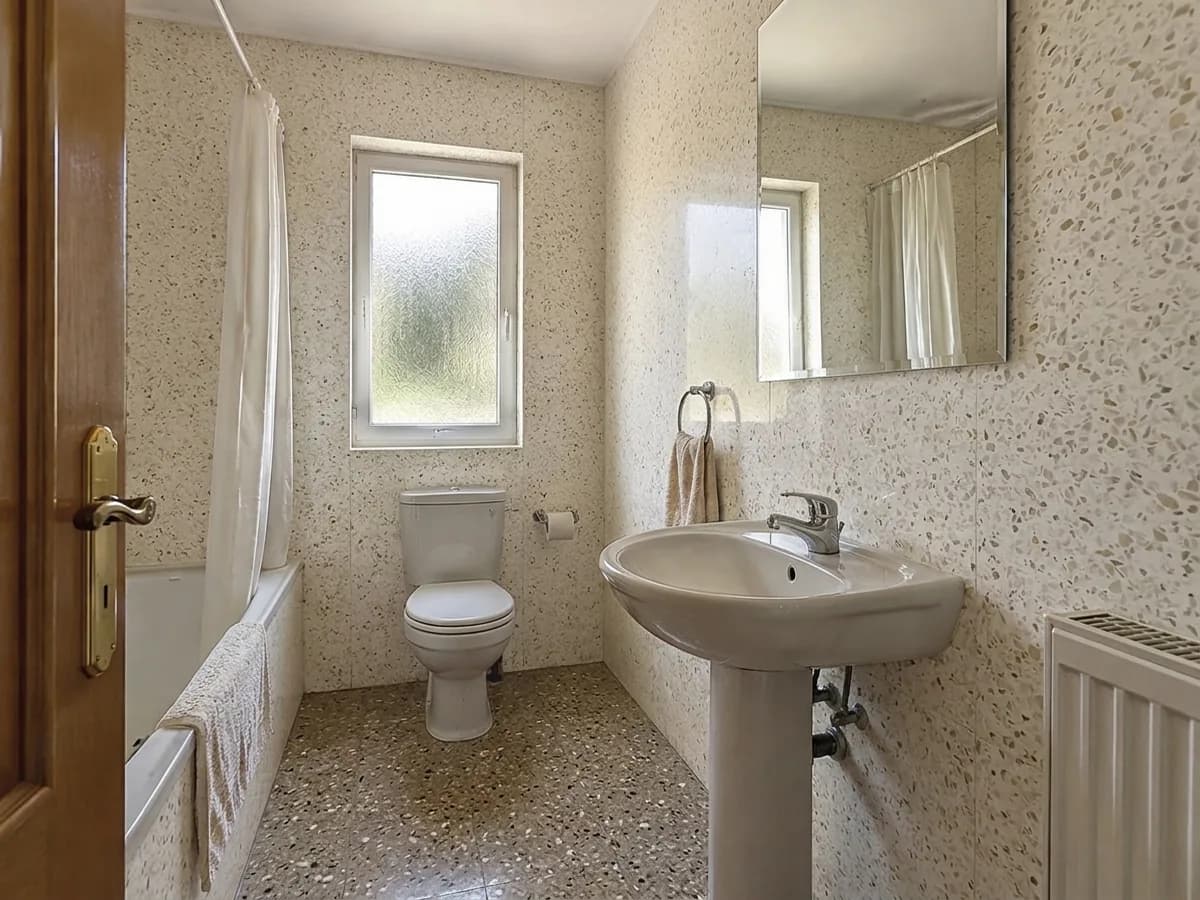
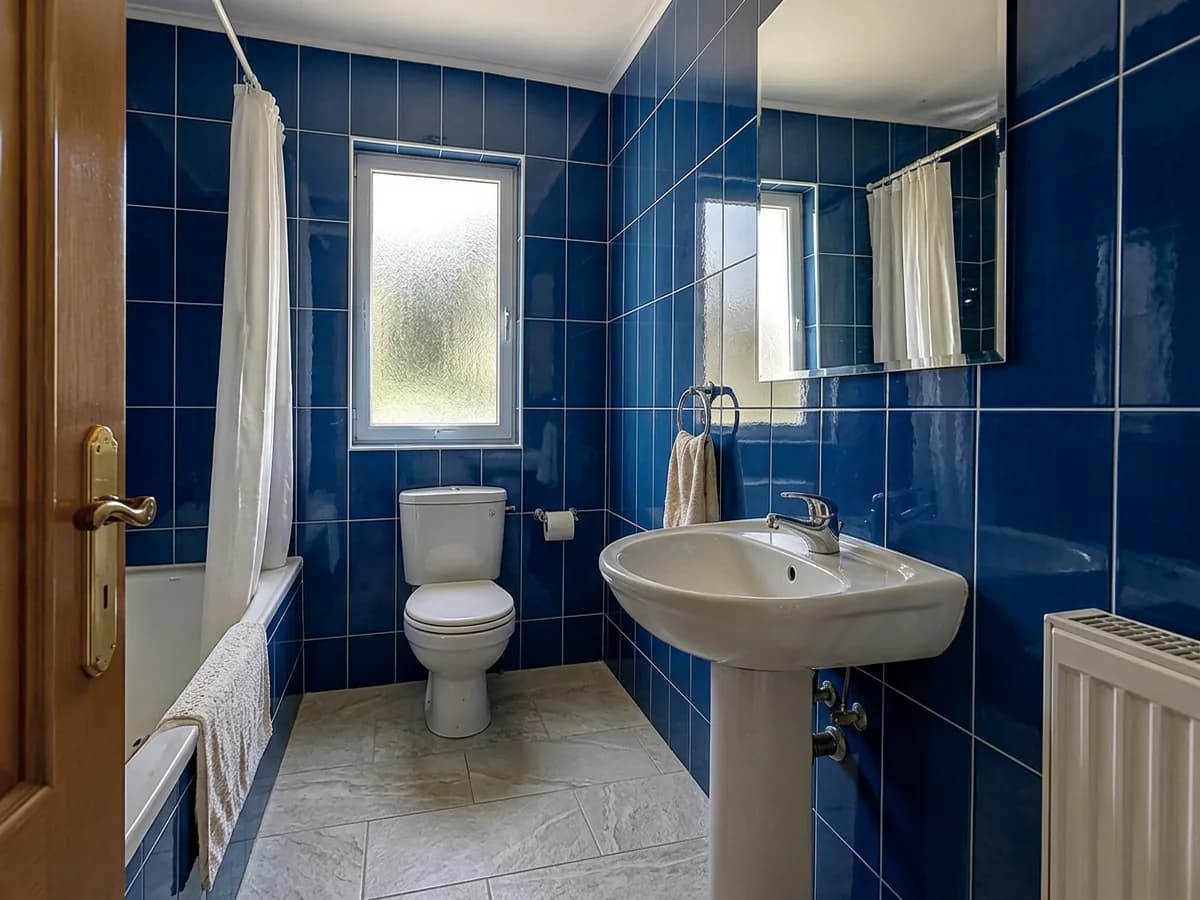
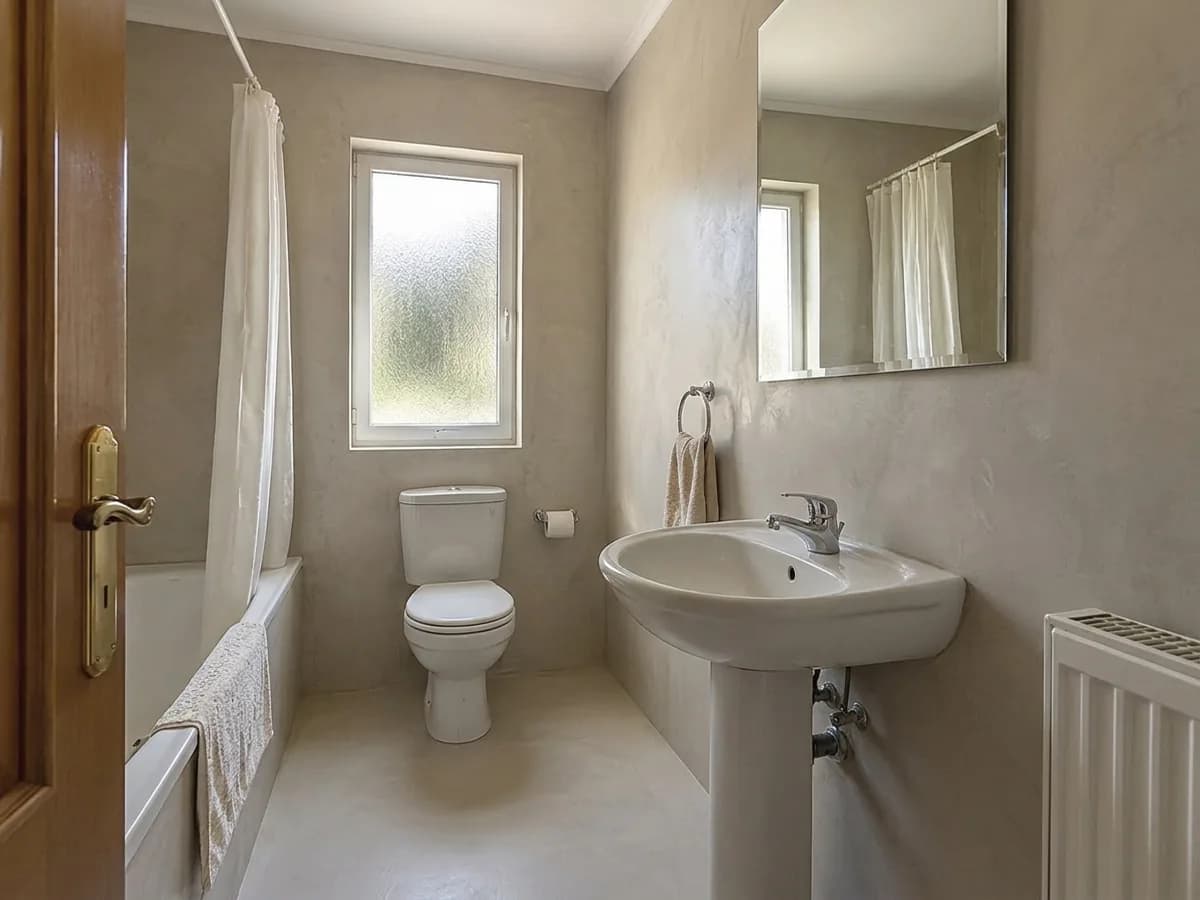
Same photo · only the tiles change
- Green zellige
- Marble-look porcelain
- White subway + black hex floor
- Terrazzo
- Deep blue gloss
- Microcement
- Green zellige
- Marble-look porcelain
- White subway + black hex floor
- Terrazzo
- Deep blue gloss
- Microcement


Stays as in your photo
- Bathtub and shower
- Toilet and sink
- Window and door
- Mirror and radiator
- Camera angle
One photo, three steps
- 1
Photograph the bathroom
A photo from the doorway in good light, with the walls and the floor in view. A phone photo is enough.
- Bathroom tilesTilesGreen zelligeMarble lookTerrazzoMicrocement2
“Bathroom tiles” is already chosen
The Studio opens with the “Bathroom tiles” task. Pick a tile in its “Tiles” field or describe your own — color, size, pattern, and which surface gets what. A tile on this page sends its choice for you.
 AfterBefore3
Compare, then try the next tile
Drag the before/after slider and try another tile on the same photo. Each design costs 2 credits.
Every tile in the same bathroom
All six results were made in the GenRoom Studio from one photo with the “Bathroom tiles” task. Nothing else was edited.
Keep the floor, change the walls
The “Bathroom tiles” task renews the walls and the floor. To keep one of them, say so in the same field — the model follows it.
- 1Open the Studio with “Bathroom tiles” from this page.
- 2In “Tiles”, write the tile and what to keep, for example “white zellige tiles on the walls only; keep the existing floor tiles”.
- 3Create the design. Only the surface you named changes.
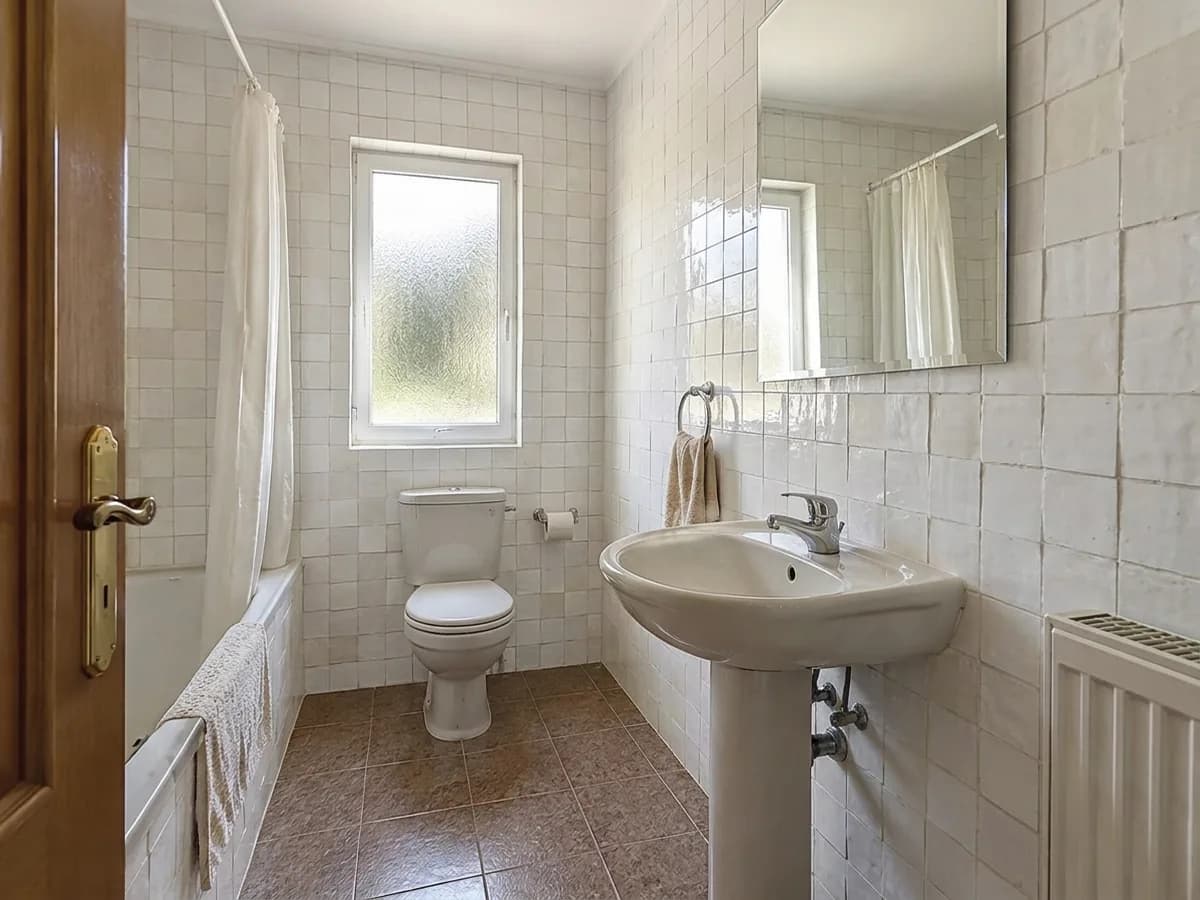
Here: white zellige on the walls; the brown floor tiles and the bathtub are as in the photo. The old decorative border went with the old wall tiles.
Different bathrooms, the same rule
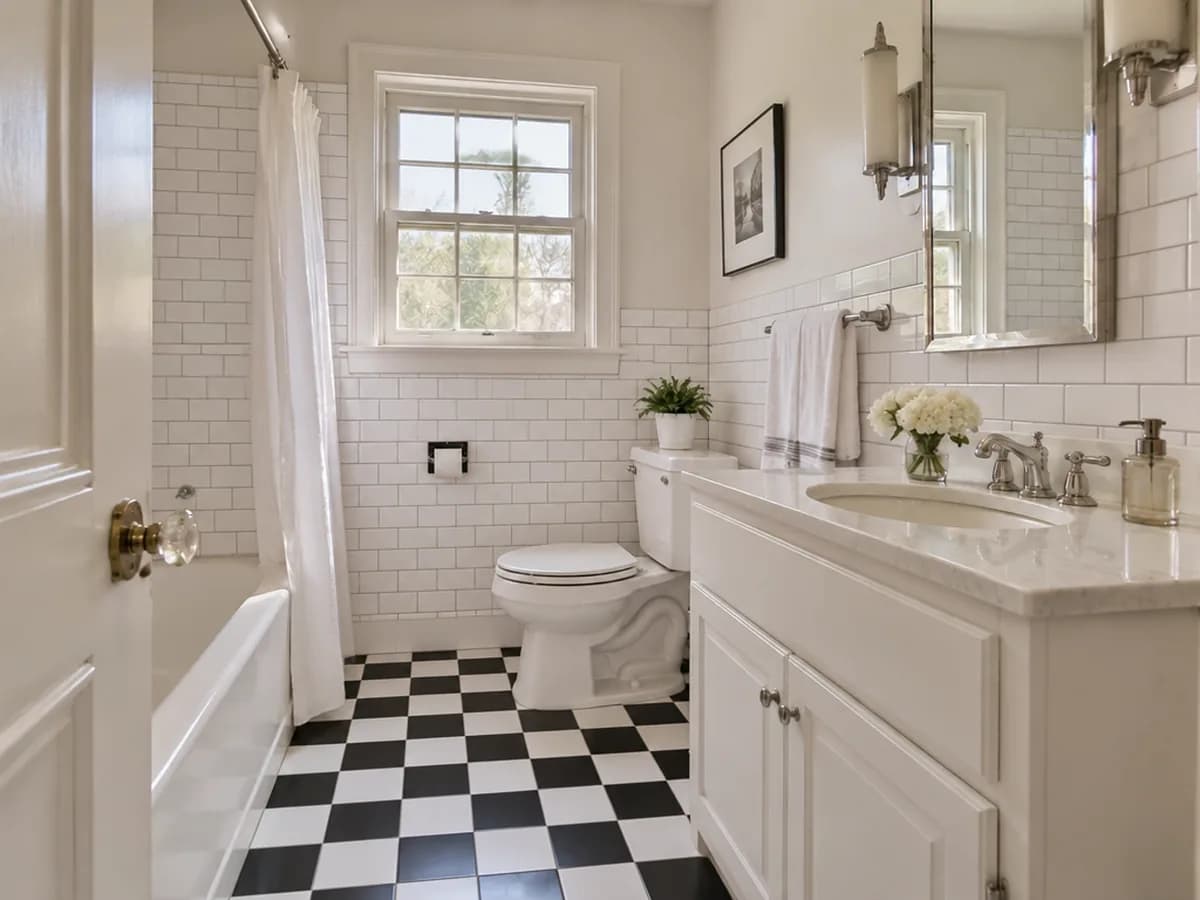
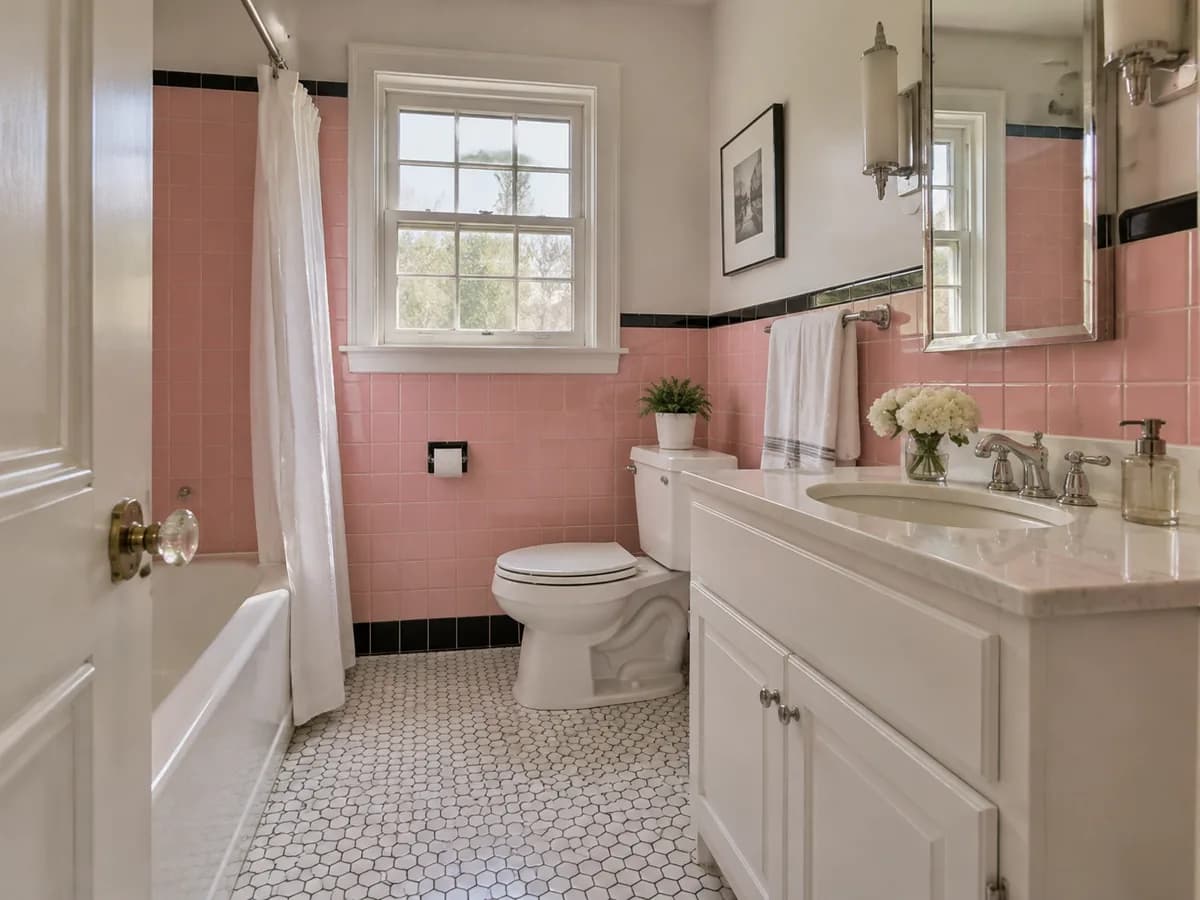
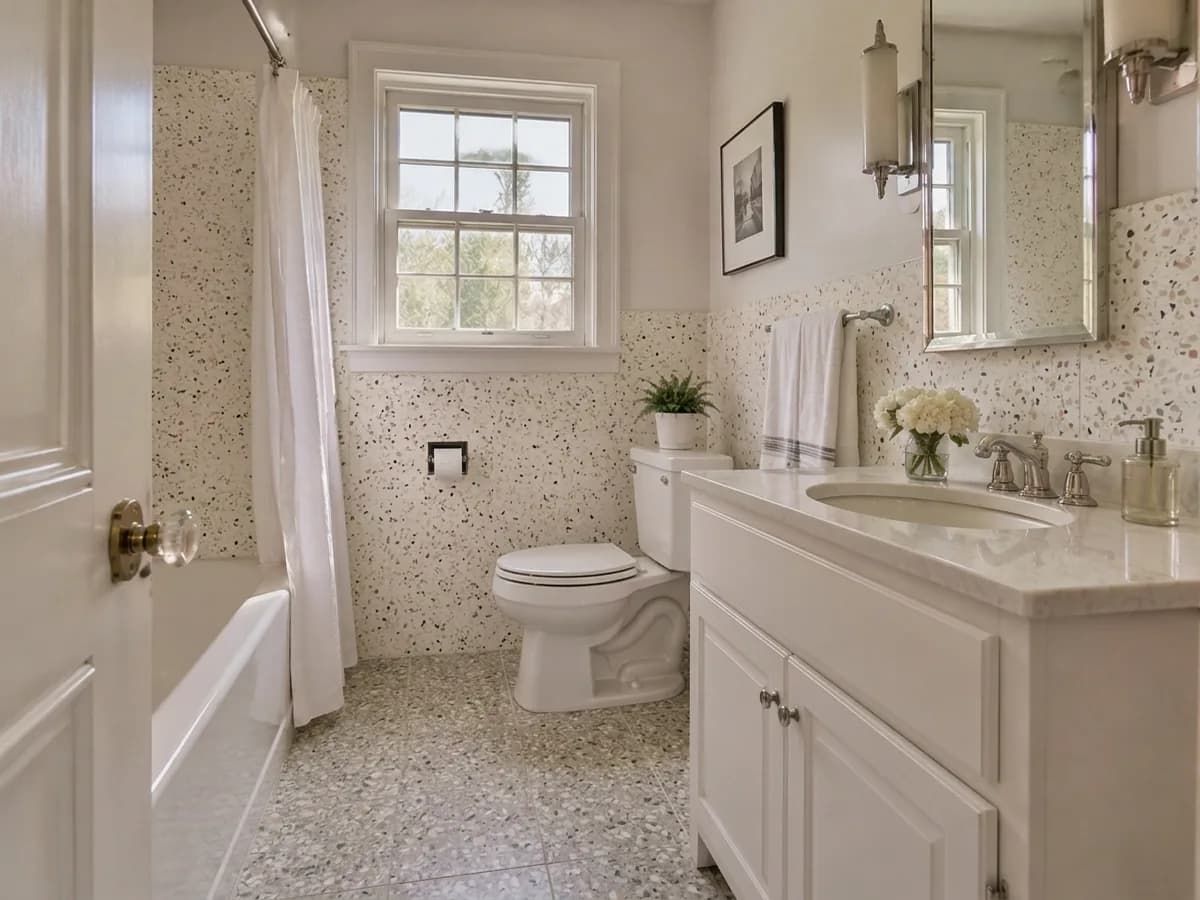
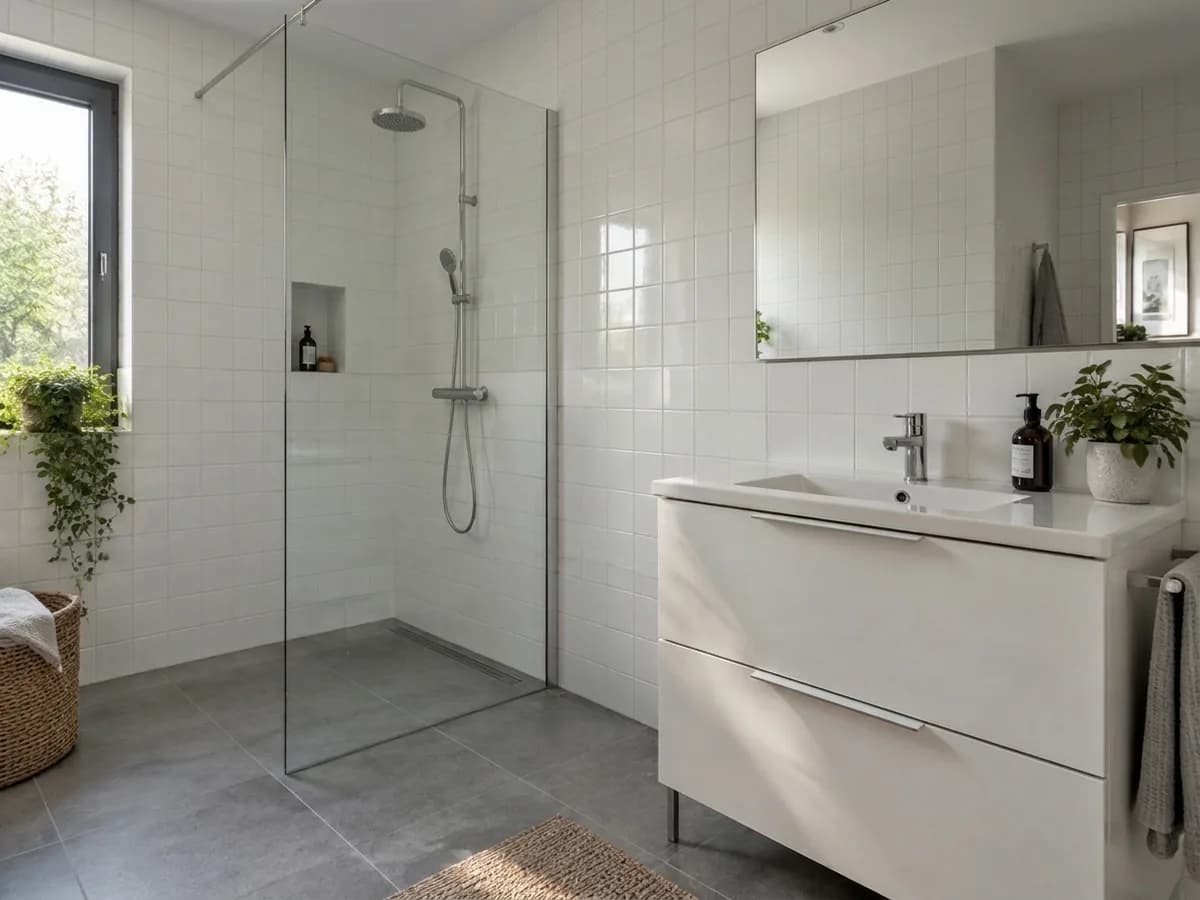
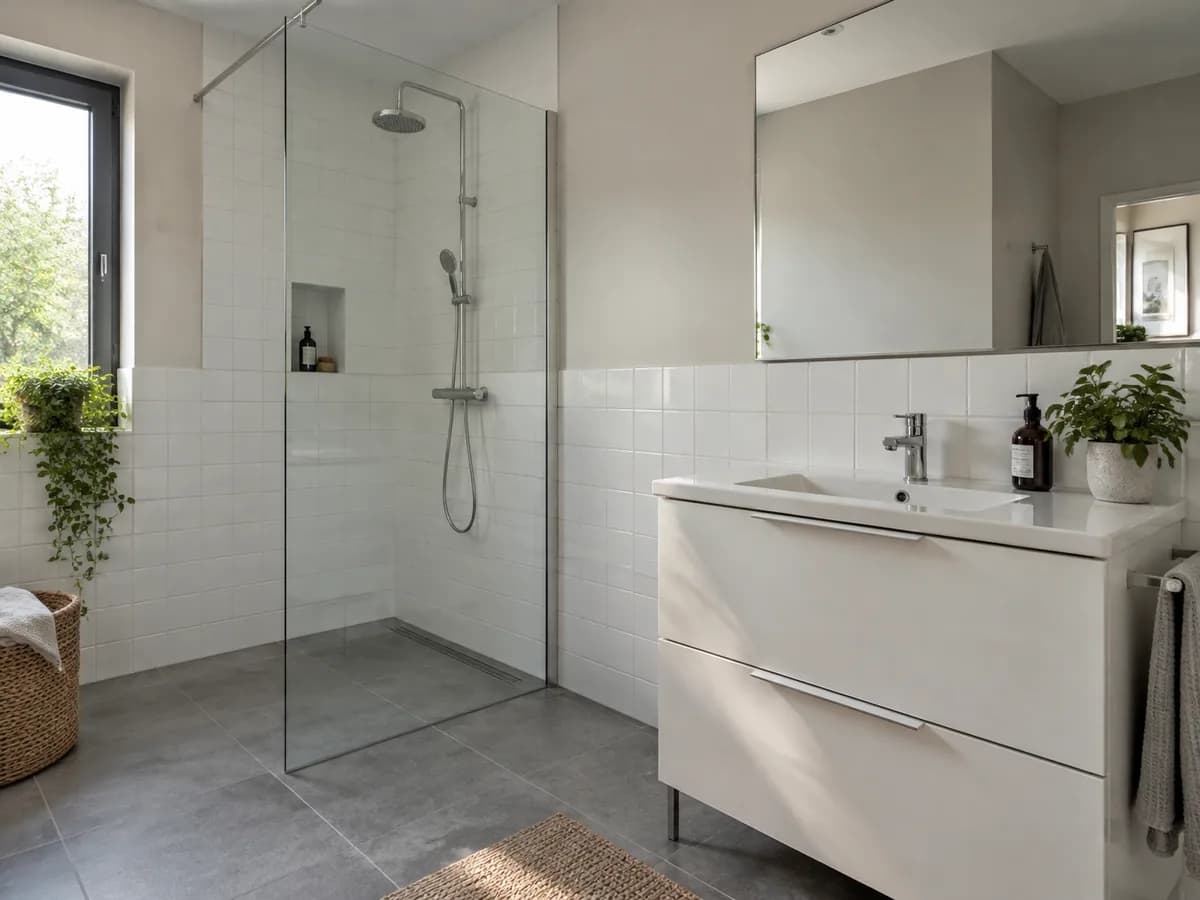
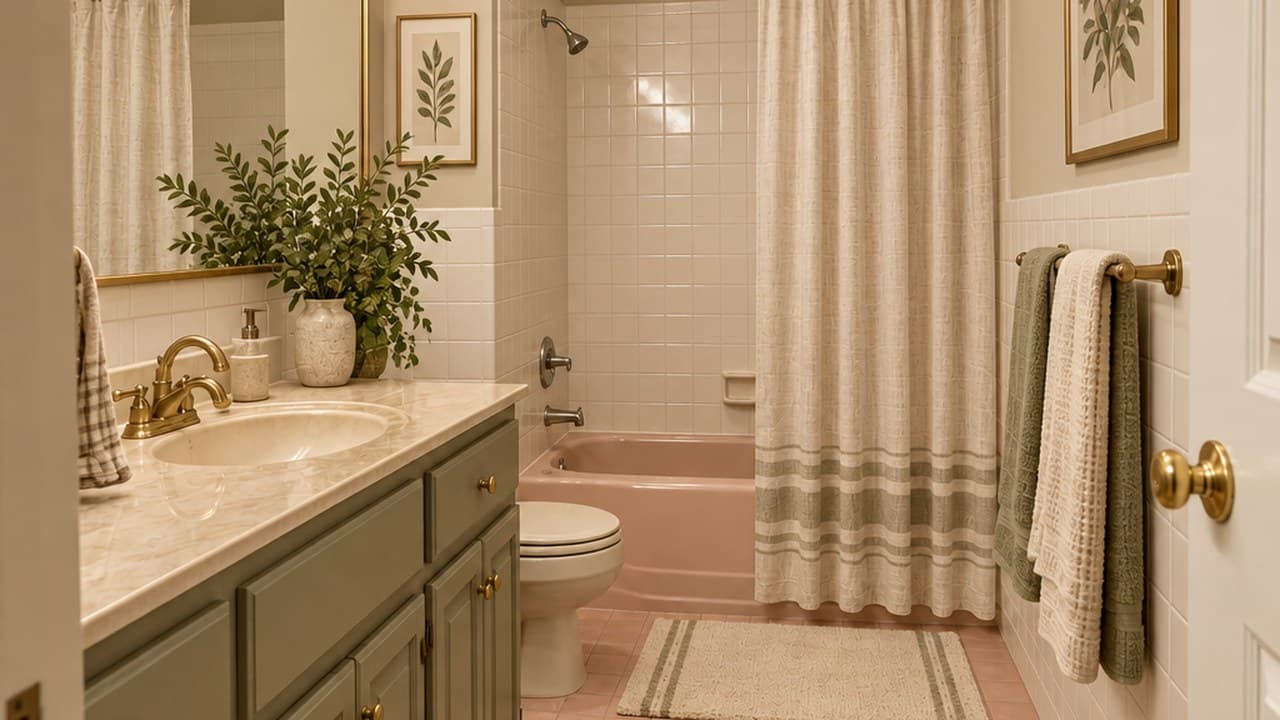
A 1950s pink bathroom and a shower room with half-height tiles: new tiles, everything else where it was.
Bathroom tile visualizer FAQ
What the tool changes, what it keeps and what it costs.
- You sign in with Google or e-mail — no card — and get 6 free credits, enough for 3 designs. Each design costs 2 credits. Free results carry a small genroom.io watermark. One-time packs remove it: Start $9.99, Basic $19.99, Pro $39.99. There is no subscription.
- No. The “Bathroom tiles” task replaces the tiles and keeps the sanitary ware, the window, the door and the mirror where they are. An old decorative border goes away with the old tiles. If something else moved, fix it in the editor with a few words or the brush.
- Yes — write it in the “Tiles” field, as in the walls-only example above: “white zellige tiles on the walls only; keep the existing floor tiles”. It works the other way round too.
- Yes. Describe your tiles and where they should go, for example “white square tiles matching the existing ones, laid all the way up to the ceiling; keep the existing gray floor tiles” — that request made the shower room above.
- Yes, in one request: “white vertical subway tiles on the walls and black hexagon tiles on the floor”. Name the color, the size and the pattern — herringbone, stack bond, checkerboard — and the model follows them.
- Those are separate tasks: add “Walk-in shower” or “Freestanding tub” next to “Bathroom tiles” in the same Studio form, or use AI bathroom remodel for the whole room.
- Daylight or bright light, taken from the doorway with the walls and the floor in view. A phone photo is fine; in a very small bathroom, a slightly wider angle helps.
- It is a visual preview of the color, the pattern and the scale in your room. It does not count tiles or reproduce a specific product exactly, so look at a real sample — in your bathroom's light — before you order.
More tools for your bathroom
The same photo can get a new vanity, a shower or a full remodel.
AI bathroom remodel
Tiles, vanity, shower or tub and fixtures redesigned together.
AI bathroom design
A whole bathroom in one of 25+ interior styles.
Backsplash & countertop visualizer
Try tile and stone in your kitchen.
AI flooring visualizer
Wood, tile or stone floors in any room.
AI material swap
Change the material of any surface on a photo.
Paint visualizer
Try a new color on painted walls.
Your bathroom with new tiles, in under a minute
Upload a photo of your bathroom and try the first tile. 6 free credits after sign-in — that is 3 designs.
Try tiles in my bathroom