See your kitchen cabinets in a new color before you paint
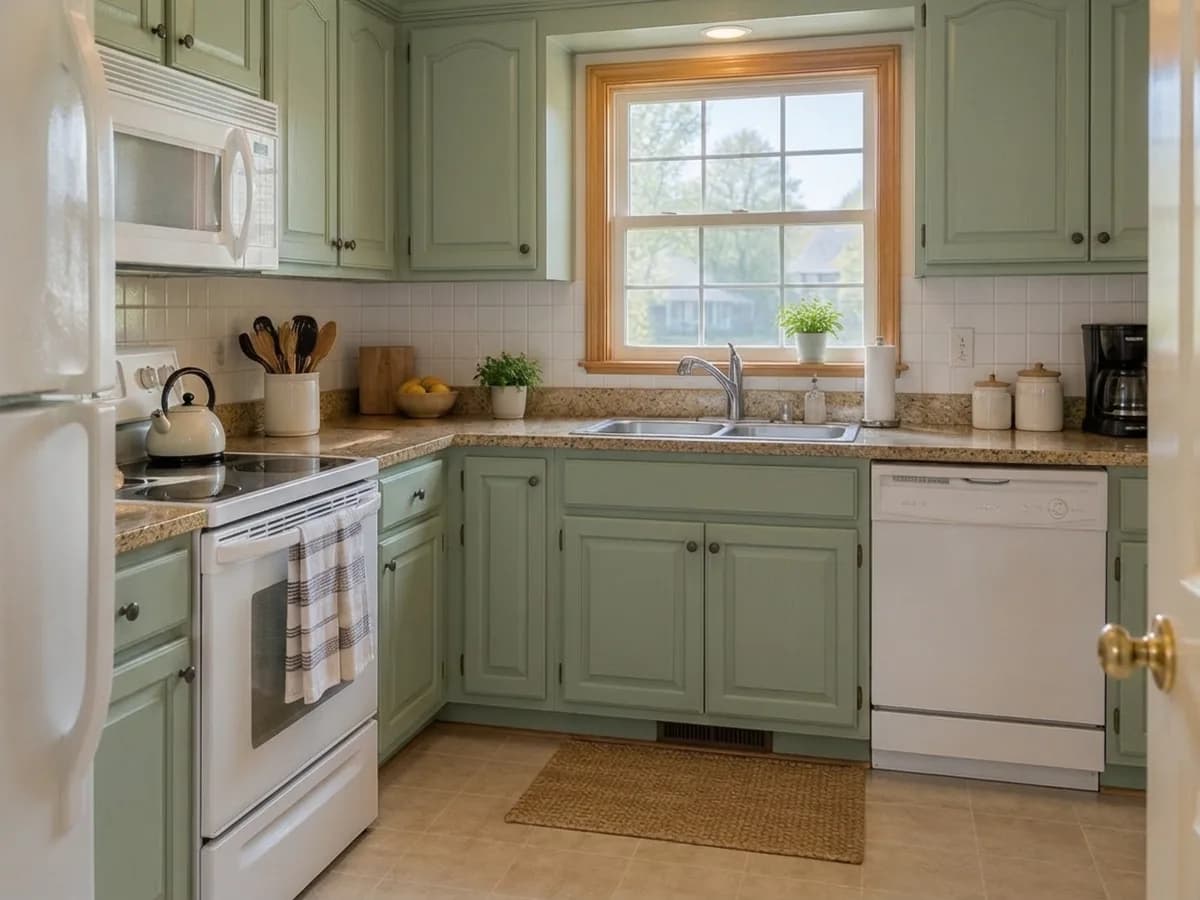
Upload one photo of your kitchen and try deep navy, sage green, warm white or matte black with brass handles — or type your own paint color. The layout, the door shapes, the countertop and the floor stay as they are; only the cabinet fronts change.
- 2 credits
- per design
- 6 free credits
- after sign-in, no card
- Under a minute
- per result
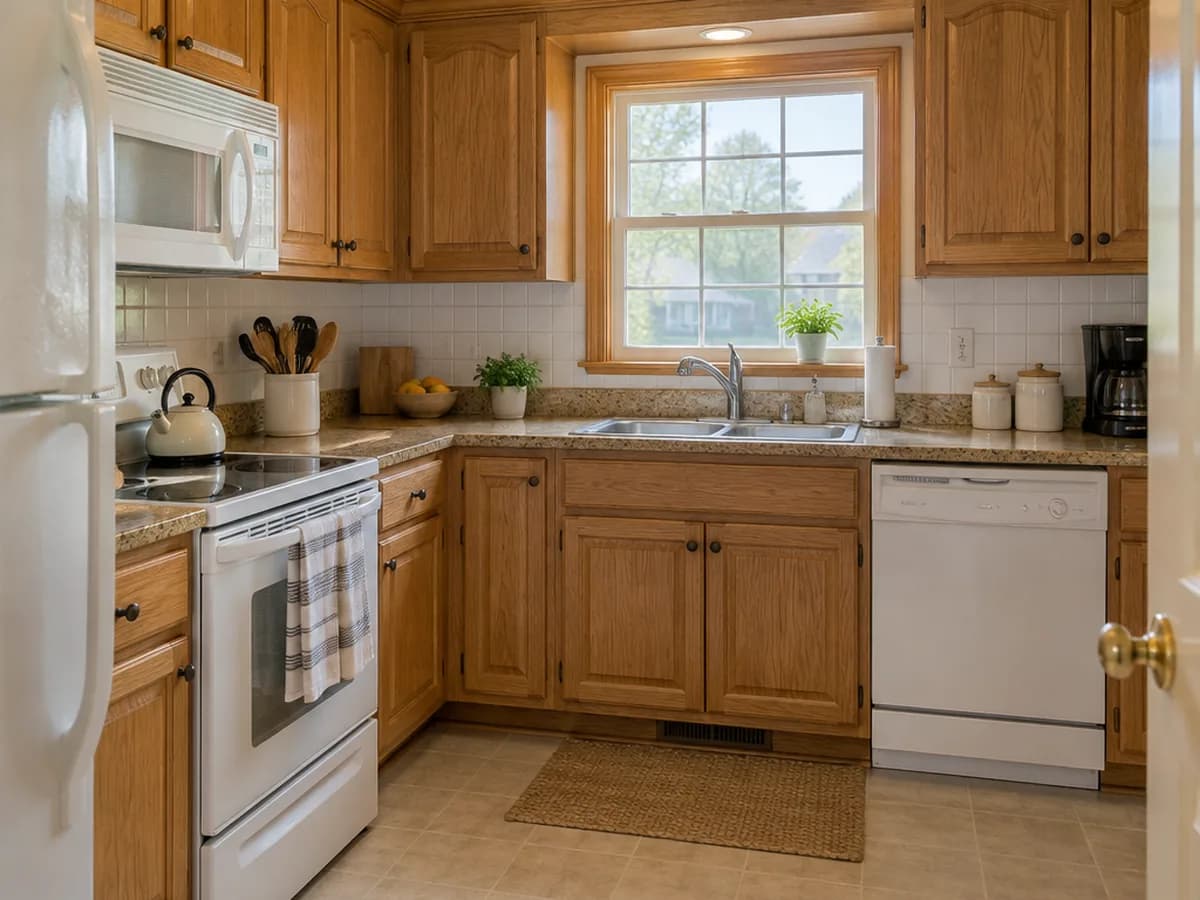
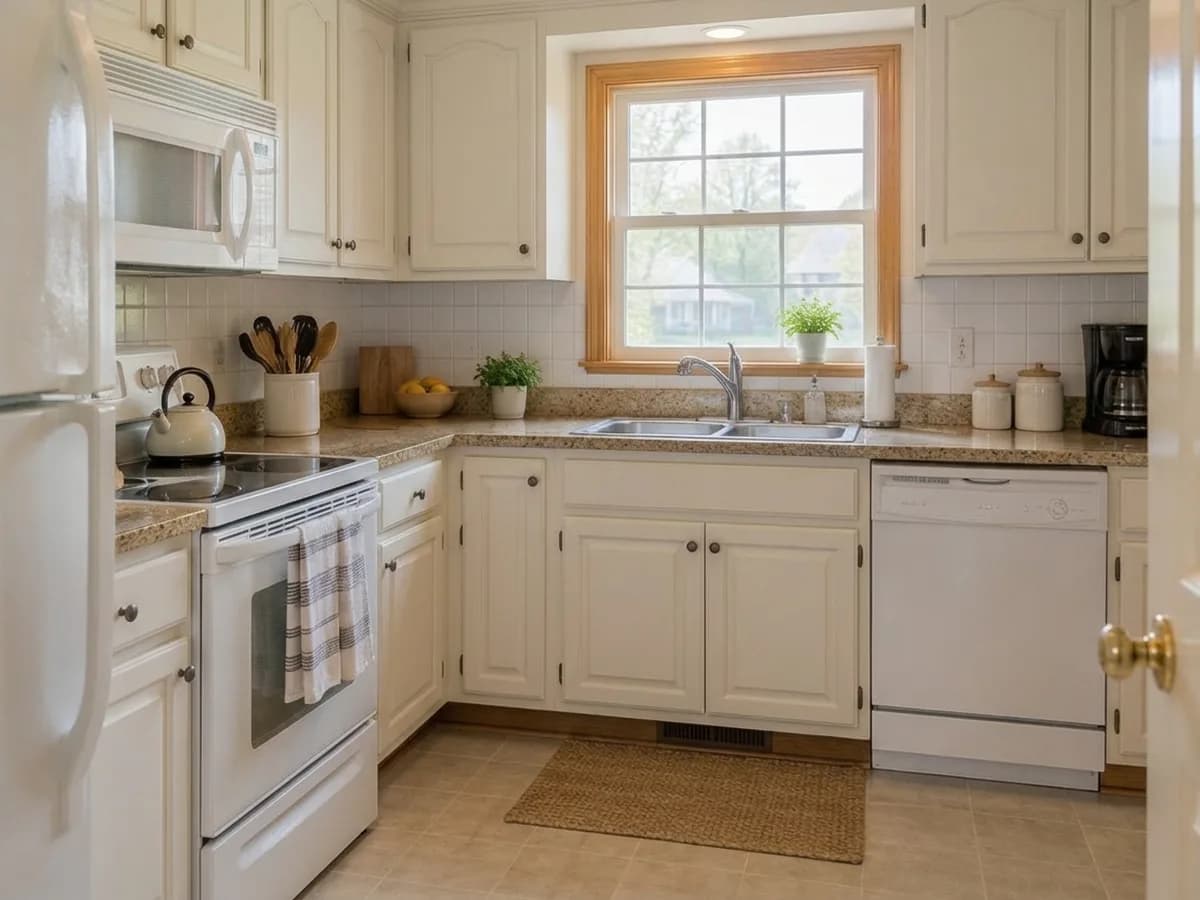
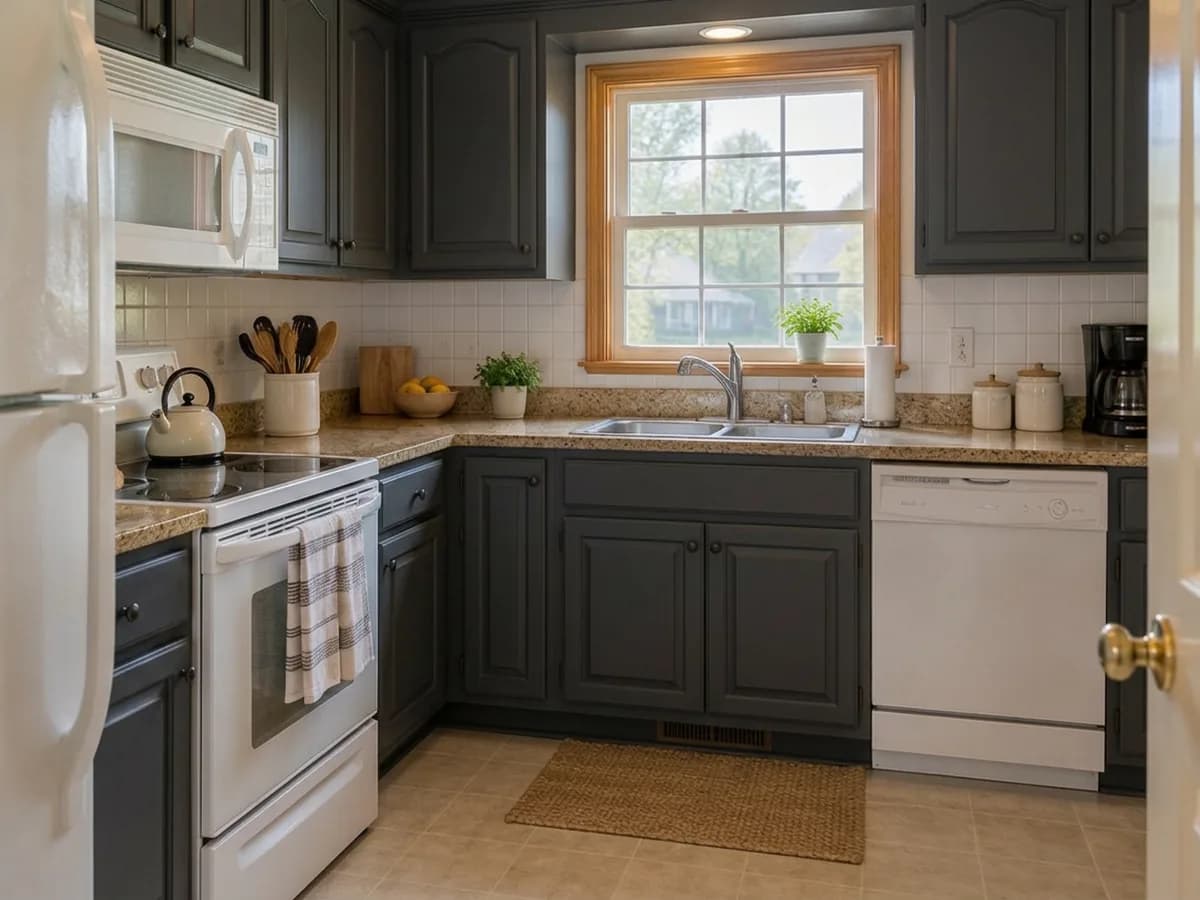
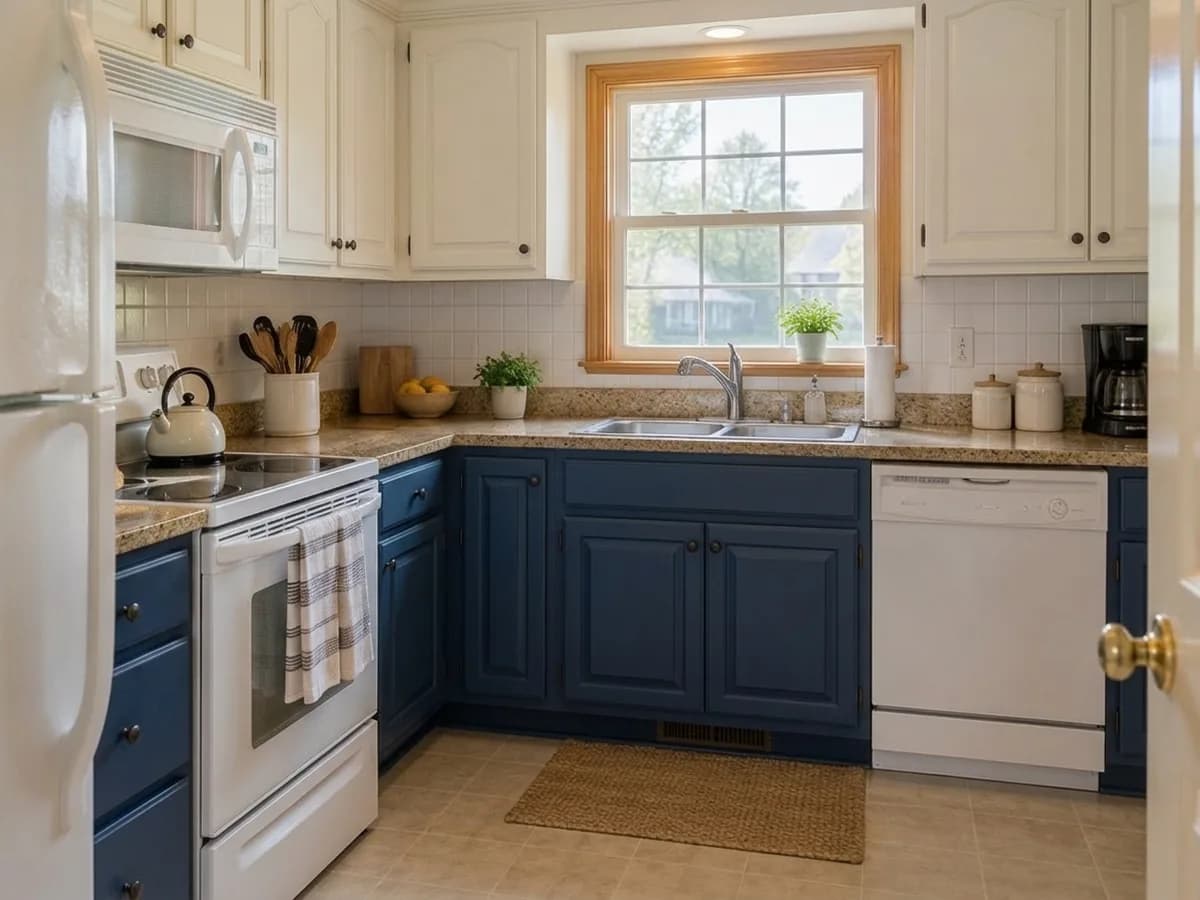
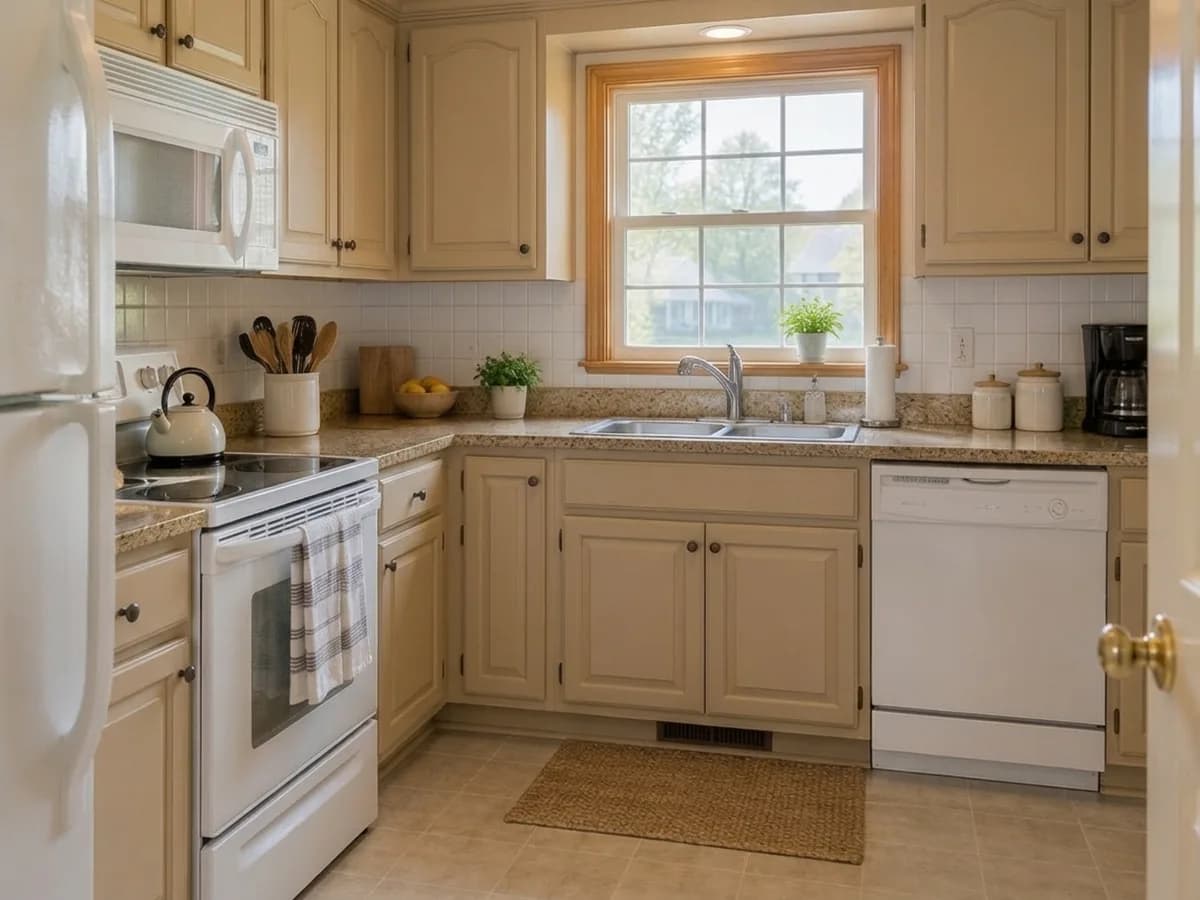
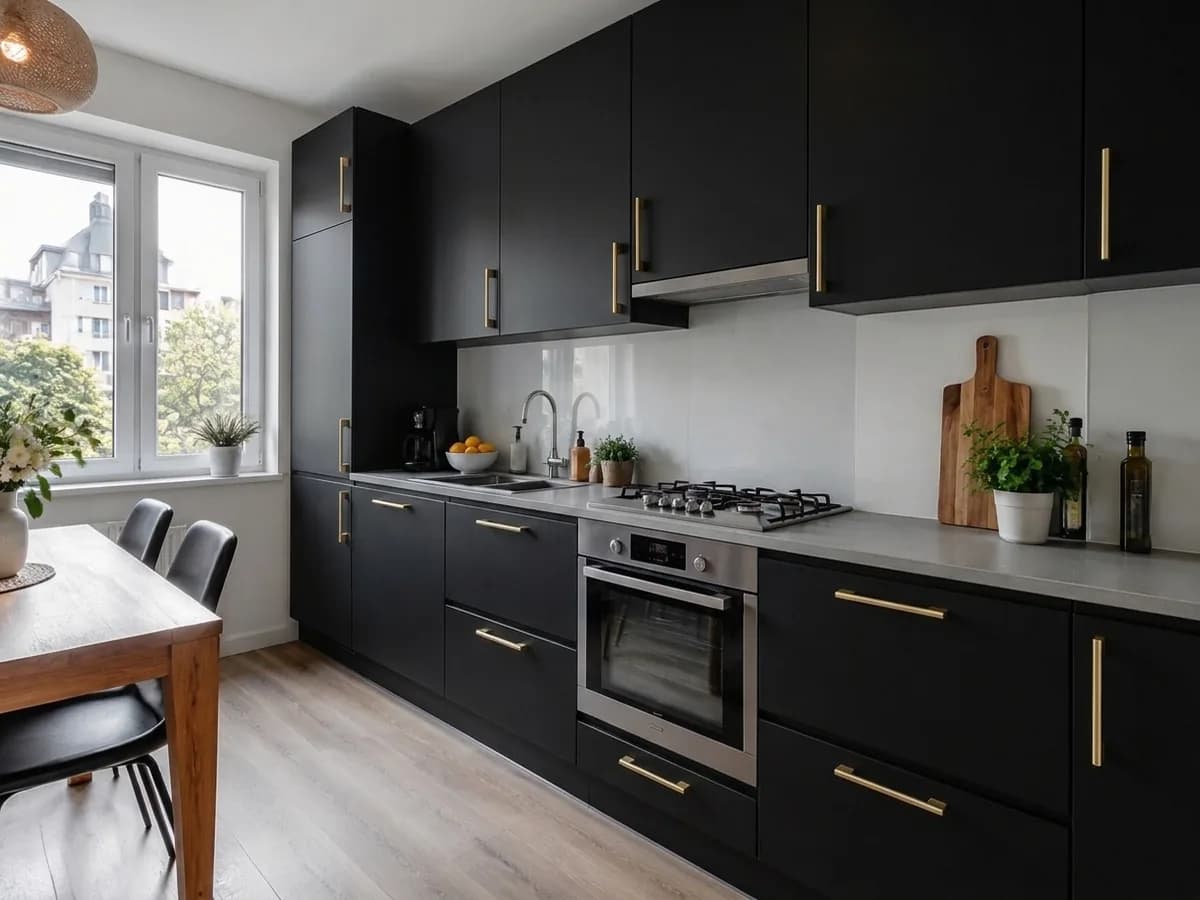
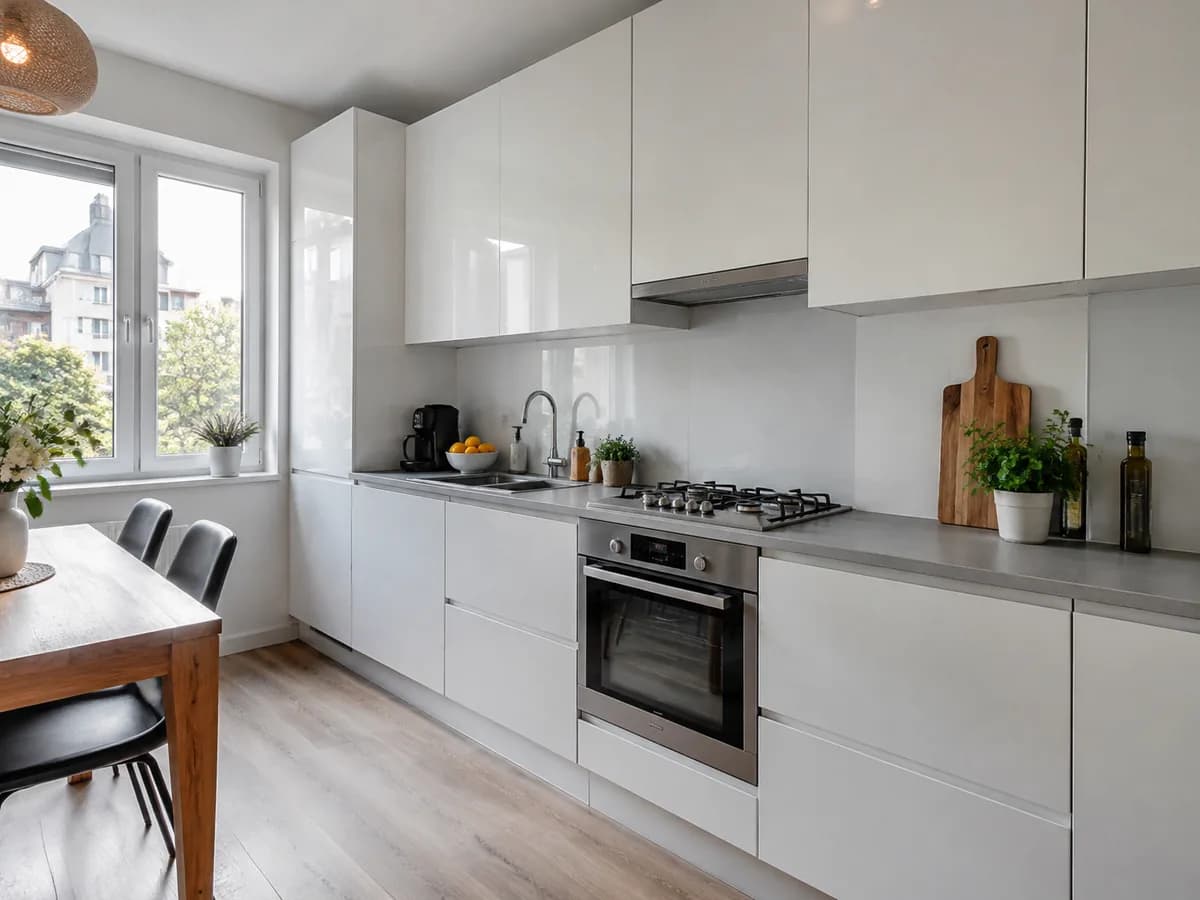
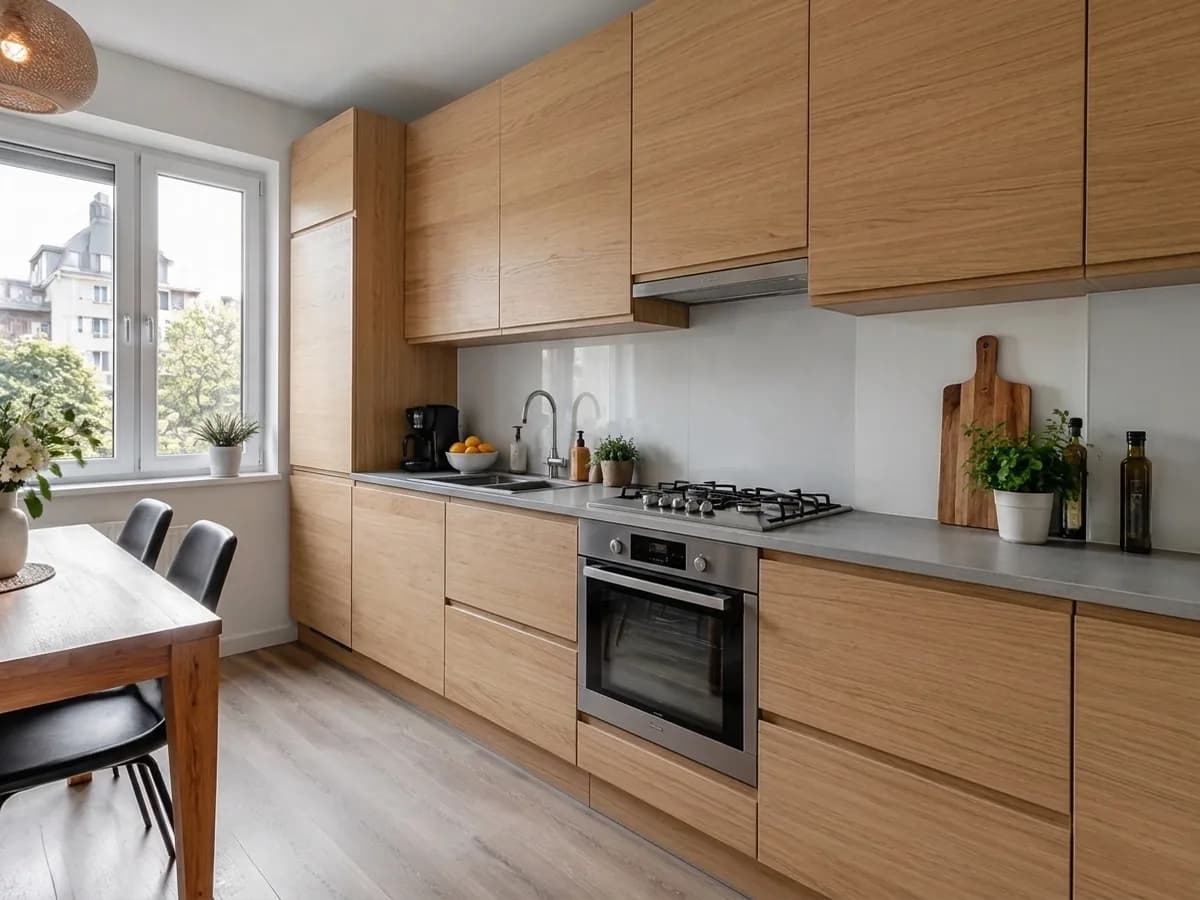
Same photo · only the cabinet fronts change
- Deep navy
- Warm white
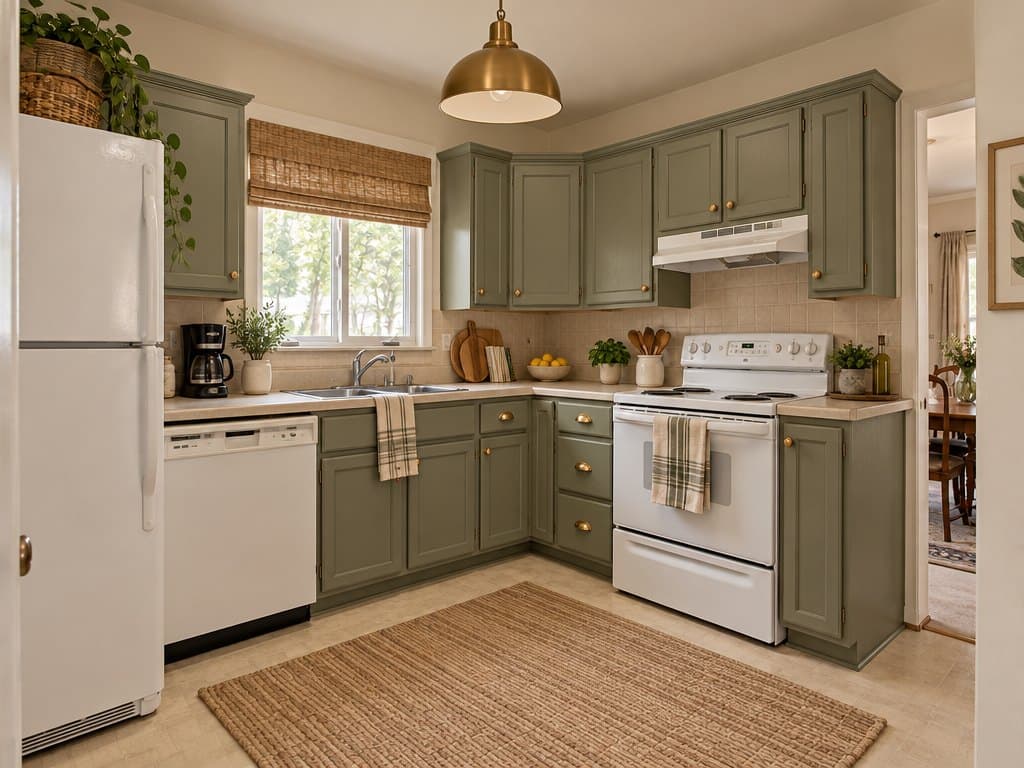
- Sage green
- Matte graphite
- Matte black + brass handles
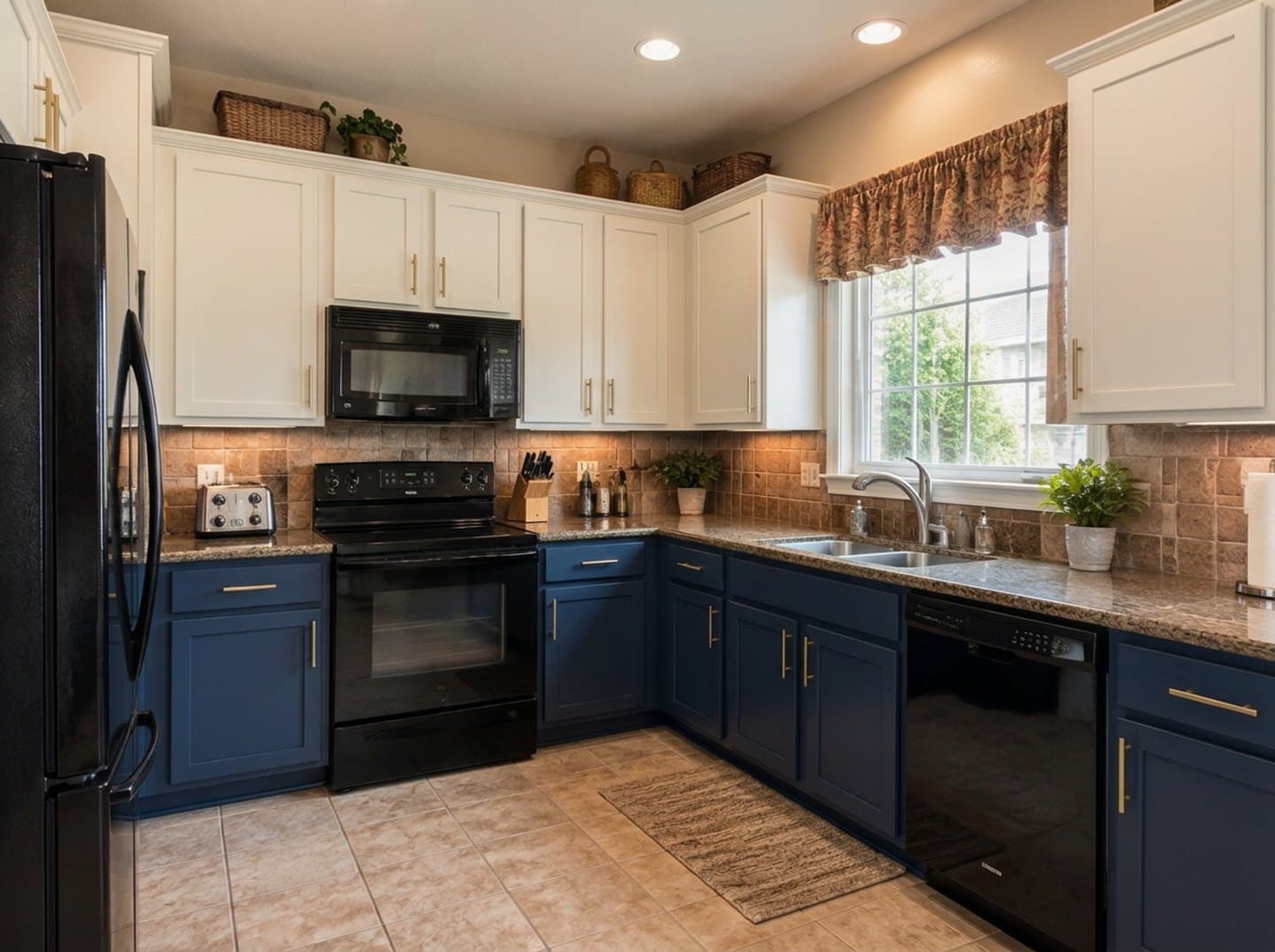
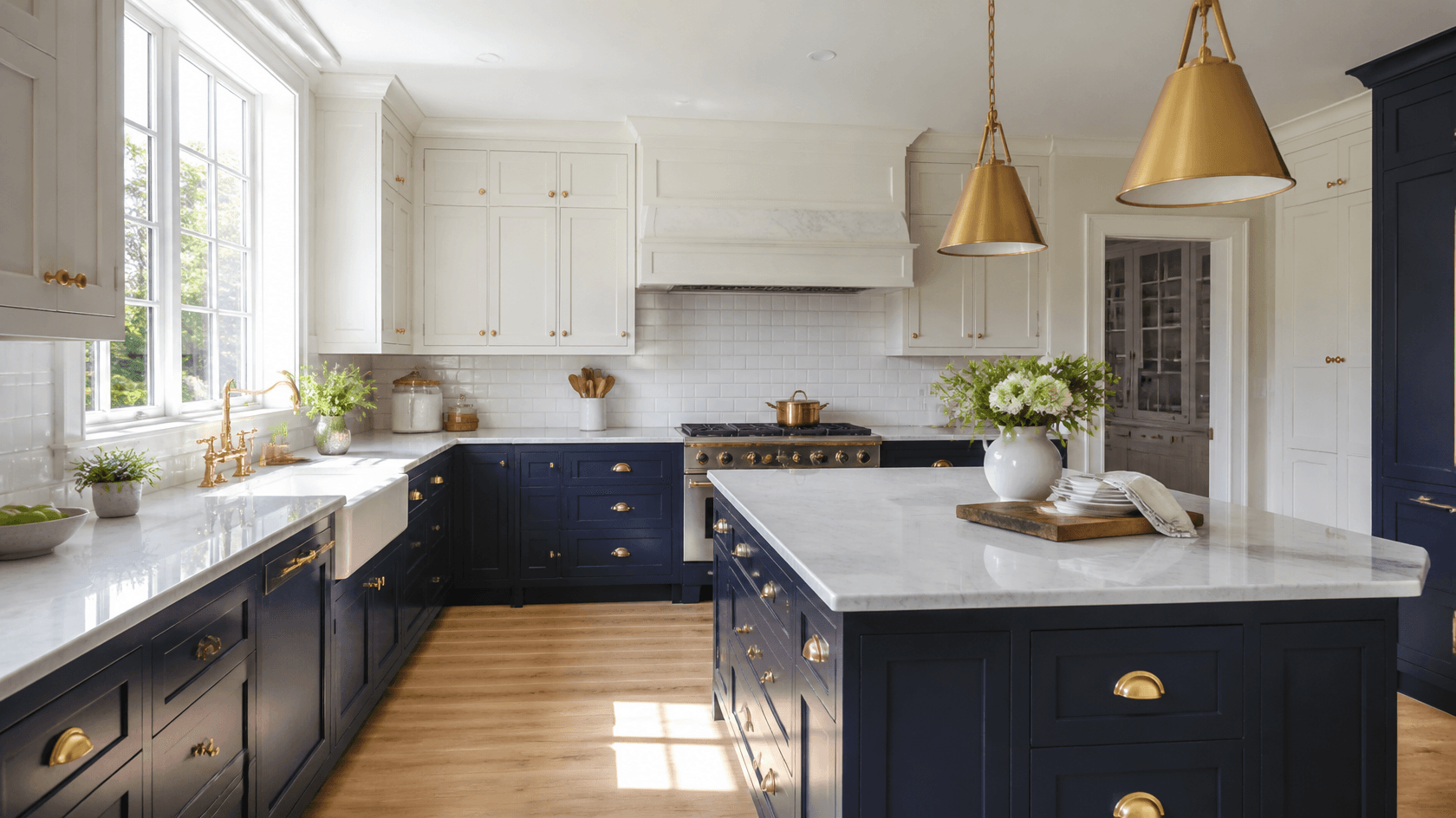
- Two-tone: navy + white
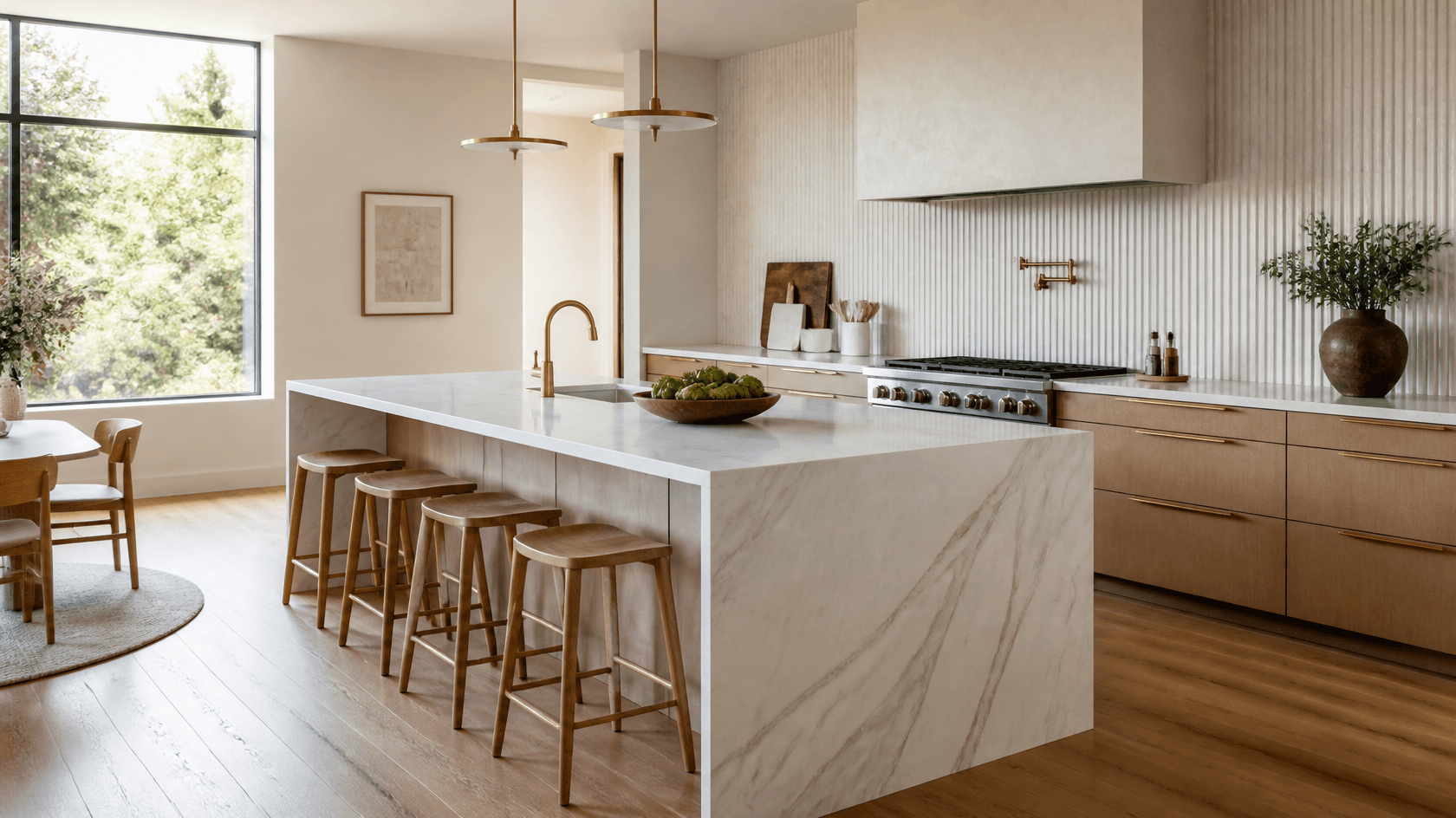
- Warm beige
- Deep navy
- Warm white
- Sage green
- Matte graphite
- Matte black + brass handles
- Two-tone: navy + white
- Warm beige
Stays as in your photo
- Cabinet layout
- Door and drawer shapes
- Countertop and backsplash
- Appliances and floor
- Camera angle
One photo, three steps
- 1
Photograph your kitchen
A daytime photo from the doorway or a corner, with the cabinets in the frame. A phone photo is enough.
- Cabinet colorColor and finishDeep navyWarm white matteSage greenMatte graphite2
“{task}” is already chosen
The Studio opens with the “Cabinet color” task. Pick a finish in its “Color and finish” field or type your own — a color name, a HEX code or a paint brand's color. A finish on this page sends its choice for you.
 AfterBefore3
Compare, then try the next color
Drag the before/after slider and try another finish on the same photo. Each design costs 2 credits.
Every finish on the same cabinets
All seven results were made in the GenRoom Studio from one photo with the “Cabinet color” task. Nothing else was edited.
Have a paint chip in mind? Type it in
Type a color in words, a HEX code, a RAL code or a paint brand's color name. A HEX or RAL code reaches the model as an exact color sample; a brand color is matched by its name, so take it as approximate. You can name the handles in the same line.
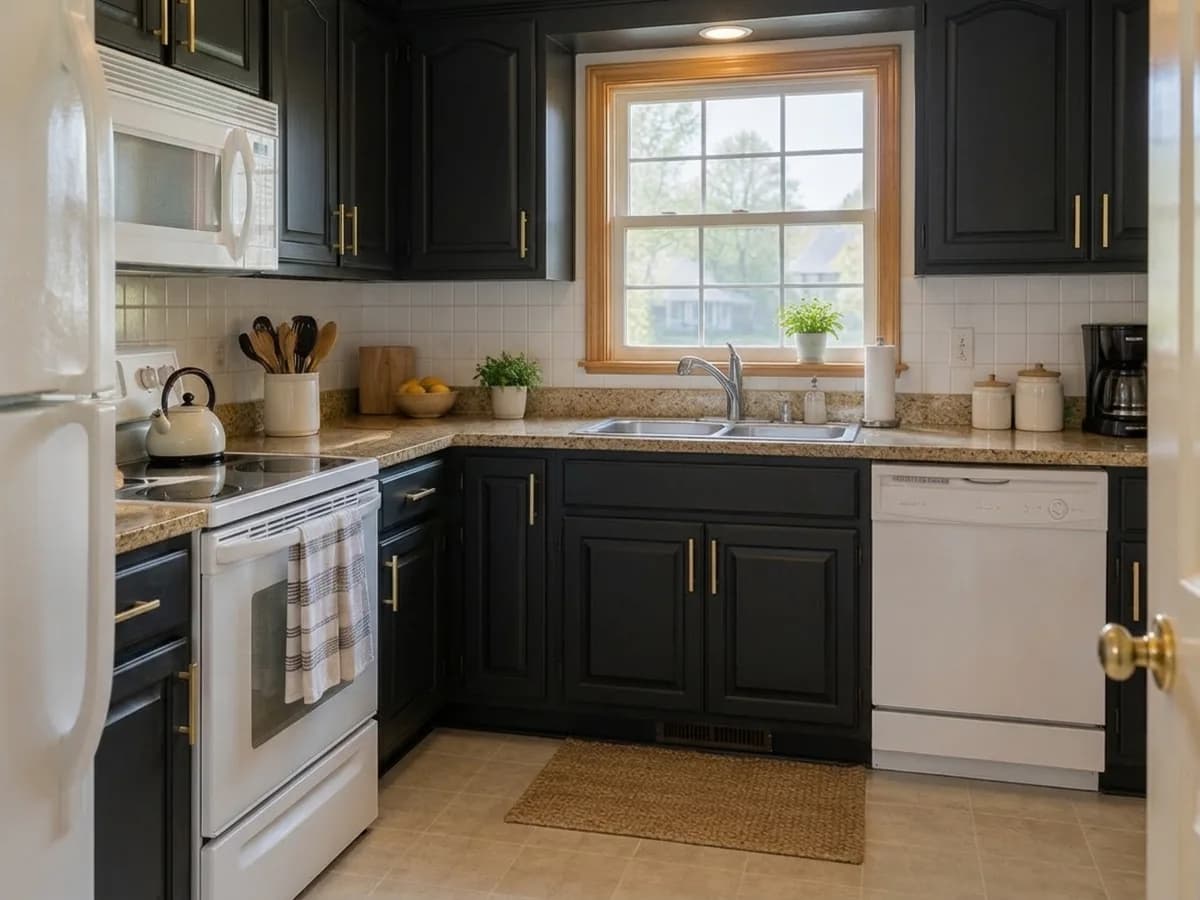
Here: “matte black with brushed brass handles” typed in the field — the fronts and the handles changed together.
Different kitchens, the same rule
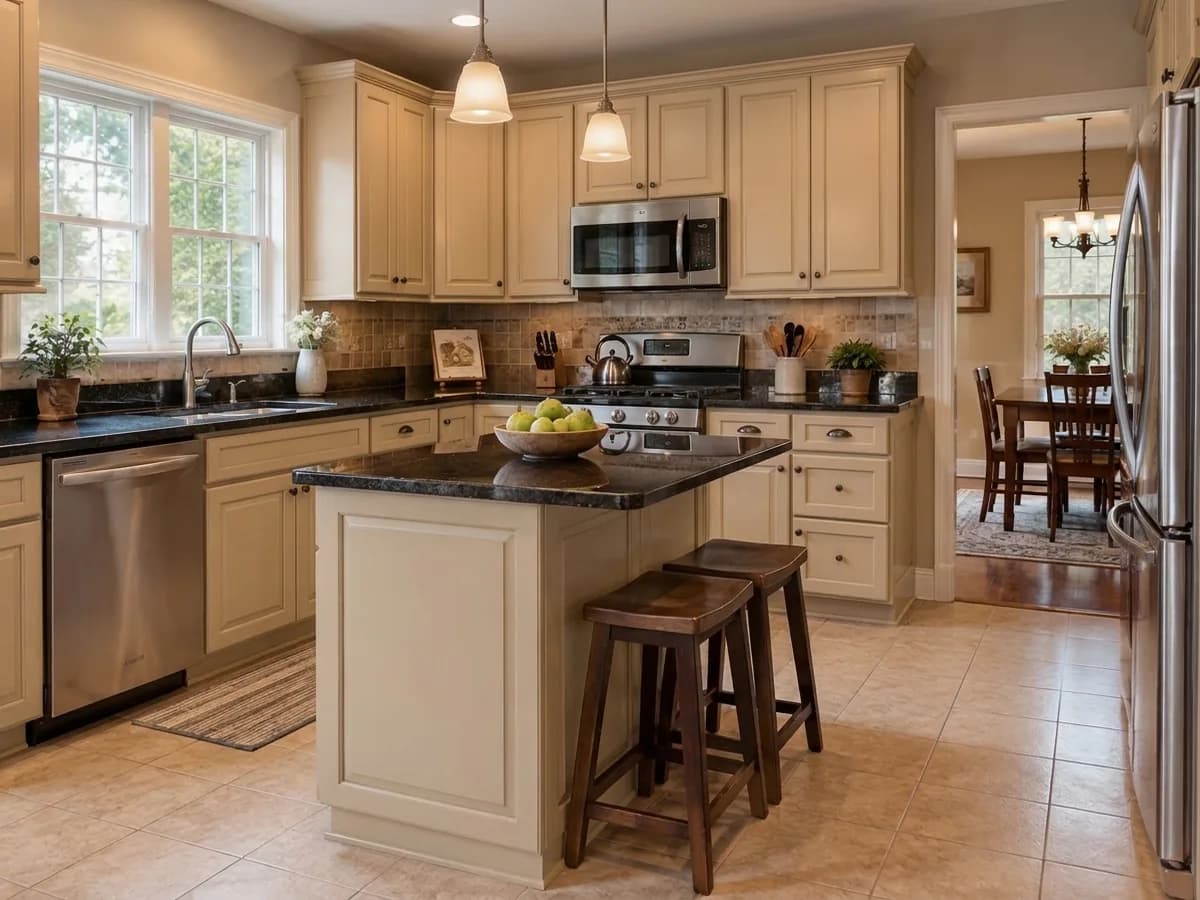
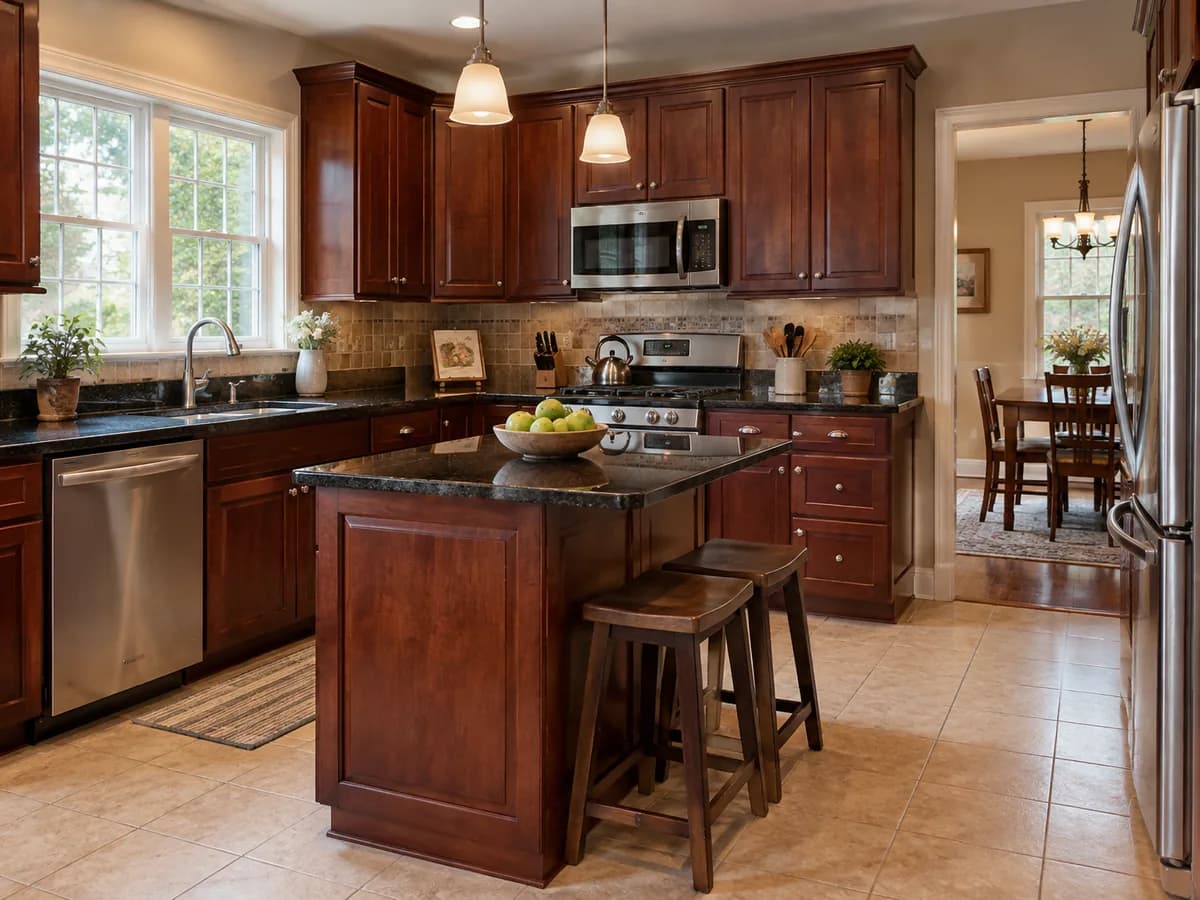
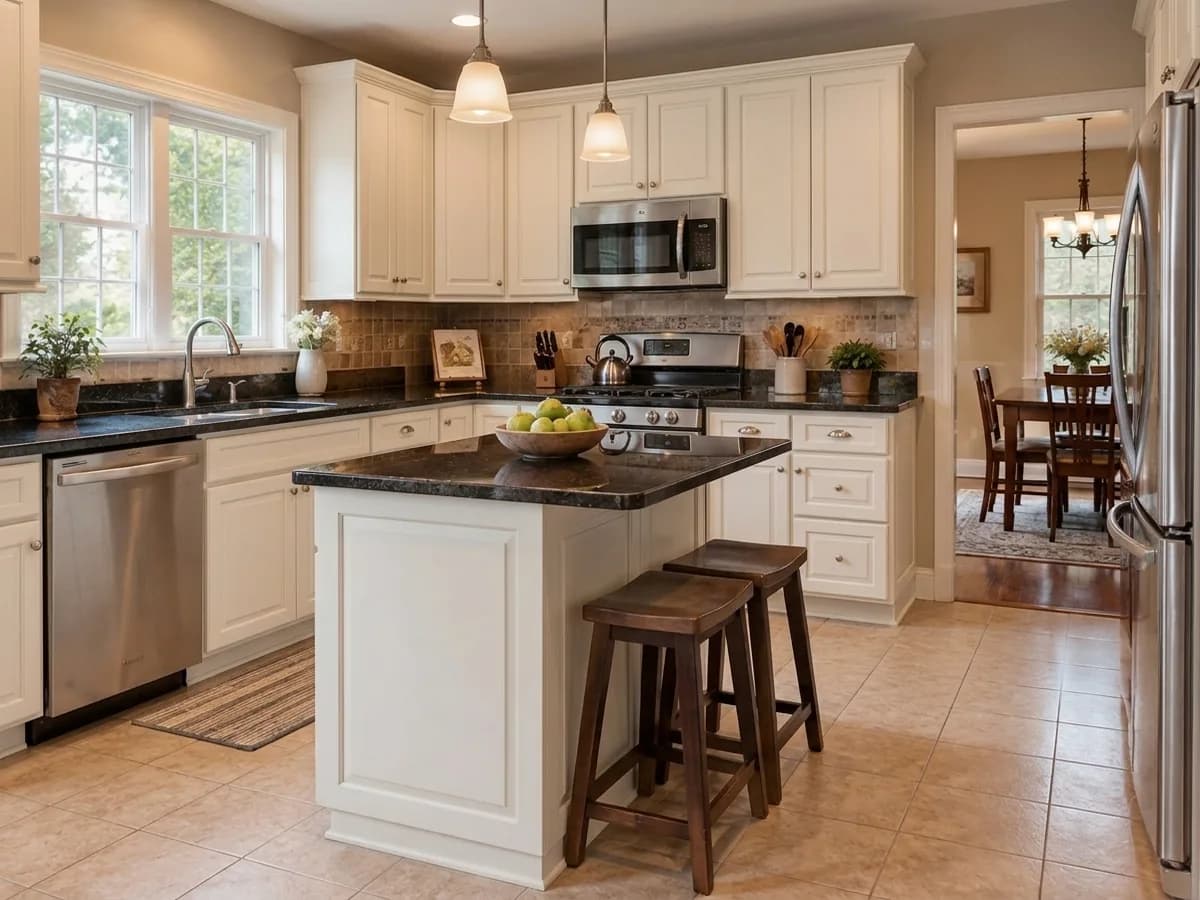
A cherry kitchen with an island and a handleless white one: new fronts, everything else where it was.
Cabinet color visualizer FAQ
What the tool changes, what it keeps and what it costs.
- You sign in with Google or e-mail — no card — and get 6 free credits, enough for 3 designs. Each design costs 2 credits. Free results carry a small genroom.io watermark. One-time packs remove it: Start $9.99, Basic $19.99, Pro $39.99. There is no subscription.
- The “Cabinet color” task refinishes the fronts and keeps the cabinet layout: the same doors, drawers and appliances in the same places. Raised, shaker and flat doors keep their style in our examples, though fine details of a profile can come out slightly simpler. If a door changed, open the result in the editor and fix it with a few words or the brush.
- Yes. Write them in the same field, for example “matte black with brushed brass handles”. On a handleless kitchen this adds handles, as in the white kitchen above — leave the handles out of the request to keep it handleless.
- Type a HEX or RAL code and the model gets it as an exact color sample. A brand color such as “Hale Navy” is matched by its name, so it is close but not exact. Light in your photo also changes how a color reads — compare with a real paint sample before you buy.
- Say it in the field: “navy blue lower cabinets and warm white upper cabinets” gave the two-tone result above. For one cabinet or the island alone, open the result in the editor, select it with the brush and ask for the new color.
- No — this task changes only the cabinet fronts. To change more on the same photo, add the countertop, backsplash or wall color task next to it in the Studio form, or use the backsplash & countertop visualizer. For a whole new kitchen, use AI kitchen remodel.
- Daylight, taken from the doorway or a corner, with the cabinets clearly in view and nothing large in front of them. A phone photo is fine; avoid a very wide-angle lens that bends the cabinets.
- It is a visual preview: it shows how the color looks with your countertop, floor and light. It does not measure anything or reproduce a manufacturer's color exactly, so check a physical sample before you order.
More tools for your kitchen
The same photo can get a new backsplash, a new layout or a full remodel.
AI kitchen remodel
Fronts, countertops, backsplash and lighting redesigned together.
Backsplash & countertop visualizer
Try tile and stone behind and on top of your cabinets.
AI kitchen planner
L-shaped, U-shaped, galley or island layout ideas on your photo.
Paint visualizer
Keep the cabinets and try a new color on the walls.
AI material swap
Change the material of any surface on a photo.
AI kitchen design
A whole kitchen in one of 25+ interior styles.
Your cabinets in a new color, in under a minute
Upload a photo of your kitchen and try the first color. 6 free credits after sign-in — that is 3 designs.
Try a color on my cabinets