See Your Walls in Any Color — Powered by AI
Upload a photo. Pick a paint color. Get a photorealistic preview in seconds. No samples, no painters, no guesswork.
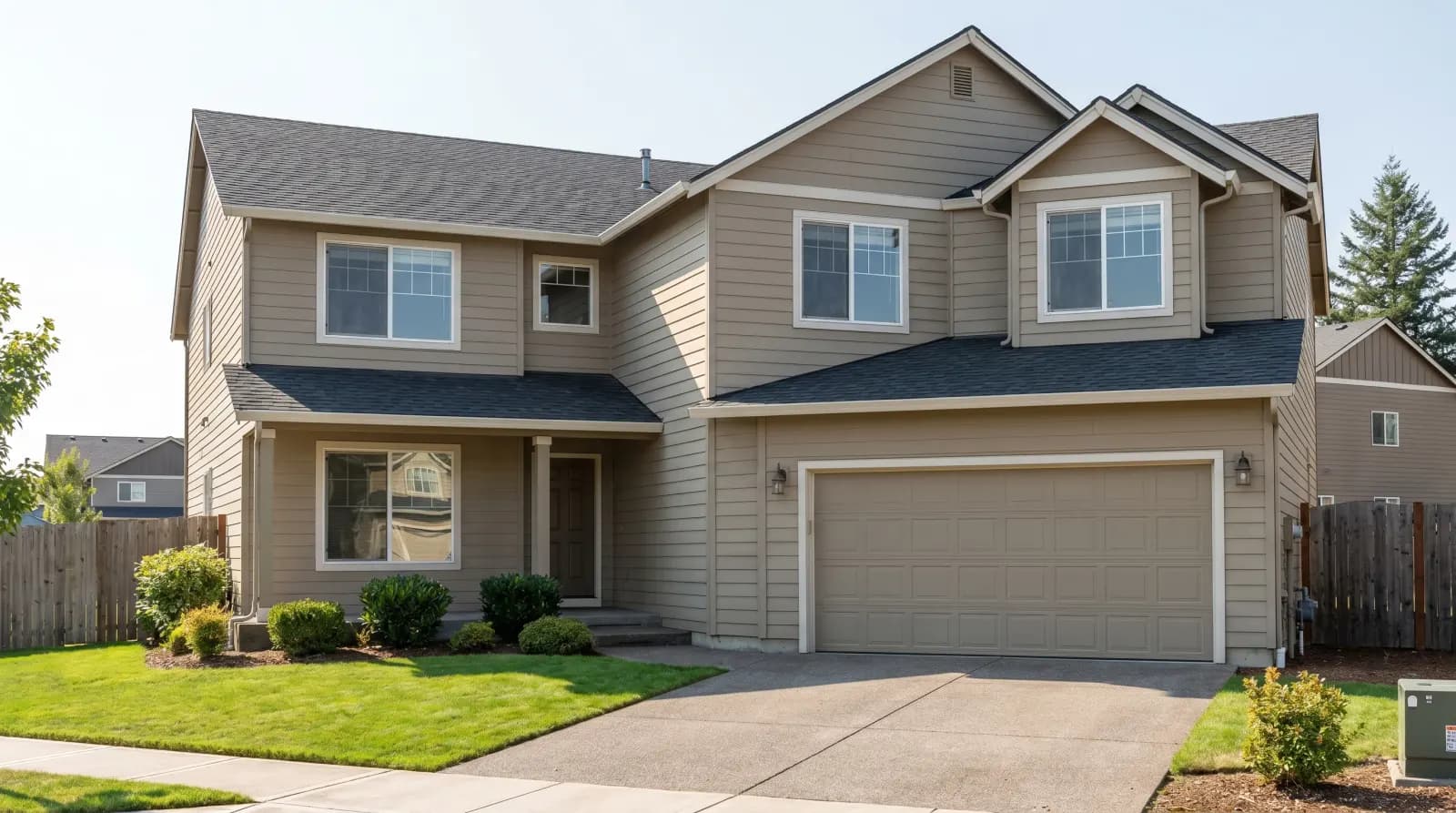
Painting the outside of the house? Exterior paint visualizer
- 4.8/5
- from 1,200+ reviews
- 30,000+
- rooms repainted
- ~30 sec
- per preview
- 30,000+
- rooms painted
- 4.8★
- designer rating
- 1,000+
- colors available
- 8
- languages
- ~30s
- per preview
Used by 30,000+ homeowners, designers, and realtors worldwide
How AI Paint Visualizer Works
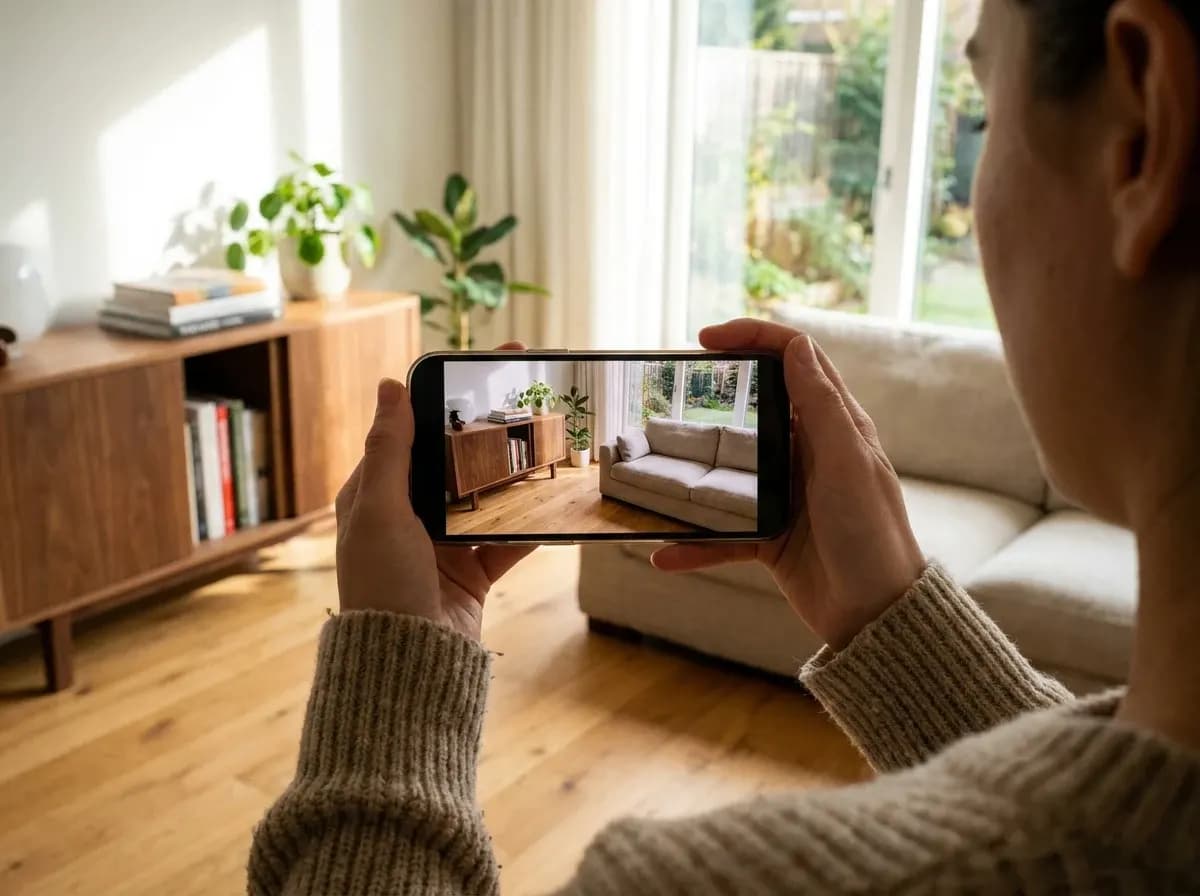
Upload your room photo
Take a photo with your phone or upload an existing one. JPG, PNG, or WEBP — any angle works.
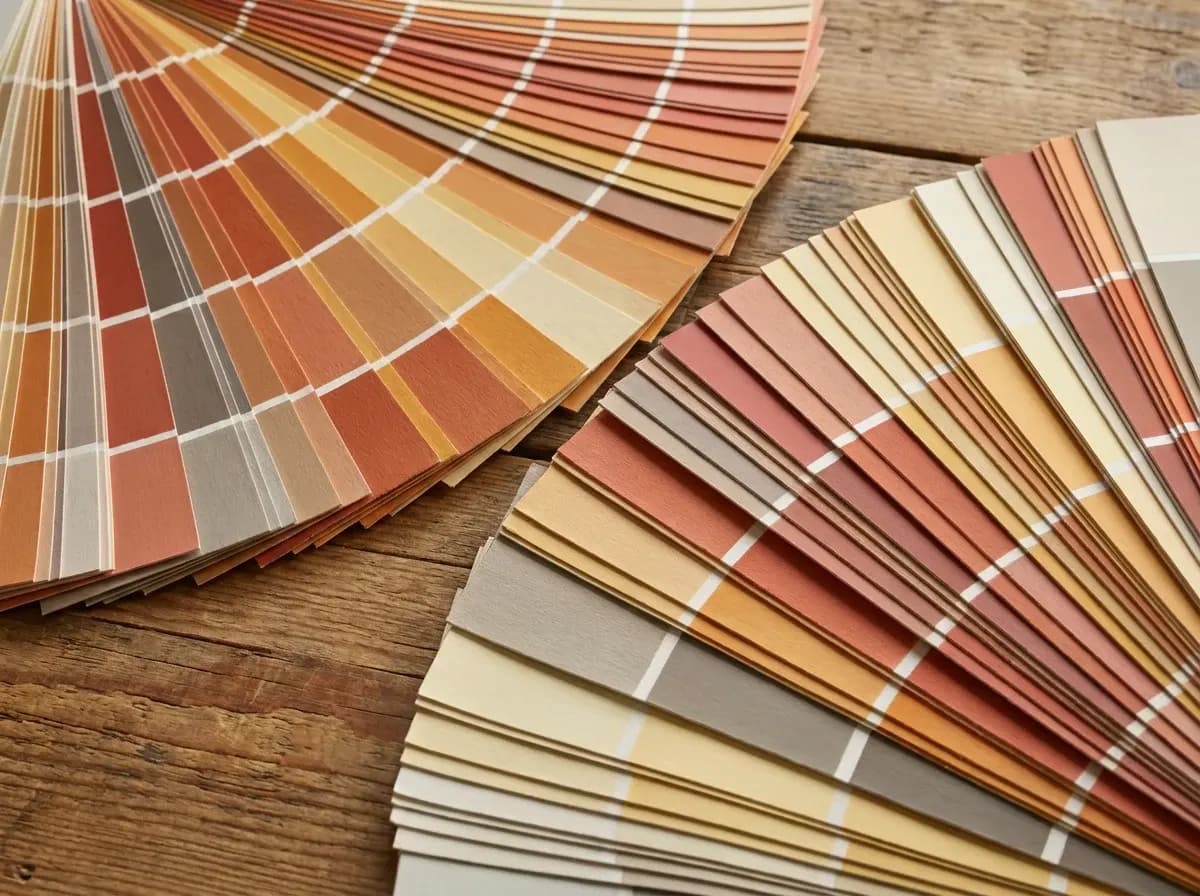
Pick a paint color
Choose from 1000+ presets or describe any brand color — Sherwin-Williams, Benjamin Moore, Behr, Farrow & Ball.
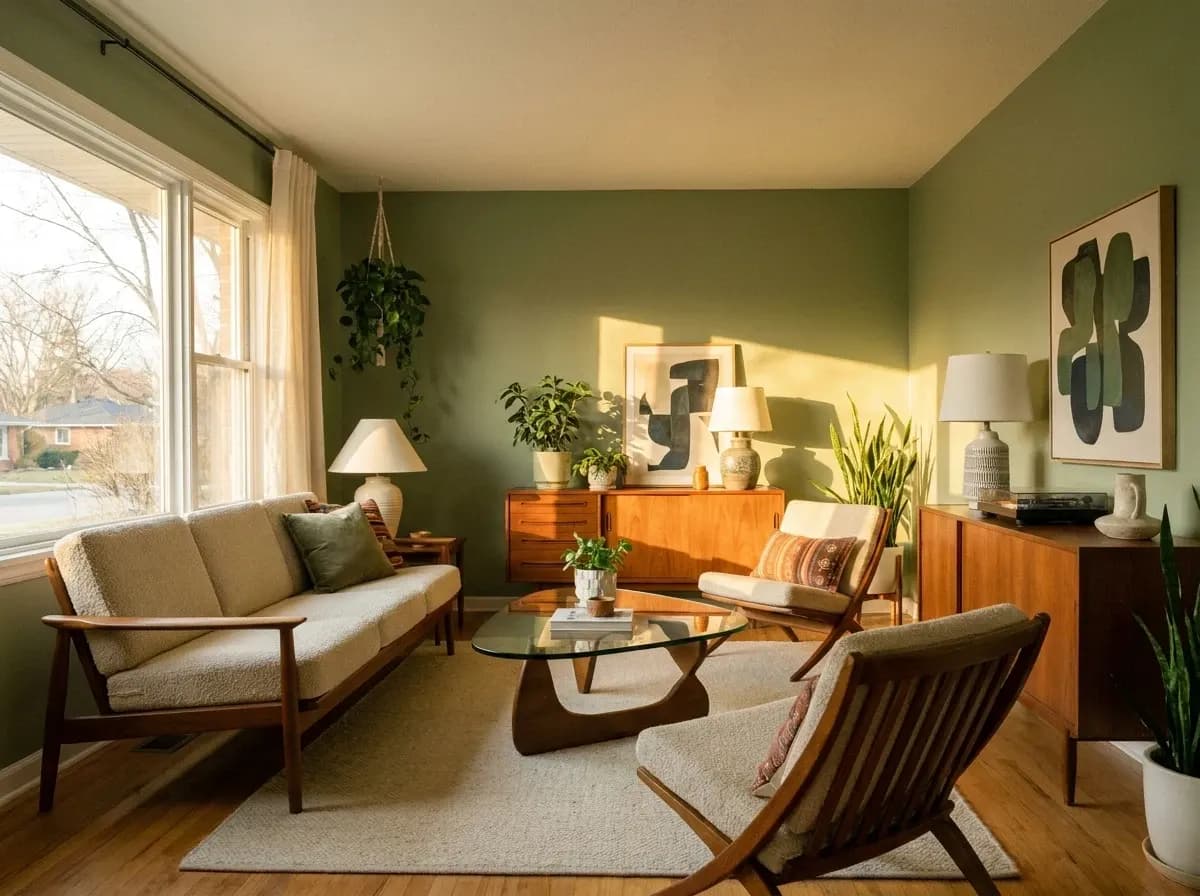
Get a photorealistic preview
AI generates a realistic redesign in about 30 seconds — with proper shadows, lighting, and reflections.
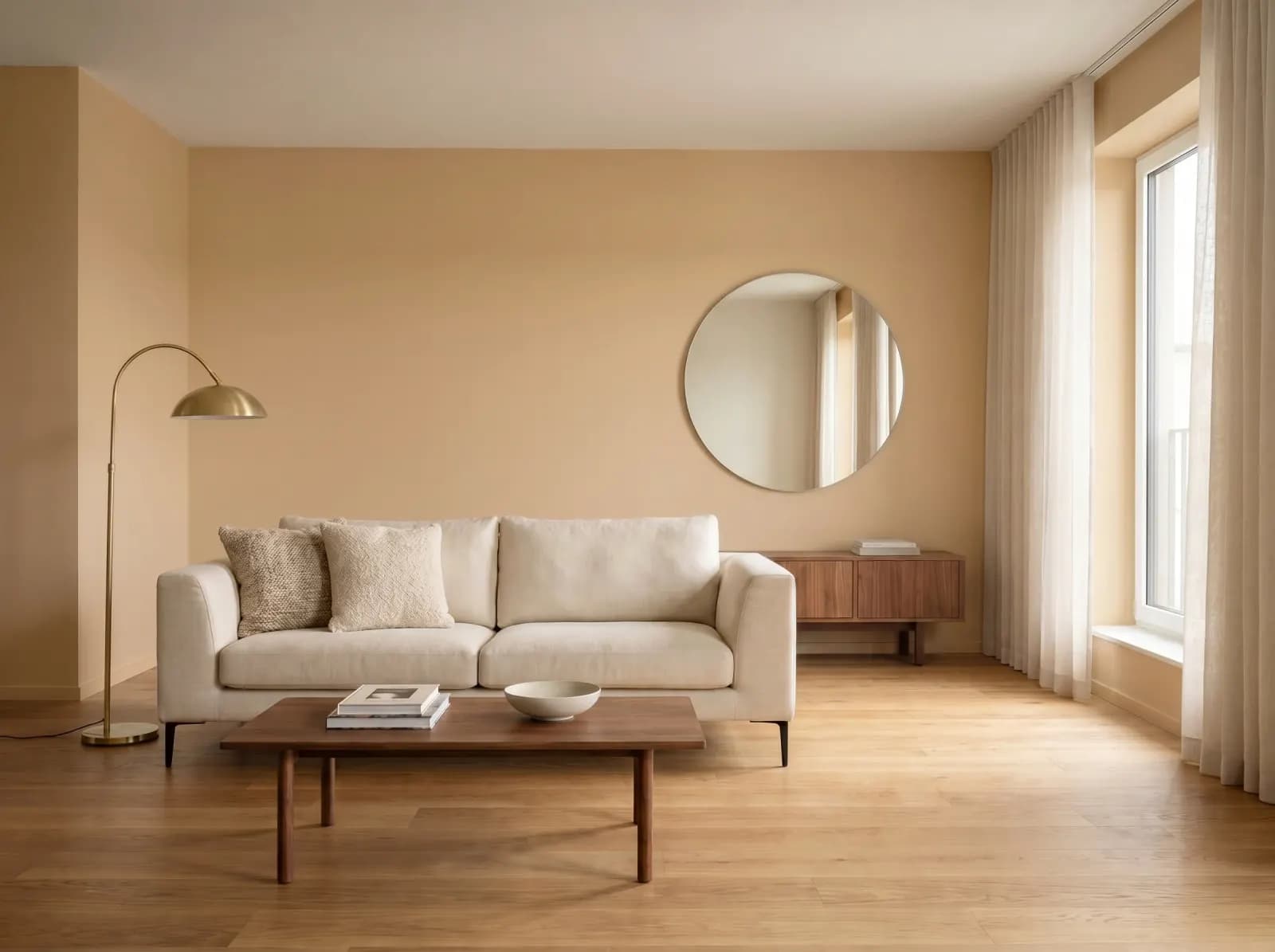
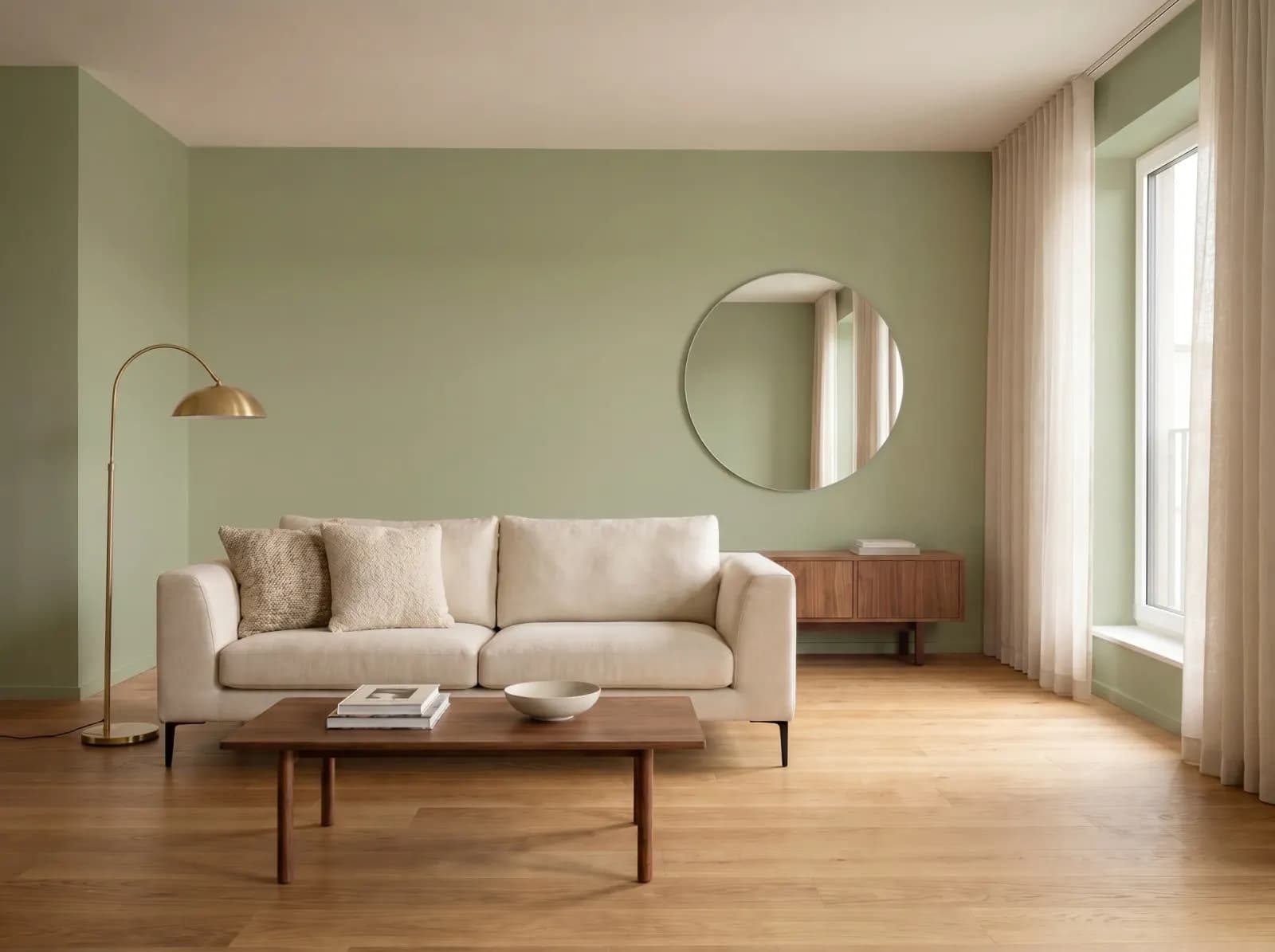
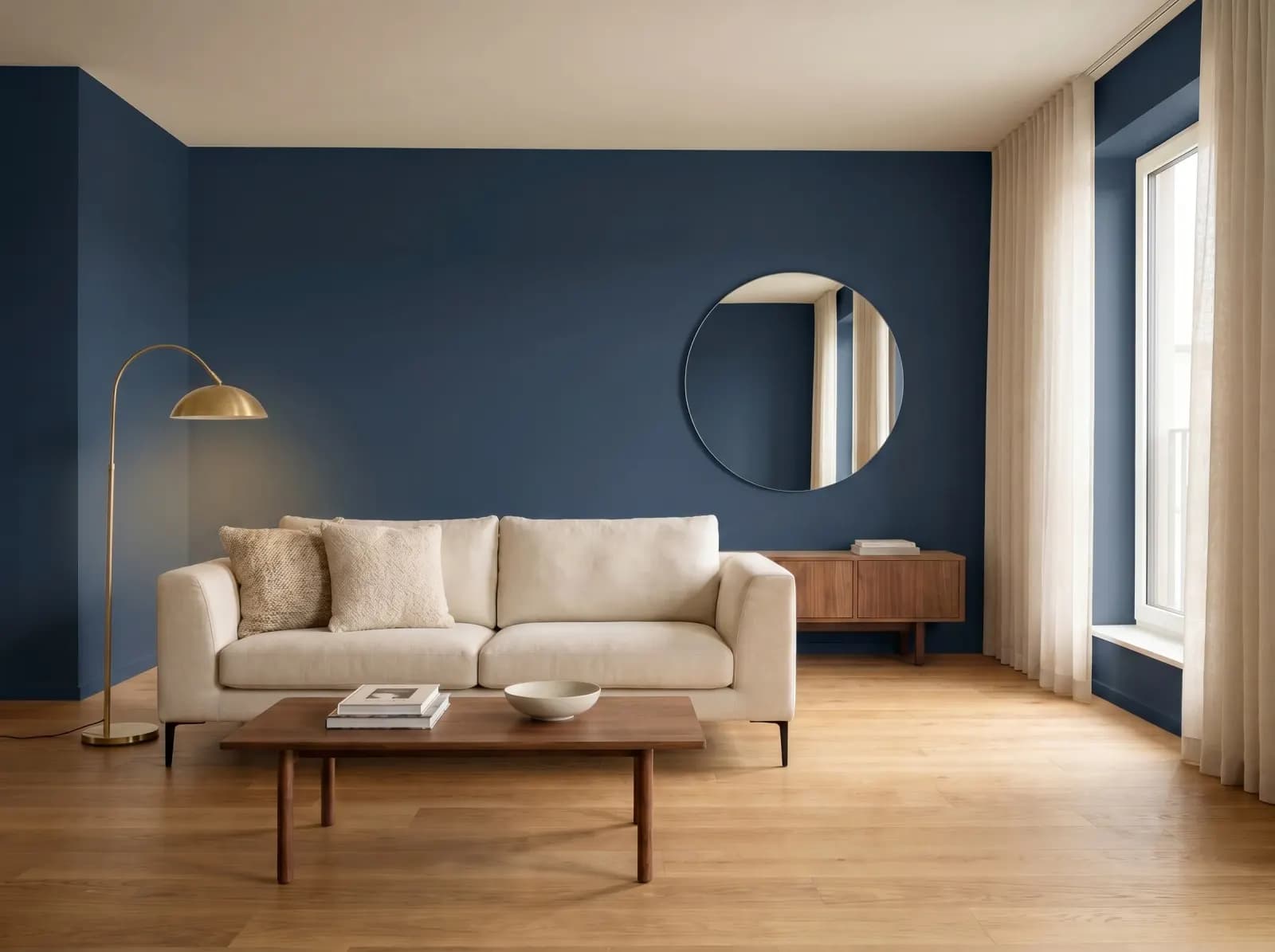
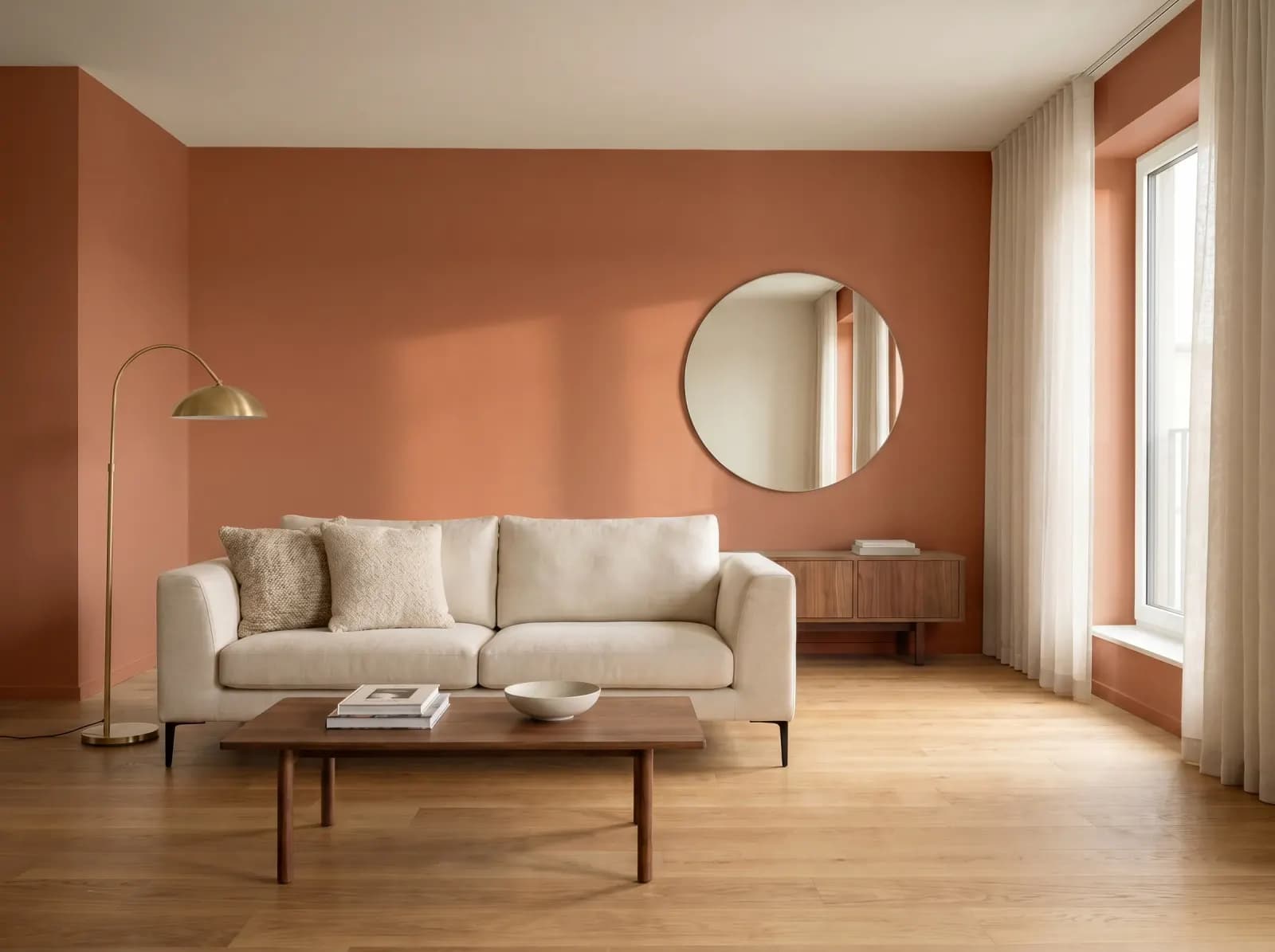
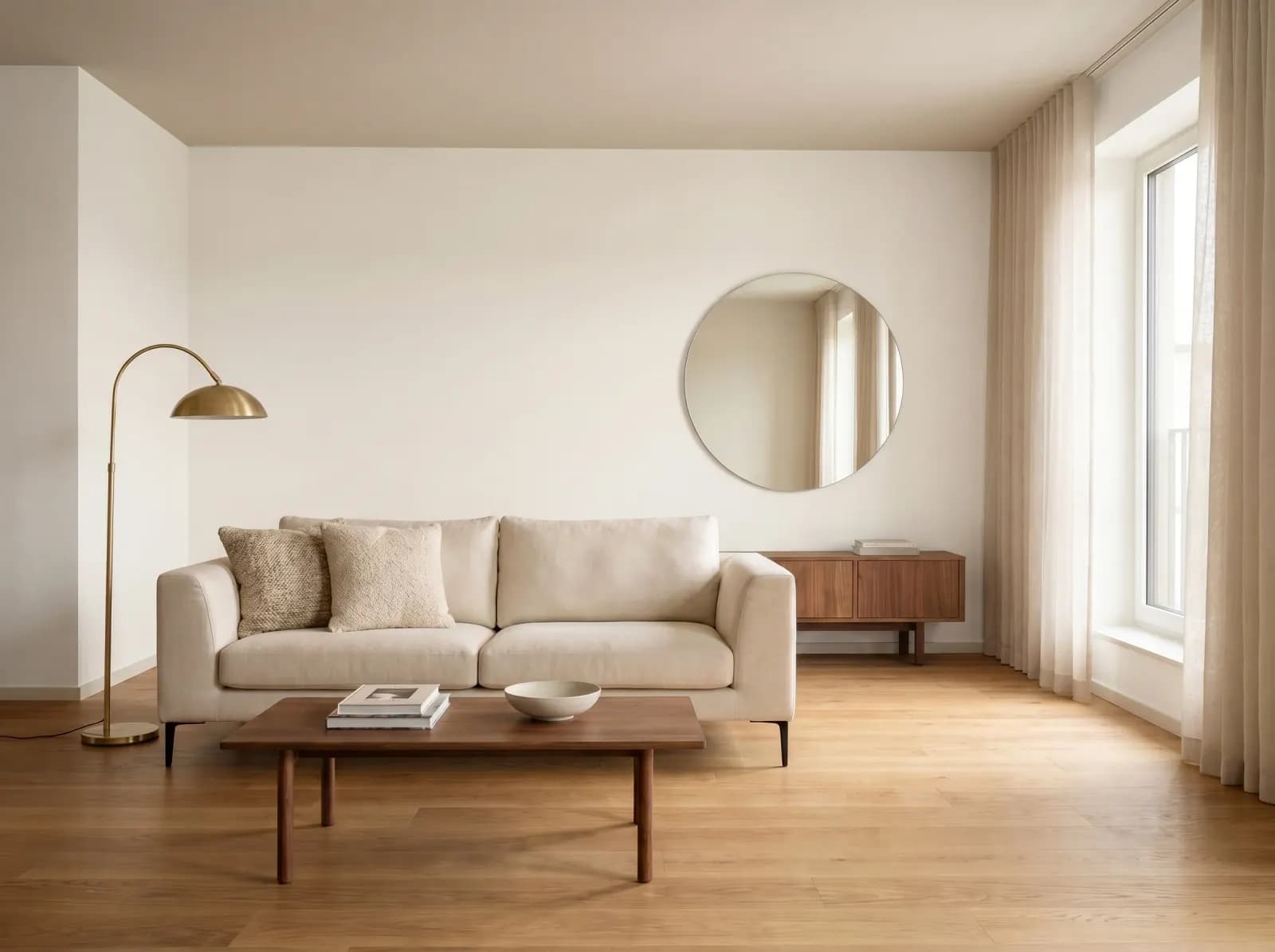
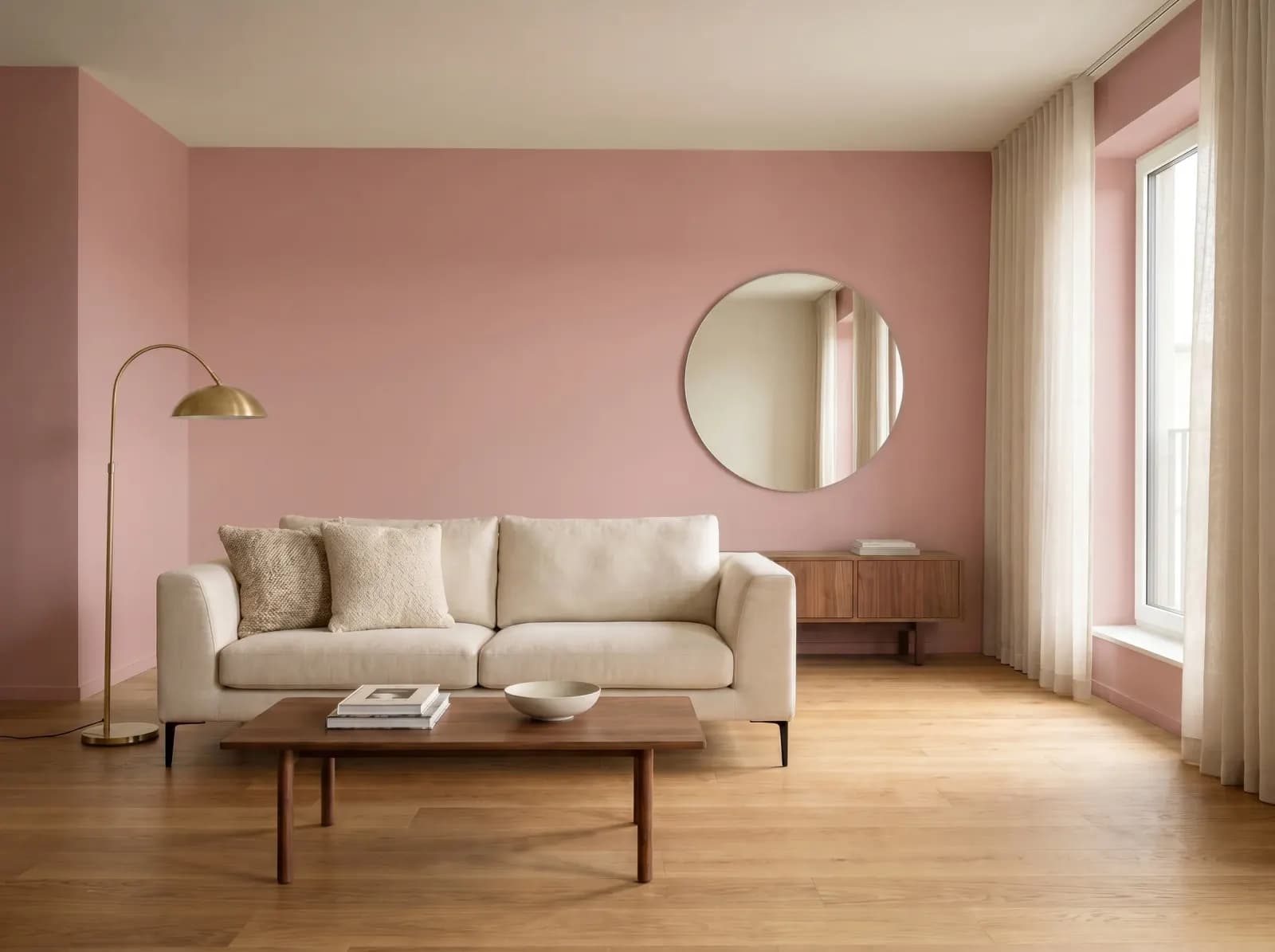
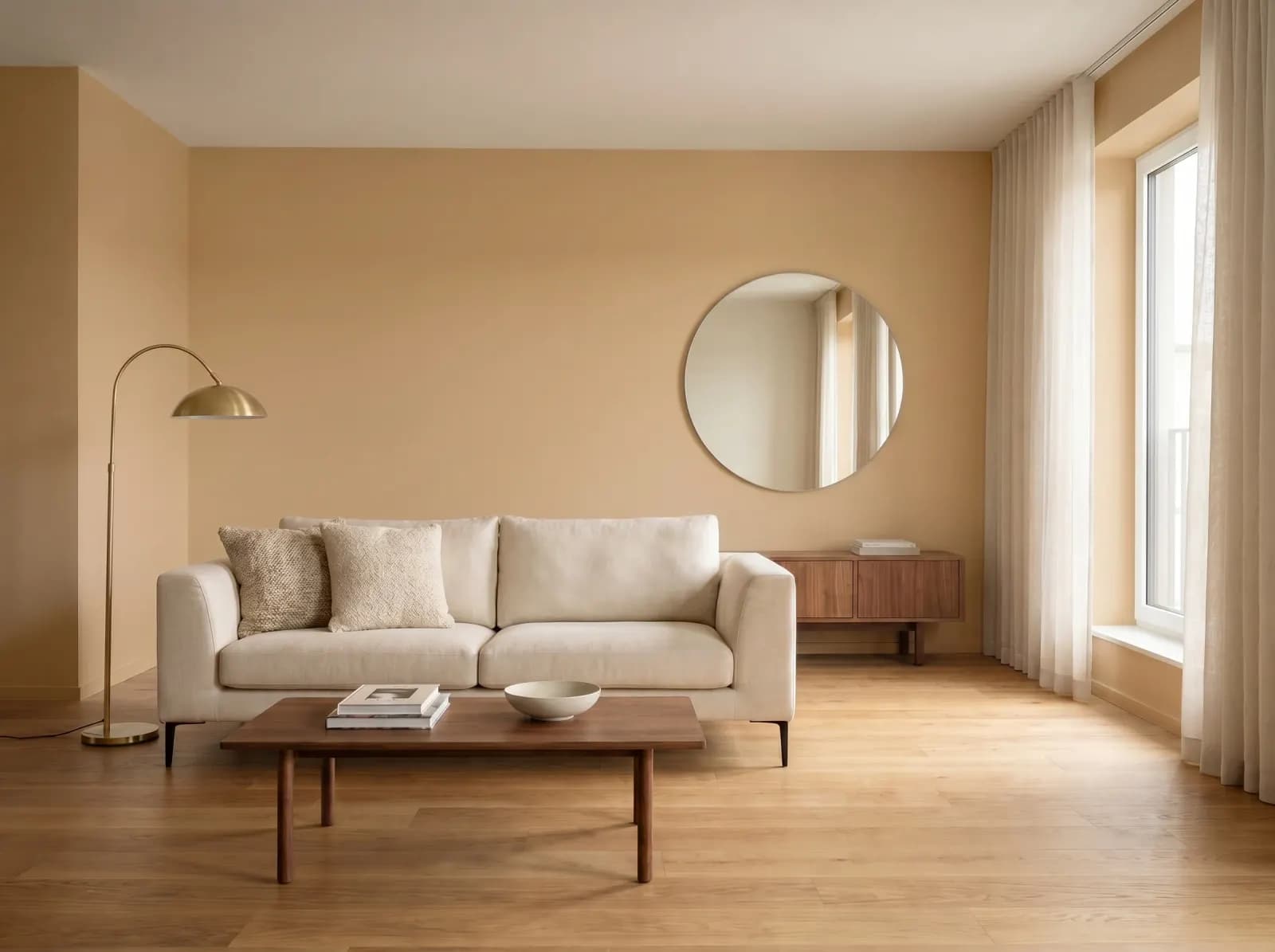
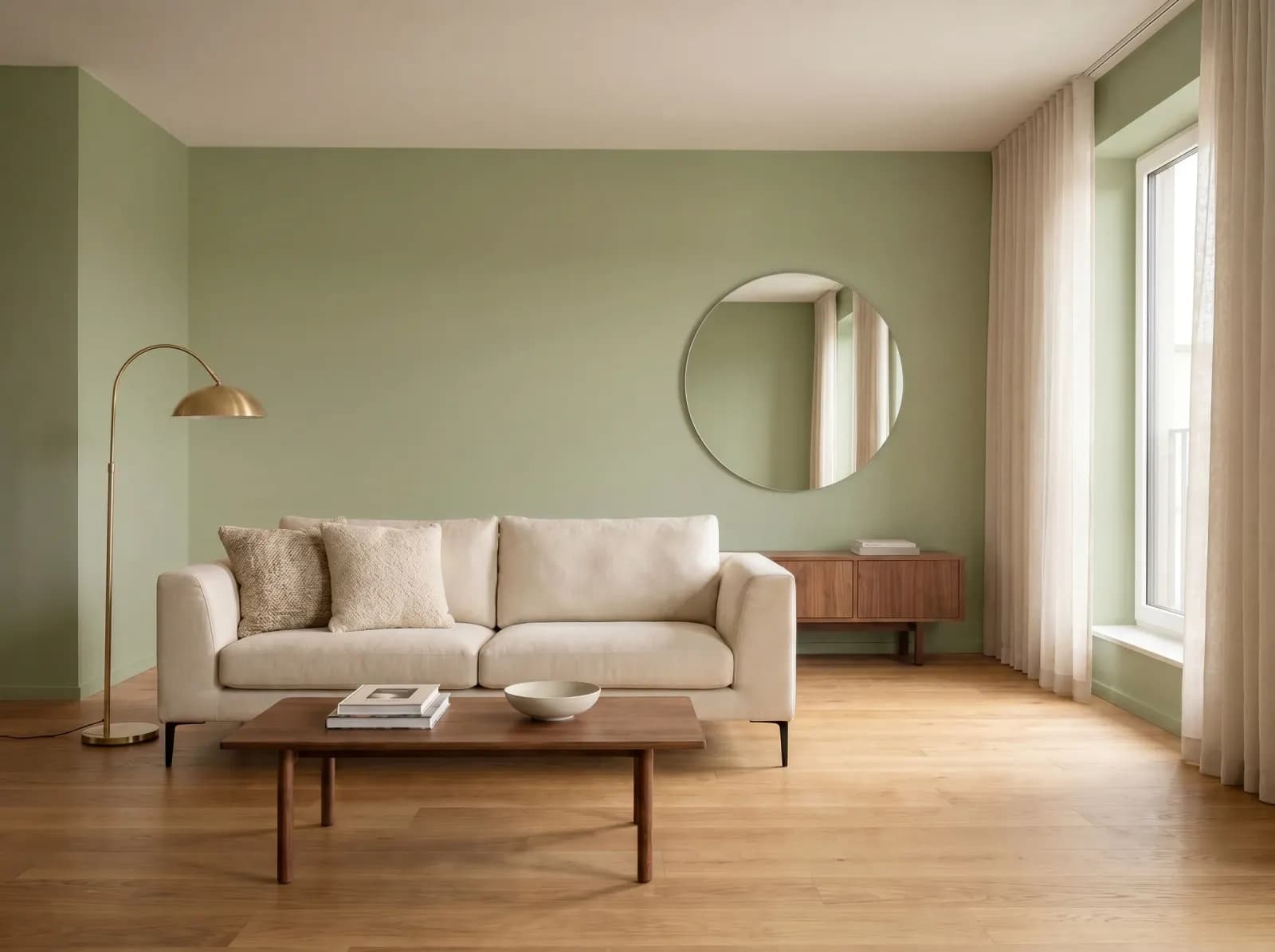
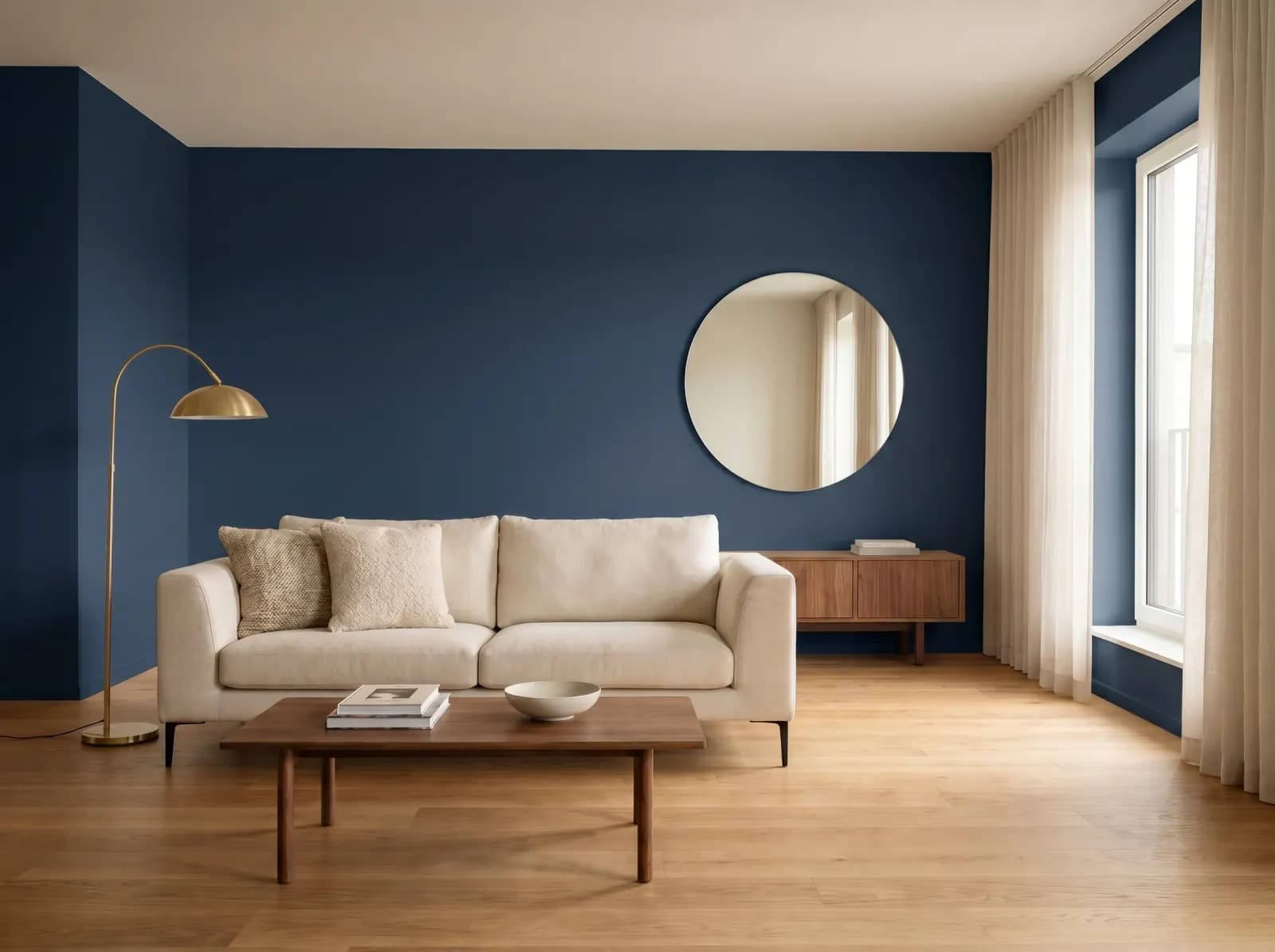
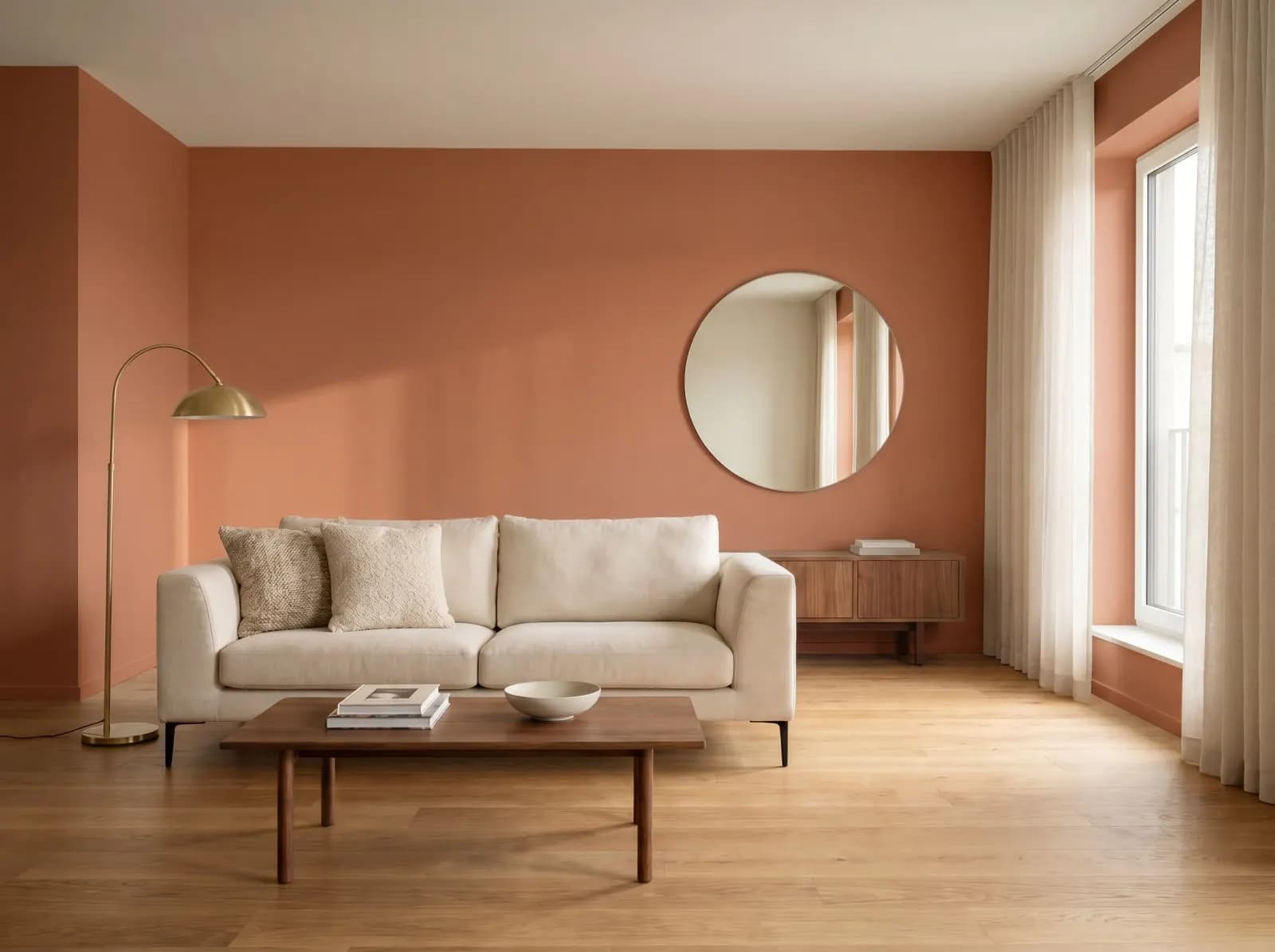
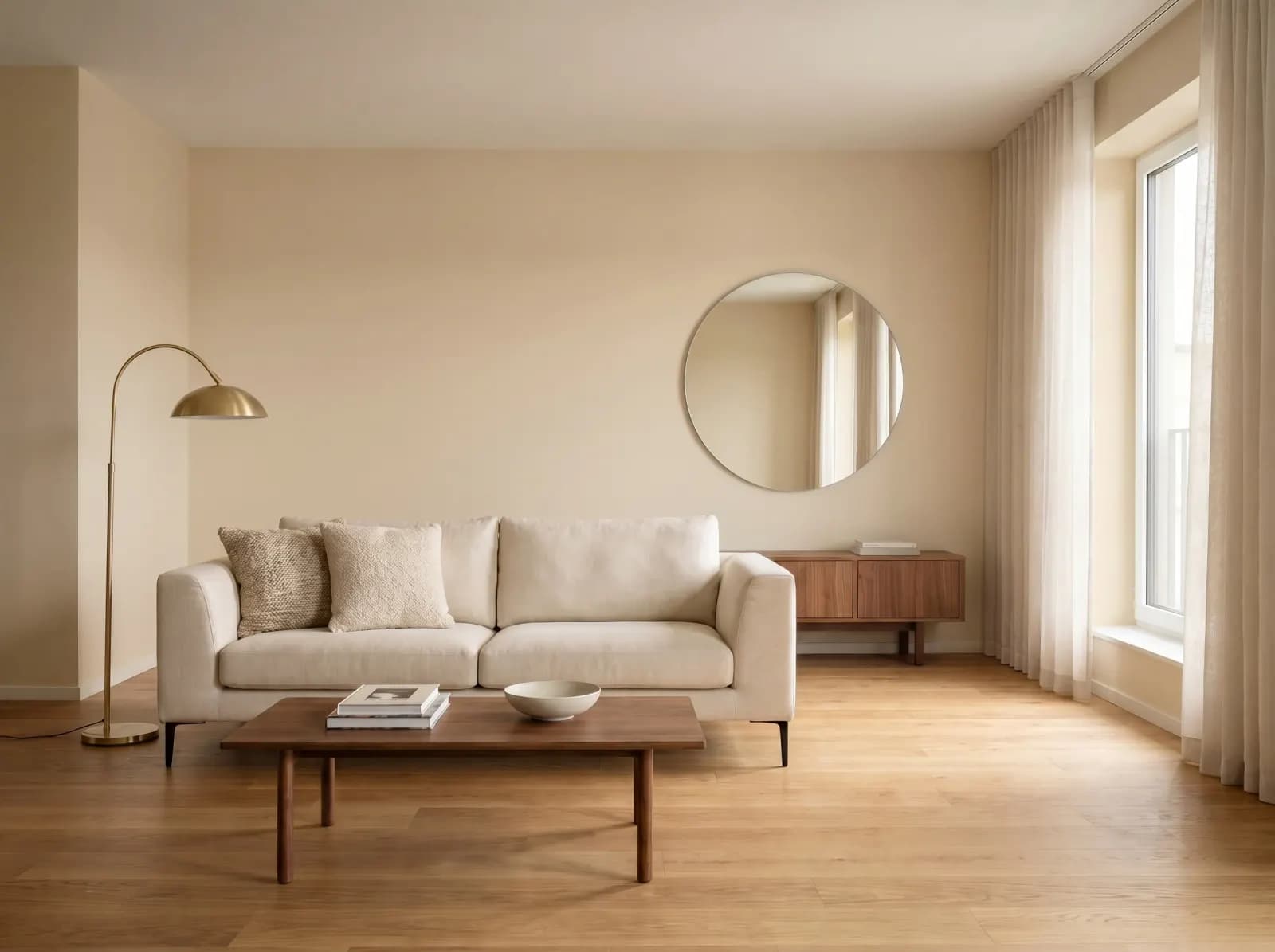
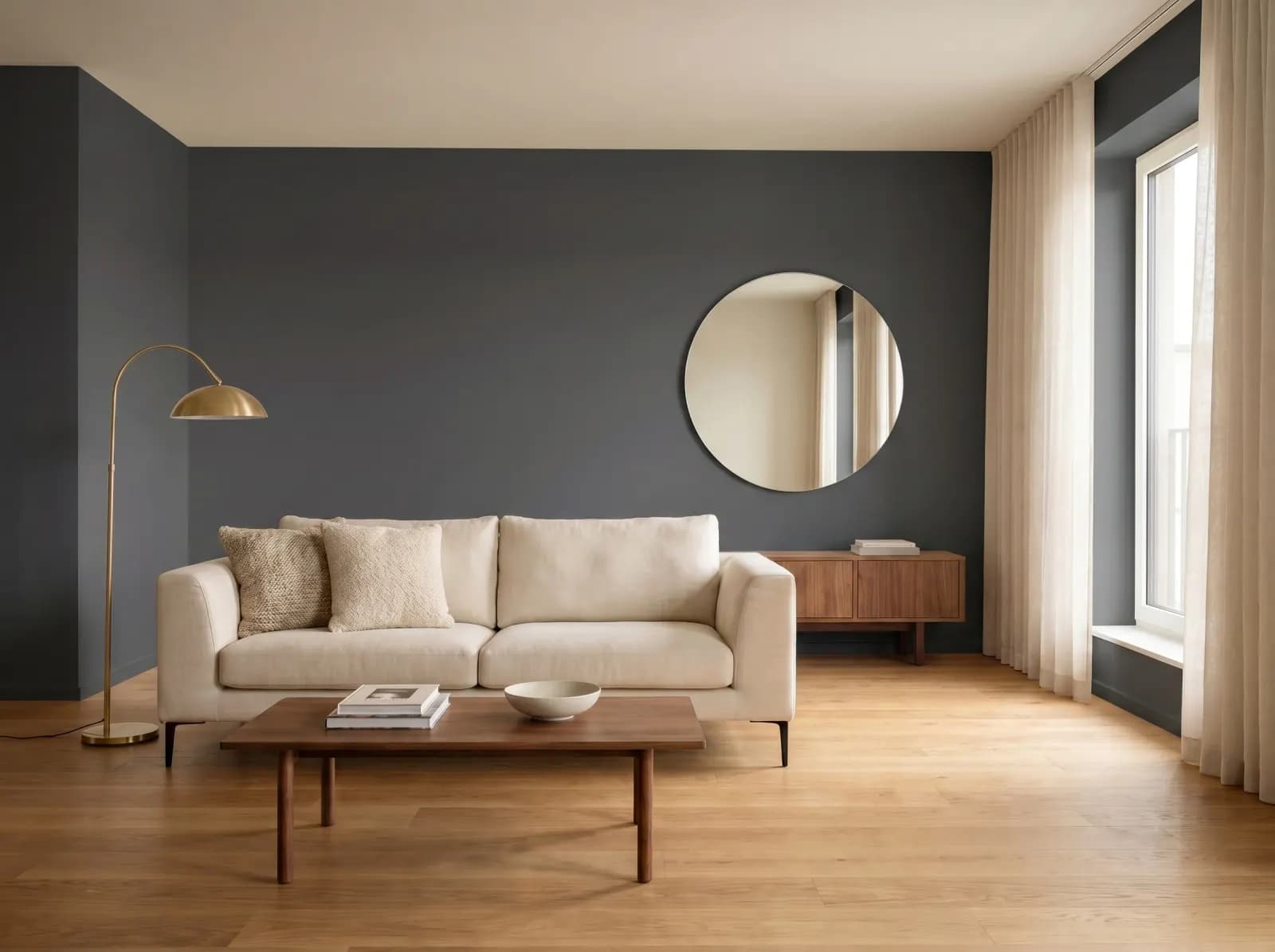
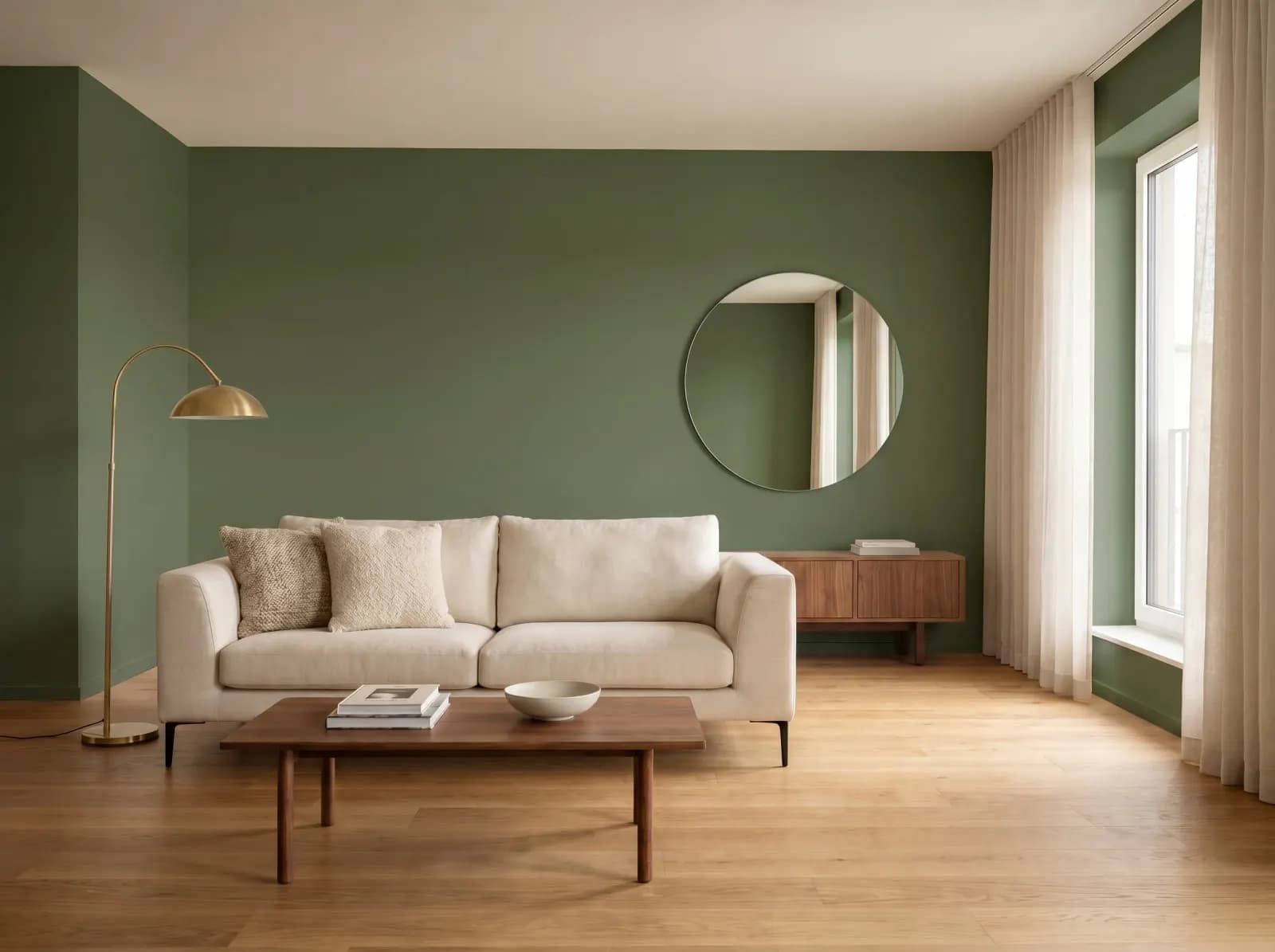
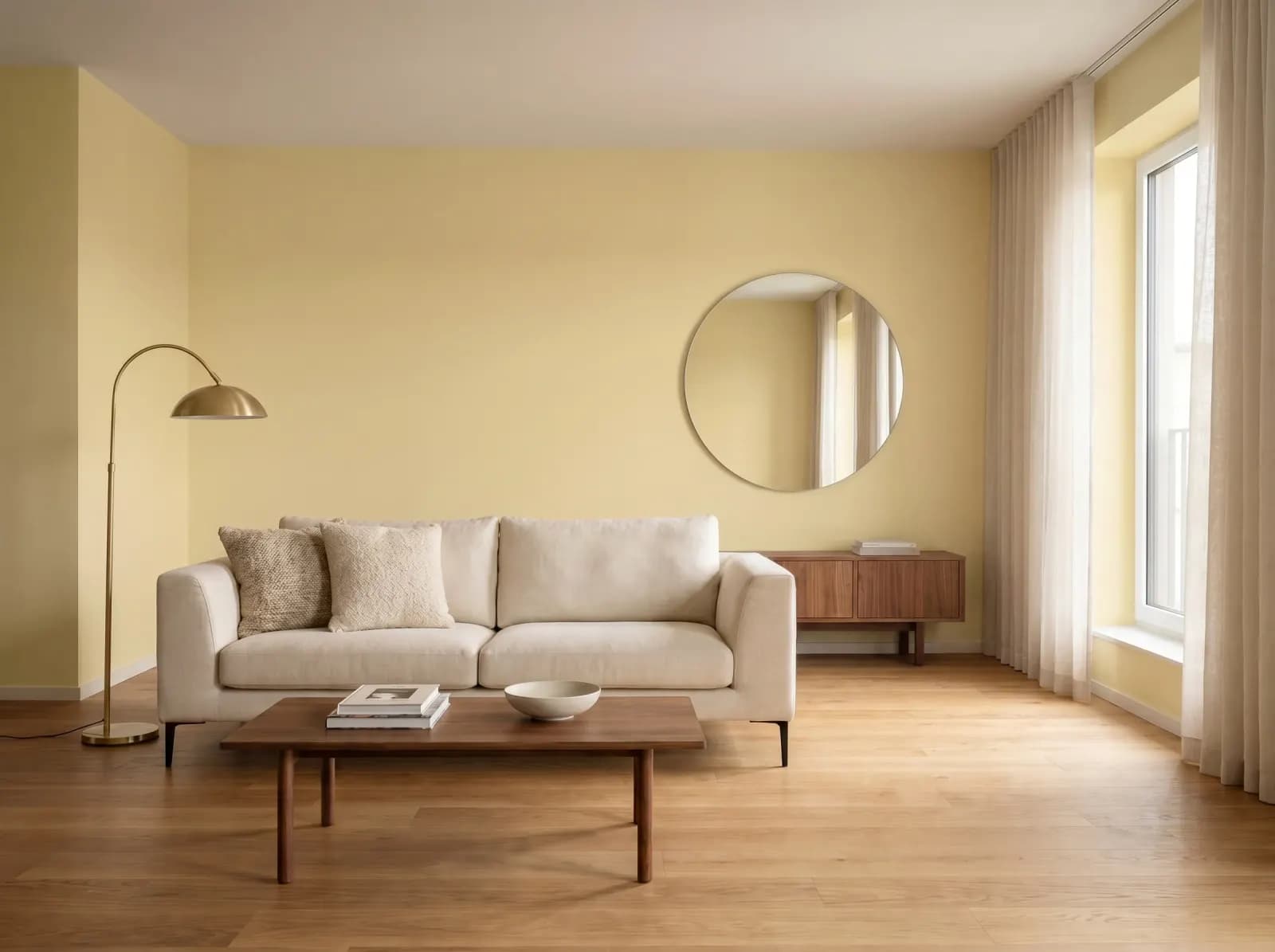
One Living Room, Eight Different Colors
Same photo. Different paint. See how each color transforms the space.
Who uses Paint Visualizer AI?
Homeowners planning a remodel
Preview every color before buying paint samples. Save $100–$300 on test pots and avoid repaints.

Interior designers presenting to clients
Generate client-approval mockups in minutes, not days. Get sign-off 3× faster.

Real estate agents staging listings
Show buyers the potential, not just the current state. Move outdated listings faster.
Contractors & painters
Confirm color choice with the client before purchase. No more repaints because of cold feet.
How GenRoom compares to other paint visualizers
An honest side-by-side comparison. Where competitors are stronger, we say so.
| GenRoom AI | Benjamin Moore | Sherwin-Williams | DecorAI | ReimagineHome | |
|---|---|---|---|---|---|
| Photorealistic results | |||||
| Use your own room photo | |||||
| Multi-wall masking | |||||
| Realistic shadows & lighting | |||||
| Number of colors available | 1000+ | 3500+ BM | 3500+ SW | 500+ | unlimited |
| Brand color matching | |||||
| Mobile-friendly | |||||
| Free trial | 4 free credits | 1 credit | 5 credits |
Match any brand color, instantly
Type any paint name from Sherwin-Williams, Benjamin Moore, Farrow & Ball, Behr, or any other brand. Our AI will mix and apply it on your wall.
Trending paint colors for 2026
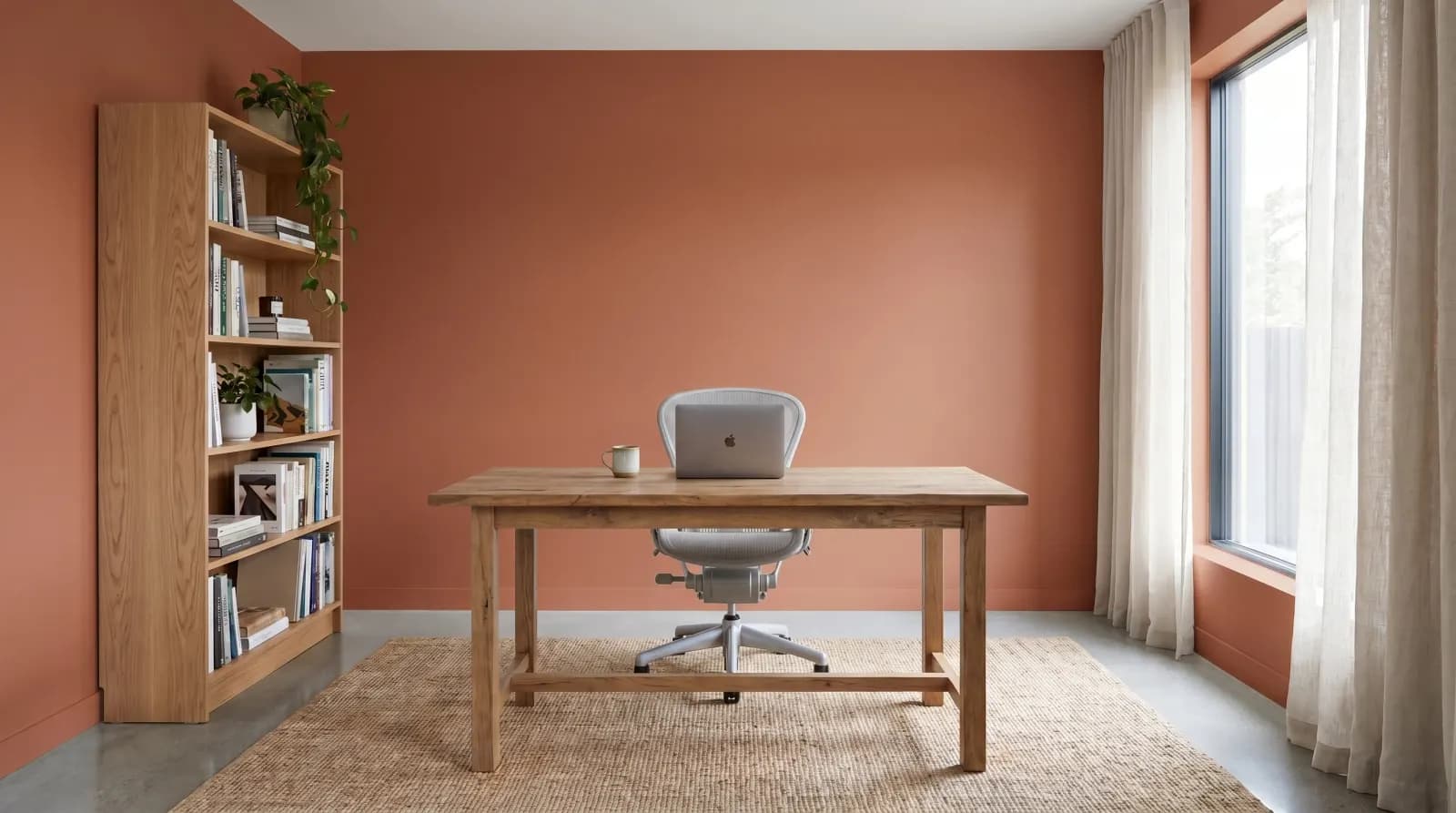
Pantone Color of the Year 2026
Warm, grounded, optimistic — the defining color of 2026.
Match colors from any brand — Sherwin-Williams, Benjamin Moore, Behr, Farrow & Ball. Just describe the color, and our AI will match it.
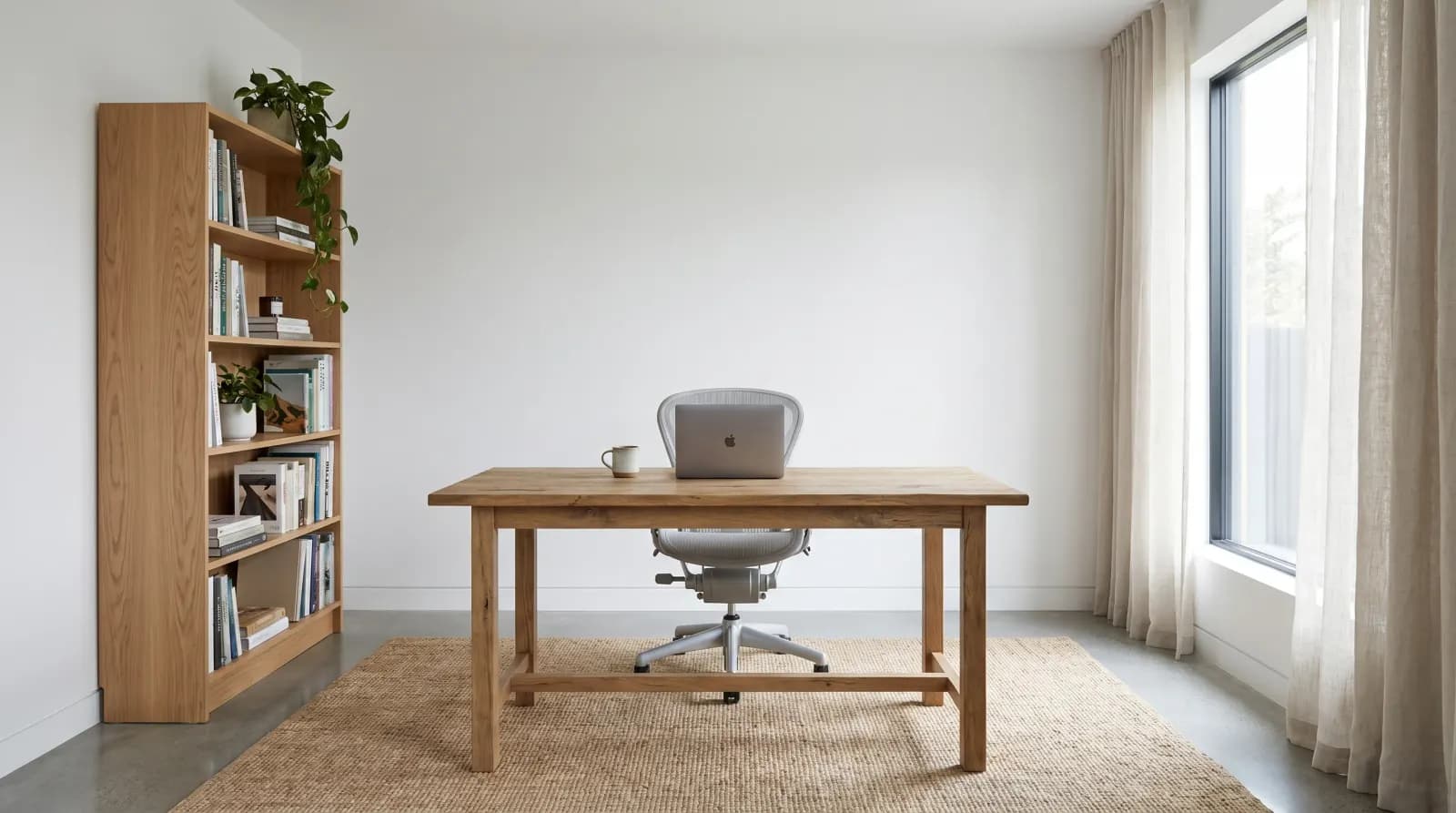
Real transformations from our users
Six rooms. Six colors. Drag to compare.
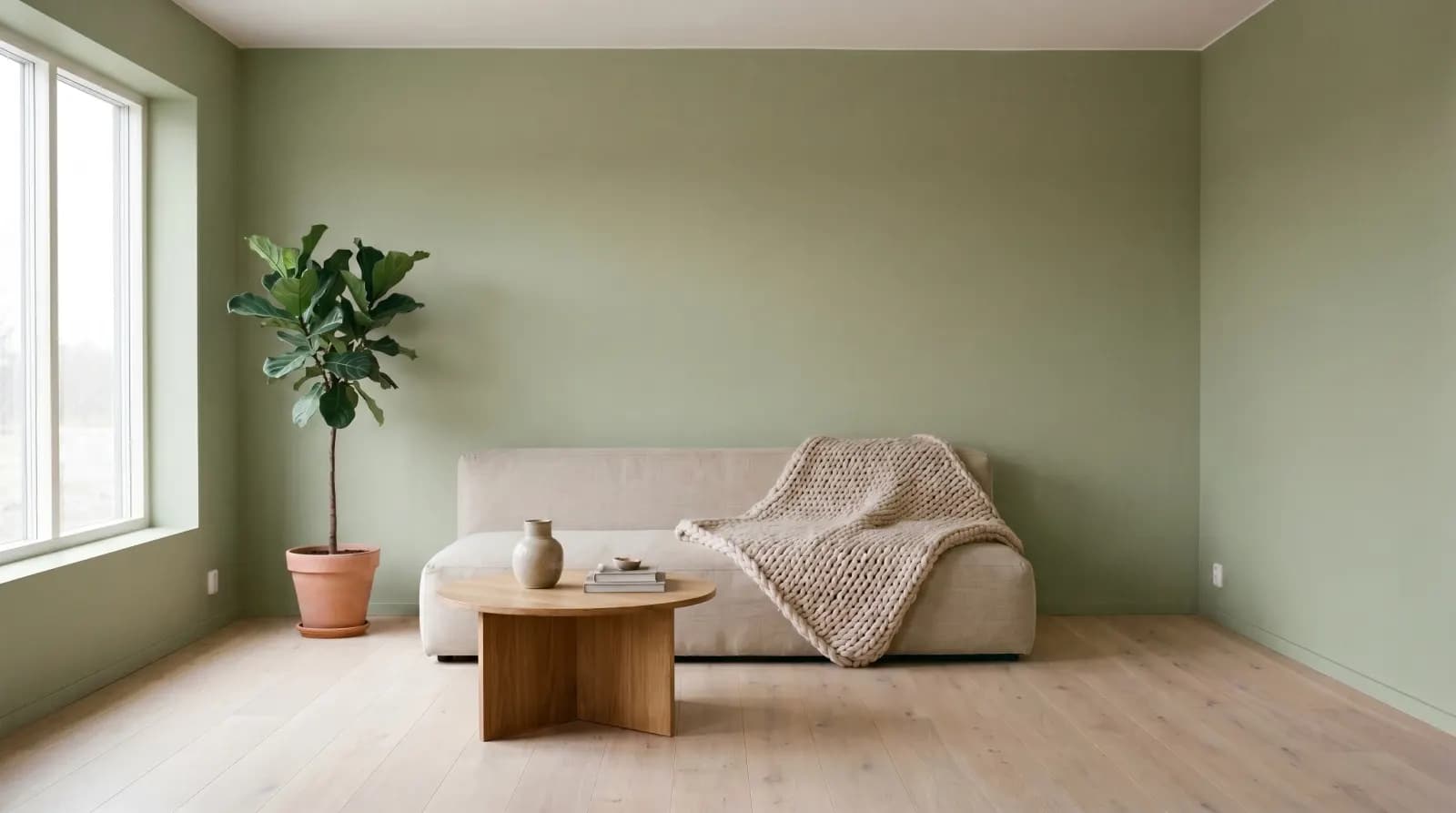
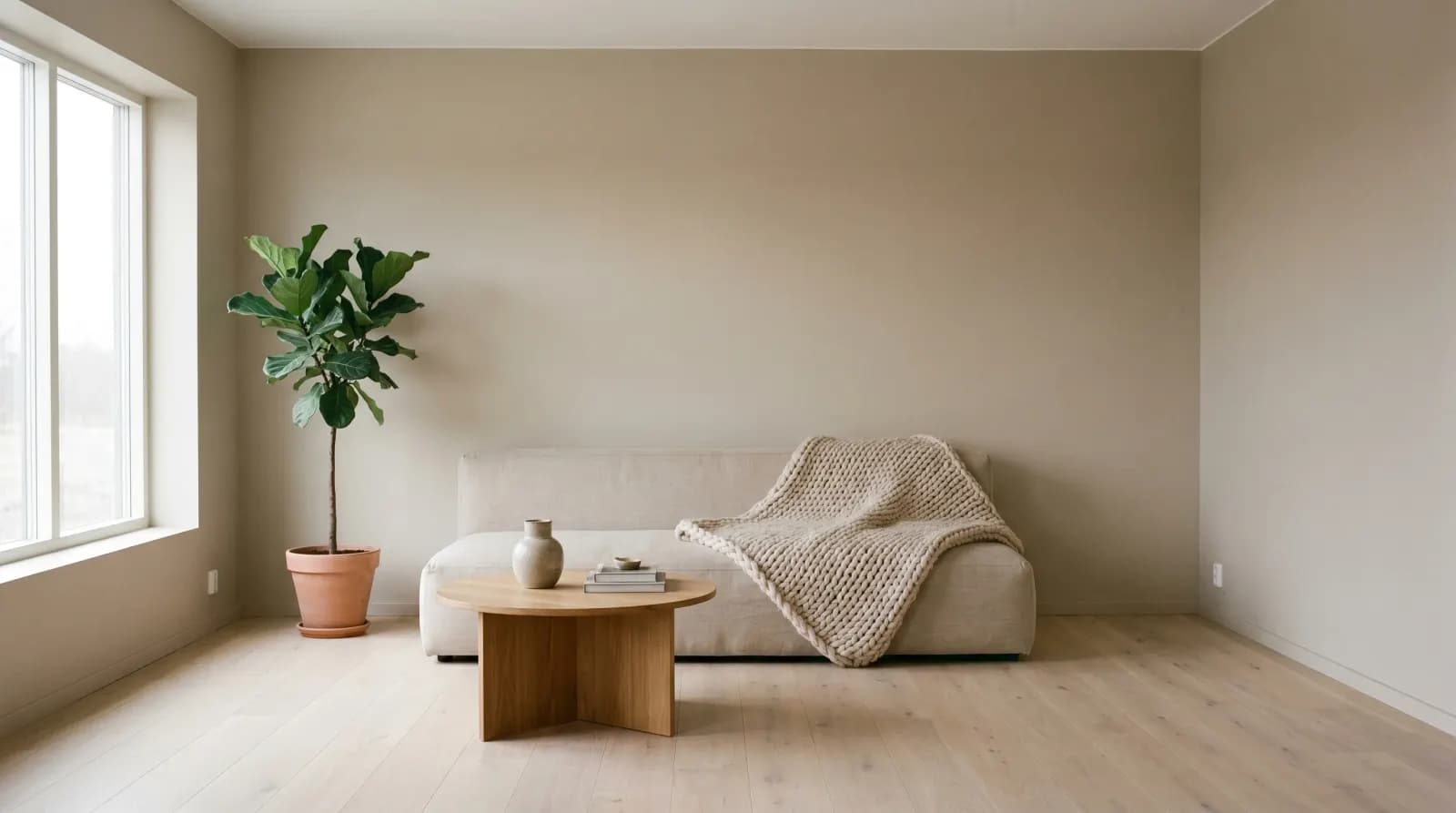
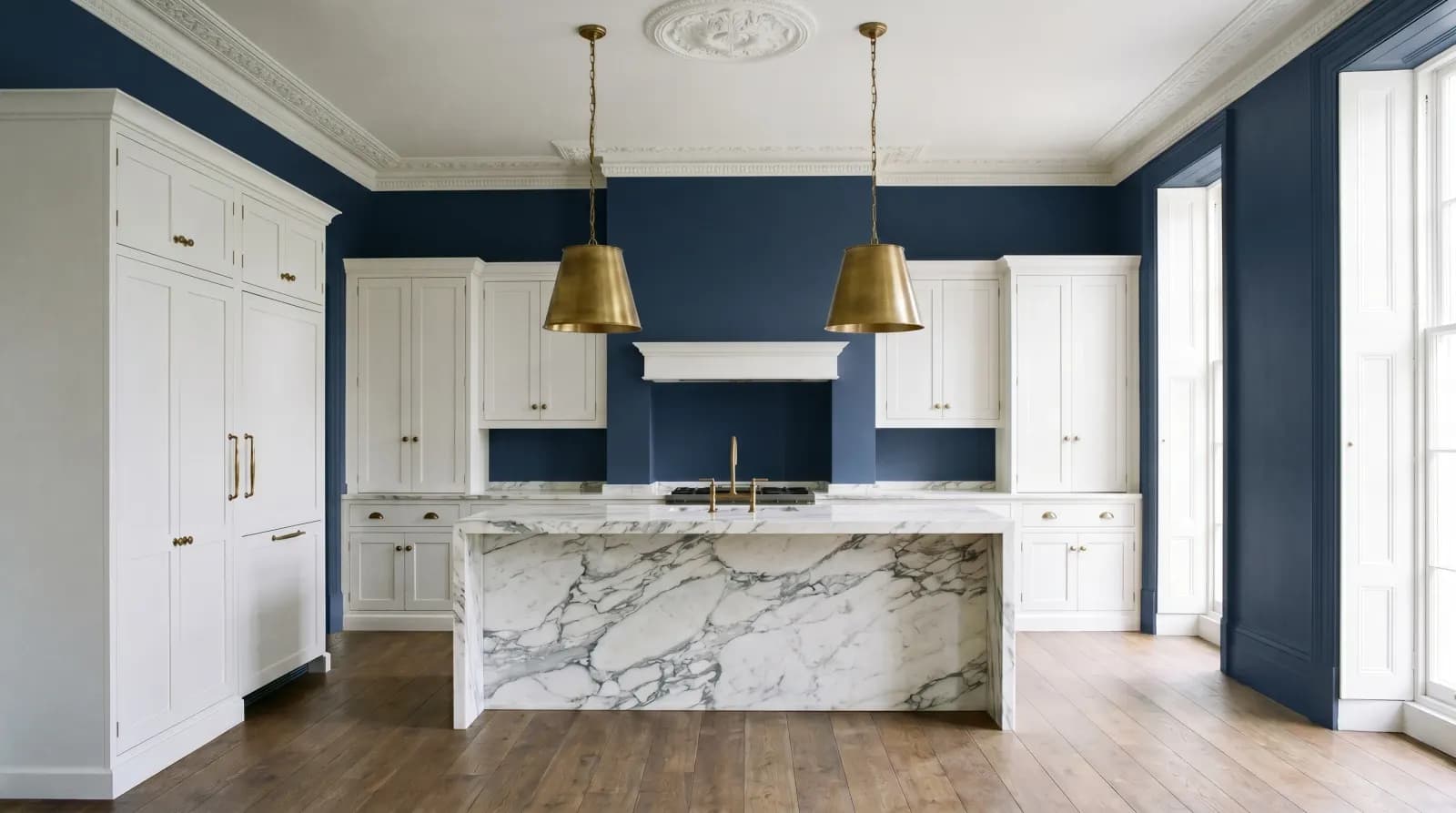
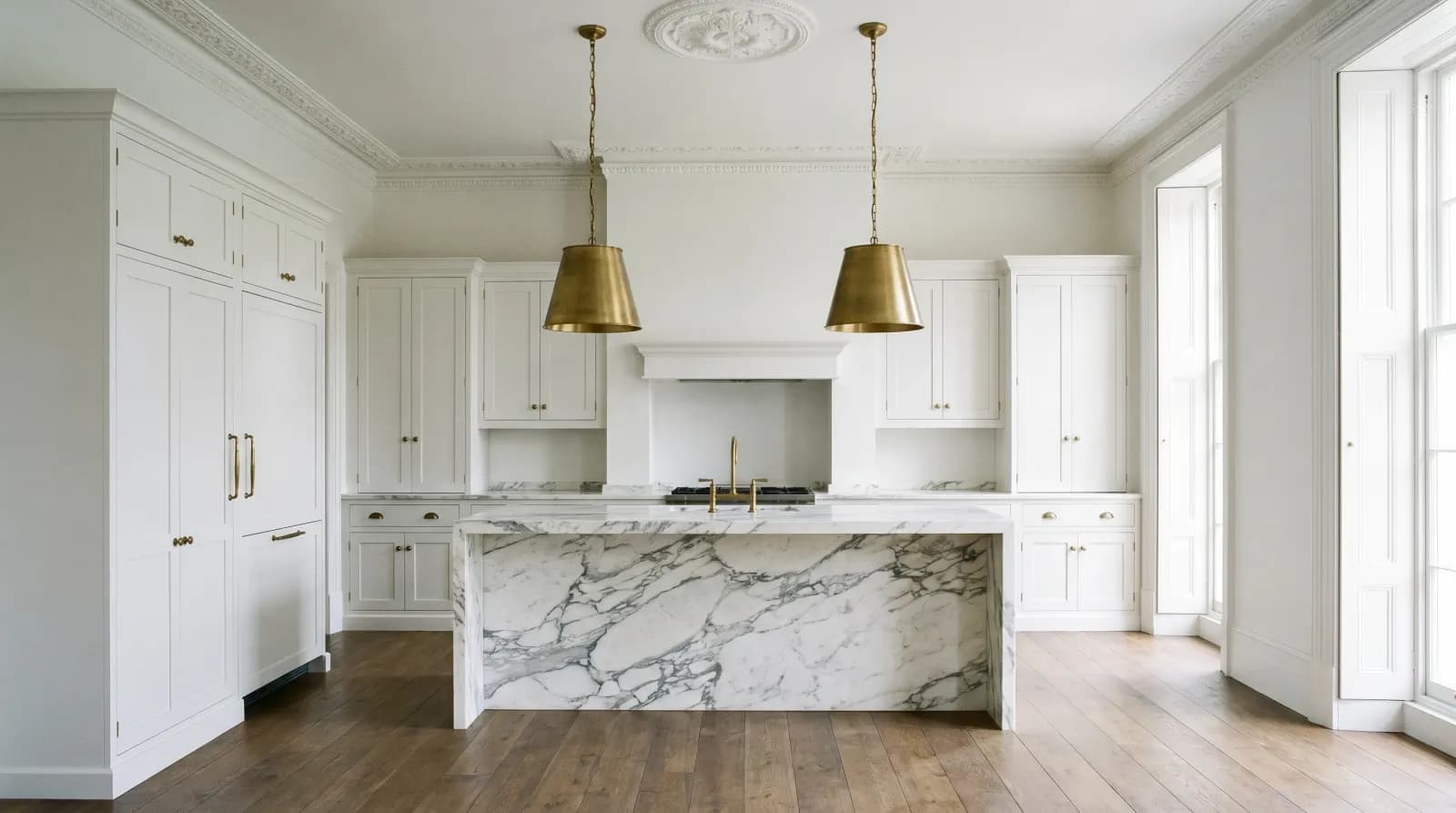
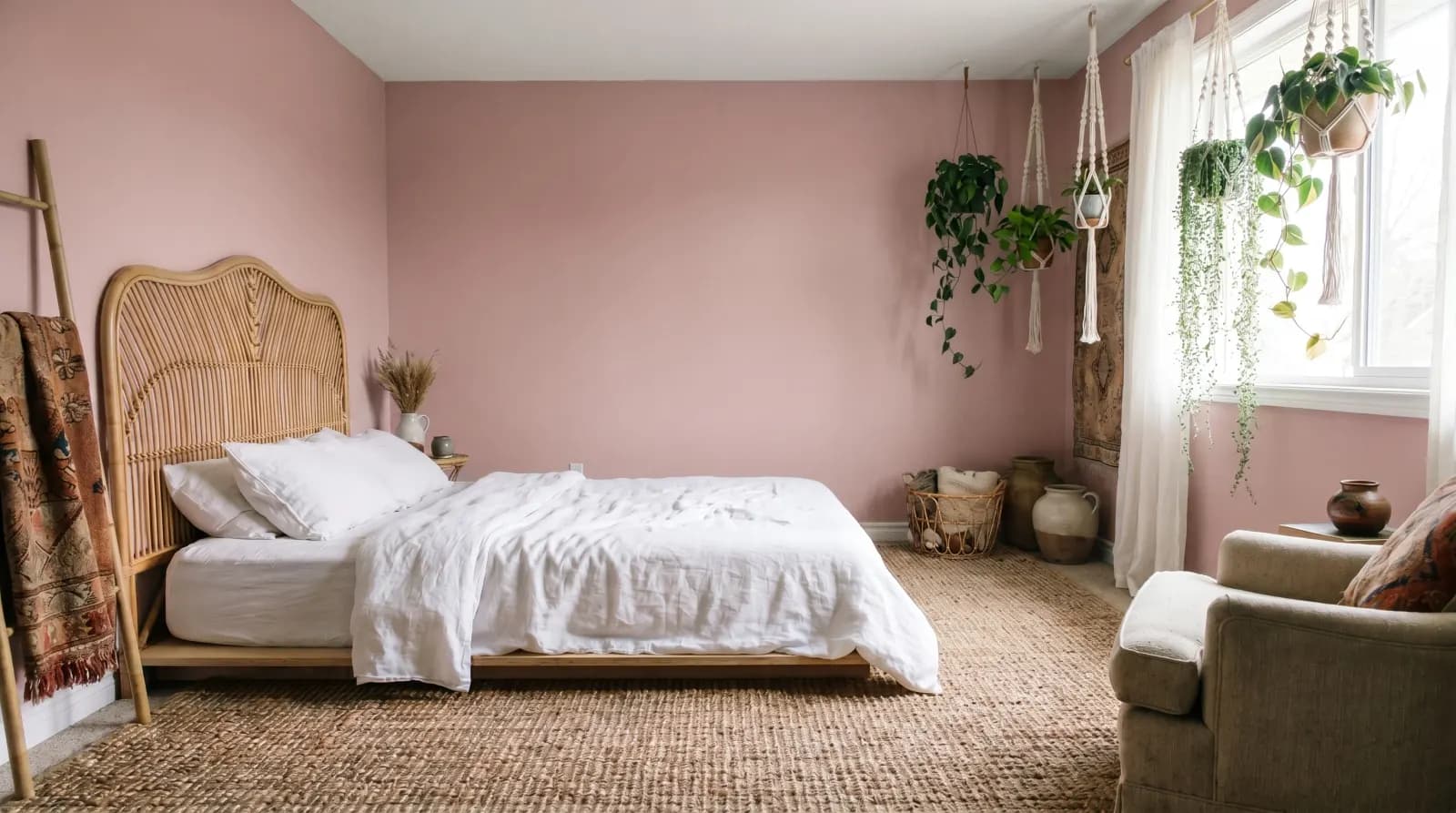
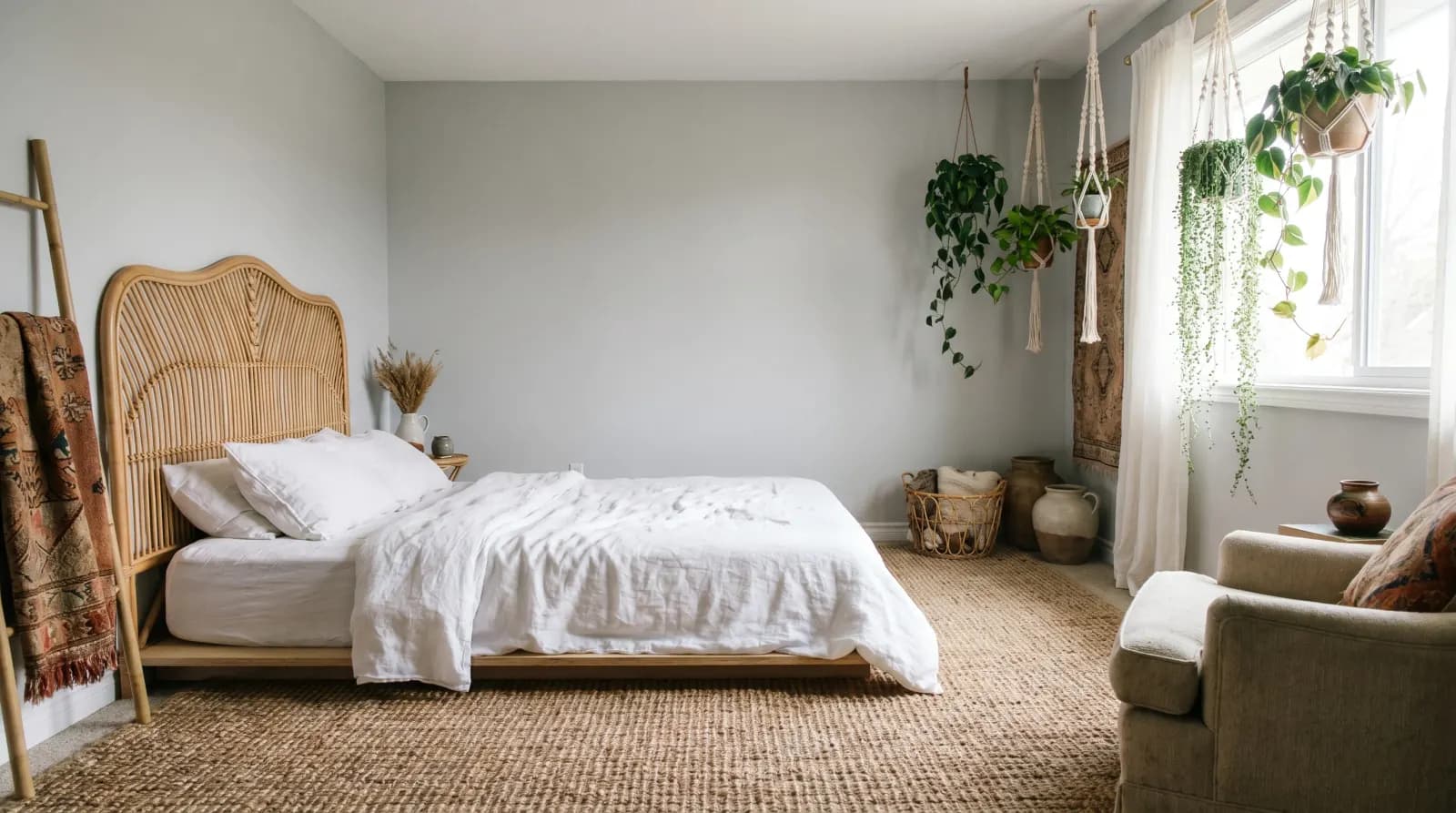
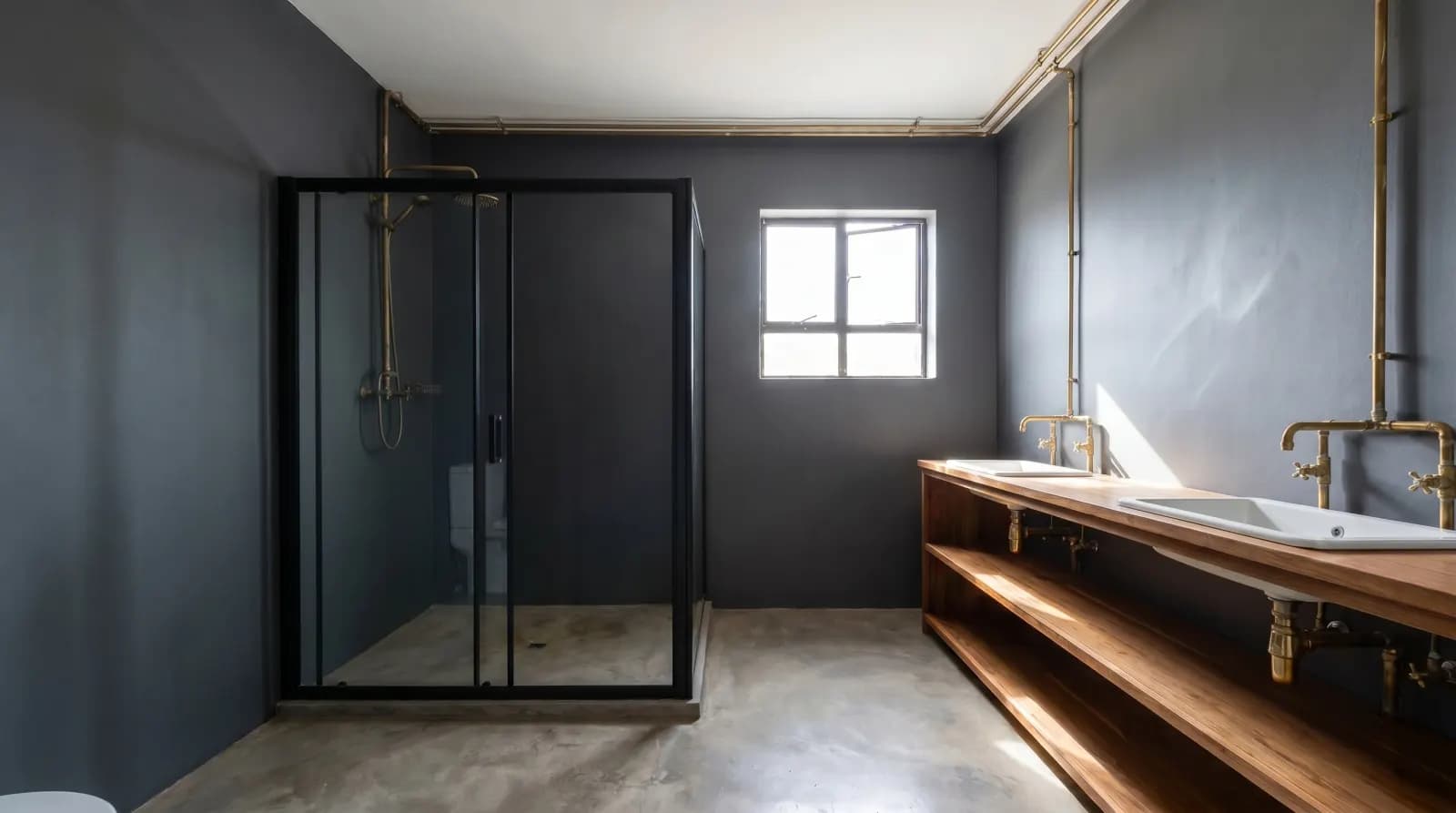
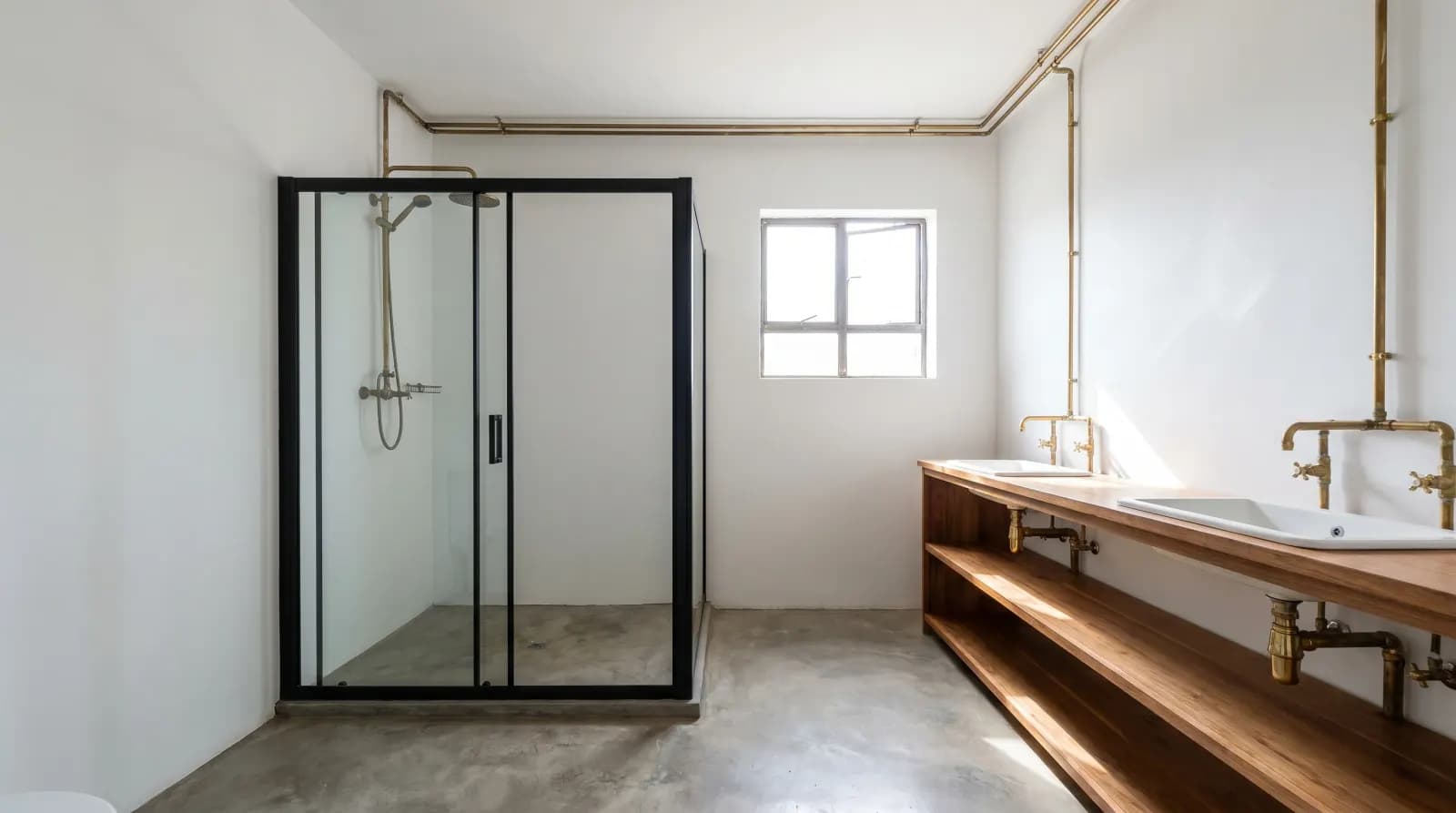
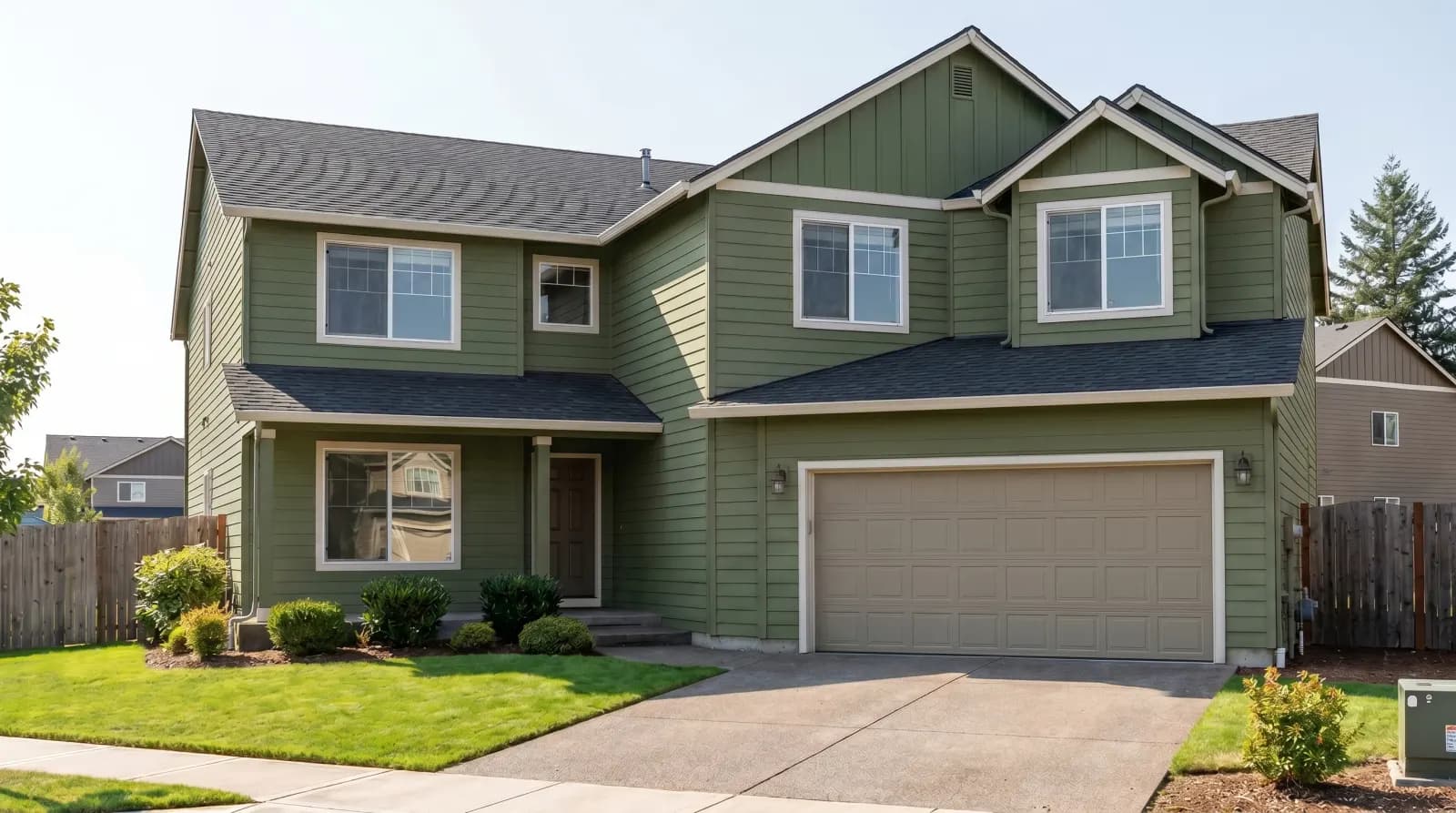
Built for accurate, realistic previews
Photorealistic shadows
Real lighting and depth — not flat color overlays.
Multi-wall masking
Paint one wall or all of them. AI keeps furniture untouched.
Brand color matching
Describe any Sherwin-Williams, Benjamin Moore, or Behr color — AI matches it.
Save & compare designs
Generate multiple versions and compare them side by side.
Share with your contractor
Share the preview with your painter or designer in one click.
Mobile & tablet friendly
Works in any browser — no app install. Sign up free to try — no card needed.
What our users say
Saved me $200 on paint samples and three weekends. I tried 12 colors in 20 minutes and picked the one I love.
My clients approve colors 3× faster. I generate mockups during the call instead of waiting a week for sample boards.
Helped sell a beige listing by showing buyers a navy version. The home went under contract in 5 days.
Choose Your Plan
Transparent pricing with no hidden fees
Paint Visualizer AI — FAQ
Quick answers about how Paint Visualizer AI works, what it costs, and where to start.
Still have questions?
Our team replies within an hour during EU and US business hours.
Contact support- Yes. You get 6 free credits on signup — enough for 3 paint previews. After that, one-time credit packs start at $9.99, with no subscription.
- Yes. Upload any JPG, PNG, or WEBP photo of your room — any angle, any lighting. The AI handles the rest.
- Very. Our AI renders photorealistic shadows and lighting, so a navy on a south-facing wall will look different from a navy on a north-facing wall — just like real paint.
- Yes. Describe the color (e.g. 'Sherwin-Williams Naval SW 6244') and our AI will match it. We support all major paint brands.
- Yes. Paint Visualizer AI runs in any modern browser on phone, tablet, or desktop. No app install needed.
- About 30 seconds per preview. Generating multiple colors at once? You can queue them.
- Yes. Every preview is saved to your history. You can open them side by side to compare.
- Yes. The AI only repaints walls — your furniture, fixtures, floors, and ceiling stay exactly as in your original photo.
- Yes. Paint Visualizer AI works on interior walls, exterior facades, accent walls, and even ceilings.
- Absolutely. Many interior designers and architects use GenRoom to generate client-approval mockups during the consultation itself.
More AI tools for room transformation
Same engine, different problem. Each tool edits one element of your photo while keeping everything else identical.
Material Swap AI
Swap any surface to marble, oak, brass, terrazzo, concrete and more.
Interior Design AI
Redesign any room in any style — minimalist, boho, classical, scandi.
Kitchen Design AI
Reimagine cabinets, countertops, backsplash, and lighting in one pass.
Bathroom Design AI
Tile, vanity, fixtures and lighting — preview before you renovate.
Exterior Paint Visualizer
Repaint the walls, trim or front door on a photo of your house.
Virtual Staging AI
Stage empty real-estate listings with photorealistic furniture.
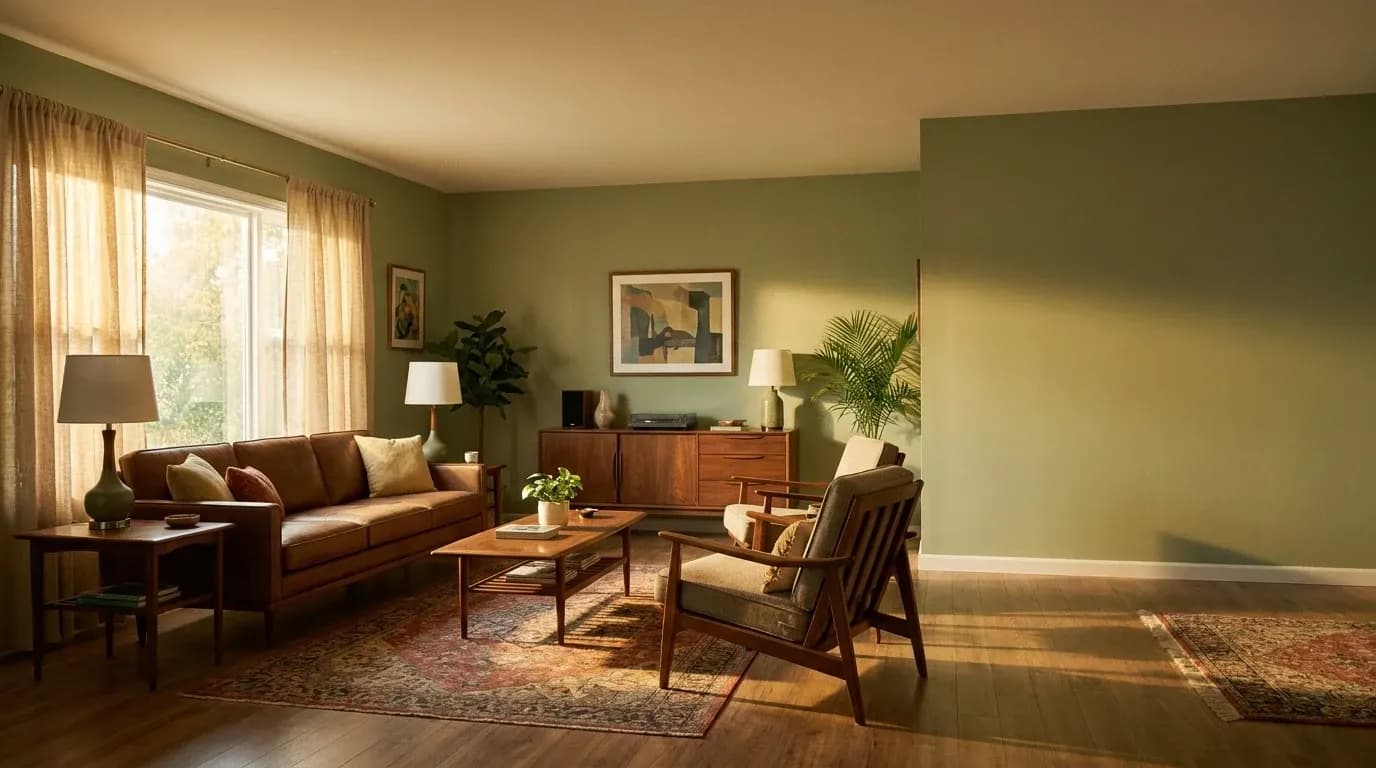
See your walls in a new color in 30 seconds
No paint samples. No painter. No mess. Just upload and see.
Try Paint Visualizer AI Free