Turn a 2D floor plan into furnished 3D rooms
Upload a plan — a scan, a screenshot or a photo of a drawing. AI finds the rooms, draws the whole home from above in your style, then renders each room at eye level with the same furniture and materials.
Reading the plan is free. Sign in when you create the top view.
- 1,900+
- people have designed from a plan
- 2 credits
- top view of the whole plan
- 2 credits
- each room render
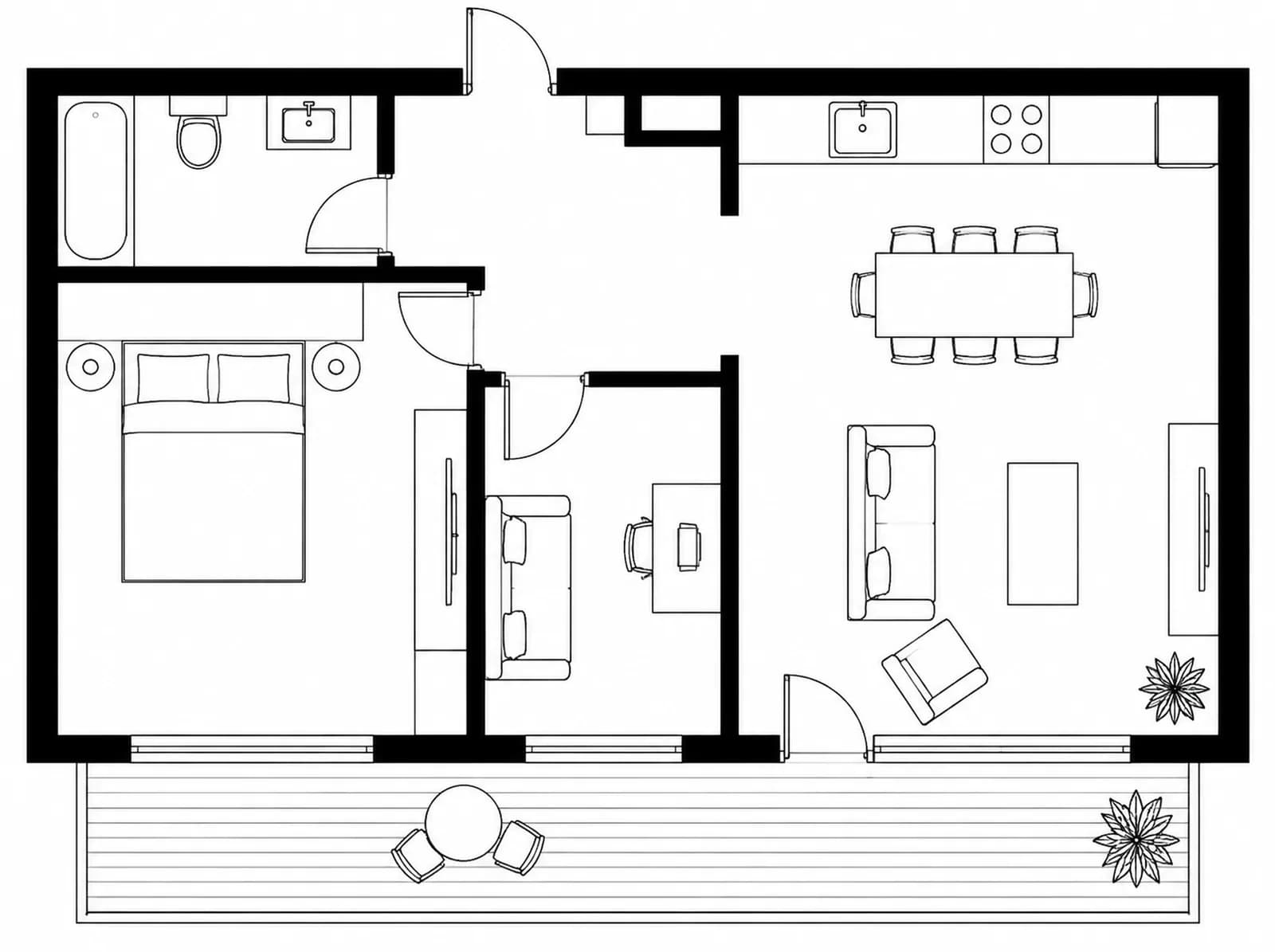
How a floor plan becomes rooms
Everything on this page was made in GenRoom from the plan above — no mock-ups.
Upload the plan
JPG, PNG, WEBP or HEIC up to 50 MB. A hand-drawn sketch works too — GenRoom redraws it into a clean plan for free. The rooms are recognised in seconds.
Get the top view
Check the room list, pick a style and add wishes. AI draws the whole home from above, furnished, in about a minute — walls and doors follow your plan.
Check the rooms
In “Check the rooms” you see each room's frame on the top view — exactly what AI will use. Drag a corner if it cuts off a wall or grabs the hallway.
Render every room
Each room is drawn at eye level from its piece of the top view, so the sofa, the floor and the palette match from room to room.
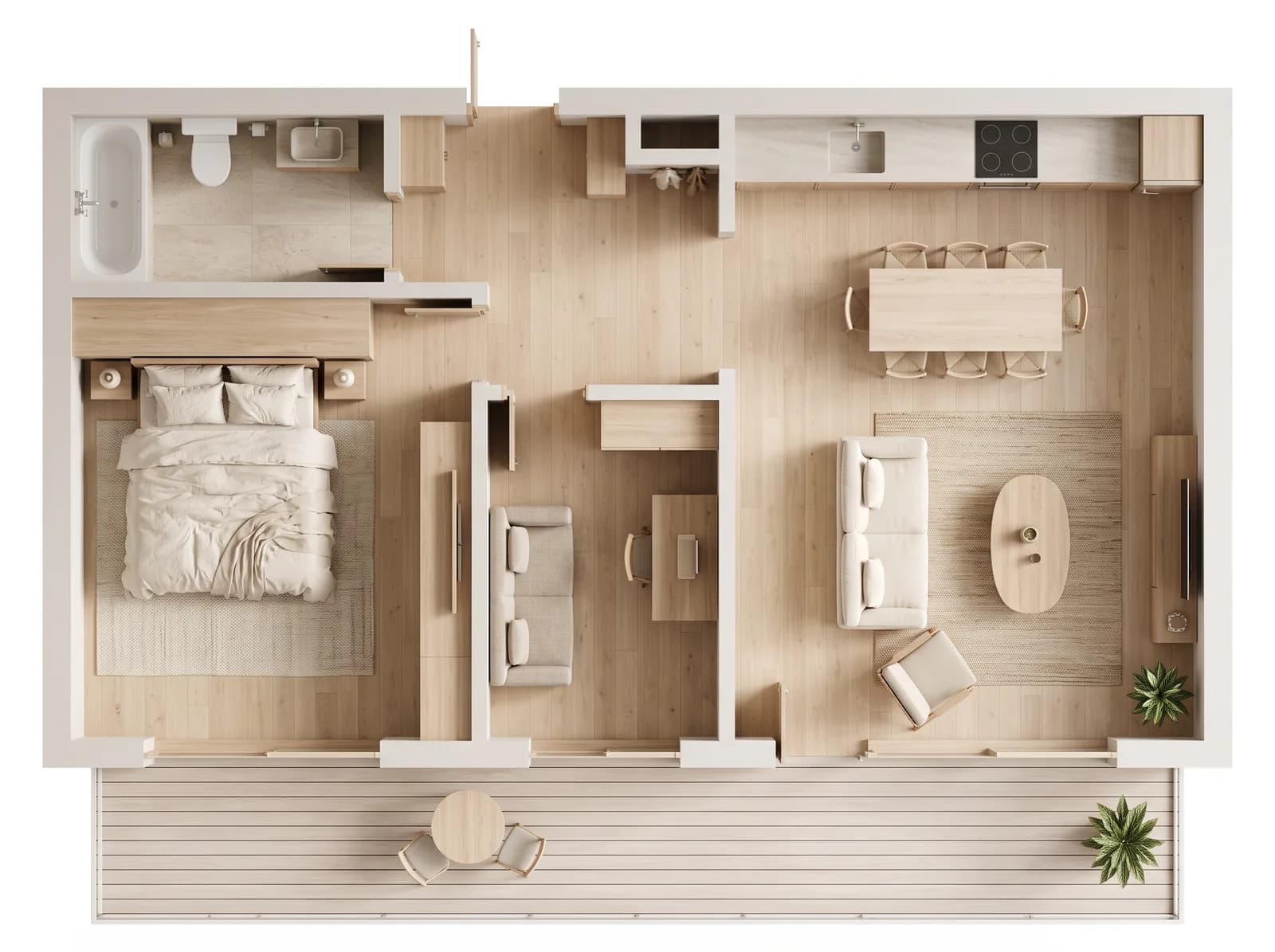
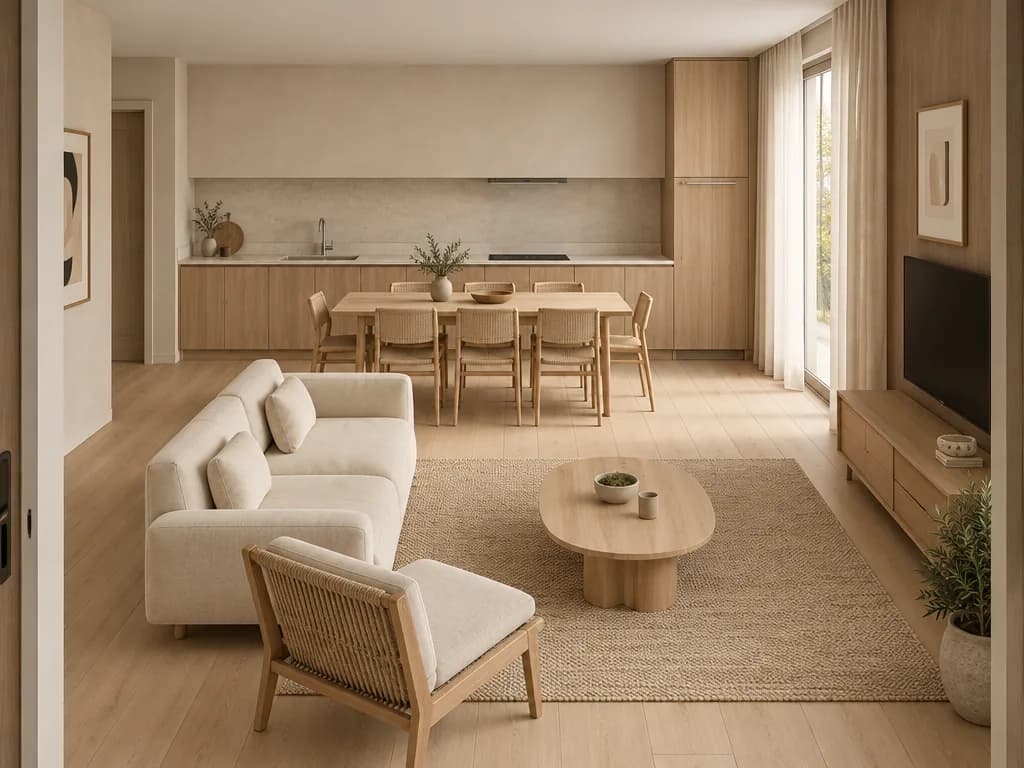
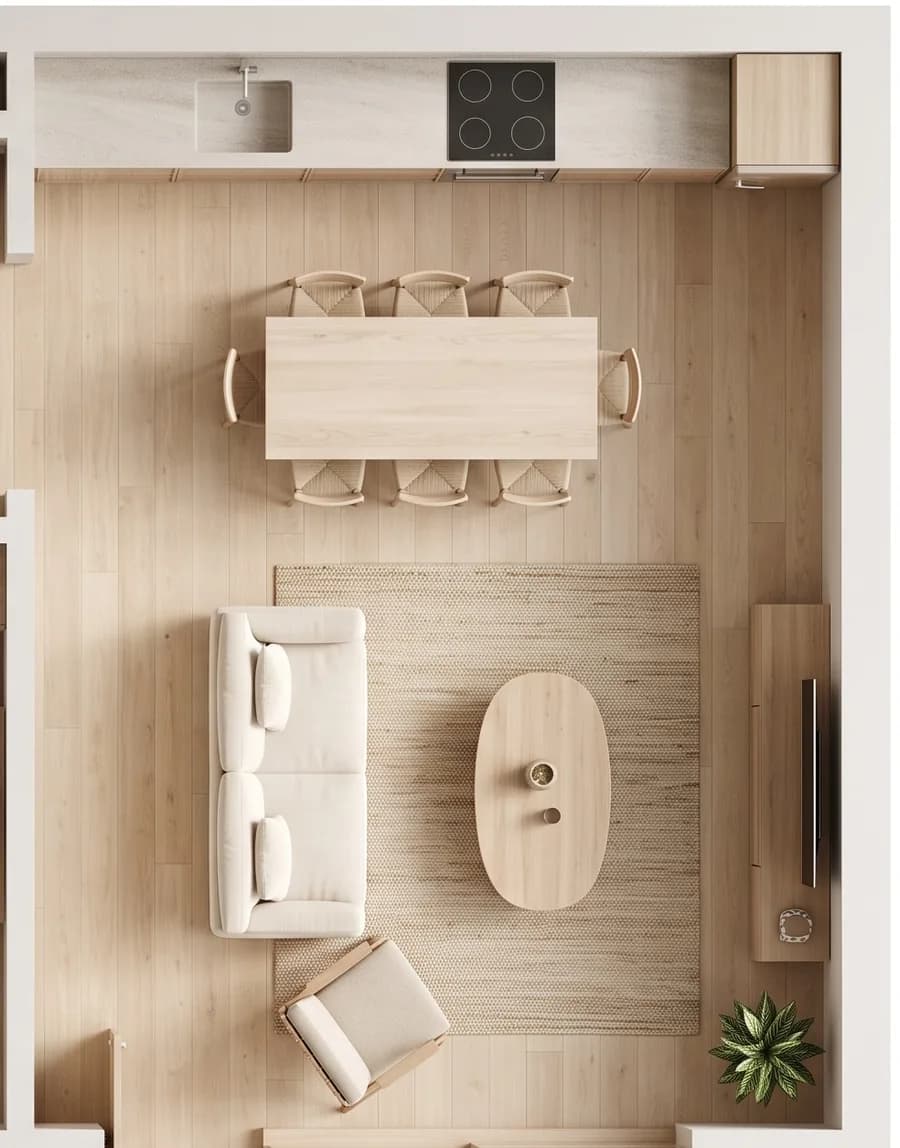
From the top view to eye level
Left — the piece of the top view the room is drawn from. Right — the room design. Three rooms of the plan above, one style.
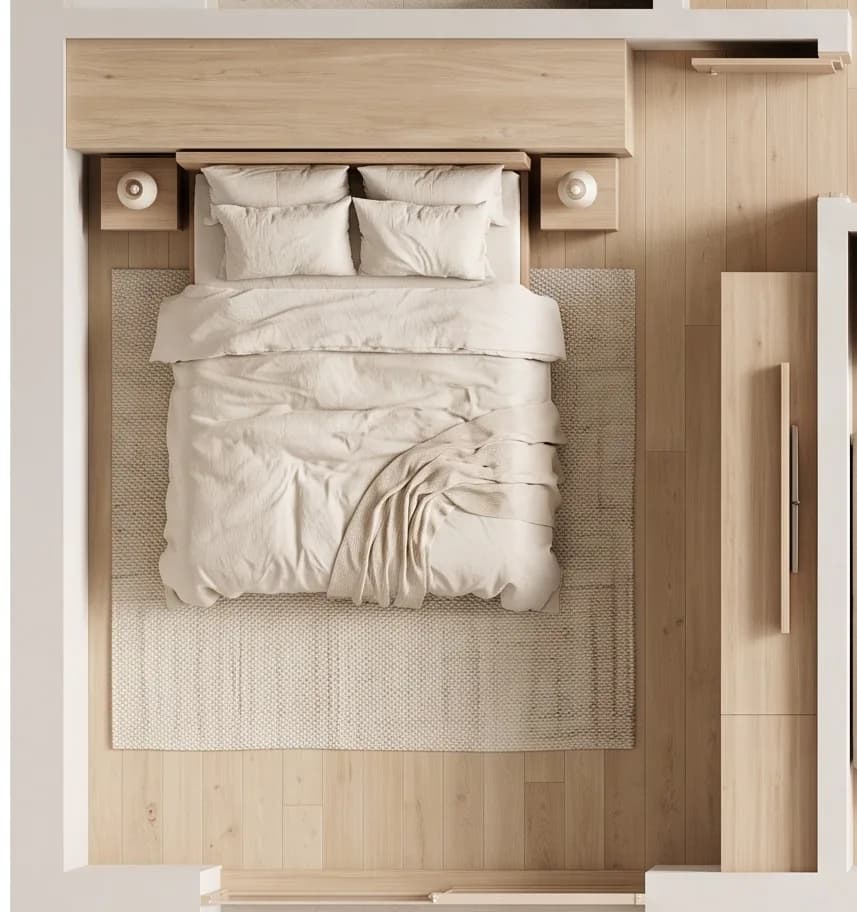
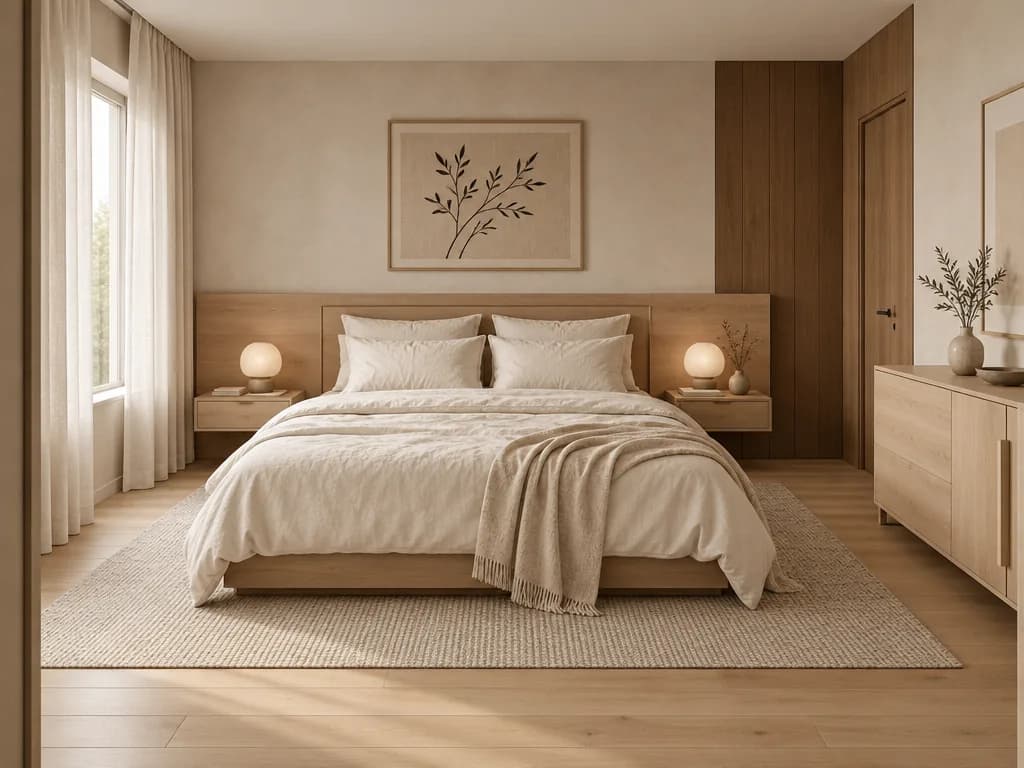
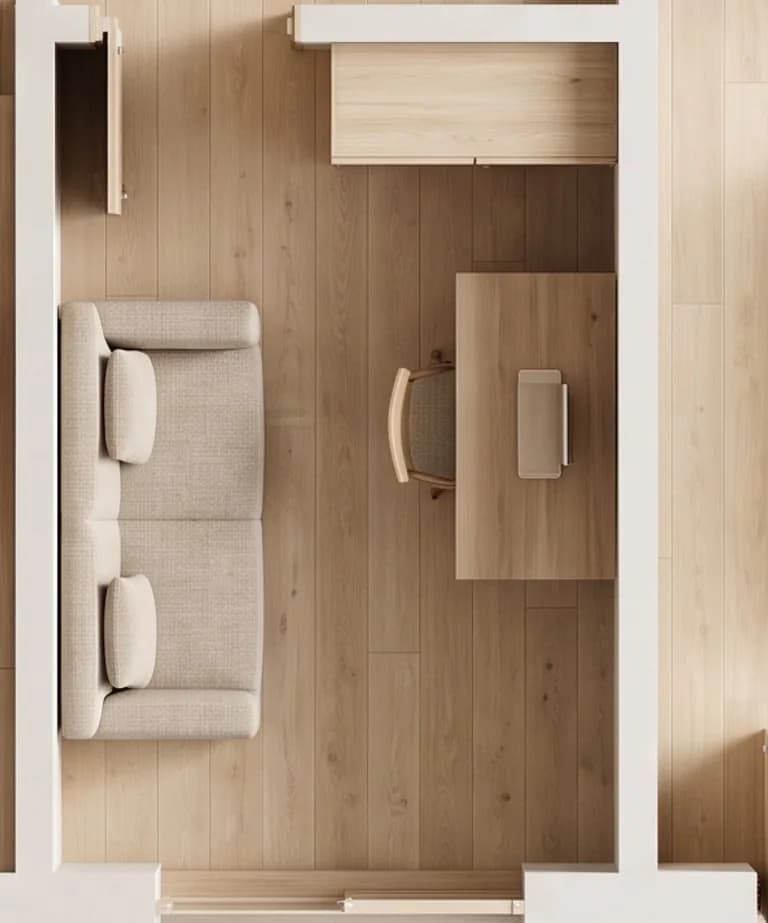
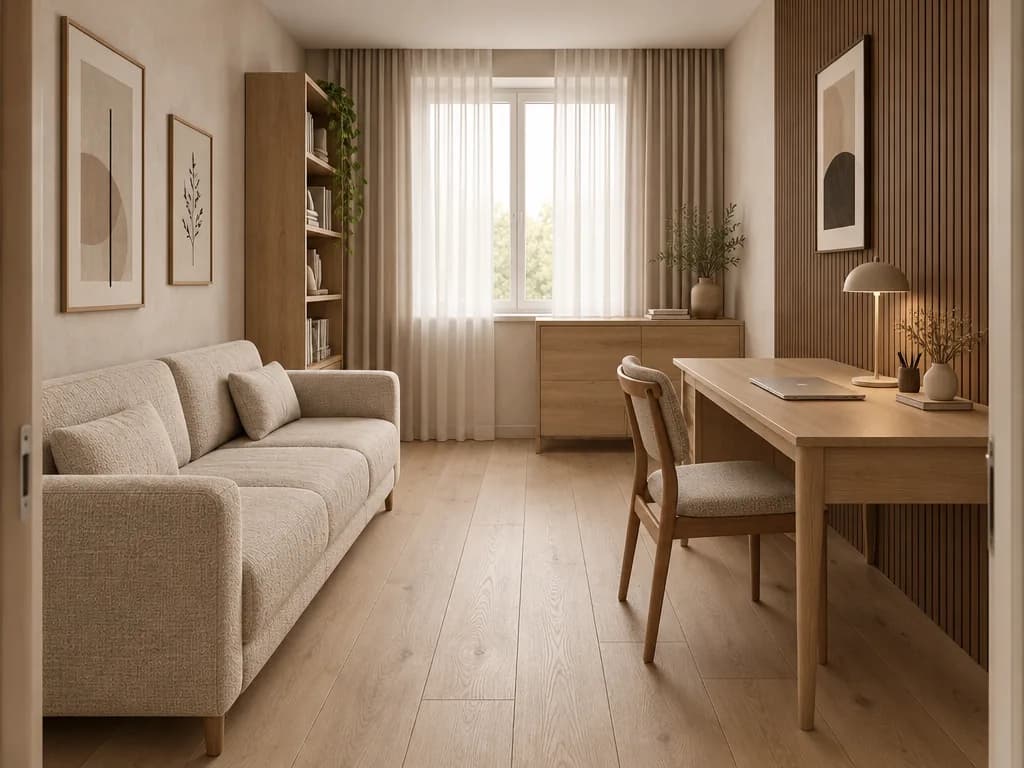
Room design is marked “Experimental feature” in the Studio: geometry and furniture can come out with mistakes. Generate the room again, try another angle or fix details in the editor with words or a brush.
Who designs from a plan
A photo shows what already exists. A plan shows what is coming.
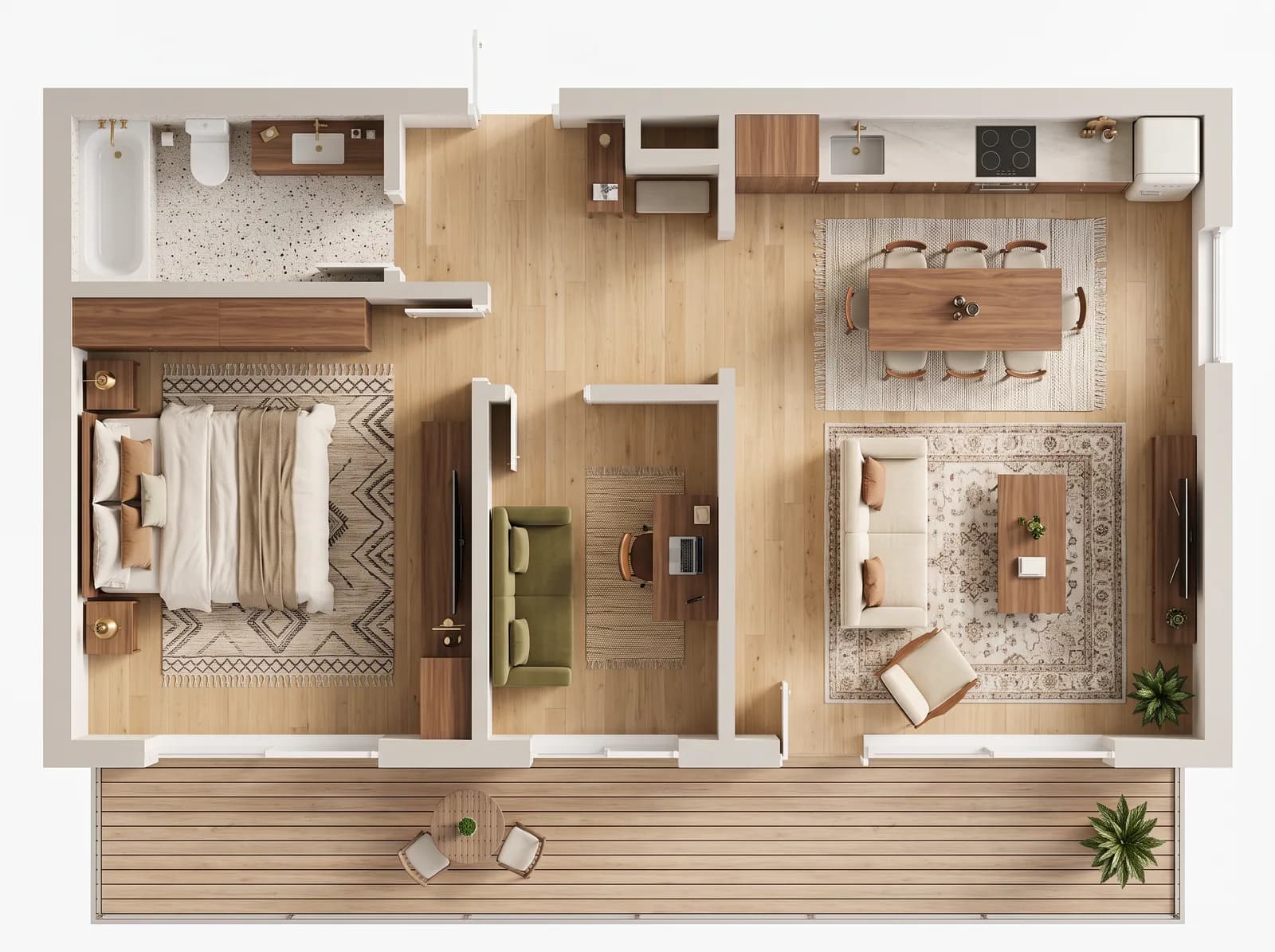
Bought off-plan
The flat isn't built yet, but the developer's plan is. See the whole home furnished before the keys arrive.
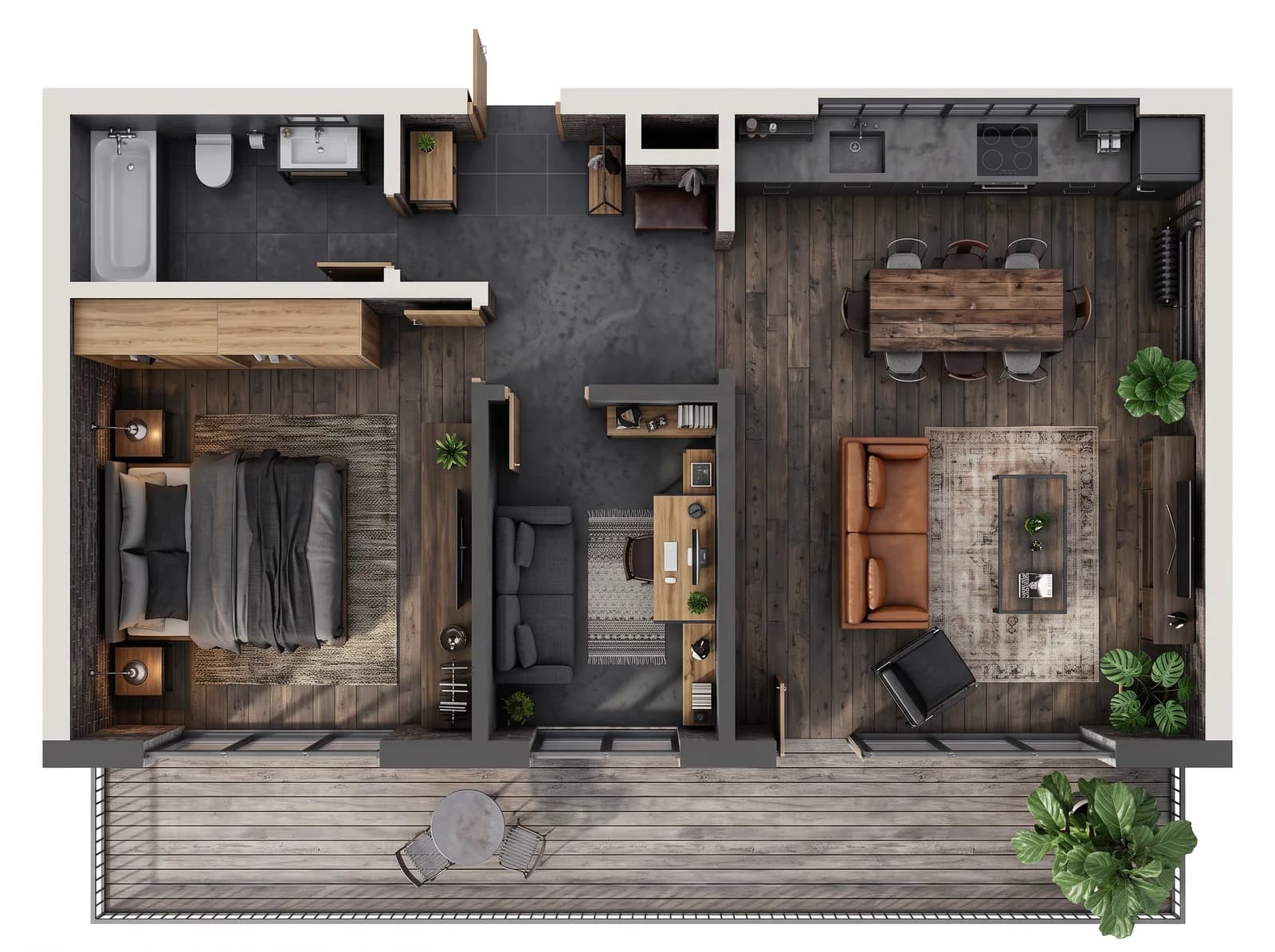
Planning a renovation
Upload the new layout and see how the rooms work together before a single wall comes down.
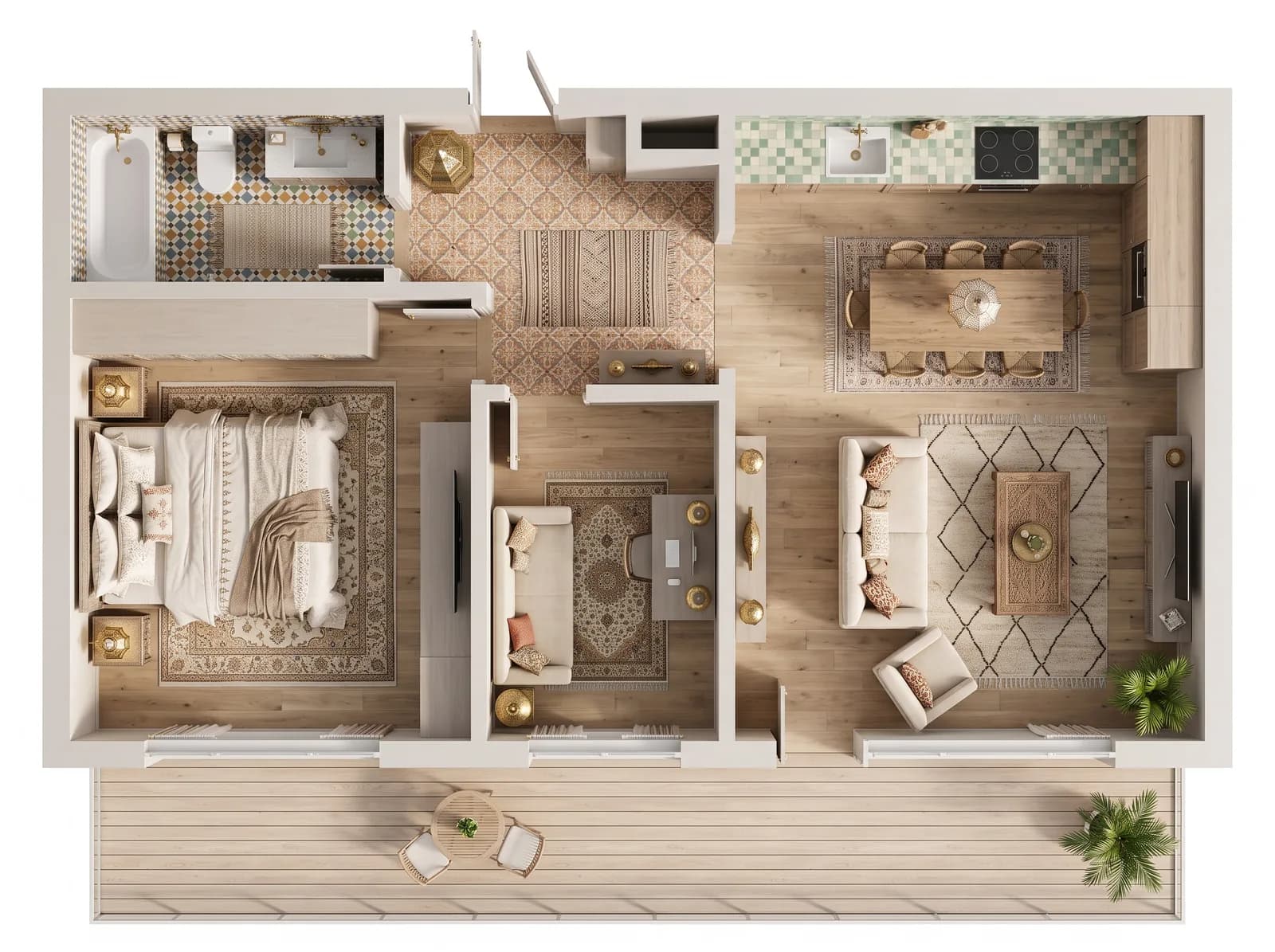
Interior designers
Show a client a furnished top view and a few rooms in two or three styles in one afternoon, before any 3D model.
Agents and developers
Buyers struggle to read a drawing. A furnished top view and room renders show the space at a glance.
What a whole home costs
Credits, not a subscription. 2 credits = one top view or one room.
Room recognition, redrawing a hand-drawn sketch and placing furniture on an empty plan.
The whole plan from above, furnished in your style.
A photoreal eye-level design of the room. Pick only the rooms you need.
The plan on this page: one top view and three rooms — 8 credits. A free account comes with 6 credits, enough for a top view and two rooms. One-time packs start at $9.99 for 36 credits.
What it is — and what it isn't
AI renders are visualisations for decisions and presentations, not construction drawings.
It does
- Read walls, doors, windows and rooms from an ordinary 2D plan
- Draw the whole home furnished from above in one of 25+ interior styles
- Keep furniture and materials consistent from room to room
- Let you refine any result with words or a brush, on every plan
It doesn't
- Export an editable 3D or CAD model — the result is images
- Keep exact scale: furniture sizes and proportions are approximate
- Check load-bearing walls, building codes or costs
- Guarantee every room on the first try — rooms are an experimental feature
Floor plan to 3D: questions
Straight answers about plans, prices and limits.
- No. GenRoom draws images: a photoreal 3D-style top view of the whole home and eye-level renders of the rooms. You can't rotate them or export a model. If you need an editable model with exact dimensions for construction drawings, use a CAD tool.
- A scan, a screenshot from a listing or a floor plan app, or a photo of a hand-drawn sketch — JPG, PNG, WEBP or HEIC up to 50 MB. Export a PDF page as an image first. Clear dark walls and visible doors and windows give the best result. One floor per image.
- Reading the plan, redrawing a sketch and placing furniture on an empty plan are free. The top view costs 2 credits, each room 2 credits. A two-bedroom flat with four rooms is 10 credits. A free account gets 6 credits with no card; one-time packs start at $9.99 for 36 credits.
- The walls, doors and windows follow your plan, but scale is approximate: a sofa can look a little larger or smaller than a real one would be. Use the renders for layout and style decisions, and measure before you buy furniture.
- Yes. Draw the same plan again in another style — each top view is 2 credits. On paid packs you can pick up to three styles at once and get all the top views in one go.
- Yes. When GenRoom sees an empty plan, it offers to place furniture first, for free. You can describe what should go where, for example a double bed in the bedroom or a desk in the study.
- Reading the plan takes seconds and the top view about a minute; the rooms are drawn at the same time, in about half a minute. With checking the rooms and a couple of edits, a whole flat takes 10–15 minutes.
- You can upload a plan and see the recognised rooms without an account. To create the top view, sign in with Google or e-mail — no card. The free account comes with 6 credits.
Guides from our blog
More ways to design
Your plan, furnished, in minutes
Upload a floor plan, check the rooms and get the top view in your style.
Upload a floor plan