

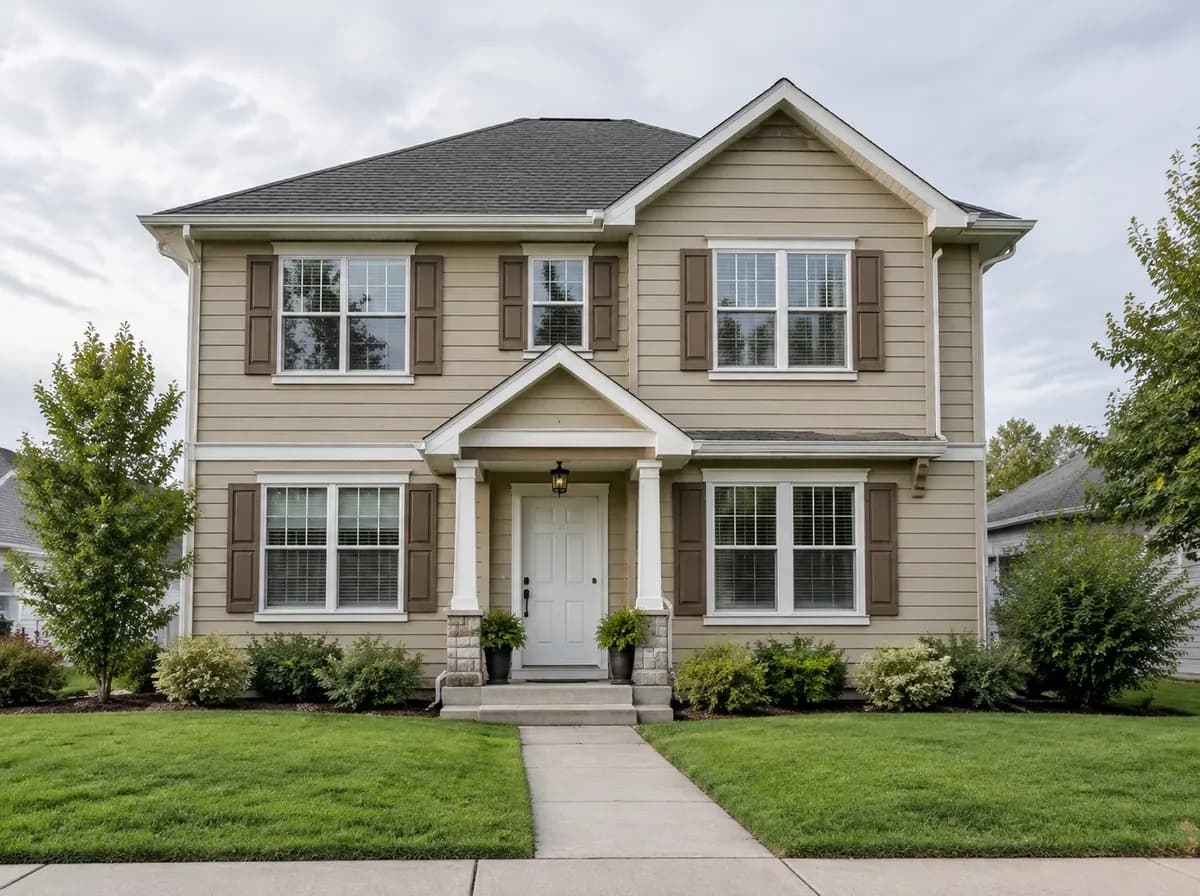
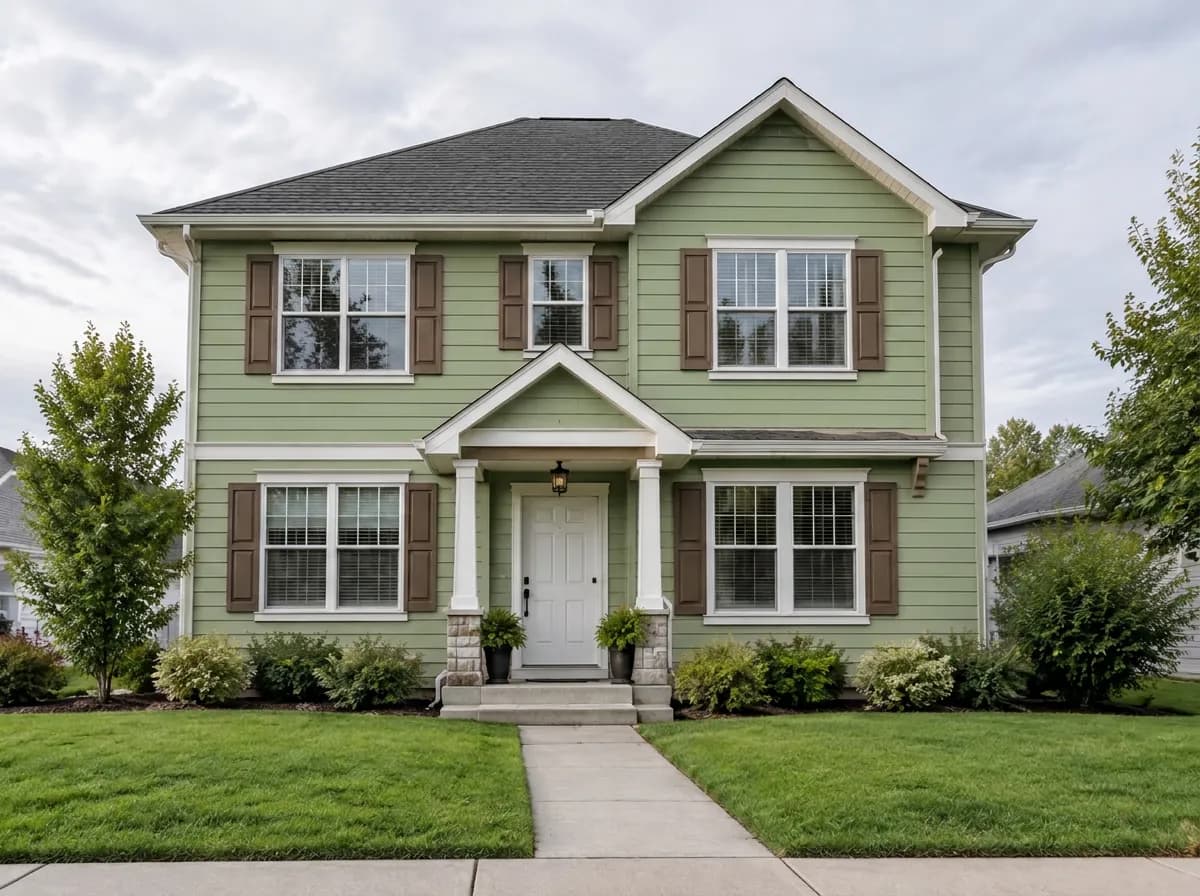
Body colour
The walls get the new colour. Siding stays siding, the windows and the roof stay as in the photo.
Paint the house
Upload a photo of your house and try a new body colour, trim, front door or shutters. The windows, roof and garden stay as they are — only the paint changes.
Each change is a ready task in the Studio. Pick one, or add several to the same design for a full two-tone scheme.
The walls get the new colour. Siding stays siding, the windows and the roof stay as in the photo.
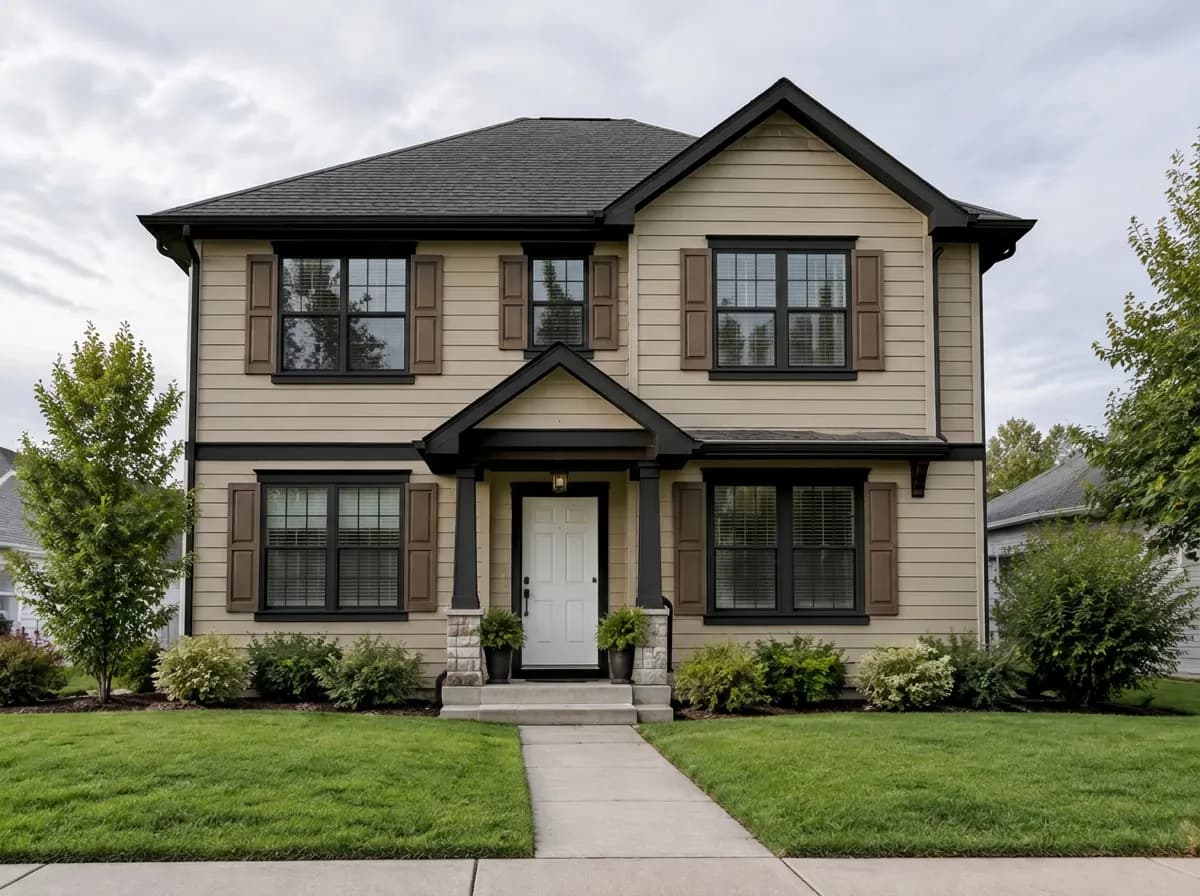
Black, white or graphite trim changes the character of the house more than you would expect.
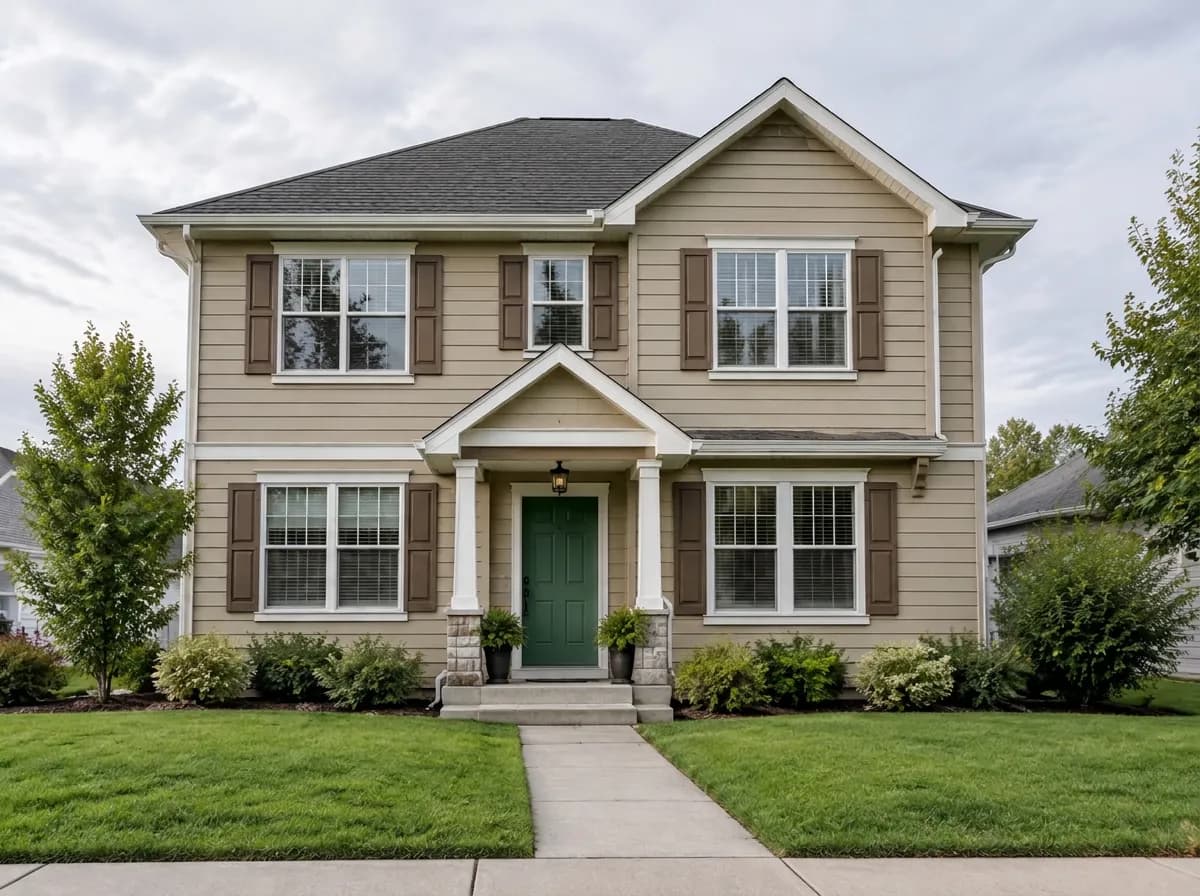
The cheapest upgrade with the biggest effect on curb appeal. Try a deep green, a navy or a red door.
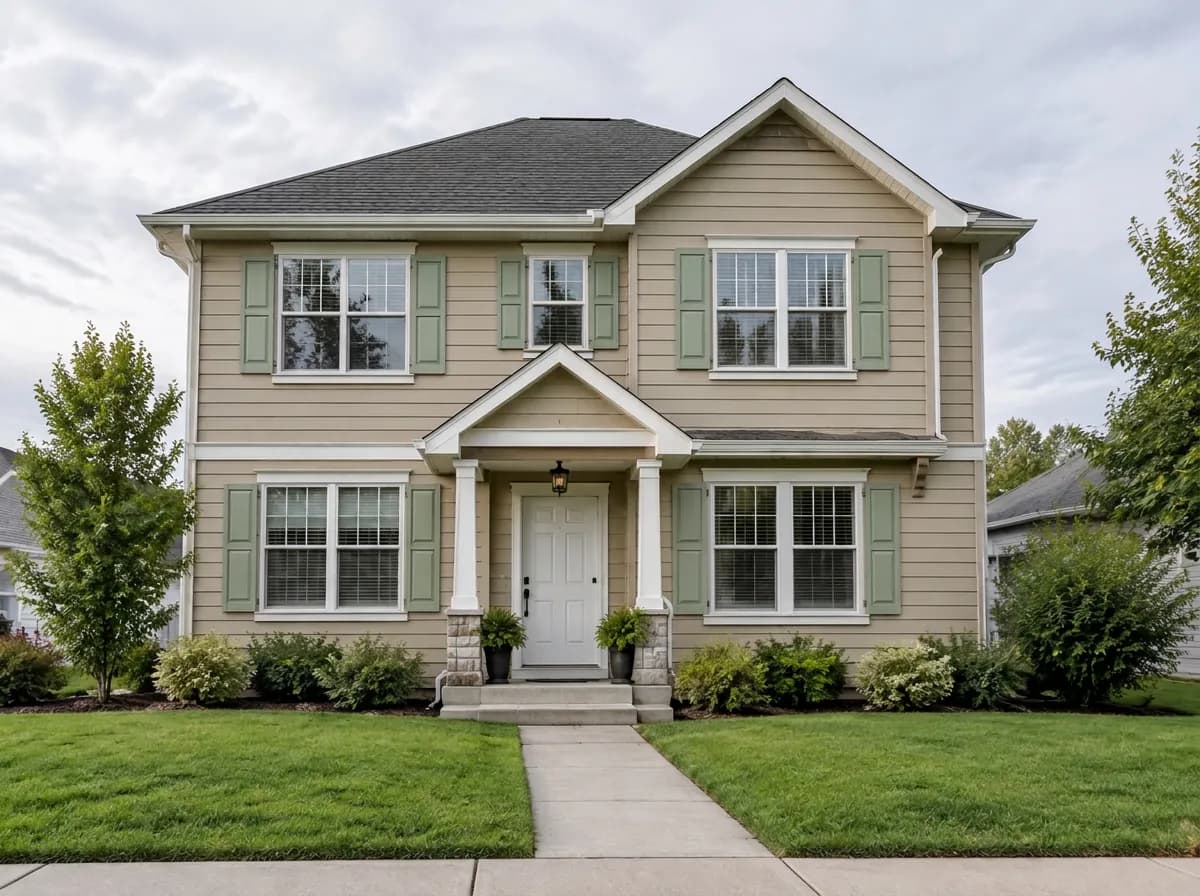
Shutters in a new colour next to every window — sized to the openings the house already has.
The white house with black trim at the top of the page is one design with two tasks: the body colour and the trim.
Only the colour changes. The texture of the finish, the light and the shadows stay, so the result looks like a painted house, not a flat filter.
 After
After Before
 AfterBefore
A colour name, a HEX code, a RAL code or the name of a paint from the store — the same house in three colours from three kinds of code:
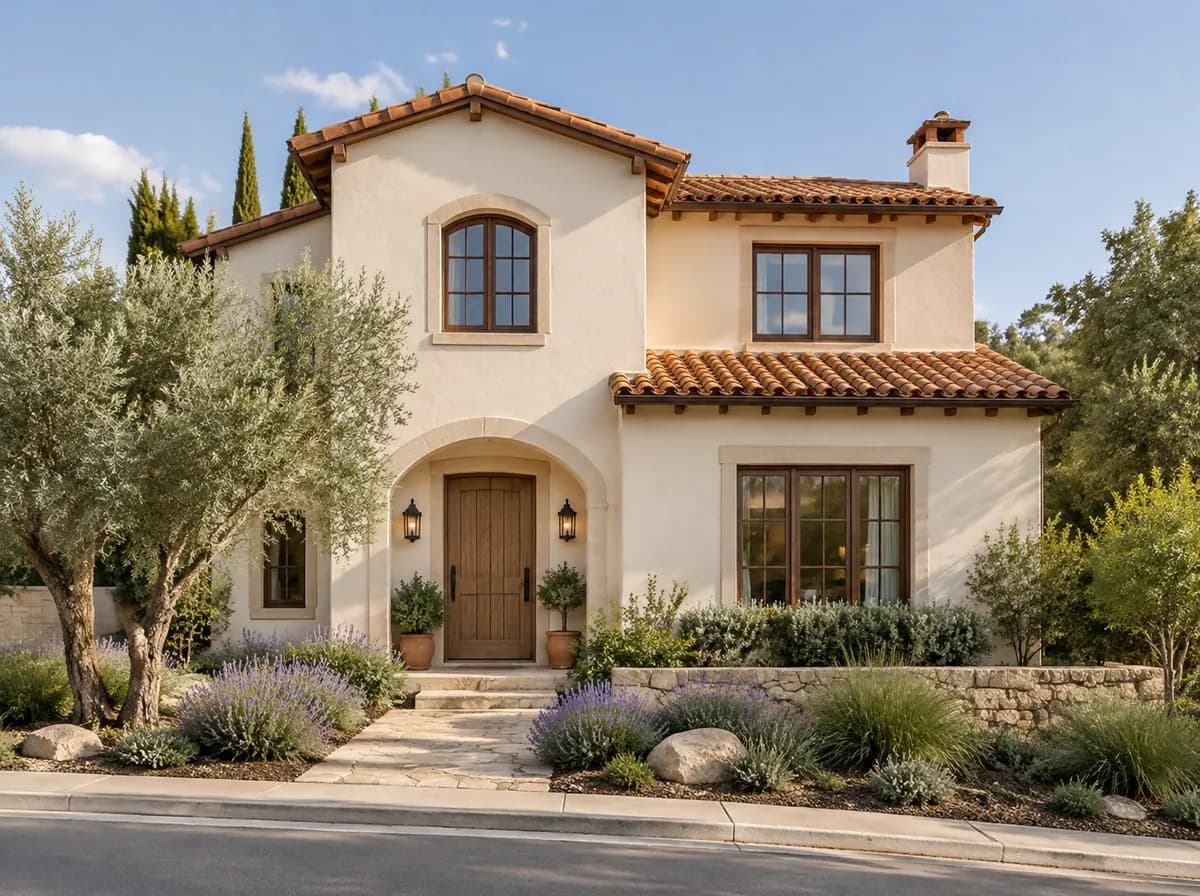
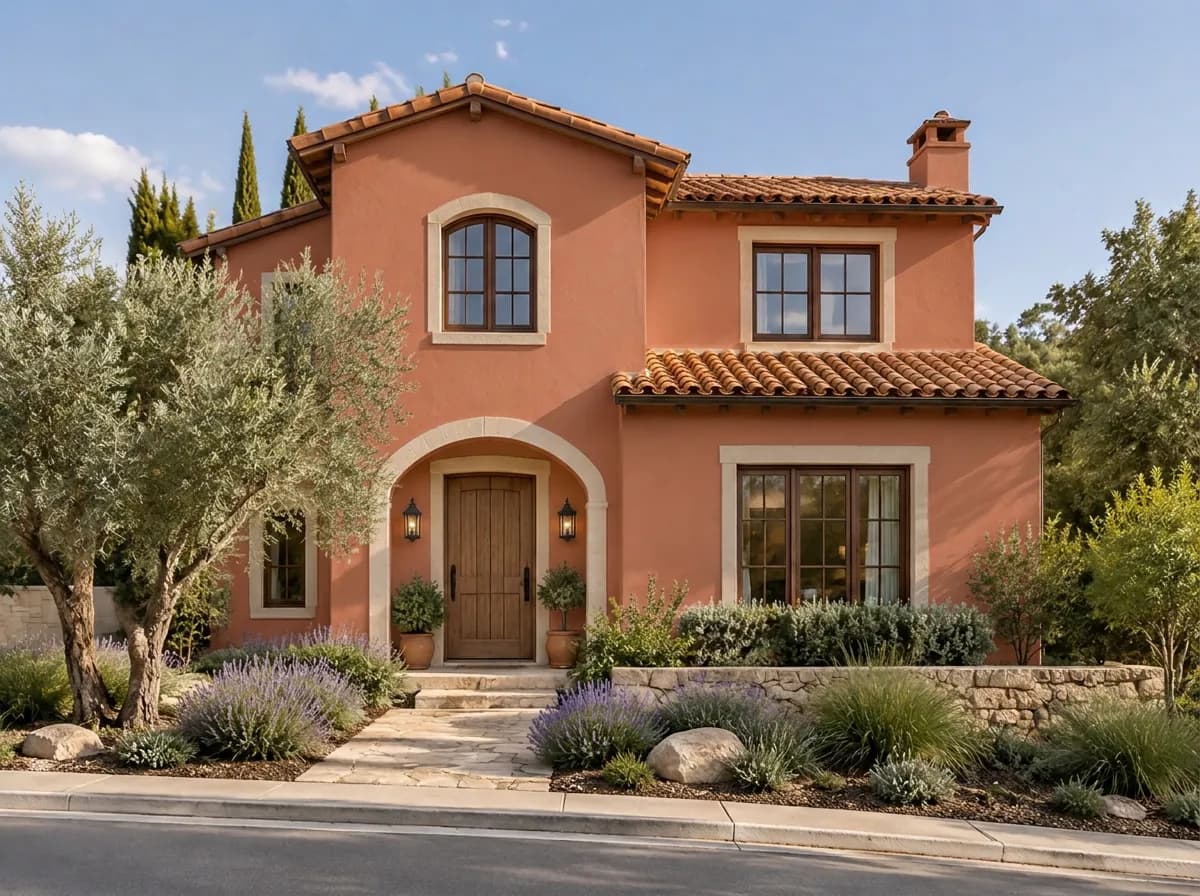
A HEX code is sent to the model as an exact colour sample.
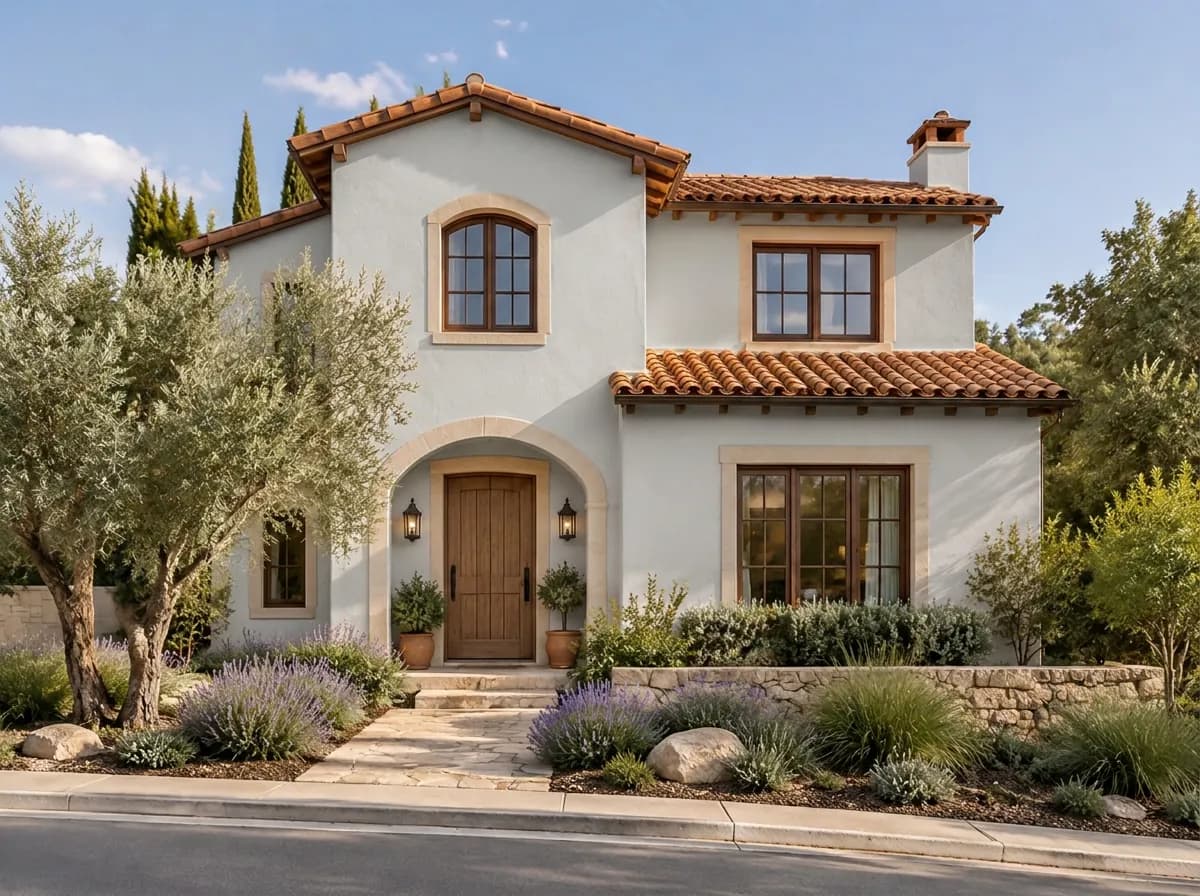
RAL Classic codes are recognised and sent as a colour sample.
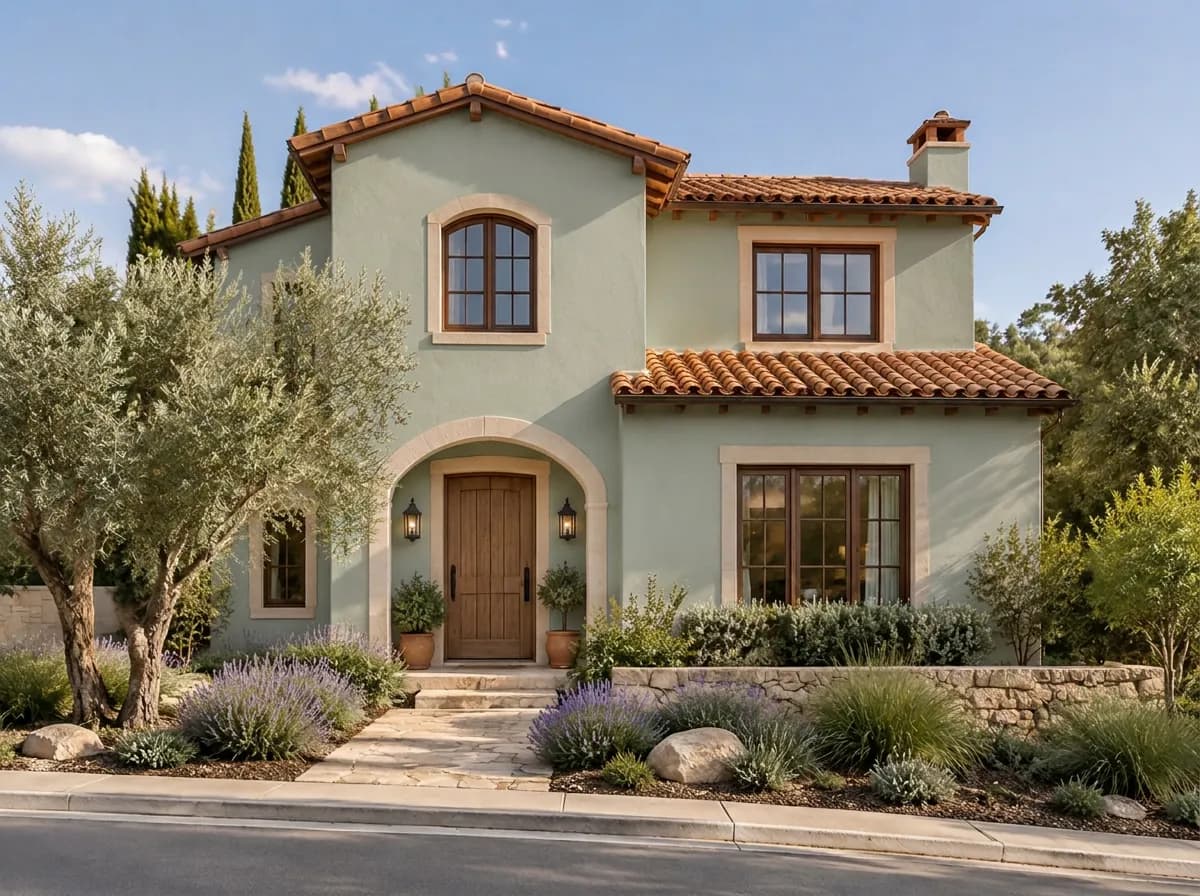
A brand colour is read by name: the shade is the model's approximation.
We don't have the manufacturers' official fan decks, so brand colour names are approximated. For a closer match, add the HEX code from the paint maker's website next to the name.
A daylight photo of the front, taken straight on, with the whole facade in the frame. A phone photo is enough.
The Studio opens with the “Paint the house” task. Write a colour name, a HEX or RAL code or a brand colour. Add “Trim & window frames”, “Front door color” or “Shutters” if you want.
You get the same house in the new colour. Try the next colour on the same photo, compare before and after, download the one you like.
An overcast day or the shade side gives true colours. Harsh noon sun and deep shadows make every colour look different.
Compare three or four candidates on the same photo rather than asking for everything at once — the differences are easier to see.
The roof, the stone and the brick usually stay. Pick a body colour that works with them — the preview shows exactly that.
A screen is not paint. Use the preview to choose the direction, then paint a sample on the wall and look at it in the morning and in the evening.
How the AI repaints a house, what it keeps and how close the colours are.
When the paint is not enough.
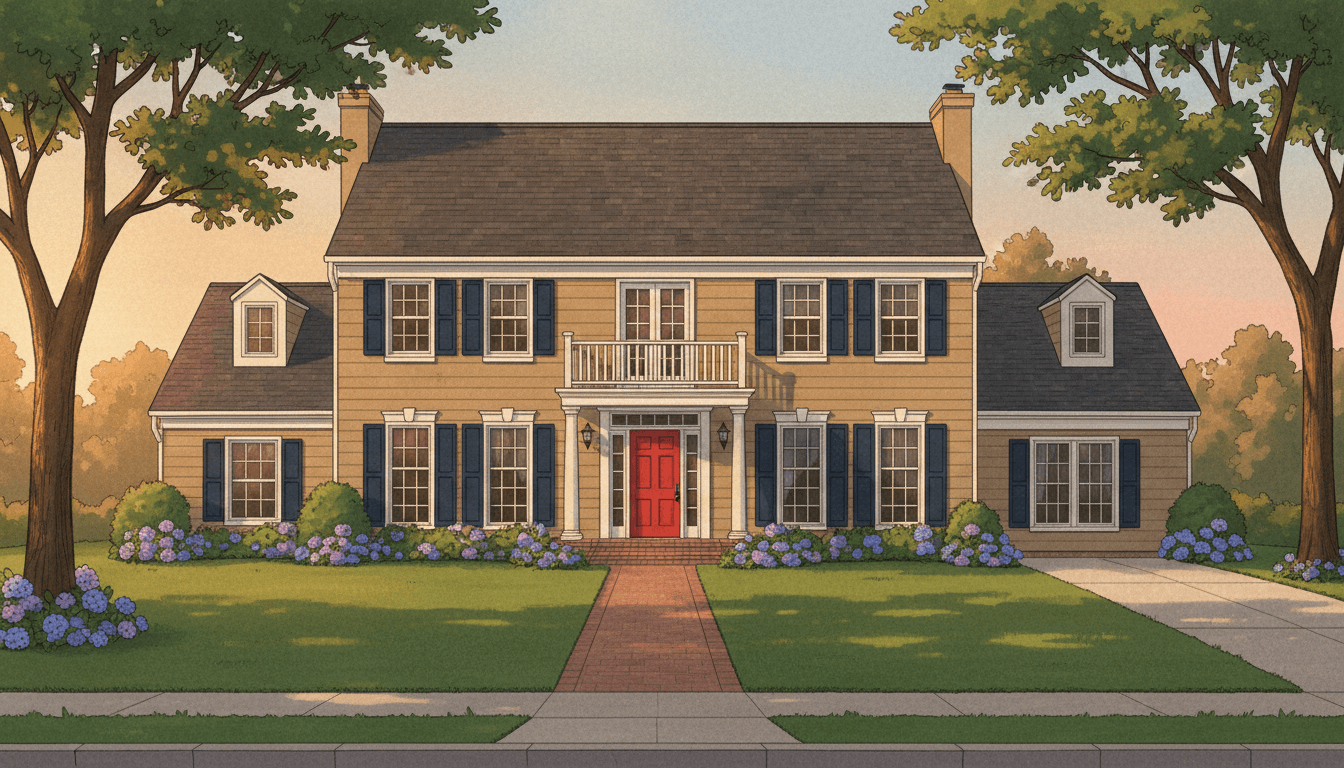
Upload a photo of your house and preview exterior paint colors in seconds with AI. Stop guessing and start visualizing your perfect color scheme.
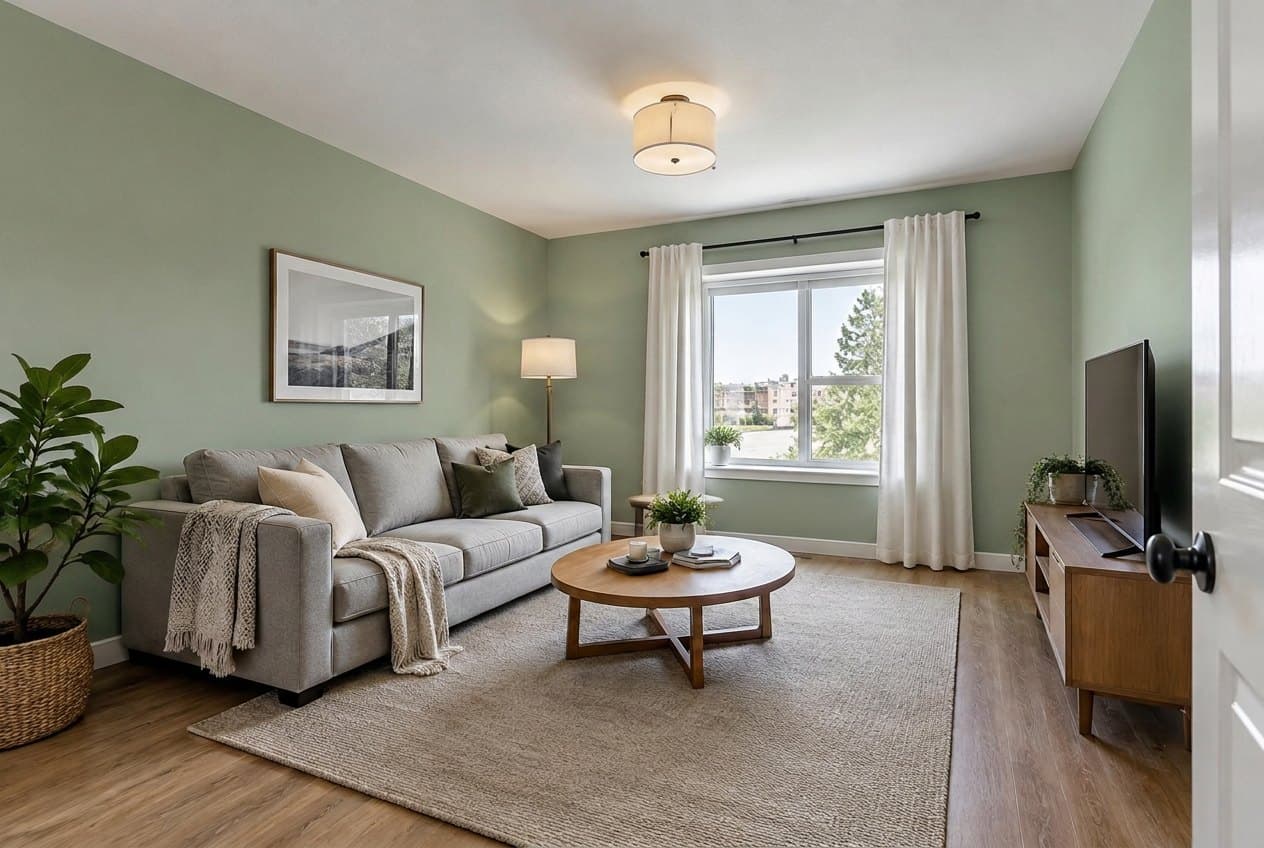
Upload a photo of your room and try any wall color with AI: a color name, RAL, NCS, HEX or a paint brand, one accent wall or the ceiling. Furniture stays put.
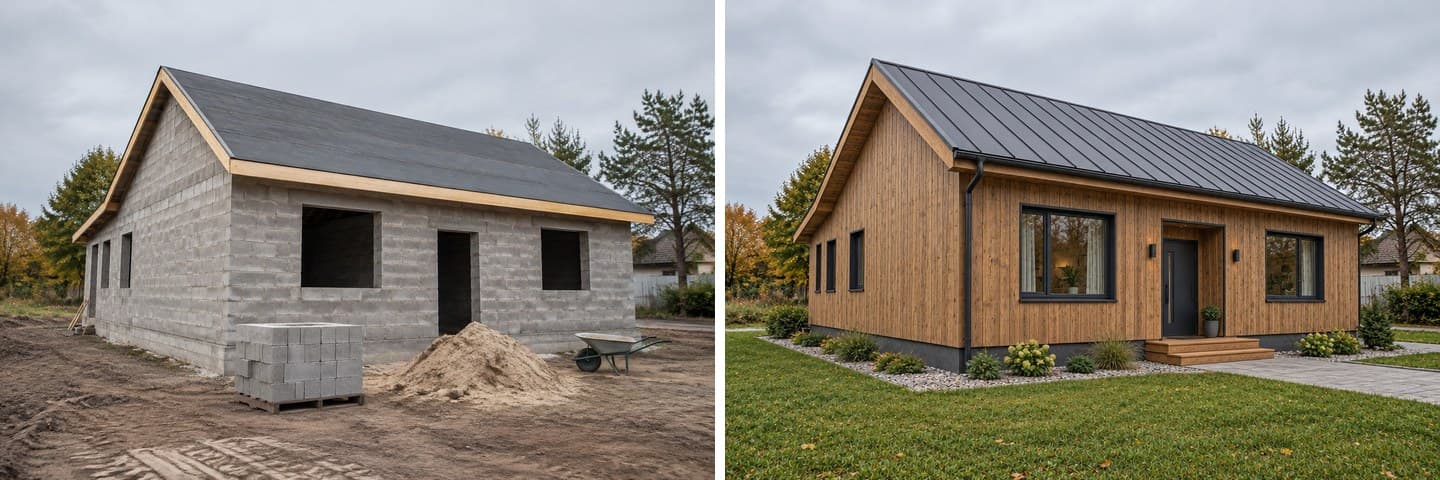
A bare block shell, a concrete frame or a new build in raw render: see it as a finished home with facade, roof, windows and garden, tested on real photos.
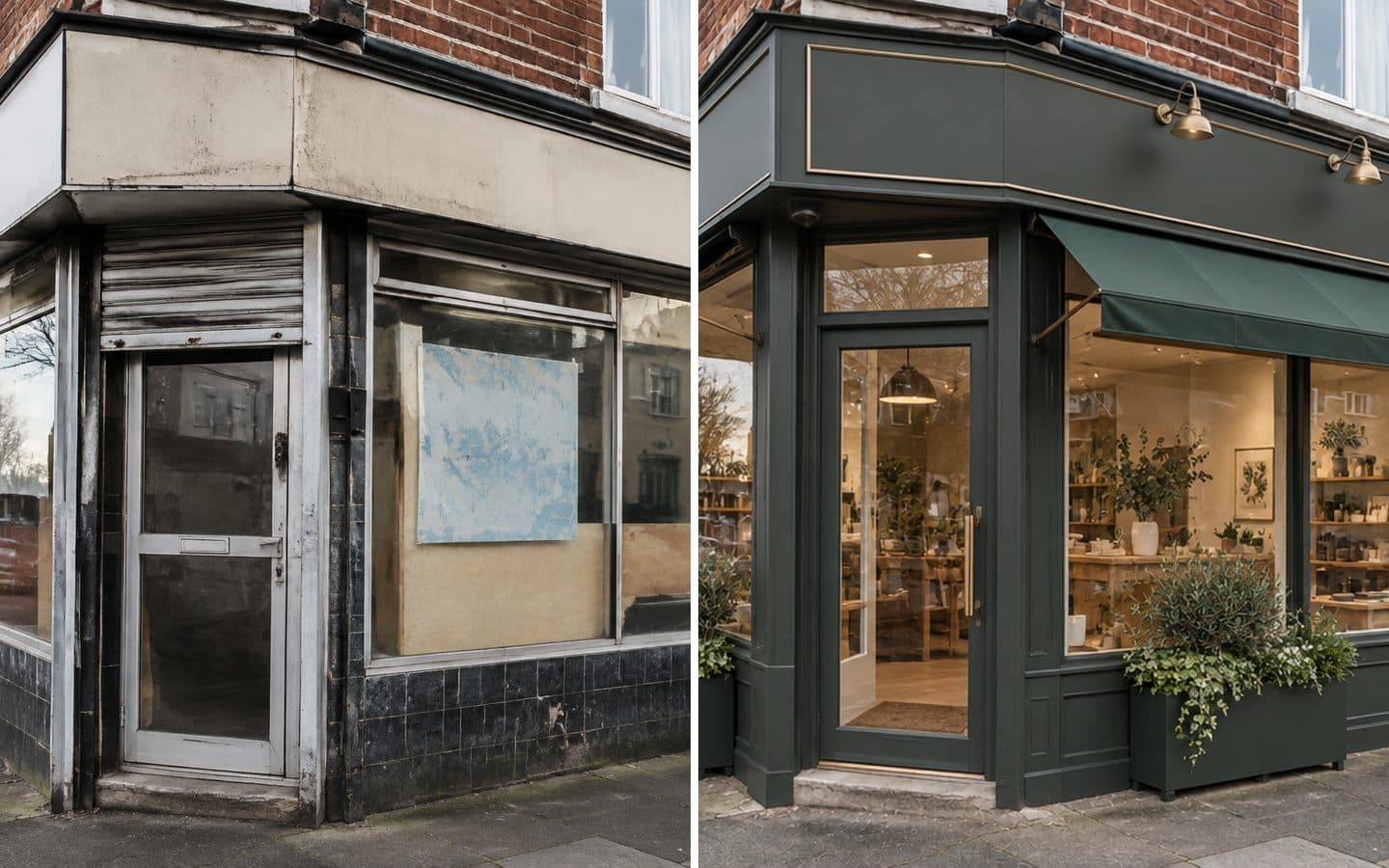
Upload a photo of your shop, café or salon and see a new shopfront: glazing, sign, awning, lighting and cladding. Real before/after tests and honest limits.
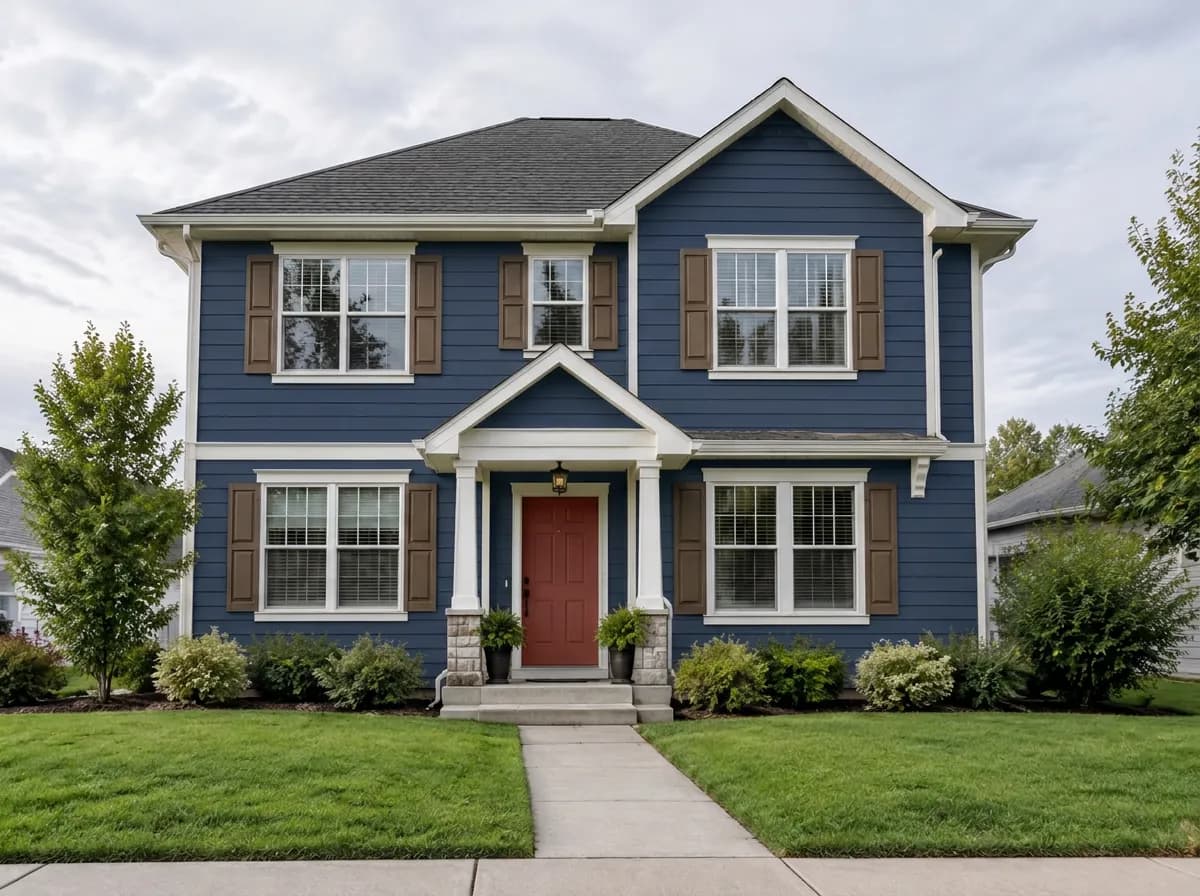
Upload one photo and try as many colours as you like on the same house.
Paint my house6 free credits after sign-in · no card