


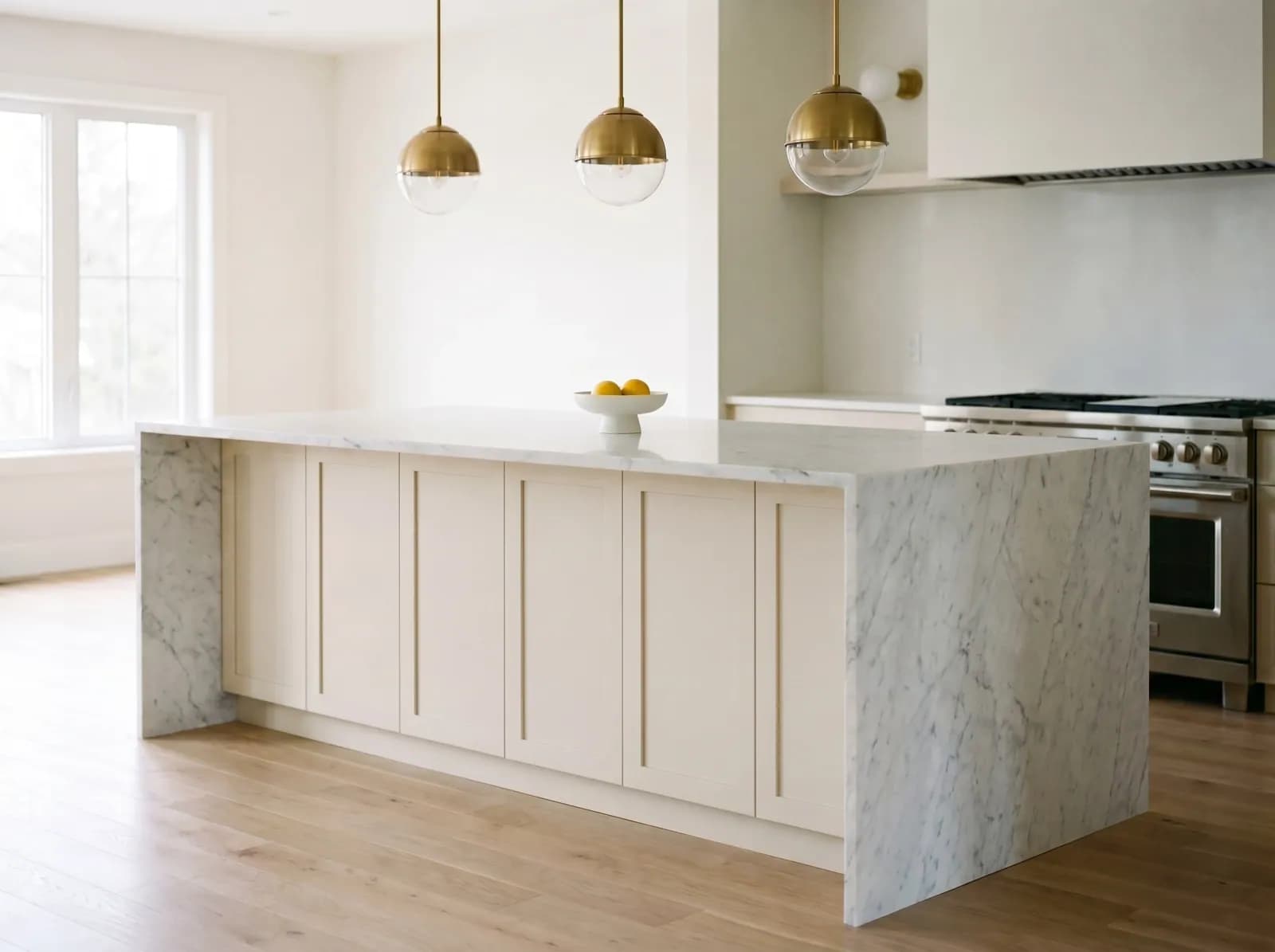
Carrara Marble
Soft white with subtle gray veining. The classical workhorse — kitchens, bath surrounds, fireplace mantels. Best for clients who want timeless, not loud.
Upload a photo. Pick a material. See your kitchen in marble, walnut, brass, or terrazzo — photorealistic, in seconds.

Used by 30,000+ designers, architects, and homeowners worldwide
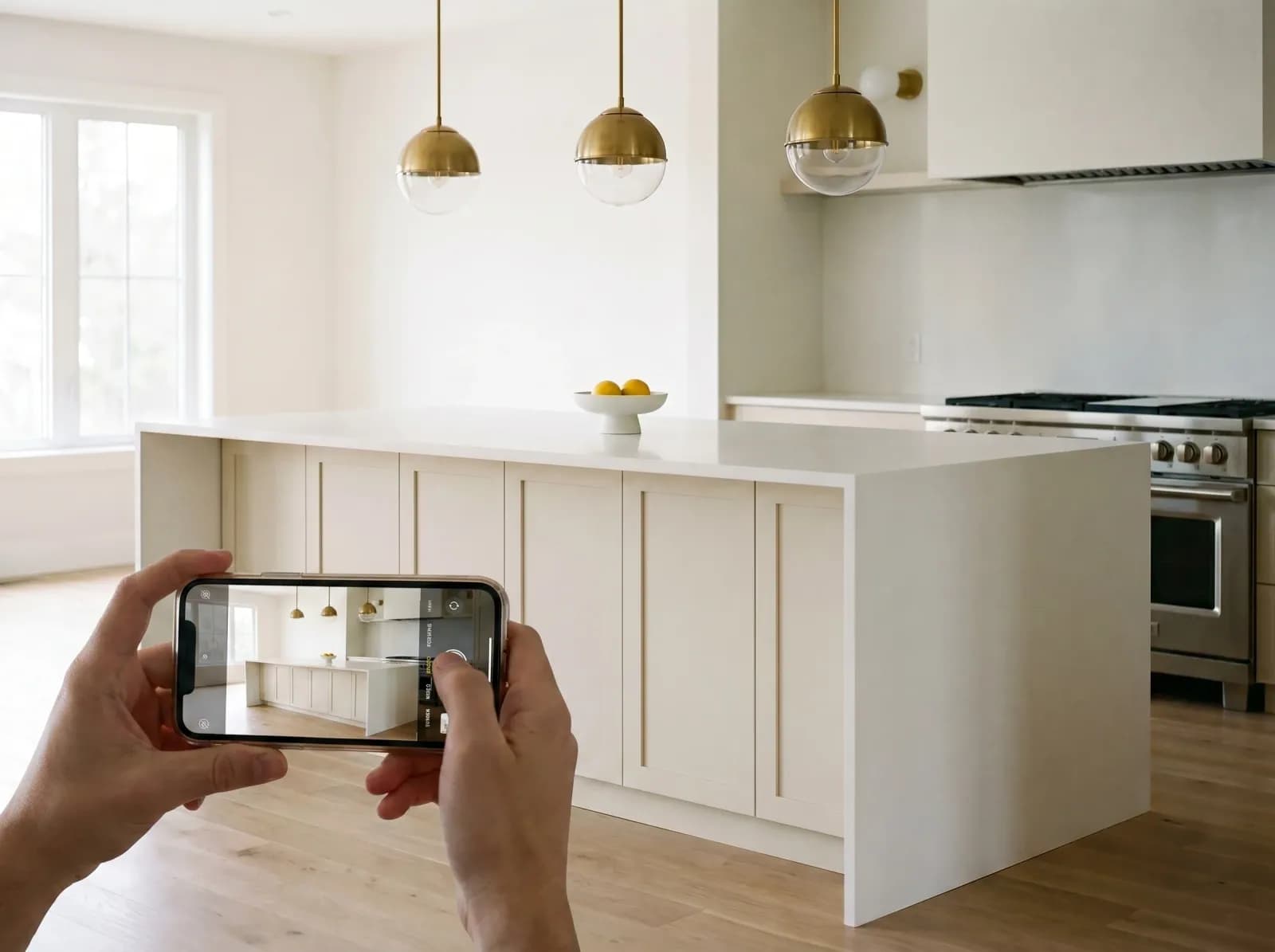
Take a photo with your phone or upload an existing one. JPG, PNG, or WEBP — any angle works.
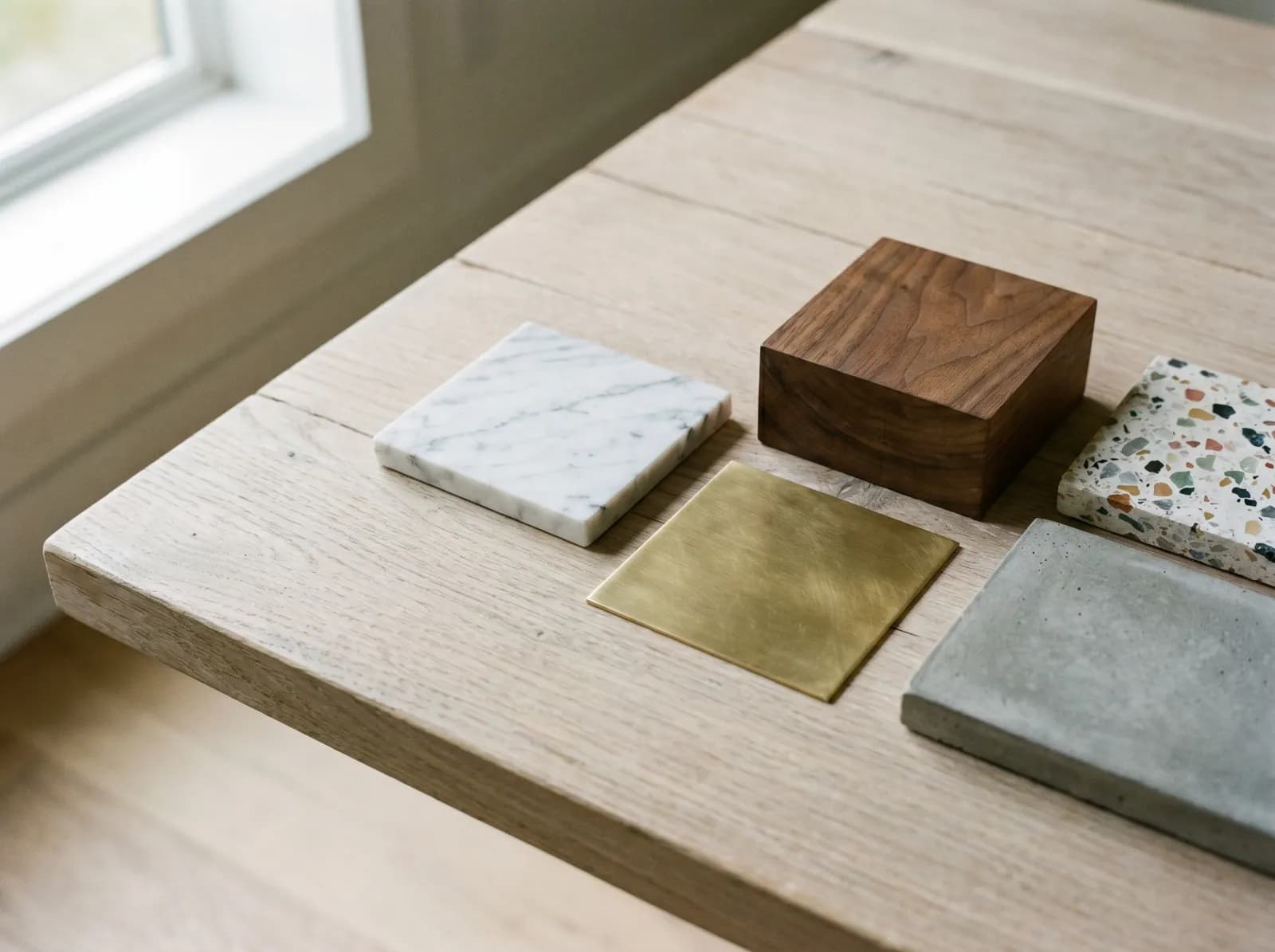
Choose from a curated library — marble, oak, terrazzo, concrete, brass — or describe any other material in plain English.
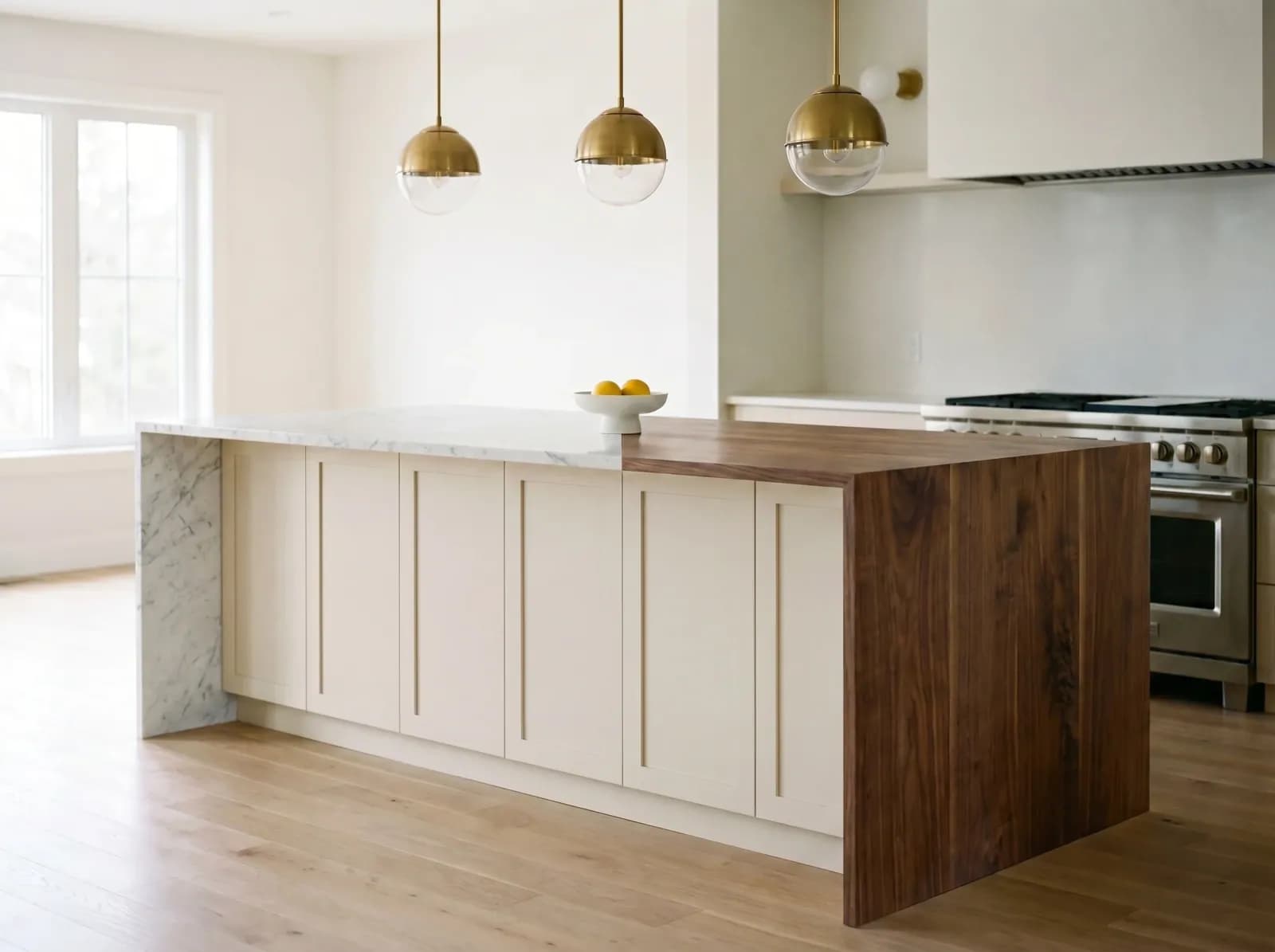
AI renders true grain, sheen, and reflections in about 30 seconds — keeping your lighting and furniture intact.
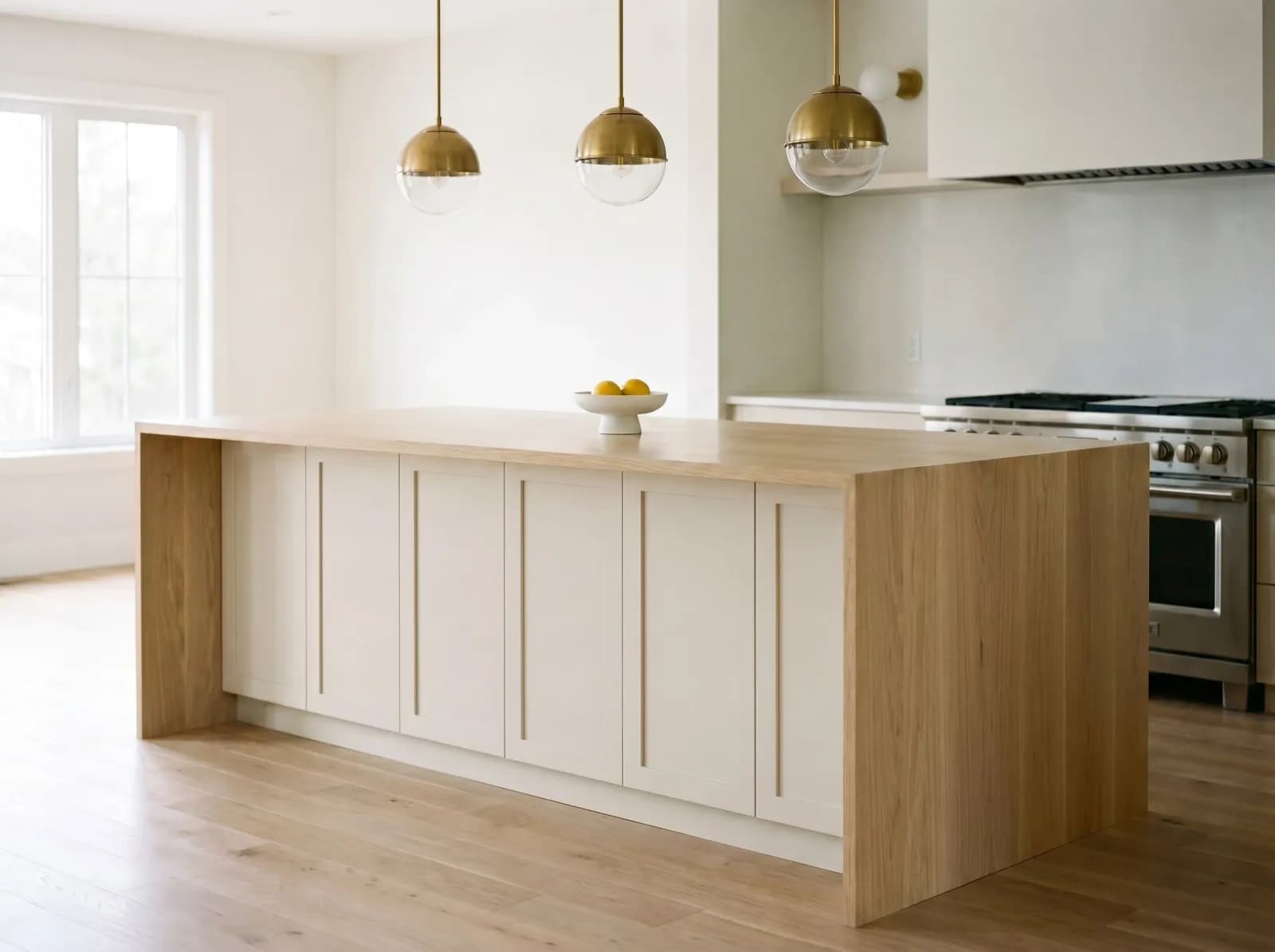
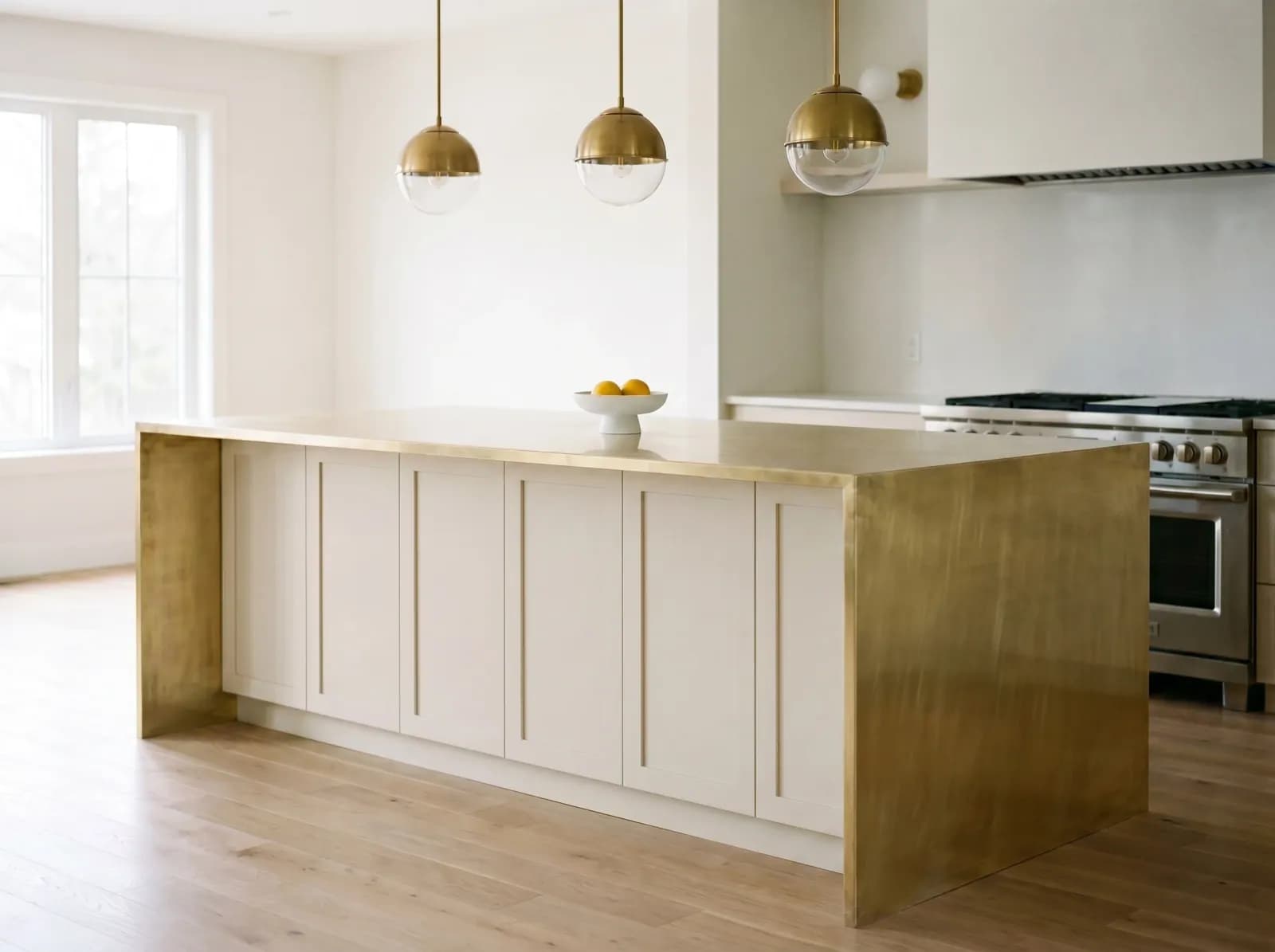
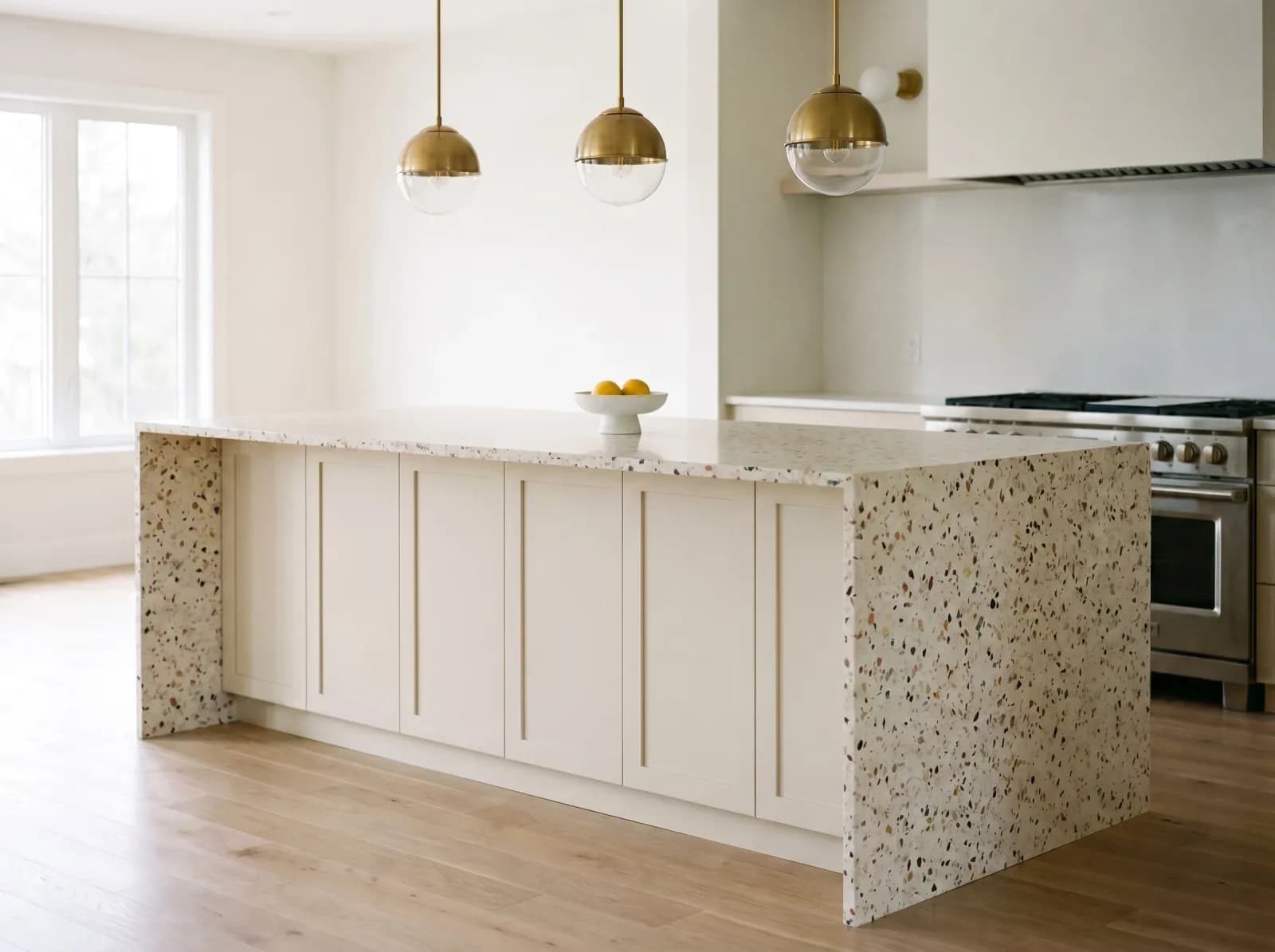
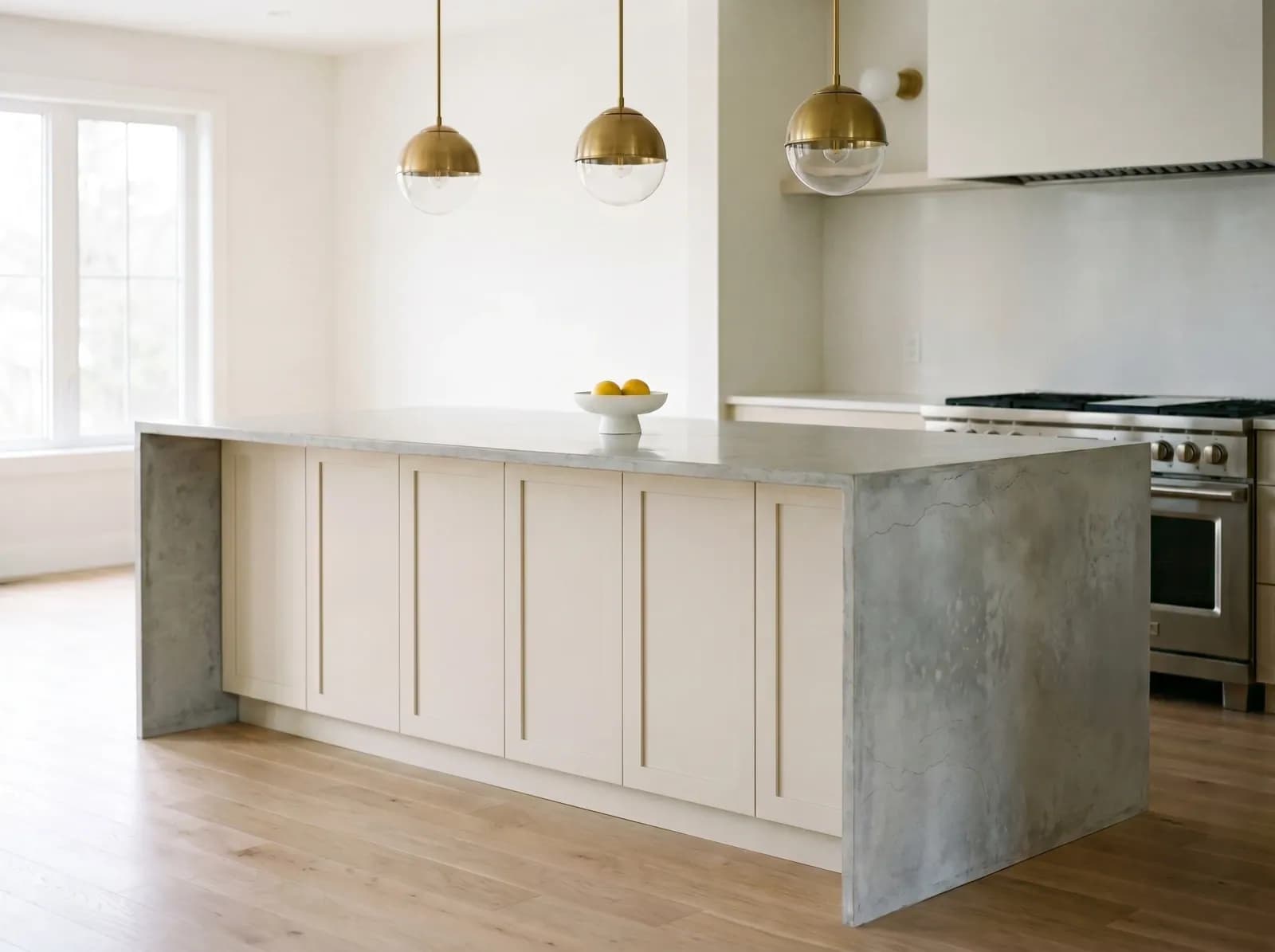
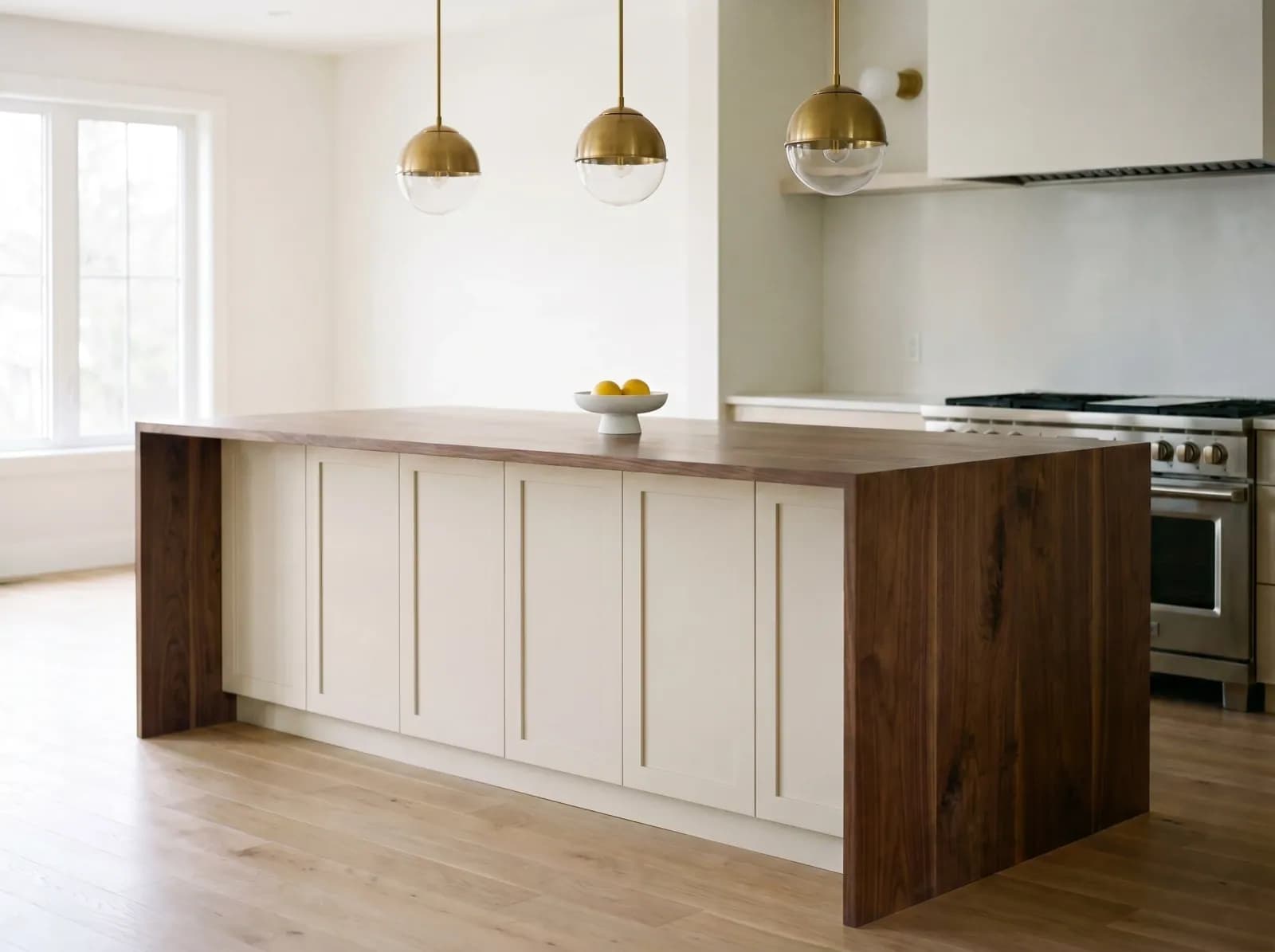
Same photo. Different surface. See how each material transforms the space.
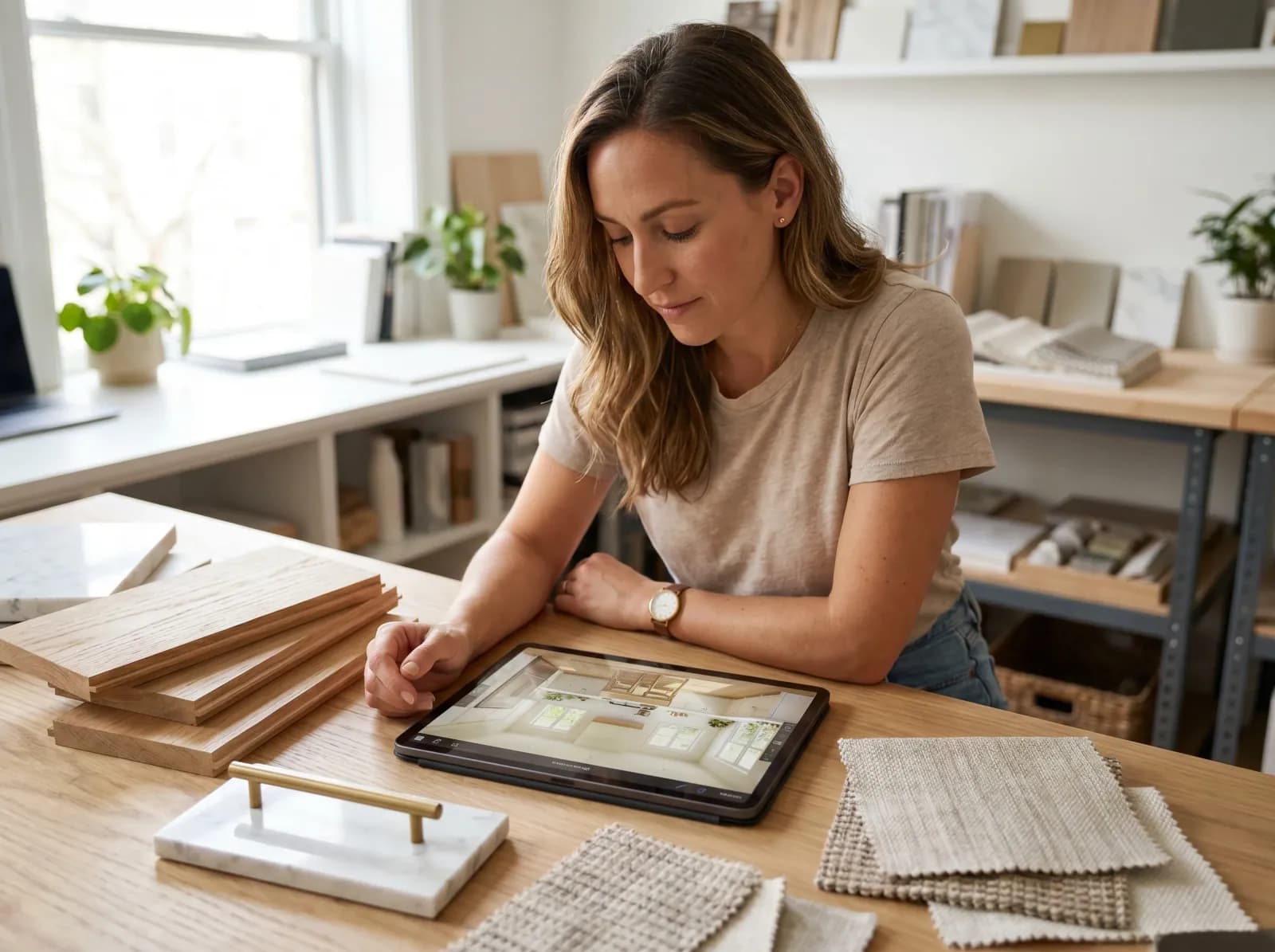
Present material options to clients before ordering samples. Close projects in half the time.
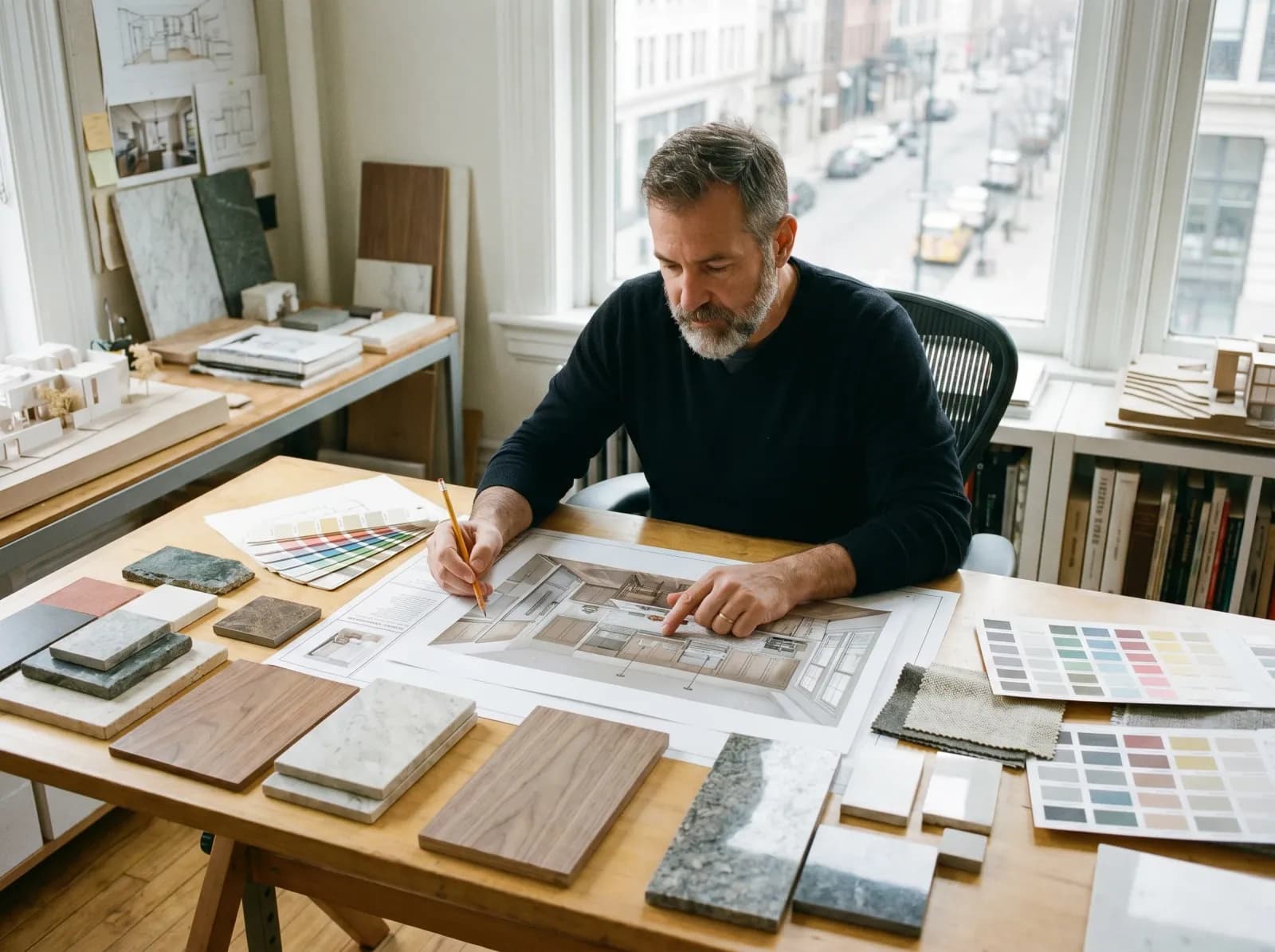
Compare materials during schematic design without rendering software. 90 seconds per option.

Show buyers the upgrade potential of dated kitchens and baths. Move listings faster.

Preview countertops, floors, and tiles before committing $10k+ on materials.
Material Swap AI is a photorealistic visualization tool that lets you replace any surface in a room photo — countertops, walls, floors, cabinets, fireplaces, backsplashes — with a different material, in seconds. You upload one photo. The AI keeps your existing lighting, furniture, perspective, and shadows intact, and re-renders only the surface you targeted with realistic grain, sheen, and reflections.
Under the hood the AI runs an image-to-image diffusion model fine-tuned on architectural and interior photography. Unlike generic redesign tools that hallucinate a fresh room, our model is constrained to a per-surface edit — so the result is recognizably your space, not a fantasy version of it. Designers and architects use it for client presentations, real estate agents use it to show buyers an upgrade path, and homeowners use it to validate a $5,000+ material decision before committing.
It supports stone (Carrara, Calacatta, terrazzo, soapstone, quartzite, travertine), wood (oak, walnut, ash, ebony), metals (brushed brass, blackened steel, antique nickel), tiles (zellige, ceramic, encaustic), and any material you can describe in plain English — including specific products from Caesarstone, Cosentino, Silestone, Cambria, Corian, and Dekton.
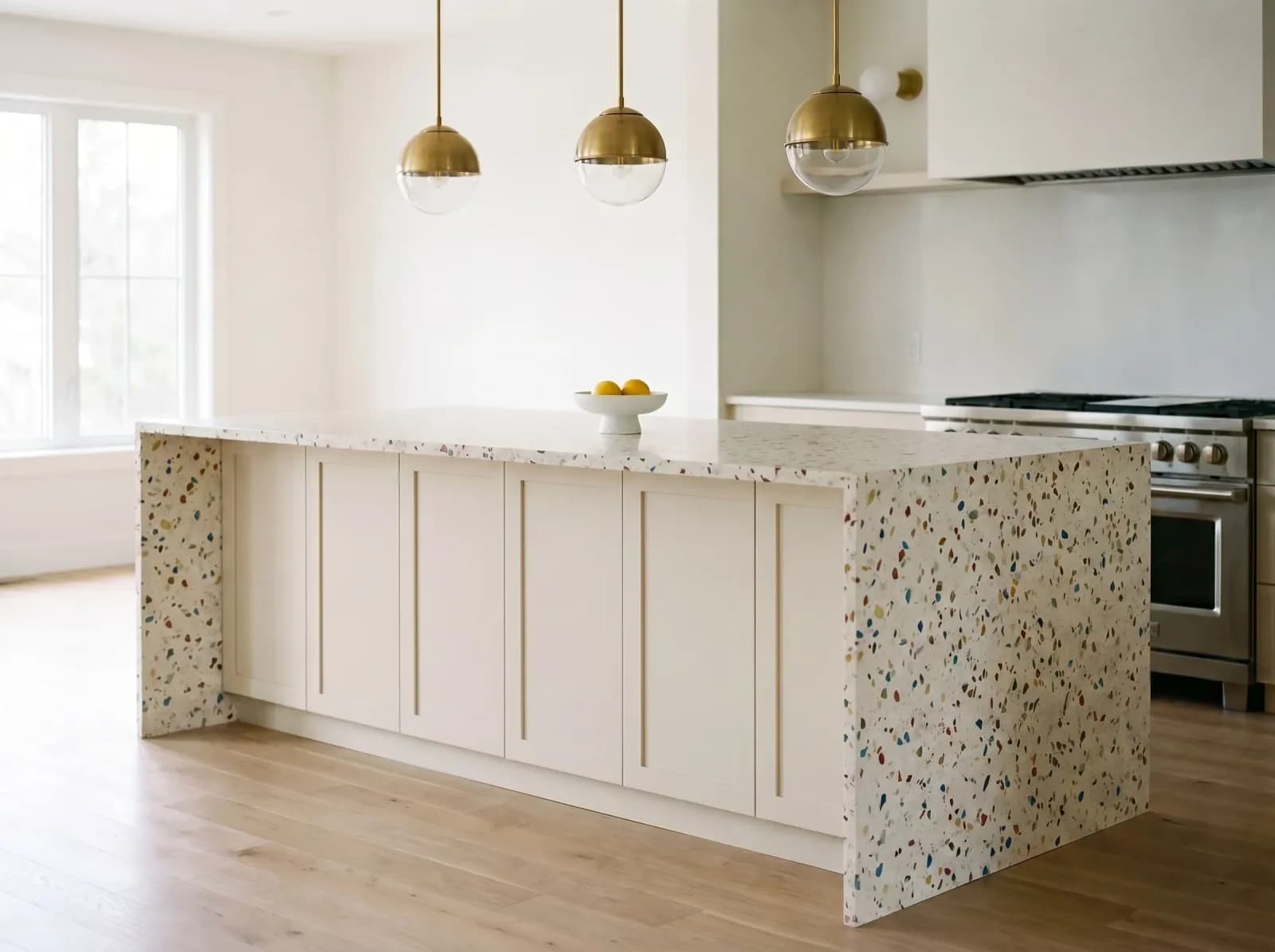
When to choose each — written for designers, architects, and homeowners. Tap any to start a swap.
Soft white with subtle gray veining. The classical workhorse — kitchens, bath surrounds, fireplace mantels. Best for clients who want timeless, not loud.

Warm cream with bold golden-amber veining. A dramatic statement stone. Use sparingly — one waterfall island anchors a whole space.

Light golden tone, visible straight grain. The most-specified hardwood of the decade. Pairs well with stone, leather, brass; bridges traditional and contemporary.

Rich dark chocolate brown, prominent open grain. Adds warmth and depth. Best in libraries, primary bedrooms, dining tables — anywhere intimacy matters.

Warm golden metal with fine brush marks. Perfect for hardware, fixtures, accent legs. Patinas beautifully over time — embrace it, do not fight it.

Deep matte charcoal with hammered texture. Industrial-modern signature. Use for shelving frames, range hoods, window mullions, fireplace surrounds.
Cream base with multi-color stone chips, matte finish. The 2026 comeback material. Great on floors, vanities, tabletops, accent walls.

Soft gray with subtle mottling and very light gloss. Modern and unfussy. Excellent for floors, kitchen islands, sink surrounds in contemporary spaces.
An honest side-by-side comparison. Where competitors are stronger, we say so.
| GenRoom AI | HomeDesigns AI | Coohom | Foyr | Caesarstone Visualizer | |
|---|---|---|---|---|---|
| Photorealistic results | |||||
| Use your own photo | |||||
| Multi-surface masking (walls + floors + counters) | |||||
| Realistic grain, sheen & reflections | |||||
| Material library size | 1000+ | 500+ | 5000+ (3D) | 3000+ | Caesarstone only |
| Custom material from text description | |||||
| Mobile-friendly | |||||
| Free trial | 4 free credits | 14 days | limited |
Caesarstone, Cosentino, Silestone, Cambria, Corian, Dekton — type a product code or describe the material and our AI will match it.
What designers are specifying this year
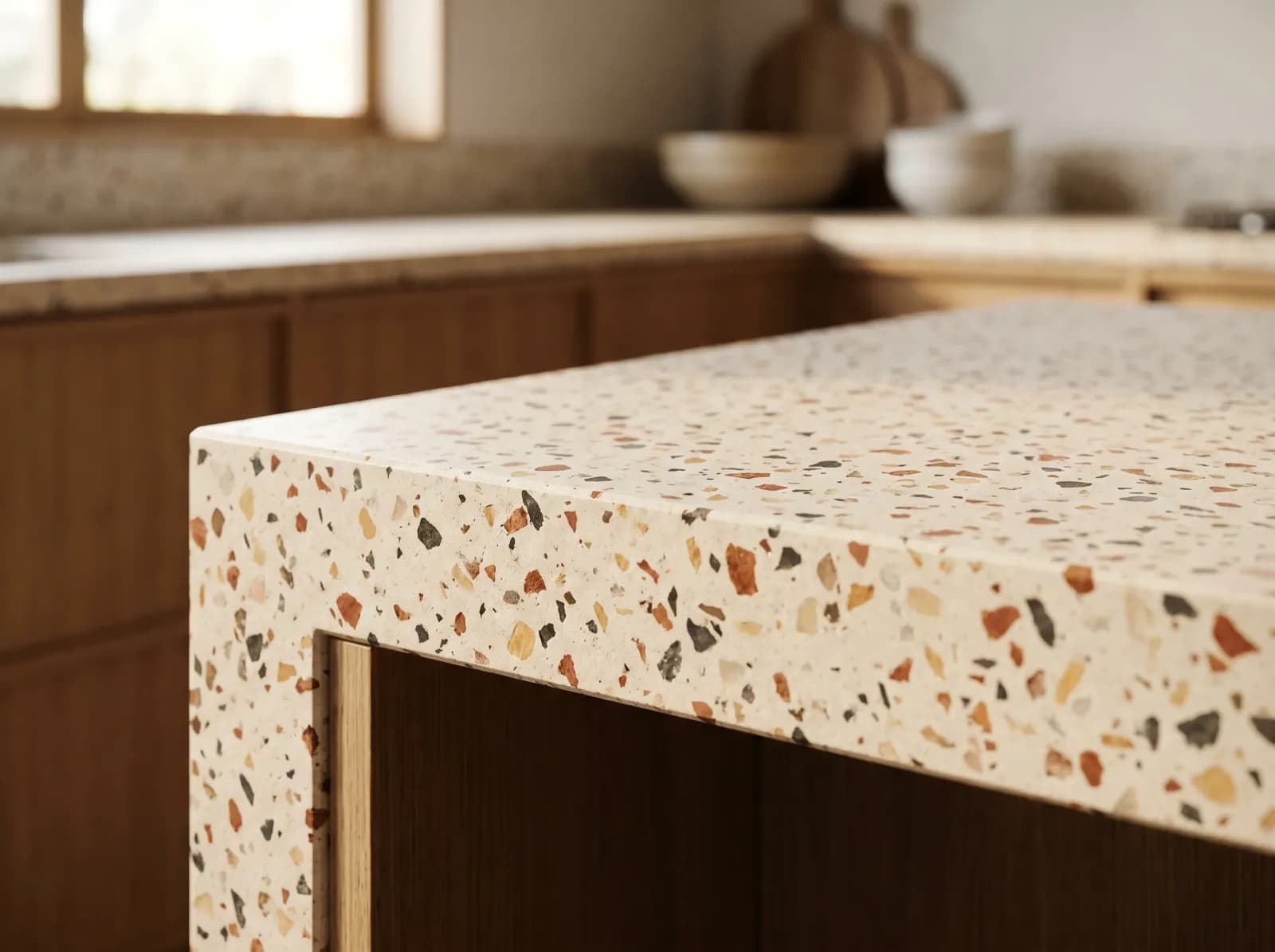
Grounded warmth and 70s nostalgia, refined for contemporary homes. The most-specified comeback material of 2026.


Match materials from any brand — Caesarstone, Silestone, Cosentino, Cambria. Just describe the material, our AI matches it.
Real photos. Real swaps. No staging, no Photoshop.
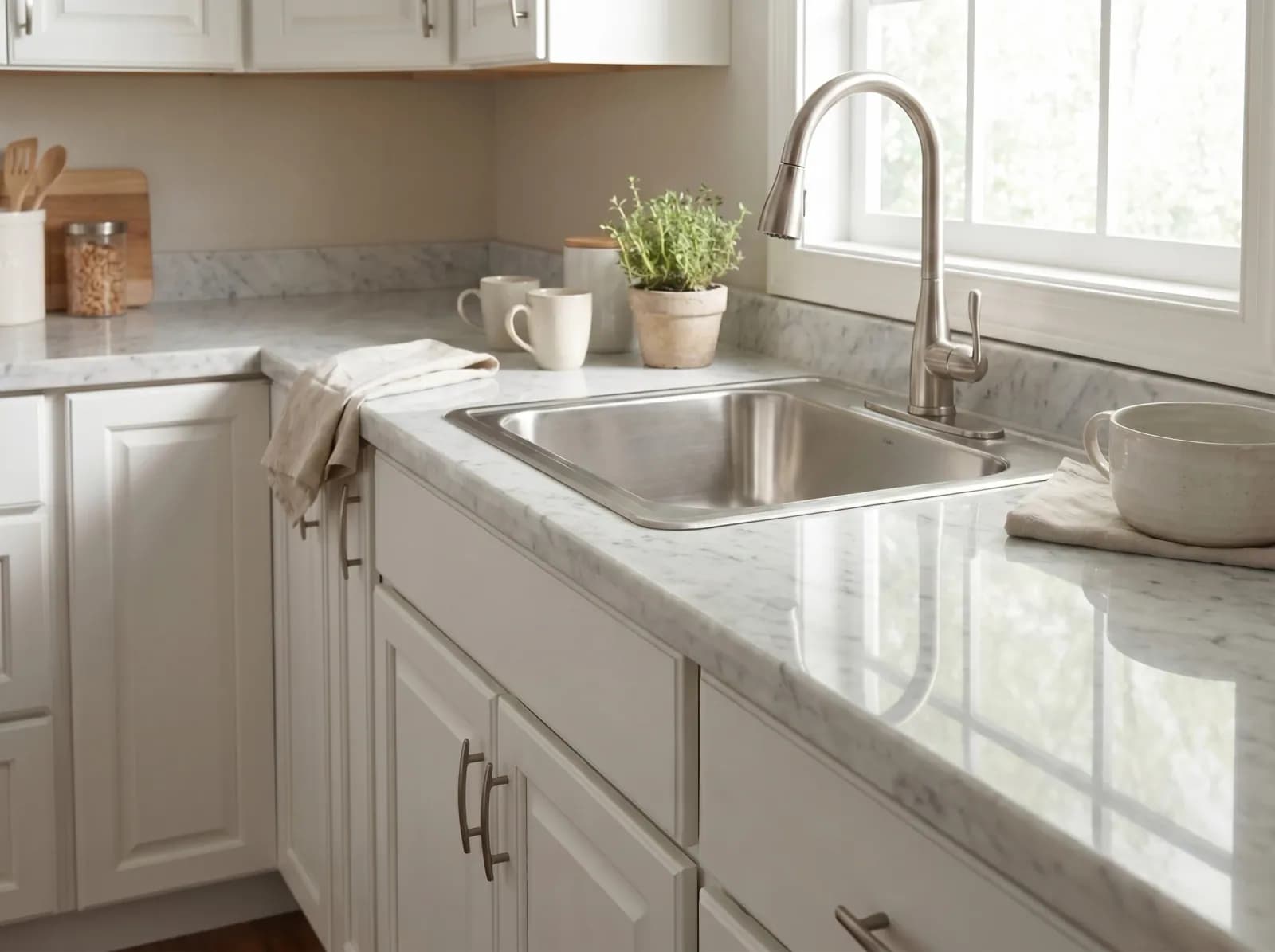
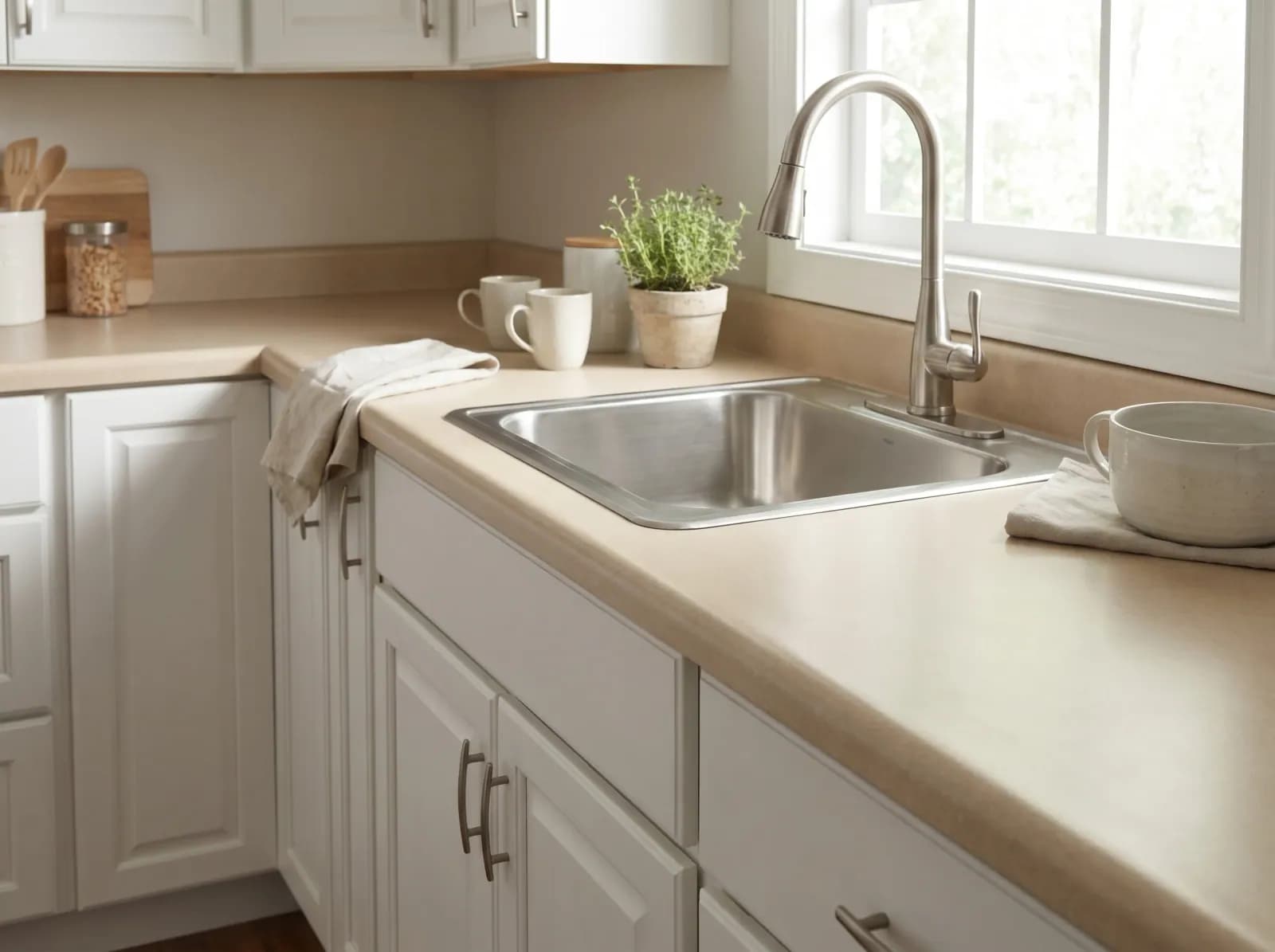
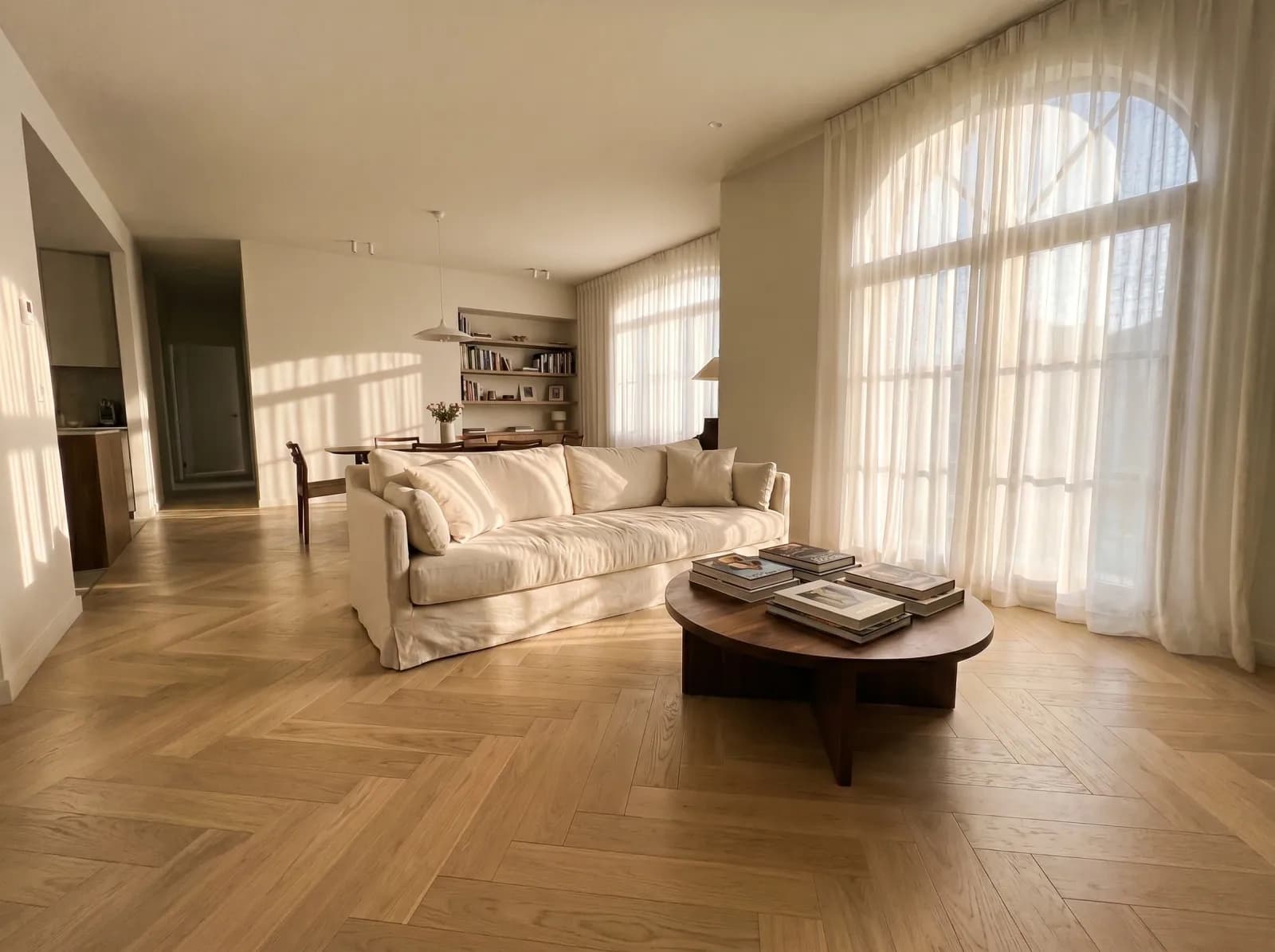
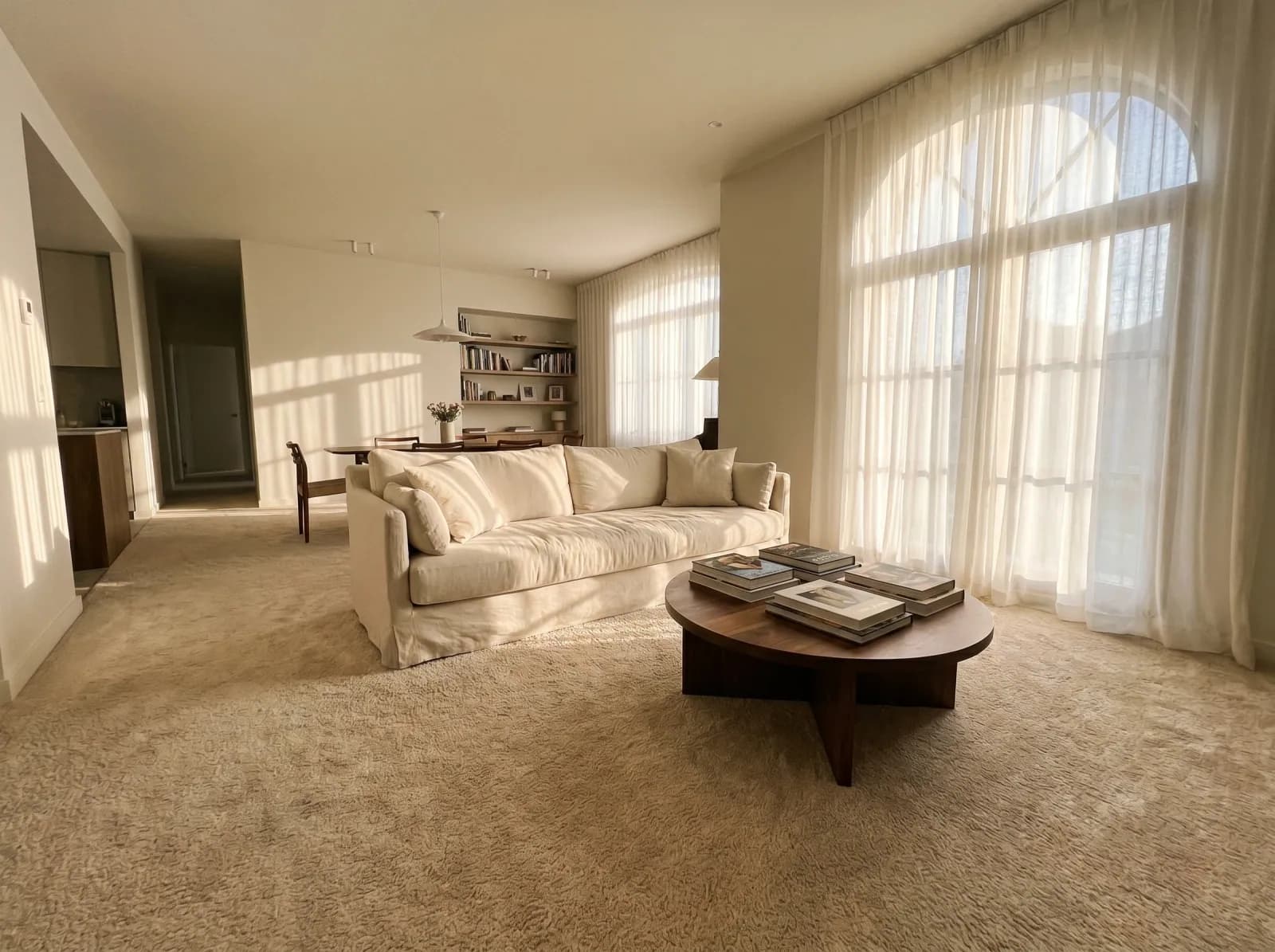
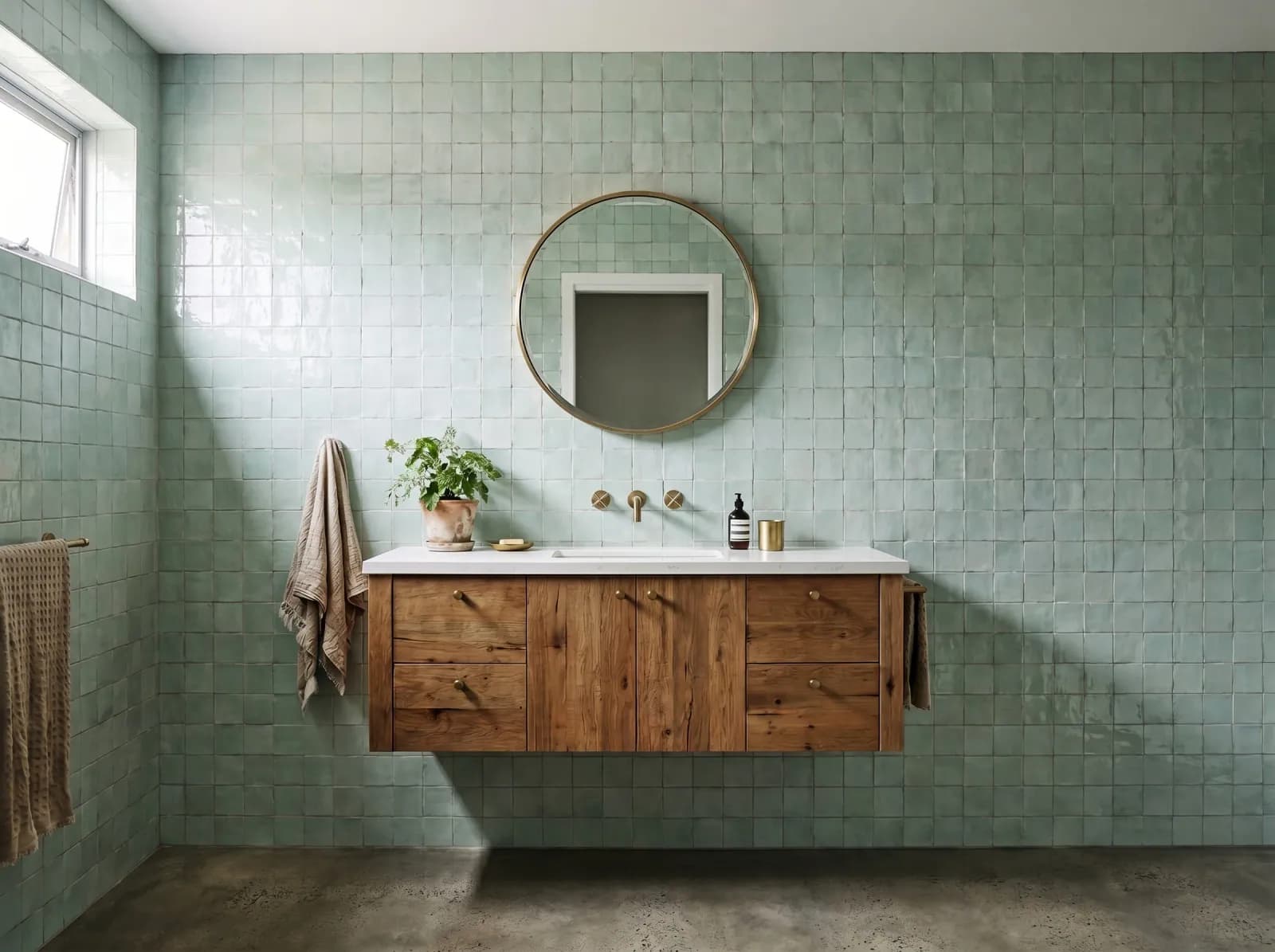
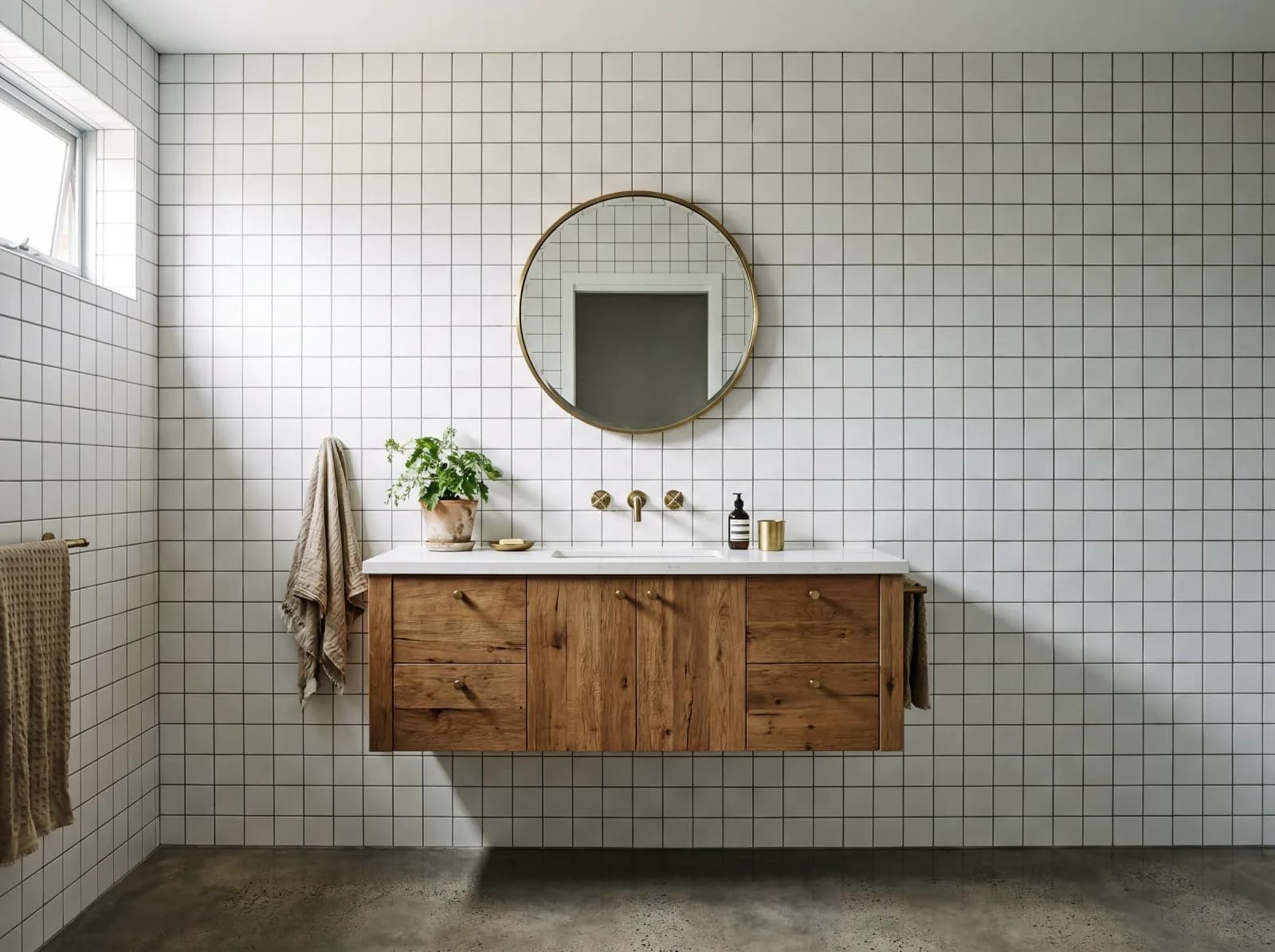
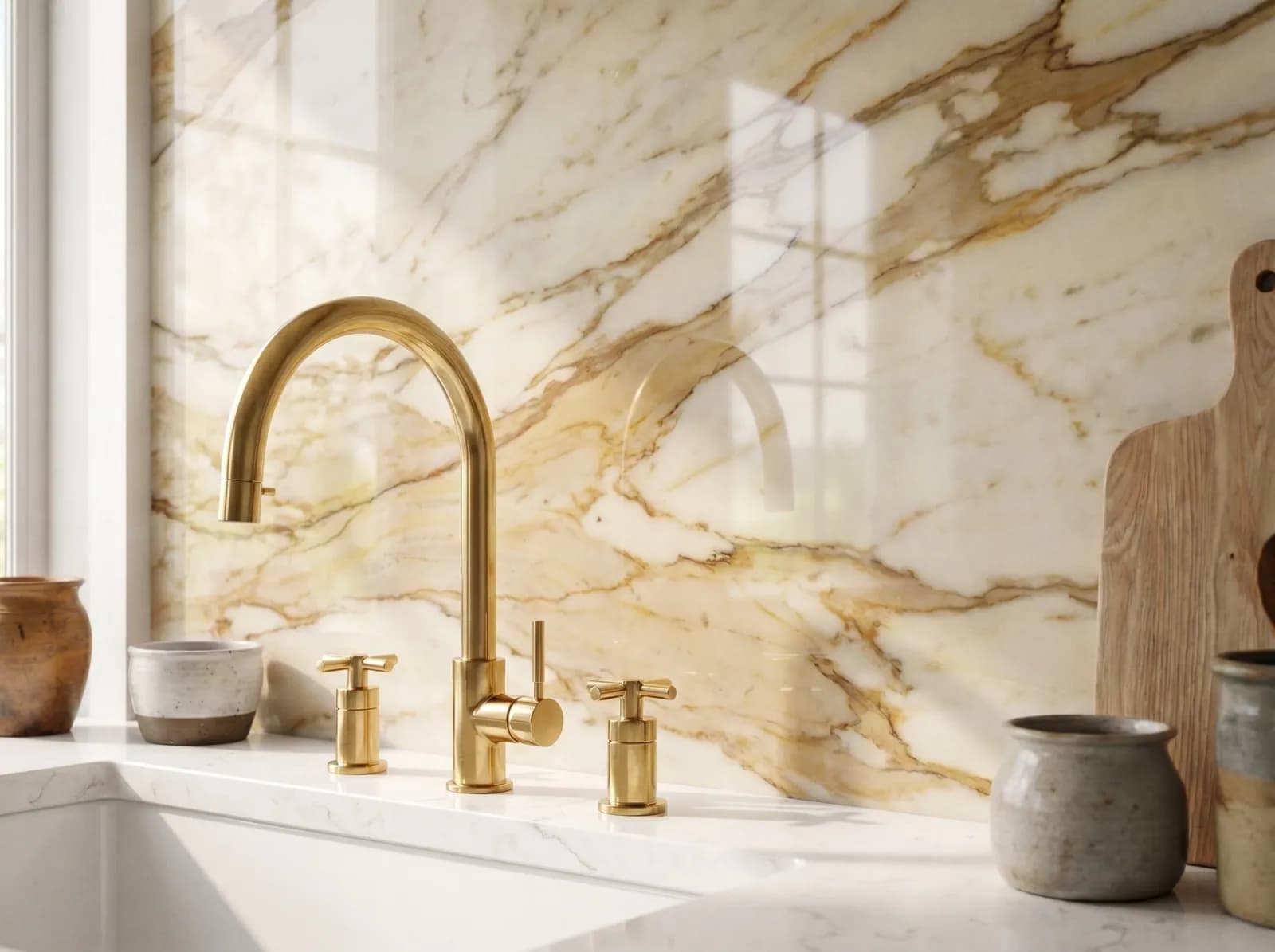
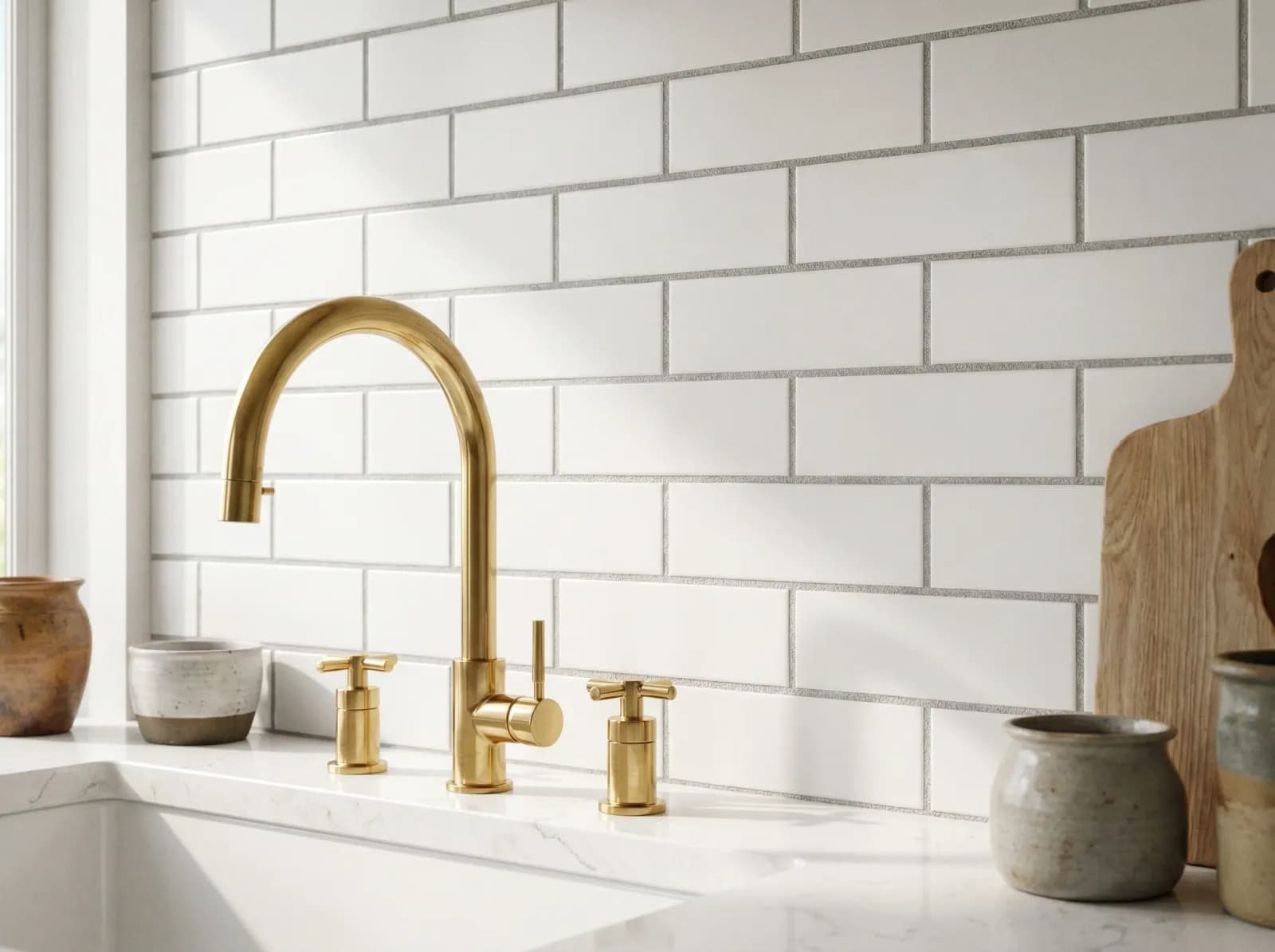
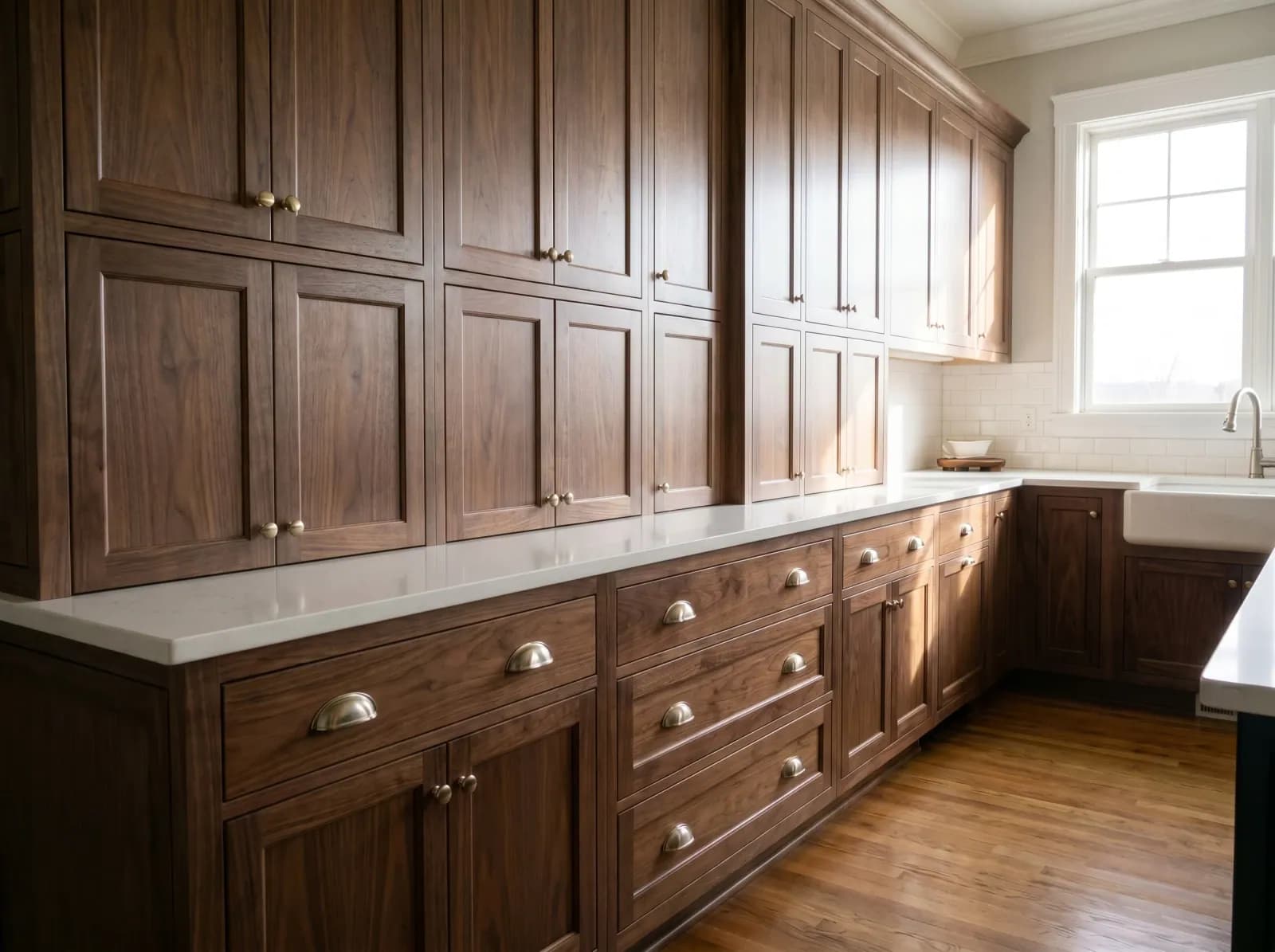
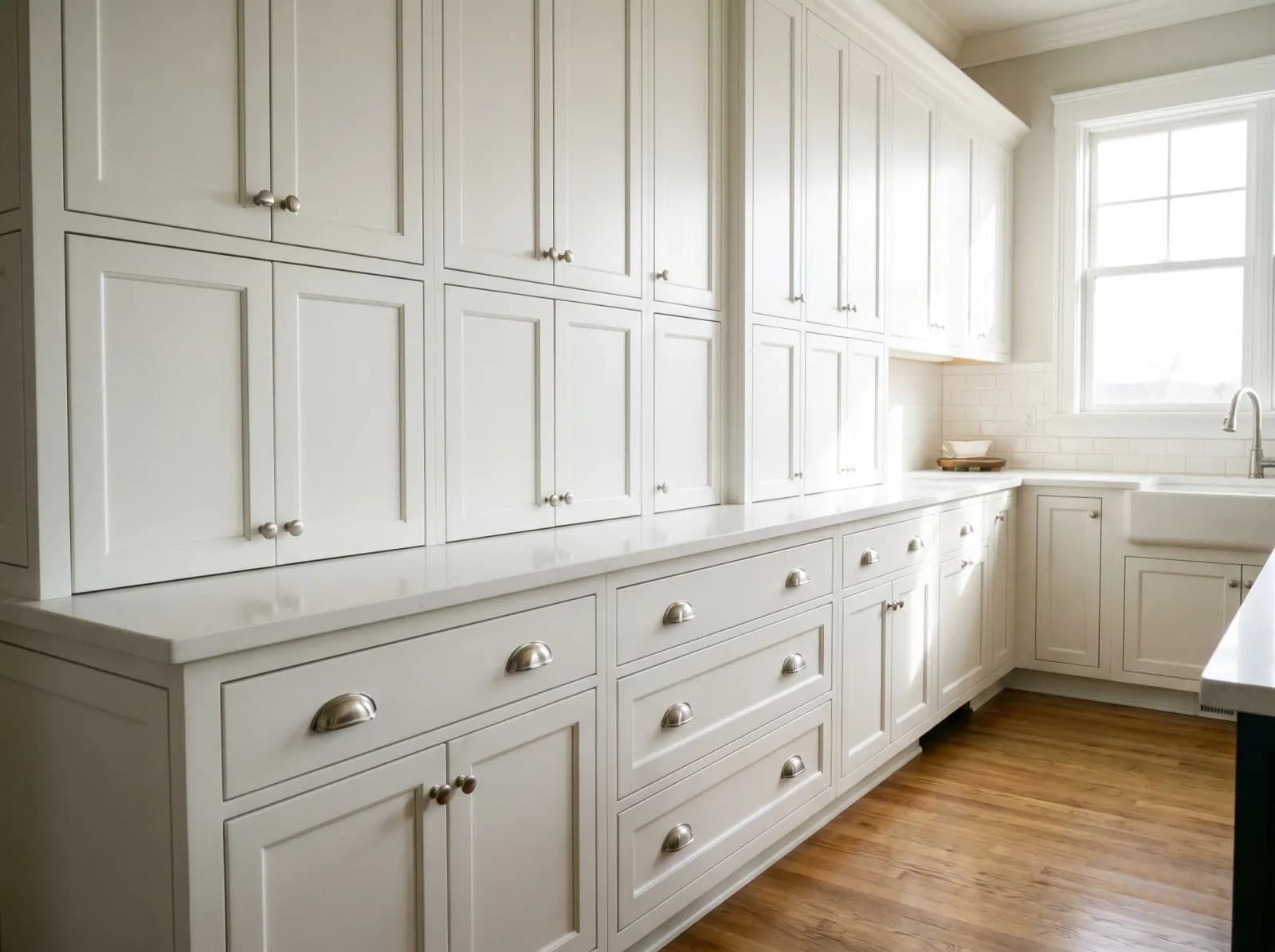
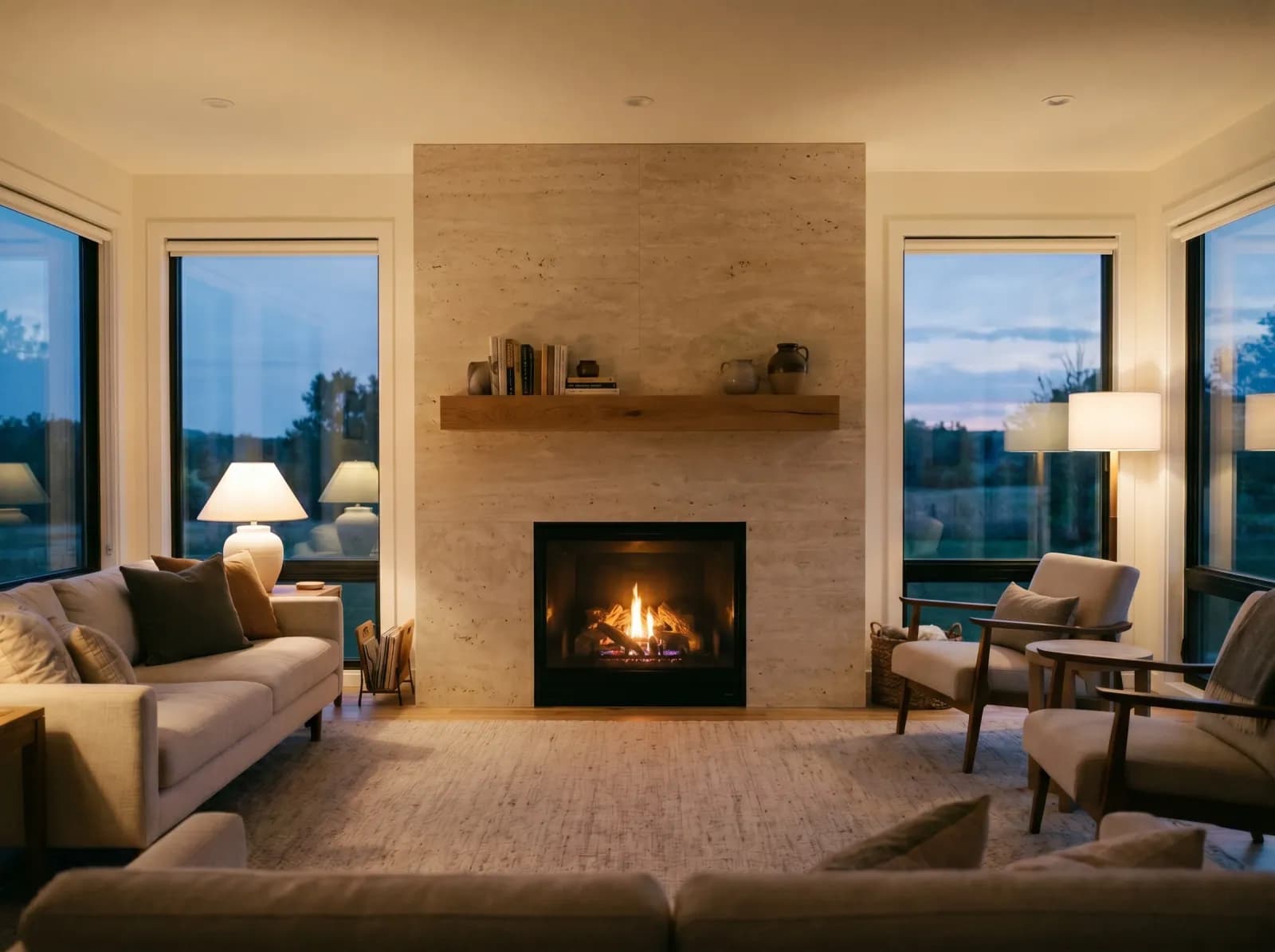
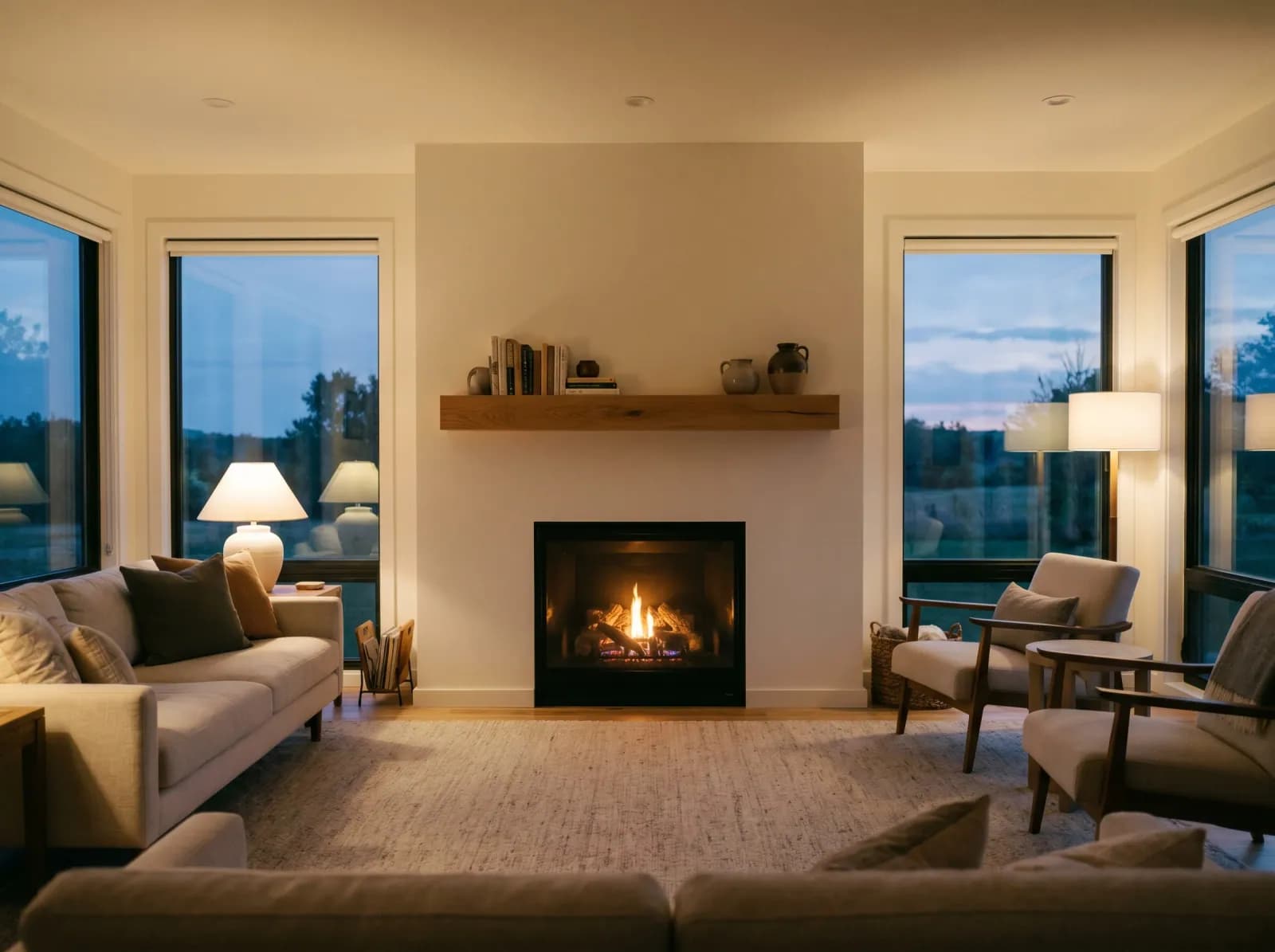
Real wood grain, marble veining, brass patina — not painted-on textures.
Swap floor, walls, and countertops in a single image without bleeding.
Type any material in plain English — our AI matches grain, color, and finish.
Stack multiple variations and present them side-by-side to clients.
Download the result in high resolution and send it with your material notes.
Show options to clients on-site. No laptop required.
I used to ship 6 stone samples to a client. Now I send them a single email with 6 photorealistic options. We close projects in half the time.
Schematic-design comparisons used to take a junior designer half a day. GenRoom does it in 90 seconds.
Showed buyers a 1990s oak kitchen re-rendered in walnut and quartz. Closed $40k over asking.
Transparent pricing with no hidden fees
If you don't see your question, drop us a line — [email protected].
Email [email protected] and we'll usually reply within a few hours.
Contact supportEach tool focused on a specific design problem
See your walls in any color — Pantone CoY, brand match, photorealistic.
Redesign any room in any style — minimalist, boho, classical, scandi.
Reimagine cabinets, countertops, backsplash, and lighting in one pass.
Tile, vanity, fixtures and lighting — preview before you renovate.
Sofas, rugs, lighting, art — restyle your living room in seconds.
Stage empty real-estate listings with photorealistic furniture.
GenRoom Editorial — a small team combining interior architects and computer-vision engineers. We test every workflow on real client projects before publishing.
Image-to-image diffusion fine-tuned on architectural photography. Surface-only edits keep your lighting, furniture, and perspective intact.
Reviewed monthly against new material trends and product launches.
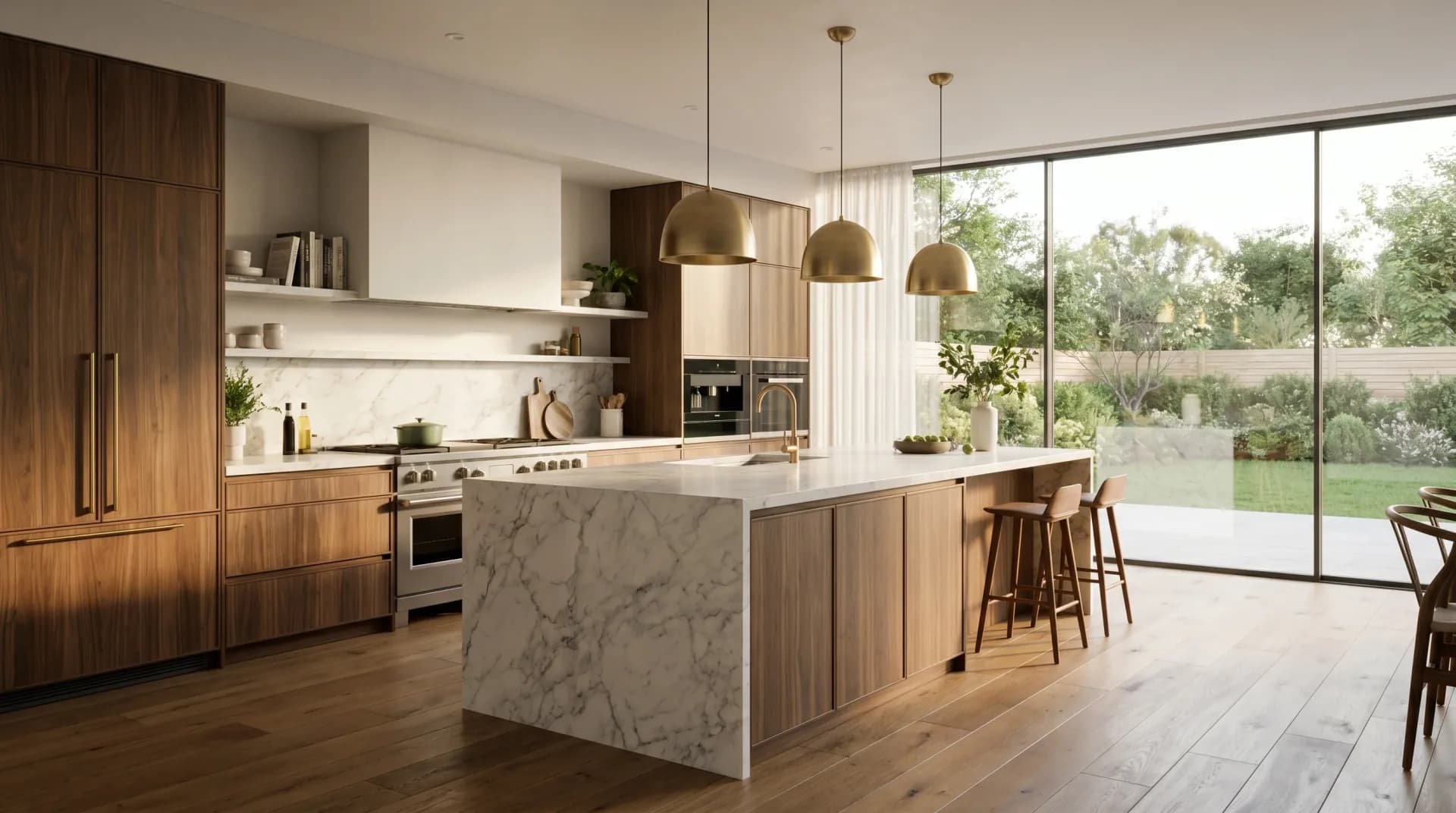
No samples to ship. No showroom visits. No guesswork. Just upload and see.
Try Material Swap AI Free