See a second story, a garage or an extension on your own house
Upload one photo of your house and add an extra floor, an attached garage, a room extension, a covered porch or a sunroom. The addition is built in the materials and style of your house, and the rest of the photo stays as it was.
- 2 credits
- per design
- 6 free credits
- after sign-in, no card
- Under a minute
- per result
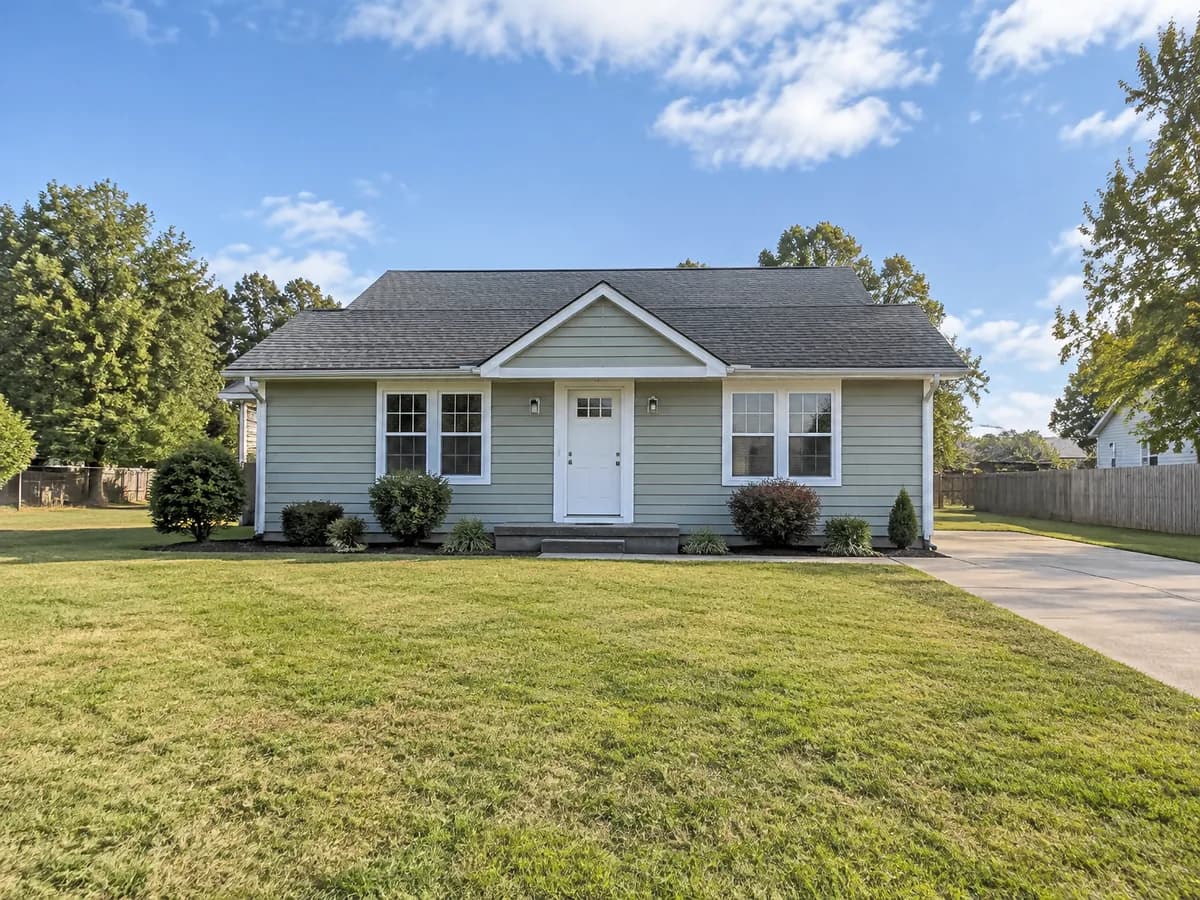
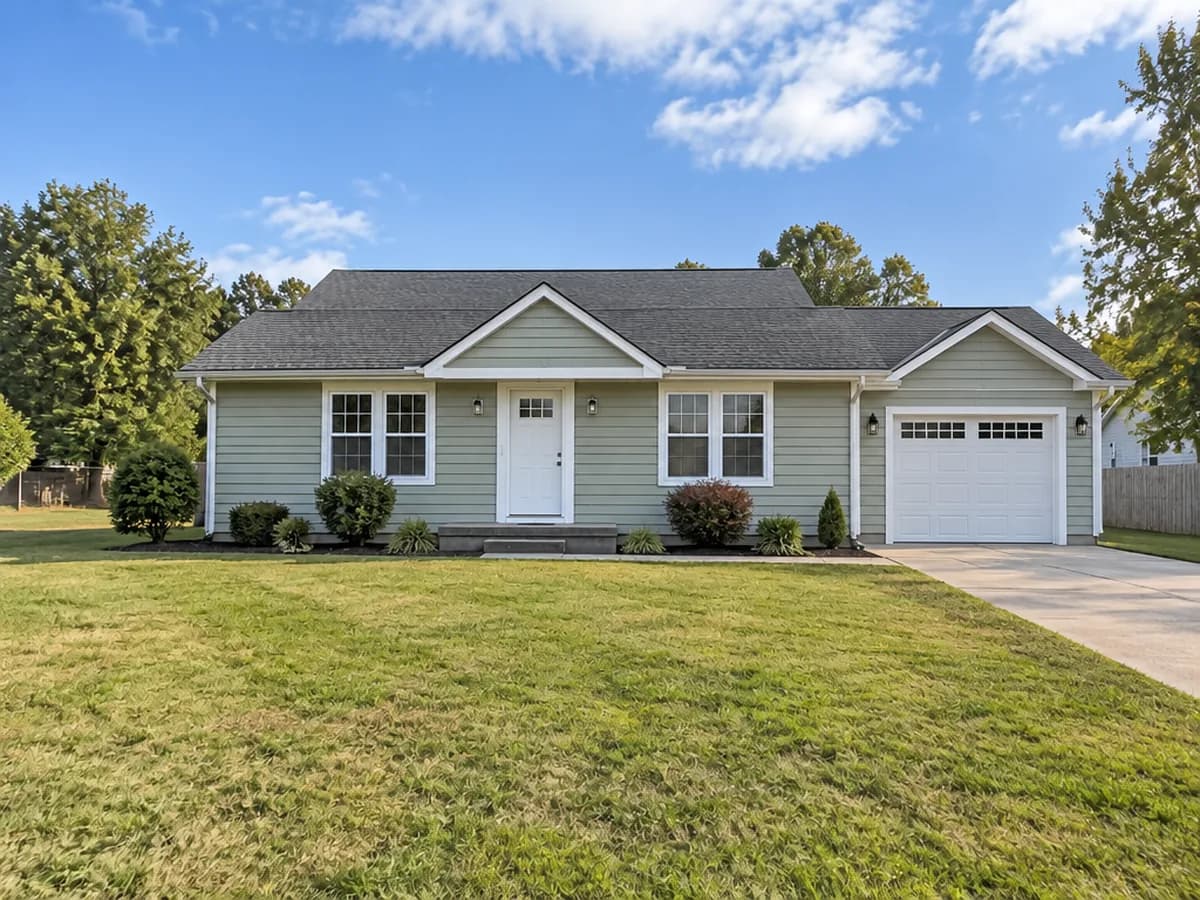
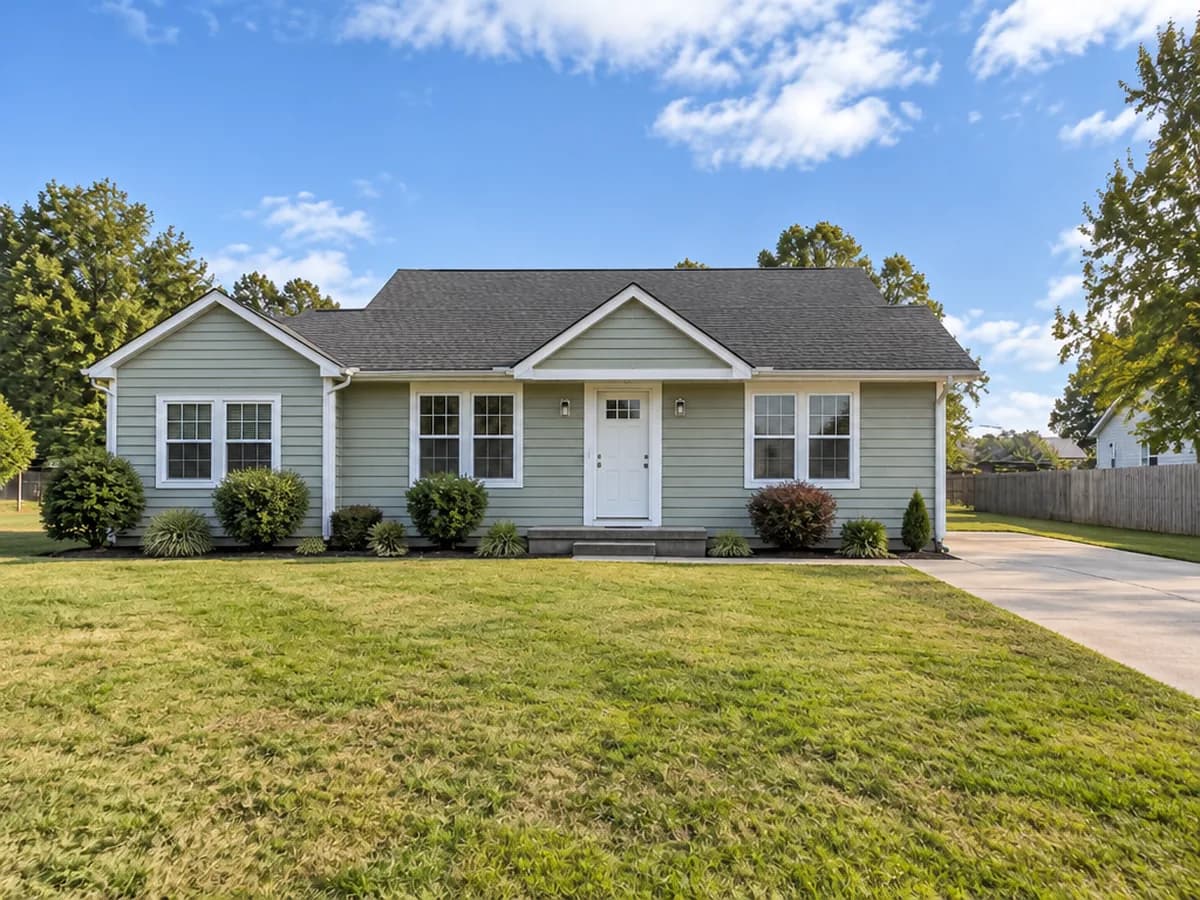
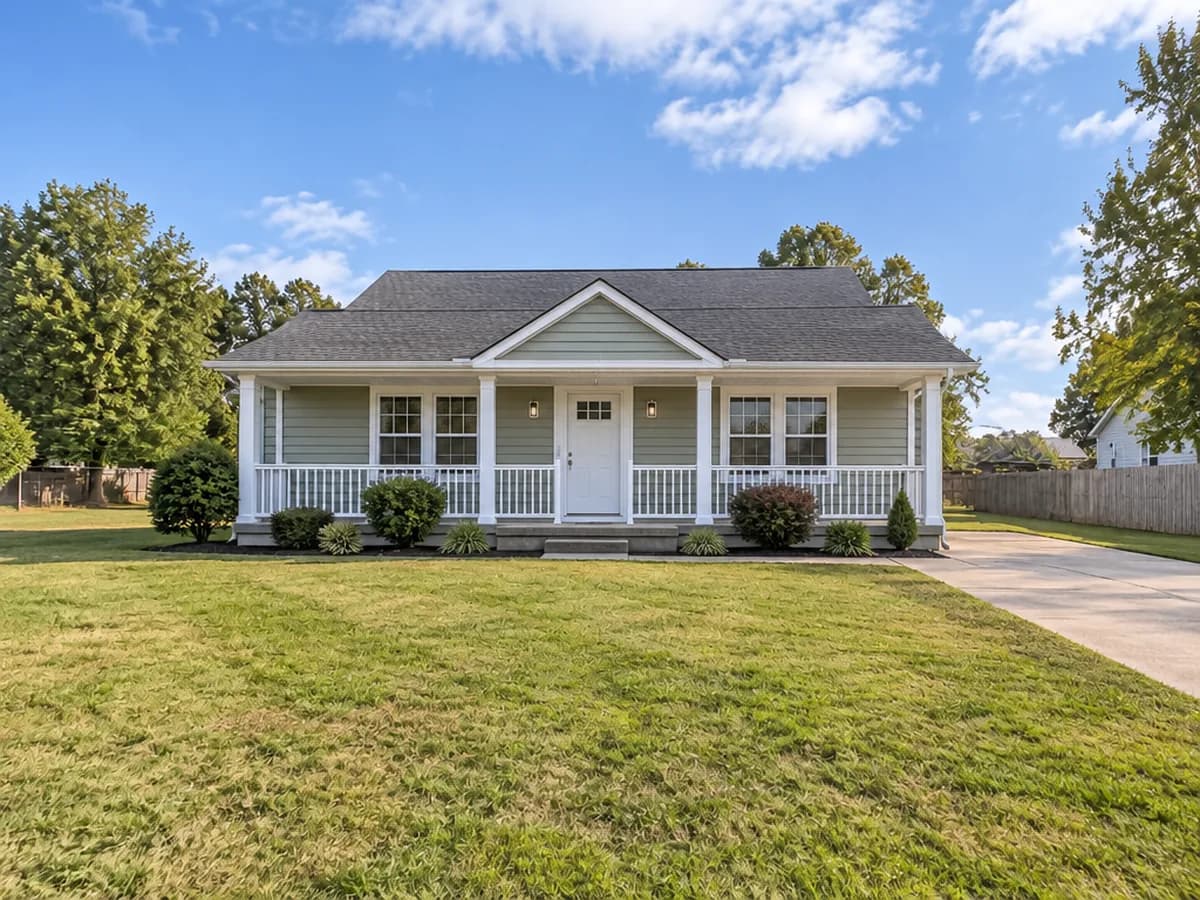
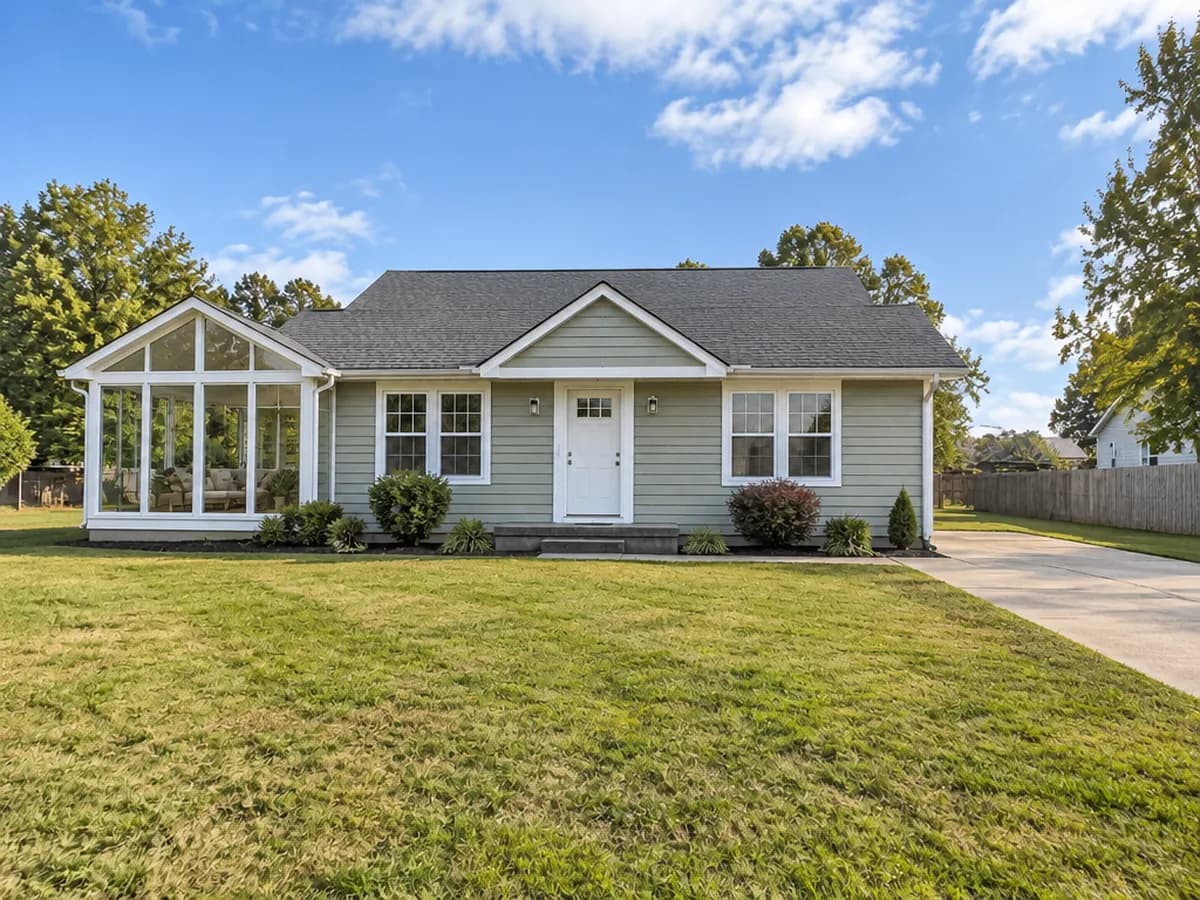
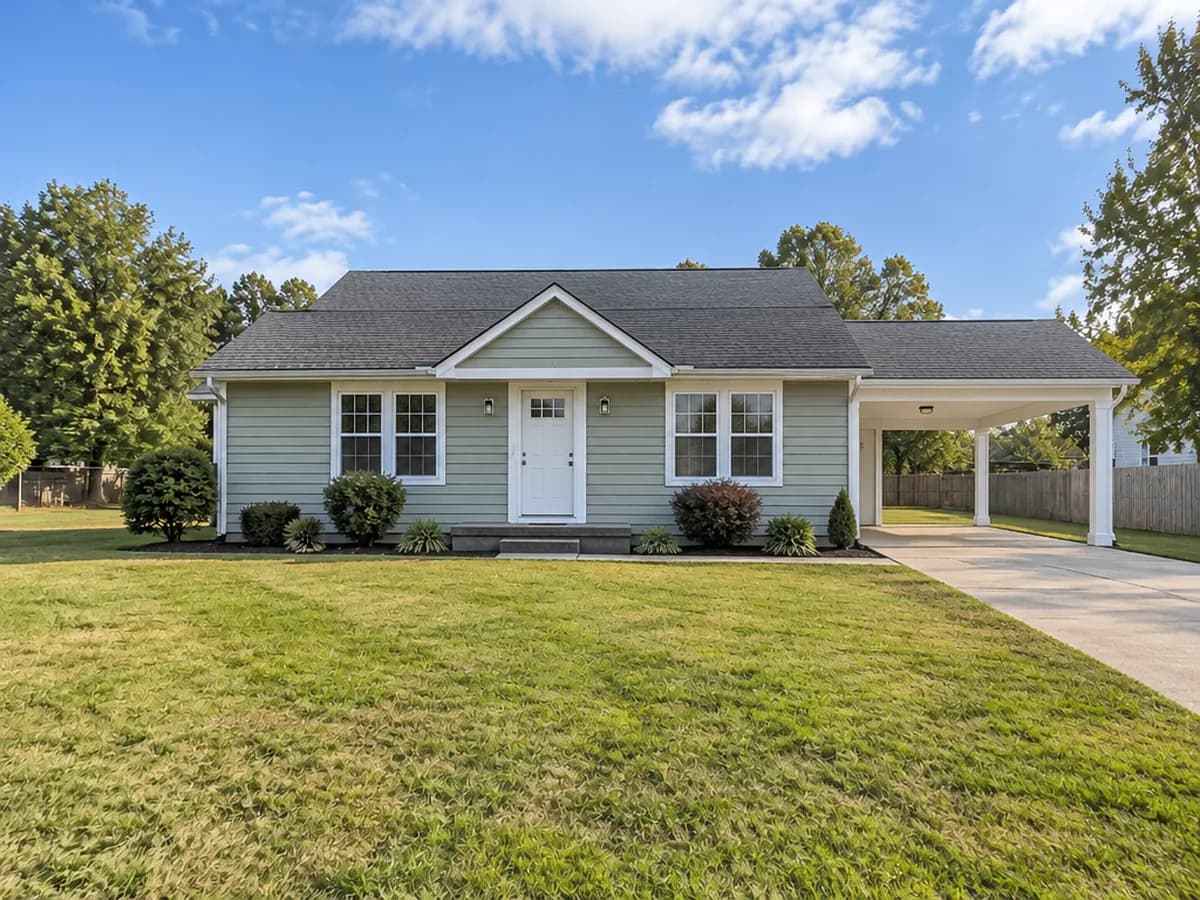
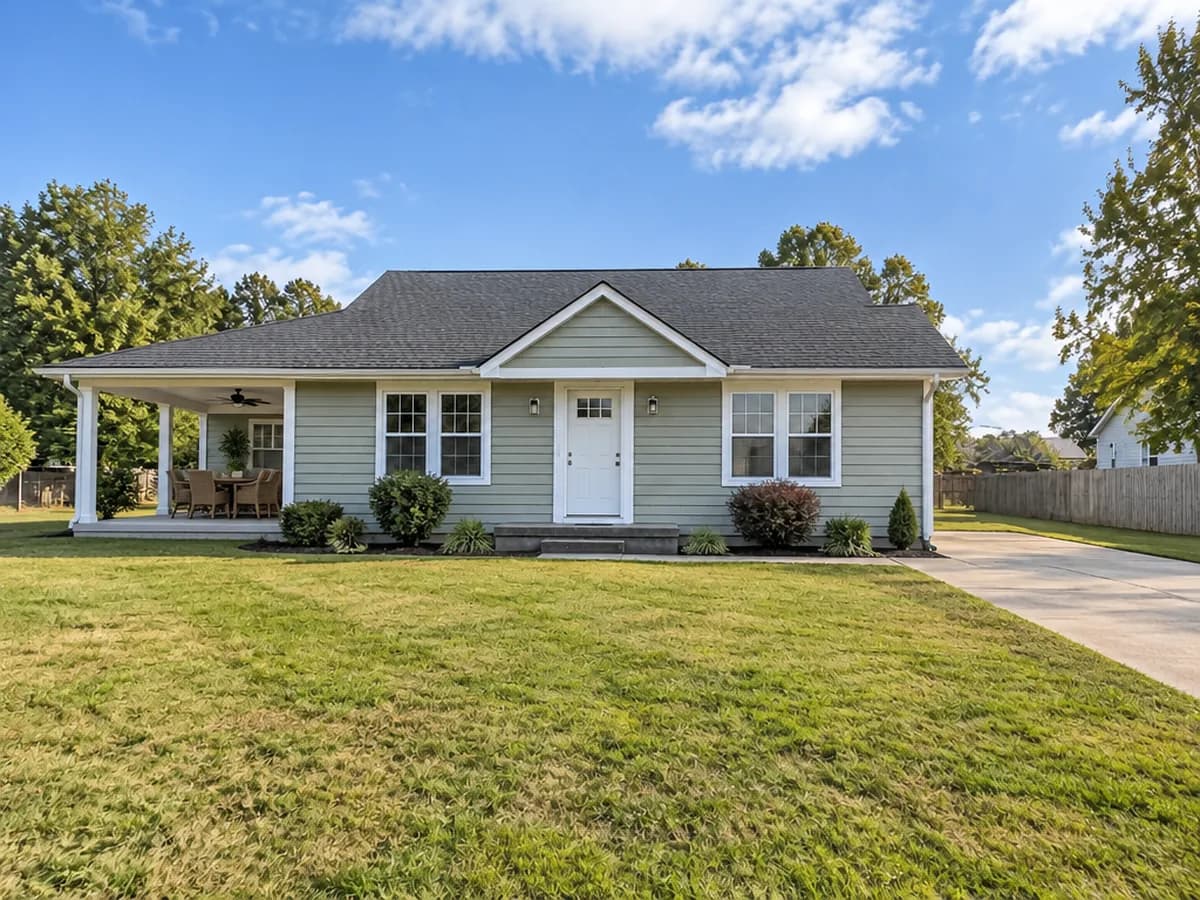
Same photo · one addition at a time
Stays as in your photo
- The existing house
- Siding and roof materials
- Garden and driveway
- Neighbours and sky
- Camera angle
One photo, three steps
- 1
Photograph the whole house
A daytime photo with the whole house in the frame and the free space where the addition should go — the side yard, the driveway or the sky above the roof.
- Add-on & extensionWhat to add (optional)Extra floorGarageRoom extensionCovered porchSunroomCarportCovered patio2
Pick “Add-on & extension” and what to add
The Studio opens with the “Add-on & extension” mode already chosen. Pick what to add, or describe it in your own words — where it goes and what it looks like.
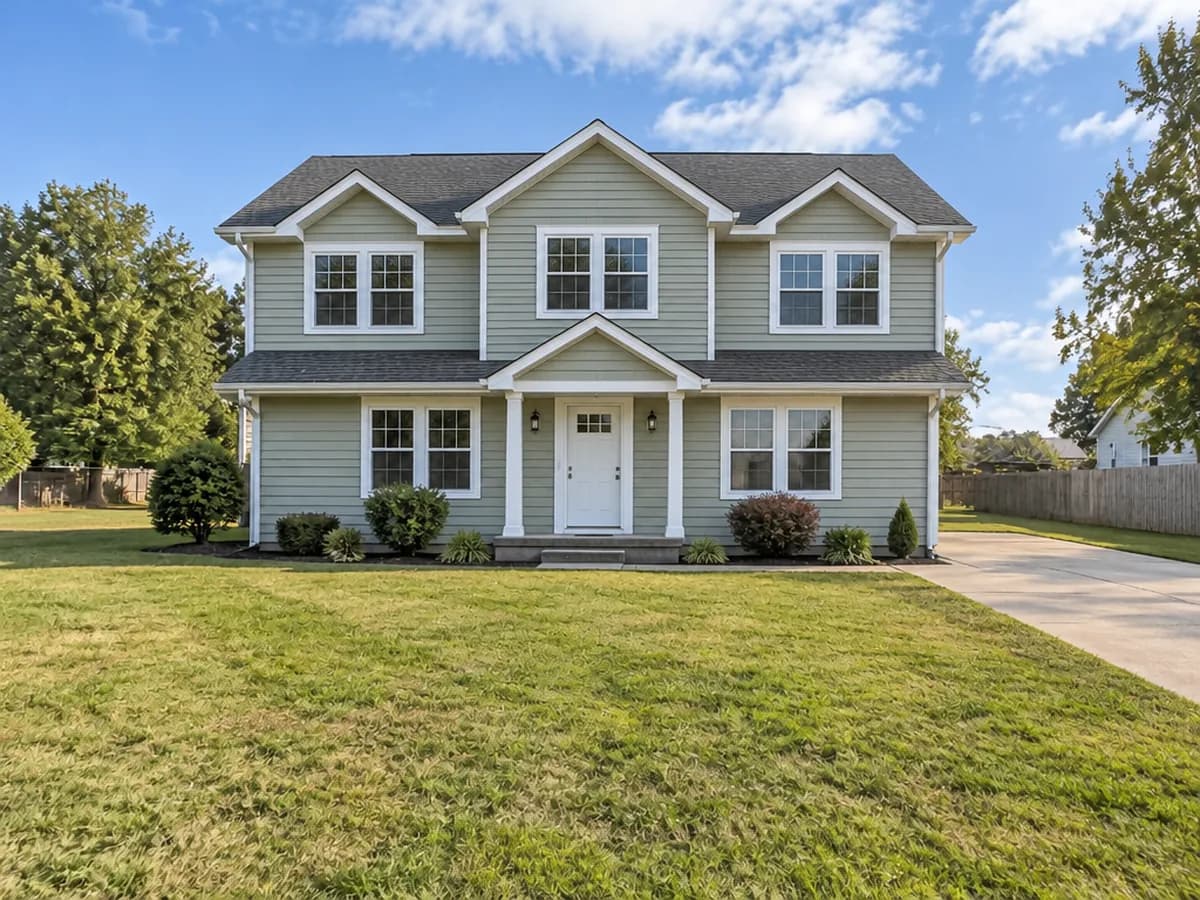 AfterBefore3
Compare and try the next one
Drag the before/after slider, then try another addition on the same photo. Each design costs 2 credits.
Every addition on the same house
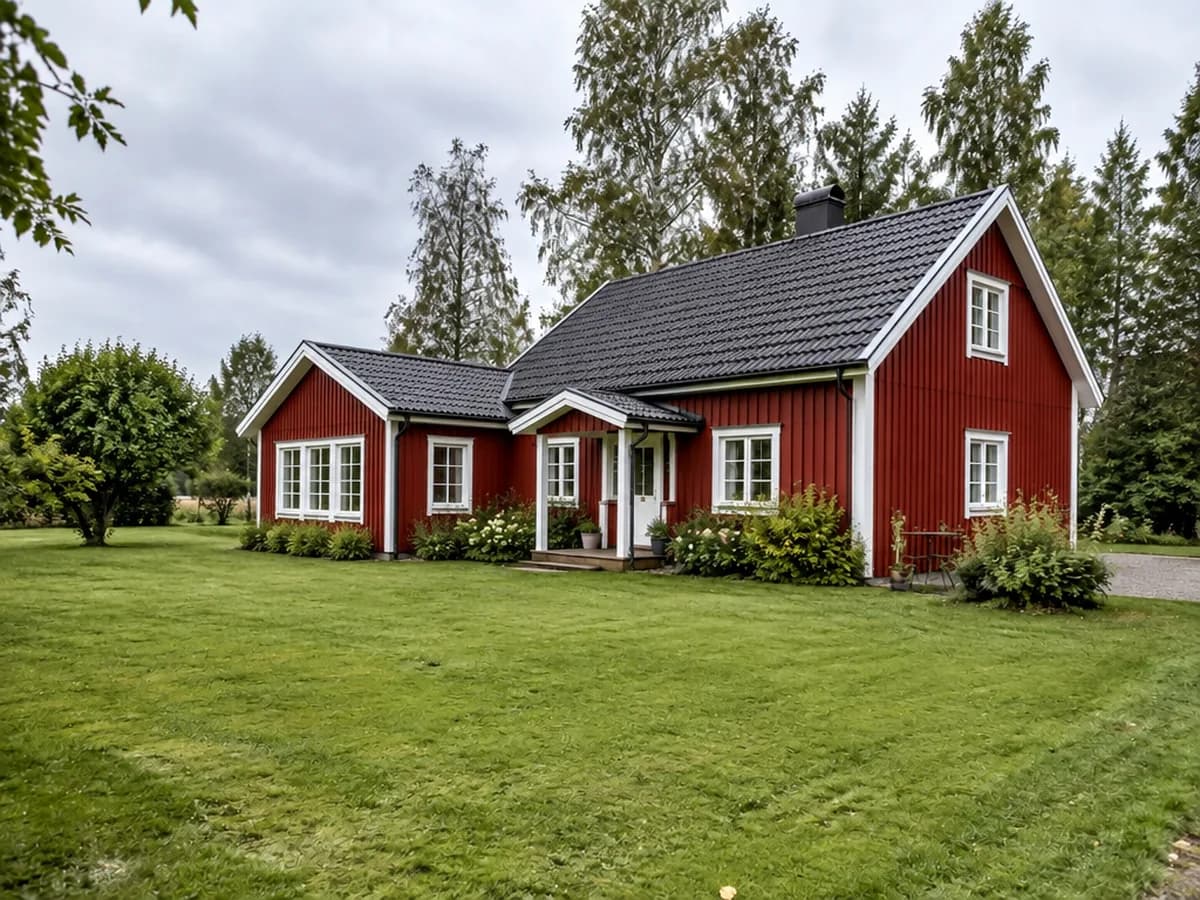
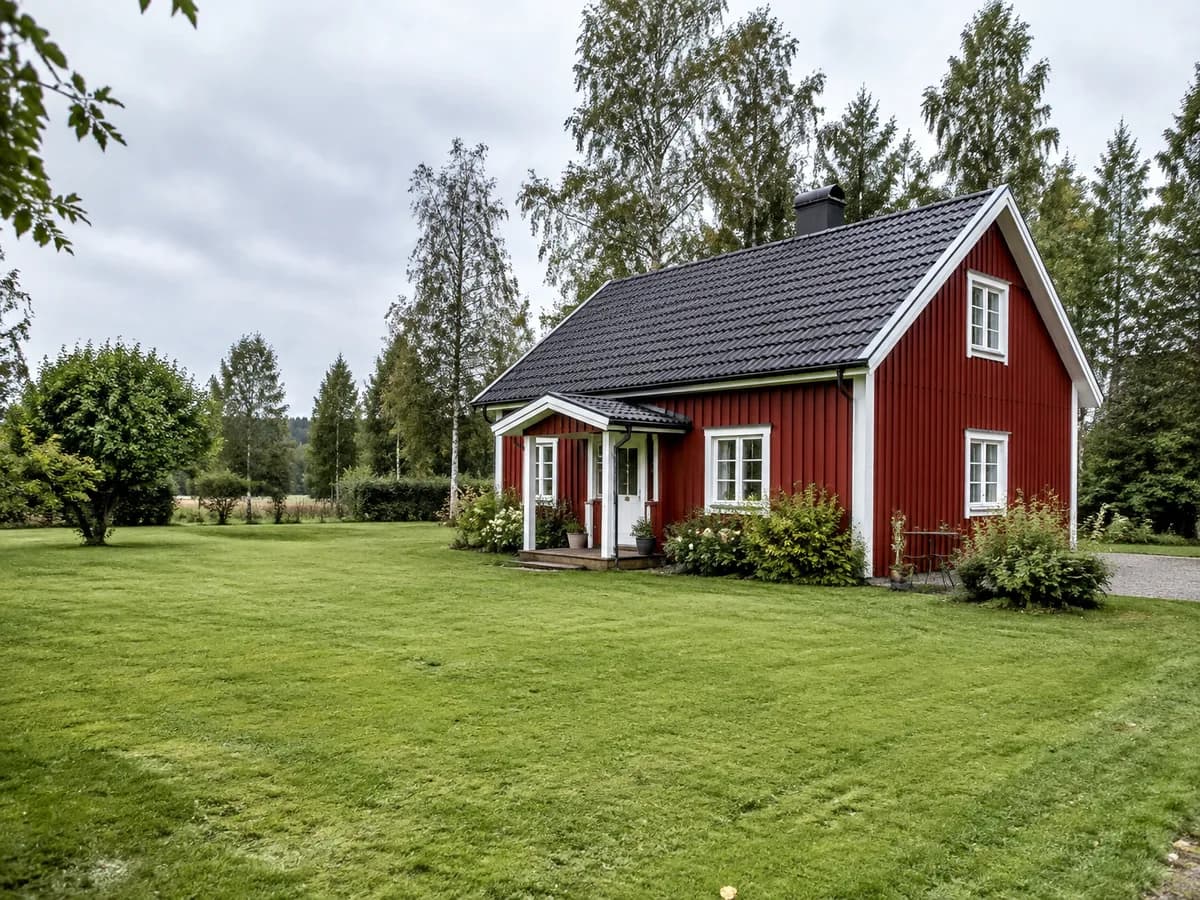
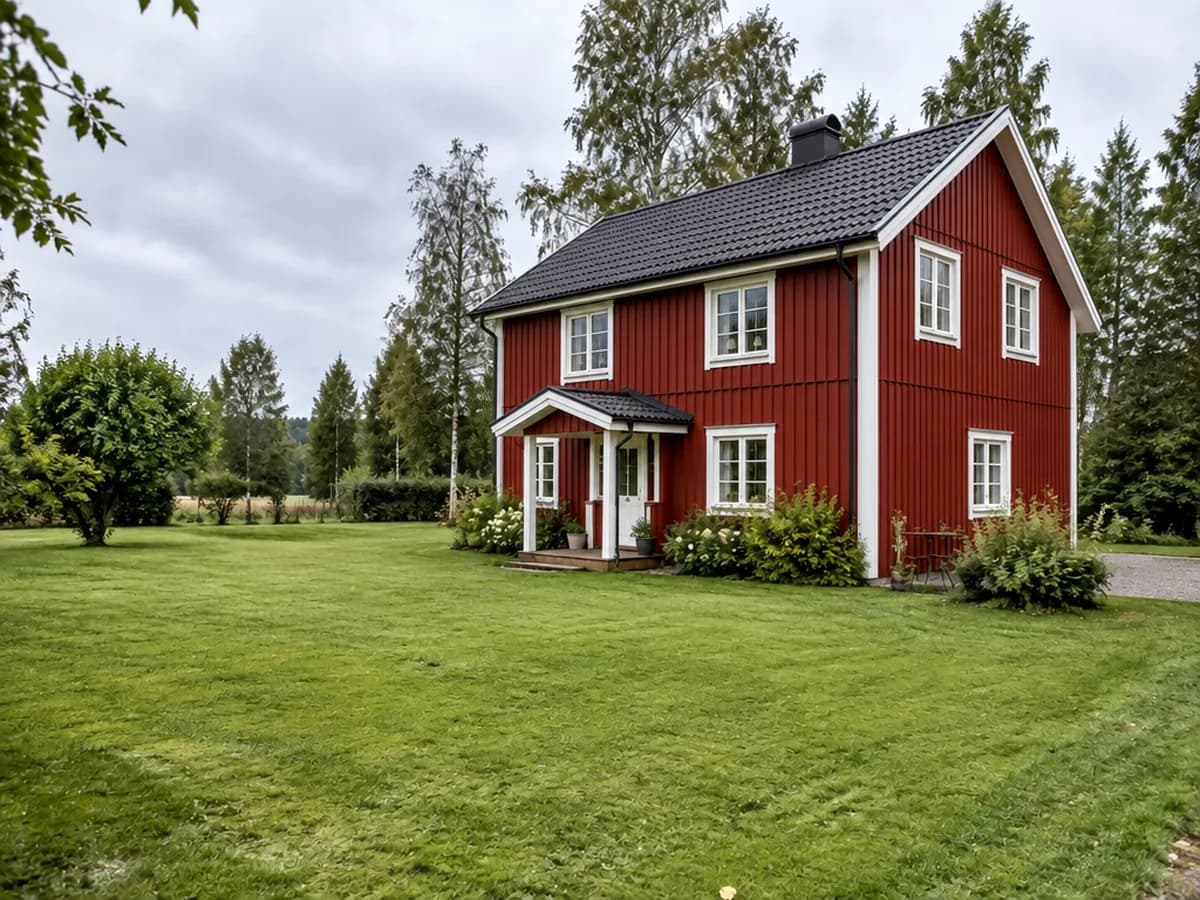
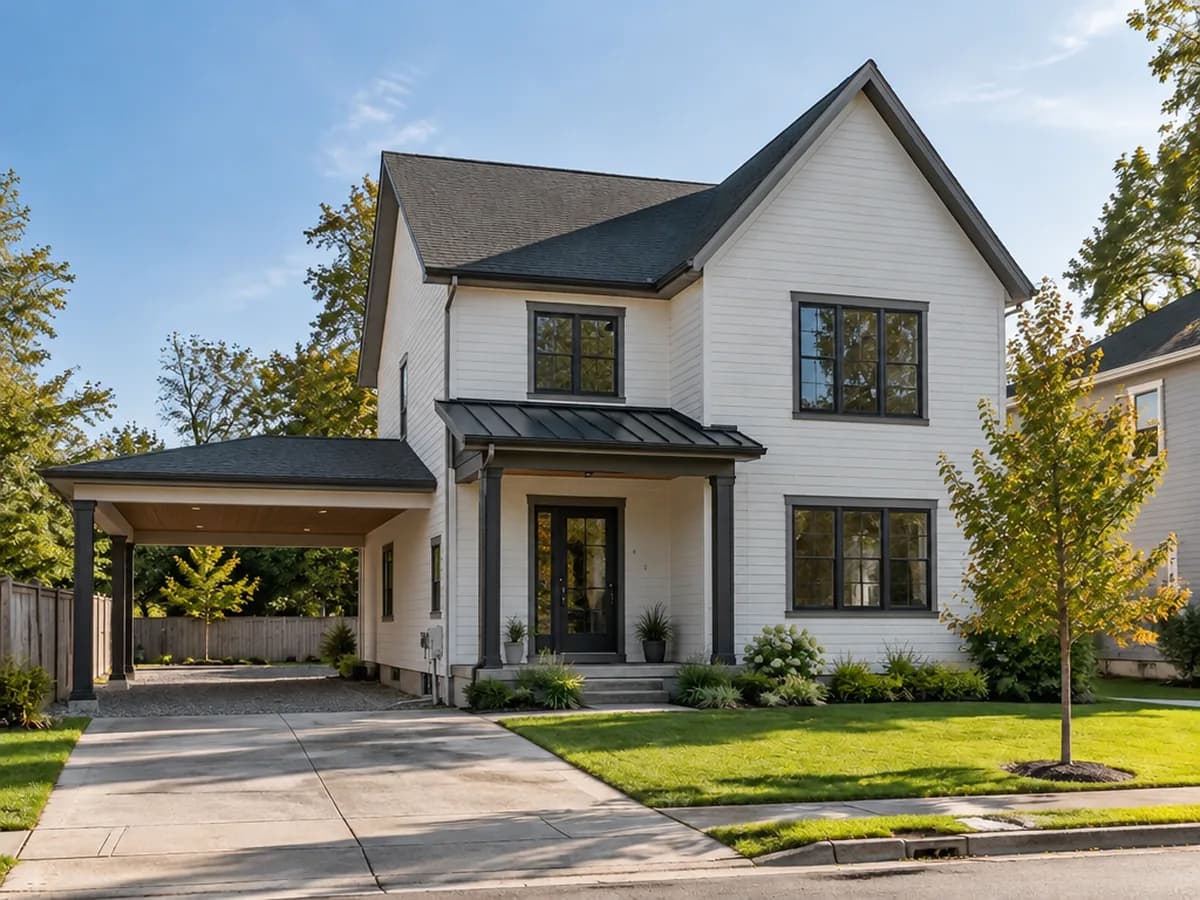
All eight results were made in the GenRoom Studio from one photo with the “Add-on & extension” mode. Nothing else was edited.


Different houses, different additions
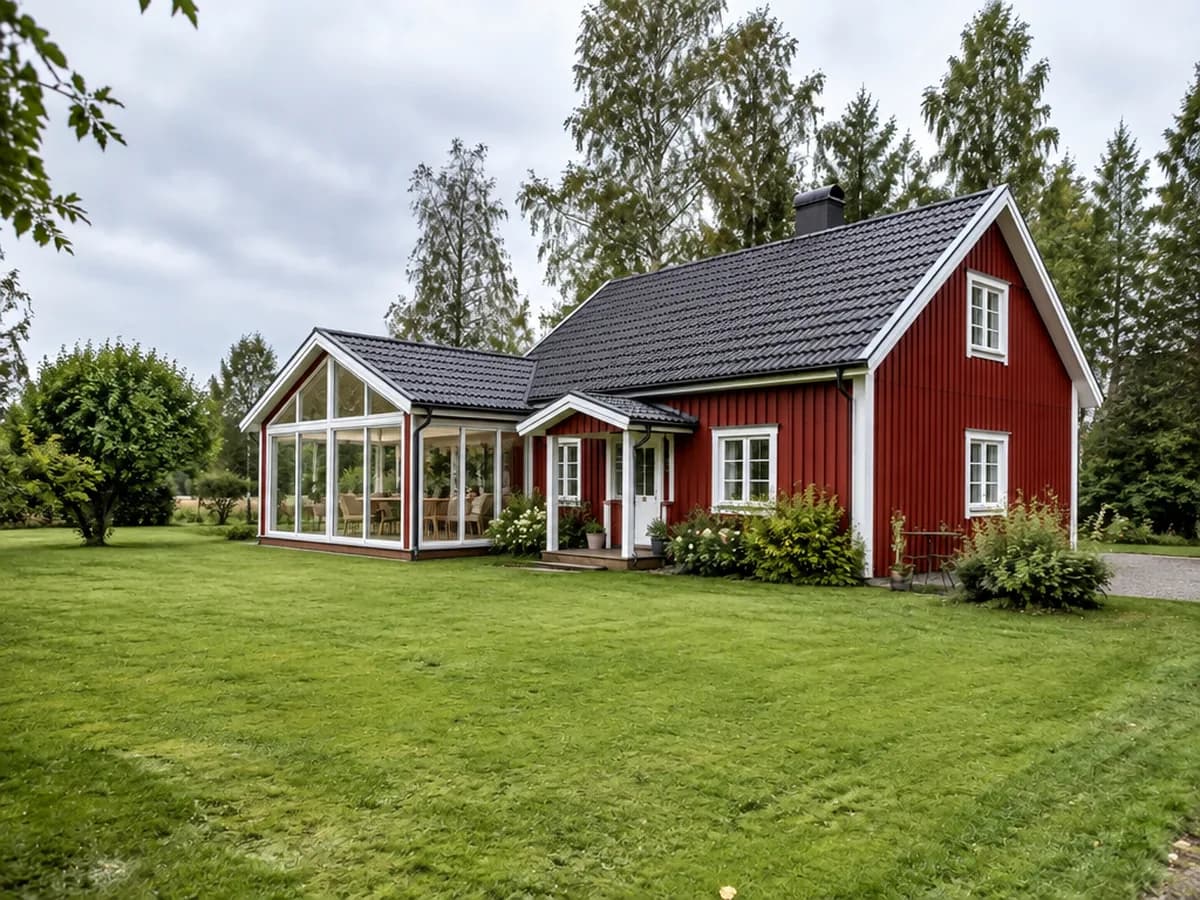
A brick bungalow, a two-story house with a free side lot and a Swedish cottage: the addition joins the house, the street and the garden stay.
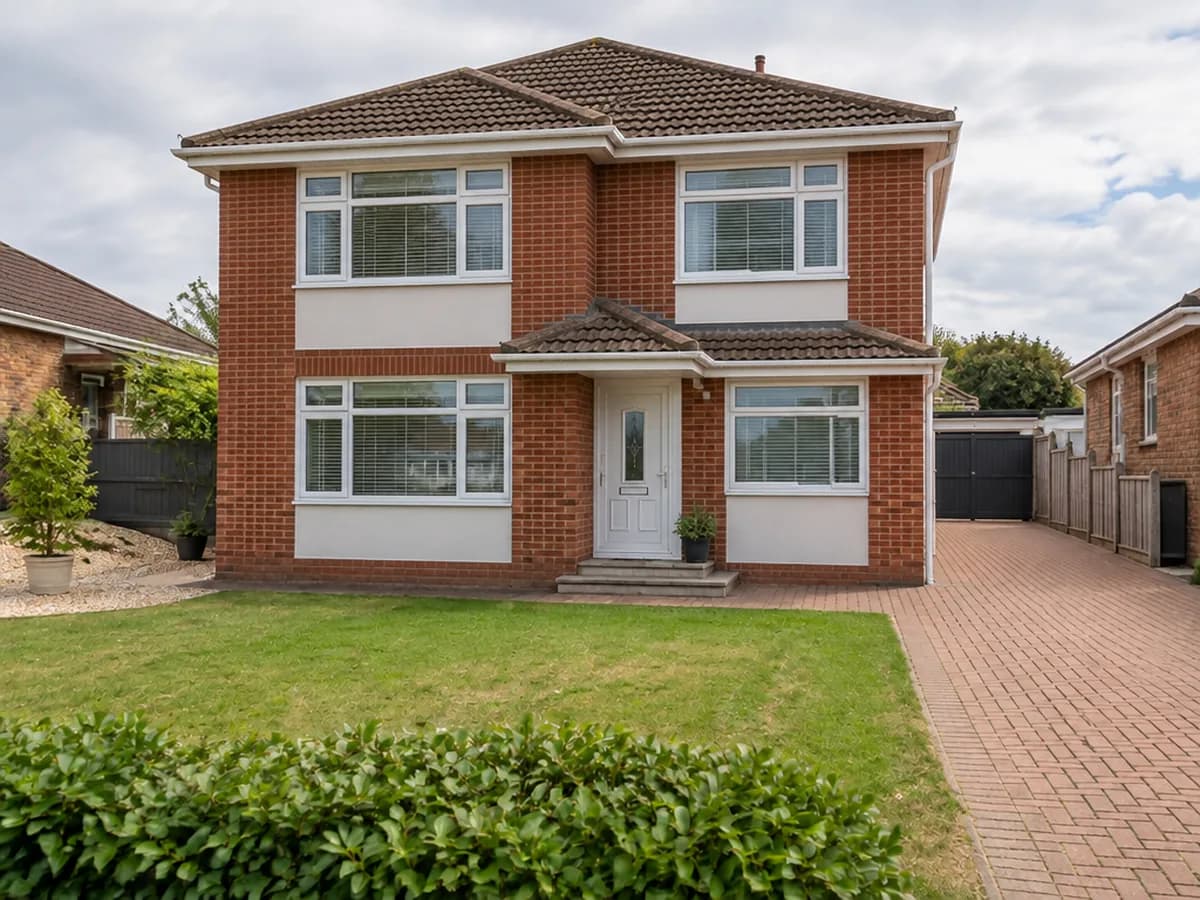
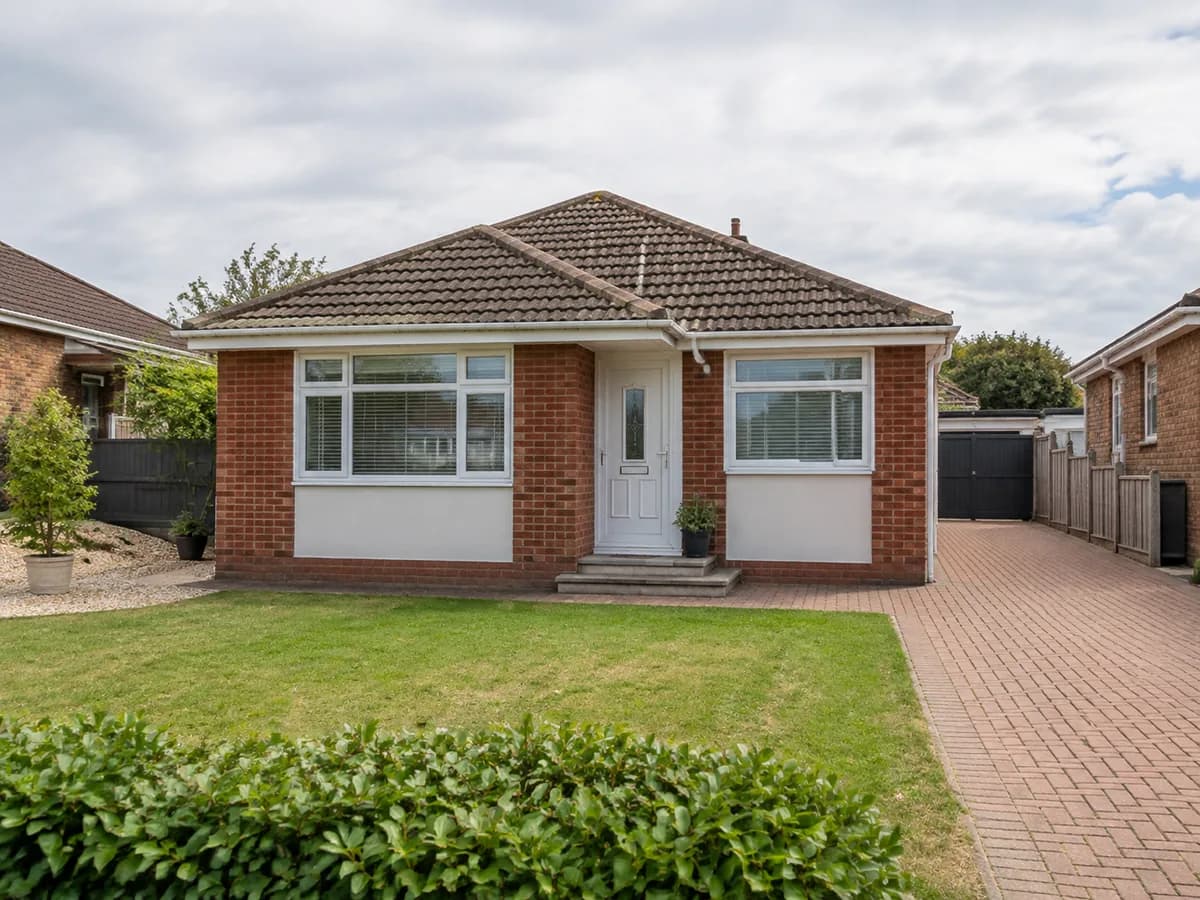
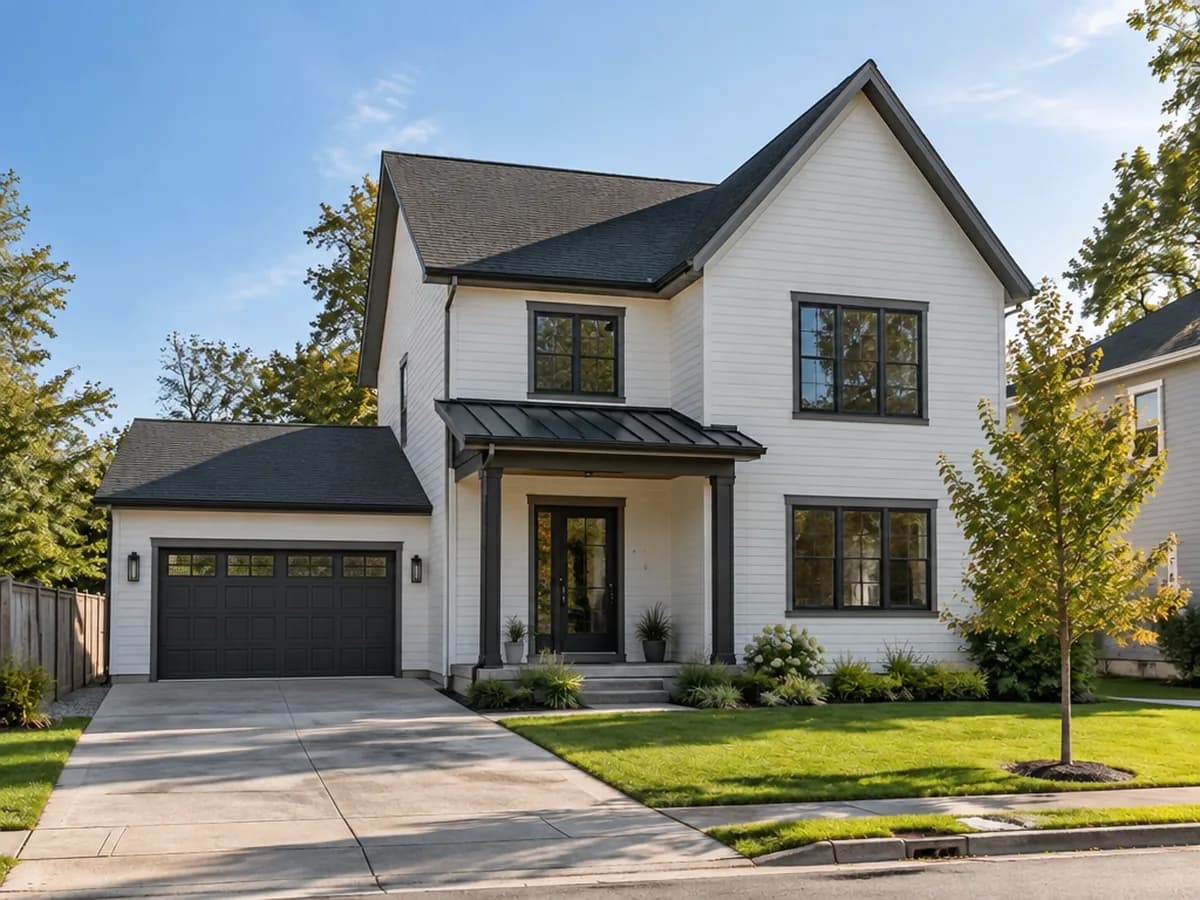
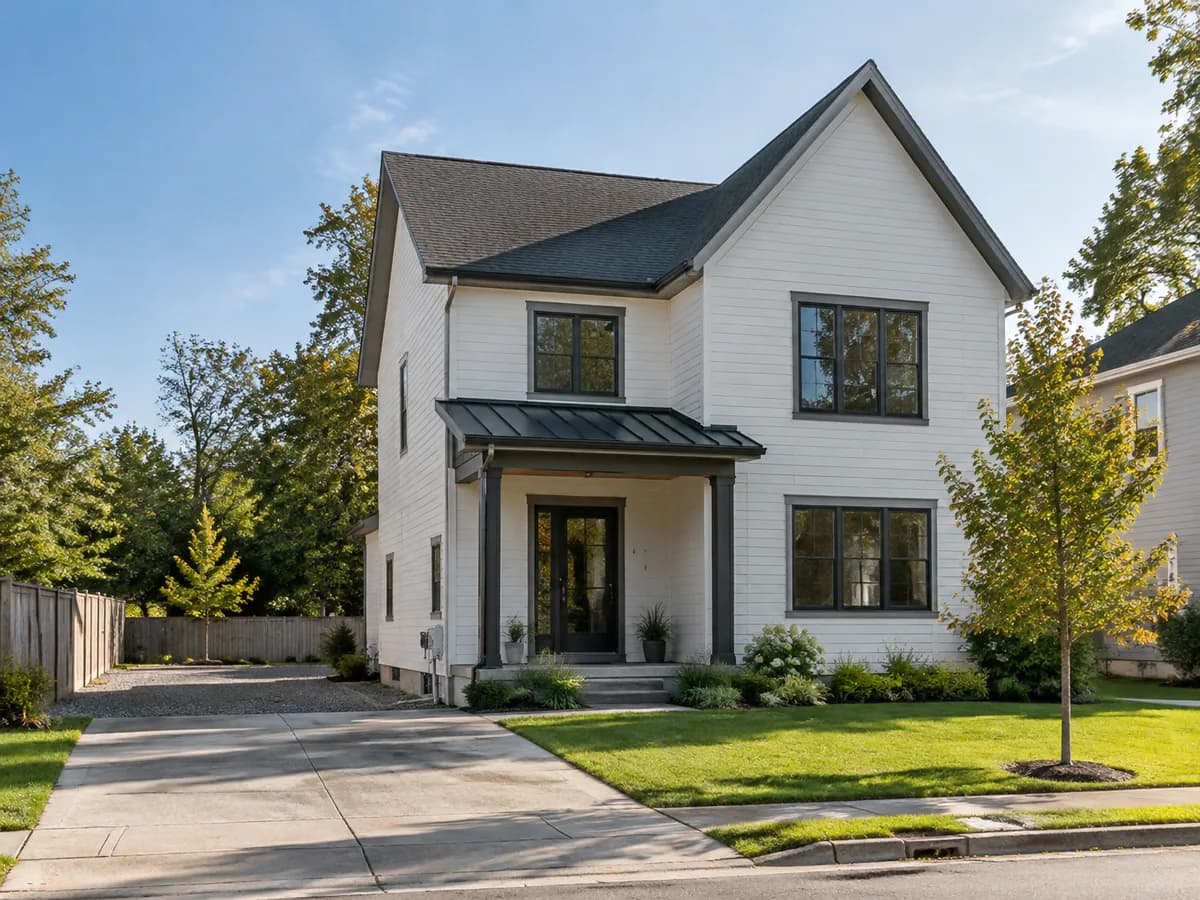
Say where it goes and what it looks like
The “What to add” field takes your own words too: the side of the house, the roof shape, the windows. People write things like “Make the house double story, very modern” — this one asked for a flat-roof room on the left.
“a one-storey room extension on the left side with a flat roof and large windows”Try my own words
What it is — and what it is not
A picture of the outside, not a plan
You see the volume, the roof and the materials. The Studio does not draw a floor plan or a layout for the new rooms.
Not a construction drawing
No dimensions, structure or loads. Whether the house can take a second story is for an engineer to say.
Permits are yours to check
Setbacks, height limits and planning rules are not known to the model. Take the picture to your architect or council as a starting point.
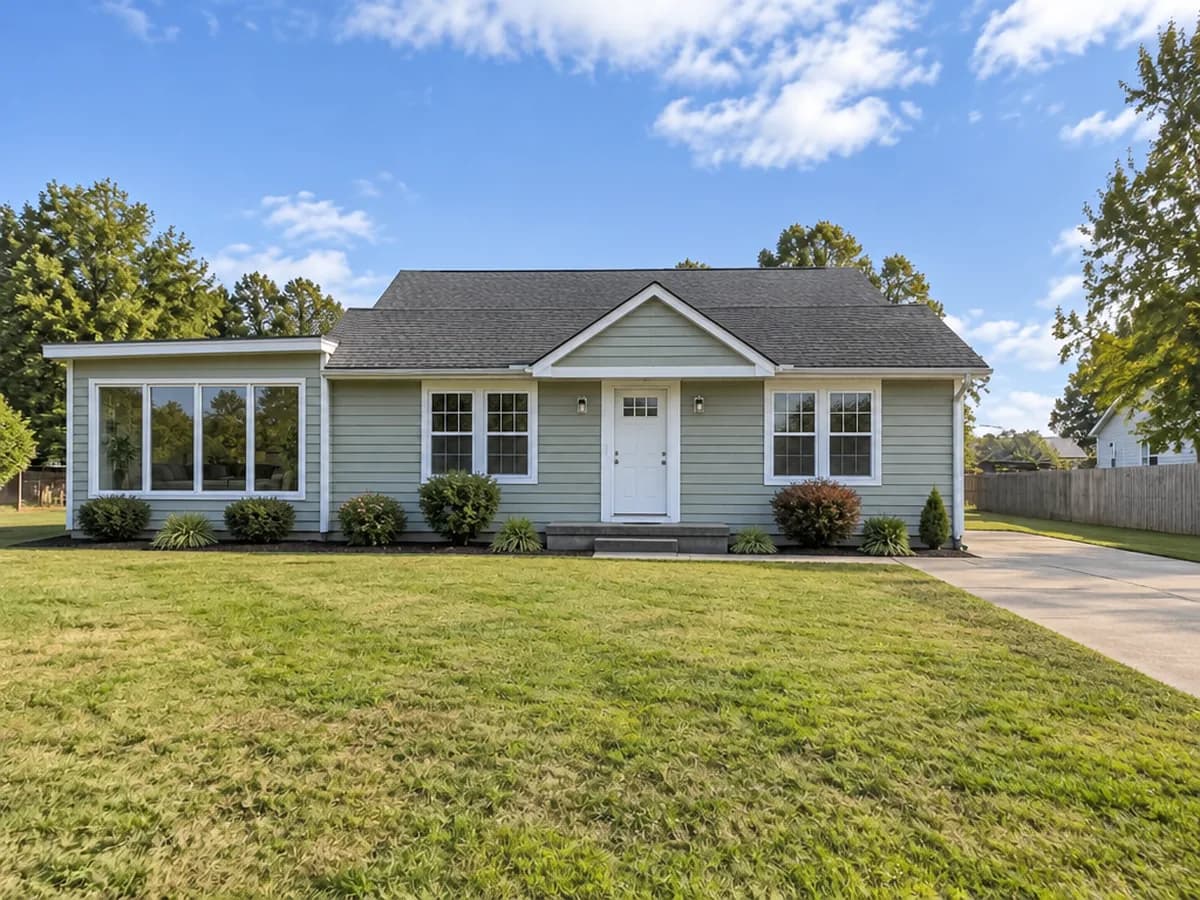
Here: the words above in the “What to add” field. The existing house kept its door, windows and siding.
Home addition visualizer FAQ
What the tool adds, what it keeps and what it costs.
- You sign in with Google or e-mail — no card — and get 6 free credits, enough for 3 designs. Each design costs 2 credits. Free results carry a small genroom.io watermark; one-time credit packs remove it. There is no subscription.
- The “Add-on & extension” mode offers seven: Extra floor, Garage, Room extension, Covered porch, Sunroom, Carport and Covered patio. Anything else — a dormer, a wraparound porch, a flat-roof wing — you can describe in your own words.
- The mode keeps the existing house and the surroundings and builds the addition in the same materials. Where the addition joins the house, the model redraws that part, and on some photos the house shifts a little in the frame to make room — compare with the slider.
- No. It shows how the house looks from outside with the new floor. For rooms inside, upload a floor plan on the floor plan page: it turns an existing plan into a furnished top view and room pictures.
- No. It is a visualization: the look, the size relative to the house and the materials. Structure, dimensions and permits need an architect or a builder — the picture helps you brief them.
- Write it in the “What to add” field: “a garage on the right, at the end of the driveway” or “a one-room extension on the left with a flat roof”. Keep the free space visible in the photo — the model builds where it can see room for it.
- Daylight, the whole house in the frame, and the place for the addition visible: the side yard for a garage or wing, some sky above the roof for an extra floor. A phone photo from the street is fine.
- Yes. Commercial use is allowed on every plan, Free included. Upload the client's house, show two or three options on the same photo and use them to agree on the direction before drawings.
More tools for the outside of your house
The same photo can get new siding, a roof, a front door or a full makeover.
AI facade design
Redesign the whole facade in one of 15+ facade styles.
AI exterior design
Cladding, roof, windows and entrance redesigned together.
AI roof design
Swap shingles for metal, tile or slate and keep the shape of the roof.
AI Siding Visualizer
Try vinyl, brick, stone or wood cladding on your own house.
Front Door & Window Visualizer
Try a new front door, shutters or window frames on your house.
Floor Plan to 3D
Turn a floor plan into a furnished top view and room renders.
Your house with an addition, in under a minute
Upload a photo of the whole house and try the first addition. 6 free credits after sign-in — that is 3 designs.
Add to my house