Just moved in? See the empty room furnished
Take one photo of the bare room and get it furnished for living: sofa, bed, rug, curtains and lamps in the style you like. Your walls, floor and windows stay exactly as they are.
- 2 credits
- per design
- 6 free credits
- after sign-in, no card
- Under a minute
- per result
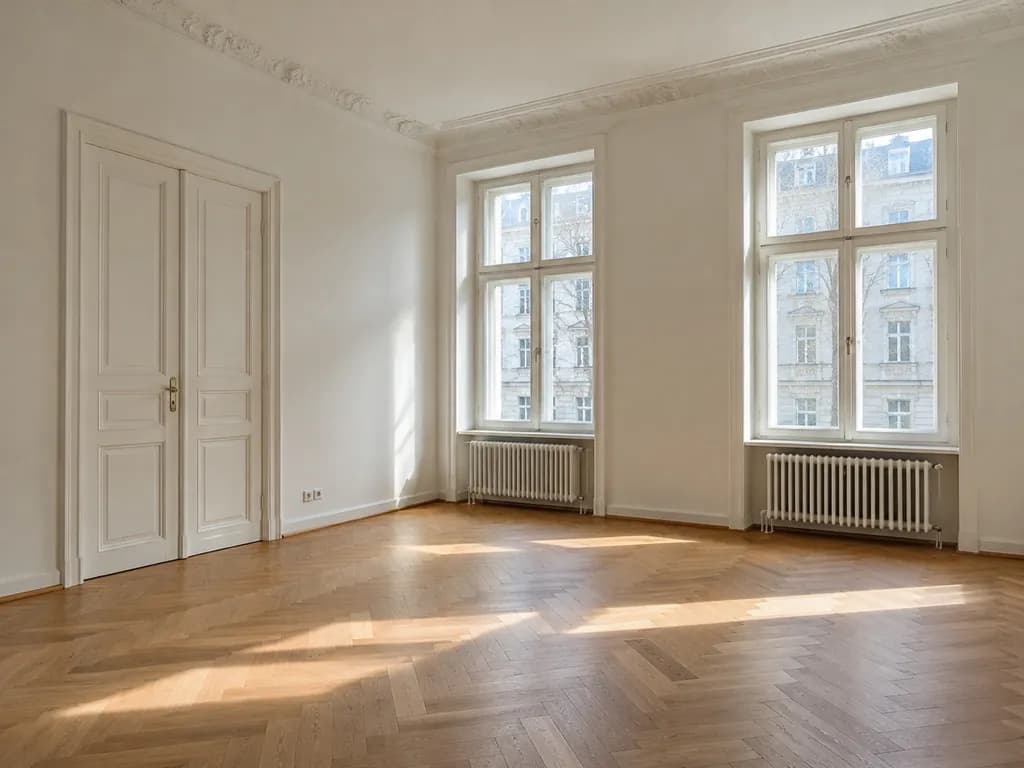
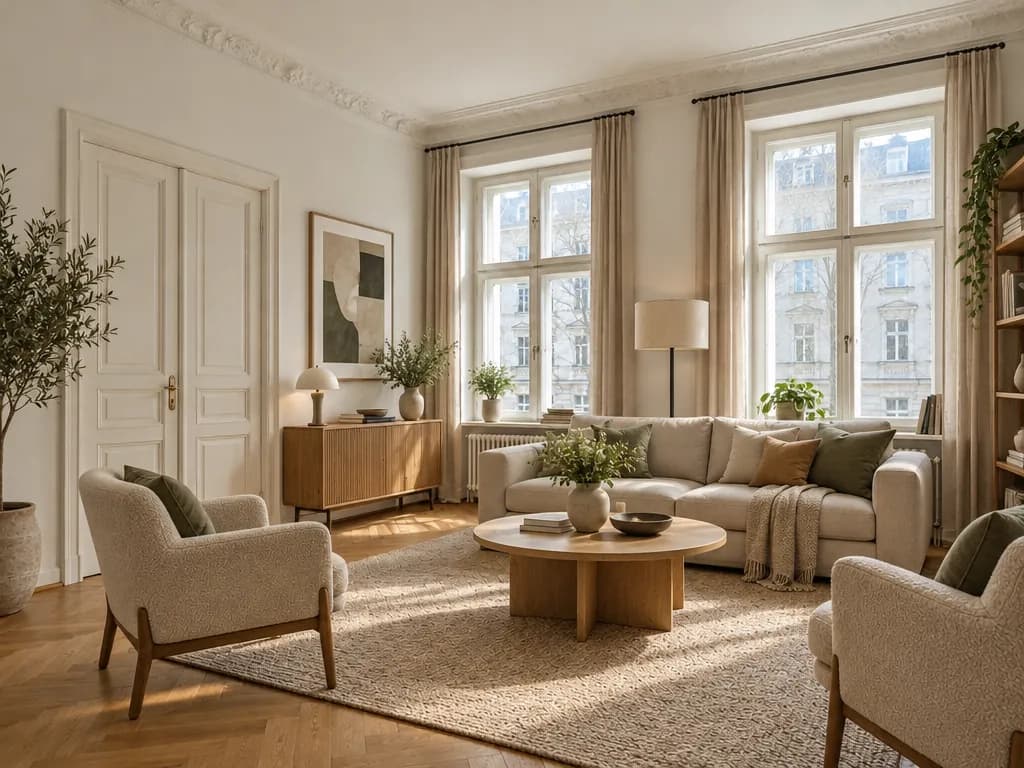
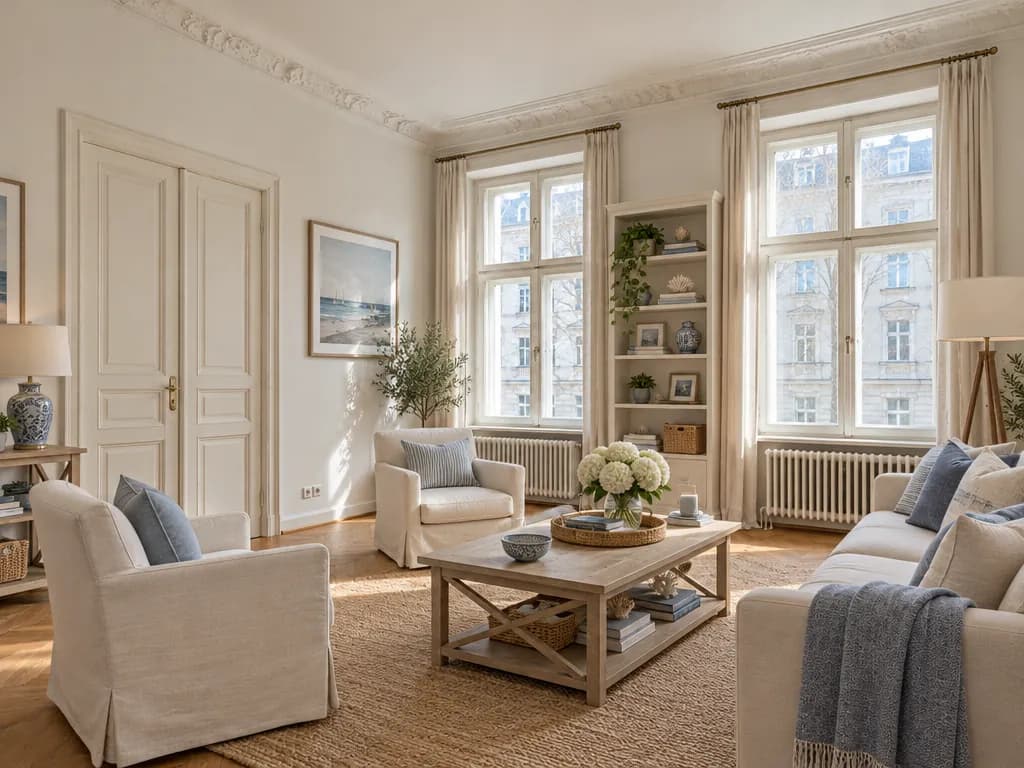
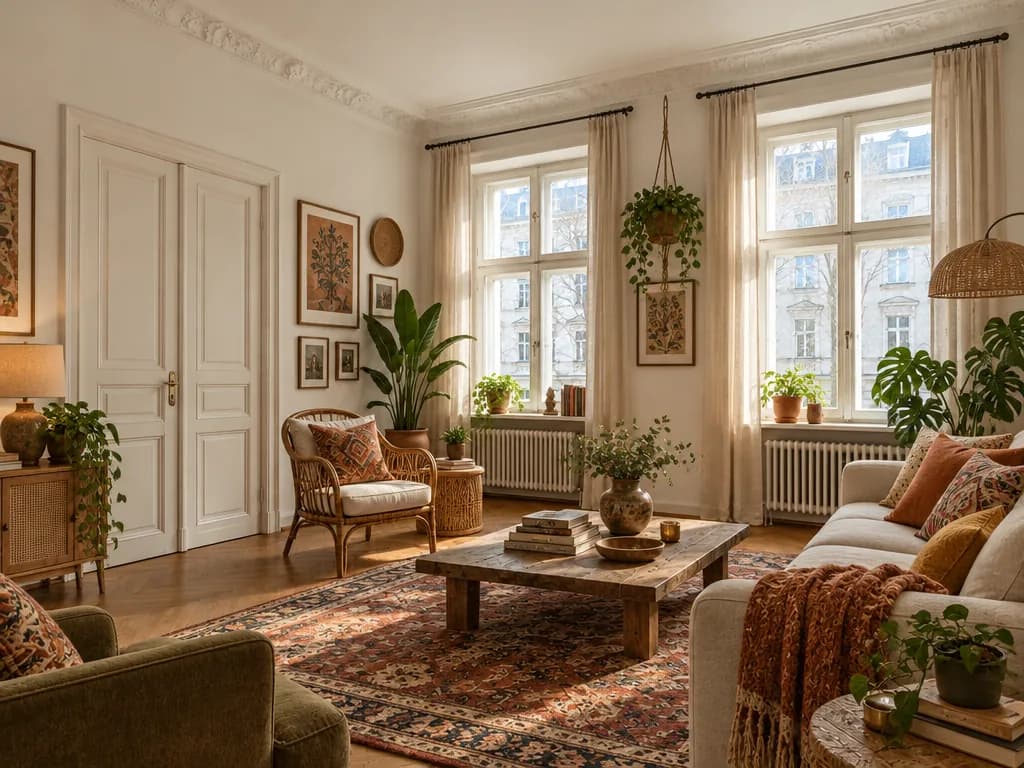
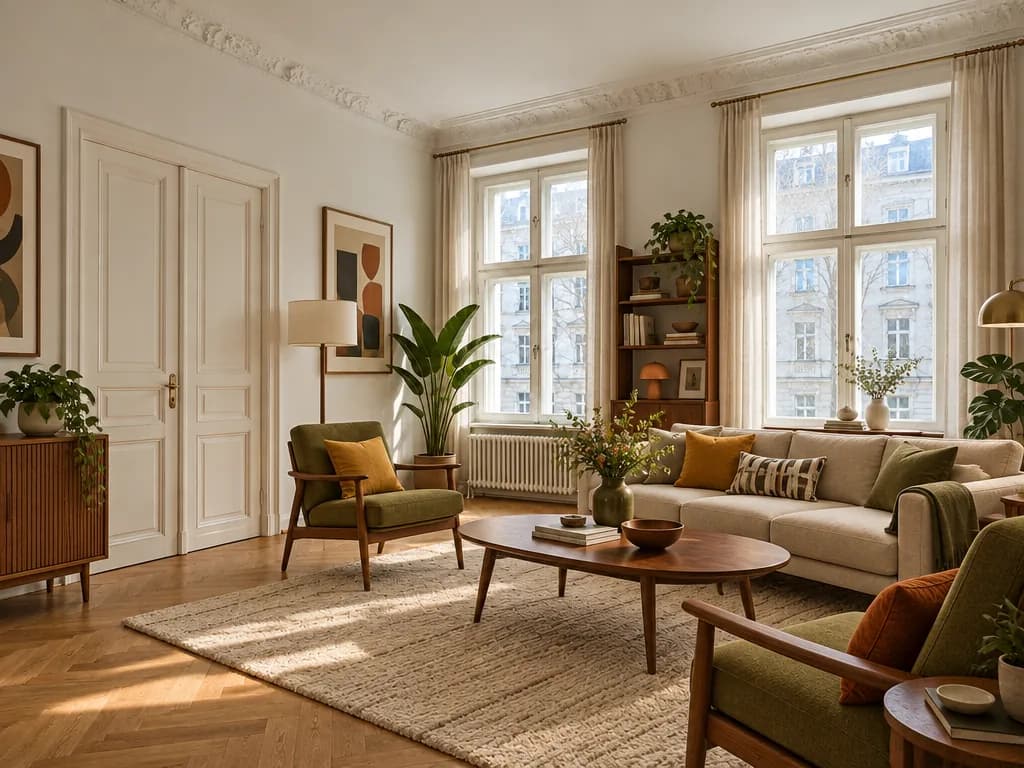
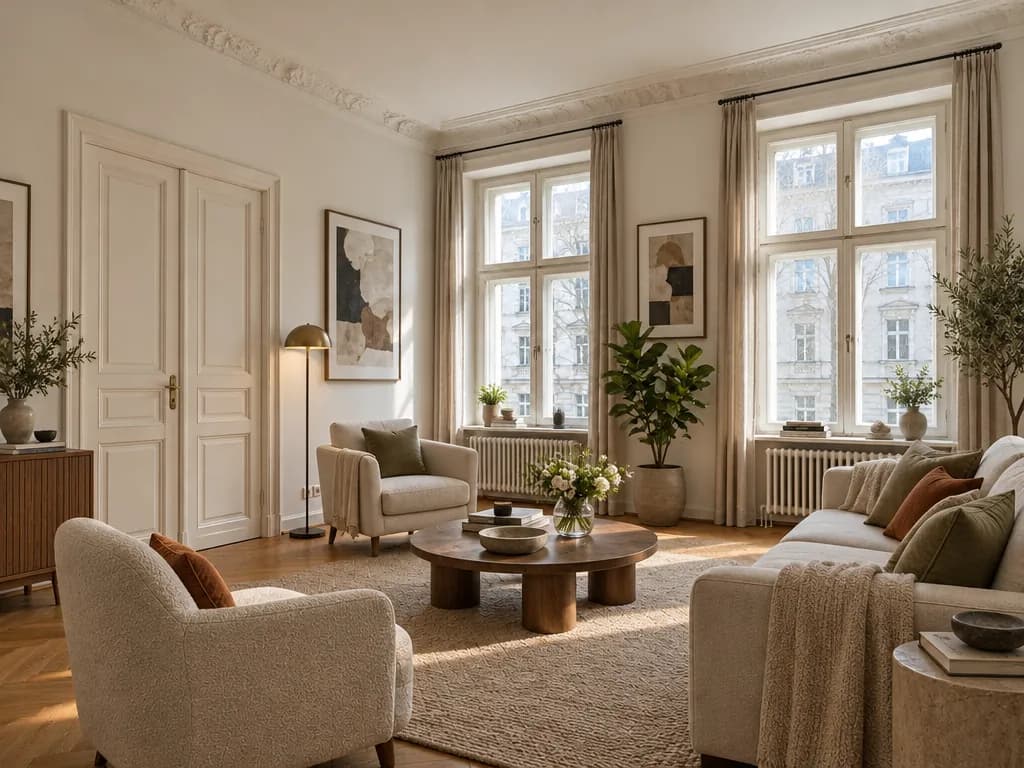
One empty room · six styles · real Studio results
- Japandi
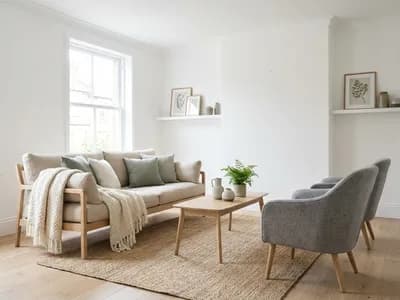
- Scandinavian
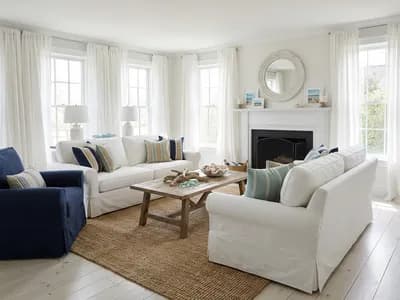
- Coastal
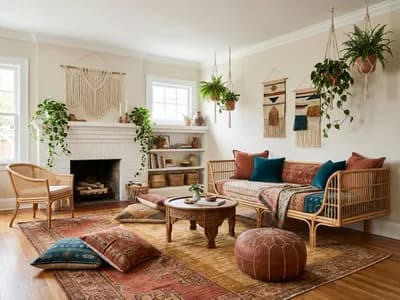
- Boho
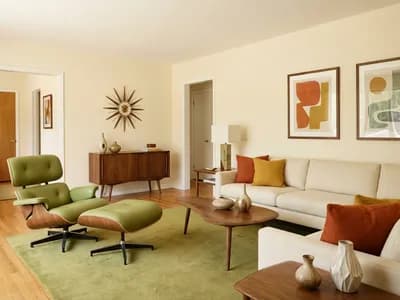
- Mid-century modern
- Contemporary
- Japandi
- Scandinavian
- Coastal
- Boho
- Mid-century modern
- Contemporary
Stays as in your photo
- Walls and their colour
- Floor
- Windows and doors
- Radiators and built-ins
- Camera angle
From bare walls to a furnished room in three steps
 1
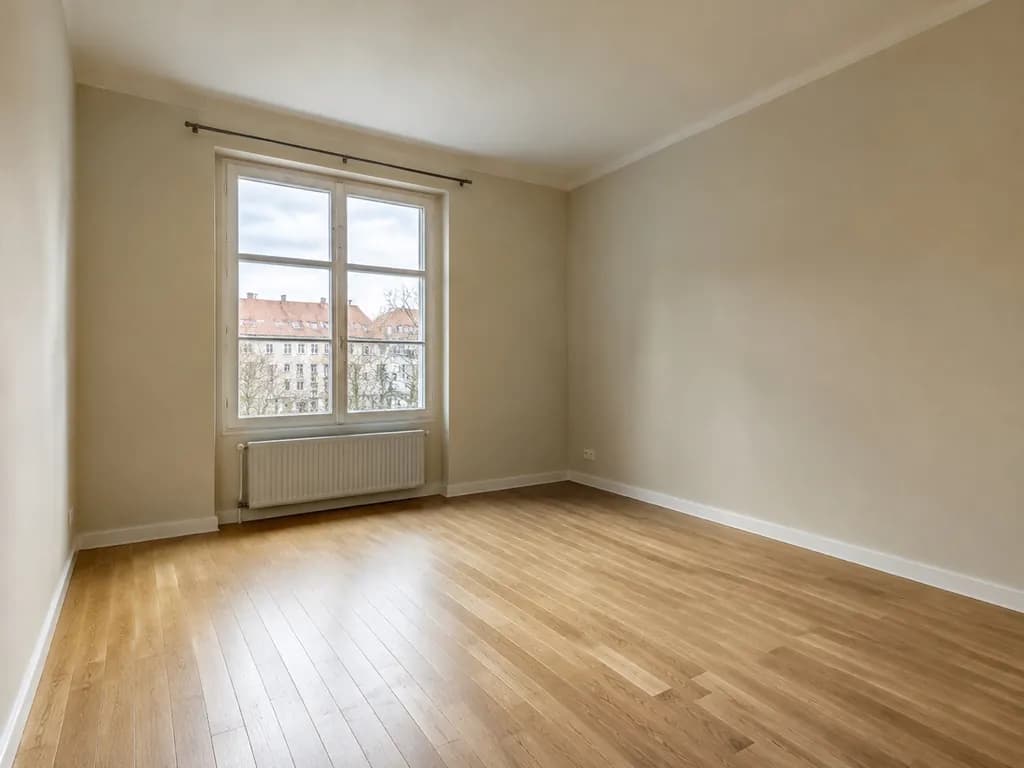
1Photograph the empty room
Stand in the doorway or a corner at chest height and take a normal photo, not ultra-wide. Keep the floor and at least one window in the frame.
- Furnish empty roomFor livingFor a listingStyle
 2
2“Furnish empty room” is already chosen
The Studio opens with “Furnish empty room” and its “For living” option picked. If the photo doesn’t show what the room is for, it asks you first — living room, bedroom, office and more. Then pick a style.
 3
3Compare, then try another style
Drag the before/after slider, make another variant or a different style on the same photo, and fine-tune any piece in the editor with a few words or the brush.
Furnished for living, not just filled
The mode works like an interior designer in an empty room: it plans the furniture for the room’s purpose and size first, then dresses it in your style.
- The main pieces the room needs — a sofa and armchairs, or a bed and nightstands
- Zones that make sense: seating, sleeping, working
- Clear walkways to the doors and windows
- A rug, curtains, cushions and throws
- Floor lamps, table lamps and pendants
- Realistic scale for the size of the room
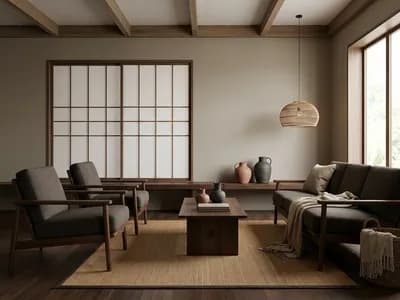
The same room, furnished six ways
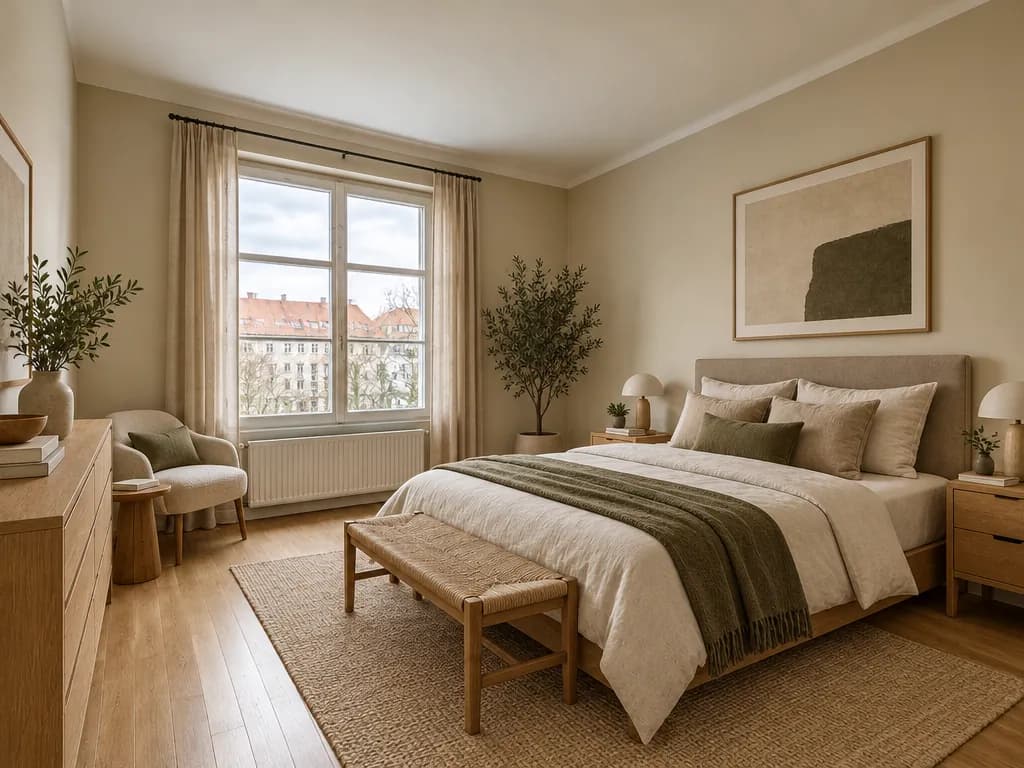
Every picture was made in the GenRoom Studio from one photo with “Furnish empty room” · “For living” and the style on the card. Nothing was edited afterwards.
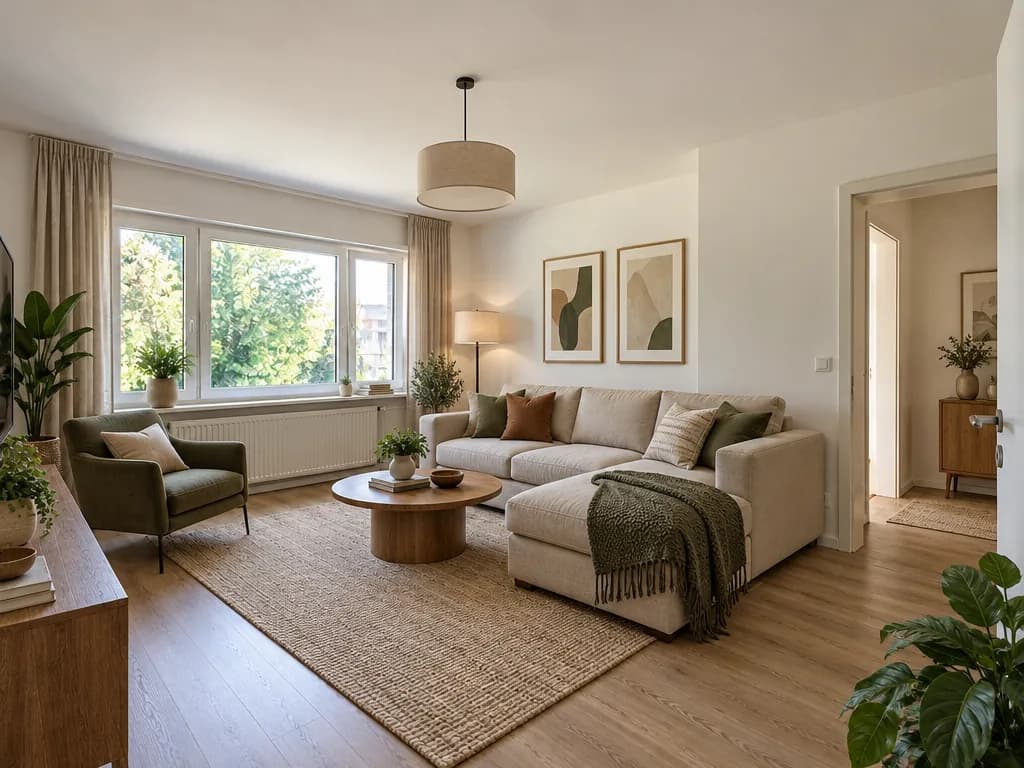
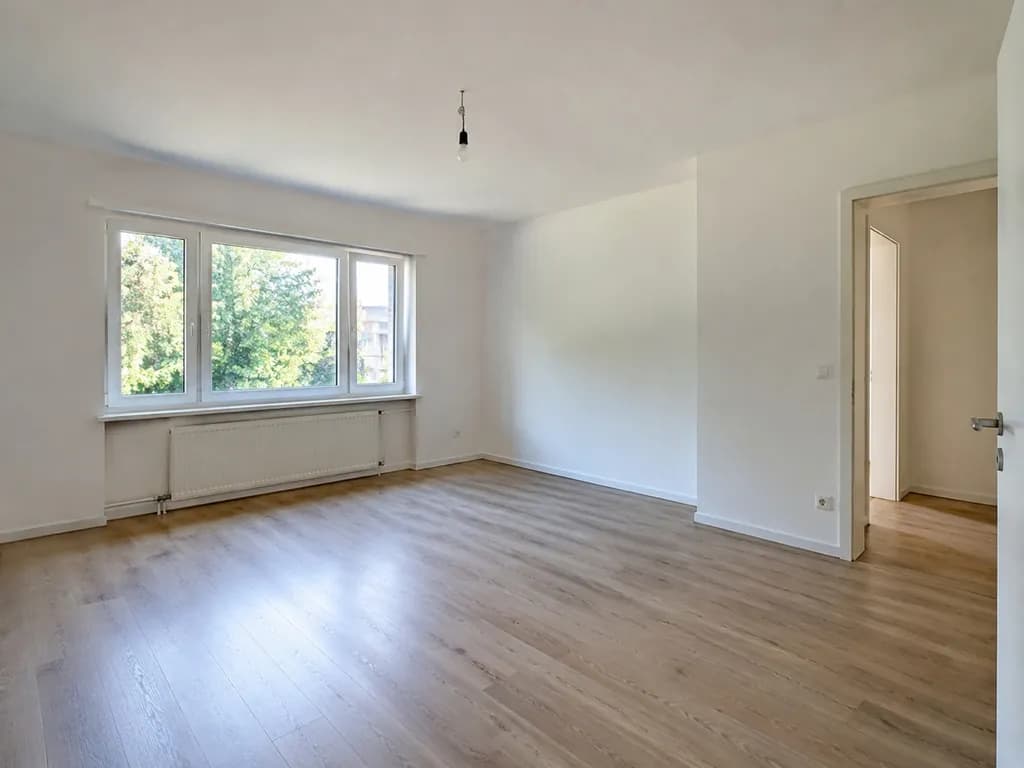
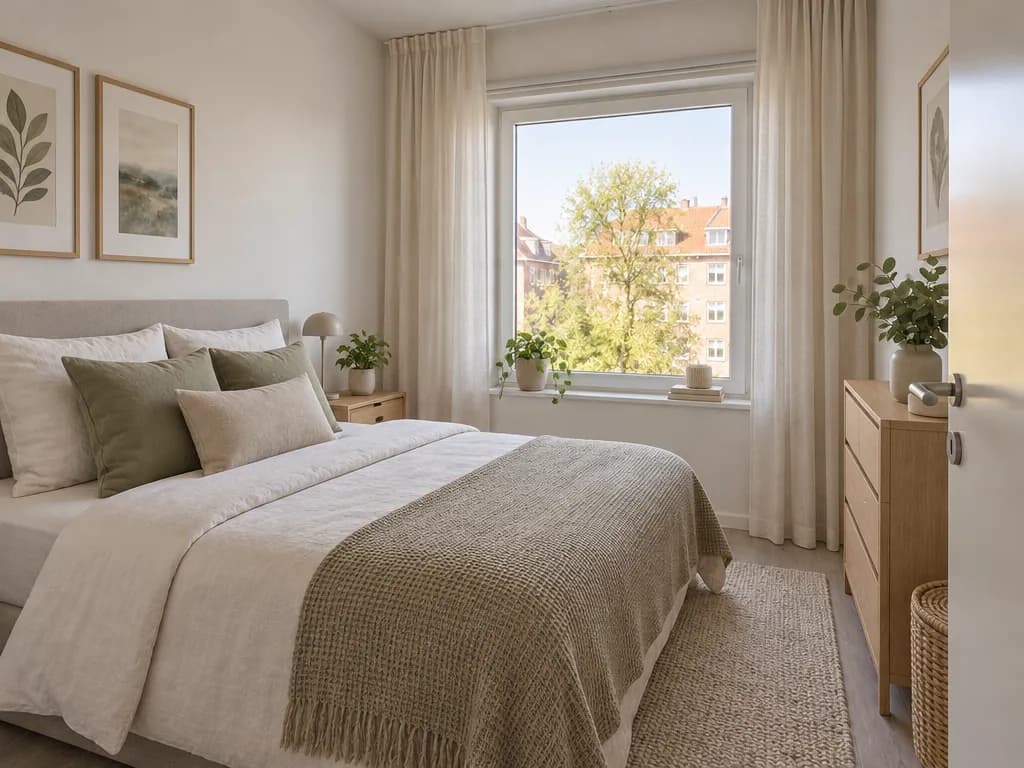
Other empty rooms, same rule
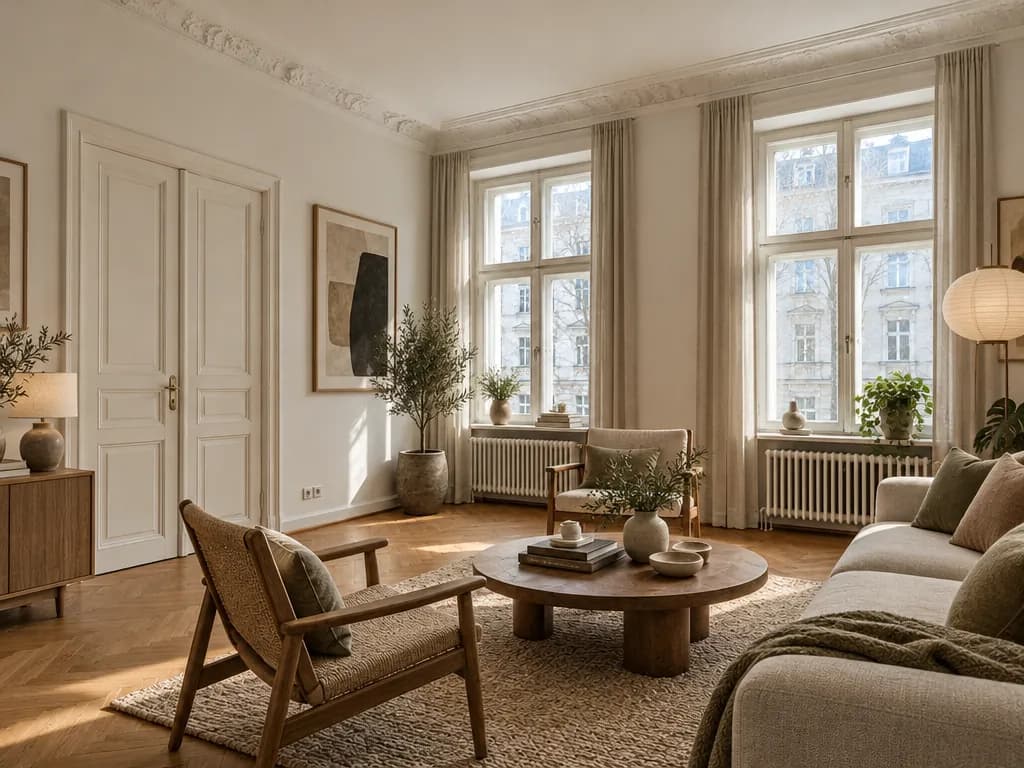
A rented living room, a bedroom in an older building and a small spare room. Furniture in; walls, floor and windows where they were.
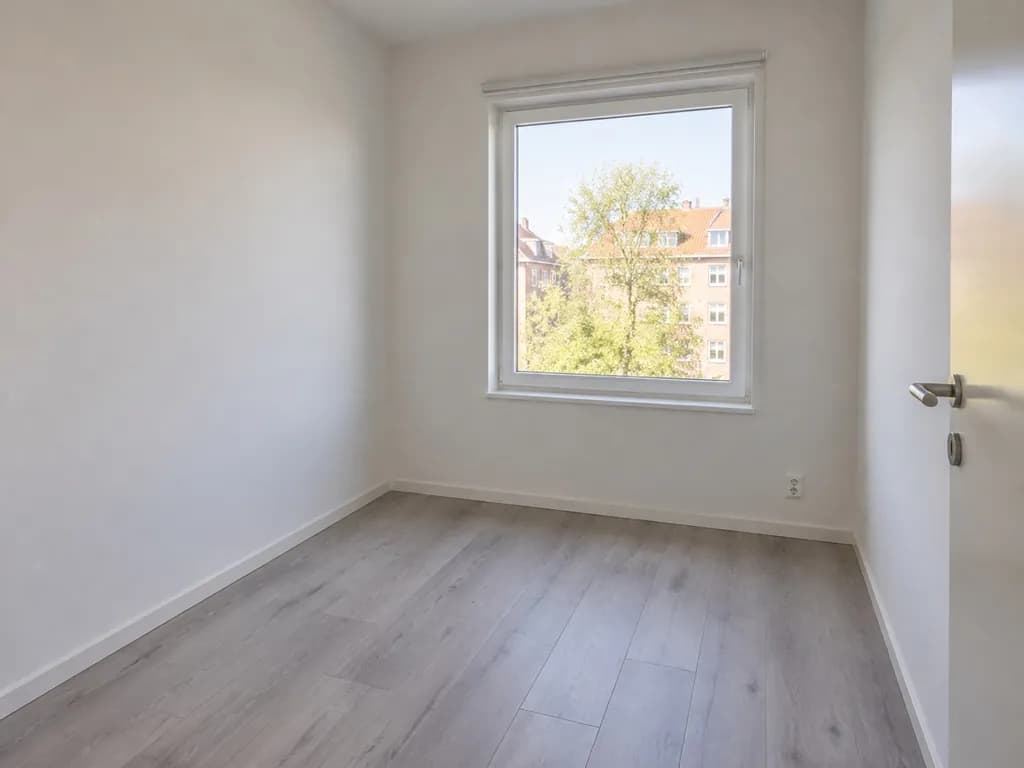
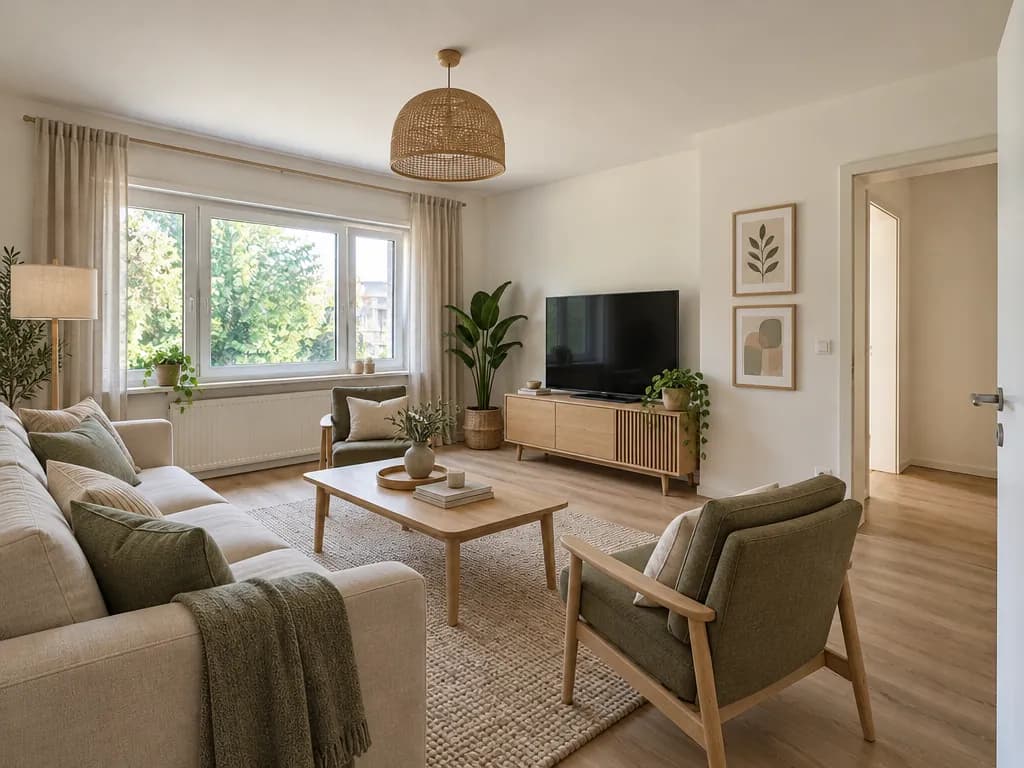
“For living” or “For a listing”
The mode has two options. This page opens “For living”: a home in the style you chose. “For a listing” stages the same room for selling or renting out — bright, neutral and with nothing personal.
 For living
 For a listing
Staging a property for sale or rent? Real Estate Staging
Furnishing an empty room with AI: FAQ
What the Studio adds, what it keeps and what it costs.
- Sign in with Google or e-mail — no card — and you get 6 free credits, enough for 3 designs. Each design costs 2 credits. Free results carry a small genroom.io watermark; one-time credit packs remove it. There is no subscription.
- No. “Furnish empty room” keeps the wall, floor and ceiling finishes, the windows, the doors and the radiators, and adds furniture, lighting, textiles and decor. If you also want new paint or a new floor, choose “Full makeover” in the Studio or ask for it in words in the editor.
- With nothing in the room, the AI sometimes redraws a wide-angle photo: a window shifts or the room looks deeper. The Studio asks it to keep the exact frame, and on ordinary photos it usually does — but on the widest photo in our tests four of six results moved. Shoot at normal zoom (1×, not 0.5×) from the doorway at chest height. If a result moved, make another variant: each one is created anew.
- An empty room often doesn’t show its purpose, so the Studio asks first: living room, bedroom, kitchen, kids’ room, office, dining room, hallway, studio or one of 36 room types — or your own words. A living room gets a seating area, a bedroom a bed and nightstands.
- “For living” furnishes the room as a home in the style you chose. “For a listing” stages it for selling or renting out: bright, neutral and inviting, with no personal items. This page opens “For living”; you can switch in the Studio form.
- Add a photo of it to the brief as a reference and say what to do with it, for example “use the grey sofa from photo 2”. The Studio follows what the brief says about a reference; without a word about it, it takes only the mood, colours and materials.
- The result is a picture, not a measured plan. The Studio keeps a realistic scale and clear walkways, but measure the room and check the sizes before you buy. Our guide on furnishing an empty room lists the clearances worth checking.
- Daylight, taken from the doorway or a corner at chest height with the normal camera (not ultra-wide), the whole floor and at least one window in the frame. A phone photo is enough.
More tools for a new home
Make the room look like a photo you love, stage it for a listing or clear it first.
Design From a Photo You Love
Upload a picture you love and get your own room in that look.
Real Estate Staging
Neutral, buyer-friendly staging of empty rooms for listings.
AI Decor Staging
Add soft decor to a furnished room — the furniture stays.
AI Furniture Removal
Empty a furnished room on a photo before you plan it anew.
Living room design
Ideas and a full redesign for your living room.
Bedroom design
Ideas and a full redesign for your bedroom.
Your empty room, furnished in under a minute
Upload one photo, keep “For living”, pick a style. 6 free credits after sign-in — that is 3 designs.
Furnish my room