AI Design Assistant — From Site Visit Photo to Client-Ready Concept in 30 Seconds
Upload a room photo, explore 60+ styles instantly, refine with text commands in the AI Editor, and present photorealistic concepts to clients in minutes. Skip the mood board bottleneck and get to the design decisions that matter.

The Mood Board Bottleneck
Interior designers know the frustration: a client wants to see options, but creating each concept takes hours. Building mood boards, sourcing references, sketching layouts, and producing 3D renders eats into the time you could spend on actual design decisions. By the time a client sees three concepts, days or weeks have passed — and revisions mean starting the cycle over.
What if you could show a client ten different directions for the same room in a single meeting?
How GenRoom Accelerates Your Design Process
GenRoom is an AI-powered design assistant that turns any room photo into a photorealistic visualization in a new style — in about 30 seconds. Here's how designers use it:
- Upload a photo of the client's space — take a quick shot during the site visit or use an existing photo. No need for precise measurements or 3D modeling.
- Explore styles rapidly — try Scandinavian, minimalist, industrial, classic, mid-century modern, Japandi, contemporary, coastal and more — 60+ styles in total. Each generation takes about 30 seconds, so you can produce a dozen concepts in under 10 minutes.
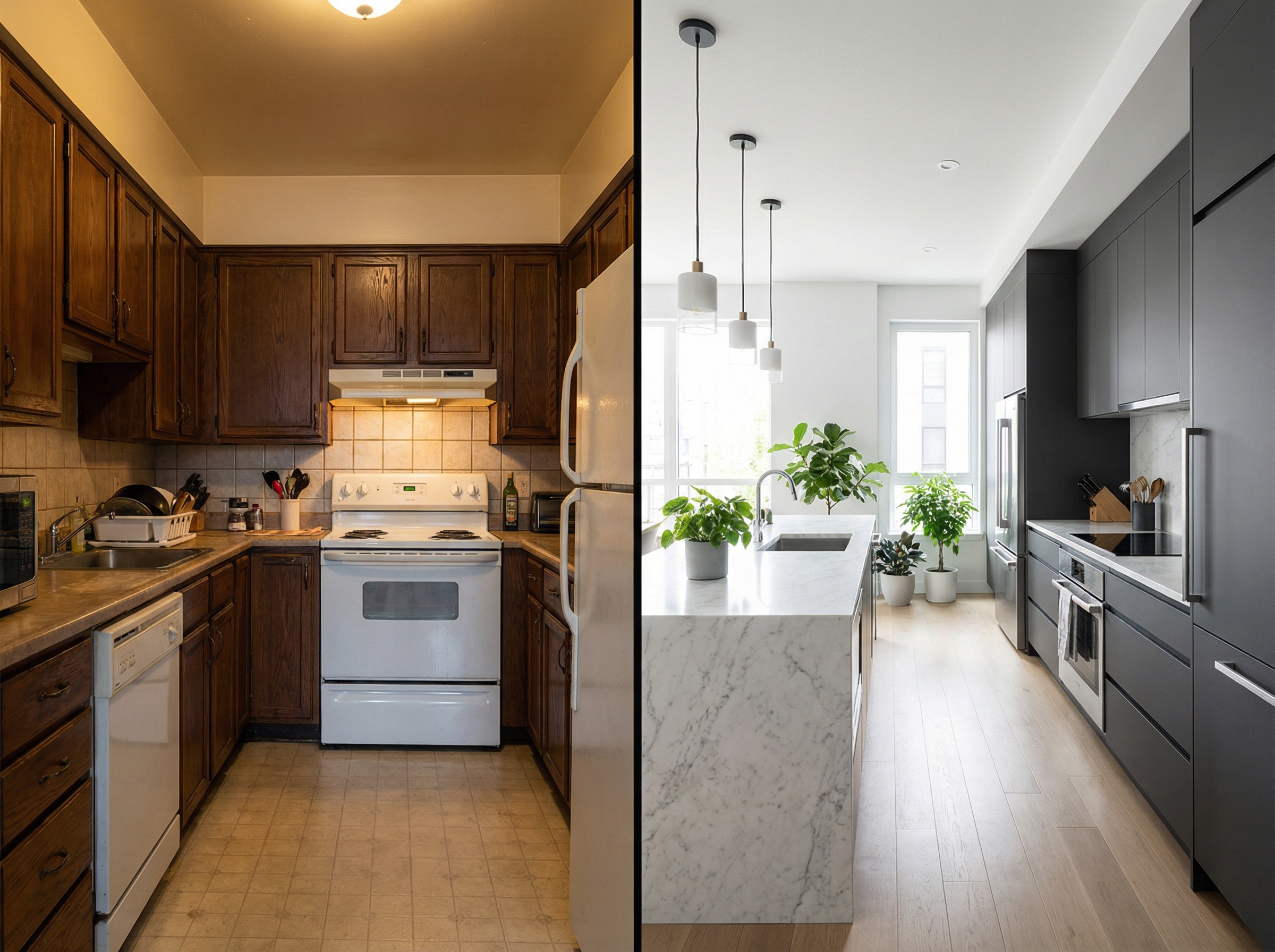
- Refine with the AI Editor — once you and the client narrow down a direction, use text commands to fine-tune: "make the walls a warm gray," "switch to marble countertops," "add built-in shelving." Iterate in seconds, not hours.
- Present and approve — show multiple concepts side by side. Clients react to real visualizations of their actual room, not abstract references. Decisions happen faster, with more confidence.
GenRoom doesn't replace your design skills — it amplifies them. Use AI-generated concepts as a rapid exploration tool and a powerful client communication aid. The AI handles the time-consuming visualization work so you can focus on the creative decisions that make each project unique.
Latest Models + 4K: Presentation-Grade Quality
GenRoom runs on the latest image models on every plan — sharp textures, accurate lighting, and faithful preservation of the room's exact proportions. For client presentations and portfolio pieces, you can upscale any design to 4K resolution (free on Basic and Pro) — crisp enough for large-format prints, digital proposals, and social media showcase posts.
From Concept to Client Approval, Faster
Designers who use AI in their workflow report faster client sign-off, fewer revision cycles, and higher client satisfaction. When clients can see their actual room in a new style — not a generic reference image — they make decisions with confidence. That means fewer delays, smoother projects, and more time to take on new clients.
Workflow Mistakes Interior Designers Make with AI Tools
AI design tools are powerful, but designers who use them poorly can waste time or undermine client trust. These are the pitfalls to avoid:
- Using AI as a final deliverable instead of a starting point. AI-generated visualizations are concept tools. Present them as rapid explorations, not finished designs, and your clients will engage more honestly with the creative process.
- Ignoring room-specific constraints. AI tools preserve geometry but don't enforce building codes or structural limitations. Always cross-check AI concepts against physical constraints before developing them further.
- Presenting too many options at once. Showing a client 20 AI variants in one meeting creates decision fatigue. Curate to your best 3–5 directions and let the client respond to those.
- Not customising after generation. The AI Editor lets you refine with text commands — use it. A concept that is 70% right can become 95% right in minutes, making your presentation far stronger.
- Generating without site visit photos. Reference images from the internet don't reflect the client's actual space. Always use real photos of the project space for the most useful, sellable visualizations.
Choosing the Right AI Workflow for Each Project Type
For residential projects — apartments, family homes, villas — GenRoom's room-by-room generation workflow is ideal for the concept phase: photograph each space, generate 3–5 styles, and use results to anchor the client brief. For hospitality and commercial interiors, the tool works best for lobby, lounge, and feature spaces where atmosphere is paramount. Small studio apartments benefit from minimalist, Japandi, and Scandinavian generations that emphasize space efficiency. Grand historic properties — palazzi, manor houses, Gründerzeit buildings — respond well to classic and neoclassical generations that respect the original architecture. Outdoor-heavy projects (villas with gardens, rural properties) should include yard and facade generations alongside interior work to give clients a complete picture of the transformation.
The Business Case for AI in Your Design Practice
The traditional design concept phase — mood boards, reference curation, rough sketches, early 3D renders — can consume many hours of billable time before a client has approved a single direction. AI-powered visualization compresses this phase dramatically: you walk into the first client meeting with photorealistic explorations already in hand, produced in a fraction of the time. This means faster client approvals, fewer billable hours spent on rejected concepts, and more capacity to take on additional projects. Some designers pass the visualization cost directly to clients as a rapid-concept fee; others absorb it as overhead and compete on speed and clarity. Either way, AI visualization pays for itself within the first project by reducing back-and-forth revision cycles.
Designer's Pre-Concept Checklist
- Complete site visit and photograph every space from multiple angles.
- Note ceiling heights, window orientations, natural light quality throughout the day.
- Document existing features to keep: flooring, fireplaces, architectural mouldings.
- Record client's stated style preferences and any hard no's.
- Identify the 3–5 styles most likely to resonate based on client brief.
- Generate each key space in the shortlisted styles using GenRoom.
- Refine the top candidates using the AI Editor with specific material or color adjustments.
- Upscale finalist images to 4K for presentation quality.
- Annotate images with material and furniture callouts before the client meeting.
- Prepare a one-page concept summary linking AI visualizations to the design rationale.
Where AI Visualizations Fit in the Design Process
AI-generated images serve a different function at each stage of a design project. At concept stage, they are rapid-fire explorations that help establish style direction with the client. During the design development phase, refined AI visualizations act as photorealistic reference images that guide material selection, furniture sourcing, and specification writing. For construction and contractor coordination, they function as visual briefs that communicate design intent to builders and tradespeople without requiring full technical drawings to exist yet. At project completion, AI-staged before-and-after comparisons are compelling portfolio content for your website, Instagram, and award submissions. The same source technology serves all four phases — the difference is in how you frame and present the output.
AI as a Client Communication Tool
One of the most powerful applications of AI visualization in a design practice is not concept generation itself but the improvement in client communication that it enables. Clients who struggle to read traditional mood boards or 2D plans immediately understand photorealistic AI visualizations of their actual space. This reduces the number of revision cycles driven by misunderstanding rather than genuine preference — clients can say "yes" or "no" to a concrete visual rather than trying to imagine an abstract description. For designers, this means faster project sign-off, clearer briefs to suppliers and contractors, and fewer expensive mid-project changes caused by a client realising they disliked something they had approved in theory. The visualization becomes the single shared reference point for everyone involved in the project — client, designer, contractor, and supplier — eliminating the ambiguity that creates costly rework.
Expanding Your Practice with AI: New Service Offerings
AI visualization tools open new service line possibilities for interior design practices that were previously impractical or uneconomical. A rapid concept service — where clients receive five photorealistic visualizations of their space in different styles within 48 hours for a fixed, modest fee — creates a low-barrier entry point that converts browsers into paying clients. Many designers find that rapid AI concept sessions convert to full design projects at high rates, because the visual clarity of AI-generated concepts makes clients confident enough to commit. AI also makes smaller projects commercially viable that would previously not have justified a designer's involvement: a single-room refresh, a rental apartment redecoration, or a color and material consultation can all be served efficiently when AI handles the visualization component. This expands the market of clients a design practice can serve without proportionally expanding the time investment per project.
Using AI Visualizations in Pitch Presentations
Competitive pitches for design projects are won on vision, credibility, and the ability to make clients feel understood. An AI-generated visualization of the client's actual space — produced in the style you are proposing — demonstrates all three simultaneously: it shows that you have engaged with their specific space rather than presenting a generic portfolio, it demonstrates your stylistic vision with immediate clarity, and it signals technical capability and efficiency that clients find reassuring. Producing five or six photorealistic visualizations of a client's space in advance of a pitch is now practical and fast with GenRoom — something that would previously have required significant hours of rendering or outsourced 3D production. The investment pays off in a higher pitch win rate, and the visualizations that are produced for an unsuccessful pitch are not wasted: they become portfolio material or can be adapted for other projects with similar spatial characteristics.
Building a Portfolio with AI-Generated Concepts
For designers establishing or growing a practice, a strong portfolio is the primary business development tool — and AI visualization allows portfolio development at a pace and breadth that traditional project photography cannot match. A designer can generate portfolio-quality visualizations of a range of room types, styles, and property contexts in a single day, demonstrating competence across residential categories (apartments, houses, period properties, contemporary builds) and across style directions (minimalist, classical, Japandi, maximalist, industrial) without waiting for the right project to come along and be photographed. These AI-generated portfolio pieces should be clearly labeled as AI-concept visualizations rather than completed project photography — transparency builds trust and positions the designer as technically sophisticated rather than obscuring the nature of the content. Clients who see AI-concept portfolio pieces often specifically request the same rapid visualization capability as part of their design service, turning a portfolio tool into a service differentiator that attracts clients who value speed and clarity in the design process.
The Competitive Landscape: AI and the Future of Interior Design Practice
The integration of AI tools into interior design practice is not a future scenario — it is the present competitive reality. Design practices that adopt AI visualization effectively are demonstrating faster turnaround, lower concept-phase costs, and clearer client communication than those that rely entirely on traditional methods. This does not mean that AI replaces design expertise; it means that design expertise delivered through AI-enabled workflows is becoming the market standard. Designers who resist this shift risk being outcompeted on speed and accessibility by practices that have embraced it. The most successful design practices are using AI not as a gimmick but as a systematic efficiency tool: it compresses the concept phase, improves client communication, enables more projects to be taken on without proportional increases in overhead, and creates new, more accessible service offerings that expand the market of viable clients. The design skill remains the differentiator — the aesthetic sensibility, the technical knowledge, the problem-solving ability that produces genuinely excellent spaces — but the visualization tools that communicate and explore that skill are becoming AI-driven as a matter of competitive necessity.
GenRoom integrates into any design workflow. Use it for initial concept exploration, client presentations, social media content, or portfolio pieces. Your first generations are free — try it on your next project.
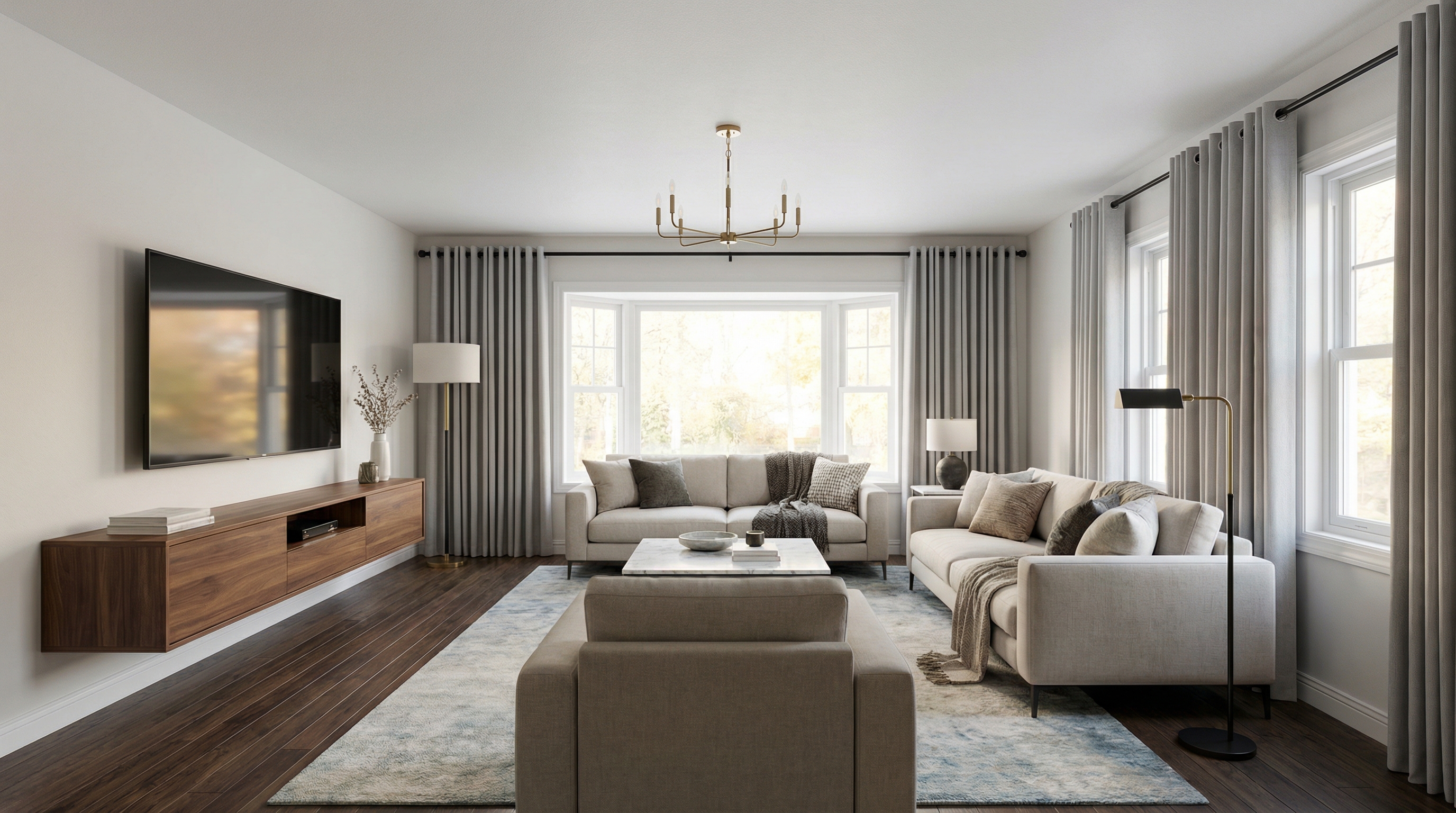
AI-Generated Design Concepts
How GenRoom Empowers Interior Designers
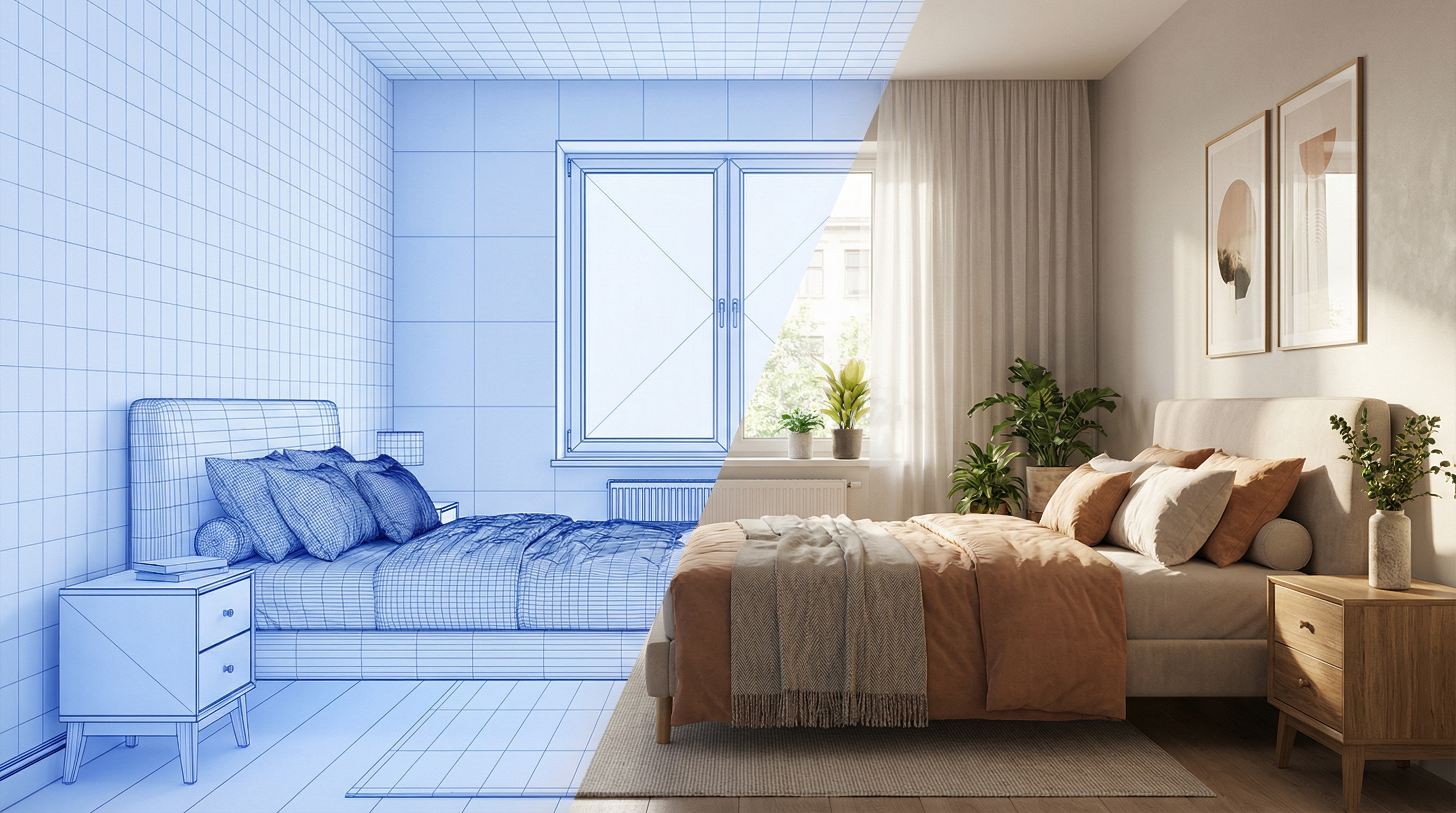
Site Visit to Concept in 30 Seconds
Turn a quick phone snapshot into a photorealistic design concept in 30 seconds. Skip the hours of mood board assembly and 3D modeling. Generate a dozen concepts in under 10 minutes — enough to present multiple directions in a single client meeting.
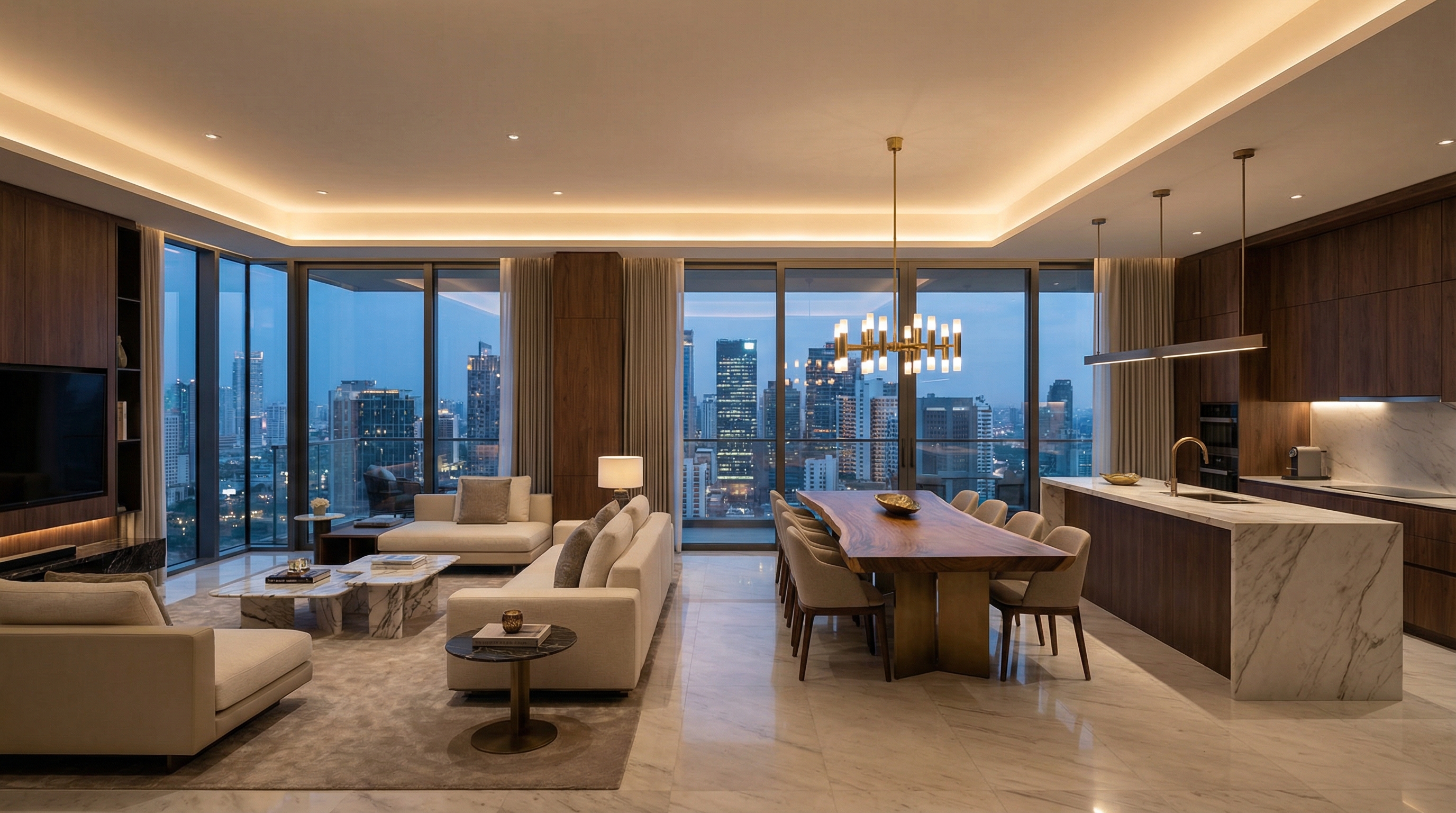
60+ Styles — Every Direction at Your Fingertips
Scandinavian, minimalist, industrial, classic, neoclassical, mid-century modern, Japandi, contemporary, eclectic, coastal, art deco, farmhouse, bohemian, wabi-sabi, and many more. Try every style on the same room photo to find the perfect direction with your client — without building a single 3D scene.
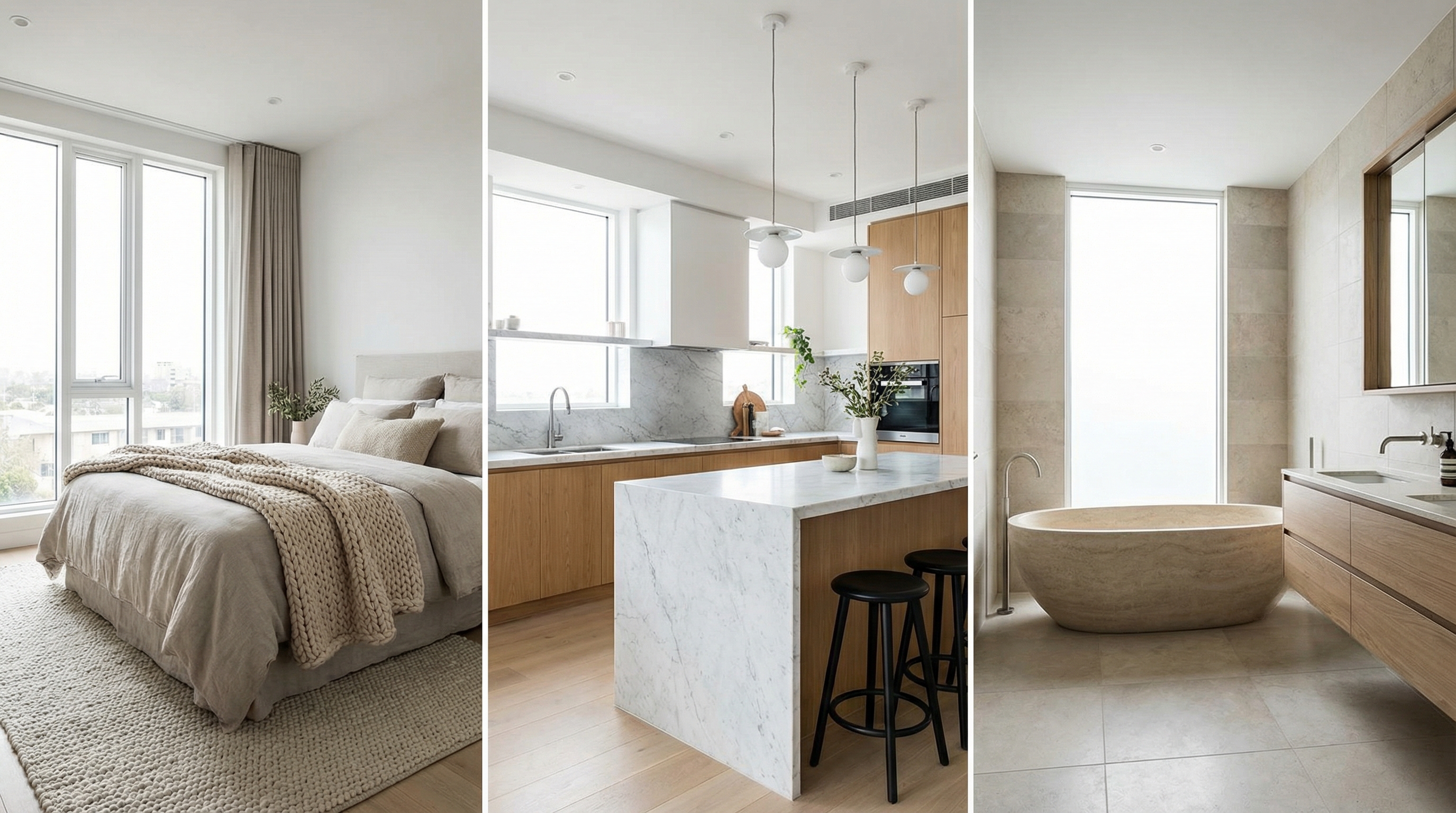
AI Editor — Refine Concepts with Words
GenRoom's AI Editor lets you fine-tune any design with text commands: 'make the walls warmer,' 'switch to oak floors,' 'add a statement chandelier,' 'remove the rug.' Iterate on concepts in seconds instead of re-modeling — and show clients exactly how small changes affect the final look.

4K Upscaling for Client Presentations
The latest image models deliver photorealistic results — sharp textures, accurate lighting and faithful proportions. Upscale any concept to 4K for printed boards, digital proposals and portfolio pieces — free on Basic and Pro, and your first 4K is free.
Try GenRoom on Your Next Project
Upload a client's room photo, generate concepts in 60+ styles, and refine with the AI Editor — all in minutes. Your first designs are free, no credit card required.
Explore More GenRoom Solutions
GenRoom serves designers, agents, and homeowners. Explore our tools for different spaces and use cases.
AI for Interior Designers — FAQ
- Most designers use GenRoom for rapid concept exploration, client presentations, and social media content. Upload a photo of the client space, generate concepts in multiple styles, and present options side by side. The AI Editor lets you refine each concept with text commands — change wall colors, swap flooring, add or remove furniture — without re-generating from scratch. It dramatically reduces the time from site visit to initial concept review.
- No. GenRoom is a tool that makes designers more productive, not a replacement. AI can generate style concepts quickly, but it cannot handle space planning, material sourcing, contractor coordination, building codes, client relationships, or the nuanced creative decisions that define great design. Think of it as a supercharged sketch tool — it accelerates exploration so you can spend your expertise where it matters most.
- A standard smartphone photo works well. Good natural lighting and a wide-angle view of the room will produce the best results. Professional photography is not required — site visit snapshots generate high-quality concepts. For best results, shoot from a corner of the room to capture the full space. The AI handles a wide range of photo conditions effectively.
- Absolutely. Many designers use GenRoom renders in presentation decks, printed boards, and digital proposals. The latest image models produce photorealistic quality with sharp textures and accurate lighting. 4K upscale makes the images suitable for large-format prints and professional portfolios. The output quality is high enough to impress clients and communicate design intent clearly.
- GenRoom offers 60+ styles including Scandinavian, minimalist, industrial, classic, neoclassical, mid-century modern, Japandi, contemporary, eclectic, coastal, farmhouse, art deco, bohemian, wabi-sabi, Mediterranean, and many more. New styles are added regularly. The full catalog is shown on the generation page.
- Your first designs are free with no credit card required. The AI Editor is included on every plan. One-time packs start at $9.99 (Start), $19.99 (Basic) and $39.99 (Pro) — paid packs remove the watermark, and Basic and Pro add free 4K upscaling. Even the most comprehensive plan costs a fraction of the time value saved compared to manual concept creation and 3D rendering — a single hour saved on a project more than covers the cost.
Explore more AI design tools
All our design categories in one place.