Yard Design with AI — Reimagine Your Outdoor Space
Upload a photo of your yard and see how it could look after a professional makeover. Pathways, gardens, patios, water features — the AI visualizes everything in 30 seconds.
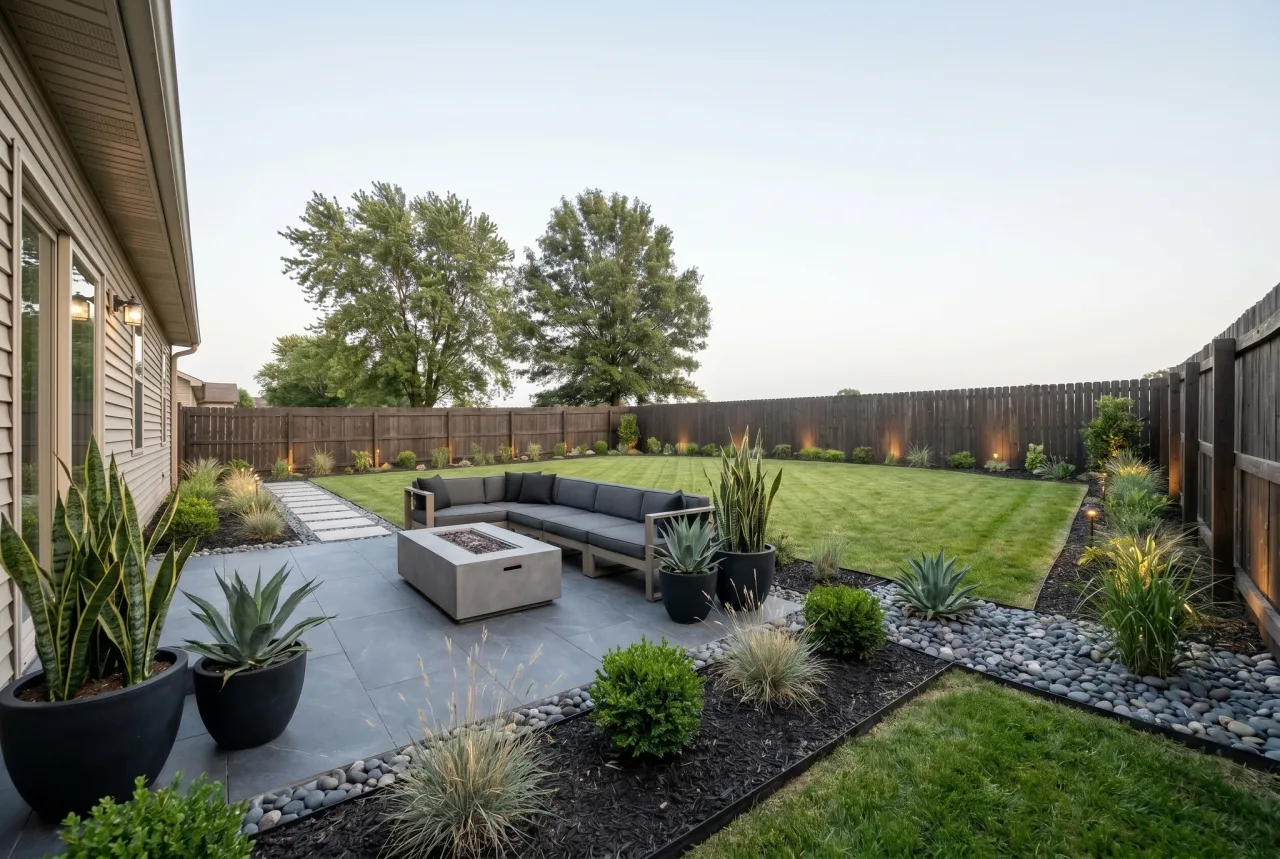
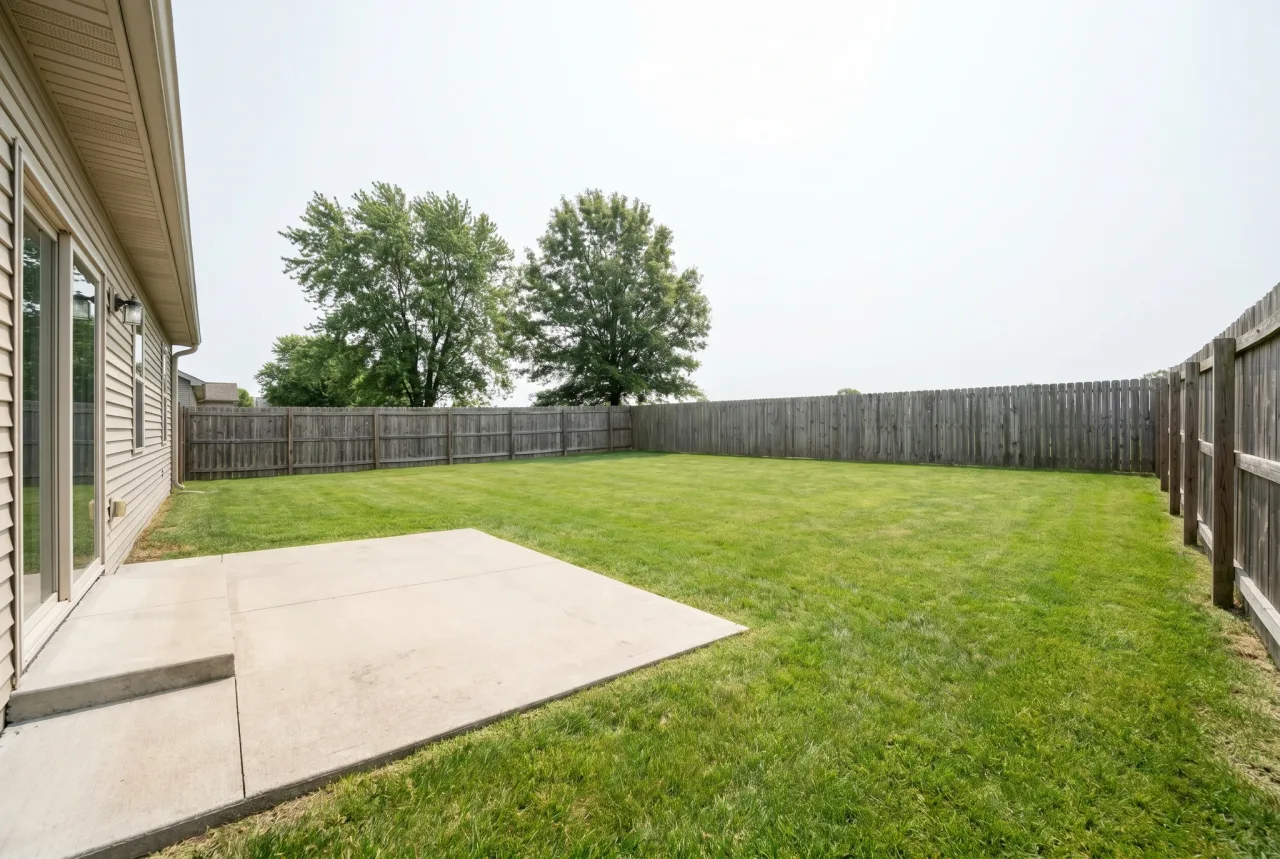
From Bare Yard to Beautiful Outdoor Living
Every homeowner dreams of a yard that is both beautiful and functional. But where do you start? Where should the patio go, and where should the flower beds be? Would stone pathways look better than gravel? What about a water feature or a pergola?
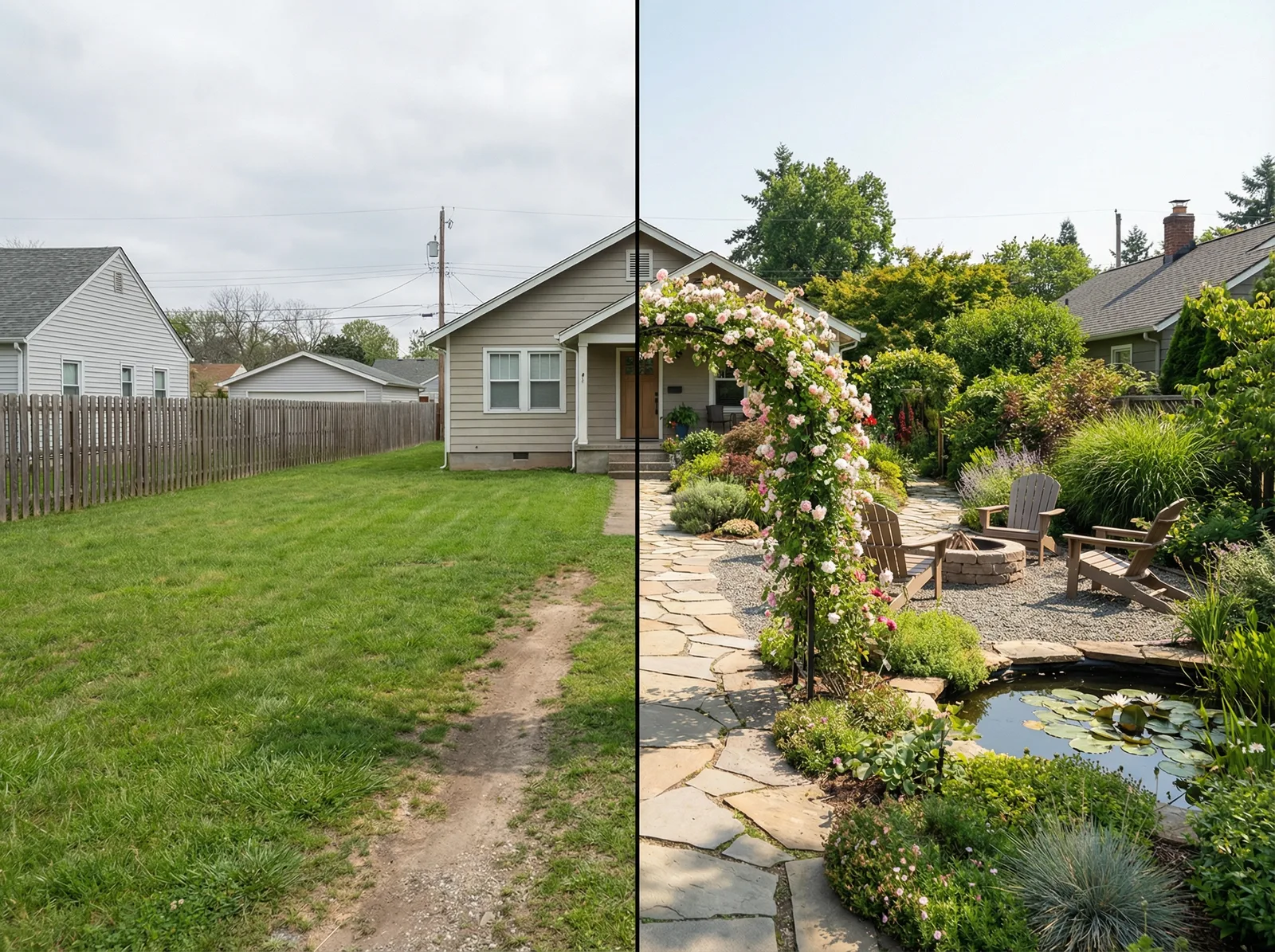
GenRoom's AI helps you answer these questions in seconds. Upload a photo of your yard and receive a visualization of the finished design in the style you choose. It is faster and more affordable than commissioning a full landscape plan, and it helps you settle on a concept early — before you break ground or spend a dollar on materials.
Design Your Yard in 3 Simple Steps
- Photograph your yard. Take a photo of the outdoor area in daylight. For the best results, shoot from an elevated angle so the full layout — fences, structures, trees — is visible.
- Choose a landscaping style. Cozy Country with flower gardens and fruit trees? Strict Minimalism with geometric beds? Romantic Provence with lavender borders? Try multiple options on the same space.
- Get your visualization. The AI adds style-appropriate elements — plants, pathways, seating areas, water features, garden structures — while respecting the size and shape of your yard.
Use Cases for Yard Visualization
- Planning a new yard — see what an empty lot could look like once landscaped.
- Refreshing an existing garden — explore a new style for a yard that has not changed in years.
- Zoning your property — visualize where to place a seating area, play zone, vegetable garden, or flower beds.
- Communicating with contractors — hand your landscaper or garden crew a clear visual reference instead of a verbal description.
Yard Design Examples
Why Homeowners Choose GenRoom for Yard Design
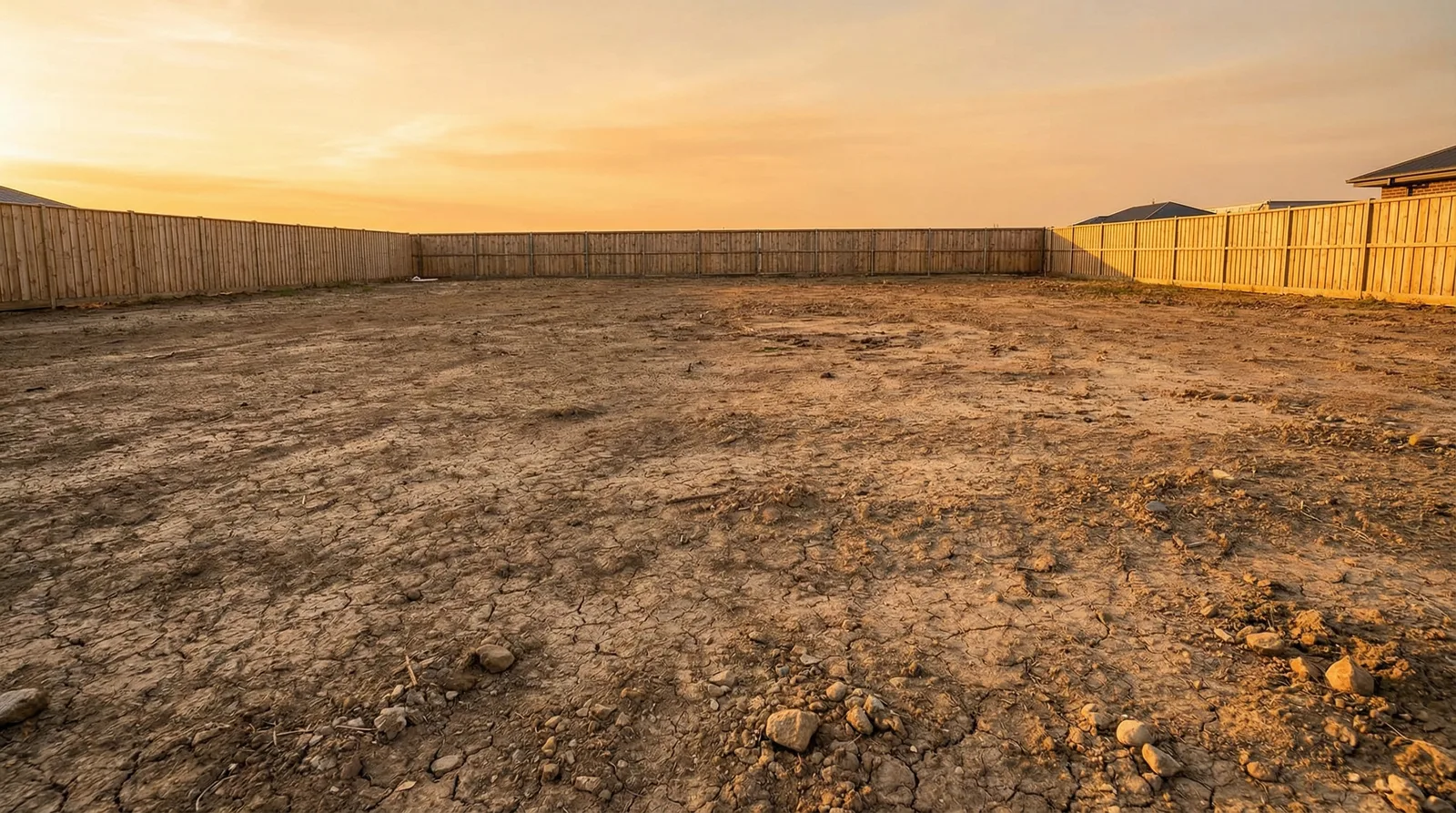
Full Yard Visualization in 30 Seconds
See your outdoor space after a complete makeover in half a minute. The AI adds pathways, flower beds, seating areas, and water features while respecting property boundaries and existing structures.
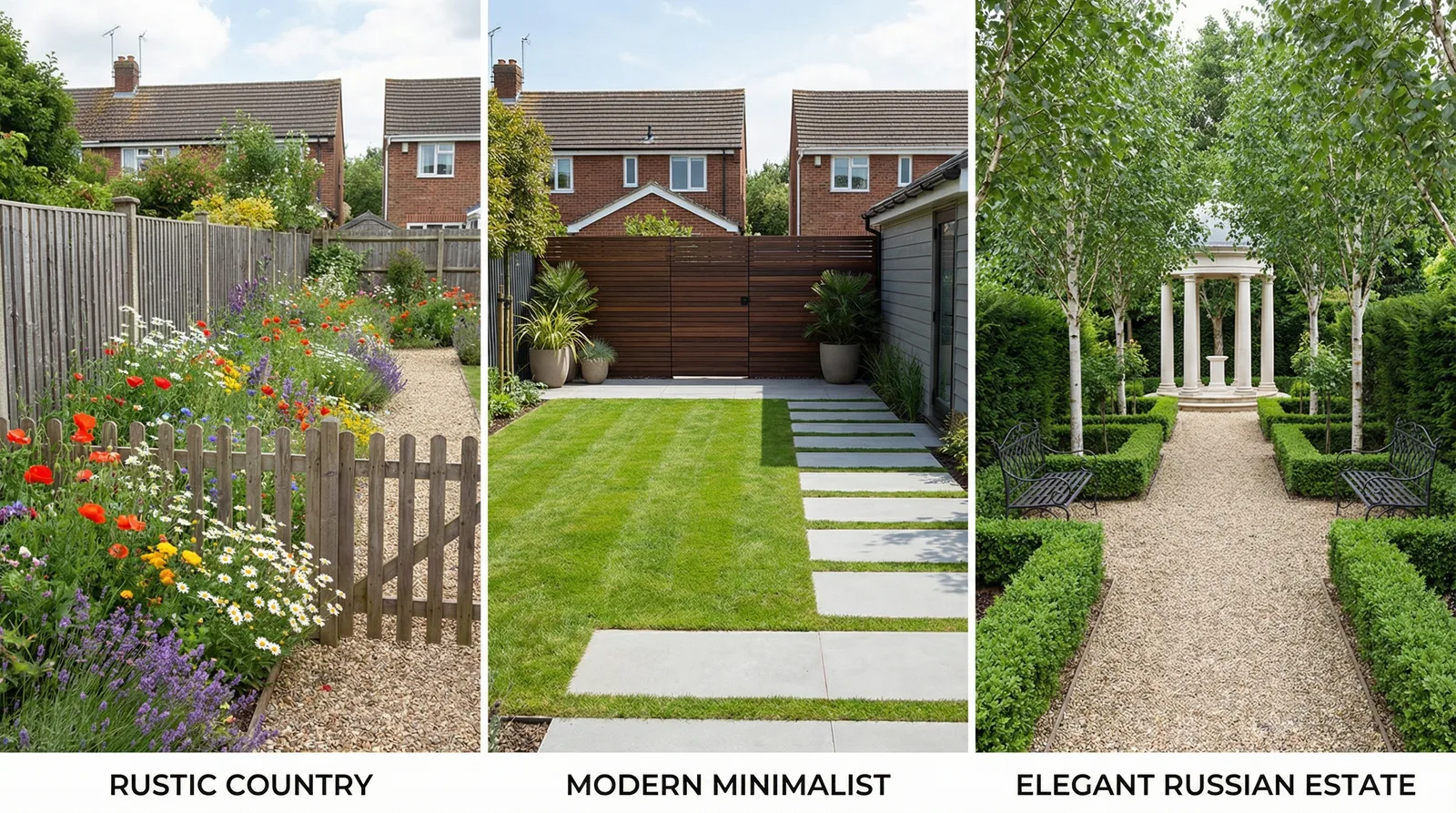
Multiple Landscaping Styles
From rustic Country charm to sleek Contemporary minimalism, from romantic Provence to serene Japanese gardens. Try different styles on your yard and find the one that fits your taste and climate.
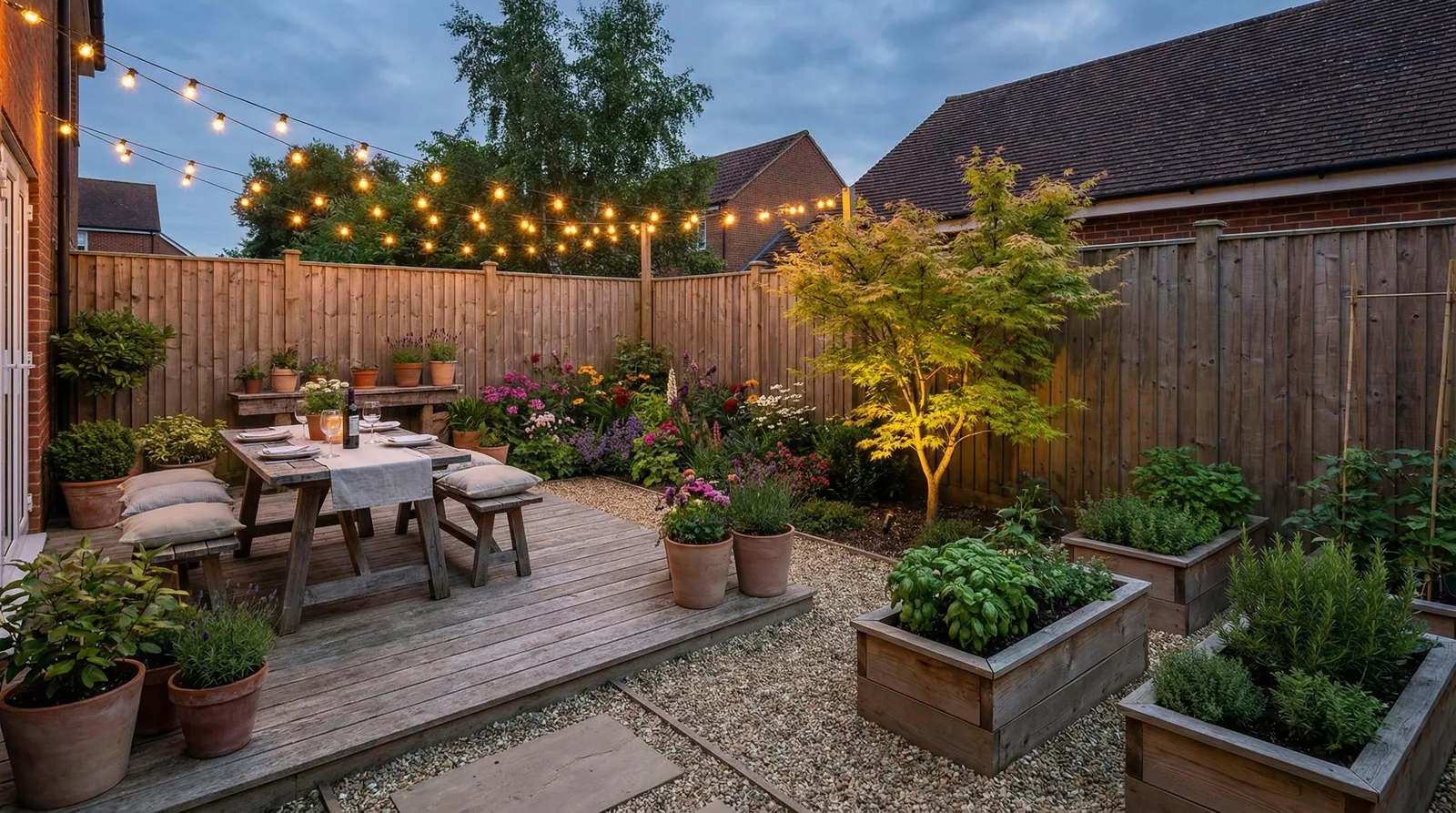
Save on Landscaping Costs
A professional yard design project can cost thousands of dollars. With GenRoom, you can preview the result for free and decide on a direction before hiring contractors or buying plants.
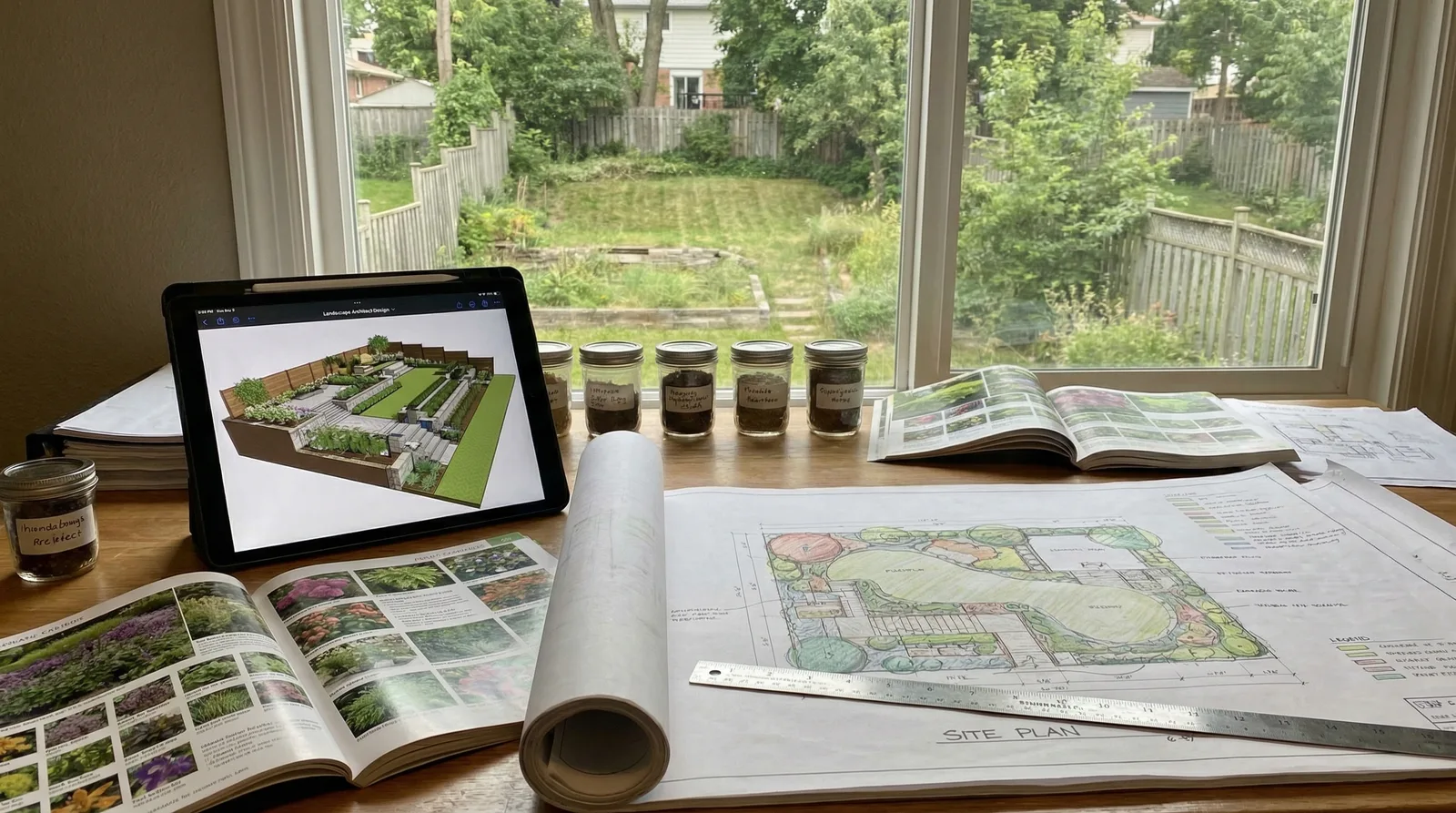
A Clear Reference for Your Landscaper
Show the visualization to your landscaper, gardener, or contractor. Instead of vague descriptions, hand them a vivid picture of exactly what you want your yard to look like.
Start Designing Your Yard Today
Upload a photo of your outdoor space and get a visualization in 30 seconds. First generations are free.
Choose Your Plan
Transparent pricing with no hidden fees
Explore More AI Design Tools
Frequently Asked Questions About Yard Design
- It is straightforward: upload a photo of your yard, garden, or outdoor area, select a landscaping style from the available options, and the AI will show you what the space could look like after a makeover — all in about 30 seconds. The AI preserves terrain, buildings, and fences.
- GenRoom works with outdoor spaces of all sizes and types: small urban backyards, suburban front yards, large country properties, side gardens, pool areas, and commercial courtyards. The AI adapts the landscaping to the scale and shape of your space.
- Depending on the style you choose, the AI can add pathways and paving, flower beds and borders, lawns, trees and shrubs, ponds and fountains, pergolas and gazebos, outdoor seating areas with furniture, landscape lighting, fences, and decorative accents.
- Yes! Photograph a specific area — the front entrance, back patio, pool surround, or side garden — and the AI will create a design for that zone alone. This is especially useful when you want to renovate your yard in stages.
- You get free credits when you sign up — enough for your first couple of designs. After that, one-time credit packs start at $9.99 — about $0.27–0.55 per design. Compare that to a professional landscape design that can easily cost $1,000 or more.
- For the best results, take an overview photo in daylight that captures as much of the yard as possible, including structures, fences, and trees. Elevated angles (from a balcony or second floor) work especially well. The AI handles any quality, but a clearer photo gives a more detailed result.
Explore more AI design tools
All our design categories in one place.