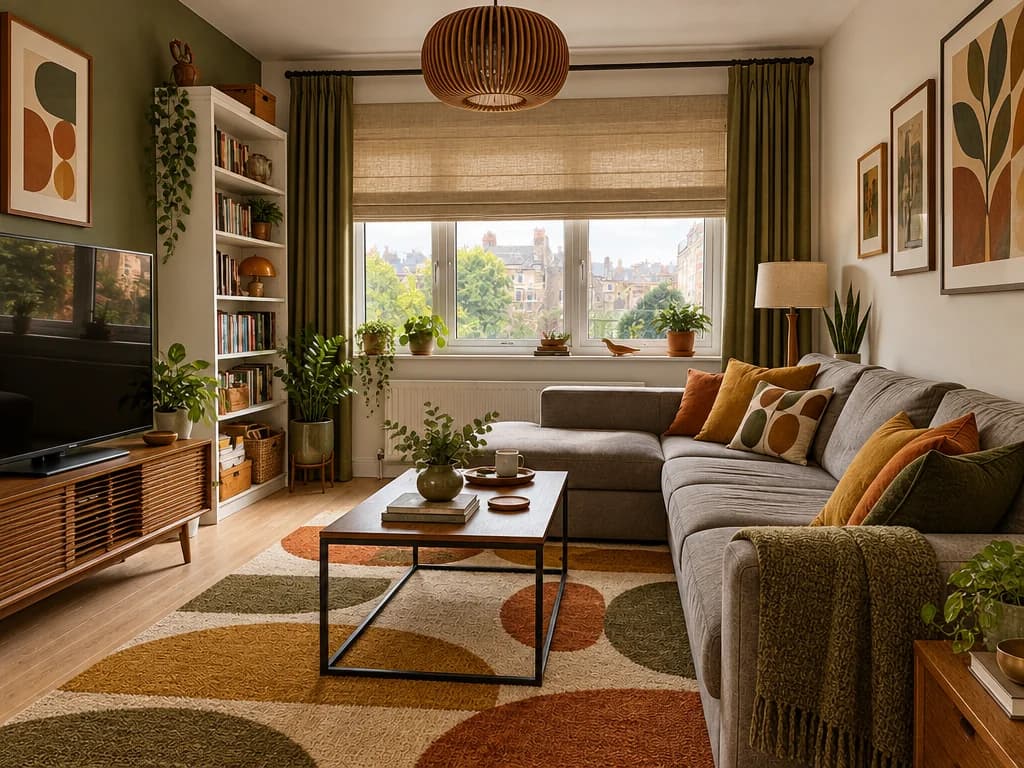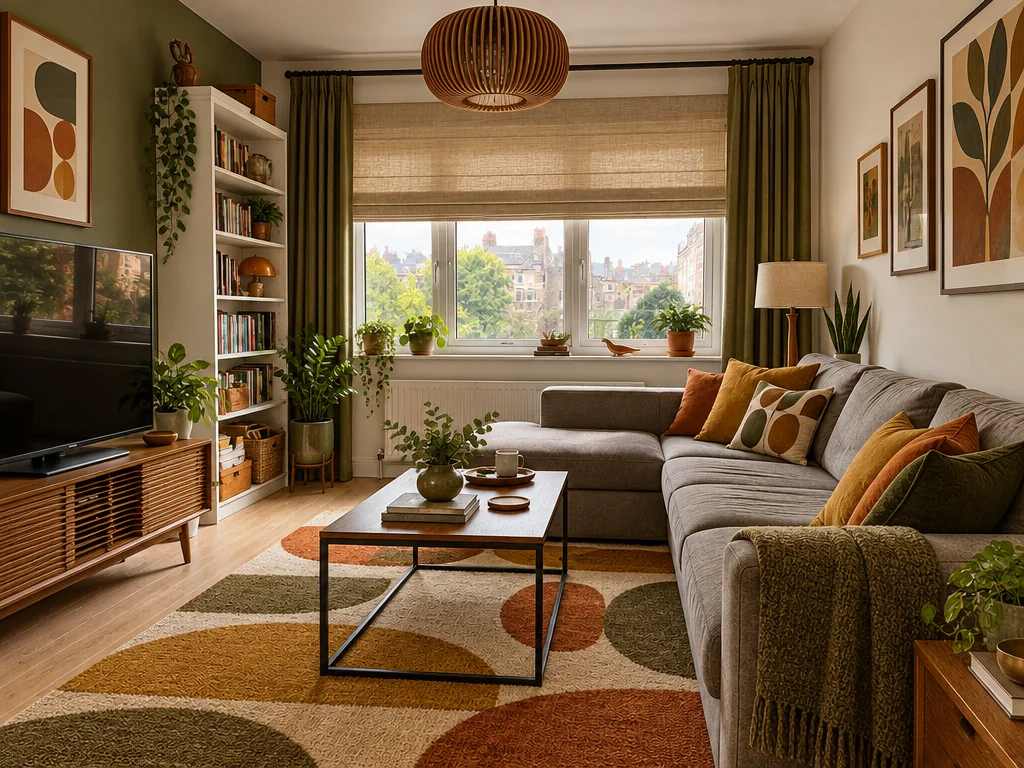
Walk your client through the design in 3D
Turn a finished design into a 3D scene and send a link. It opens on any phone or computer.
How it works
Open a finished design — a room, a facade or a yard.
Press “Create 3D scene” · 36 credits. About 5 minutes — you can close the window, it keeps building.
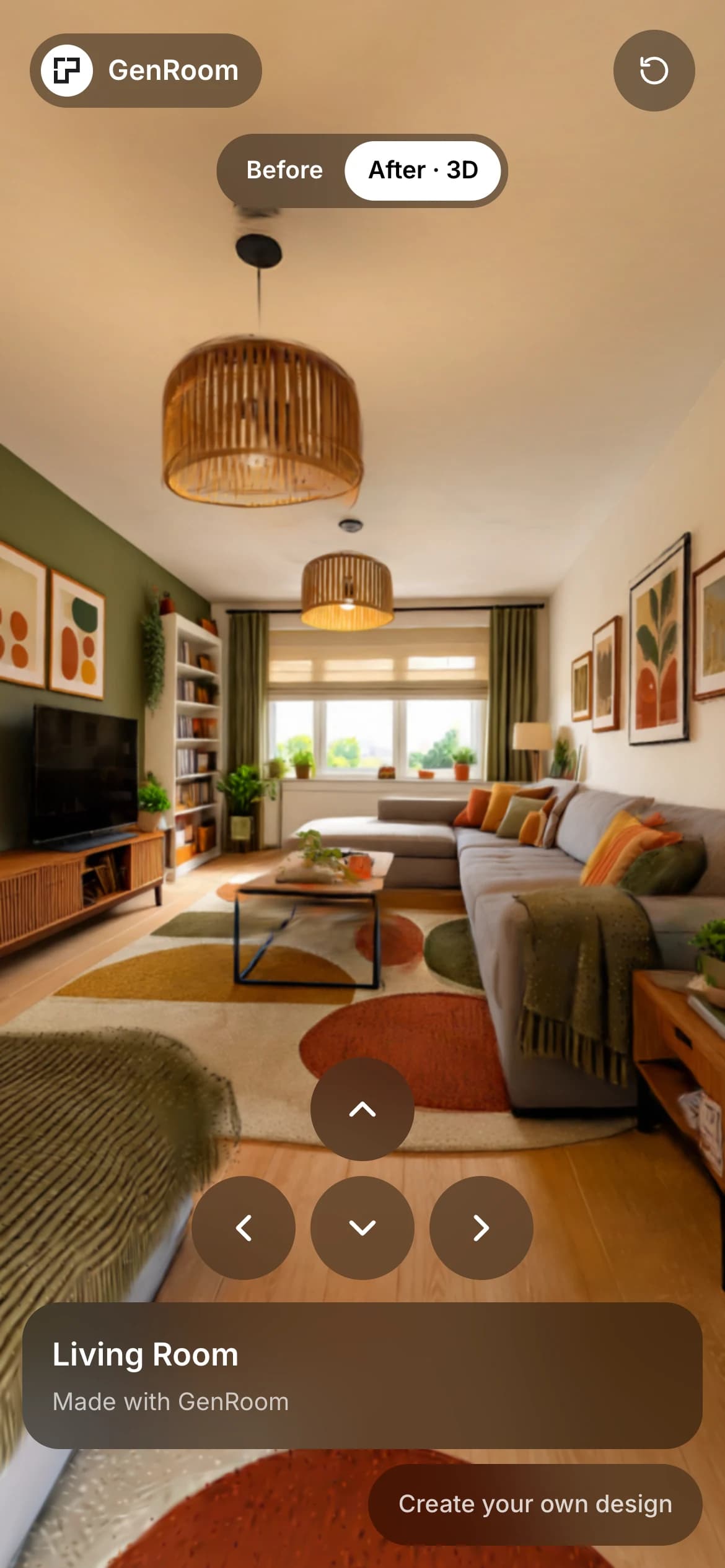
Look around and take a few steps: drag and scroll on a computer, a finger and the arrows on a phone.
Share a link. Your client opens it without signing in.
A link for your client
Send it in a chat or an email. It opens in the browser on any phone or computer.
- No sign-in, nothing to install
- “Before / After” to compare with the original photo
- Turn the link off whenever you want
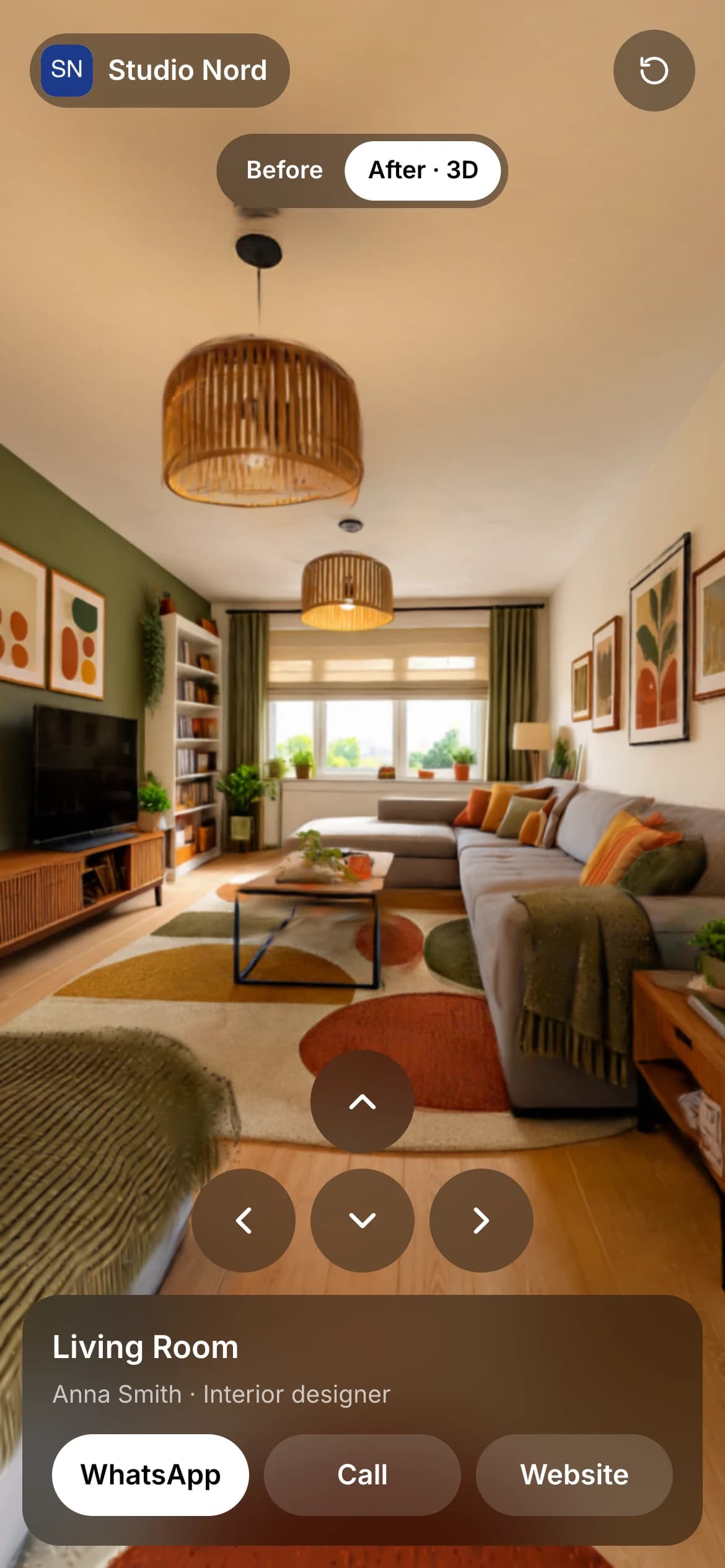
Your brand instead of ours
On Basic and Pro, the link shows your logo, name and contacts instead of GenRoom. Buy the plan once and it stays.
Facades and yards too
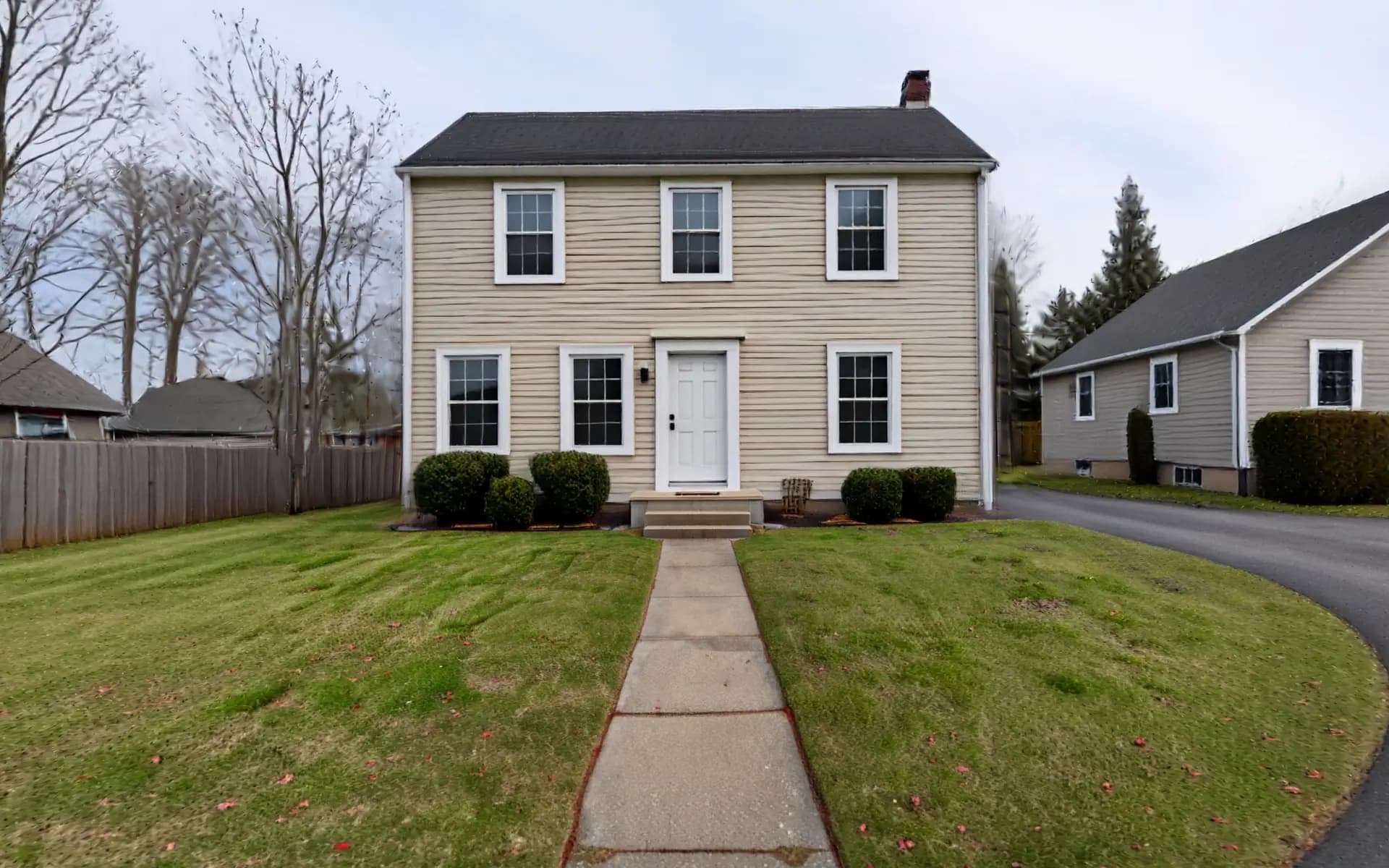
Make a scene from a facade or yard design and stand in front of the new house. Outdoors you can walk further than in a room.
Price and time
36 credits per 3D scene
Ready in about 5 minutes
Credits come back if it fails
On any paid plan: Start, Basic or Pro
3D walk: questions
- A few steps in any direction from where the photo was taken, a little further outdoors. The scene is made from one photo, so past that it fades into fog.
- No. The link opens in the browser on any phone or computer, with no sign-in and nothing to install.
- Yes, at any time, in the same Share window. After that the link no longer opens. You can turn it back on later.
- Yes, on Basic and Pro: your logo, company, name and contacts — WhatsApp, phone, website — replace GenRoom on the link. On Start, the link shows GenRoom.
- Yes. Any finished design works: a room, a facade or a yard. Outdoors you can walk further than in a room.
- AI builds a 3D scene from a single picture, and that takes a few minutes. You can close the window — it keeps building, and the scene waits for you in the same design.
- The credits go back to your balance on their own. You can try again from the same design.
Explore More AI Design Tools
Floor Plan to 3D
Turn a floor plan into a furnished top view and room renders.
Furnish an Empty Room
See an empty room furnished for living, in the style you like.
Design From a Photo You Love
Make your room look like a picture you saved on Pinterest.
Exterior Paint Visualizer
Repaint the walls, trim or front door on a photo of your house.