
Try kitchen layouts in your own room
Upload a photo of an empty room or the kitchen you have now and see it planned as an L-shape, a U-shape, a galley or with an island — drawn around your real window, door and walls. Compare layouts on the same photo before you talk to a kitchen studio.
- 2 credits
- per design
- 6 free credits
- after sign-in, no card
- Under a minute
- per result
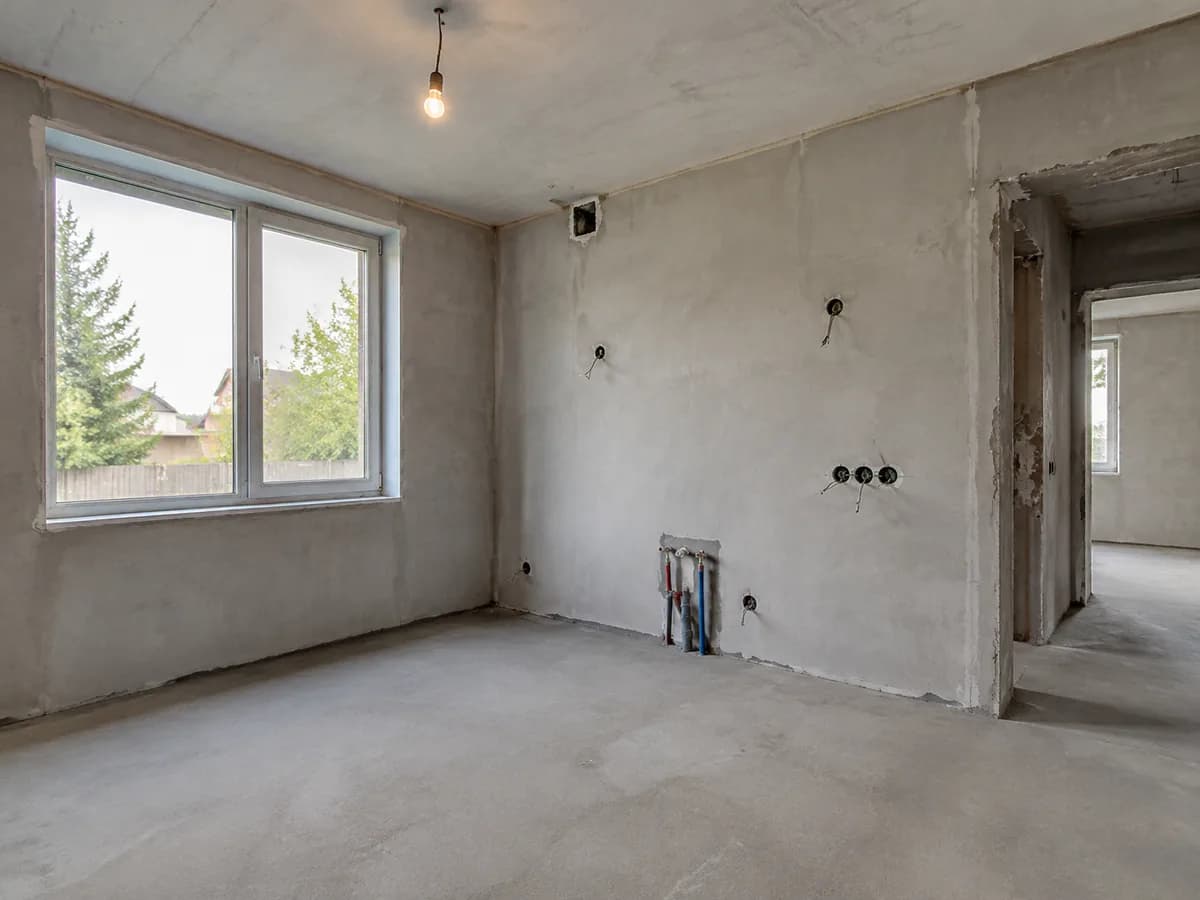
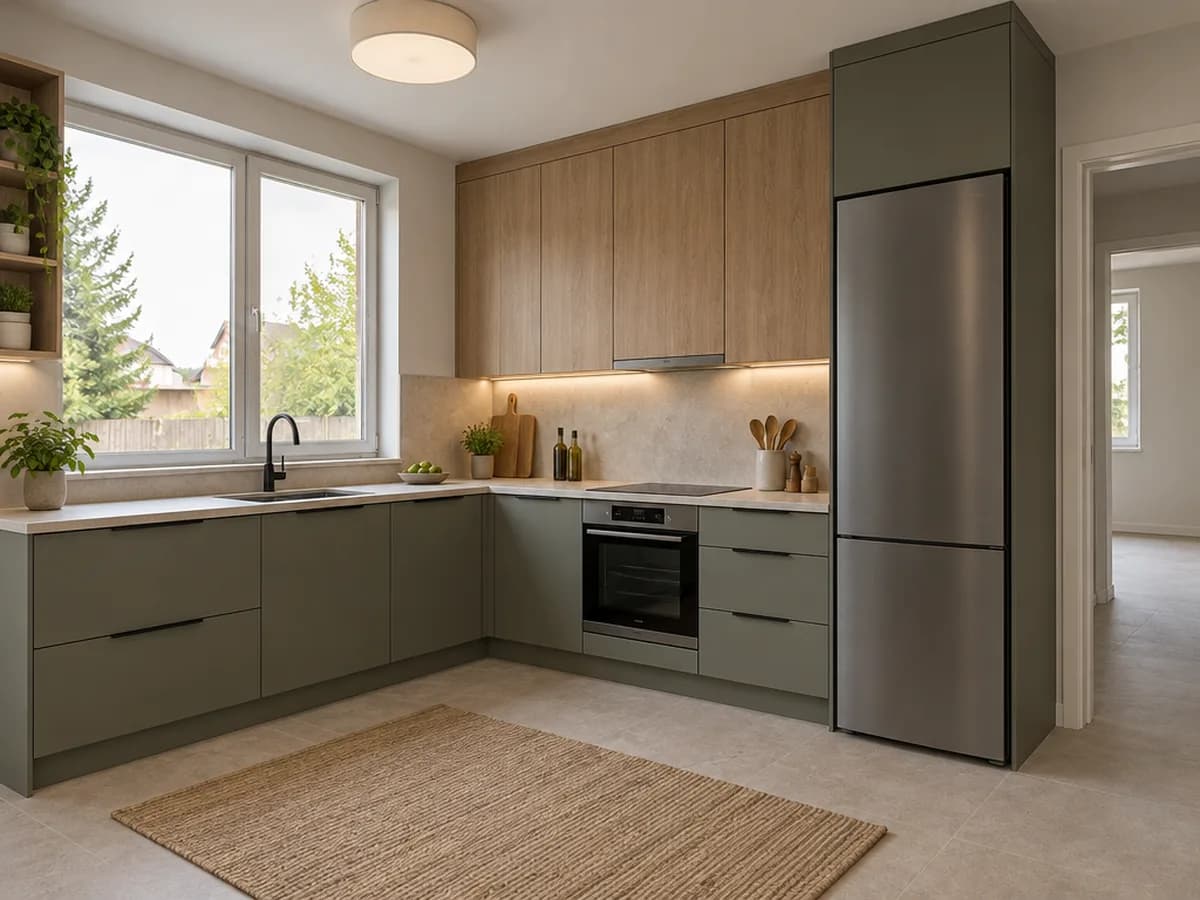
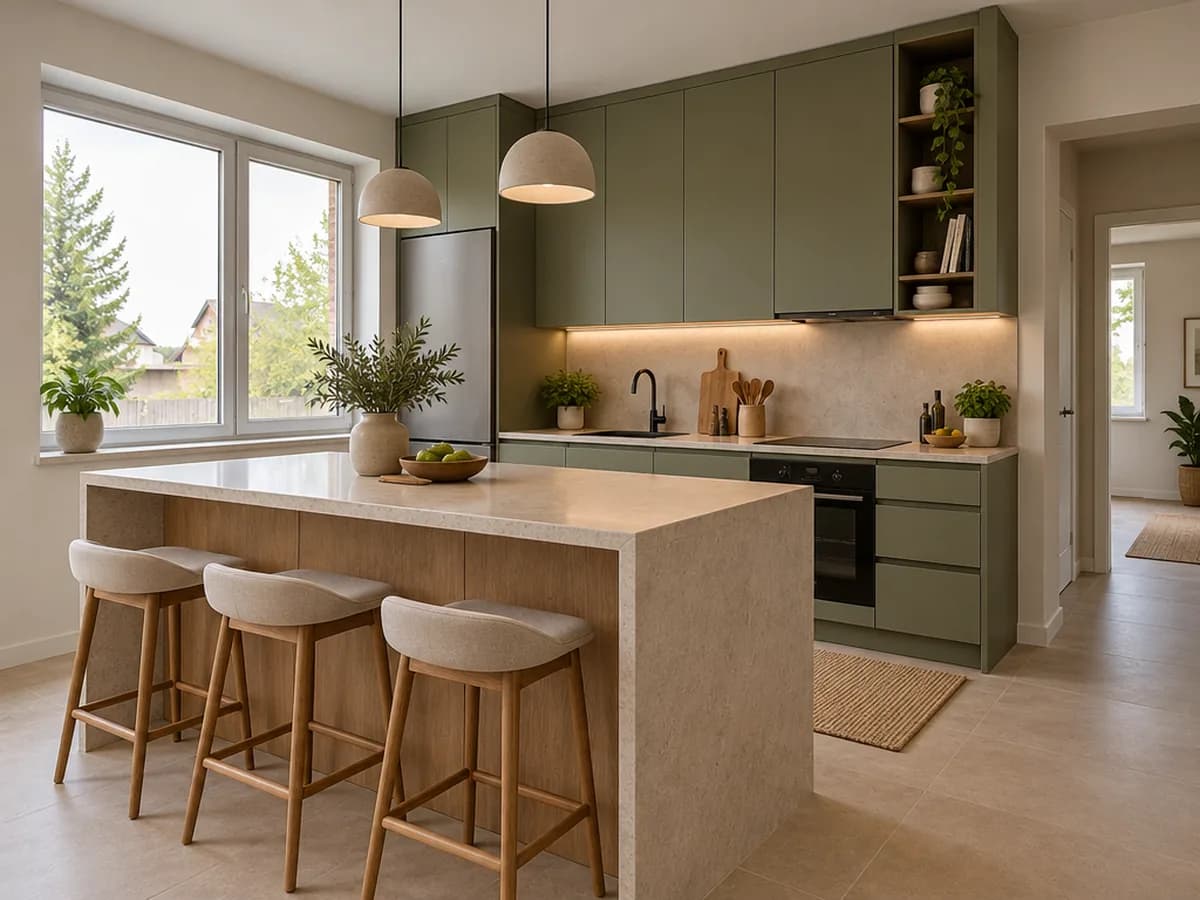
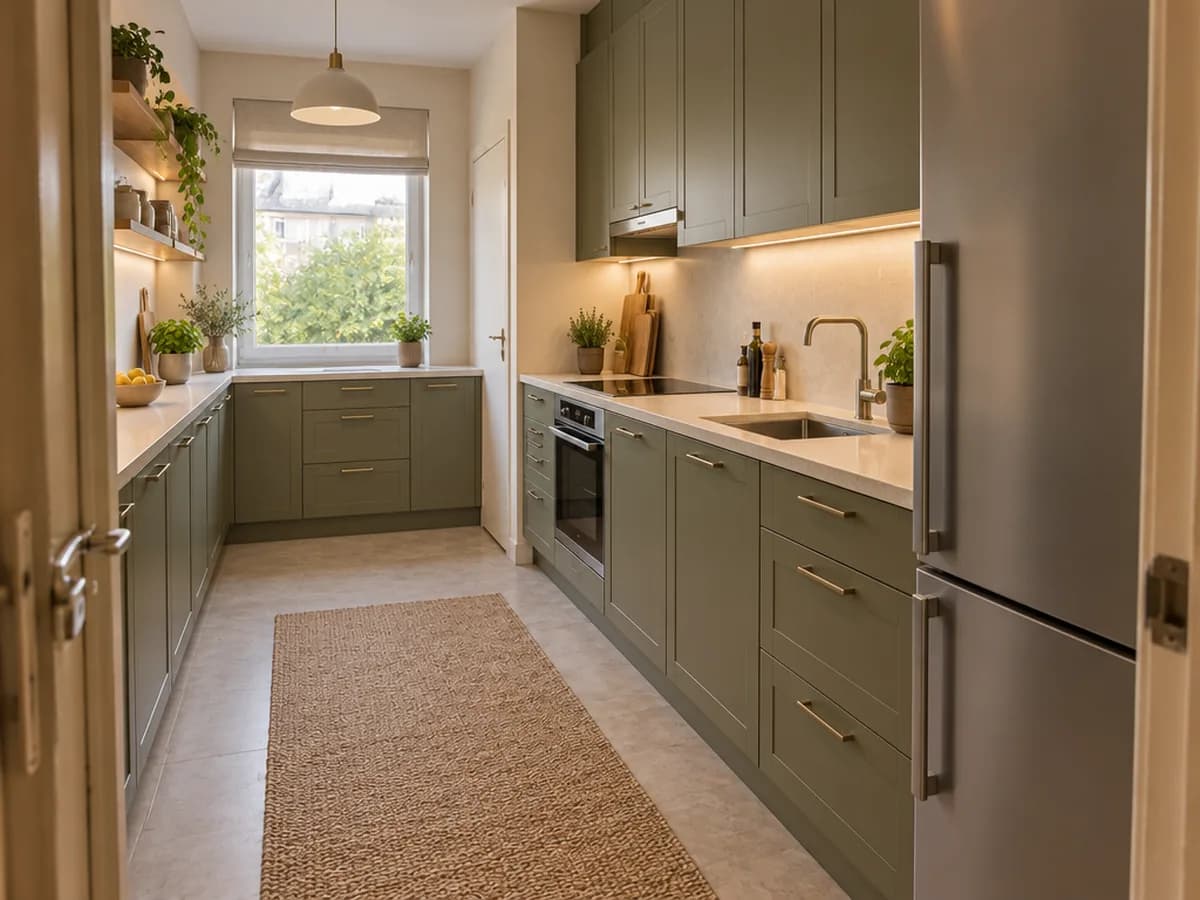
Your room · several layouts to compare
What you get
- Layout ideas drawn into a photo of your own room
- Cabinets at believable sizes around your window, door and walls
- Several layouts compared on the same photo
- Your room size as a guide for the proportions
What it is not
- Not a measured plan with exact dimensions
- Not a cabinet list or a price estimate
- Not a drawing to order cabinets from — a kitchen studio or a CAD planner does that
Have a floor plan instead of a photo? Turn it into a top view and room renders
One photo, three steps
- 1
Photograph the room
An empty room, a room under renovation or your current kitchen, taken from the doorway or a corner so two walls are in view. A phone photo is enough.
- Kitchen remodel · Kitchen from scratchDesign brief
L-shaped kitchen with an island
Kitchen size (optional)3.6 × 4.2 m
2“Kitchen from scratch” and your layout
The Studio opens with “Kitchen remodel” and its “Kitchen from scratch” option. Write the layout in the “Design brief” — or start from a layout on this page, it fills it in — and add the room size in “Kitchen size (optional)” if you know it.
 AfterBefore3
Compare layouts
Drag the before/after slider, then try another layout on the same photo. Each design costs 2 credits.
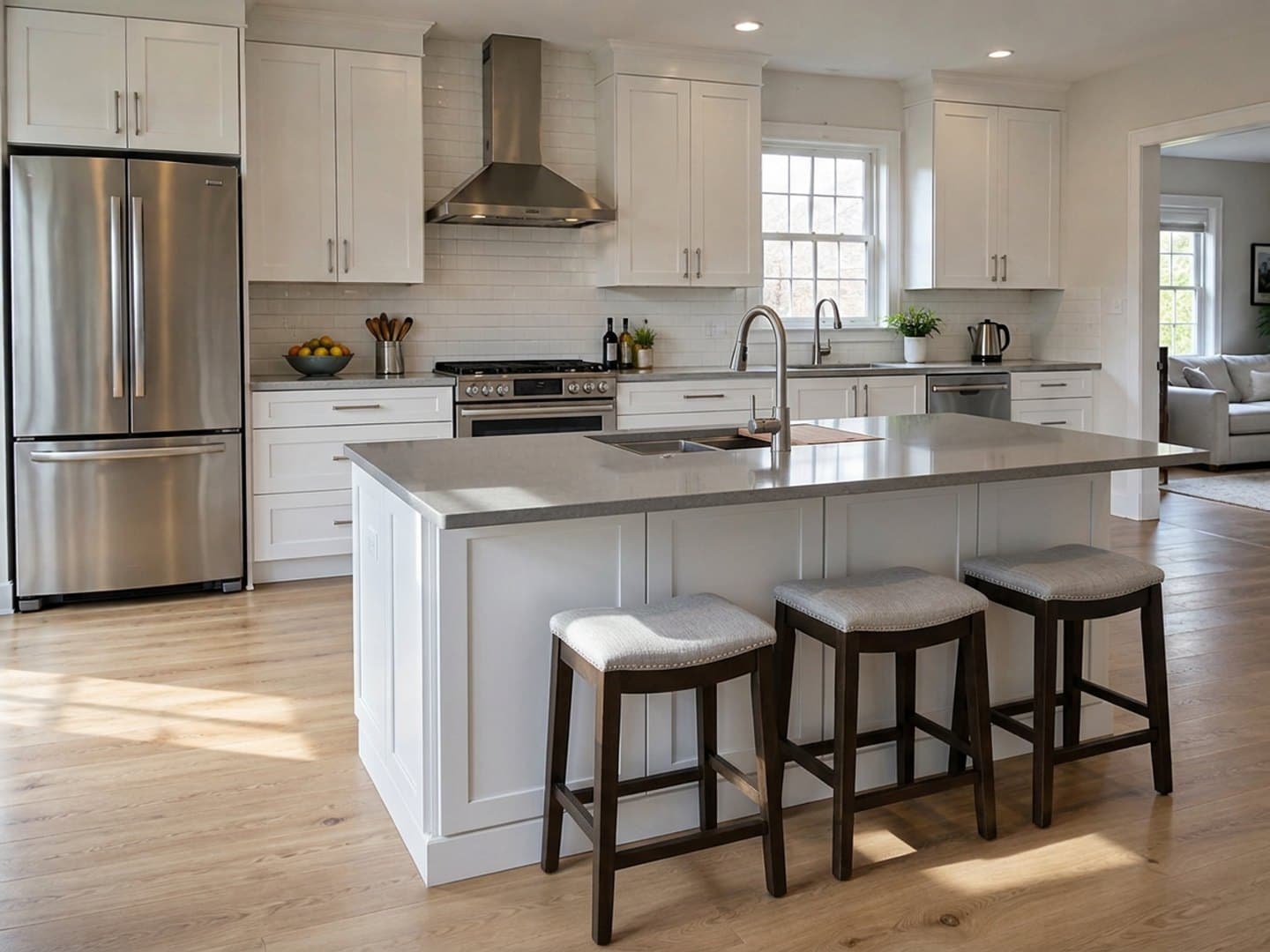
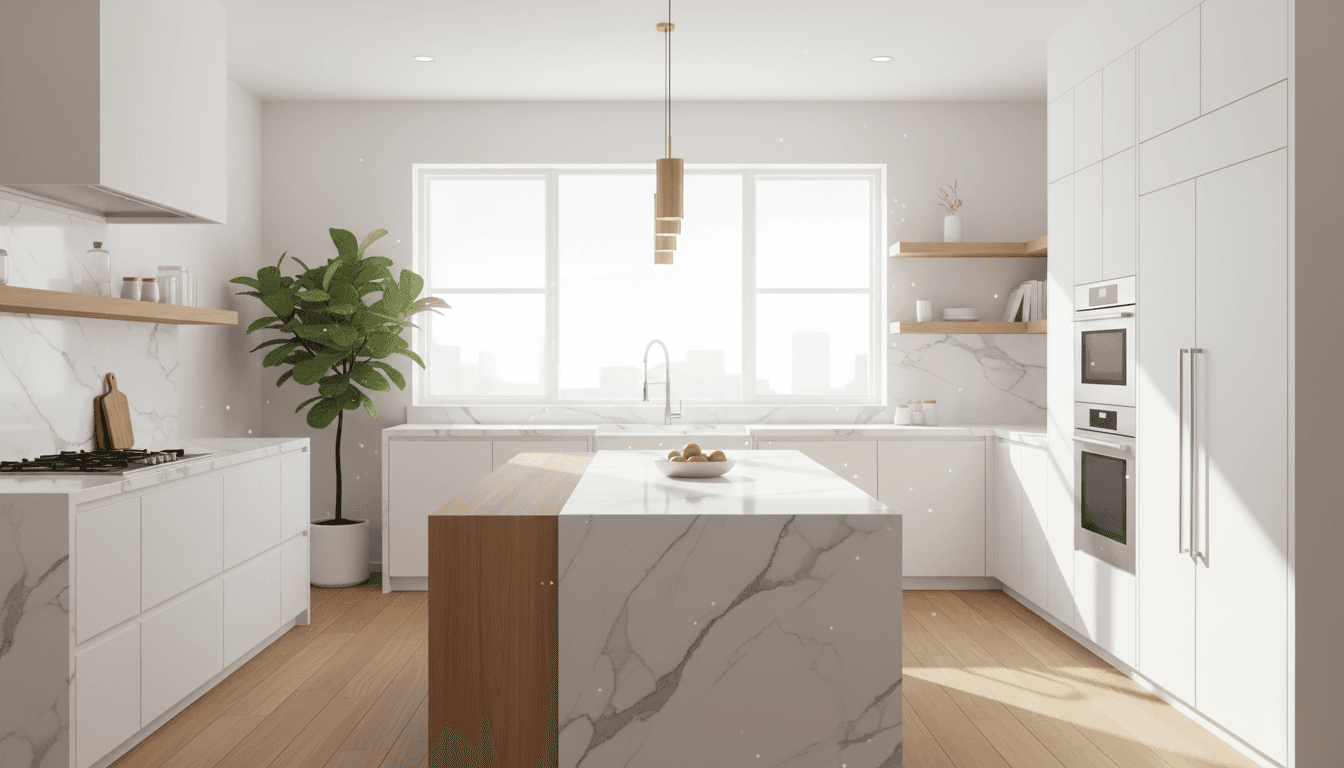
L, U, galley or an island
Each result below is “Kitchen remodel” · “Kitchen from scratch” with the layout written in the brief. A card opens the Studio with the same words.


Know the size? Type it in
“Kitchen from scratch” takes the room size from its “Kitchen size (optional)” field and plans the cabinets at realistic sizes for it. It guides the proportions; the picture is still not a measured drawing.
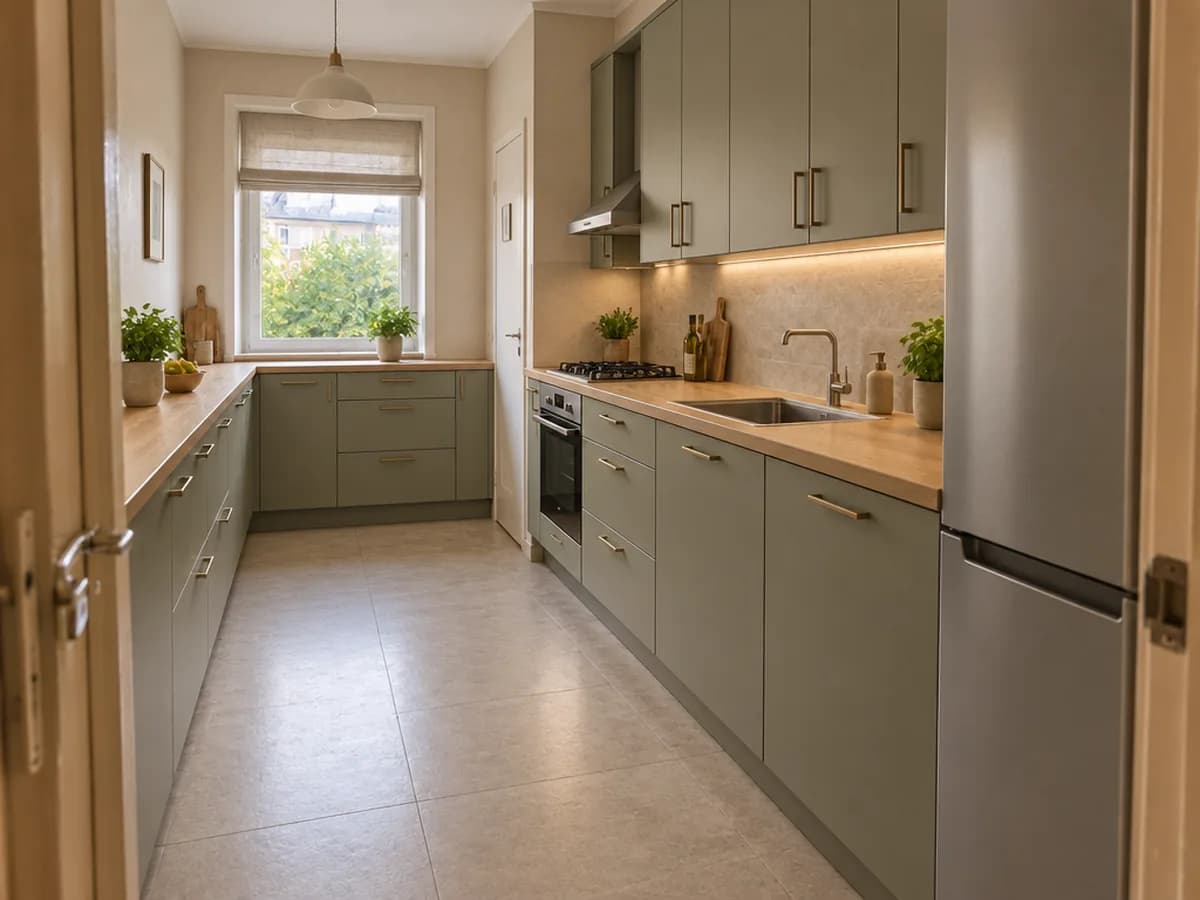
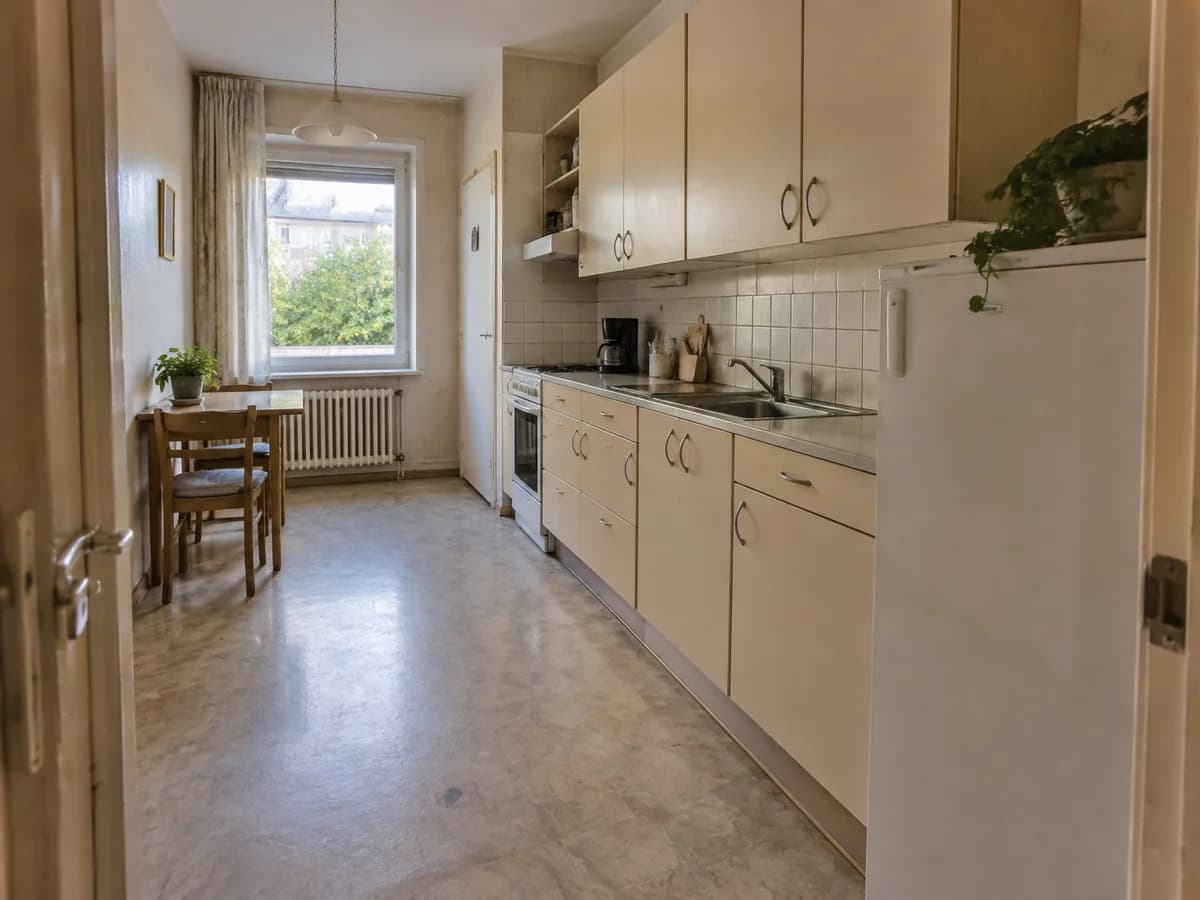
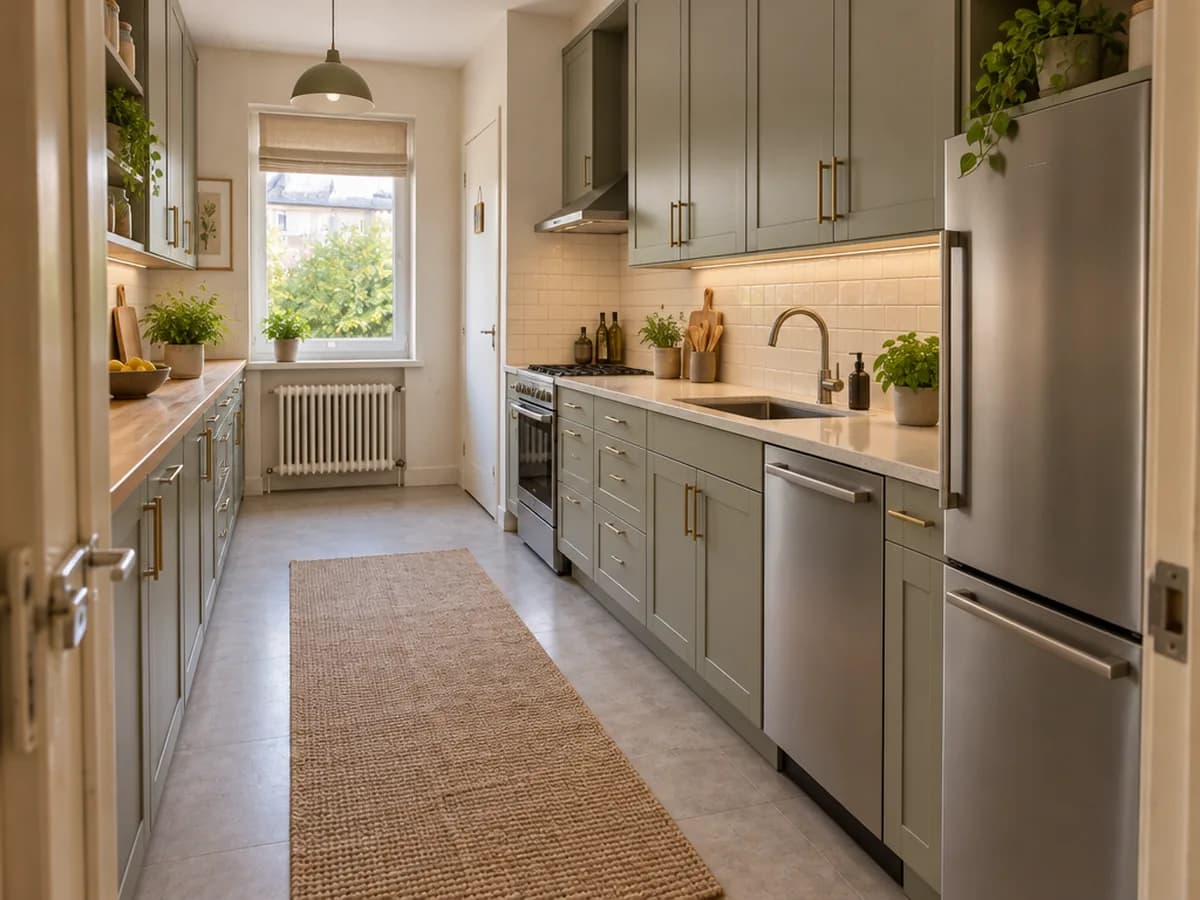
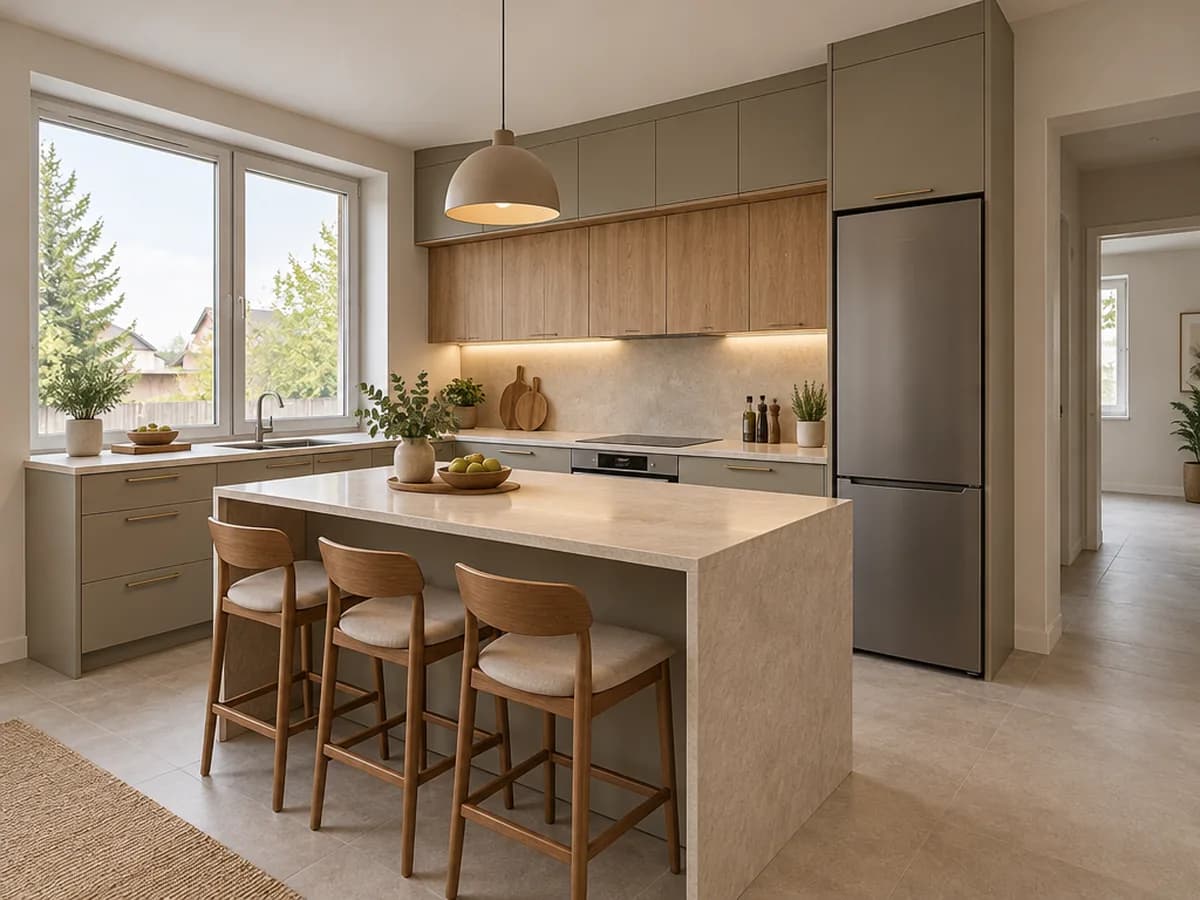
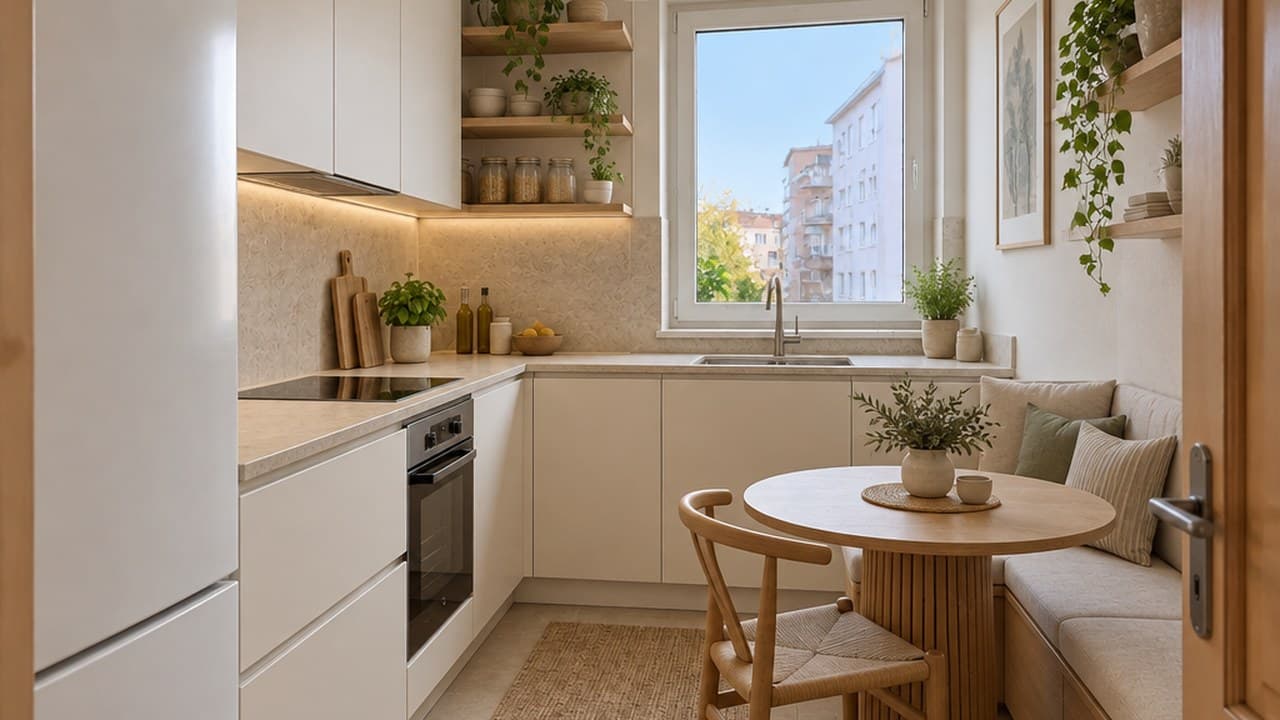
Here: “U-shaped kitchen” with “3.2 × 4.5 m” as the size — the dated one-wall kitchen became a U with a walkway in the middle.
From one wall to an island
The same narrow kitchen, planned as an L with an island: the window, the door and the camera angle stay.
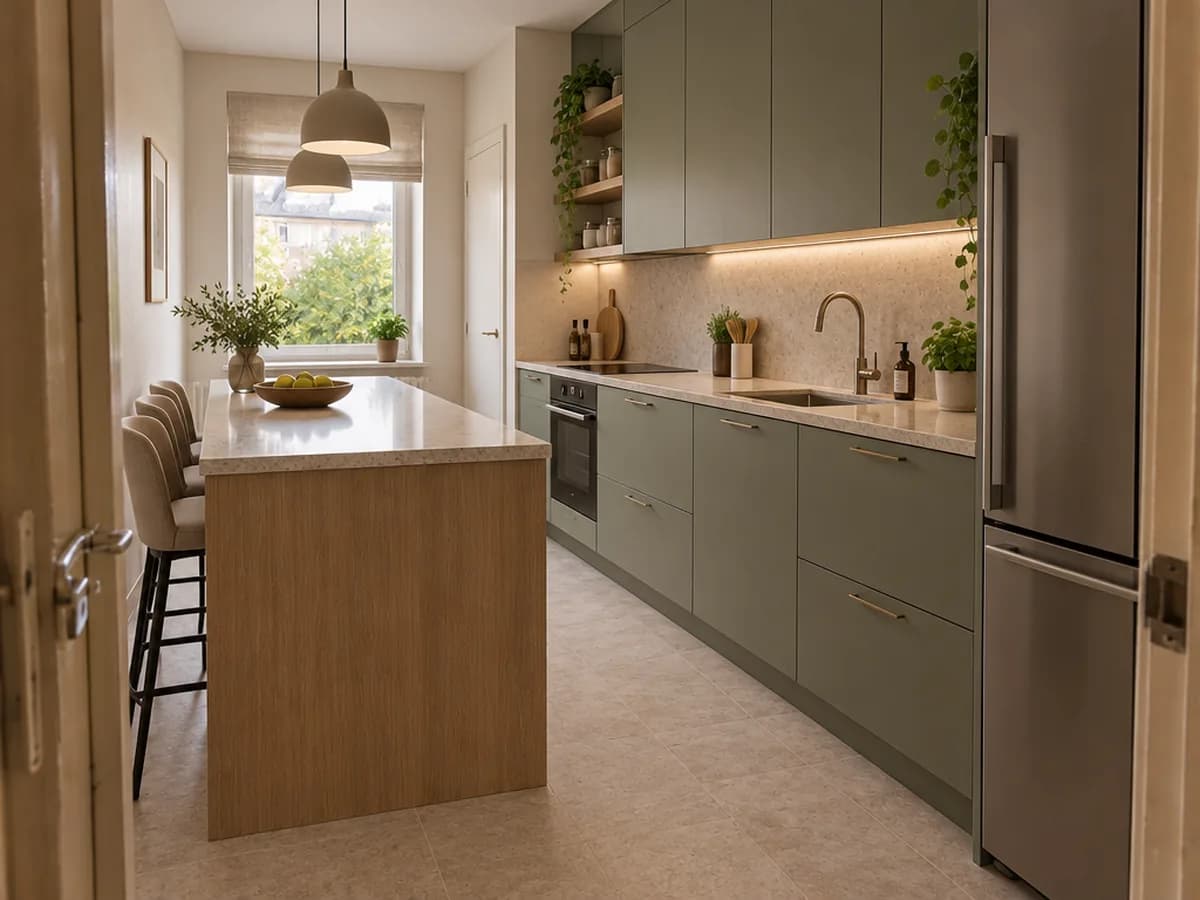
The dining table by the window is gone: a plan from scratch rebuilds the whole kitchen zone.
AI kitchen planner FAQ
What the planner does, what it does not do, and what it costs.
- You sign in with Google or e-mail — no card — and get 6 free credits, enough for 3 designs. Each design costs 2 credits. Free results carry a small genroom.io watermark. One-time packs remove it: Start $9.99, Basic $19.99, Pro $39.99. There is no subscription.
- No. It draws a layout into your photo so you can see how an L, a U, a galley or an island would look and feel in the room. A size in “Kitchen size (optional)” guides the proportions, but nothing is measured — before ordering, have the room measured and the plan drawn by a kitchen studio or in a CAD planner.
- Yes — that is what the first room above is: bare walls, a concrete floor and pipes. The page opens the Studio with the room type set to kitchen, so “Kitchen remodel” stays available even though the photo shows an empty room.
- AI kitchen remodel keeps your layout by default and renews the fronts, counters and backsplash. “Kitchen from scratch” plans the kitchen anew for the room — the layout can change completely, as the one-wall kitchen above became a U.
- Yes. Write it in the “Design brief” in your own words — for example “U-shaped kitchen with the sink under the window and a tall pantry by the door”. Simple, clear instructions work best; very specific positions are not always followed, so try more than one design.
- Yes, the walls, windows, doors and the camera angle stay. The floor, wall finish and lighting are designed along with the kitchen, and furniture that stood in the kitchen zone, such as a table, may be replaced.
- Daylight, taken from the doorway or a corner so that two walls are visible, with the window and the door in the frame. A phone photo is fine.
- Use the floor plan to 3D tool: upload the plan and get a furnished top view of the whole apartment and renders of each room, the kitchen included.
More tools for your kitchen
Keep the layout and change the finishes, or start from a floor plan.
AI kitchen remodel
Keep the layout, renew fronts, counters, backsplash and lighting.
Floor plan to 3D
A furnished top view and room renders from a floor plan.
Kitchen cabinet color visualizer
Repaint the cabinet fronts and keep everything else.
Backsplash & countertop visualizer
Try tile and stone behind and on top of your cabinets.
AI kitchen design
A whole kitchen in one of 25+ interior styles.
Virtual staging
Furnish an empty room for a listing.
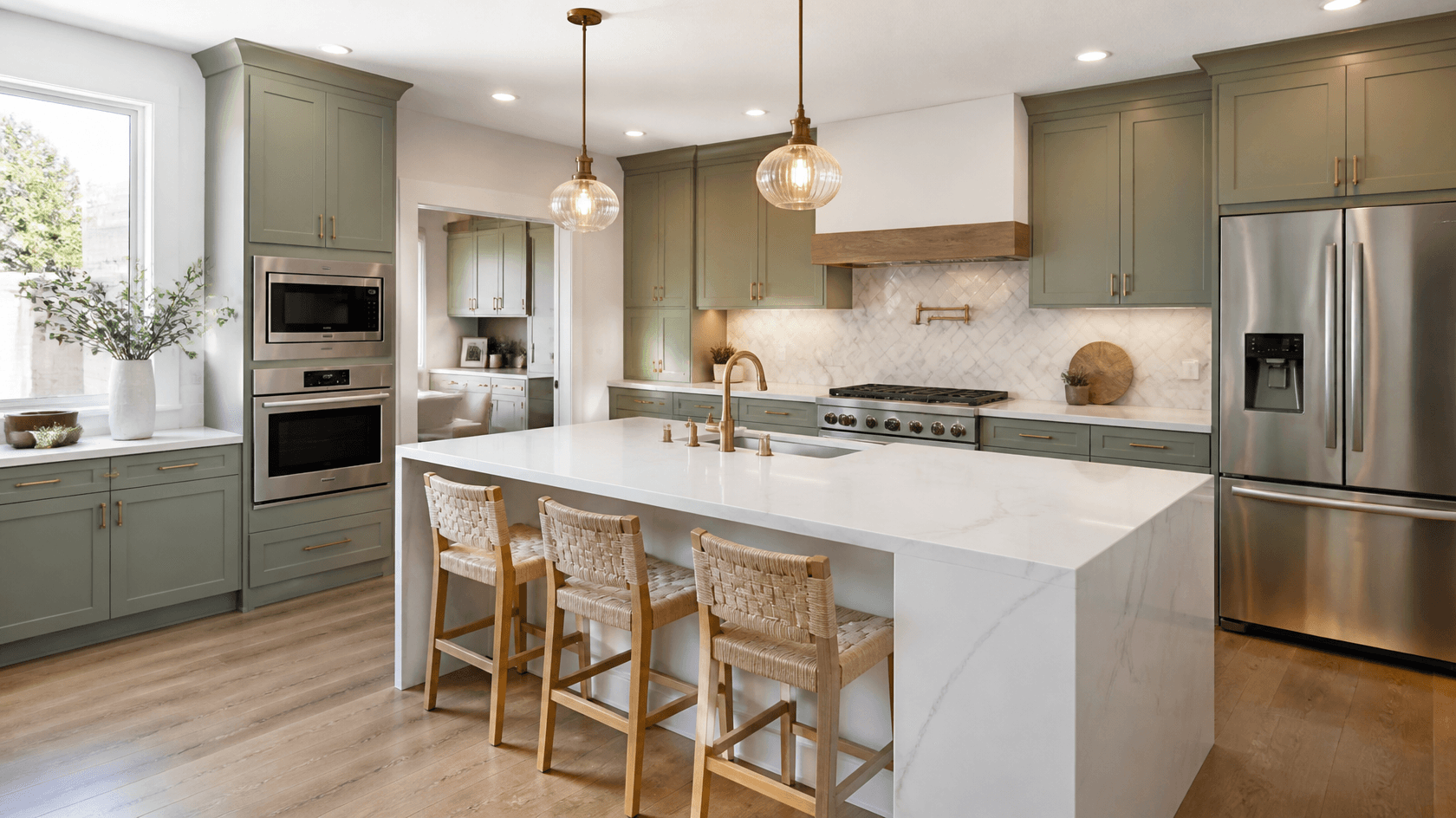
See your kitchen layout before you build it
Upload a photo of the room and try the first layout. 6 free credits after sign-in — that is 3 designs.
Plan my kitchen