


Make your room look like the picture you saved
Upload a photo of your room and one inspiration picture — from Pinterest, Instagram or a magazine. The Studio takes its style, colours, materials and kind of furniture, and keeps your walls, windows and doors.
- 2 credits
- per design
- 1 picture
- on every plan, free included
- Under a minute
- per result
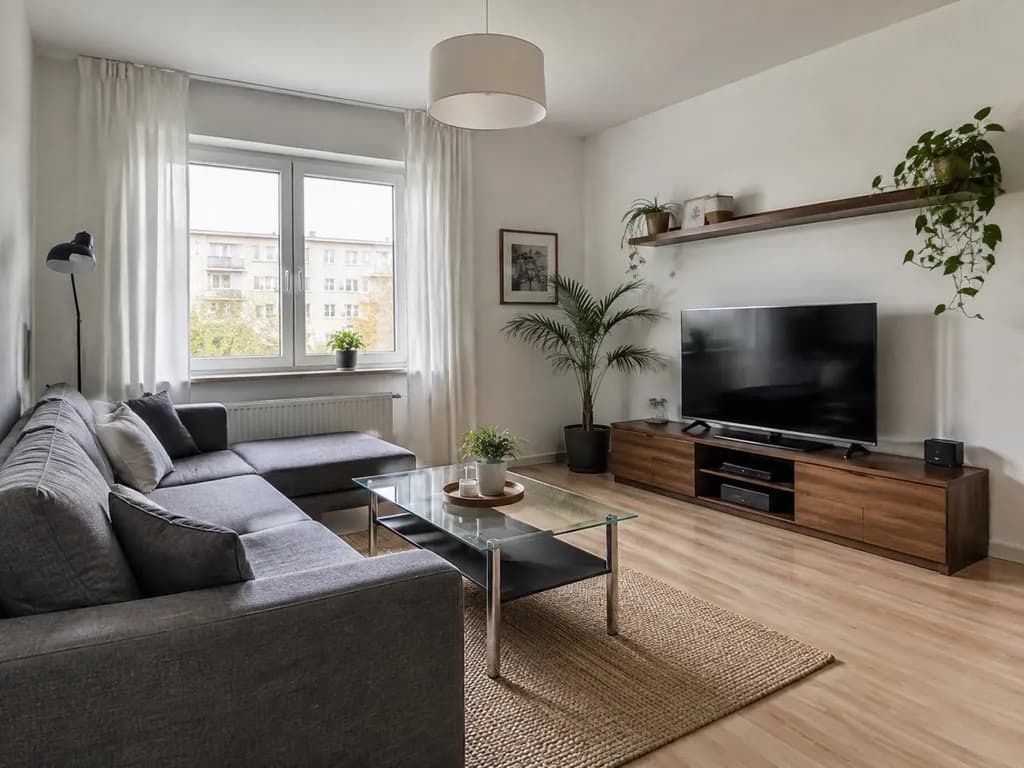
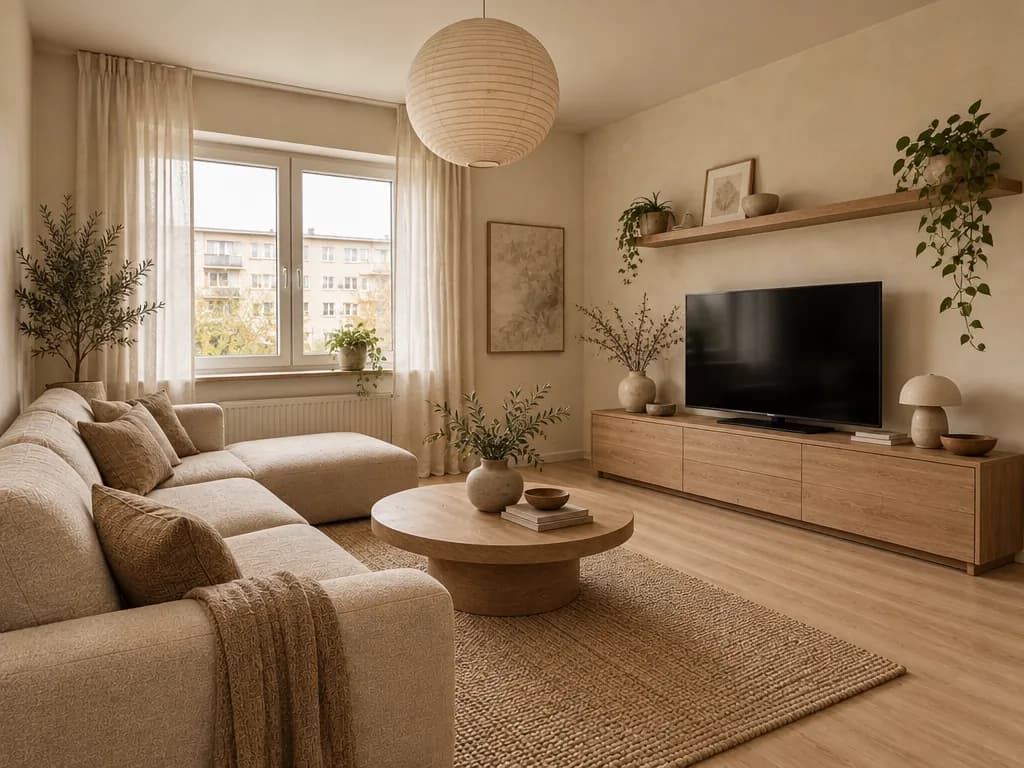
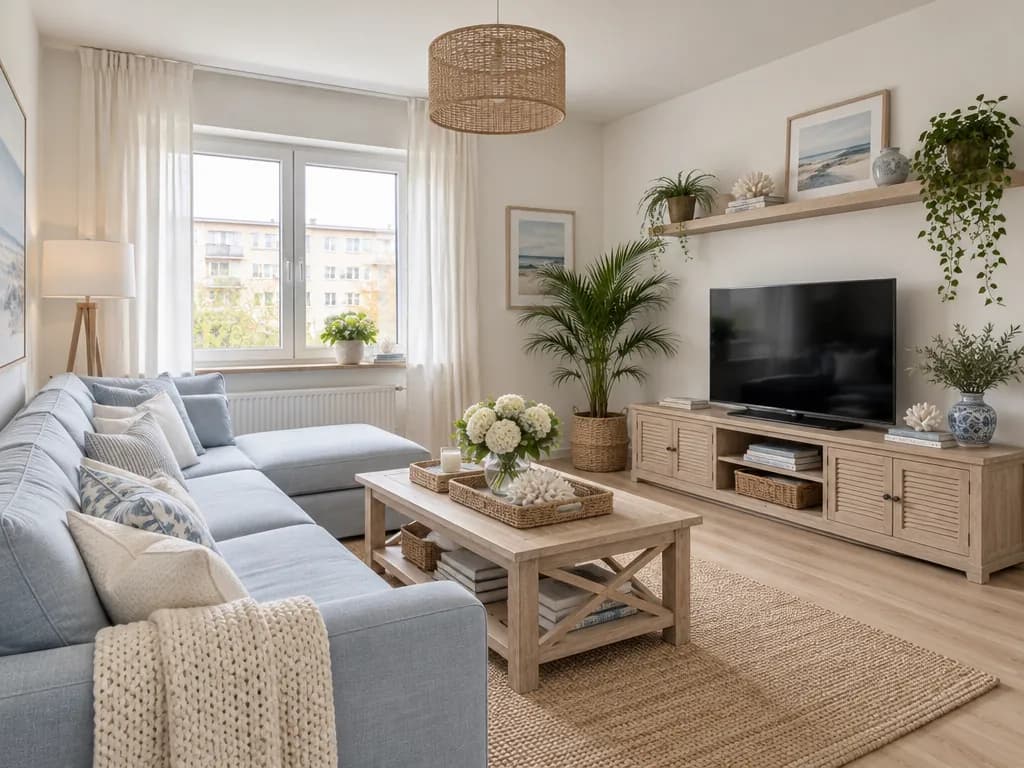
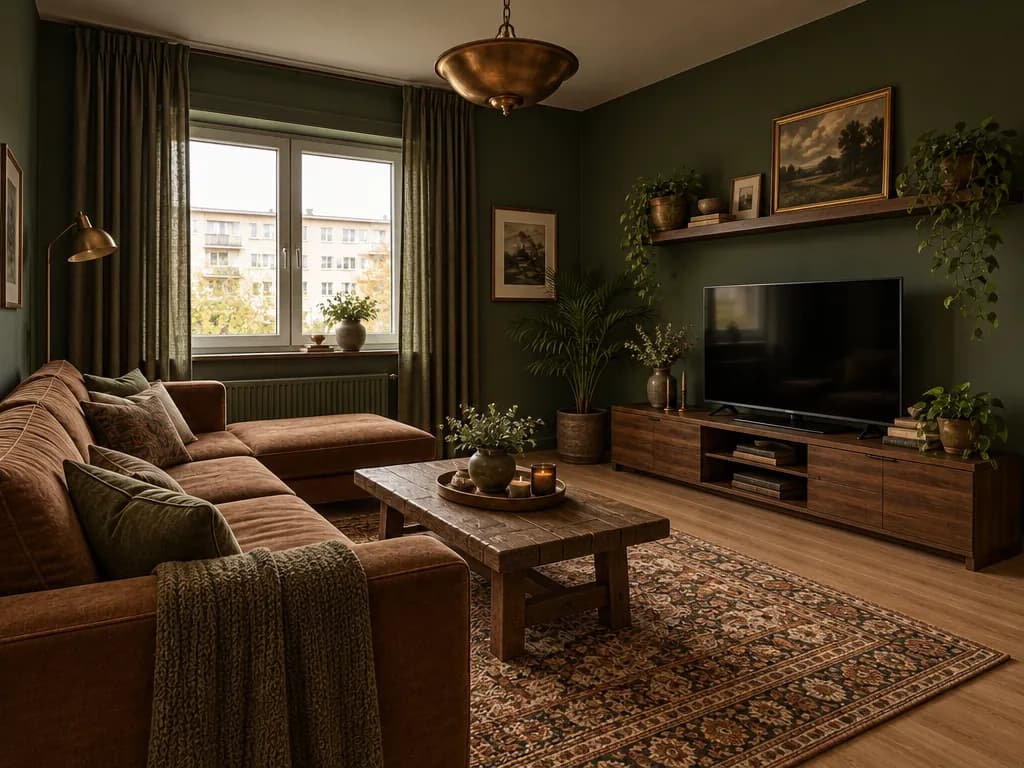
One room · four inspiration pictures · real Studio results
Taken from the picture
- Style
- Colours
- Materials
- Kind of furniture
Kept from your room
- Walls and layout
- Windows and doors
- Size of the room
- Camera angle
Your room, the picture, one click
 1
1Upload a photo of your room
A daylight photo from the doorway or a corner. Furnished or empty, old or new — the Studio redesigns it from this photo.
- Full makeover
Make my room look like the reference photo: the same style, colors, materials and kind of furniture.
+ 2My own style2
Add the picture you love
The brief is already written and “Full makeover” with “My own style” is chosen. Press “Add a photo” → “Add as a reference” and pick the saved picture.
 3
3Create and compare
Press “Create design” and drag the slider. Want only the colours or one piece from the picture? Change the brief in your own words and create again.
The picture is a reference, not a copy
The Studio reads the picture for its look and builds it inside your room — your window, your walls, your angle.
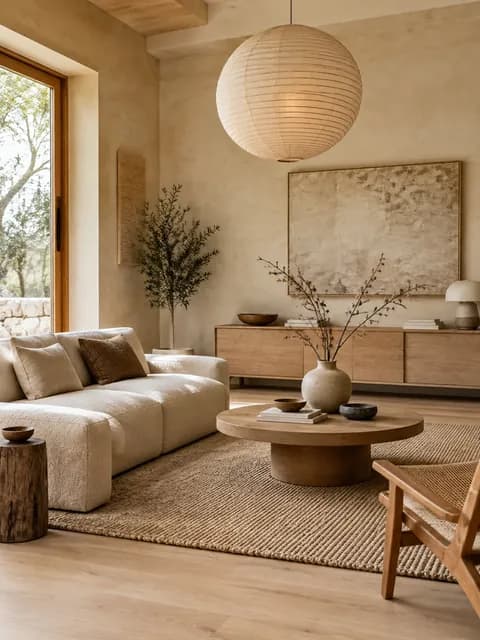
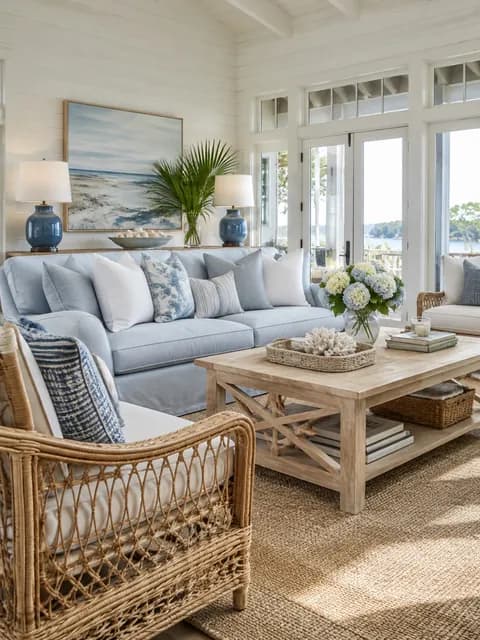
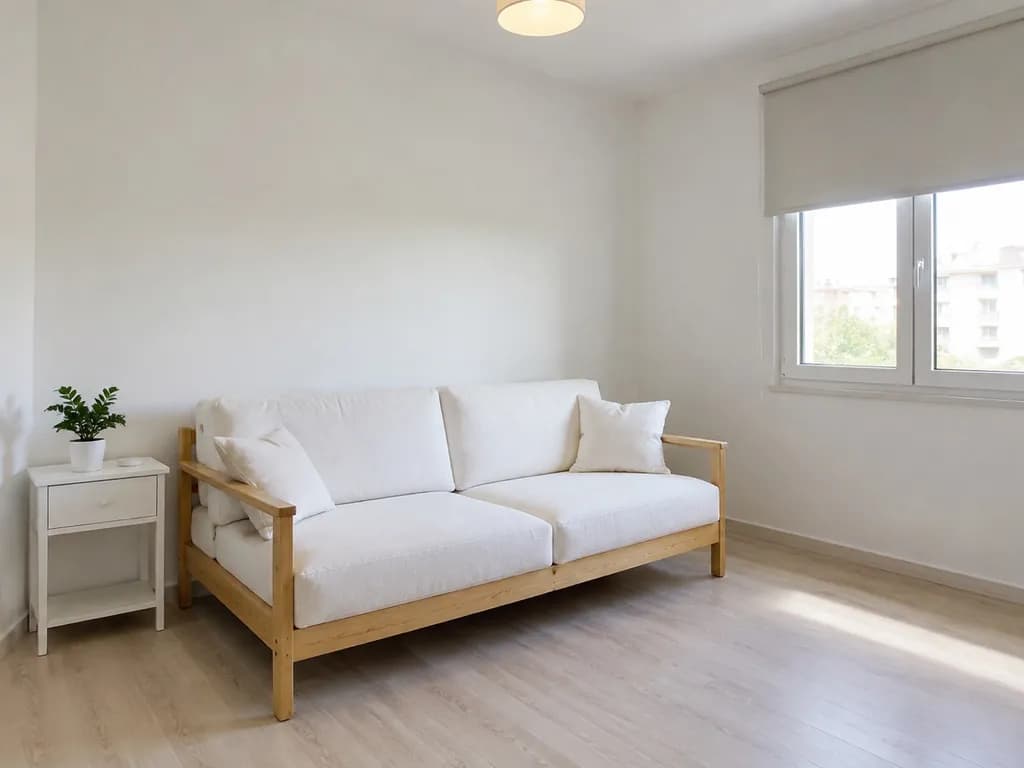
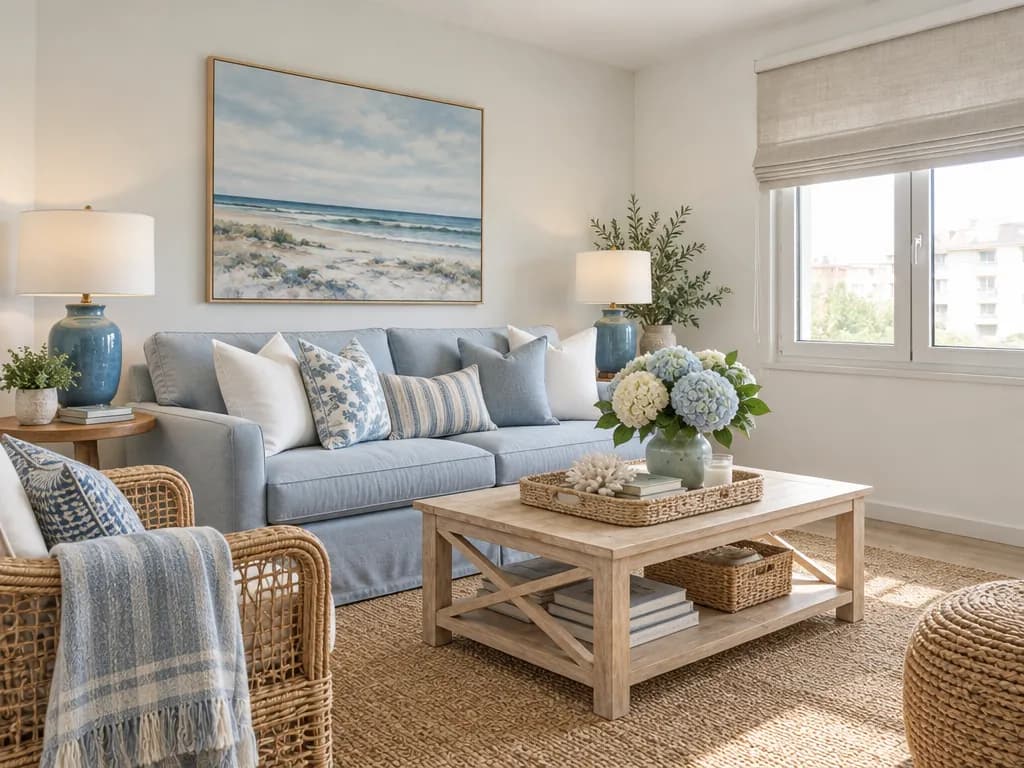
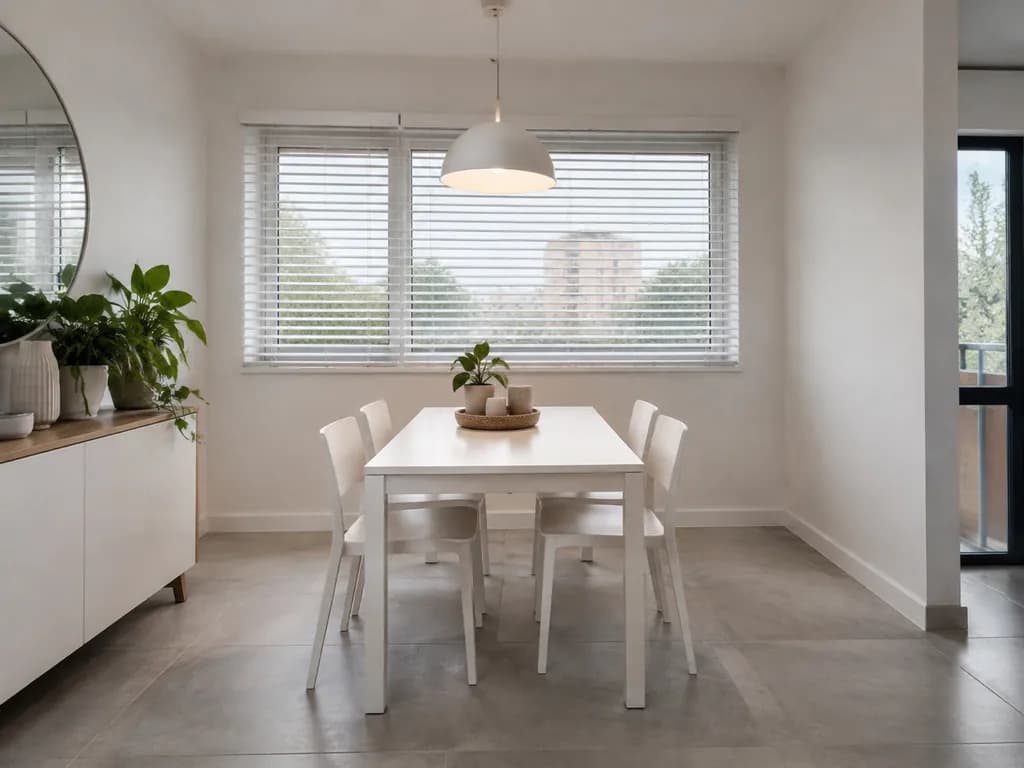
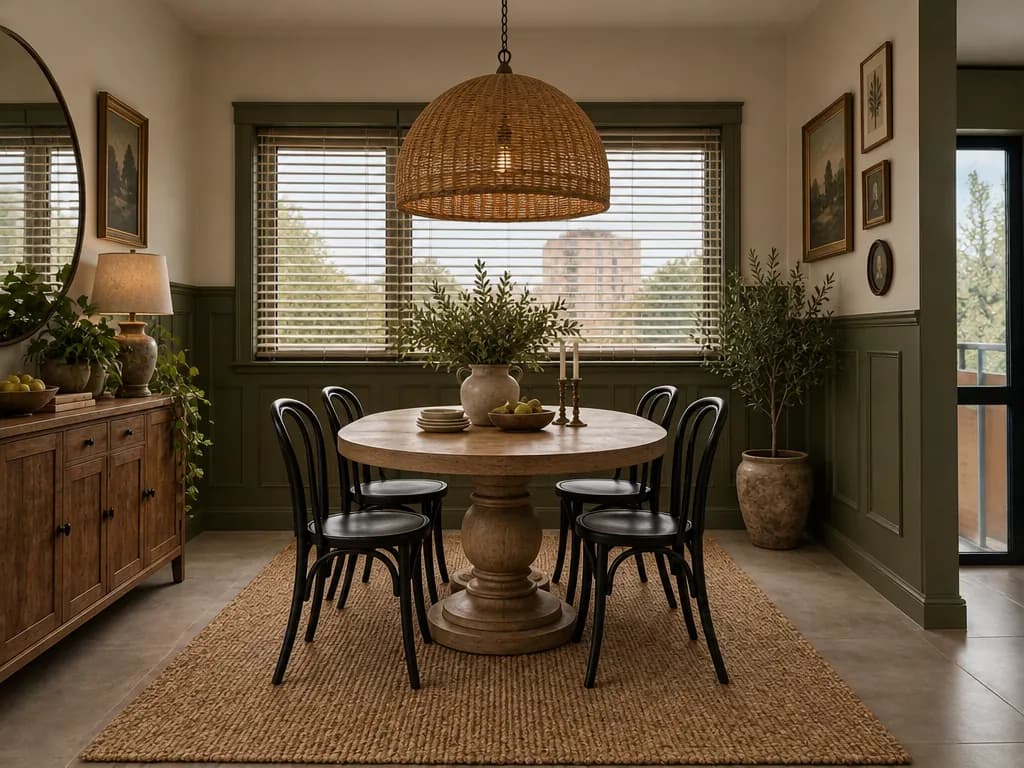
Three rooms, three saved pictures
Each design was made in the GenRoom Studio from the two photos on its left, with “Full makeover”, “My own style” and the brief this page opens. Nothing was edited.
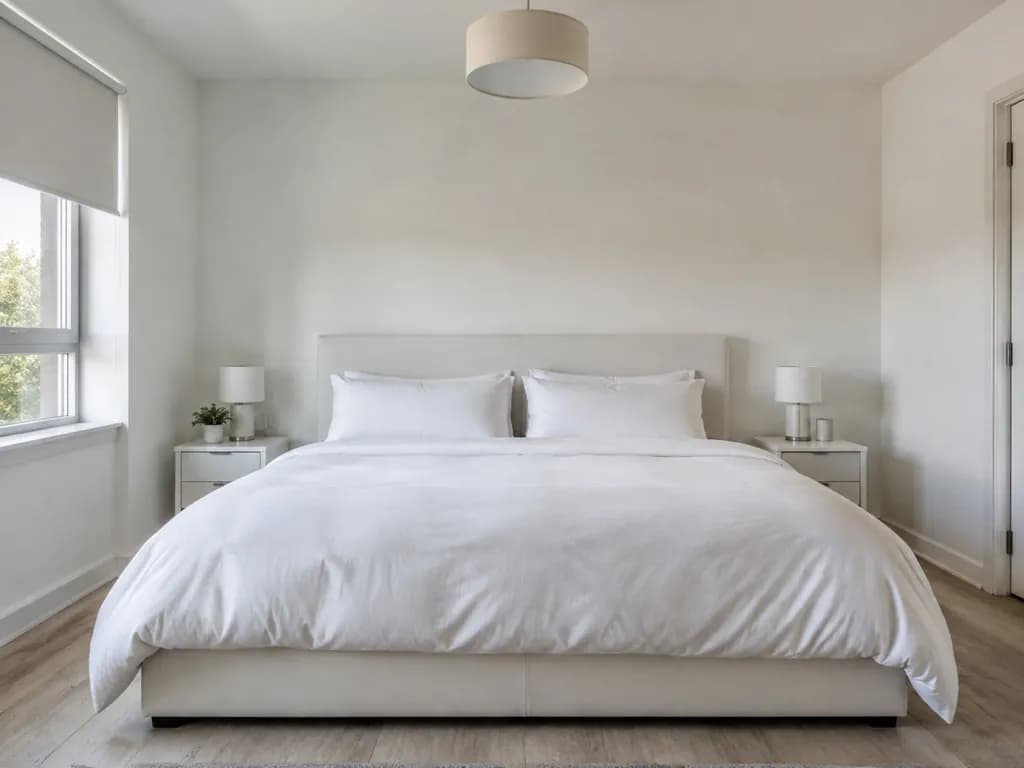
Your room
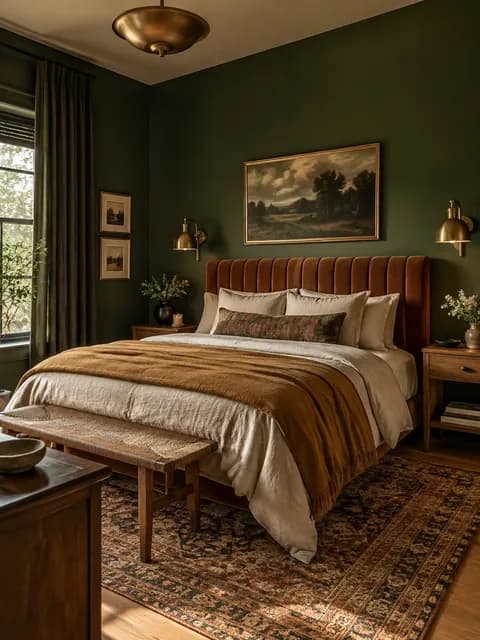
The picture
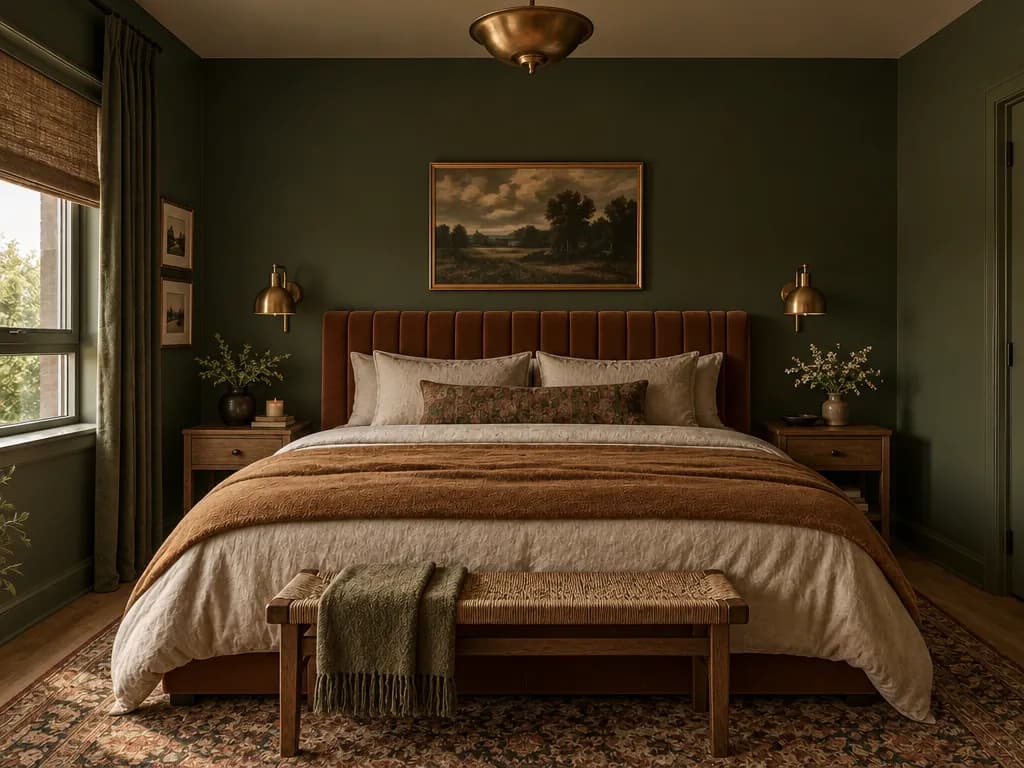
Your design
Your room
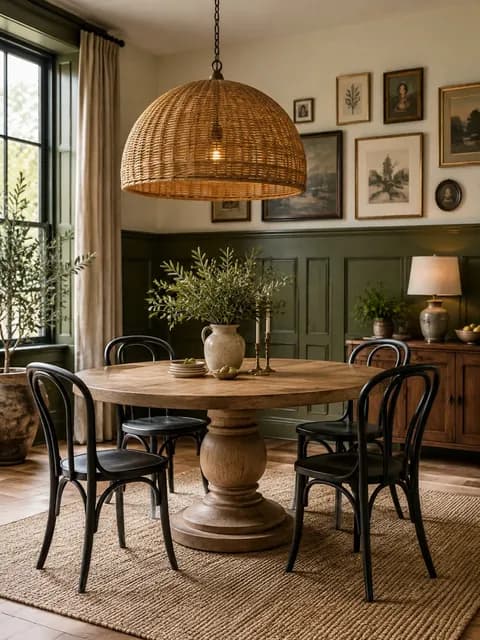
The picture
Your design
Your room
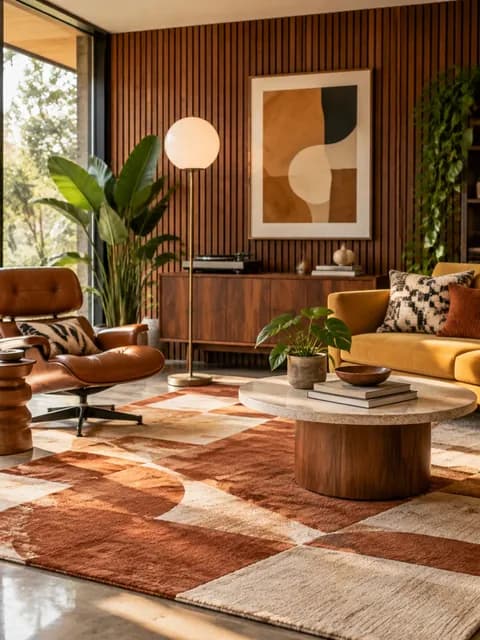
The picture
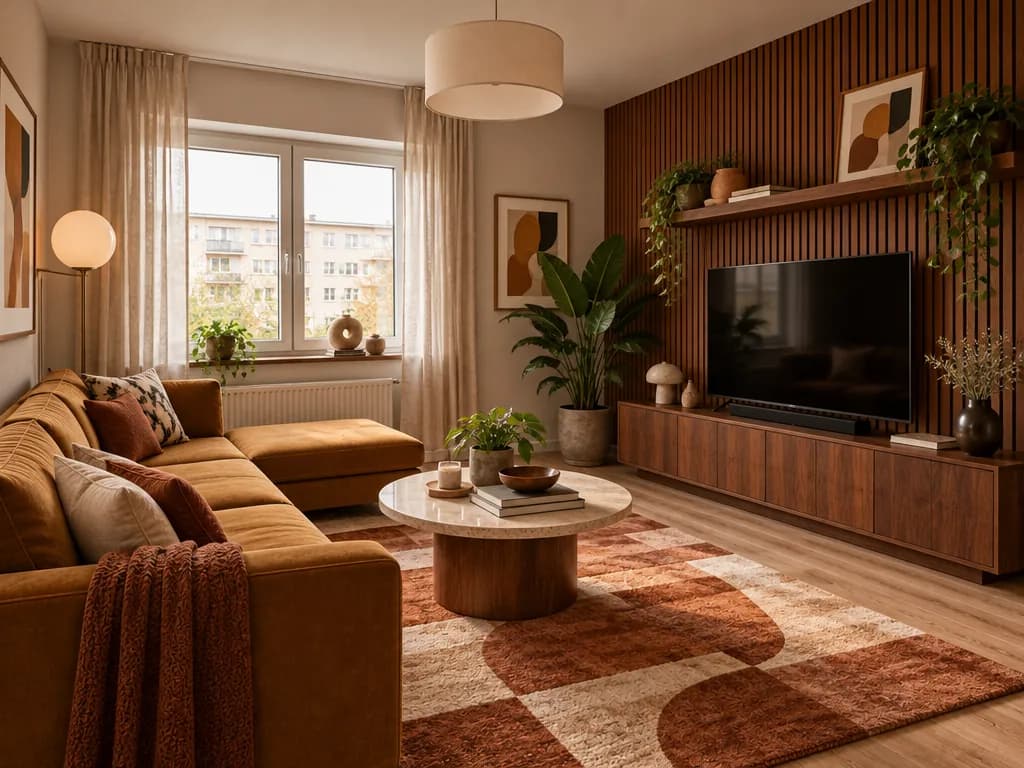
Your design
The brief decides what comes from the picture
The Studio follows what your brief says about the reference. If it says nothing, only the mood, colours and materials are taken — no objects are copied. Change the brief to take more, or less:
One inspiration picture on every plan, the free credits included. The Pro pack allows up to 5 of your own photos per design — a sofa from one picture, a rug from another.
Make my room look like the reference photo: the same style, colors, materials and kind of furniture.
What this page opens with: the whole look of the picture.
Take only the colours from photo 2, keep my furniture
A new palette on walls and textiles; your pieces stay.
Use the same sofa and rug as in photo 2
Brings in those pieces; the rest follows the room.
Same wall panelling as in photo 2
One finish from the picture, nothing else.
Designing a room from an inspiration photo: FAQ
What the Studio takes from the picture, what it keeps and what it costs.
- Yes. Save the picture to your phone or computer and add it in the brief: “Add a photo” → “Add as a reference”. The Studio doesn’t open links, so add the image file itself. Use other people’s pictures for your own inspiration.
- No — and on purpose. The Studio designs your room, not theirs: your walls, windows, doors and camera angle stay, while the style, colours, materials and kind of furniture come from the picture. The exact pieces will differ, so treat the result as a direction, not a shopping list.
- Sign in with Google or e-mail — no card — and you get 6 free credits, enough for 3 designs. Each design costs 2 credits, and one inspiration picture is included on every plan. Free results carry a small genroom.io watermark; one-time credit packs remove it.
- One on every plan, the free credits included. The Pro pack allows up to 5 of your own photos per design, so you can take a sofa from one picture, a rug from another and the wall colour from a third.
- Yes. Say it in the brief: “take only the colours from photo 2”, “use the rug from photo 2”. If the brief says nothing about the reference, the Studio takes only its mood, colours and materials and copies no objects.
- Yes. For a bare room, “Furnish empty room” is made for exactly that: choose it, add the picture as a reference and write what to take from it. Our page on furnishing an empty room shows how.
- “Full makeover” may replace, move and add furniture to match the picture; the walls, windows and doors stay. To keep your own large furniture and borrow only the look, choose “Designer look” instead and keep the picture as a reference.
- For your room: daylight, from the doorway or a corner, the whole room in the frame. For the inspiration: one clear photo of a real room in the look you want — not a collage, a product cut-out or a screenshot with text over it.
More ways to get the look
Furnish an empty room, change one material or a wall colour, or browse ideas first.
Furnish an Empty Room
See an empty room furnished for living in the style you like.
AI Room Generator
A full redesign of any room from one photo, in the style you pick.
AI Material Swap
Change the material of one surface to match a picture.
AI Paint Visualizer
Try the exact wall colour you saw in a picture.
AI Decor Staging
Add soft decor to a room and keep the furniture.
Design Ideas
Browse style and room combinations for inspiration.
That picture you saved — in your own room
Upload your room, add the picture and press Create. 6 free credits after sign-in — that is 3 designs.
Create my design