Office Interior Design: AI-Generated Photos
Office design examples in various styles, created by GenRoom AI
3 examples of interior design
Filter by Style
All Stylesno_style (533)Contemporary (92)Minimalism (83)Scandinavian (80)Loft / Industrial (68)Modern Farmhouse (59)Blacktec (58)Japandi (56)Mid-Century Modern (55)Classic (45)Transitional (42)Biophilic (42)Bohemian (30)Mediterranean (28)Rustic (21)Coastal / Hamptons (20)Eclectic (20)Neoclassic (19)Maximalist (19)British (17)Art Deco (16)Bauhaus (13)Portuguese Modern (10)Islamic Geometric (7)Arabian / Moroccan (4)Ottoman (4)Tuscan (3)French Parisian (1)
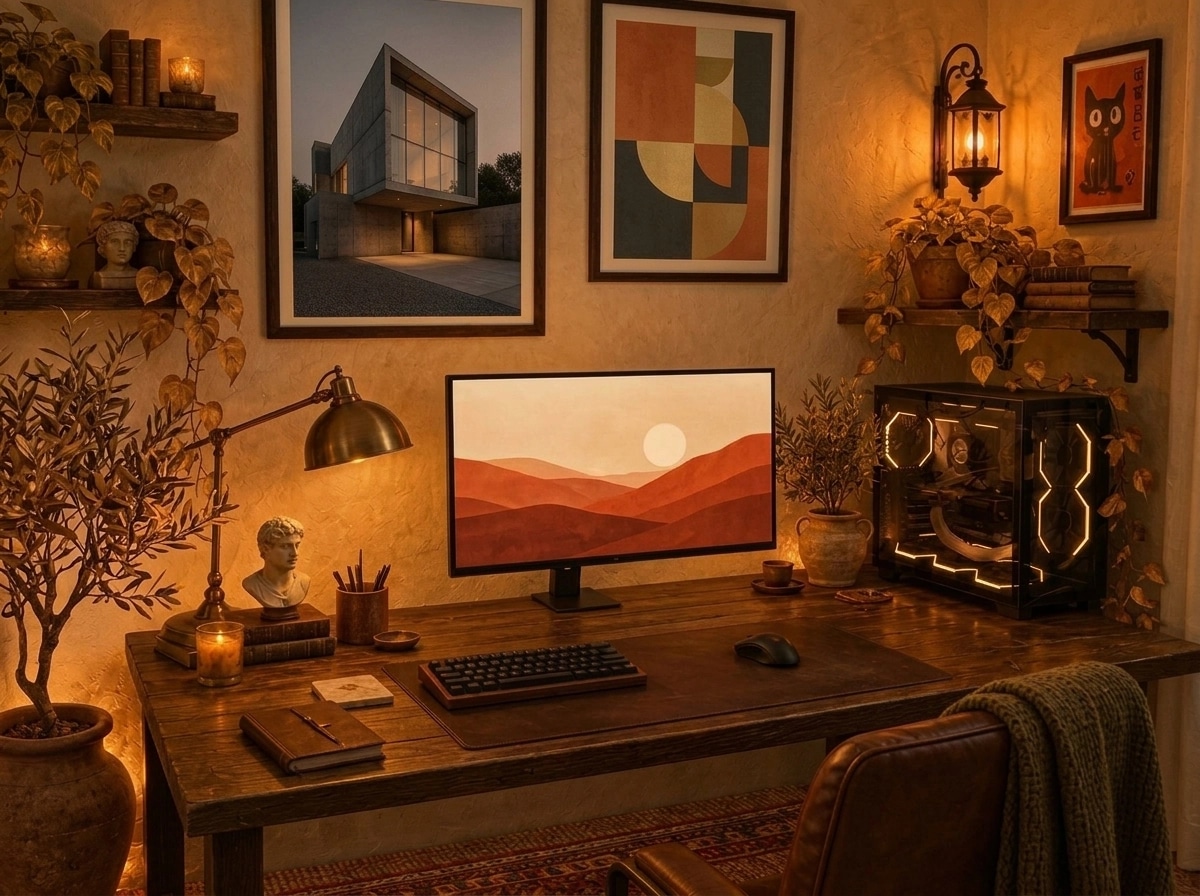
Tuscan
Office

Tuscan
Office
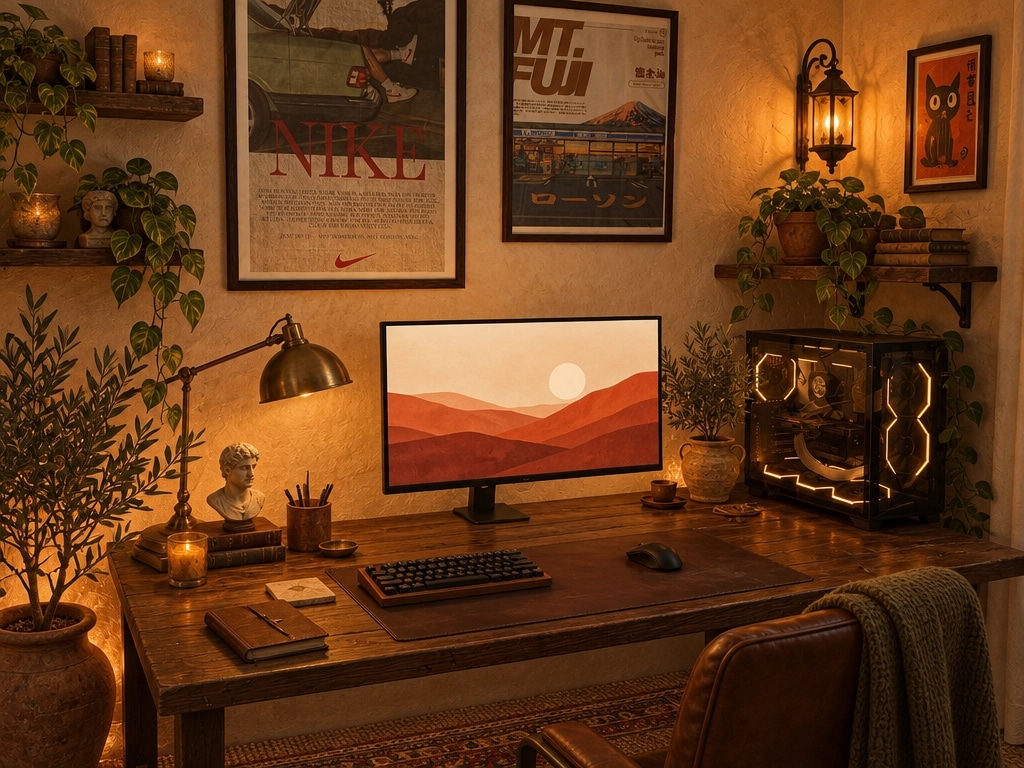
Tuscan
Office
Create interior design with AI
Upload a photo of your room and get a professional design in 30 seconds. First generation is free.
Create interior with AIOffice Design by AI
GenRoom AI creates unique office design options in any style. Upload a photo of your room, choose a style, and get a professional render in 30 seconds.
The gallery features 3 office design examples: from Minimalist and Scandinavian to Loft and Neoclassical. Use filters to find the right style for your room.
FAQ: Office Design
- Upload a photo of your office on GenRoom, select one of the available interior styles, and click "Create Design". The AI will process the image and provide a professional visualization in 30-60 seconds.
- The GenRoom gallery features 3 Office design examples in various styles: Loft, Minimalist, Scandinavian, Neoclassical, and more. The collection is updated daily.
- Almost any interior style works for a Office. The most popular ones include: Scandinavian, Minimalist, Loft, Neoclassical, Modern, and Provence. You can filter examples by style in the gallery.
- Yes, GenRoom offers free interior design generations. Upload a photo of your office, choose a style, and get the result at no cost — your 6 free credits at sign-up cover three designs. More are available through one-time credit packs, no subscription.